
AI video generation is moving ridiculously fast. I spend a lot of time exploring new AI tools, and even I find it difficult to keep track of which ones are genuinely useful and which are mostly hype. The reality is that the best text-to-video AI generators are good at very different things. Some excel at realistic motion, others at AI avatars, animation, or quick marketing videos.
In this blog, I’ll compare 15 tools based on where they actually shine, where they fall short, and which ones are worth adding to your workflow.
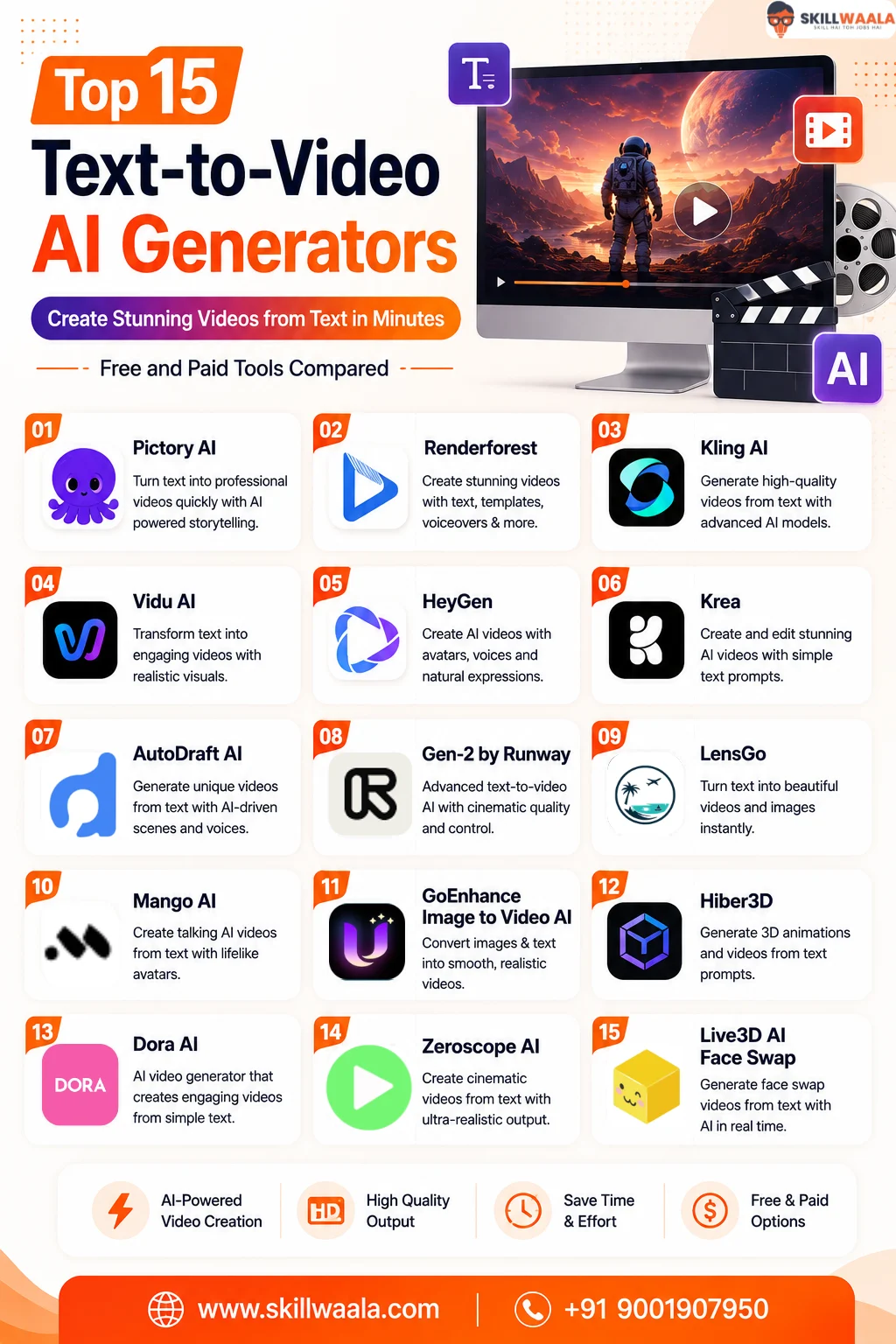
The Best Text-to-Video AI Generators
You don’t need to manually test 15 different tools just to find the right one. I’ve matched each platform with the use case where I think it makes the most sense. This quick comparison should narrow things down.
| Tool | Best For | Free Plan | Key Strength |
|---|---|---|---|
| Pictory AI | Turning scripts and long content into videos | Limited trial | Automated script-to-video workflow |
| Renderforest | Marketing and presentation videos | Yes | Large collection of ready-made templates |
| Kling AI | Realistic AI-generated videos | Yes, with limits | Impressive realism and natural motion |
| Vidu AI | Fast creative video generation | Yes, with credits | Quick generation and creative visuals |
| HeyGen | AI avatar and presenter videos | Yes, limited | Realistic avatars and voice options |
| Krea | Creative AI video experimentation | Yes, limited | Flexible real-time AI creation workflow |
| AutoDraft AI | Animated stories and characters | Yes, limited | Character consistency and animation workflows |
| Gen-2 by Runway | Professional AI video creation | Limited credits | Advanced generative video controls |
| LensGo | Stylized videos and visual effects | Yes, limited | Style transformation and creative effects |
| Mango AI | Talking avatar videos | Yes, limited | Simple image-to-talking-video creation |
| GoEnhance Image to Video AI | Animating static images | Yes, limited | Easy image-to-video conversion |
| Hiber3D | AI-generated 3D worlds | Limited access | Text-driven 3D environment creation |
| Dora AI | Interactive 3D web experiences | Yes, limited | AI-assisted 3D website creation |
| Zeroscope AI | Open-source AI video experimentation | Yes | Open-source text-to-video model |
| Live3D AI Face Swap | AI face-swap videos | Yes, limited | Quick face swapping for video content |
15 Best Text-to-Video AI Generators to Try in 2026
Testing AI video tools has taught me one thing: you shouldn’t expect a single platform to handle every type of video equally well. A tool that works brilliantly for turning a blog post into a social video may be completely wrong for generating cinematic scenes from a prompt.
I would look at these tools based on the actual job you need done rather than chasing whichever AI model is trending this week.
1. Pictory AI: Best for Turning Scripts and Long-Form Content Into Videos
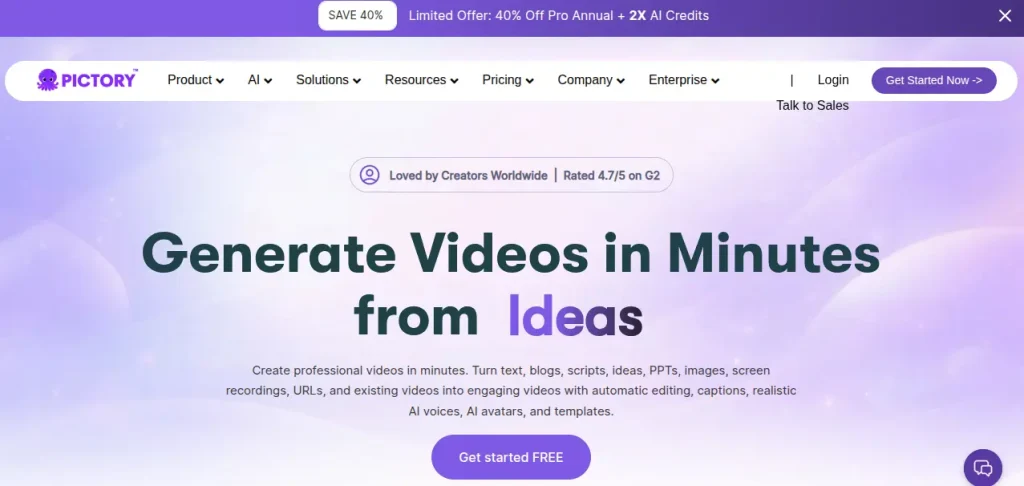
Pictory AI is the kind of tool I’d use when the content already exists, and I simply need to turn it into a video. It can convert scripts and articles into videos with stock visuals, captions, and AI voiceovers, which makes it particularly useful for explainers and content repurposing.
I like that it removes much of the editing workload, but I wouldn’t choose it for highly creative or cinematic AI generation.
Pricing: A free trial is available. The Starter plan costs $29/month, or $25/month billed annually.
2. Renderforest: Best for Quick Marketing and Presentation Videos
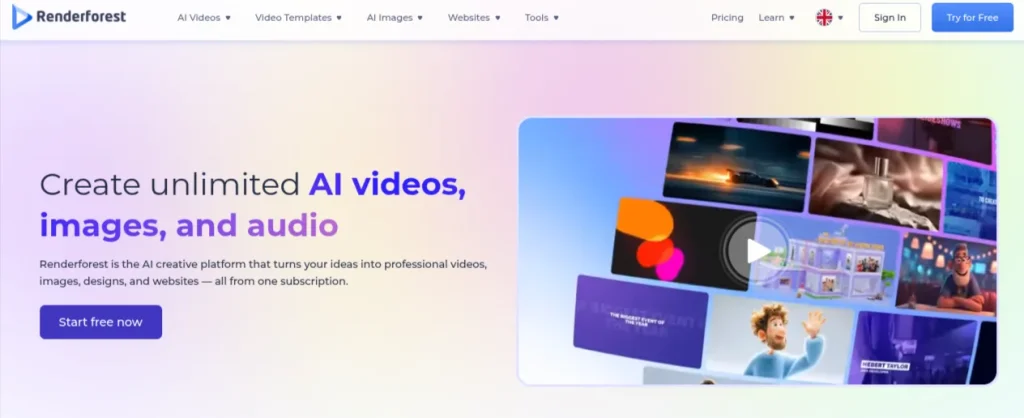
Renderforest is more of an all-in-one creation platform than a dedicated generative video model, and that’s actually its strengths. I’d use it for presentations, explainers, promotional videos, and quick social content when I don’t want to spend hours editing.
Its template-heavy approach makes the learning curve fairly gentle, although the results can feel generic if you barely customize them. For quick, professional-looking output, though, it gets the job done.
Pricing: Free plan available with watermarked HD videos. Paid plans start at $8/month with annual billing.
3. Kling AI: Best for Realistic AI Video Generation
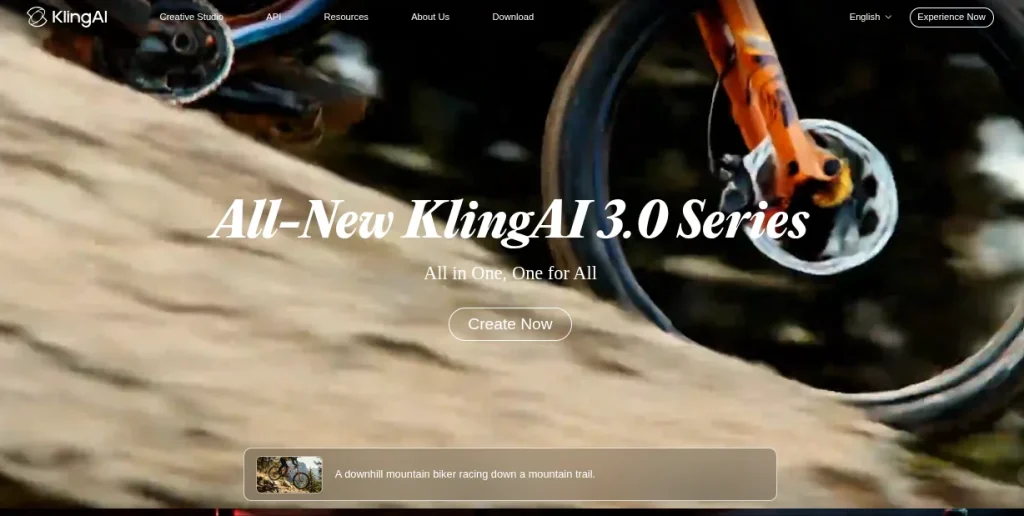
Kling AI is one I’d pick when the actual AI-generated footage matters more than templates or stock visuals. It can turn text prompts and images into realistic video sequences, with impressive attention to movement and cinematic camera motion.
I see it being particularly useful for concept videos, ad creatives, and visual storytelling. The catch is consistency: ambitious prompts can still produce strange motion or unexpected details, so you’ll probably generate a scene more than once.
Pricing: Kling AI offers limited free credits, while paid options vary based on the plan and credit allowance.
4. Vidu AI: Best for Fast Creative Text-to-Video Generation
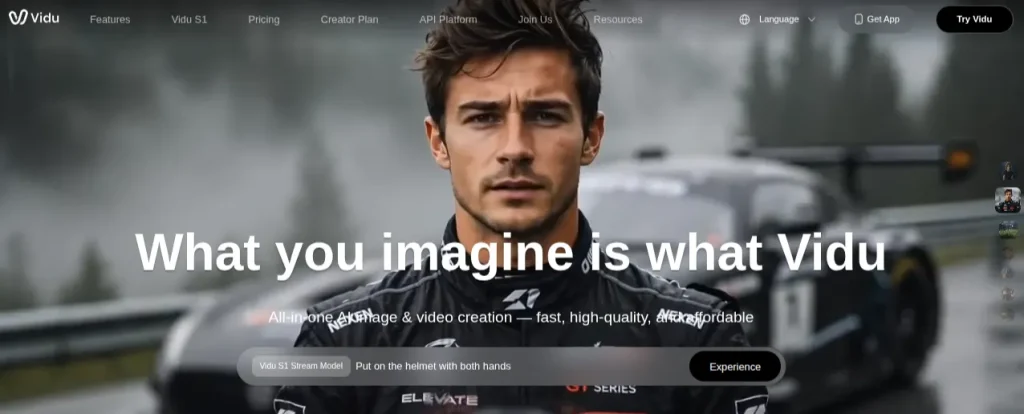
Vidu AI is one of the tools I’d try when I want to turn an idea into a short video without waiting around too long. It supports text-to-video and image-to-video generation, making it useful for experimenting with creative concepts, short social clips, and visual storytelling.
I particularly like its reference-based approach when maintaining visual consistency matters. Results can still vary with complicated prompts, though, so I wouldn’t expect every generation to be usable on the first attempt.
Pricing: Free credits are available for getting started. Paid plans offer additional credits and generation capacity.
5. HeyGen: Best for AI Avatar and Presenter Videos
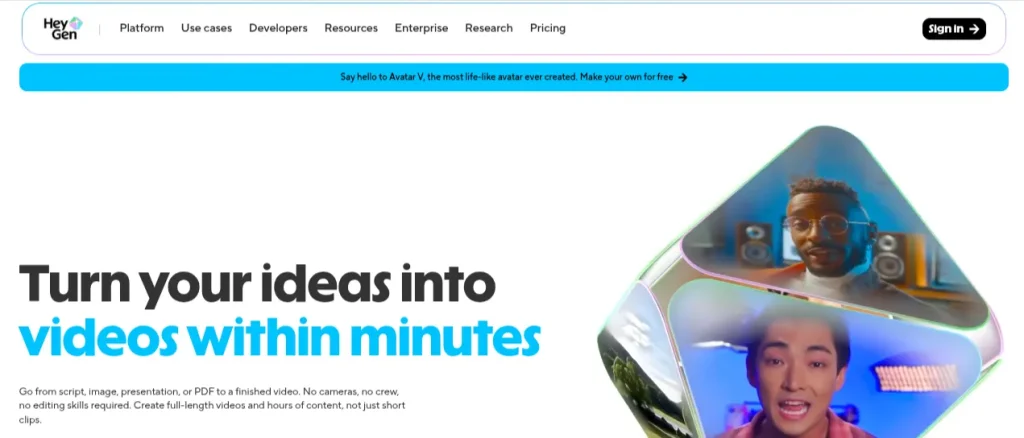
HeyGen takes a completely different route from cinematic generators like Kling. I’d use it when I need a person to present information without actually recording someone in front of a camera.
Its AI avatars, voice generation, and video translation tools work particularly well for training videos, explainers, presentations, and localized content. The avatars have become impressively realistic, although longer videos can occasionally reveal the artificial nature of the delivery. For professional talking-head content at scale, though, HeyGen is hard to ignore.
Pricing: A free plan is available with limited video creation. Paid plans start at around $29/month.
6. Krea: Best for Creative AI Video Experimentation
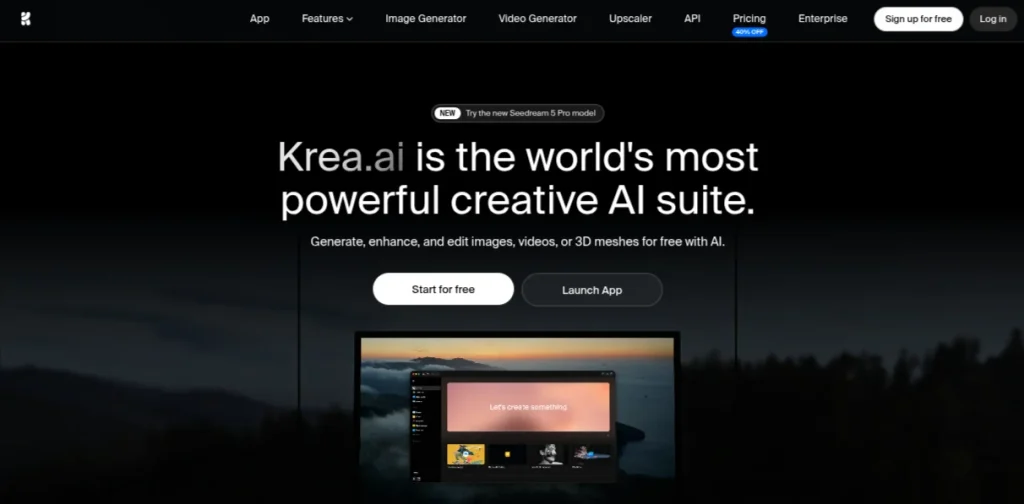
Krea feels less like a conventional video editor and more like a creative AI playground. I’d recommend it to someone who enjoys experimenting with visuals rather than following a fixed template. Its AI generation ecosystem includes image and video tools, giving you room to create a visual in one workflow and then bring it to life.
That flexibility is exciting, but it can also feel less straightforward if you simply want to type a script and receive a finished video. I see Krea working best for designers, artists, and visually curious creators.
Pricing: A free plan with limited compute access is available. Paid plans unlock more generations and advanced features.
7. AutoDraft AI: Best for Animated Stories and Character-Based Videos
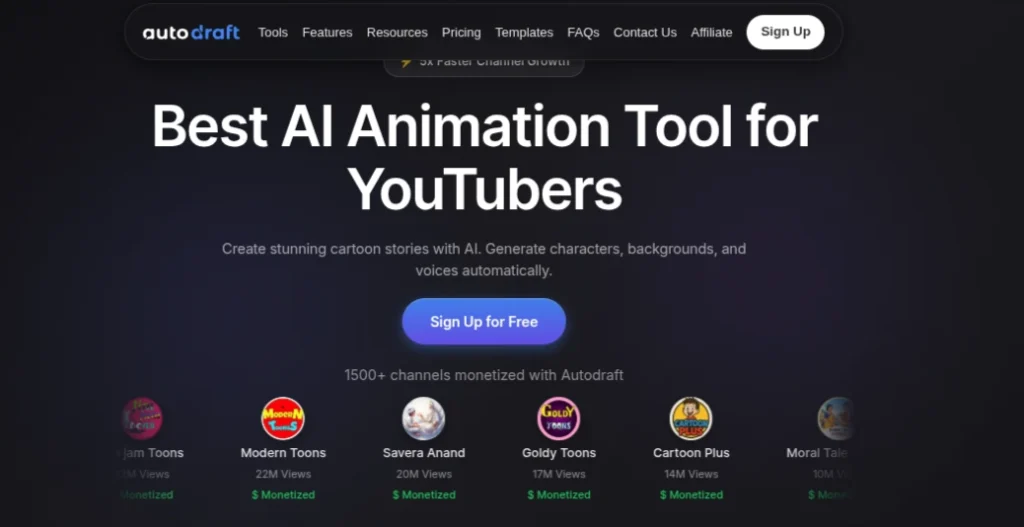
AutoDraft AI is a tool I’d look at for animation rather than realistic, cinematic footage. Its workflow is built around creating characters, backgrounds, and visual assets for animated content, which makes it particularly interesting for storytelling, comics, and YouTube-style animated videos.
I like that it tackles one of AI animation’s biggest headaches: keeping characters visually consistent across scenes. That said, it’s a fairly specific tool. If your goal is photorealistic video generation, I’d look elsewhere.
Pricing: A free plan is available with limited credits. Paid plans provide more generation credits and access to additional features.
Thinking about using AutoDraft AI for animated videos? Read our complete review covering its AI character generator, animation workflow, voiceovers, pricing, pros and cons, and real-world performance. Whether you’re creating YouTube stories, explainer videos, or animated shorts, this review will help you decide if AutoDraft AI is the right tool for your content creation workflow. :contentReference[oaicite:0]{index=0}
Read the Complete AutoDraft AI Review →8. Gen-2 by Runway: Best for Professional AI Video Creation
Runway is one of the first platforms I think of when discussing serious generative video workflows. Gen-2 helped popularize text and image-based AI video generation, while Runway’s newer models have pushed the quality much further.
I’d use the platform when I want more creative control and plan to combine AI generation with editing or visual effects. The learning curve and credit system can feel restrictive compared with simpler tools, though.
For someone exploring professional AI filmmaking, advertising, or experimental visuals, I still think Runway deserves attention.
Pricing: A free plan offers limited credits. Paid plans start at around $15 per user/month, with lower monthly pricing when billed annually.
9. LensGo: Best for Stylized AI Videos and Visual Effects
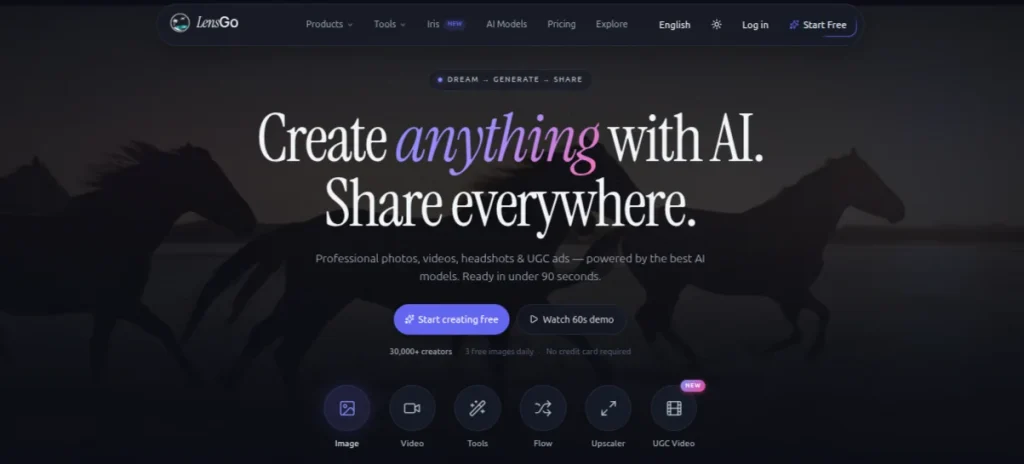
LensGo is more appealing to me as a creativity transformation tool than as a straightforward text-to-video generator. You can generate and restyle visual content, making it useful when you want anime-inspired clips, artistic effects, or a distinct visual identity rather than plain, realistic footage.
I’d experiment with it for short-form content and creative projects where style matters more than perfect realism. The trade-off is predictability. Heavily stylized generations may not always follow your original vision precisely.
Pricing: Free credits are available for trying the platform. Paid plans offer additional credits and higher generation limits.
10. Mango AI: Best for Talking Avatar Videos
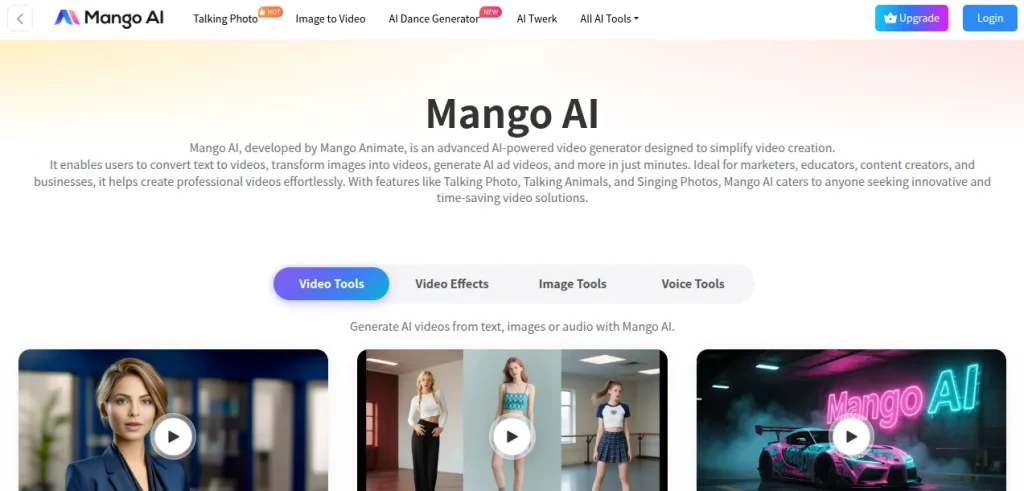
Mango AI is another tool I’d consider when the goal is to create presenter-style videos without recording yourself. You can work with AI avatars, talking photos, and text-based scripts, which makes it useful for explainers, training content, product introductions, and quick social videos.
I find the workflow approachable for beginners who don’t want to learn complicated editing software. The downside is similar to most avatar generators. Longer videos can start feeling a little artificial. For short, information-focused videos, that matters much less.
Pricing: Free tools and limited usage are available. Paid plans and additional credits vary depending on the features you use.
11. GoEnhance Image to Video AI: Best for Animating Static Images
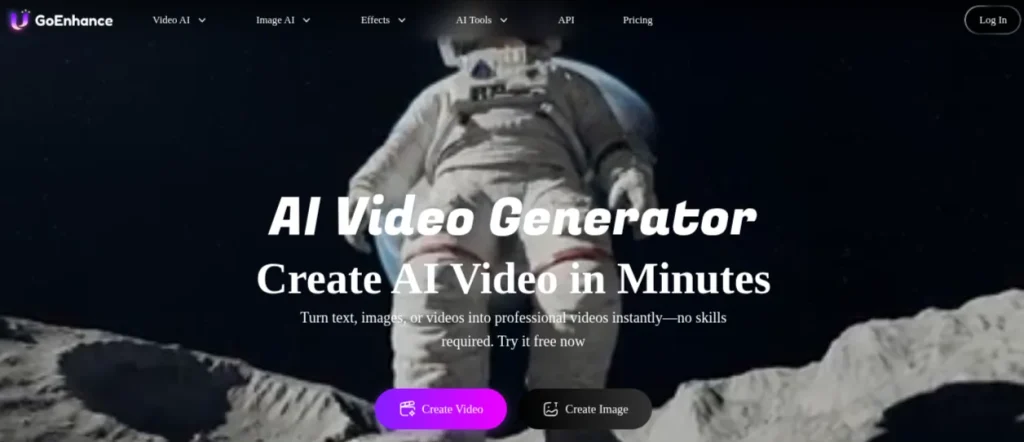
GoEnhance is the kind of tool I’d add to a workflow after creating a strong image elsewhere. Instead of starting entirely from text, it has image-to-video capabilities that can add motion to existing artwork, characters, or AI-generated visuals.
That makes it interesting if you already use image generators and want to turn those outputs into short video clips. I particularly like this workflow because you get more control over the starting frame. Motion can still become unpredictable with complex scenes, so simpler compositions often work better.
Pricing: Free credits are available to test the platform. Paid plans provide more credits and access to additional AI generation features.
Looking for the best text-to-image AI generator? Explore our curated list of the 15 Best Text-to-Image Generators to create realistic photos, digital art, illustrations, product mockups, logos, and marketing visuals in seconds. Compare features, pricing, free plans, and use cases to choose the right AI image generator for your creative projects.
Explore the 15 Best Text-to-Image Generators →12. Hiber3D: Best for Creating AI-Generated 3D Worlds
Hiber3D is quite different from the other tools on this list. Rather than generating conventional videos, it focuses on creating interactive 3D worlds and environments using generative AI. I’d explore it if I were interested in game design, virtual experiences, or learning how text prompts can speed up 3D creation.
You could then use those environments as part of a broader visual or video workflow. It’s fascinating technology, but I wouldn’t recommend if you simply need a quick text-to-video clip for social media.
Pricing: Access and pricing depend on Hiber3D’s available platform and developer offerings; check the current options before committing.
13. Dora AI: Best for AI-Generated 3D Web Experiences
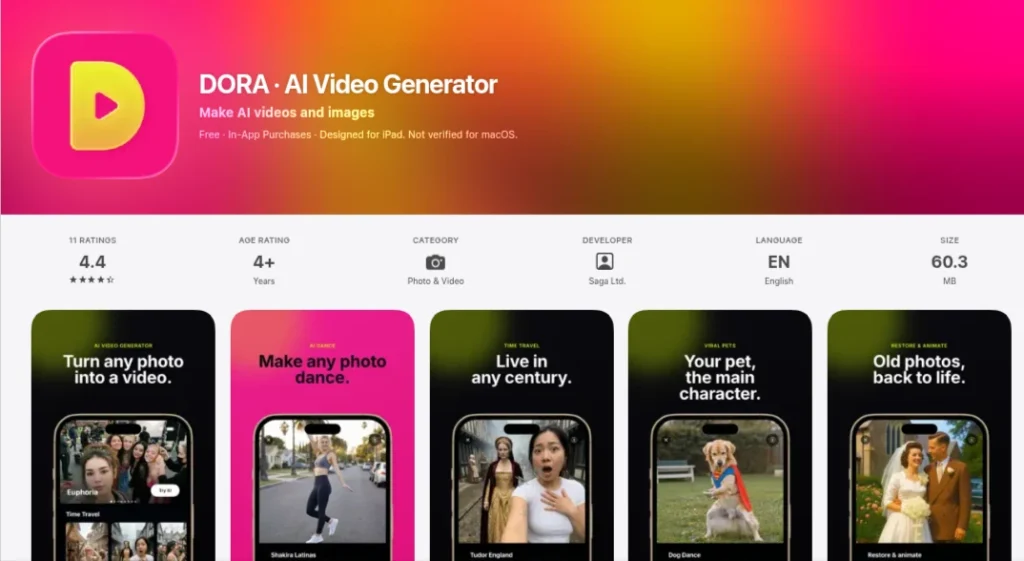
Dora AI sits slightly outside traditional text-to-video generation, but I think it is worth exploring if you are interested in interactive visual design. It uses AI to help create animated and 3D web experiences from prompts, which can be useful for portfolios, landing pages, and experimental digital projects.
I’d recommend it more to designers and developers looking to expand their AI skill set than to someone who simply needs a YouTube video. The learning curve is also higher than that of basic prompt-and-generate tools.
Pricing: The AI free plan is available with platform limitations. Paid plans unlock additional projects, features, and publishing options.
14. Zeroscope AI: Best for Open-Source Text-to-Video Experimentation
Zeroscope AI appeals to a completely different type of user. It is an open-source text-to-video model that gives you more freedom to experiment instead of locking you into a polished commercial platform.
I’d explore it if I wanted to understand how generative video models work or build a more customized workflow. The obvious trade-off is convenience. Running spen-source models can require technical knowledge and suitable hardware, so this isn’t my first recommendation for beginners who just want to generate a video quickly.
Pricing: The model itself is free and open source, although running it may involve computing or cloud infrastructure costs.
15. Live3D AI Face Swap: Best for AI Face-Swap Video Creation
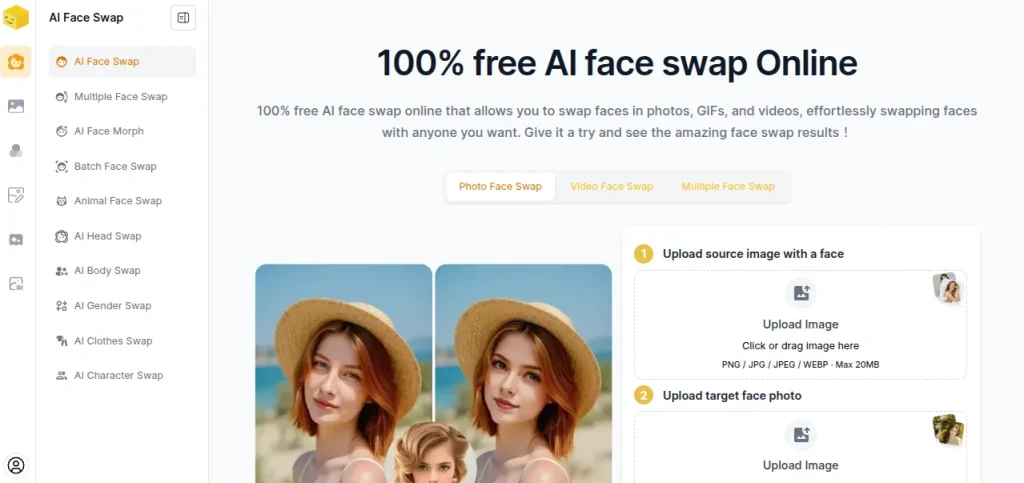
Live3D AI Face Swap is more of a specialized AI video utility than a complete text-to-video platform. I’d use it when an existing image or video is already good, but I want to experiment with swapping a face rather than generating the entire scene again.
That can be handy for creative content and character experiments, although results depend heavily on the quality and angles of the source material. It also needs to be used responsibly. Using someone’s likeness without permission is a line I wouldn’t cross.
Pricing: Free usage may be available with limitations, while premium features or additional processing require paid access.
Want to create professional animations without spending hours on traditional software? Explore our guide to the Top AI Animation Generators and compare the best tools for text-to-video, image-to-video, AI avatars, 2D animation, cinematic clips, and 3D content. Find the right platform based on features, pricing, and your creative goals.
Explore the Top AI Animation Generators →How I Choose the Best Text-to-Video AI Generators?
With dozens of AI video tools launching every year, simply picking the newest one doesn’t make much sense. I compared these platforms based on how they perform in real-world workflows rather than flashy demo videos.
Some are excellent at generating realistic footage, while others are better for marketing, education, animation, or AI avatars. Here’s what I looked for before including a tool on this list:
Video Quality
The first thing I pay attention to is whether the generated video actually looks convincing. Smooth motion, realistic lighting, natural camera movement, and consistent characters make a huge difference. A tool that creates one great-looking clip but struggles with the next prompt isn’t something I’d rely on regularly.
Prompt Accuracy
Some AI models understand detailed prompts surprisingly well, while others produce something only loosely related to your instructions. The best tools interpret descriptions accurately without forcing you to spend half an hour rewriting prompts.
Ease of Use
A powerful model isn’t very useful if every project feels like learning new software. I gave preference to platforms with clean interfaces, simple workflows, and sensible editing options that help you create videos faster instead of slowing you down.
Generation Speed
Waiting ten or fifteen minutes for every short clip quickly becomes frustrating, especially when you’re experimenting with multiple prompts. Faster generation means quicker iterations, and that usually leads to better final videos.
Free Plan and Credit Limits
Many people start with a free text-to-video AI generator before paying for a subscription. I looked at whether the free version is actually useful or simply a demo that runs out after a couple of generations.
Editing and Customization
Generating a video is only part of the process. Being able to edit scenes, adjust timing, replace assets, or refine the output often saves far more time than starting over with a new prompt.
Practical Use Cases
Not everyone needs Hollywood-style visuals. Some people create training videos, while others need YouTube Shorts, product demos, presentations, or animated explainers. I included tools that solve different problems instead of filling the list with platforms that all do the same thing.
Value for Money
The most expensive AI tool isn’t always the best investment. I look at what each platform offers relative to its pricing, free credits, output quality, and overall productivity. A tool that saves hours every week is usually worth paying for, while an expensive platform with average results is much harder to recommend.
Not sure which AI image generator is right for you? Explore our detailed comparison of the Best AI Image Generator Tools to compare image quality, pricing, free plans, ease of use, and real-world results. Whether you’re creating social media graphics, digital art, product images, or marketing creatives, this guide will help you choose the perfect AI tool.
Compare the Best AI Image Generator Tools →Which Text-to-Video AI Generators Should You Choose?
After trying dozens of AI video tools, I’ve stopped looking for the “perfect” one. Different platforms solve different problems, and the right choice depends on the kind of videos you plan to create. If you’re just getting started, pick one tool, learn its workflow, and then expand your toolkit as your projects become more ambitious.
| If You Want To… | My Recommendation | Why It Stands Out |
|---|---|---|
| Turn blogs or scripts into videos | Pictory AI | Fast content repurposing with minimal editing. |
| Create marketing videos and presentations | Renderforest | Ready-made templates make professional videos easy. |
| Generate realistic cinematic AI videos | Kling AI | Excellent motion quality and lifelike visuals. |
| Produce videos quickly from prompts | Vidu AI | Fast generation and creative flexibility. |
| Make AI presenter or training videos | HeyGen | Realistic avatars and multilingual voice support. |
| Experiment with artistic AI visuals | Krea | Great for creative exploration and visual concepts. |
| Build animated stories | AutoDraft AI | Strong focus on characters and animation workflows. |
| Create professional AI productions | Gen-2 by Runway | Advanced controls for creators who want more flexibility. |
| Generate stylized videos | LensGo | Creative effects and distinctive visual styles. |
| Make talking avatar videos | Mango AI | Beginner-friendly and quick to learn. |
| Animate existing images | GoEnhance Image to Video AI | Turns static artwork into dynamic videos. |
| Explore AI-powered 3D environments | Hiber3D | Ideal for immersive worlds and interactive experiences. |
| Design animated web experiences | Dora AI | Combines AI with modern web animation. |
| Experiment with open-source AI video | Zeroscope AI | Best for developers and AI enthusiasts. |
| Create face-swap videos | Live3D AI Face Swap | Simple workflow for creative face-swapping projects. |
If you’re looking for the best free AI text-to-video generator, I’d start with Kling AI, Vidu AI, or Krea since they offer free credits that are actually useful for experimenting.
They won’t replace a paid subscription if you’re creating videos daily, but they’re good enough to learn prompting and understand how modern AI video generation works before spending money.
For professionals creating content regularly, paying for a tool that fits your workflow usually delivers better value than juggling multiple free plans with strict credit limits. The time you save often outweighs the monthly subscription cost.
Can You Create AI Videos From Text for Free?
Yes, but there’s a catch. Most platforms that let you create AI video from text for free do not offer unlimited access. Instead, they give you a limited number of credits every day or month so you can test the platform before upgrading.
That’s usually enough to learn prompt writing, compare video quality, and create a few short clips, but not enough for large-scale content production.
If your goal is simply to experiment, several tools on this list work well as AI video generators from text options:
- Kling AI: Great for realistic AI-generated videos with free daily credits
- Vidu AI: A good choice for generating short creative videos without paying upfront.
- Krea: Ideal if you enjoy experimenting with different visual styles
- Renderforest: Offers a free plan for template-based video creation, though exports come with limitations.
- Mango AI: Useful for trying AI avatars and talking-head videos before committing to a paid plan.
One mistake I see people make is chasing the tool with the biggest free plan. I’d focus on finding the one that matches your workflow instead. A platform with fewer free credits but better results will usually save you far more time than one that lets you generate dozens of average-quality videos.
Once you’re creating videos consistently for YouTube, client work, marketing campaigns, or online courses, a paid subscription becomes much easier to justify. Higher-quality exports, faster generation, and advanced editing features can make a noticeable difference in both your workflow and the final output.
Stop searching across dozens of websites. Explore SkillWaala AI Tools a curated directory of 3,500+ AI tools for writing, image generation, video editing, coding, marketing, productivity, automation, and much more. Browse tools by category, compare features, and find the perfect AI solution for your workflow.
Explore 3,500+ AI Tools →Final Words
AI video generation has reached a point where you no longer need expensive software or advanced editing skills to create impressive content. The bigger challenge isn’t finding a capable tool; it’s choosing one that fits the way you work.
If I were starting today, I’d keep things simple. Kling AI would be my pick for realistic AI-generated videos. Pictory AI for converting written content into engaging videos. HeyGen for presenter-style content, and Runwau when I needed more creative control. Together, they cover most everyday use cases without making the workflow unnecessarily complicated.
The best approach is to experiment with a few free plans, understand each platform’s strengths, and then invest in the one that genuinely saves you time. AI video technology is evolving quickly, but learning how to use these tools effectively will remain valuable long after the next model is released.
Frequently Asked Questions (FAQs)
A text-to-video AI generator is a tool that converts written prompts into short videos using artificial intelligence. Depending on the platform, you can create cinematic scenes, animated clips, AI avatar videos, product demos, or marketing content without traditional filming or editing.
There is no single best tool because every tool has different strengths. I recommend Kling AI for realistic visuals, Runway Gen-2 for professional creative projects, Pictory AI for turning articles into videos, and HeyGen for AI presenter videos.
If you’re looking for the best free AI text-to-video generator, Kling AI, Vidu AI, and Krea are excellent starting points. They offer free credits that let you experiment before deciding whether a paid plan is worth it.
Many platforms allow you to create AI videos from text for free through limited free plans or trial credits. These are perfect for learning AI video generation and testing different prompts, although you’ll usually need a paid plan for higher-quality exports and larger projects.
Not at all. Most modern AI video tools are designed for beginners. You simply enter a prompt, upload an image or script if needed, and the AI handles most of the heavy lifting. Basic editing knowledge helps, but it’s far from essential.
I’d recommend Renderforest, Pictory AI, or Mango AI if you’re just starting out. Their interfaces are easy to navigate, and you can create polished videos without spending hours learning advanced editing software.
About The Author

