

A few months ago, I noticed how much of my workday was disappearing into repetitive tasks like checking updates, sending routine emails, and running the same processes again and again. That’s when I started experimenting with AI automation tools.
The interesting part is not the automation itself. It’s getting AI to handle tasks that normally require small decisions, context, or repeated manual work. I tested and compared tools across workflow automation, AI agents, browser automation, and testing to see which ones are actually useful in real work.
In this blog, I have listed the 15 best tools that I personally found useful, along with what each one does best and where it fits into your workflow.
What Are AI Automation Tools?
AI automation tools use artificial intelligence to handle repetitive or decision-based tasks with less manual input. Traditional automation usually follows fixed rules.
When X happens, do Y. AI automation adds more flexibility. The system can interpret text, analyze information, make decisions, and trigger the next action based on what it finds. For example, instead of manually reading incoming emails and updating a spreadsheet, an AI workflow could:
- Read and categorize the email
- Extract relevant details
- Update a spreadsheet
- Draft a response
- Notify the right person
That makes AI automation useful for content workflows, research, customer support, data entry, software testing, and everyday productivity.
However, automation is only useful when it removes real work. A complicated workflow that takes two hours to configure but saves five minutes a week isn’t much of a win.
How to Choose an AI Automation Tool?
Choosing an automation tool gets confusing when every platform claims to do everything. I’d narrow it down to five things:
- Type of Work: Pick a workflow tool for app-to-app automation, an AI agent platform for decision-heavy tasks, or an AI testing tool for software testing.
- Ease of Use: No-code platforms work well for beginners, while developer-focused tools offer more control.
- Integrations: Check whether it connects with the apps you already use, such as Google Workspace, Slack, Notion, CRM platforms, or project management tools.
- Pricing: Free plans are useful for learning, but check task limits, AI credits, and premium integrations before committing.
- Scalability: A tool that works for a personal workflow may not handle larger workloads, multiple users, or complex processes.
| Pro Tip: Start with one annoying, repetitive task. Automate that first. If the workflow actually saves time, expand from there. |
Top 15 AI Automation Tools: Quick Comparison
| Tool | Best For | Type | Coding |
|---|---|---|---|
| Gumloop | AI-powered workflows and research | AI workflow automation | No |
| Zapier | Connecting apps and automating routine tasks | Workflow automation | No |
| Make | Complex visual workflows | Workflow automation | No |
| n8n | Flexible, technical, and self-hosted workflows | Workflow automation | Optional |
| Lindy | AI assistants and task automation | AI agents | No |
| Relevance AI | AI agents and multi-step business workflows | AI agent platform | Optional |
| Activepieces | Open-Source AI automation | Workflow automation | No |
| Bardeen | Browser-based research and repetitive web tasks | Browser automation | No |
| Browser Use | Building AI agents that operate browsers | Browser automation | Yes |
| UiPath | Enterprise and RPA automation | RPA + AI automation | Optional |
| Testim | AI-assisted end-to-end testing | AI testing | Optional |
| Applitools | Visual regression testing | AI testing | Optional |
| mabl | Low-code web and application testing | AI testing | No |
| BrowserStack | Cross-browser and real-device testing | AI testing + test infrastructure | Optional |
| Workato | Enterprise integrations and workflows | Enterprise automation | Optional |
1. Gumloop: Best for AI-Powered Workflows
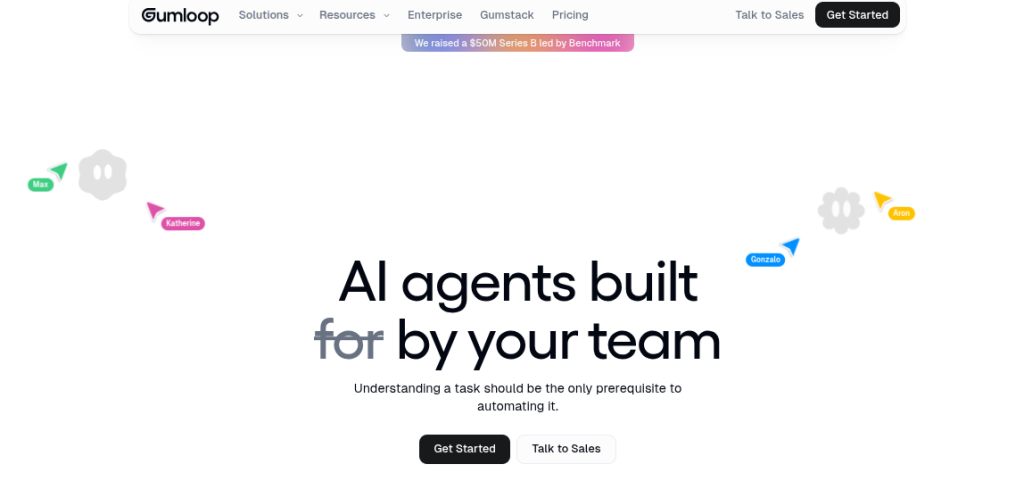
Gumloop is built around AI-powered workflows where multiple steps can be connected into a single process. You can use it for research, data extraction, content workflows, email processing, and other tasks that involve more than a basic trigger-and-action setup.
I particularly like it for research-heavy workflows. You could have it collect information, process it with AI, extract the useful details, and send the final output somewhere else.
Pros: AI processing and workflow automation sit together rather than feeling like separate tools.
Pricing: Free plan available. Paid plans start at $37/month.
2. Zapier: Best for Connecting Apps
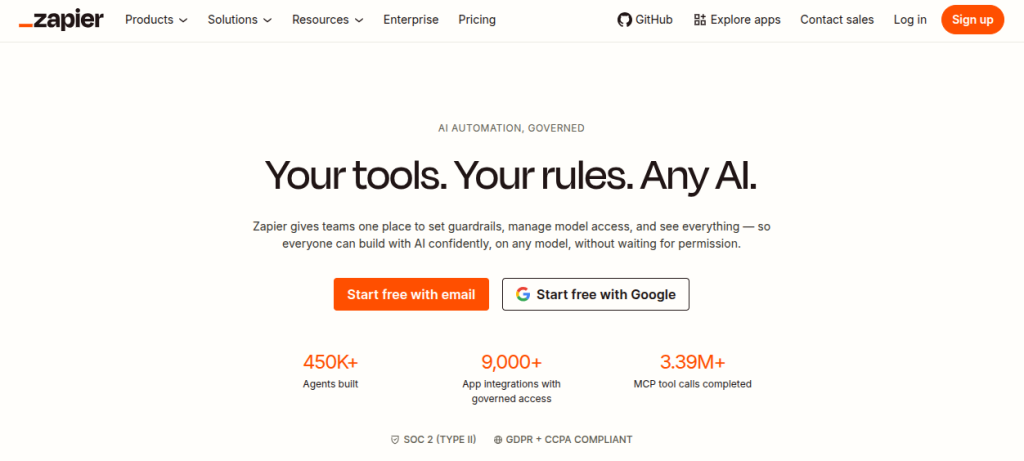
Zapier is still one of the easiest ways to connect different applications and automate repetitive work. Its strength is the breadth of integrations, while its AI features add capabilities such as extracting information, classifying content, and generating responses.
For example, a new form submission can trigger AI-based lead classification, add the details to a CRM, and prepare a small follow-up email.
Pros: It has a relatively gentle learning curve, so you can start with a small automation and build from there.
Pricing: Free plan available. Paid plans start at $19.99/month when billed annually.
3. Make: Best for Complex Visual Workflows
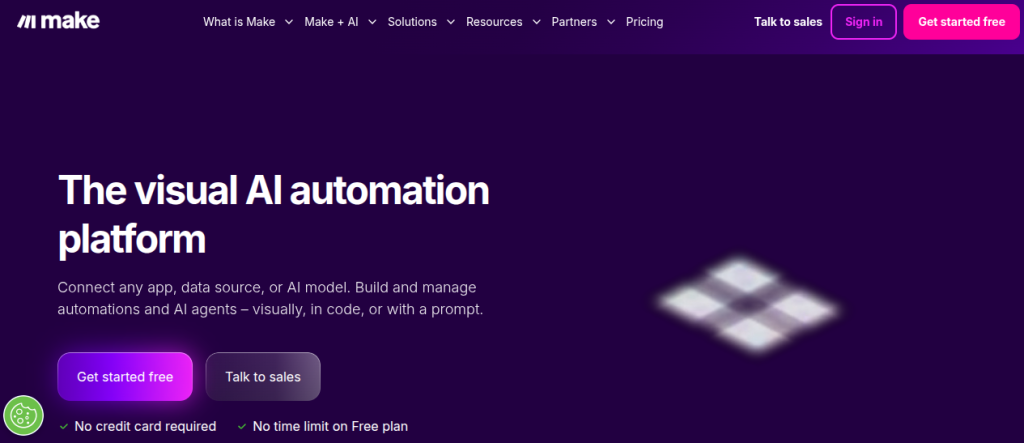
Make is a strong option when your workflow has multiple branches, conditions, filters, and actions. Its visual builder makes those processes easier to map out and troubleshoot. For instance, a content workflow could receive a brief, extract key information, send different parts through AI steps, and route the output based on specific conditions.
Pros: You get considerably more control over workflow logic without having to build the entire system from code.
Pricing: Free plan available. Paid plans start at $9/month for the Core plan. Make now uses a credit-based billing system, with AI features consuming credits differently depending on usage.
4. n8n: Best for Flexible AI Workflows

n8n is a good fit when you want more control over how an automation works. Its visual workflow builder supports APIs, AI models, databases, conditional logic, and custom code, so you can build workflows that go well beyond basic app connections.
I’d pick n8n when you’re ready to understand the mechanics behind automation rather than relying entirely on preset integrations. It also supports self-hosting, which gives technical users more control over their data and infrastructure.
Pros: The flexibility. You can start visually and add code only when the workflow actually needs it.
Pricing: A free self-hosted Community Edition is available. Cloud plans start at €20/month when billed annually.
5. Lindy: Best for AI Assistants
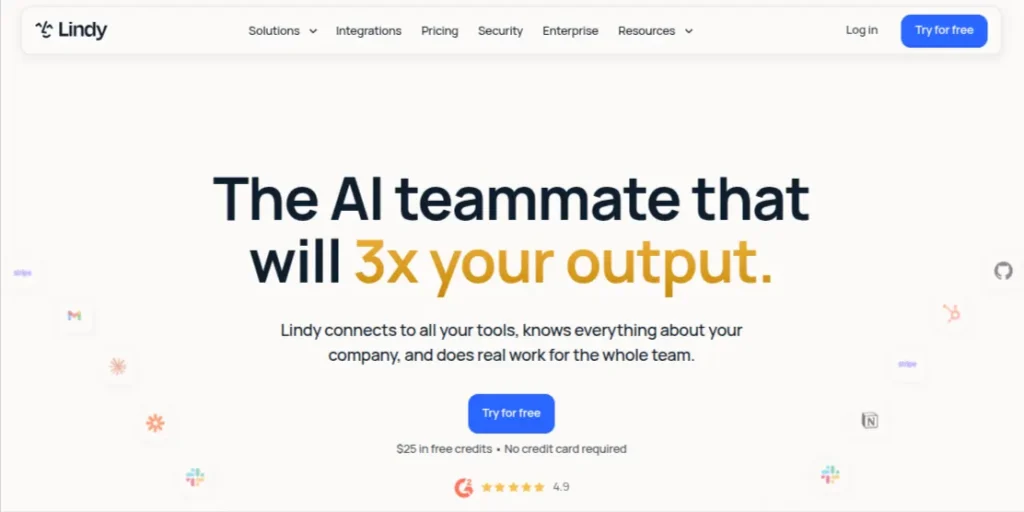
Lindy takes a more agent-based approach to automation. Instead of creating every workflow as a fixed sequence, you can build AI assistants that handle recurring tasks and interact with your connected apps.
That makes it useful for things like email management, meeting follow-ups, scheduling research, and other work where the AI needs to interpret information before deciding what to do next.
Pros: It feels closer to delegating a task to an assistant than configuring a traditional automation.
Pricing: Free plan available. Paid plans start at $49.99/month.
6. Relevance AI: Best for Building AI Agents
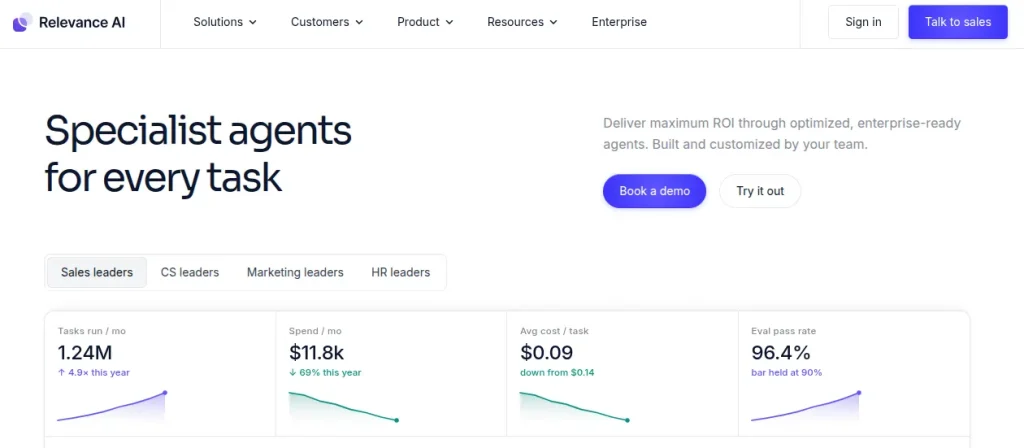
Relevance AI focuses heavily on AI agents that can perform multi-step tasks. You can create agents, connect them to business tools, and build workflows where AI handles different stages of a process.
For someone learning AI automation, this is an interesting platform because it moves beyond basic triggers and introduces concepts such as agents, tools, workflows, and task execution.
Pros: It gives you a practical way to experiment with AI agents without having to build an agent framework from scratch.
Pricing: Free plan available. Paid plans start at $19/month
7. Activepieces: Best for Open-Source AI Automation
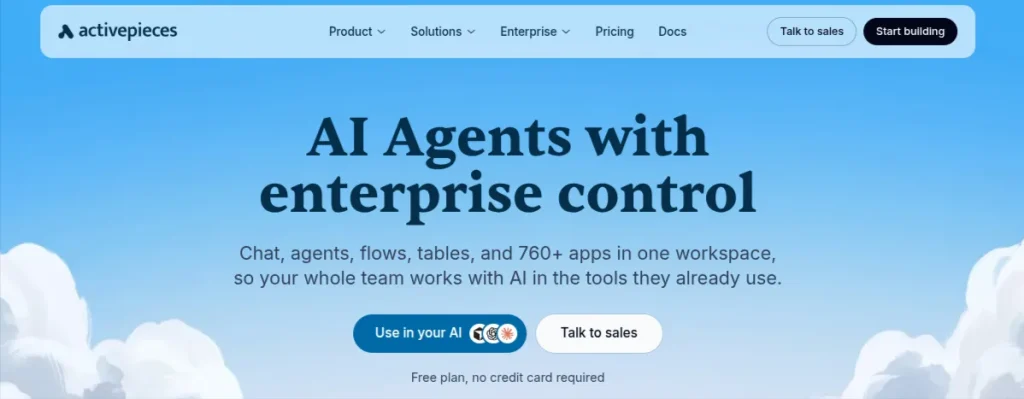
Activepieces is an open-source automation platform that lets you build workflows, AI agents, and app integrations without needing to code everything from scratch. What makes it interesting is the combination of traditional workflow automation and newer agent-based features.
You can describe an automation in natural language, connect it to apps such as Gmail, Google Sheets, Notion, Slack, or GitHub, and let the platform build the workflow. I’d particularly consider it if you want more control over your automation setup. Activepieces can run in the cloud or on your own infrastructure, which gives technical users another option beyond fully managed platforms.
Pros: The open-source foundation, AI-agent support, and self-hosting option make it more flexible than many basic no-code automation platforms.
Pricing: Free plan available with 100 credits/day. Paid Plus starts at $16/month when billed annually, with 10,000 credits/month.
8. Bardeen: Best for Browser Automation
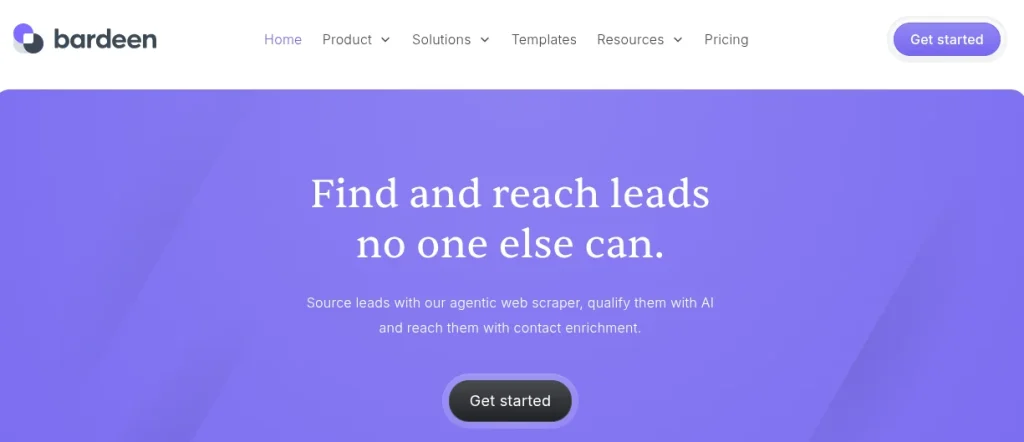
Bardeen focuses on automating repetitive tasks that happen inside your browser. It can work with websites and web apps, making it useful for research, lead generation, data collection, and other browser-heavy processes.
For example, you could automate the process of collecting information from multiple webpages and sending the results to a spreadsheet.
Pros: It tackles the kind of small browser tasks that are easy to underestimate but can quietly consume a lot of time.
Pricing: Free plan available. Paid plans start at $10/month when billed annually.
9. BrowserUse: Best for AI Browser Agents

Browser Use takes browser automation in a more developer-oriented direction. It allows AI agents to interact with websites and perform actions through a browser based on natural-language instructions.
This is particularly interesting if you’re learning how AI agents actually interact with software rather than only using ready-made automation templates.
For example, an AI agent can be given a task that requires navigating a website, finding specific information, and completing a sequence of browser actions.
Pros: It gives developers much more control over browser-based AI agents
Pricing: The open-source framework is free. Cloud usage is billed separately based on usage.
10. UiPath: Best for Enterprise Automation

UiPath is built for larger automation programs where workflows need to work across business applications, APIs, documents, robots, and people. Its current platform combines traditional RPA with AI agents and orchestration, while UiPath Autopilot can help create workflows from natural-language instructions.
This is probably overkill for automating your personal spreadsheet or email routine. For enterprise processes, though, the extra control starts to make sense.
Pros: It brings RPA, AI Agents, testing, and workflow orchestration under one platform.
Pricing: UiPath Automation Cloud starts at $25/month for the Basic plan. Standard and Enterprise plans require contacting sales.
11. Testim: Best for AI-Assisted Test Automation
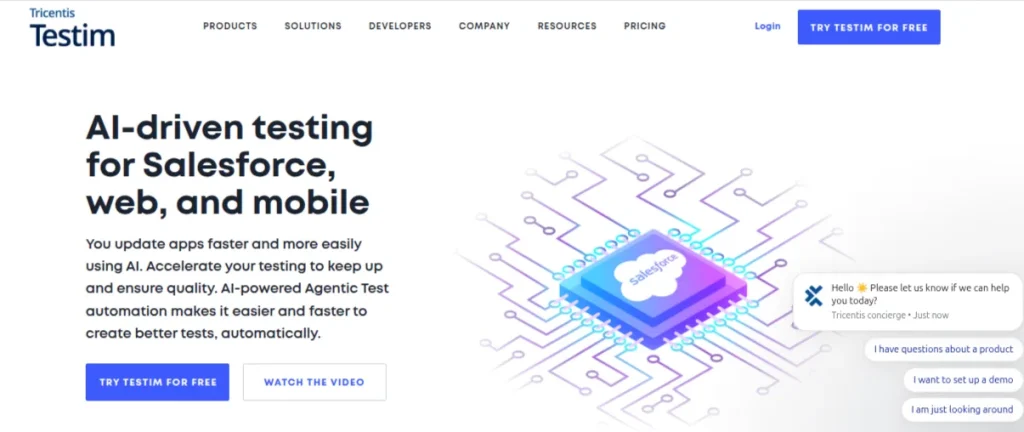
Testim is aimed specifically at software testing, using AI to help create and maintain automated tests. It can be useful when applications change frequently and manually updating every test becomes a maintenance headache.
The platform supports browser-based testing and integrates with development workflows, making it more relevant for QA teams and developers than general-purpose automation users.
Pros: Test maintenance is a major pain point in automated testing, and Testim focuses heavily on reducing that overhead.
Pricing: Testim uses usage-based pricing and does not publish a fixed starting price. Its current pricing depends on factors such as test runs, browsers, grid requirements, and deployment options.
12. Applitools: Best for Visual AI Testing
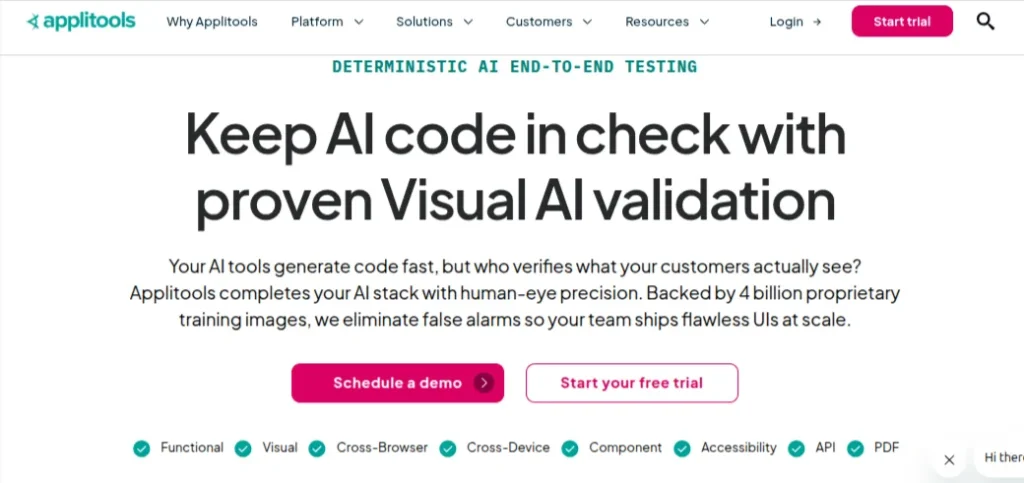
Applitools takes a different approach to testing by focusing heavily on visual validation. Its Visual AI can identify visual regressions across browsers, devices, and screen sizes, while its Autonomous platform can create and maintain functional tests using natural-language instructions.
This becomes particularly useful when a website technically works, but something in the interface has changed or broken.
Pros: It goes beyond checking whether a button works and examines whether the application actually looks correct.
Pricing: Starter starts at $667/month when paid annually. Higher-tier Professional and Enterprise plans use custom pricing.
13. mabl: Best for Low-Code Application Testing

mabl is an end-to-end testing platform covering web, mobile, API, accessibility, and performance testing. Its AI capabilities include test generation, auto-healing, failure summaries, and intelligent test maintenance.
I’d look at mabl when you want automated testing without building and maintaining a large testing framework from scratch.
Pros: It brings several testing types into one platform, so teams don’t have to stitch together separate tools for every testing requirement.
Pricing: mabl uses custom pricing based on testing requirements. It offers a 14-day free trial, while local test runs are available without additional charges.
14. BrowserStack: Best for Cross-Browser and AI Testing
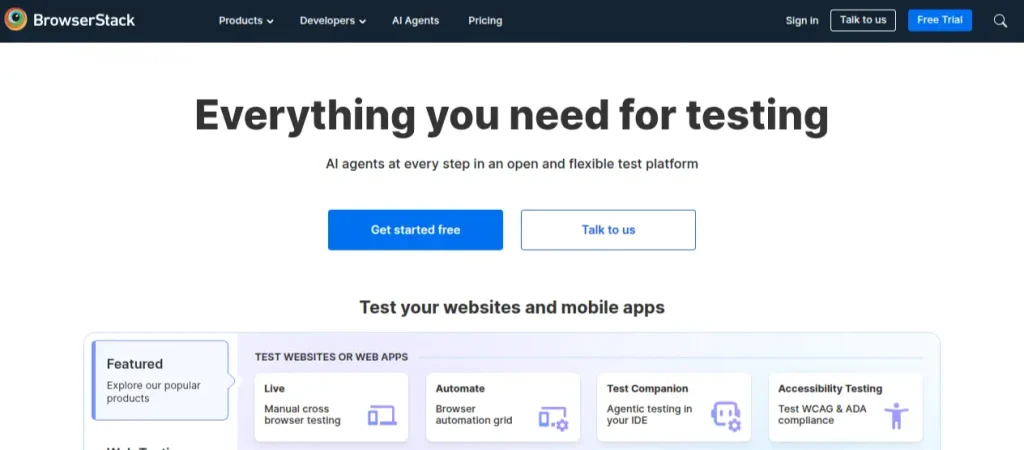
BrowserStack is primarily a testing platform rather than a general workflow automation tool. It lets teams test websites and applications across real browsers, devices, and operating systems, while its newer AI features can help generate test cases and inspect webpages. That makes it useful for QA teams and developers who need broad test coverage without maintaining a large collection of physical devices.
Pros: The combination of real-device testing and AI-assisted testing gives it a practical role in modern QA workflows.
Pricing: BrowserStack’s plans start at $12.50/ month when billed annually for its desktop browser testing offering. Its AI-powered test generation is available on Low Code Automation Pro and above.
15. Workato: Best for Enterprise AI Automation
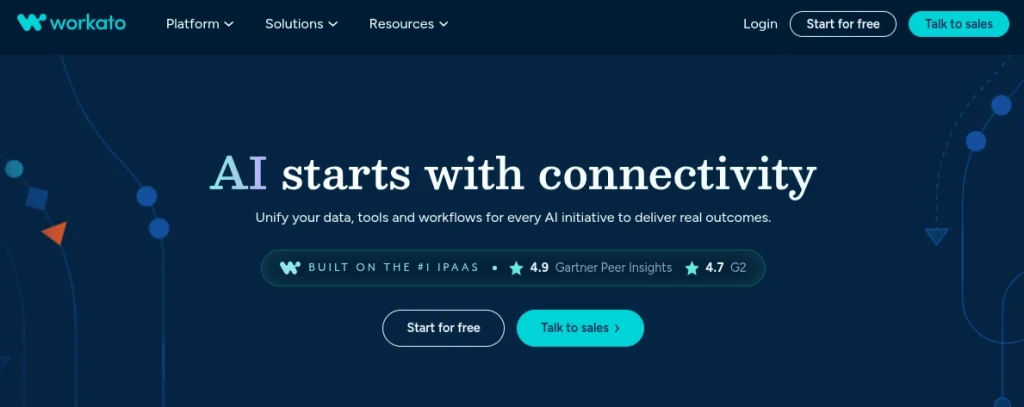
Workato is aimed at businesses that need to connect applications, data, workflows, and AI agents at scale. It supports thousands of integrations and can complete tasks like analysis, categorization, summarization, parsing, and drafting.
This is more of an enterprise platform than a tool you’d pick for automating a personal spreadsheet. For larger teams, its orchestration and governance features become much more relevant.
Pros: It brings integrations, workflow orchestration, and AI agents into the same environment.
Pricing: Workato offers a free plan with 50,000 one-time credits. The Pro plan starts at $100/month for 3,500 credits, while Enterprise pricing is custom.
Explore 3500+ AI Tools in One Place
Looking for more AI tools? Explore the SkillWaala AI Tools Directory to discover 3500+ AI tools across categories like automation, marketing, design, coding, productivity, video, writing, and more.
Explore AI Tools Directory →Final Words
You don’t need 15 AI automation tools sitting in your browser tabs. You need one that solves a problem you actually have. Start with a repetitive task you perform every week, automate it, and see what changes. If it saves meaningful time, build on it. If it creates more work than it removes, scrap the workflow and move on.
The AI automation space is changing quickly, too. Platforms are increasingly adding AI agents alongside traditional workflow automation, so the line between a fixed workflow and an autonomous agent is becoming less clear.
For most people, the useful skill isn’t memorizing every platform. It’s learning how to spot a repetitive process and turn it into a reliable workflow.
Frequently Asked Questions (FAQs)
AI automation tools use AI to handle tasks that traditionally require manual input, such as processing information, making decisions, generating content, or moving data between applications. Unlike basic rule-based automation, they can work with unstructured information and adapt their actions based on context.
For straightforward app-based automation, Zapier is a practical starting point because of its large integration ecosystem and relatively simple workflow builder. Make is worth exploring when you want more control over how workflows branch and interact.
Yes. Several tools on this list, including Gumloop, Zapier, Make, Lindy, and Activepieces, offer visual or no-code ways to create workflows. Tools such as n8n and Browser Use also allow you to introduce code when you need greater control.
They can be useful for reducing repetitive work around research, email, data collection, content production, reporting, and software testing. The practical benefit depends on the workflow you automate rather than the number of tools you use.
AI testing tools use artificial intelligence to assist with software testing tasks such as generating tests, maintaining test cases, identifying visual changes, and analyzing failures. Tools such as Testim, Applitools, mabl, and BrowserStack focus on different parts of this testing process.
About The Author

