

I have seen creators spend hours editing a YouTube video and then treat SEO like an afterthought. That usually means a decent video gets buried under hundreds of similar uploads.
The problem isn’t always the content. Sometimes, the keyword is wrong, the title doesn’t match what people search for, or the thumbnail gives viewers no reason to click.
I’ve tested quite a few YouTube SEO AI tools over time, and I’ve found that each one solves a different part of the process. Some are genuinely useful for keyword research. Some are great for competitor analysis, titles, thumbnails, or tracking performance.
So, instead of listing a ton of tools that won’t get you anywhere, I’ve handpicked 10 tools that help in a practical content workflow.
Quick Comparison of the 10 Best YouTube SEO AI Tools
| Tool | Best For | Keyword Research | Competitor Research | Optimization | Free Option |
|---|---|---|---|---|---|
| vidIQ | All-round YouTube SEO | Yes | Yes | Yes | Yes |
| TubeBuddy | Video optimization | Yes | Yes | Yes | Yes |
| Ahrefs | Keyword research | Yes | No | No | Yes |
| Keyword Tool | Long-tail keywords | Yes | No | No | Yes |
| Google Trends | Topic validation | Yes | No | No | Yes |
| Social Blade | Channel research | No | Yes | No | Yes |
| YouTube Studio | Performance tracking | Yes | No | Yes | Yes |
| AIclicks | AI-assisted keyword ideas | Yes | No | Yes | Yes |
| Canva | Thumbnail creation | No | No | Yes | Yes |
| Morningfame | Channel analytics | Yes | Yes | Yes | Limited |
1.vidIQ: Best for YouTube Keyword Research & Video Ideas
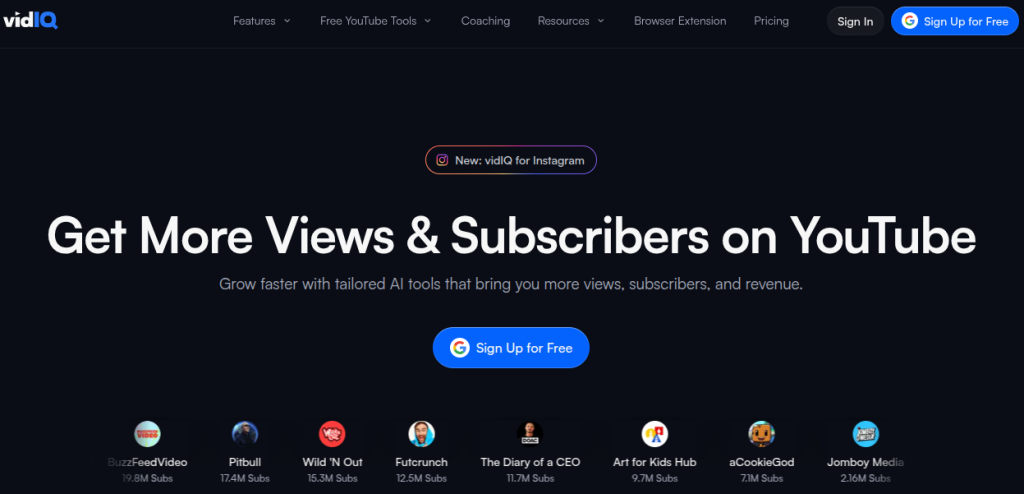
If I had to pick one YT AI tool for someone who is serious about learning YouTube SEO, vidIQ would be one of the first I’d test. It covers a surprisingly large part of the workflow without making you jump between five different platforms.
The keyword research feature shows estimated search demand, competition, related keywords, matching terms, and questions around your topic. That’s useful when you have broad ideas but aren’t sure what people are actually searching for.
I also like its Daily Ideas feature for topic research. It generates channel-specific ideas and can surface similar successful videos.
Features of vidIQ
- Keyword research and search-demand analysis
- Finding related keywords and search questions
- Generating video ideas
- Competitors and top-video research
- Title, description, and tag suggestions
- Basic video optimization
Pricing: A free plan is available. Boost costs $19/month or $199/year when billed annually. Max costs $49/month or $468/year annually. Enterprise plans start at $799/month.
| My Verdict: The free plan is enough to test the workflow, although several research features are limited. Don’t use the keyword score as a target. Treat it as a research signal. A slightly lower-scoring keyword that closely matches your audience can make more sense than targeting a highly competitive keyword. |
2. TubeBuddy: Best for Video Optimization
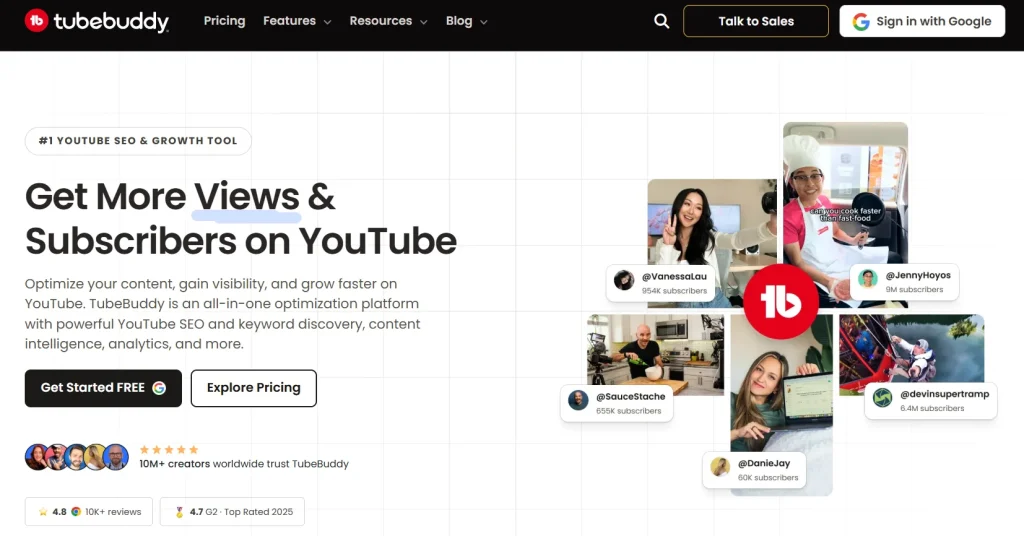
TubeBuddy is useful when you’ve already picked a topic and want to tighten everything around the actual upload. It works as a browser extension inside YouTube, so its SEO features work directly alongside your publishing workflow.
Its Tag Explorer helps find relevant search phrases and tags, while its optimization tools can help with titles, descriptions, tags, and thumbnails. TubeBuddy also offers thumbnail A/B testing, which is worth using when you have enough impressions to compare versions rather than randomly changing thumbnails.
I’d use TubeBuddy later in the workflow than vidIQ. Start with your topic and keyword research, then bring TubeBuddy in when you’re preparing the upload.
Features of TubeBuddy
- Keyword and tag research
- Title optimization
- Description optimization
- Tag suggestions
- Thumbnail A/B testing
- Competitor and channel research
- Upload checklist and workflow management
Pricing: TubeBuddy offers a Free plan. The Pro plan costs $15/month or $144/year when billed annually. Legend tier costs $32.99/month or $316.68/year when billed annually.
| My Verdict: TubeBuddy makes more sense when you want SEO recommendations while actually uploading and managing videos. If keyword discovery is your main concern, I’d start elsewhere and use TubeBuddy for the optimization stage. |
3. Ahrefs: Best for YouTube Keyword Research
Ahrefs is better known as a website SEO platform with AI features, but it also has useful data for YouTube research. Its YouTube Keyword Tool can show keyword ideas and search-volume estimates across 170 countries. The Keyword Explorer can generate related terms, questions, and long-tail variations.
That makes it particularly useful when you’re trying to move beyond obvious keywords. For example, instead of targeting a broad phrase like AI tools, you can explore more specific searches around AI tools for students, best AI tools for content writing, or similar topic variations.
Ahrefs also lets you research YouTube URLs and estimate their organic search traffic, which can help when studying videos that are already attracting Google search traffic.
Features of Ahrefs
- YouTube keyword research
- Search-volume analysis
- Long-tail keyword discovery
- Finding question-based searches
- Researching competing YouTube videos
- Identifying topics with Google Search potential
Pricing: Ahrefs has a free plan with limited AI SEO tools. Starter plan costs $29/month, while Lite costs $129/month. Standard plan is $249month and Advanced costs $449/month. Enterprise costs $1490/month. All these plans also offer annual billing with two months free.
| My Verdict: Ahrefs makes more sense if YouTube is part of a broader SEO strategy. If you only need basic YouTube keyword research, paying for a full Ahrefs subscription may be difficult to justify. Its free keyword generator is still worth trying before committing. |
4. Keyword Tool: Best for Long-Tail YouTube Keywords
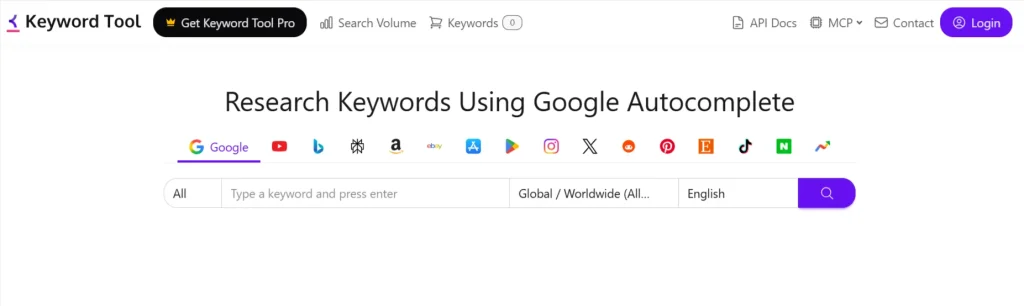
Keyword Tool is one of those YouTube AI tools I’d keep bookmarked even if I wasn’t paying for a full SEO platform. Its YouTube keyword generator pulls suggestions from YouTube Autocomplete, which makes it useful for discovering the phrases people actually type when searching for a topic. It can generate hundreds of related keyword ideas from a single seed term.
Imagine you want to make a video about AI tools for students. Instead of stopping there, you can use Keyword Tool to uncover more specific searches and turn those into individual video ideas, titles, or supporting keywords.
Features of Keyword Tool
- Finding long-tail YouTube keywords
- Discovering related search queries
- Generating video ideas
- Finding tags and hashtags
- Checking keyword search-volume estimates
- Identifying rising or declining search interest
Pricing: A free plan is available. Paid plans start at $68/month for Starter, $148/month for Growth, $308/month for Scale, and $628/month for Agency. Enterprise pricing is custom.
| My Verdict: Use Keyword Tool when you already have a topic but need to turn it into specific search phrases. It isn’t a replacement for a full YouTube SEO suite, but for finding long-tail ideas without paying upfront, it does the job well. |
5. Google Trends: Best for Validating Video Topics
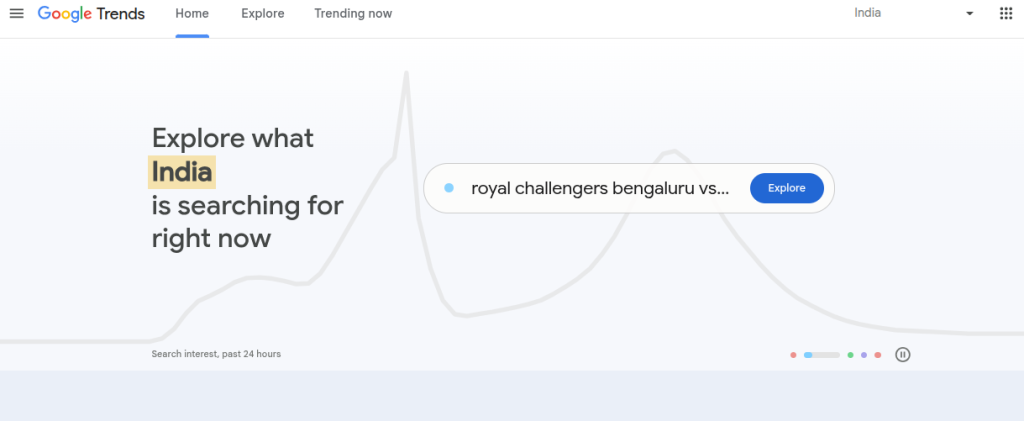
I use Google Trends slightly differently from dedicated YouTube SEO AI tools. It isn’t trying to tell you whether a keyword has a good YouTube score. Its real value is showing whether interest in a topic is growing, falling, or tied to a particular season.
Google Trends lets you compare search terms, explore regional interest, and find related searches. For example, if you’re planning videos around AI tools, don’t assume that every popular AI topic has consistent demand. Compare terms such as AI agents, AI automation, and AI tools over the past 12 months, then check the results for your target region.
The Trending Now section is useful for finding emerging topics too. Google says it covers 100+ countries and regions, with trends refreshed roughly every 10 minutes.
Features of Google Trends
- Validate whether a video topic has growing interest
- Compare multiple keyword variations
- Find related searches
- Check regional demand
- Identify seasonal topics
- Spot emerging trends before creating videos
Pricing: Free. Google Trends does not require a paid subscription to use its standard search features.
| My Verdict: Don’t use Google Trends to replace a proper keyword research tool. Use it as a reality check before you commit to a video idea. A keyword with a high SEO score isn’t particularly useful if audience interest has been dropping for months. |
6. Social Blade: Best for YouTube Competitor Research
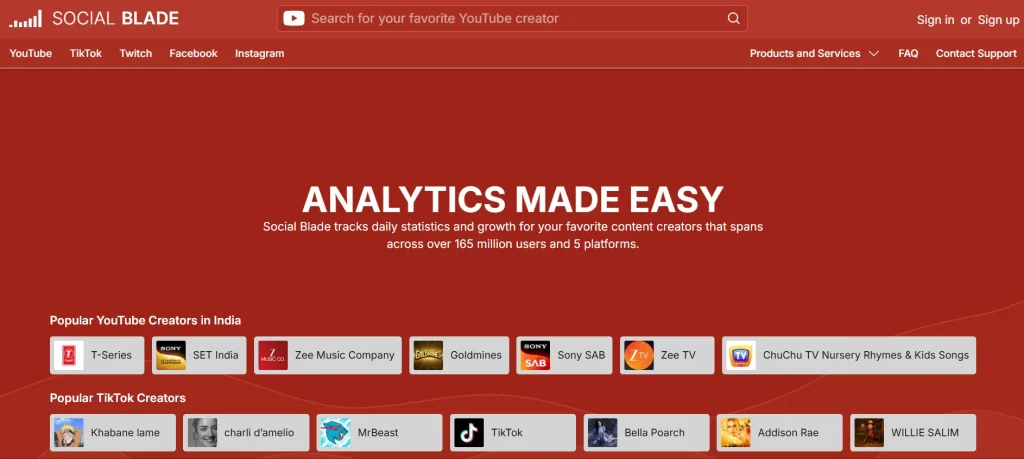
Social Blade is a useful YT AI SEO tool when you want to stop guessing what competing channels are doing and start looking at their actual growth patterns. It tracks public statistics across millions of creators and lets you compare channels using subscriber growth, views, upload activity, rankings, and historical data.
I’d use it before planning a new content series. Pick 3-5 channels in your niche, check how frequently they publish, look at their recent view growth, and identify videos that performed unusually well.
You’re not copying their videos; you’re looking for patterns worth investigating. Social Blade also provides channel grades, rankings, estimated earnings, daily metrics, and historical charts.
Features of Social Blade
- Competitor channel research
- Subscriber and view growth tracking
- Upload-frequency analysis
- Historical channel performance
- YouTube rankings
- Comparing channels within a niche
- Identifying fast-growing channels
Pricing: Social Blade has a Free plan. Paid personal memberships currently start at $59.99/year (Bronze), followed by $149.99/year (Silver), $599.99/year (Gold), and $1,439.99/year (Platinum).
| My Verdict: Social Blade isn’t where I’d go to find your primary keyword. I’d use it for the part many creators skip. It is best for understanding the competitive landscape before deciding what to publish. |
7. YouTube Studio: Best for Analytics & Search Insights
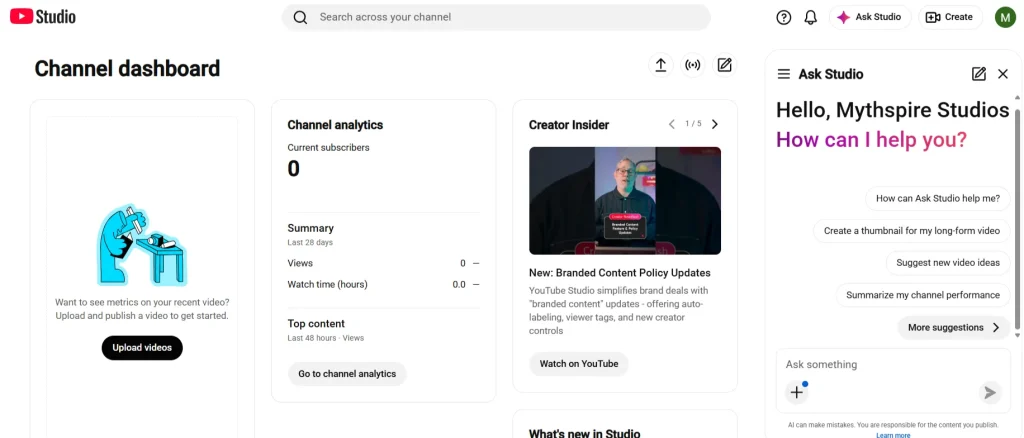
YouTube Studio is the AI SEO tool I’d use before paying for any third-party YouTube video optimization tool. It gives you first-party data about how your videos are actually performing, including impressions, click-through rate, views, watch time, audience retention, traffic sources, and how viewers are discovering your content.
The Trends tab is particularly useful for content planning. You can see what your audience is searching for, explore related topics, find breakout videos from similar creators, and identify content gaps. Some Trends insights are currently limited by country, language, and device.
Features of YouTube Studio
- Checking YouTube search traffic
- Monitoring impressions and CTR
- Measuring watch time and audience retention
- Finding what your audience is searching for
- Discovering content gaps and video ideas
- Comparing videos and time periods
- Exporting detailed performance data
Pricing: Free. YouTube Studio is included with YouTube and does not require a separate paid subscription.
| My Verdict: Use Studio as your baseline. Third-party tools can suggest what might work, but Studio tells you what happened after you published. That distinction matters when you’re trying to improve video after video rather than chasing SEO scores. |
8. AIClicks: Best for AI-Assisted YouTube SEO
AIclicks takes a slightly different approach to YouTube AI SEO. Instead of trying to replace a full channel-management platform, its free YouTube AI tools focus on specific tasks such as keyword research, title analysis, descriptions, and SERP tracking.
Its YouTube Keyword Generator is particularly useful for brainstorming. Enter a topic and it returns keyword ideas with intent and competition labels, including long-tail variations.
There are also separate tools for checking YouTube titles, generating descriptions, and checking YouTube SERP rankings. That makes AIclicks handy when you want to solve one SEO task without signing up for a large creator suite.
Features of AIclicks
- YouTube keyword research
- Long-tail keyword discovery
- Title SEO analysis
- YouTube description generation
- Tag and keyword ideas
- YouTube SERP rank checking
- Finding content opportunities
Pricing: The YouTube AI SEO tools mentioned above are free. AIclicks’ broader AI-search platform has paid plans starting at $59/month for Starter, $189/month for Pro, and $499/month for Business. Enterprise pricing is custom.
| My Verdict: If you only need YouTube keyword, title, description, or rank-checking tools. I’d start with the free tools. The paid plans are aimed more at AI search visibility and brand tracking. |
9. Canva: Best for YouTube Thumbnails
A good YouTube thumbnail doesn’t need to look complicated. It needs to communicate the video’s promise quickly, especially when someone is scrolling through dozens of competing videos.
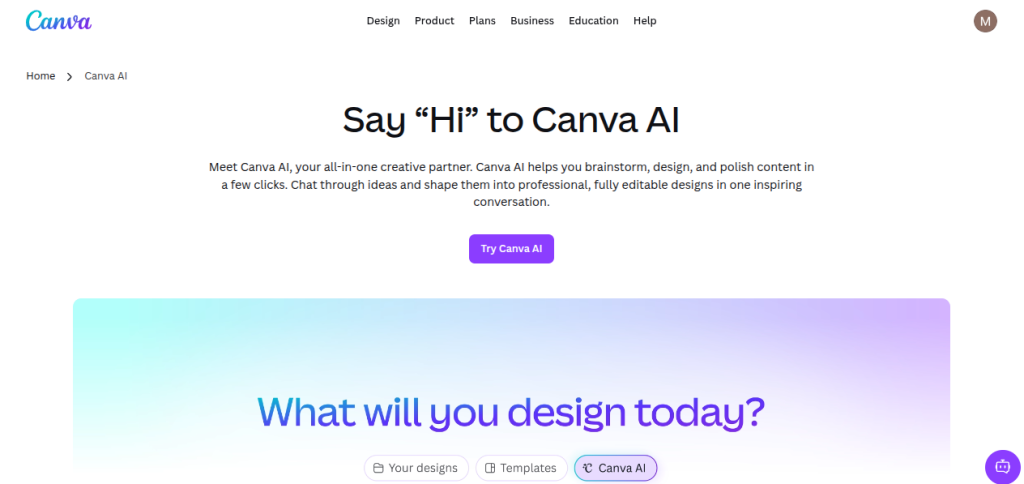
That’s where Canva fits into a YouTube SEO workflow. It has dedicated YouTube thumbnail templates, a drag-and-drop editor, stock images, graphics, typography tools, and AI-assisted design features. You can start with a blank 1280 x 720 canvas or adapt one of its existing templates.
However, I would not treat Canva templates as finished thumbnails. If ten channels in your niche are using the same template style, yours will blend in. Change the layout, reduce the text, use a stronger visual hierarchy, and make sure the thumbnail and title tell the same story.
Features of Canva
- Creating YouTube thumbnails
- Testing different visual concepts before publishing
- Adding text, screenshots, graphics, and images
- Creating consistent thumbnail branding
- Generating visual assets with Canva’s AI tools
- Creating channel banners and other YouTube graphics
Pricing: Canva has a Free plan. Canva Pro costs $180/year for one person. Canva Business costs $250/year per person.
| My Verdict: You don’t need Canva Pro to make a good thumbnail. The free plan already provides YouTube thumbnail templates and plenty of design functionality. You should pay for Pro when you need premium assets or its additional AI and design features. |
10. Morningfame: Best for YouTube SEO Performance Tracking
Morningfame is more focused than some of the bigger AI YouTube SEO platforms. Its core features combine channel analytics, keyword research, and competitor analysis, with recommendations based on your channel rather than treating every creator as if they were competing at the same level.
That last part is what makes it interesting. Morningfame compares your channel with channels of a similar size and uses that context to highlight areas where you can improve. Its analytics also break down traffic sources and help identify which topics and videos are actually contributing to channel growth.
The keyword research tool is useful for checking search terms and competition before you publish. Morningfame specifically evaluates competition relative to your channel, which can be more practical than chasing a generic keyword score.
That being said, Morningfame is currently invitation-only, so availability may depend on getting an invite.
Features of Morningfame
- YouTube keyword research
- Search competition analysis
- Channel performance tracking
- Competitor benchmarking
- Identifying successful video topics
- Tracking traffic sources
- Finding areas for channel improvement
Pricing: Morningfame currently has two plans. Basic costs $4.90/month, while Plus costs $12.90/month. The tool also offers a 1-month free trial.
| My Verdict: Morningfame is worth considering if you want analytics that put your channel’s performance into context instead of throwing generic SEO numbers at you. The Basic plan is particularly interesting if you can plan your videos in batches and don’t need keyword research every day. |
Free YouTube SEO Tools: The Basic Stack
You don’t need to pay for five different subscriptions to start optimizing a YouTube channel. In fact, I’d avoid doing that at the beginning. A basic free stack can cover most of the important work:
| Tool | Use It For |
|---|---|
| YouTube Studio | Search insights, analytics, CTR, watch time and content gaps |
| Google Trends | Checking topic interest and comparing search trends |
| vidIQ Free | Keyword ideas, competitor research and video ideas |
| TubeBuddy Free | Keyword research, tags and basic optimization |
| Keyword Tool Free | YouTube autocomplete and long-tail keyword ideas |
YouTube Studio should sit at the centre because it gives you first-party data from your own channel. vidIQ and TubeBuddy can fill research and optimization gaps, while Google Trends helps validate whether a topic is actually gaining interest.
Start with YouTube Studio + Google Trends + one of vidIQ or TubeBuddy.
YouTube AI SEO Checklist Before You Publish
YouTube itself recommends focusing on titles, descriptions, and thumbnails when optimizing a video. Its search system also considers how well the title, description, and video content match a viewer’s search, alongside engagement. Go through this checklist before publishing:
- Keyword: Does the main keyword match what the video actually answers?
- Title: Is the topic clear, accurate, and easy to understand?
- Description: Have you explained the video naturally in the opening lines and included relevant search terms? YouTube recommends using 1-2 main words prominently in both the title and description.
- Thumbnail: Does it communicate the video’s idea quickly without simply repeating the title?
- Tags: Have you added relevant variations or common misspellings? Tags have a relatively small role in discovery, so don’t spend 30 minutes obsessing over them.
- Search Intent: Would someone searching your target phrase actually be satisfied by this video?
- Competitors: Have you looked at the videos currently attracting attention around the topic?
- Hook: Does the opening deliver on the promise made by your title and thumbnail?
- Analytics Plan: Do you know which metrics you’ll check after publishing?
Looking for More AI Tools?
These YouTube SEO tools can help you optimize your channel, but there are thousands of other AI tools for content creation, marketing, design, video editing, productivity, automation, coding and more. Explore 3500+ AI tools in one place and find the right tool for your needs.
Explore AI Tools Directory →Final Words
The goal here isn’t to collect every YouTube SEO AI tool you can find. It’s to build a workflow that helps you make better decisions before and after publishing. Start with YouTube Studio for your own performance data, use a dedicated tool such as vidIQ or TubeBuddy for deeper research, and bring in specialist tools when you have a specific need.
The biggest mistake is spending more time comparing SEO scores than making videos. Use the tools to answer specific questions, apply what you learn, then let your own channel data tell you what deserves more attention.
Frequently Asked Questions (FAQs)
vidIQ, Ahrefs, and Keyword Tool are useful for keyword research, but they approach it differently. vidIQ is more focused on YouTube-specific research; Ahrefs provides broader SEO data; and Keyword Tool is useful for generating YouTube autocomplete suggestions.
They can be, especially if you’re publishing consistently and need deeper keyword data, competitor research, or optimization features. For beginners, YouTube Studio, Google Trends, and free versions of tools such as vidIQ and TubeBuddy can cover a lot of the basic workflow.
Not much. YouTube says tags play a minimal role in discovery and are mainly useful for common misspellings. Titles, thumbnails, and descriptions are more important metadata.
YouTube says its search system considers relevance, engagement, and quality. It looks at how well the title, description, tags, and video content match the search query, alongside engagement signals such as watch time.
No. They can help with research, optimization, and competitive analysis, but they cannot guarantee rankings or views. YouTube search also considers viewer engagement and the quality of the content.
Yes, when they fit naturally. YouTube recommends keeping titles accurate and concise, with the most important words near the beginning.
About The Author

