

Running a small business often means doing five different jobs in the same day. Marketing, customer support, sales, content, and admin work can quickly eat up hours that should go toward growing the business.
Over time, I have worked with various AI tools for these workflows, and the useful ones are those that remove repetitive work without forcing you to rebuild your entire process.
In this blog, I’ve shortlisted the top 20 AI tools for small businesses across marketing, customer support, accounting, social media, content, sales, and various other categories.
Let’s dive in.
20 Best Free AI Tools for Small Businesses: Quick Comparison
You don’t need a separate AI subscription for every business task. A better approach is to identify where your team spends the most time and choose a tool to address that bottleneck. Here’s a quick checklist of the tools covered in this guide:
| Tool | Category | Best For |
|---|---|---|
| Mailmodo | Marketing | Email marketing & automation |
| HubSpot | Marketing | Marketing automation & lead generation |
| Tidio | Customer Support | AI chat & customer support |
| Intercom | Customer Support | AI-first customer service |
| Zoho Books | Accounting | Bookkeeping & GST accounting |
| QuickBooks | Accounting | Accounting & financial tracking |
| Buffer | Social Media | Social media scheduling |
| Predis.ai | Social Media | AI-generated social content |
| ChatGPT | Content | Writing, research & content creation |
| Jasper | Content | Marketing content at scale |
| Apollo | Sales | B2B prospecting & outreach |
| Lavender | Sales | Sales emails & personalisation |
| Zoho CRM + Zia | CRM | Lead management & sales automation |
| HubSpot CRM | CRM | Customer relationship management |
| Zapier | Automation | Connecting apps & workflows |
| Make | Automation | Multi-step business automation |
| Canva | Design | Business graphics & visual content |
| Adobe Express | Design | Branded content & visual editing |
| Notion AI | Productivity | Documentation & knowledge management |
| ClickUp | Productivity | Projects, tasks & team workflows |
AI Tools for Marketing
Marketing can get expensive in both time and money. For a small team, AI is most useful when it helps with repetitive campaign work without requiring another full-time specialist.
1. Mailmodo: Best for Email Marketing and Automation
Ideal For: Lead nurturing, newsletters, promotional campaigns, and automated email journeys.
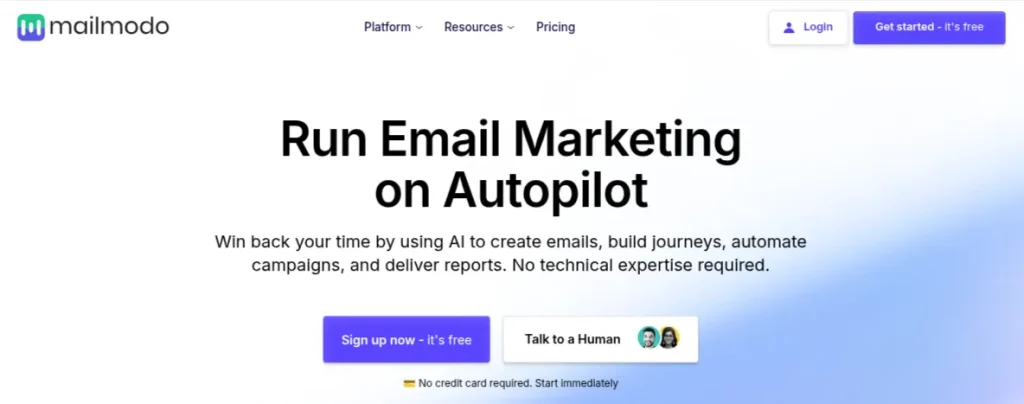
Mailmodo combines email creation, campaign automation, audience segmentation, and analytics in one platform. Its AI features can help generate email copy, campaign ideas, and subject lines, while its automation features handle follow-ups based on customer actions.
The practical advantage is speed. Instead of starting every campaign with a blank screen, you can use AI to create the first version and spend your time refining the offer, audience, and messaging.
Pricing: Paid plans start at $99/month for 2,500 contacts when billed annually. A free trial is available.
2. HubSpot: Best for Automation and Managing Customer Journeys
Ideal For: Connecting marketing, lead management, and automation to the same CRM
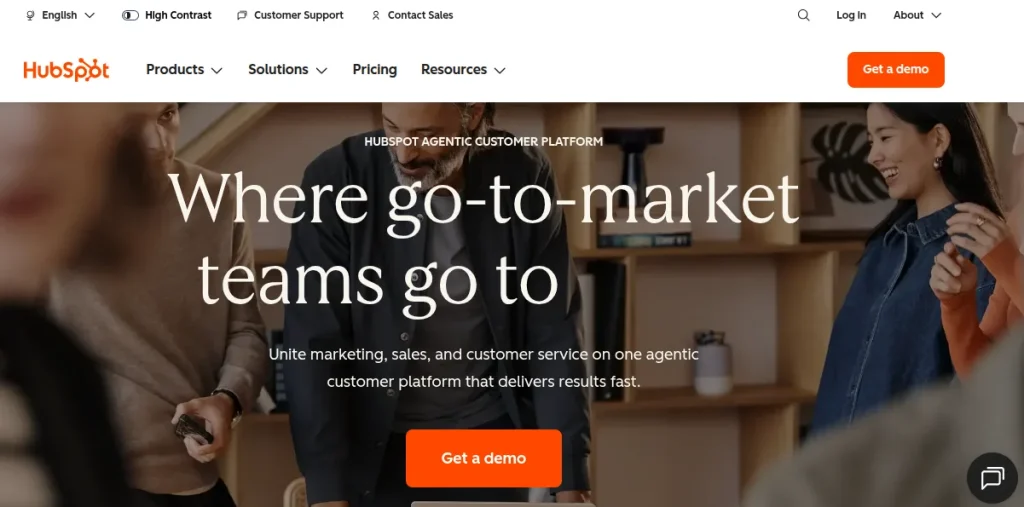
HubSpot combines marketing tools with CRM, allowing small businesses to connect campaigns with their leads and customers. Its AI features can assist with content creation, campaign ideas, customer insights, and workflow automation.
This becomes particularly useful once marketing starts generating enough leads that tracking them manually becomes messy.
Pricing: HubSpot offers free tools, while paid Marketing Hub plans start at $20/month per seat.
AI Tools for Customer Support
Customer support is another area where small businesses can lose a surprising amount of time. The same questions about pricing, availability, delivery, refunds, or services tend to appear repeatedly.
3. Tidio: Best for AI Chatbots and Customer Support
Ideal For: FAQs, product enquiries, lead qualification, and first-line customer support.
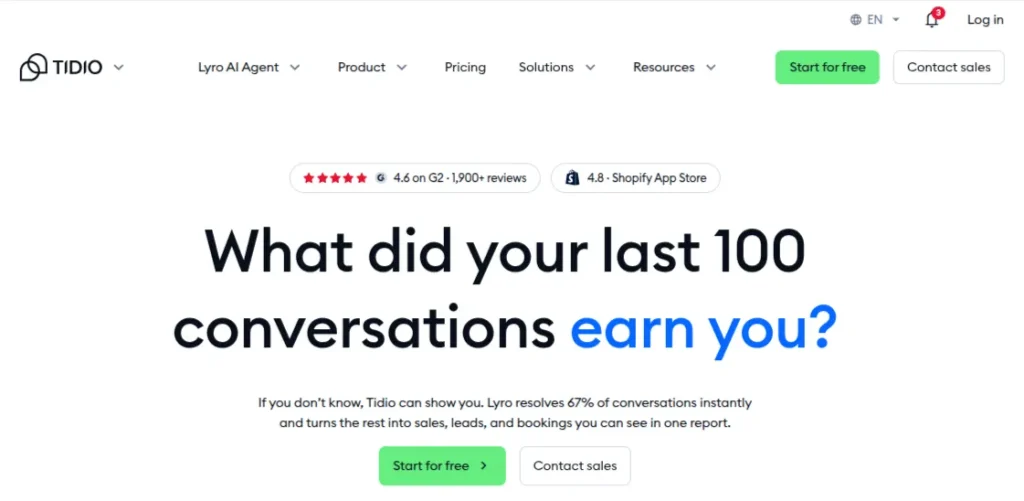
Tidio combines live chat with AI-powered customer service automation. Its AI agent can answer common customer questions using your business information, while conversations that need human attention can be handed over to your support team.
For a small business, this is useful when enquiries arrive outside working hours or when one person is handling support alongside other responsibilities.
Pricing: Tidio offers a free plan. Paid plans start at $24.17/month, while its AI-powered Lyro conversations are priced separately depending on usage.
4. Intercom: Best for AI-first Customer Service
Ideal For: Handling a large volume of customer conversations
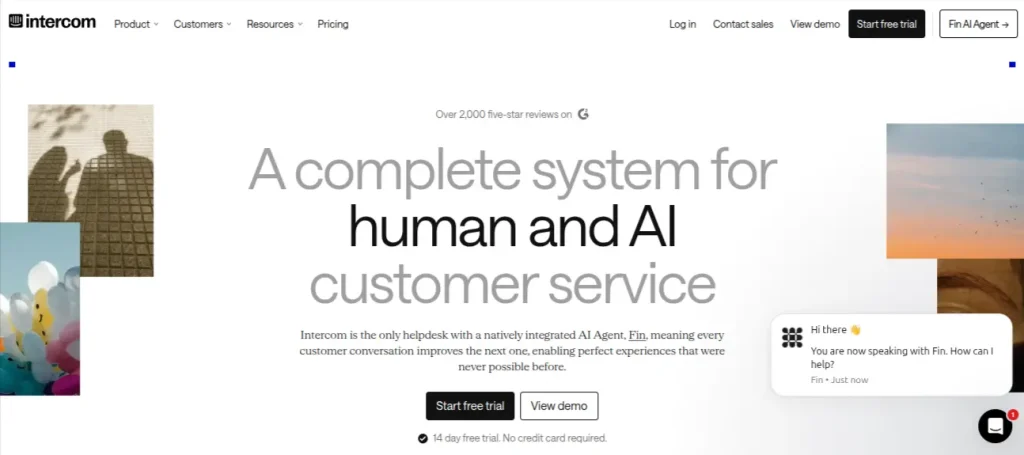
Intercom combines an AI agent, help centre, live chat, and customer support inbox. Its Fin AI Agent can resolve customer questions using information from your support content and can hand conversations to human agents when required.
It makes more sense for a business with a growing support volume than for a solo operator answering a few messages each week.
Pricing: Intercom plans start at $29 per seat/month, with Fin AI Agent usage charged separately at $0.99 per resolution.
AI Tools for Accounting
Accounting is one area where saving time is useful, but accuracy matters more than flashy AI features. For a small business, the goal should be reducing repetitive bookkeeping and getting a clearer picture of cash flow, invoices, and expenses.
5. Zoho Books: Best for Bookkeeping and Financial Management
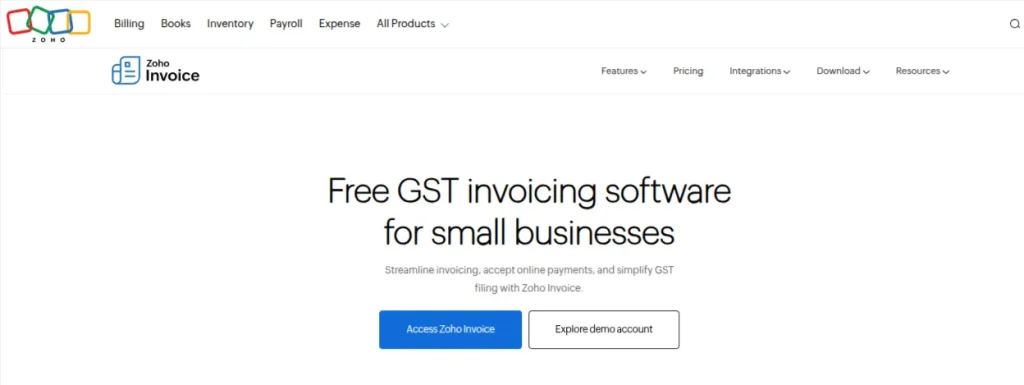
Ideal For: Small service businesses and growing companies that need GST-ready accounting software.
Zoho Books is particularly relevant for businesses operating in India because it supports GST accounting, e-invoicing, e-way bills, bank reconciliation, expense tracking, and automated tax calculations.
Its automation features can handle recurring invoices, payment reminders, transaction categorisation, and other routine accounting work. AI-assisted features can also help surface financial insights and reduce manual data entry.
Pricing: Zoho Books has a free plan for eligible Indian businesses, with paid plans starting at ₹899/month when billed annually.
6. QuickBooks: Best for Accounting and Financial Tracking

Ideal For: Accounting, invoicing, expense tracking, and financial reporting in one system.
QuickBooks uses automation and AI-assisted features to help with bookkeeping, expense categorization, invoicing, cash-flow visibility, and financial reporting.
It can be useful when spreadsheets are becoming difficult to maintain but the business isn’t ready for a complicated accounting system.
Pricing: QuickBooks’ pricing and availability vary by country, so Indian businesses should verify the current regional offering before choosing it.
AI Tools for Social Media
Social media is often one of those jobs that gets pushed to the end of the day. Then suddenly its 7 PM and tomorrow’s post isn’t ready, and someone is scrambling to create a caption. AI can take care of much of the repetitive planning and scheduling work.
7. Buffer: Best for Social Media Scheduling and Content Planning
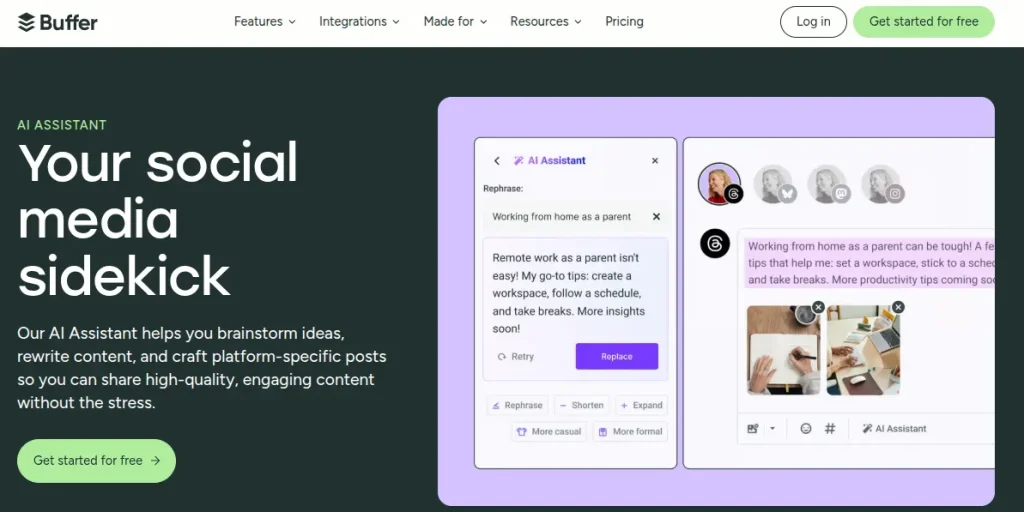
Ideal For: Businesses managing multiple social accounts
Buffer combines social media scheduling with AI-assisted content creation. Its AI Assistant can help generate post ideas, rewrite captions, adapt content for different platforms and repurpose existing posts.
The useful part isn’t generating endless captions. It’s being able to take one idea and turn it into several platform-specific posts without starting from scratch each time.
Pricing: Buffer has a free plan for up to 3 channels. Paid plans start at $5/month per channel when billed annually.
8. Predis.ai: Best for Creating Social Media Content
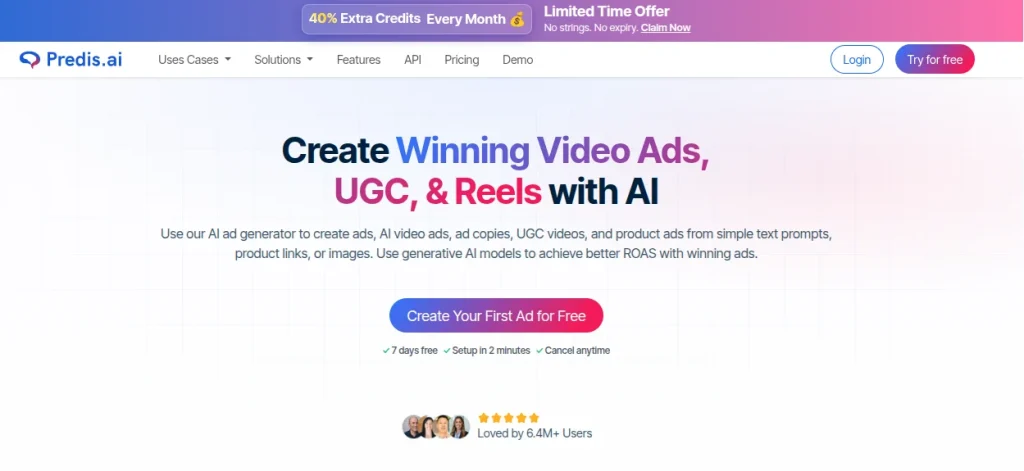
Ideal For: Instagram content, promotional creatives, and social media campaigns.
Predis.ai focuses more heavily on content creation. You can provide a brief or idea and use it to generate social media posts, captions, creatives, carousels, and short-form video content. For a small team without a dedicated designer or social media manager, this can reduce the amount of time spent preparing basic promotional content.
Pricing: Predis.ai offers a free plan. Paid plans start at around $32/month for its entry-level paid offering, with pricing varying by billing cycle and plan.
What Are AI Tools for Content Creation
Ideal For: Writing, research, brainstorming, and content tasks
Content doesn’t have to mean writing 2,000-word blog posts every week. Product descriptions, website copy, email drafts, social captions, proposals, and customer FAQs all count. The challenge for a small team is producing enough useful content without letting it sound AI.
9. ChatGPT: Best for Writing and Brainstorming

Ideal For: Marketing copy, email descriptions, product copy, and content ideation.
ChatGPT can help with everything from creating content briefs and rewriting copy to researching ideas, drafting emails, summarizing documents, and generating variations for different audiences.
The quality depends heavily on the instructions you provide. Giving it your brand voice, target audience, examples of previous content, and specific objectives will usually produce much better results than asking it to “write a blog post.”
Pricing: ChatGPT has a free plan. Paid plans are available from $20/month
10. Jasper: Best for Marketing-focused Content Creation
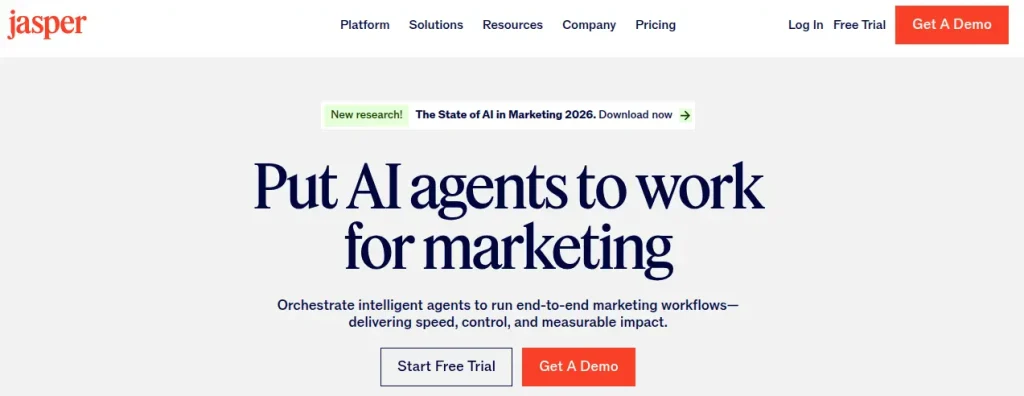
Ideal For: Marketing teams, agencies, and businesses producing content at scale.
Jasper is built specifically around marketing workflows. It offers tools for creating campaign content, blog posts, social media copy, advertising copy, and brand-consistent messaging.
Its main advantage over a general AI chatbot is the focus on marketing teams that need to maintain consistent messaging across multiple content formats.
Pricing: Jasper’s paid plans start at $69/month per seat when billed monthly.
What are AI Tools for Sales
Sales teams spend plenty of time on work that isn’t actually selling. This includes finding prospects, researching accounts, writing follow-ups, and figuring out what to say next. AI sales tools can reduce some of that preparation so the salesperson can spend more time having actual conversations.
11. Apollo: Best for Lead Generation and Sales Prospecting
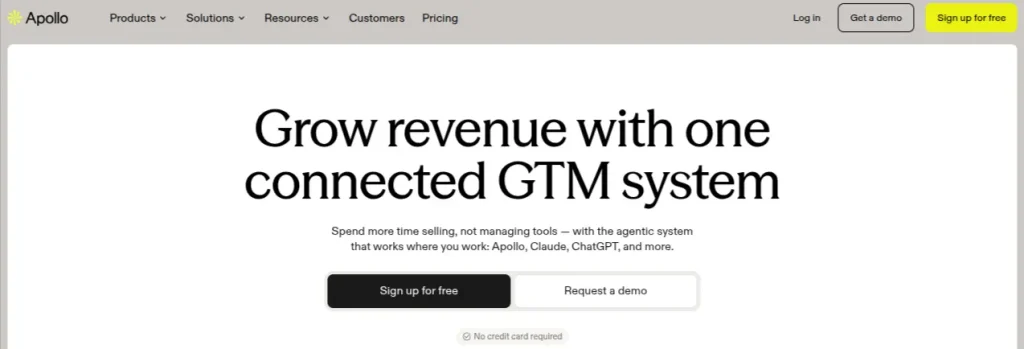
Ideal For: B2B prospecting, lead generation, outbound sales, and email sequences.
Apollo combines a B2B contact database with prospecting, email outreach, sales engagement, and AI-assisted workflows. You can use it to find potential customers, build prospect lists, research accounts, and automate parts of an outreach sequence.
For a small sales team, this can be useful when manually researching every prospect is eating into the time available for calls and follow-ups.
Pricing: Apollo has a free plan. Paid plans start at $49/user/month when billed annually.
12. Lavender: Best for Improving Sales Emails
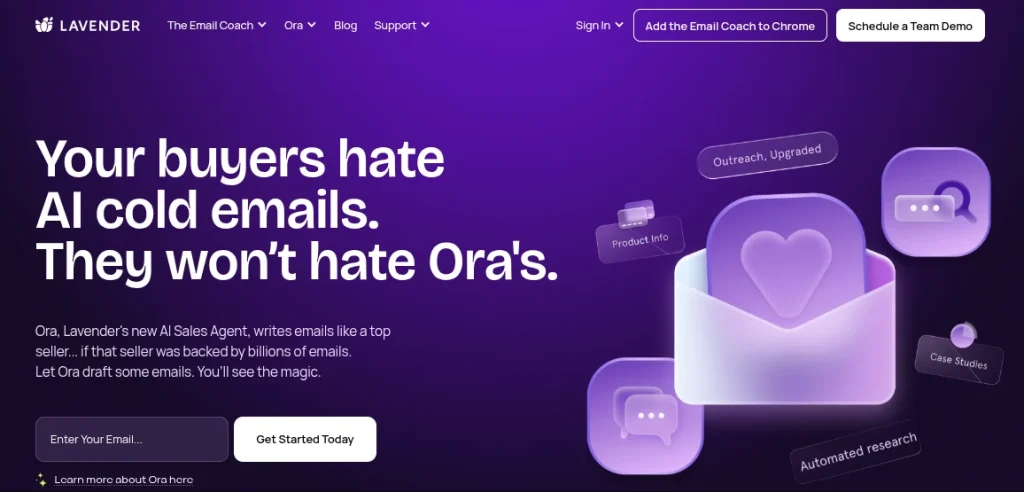
Ideal For: Cold emails, sales follow-ups, personalized outreach, and improving email quality.
Lavender focuses on helping salespeople write better outreach emails. Its AI analyzes an email and provides suggestions around clarity, readability, tone, and engagement. It can also help personalize messages using information about the prospect.
That’s particularly useful when a team has plenty of leads but struggles to turn cold outreach into conversations.
Pricing: Lavender offers a free plan with limited functionality. Paid plans start at around $29/user/month.
What are AI Tools for CRM Tools
AI CRM becomes useful when customer information stops living in random spreadsheets, email threads, and someone’s memory. For a small business, an AI-enabled CRM can help organize leads, identify follow-up opportunities, summarize customer interactions, and automate routine sales tasks.
13. Zoho CRM + Zia: Best for Lead Management and Sales Automation
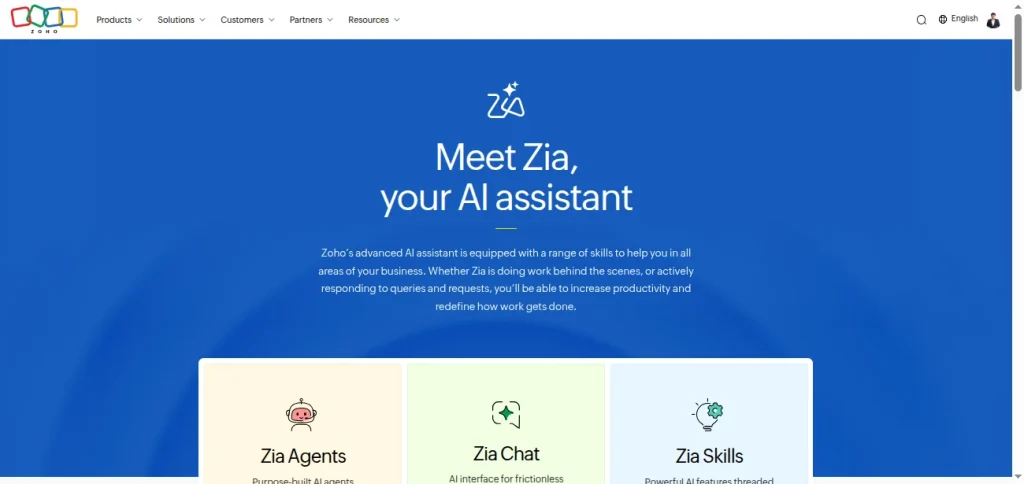
Ideal For: Lead tracking, sales pipelines, customer data, and sales forecasting.
Zoho CRM’s AI assistant, Zia, can analyze customer data, predict sales trends, identify potential leads, suggest actions, and help sales teams retrieve information using natural-language queries.
The combination is useful for small teams because you get traditional CRM functionality alongside AI features rather than needing a separate AI tool for every sales task.
Pricing: Zoho CRM offers a free edition for up to 3 users. Paid plans start at ₹800/user/month when billed annually.
14. HubSpot CRM: Best for Managing Customer Relationships
Ideal For: Small teams that want their sales and marketing activities connected to the same customer records.
HubSpot’s CRM includes contact management, deal tracking, sales pipelines, email tools, and AI-assisted features for tasks such as content generation, record summarization, and customer research.
The free CRM is particularly useful for small businesses that want to start organizing their sales process without immediately committing to a paid platform.
Pricing: HubSpot offers a free CRM. Paid products and advanced features are available through its various Customer Platform plans.
AI Tools for Business Automation
Automation is where AI becomes particularly useful for small teams. Instead of asking employees to repeatedly move information between apps, you can connect those systems and let workflows handle routine actions automatically.
15. Zapier: Best for Automating Repetitive Workflows
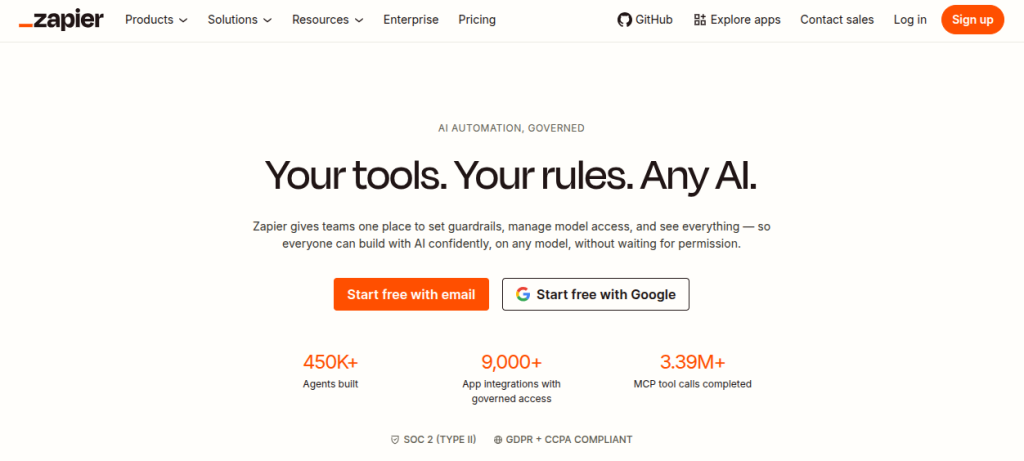
Ideal For: Lead management, notifications, data transfer, customer follow-ups
Zapier connects thousands of apps and lets you create automated workflows called Zaps. Its AI features can help create workflows from plain-language instructions, suggest automation ideas, and assist with building and troubleshooting workflows.
For example, a new lead submitted through a website form could automatically be added to your CRM, trigger an email notification, and create a follow-up task for the sales team.
Pricing: Zapier offers a free plan with limited tasks. Paid plans start at around $19.99/month when billed annually.
16. Make: Best for Complex Business Automations
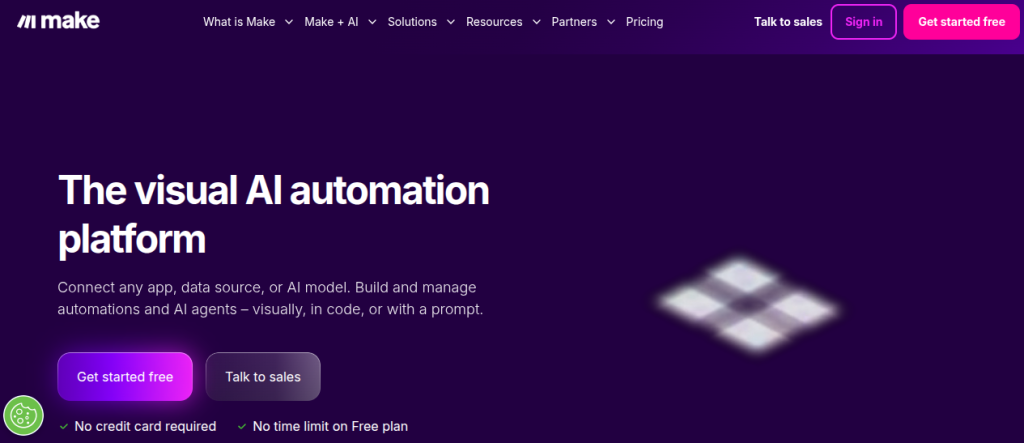
Ideal For: Multi-step workflows, data processing, lead routing, and connecting several business apps.
Make takes a visual approach to automation, allowing you to connect applications and build multi-step workflows. It gives you more control over how information moves between different systems.
That makes it useful when a basic trigger-and-action workflow isn’t enough. A small business could use it to route leads based on their source, update multiple systems, and notify different team members depending on the situation.
Pricing: Make offers a free plan. Paid plans start at $9/month for 10,000 operations per month.
What Are AI Tools for Design
Small businesses often need new creatives faster than they can hire a designer. Social posts, presentations, ads, product images, flyers, and basic website graphics can all create a steady stream of design work. AI design tools can help with the first draft, but human editing still matters if you want the final output to look consistent with your brand.
17. Canva: Best for Everyday Business Design
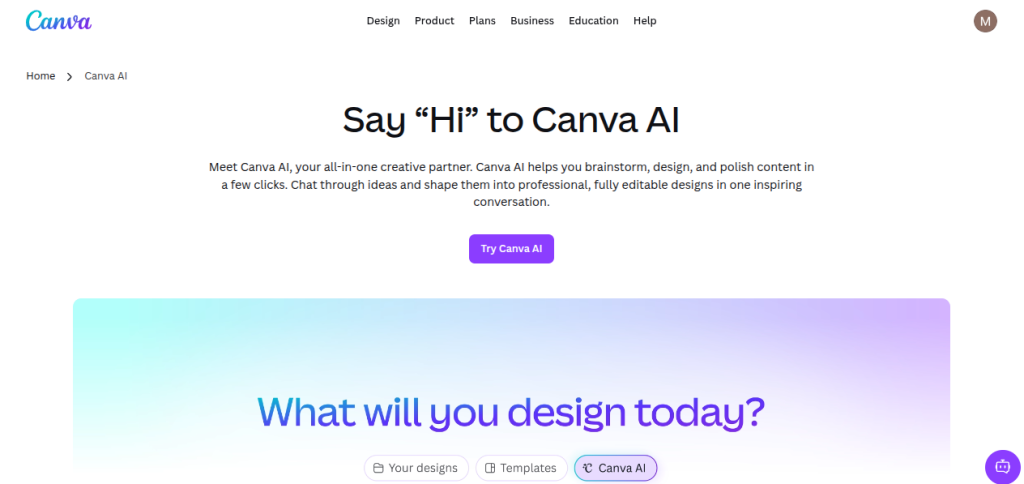
Ideal For: Social media graphics, presentations, posters, and marketing materials.
Canva combines templates, graphic design tools, and AI features for generating and editing visual content. Its AI capabilities can help create designs from prompts, generate images, edit existing visuals, and produce copy for marketing materials.
For a small business, Canva is particularly practical because the same platform can handle social media creatives, presentations, posters, documents, and basic marketing assets.
Pricing: Canva has a free plan. Canva Pro starts at around ₹500/month for one person, with annual pricing available at a lower effective monthly rate.
18. Adobe Express: Best for AI-assisted Branded Content
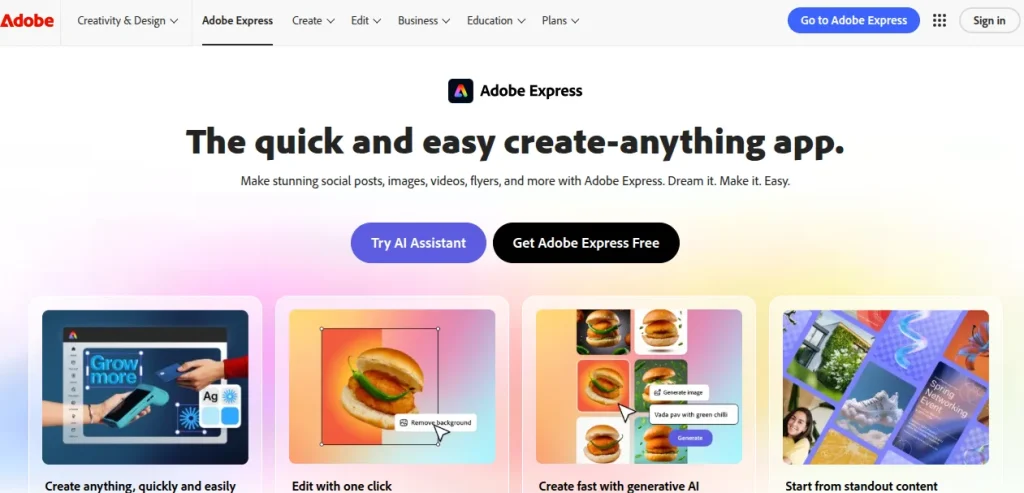
Ideal For: Social media content, branded marketing materials, short videos
Adobe Express offers templates and AI features for creating social posts, images, videos, flyers, presentations, and other marketing assets. Its connection with Adobe’s wider ecosystem also makes it useful for teams already working with Adobe products.
You can use generative AI to create or edit visual assets while keeping the rest of the design workflow relatively straightforward.
Pricing: Adobe Express has a free plan. Premium plans start at around $9.99/month.
AI Tools for Productivity
Productivity is where AI can quietly save the most time. Meeting notes, task management, documentation, research, project updates, and internal knowledge can consume hours without producing anything customers directly see.
19. Notion AI: Best for Knowledge Management and Everyday Work
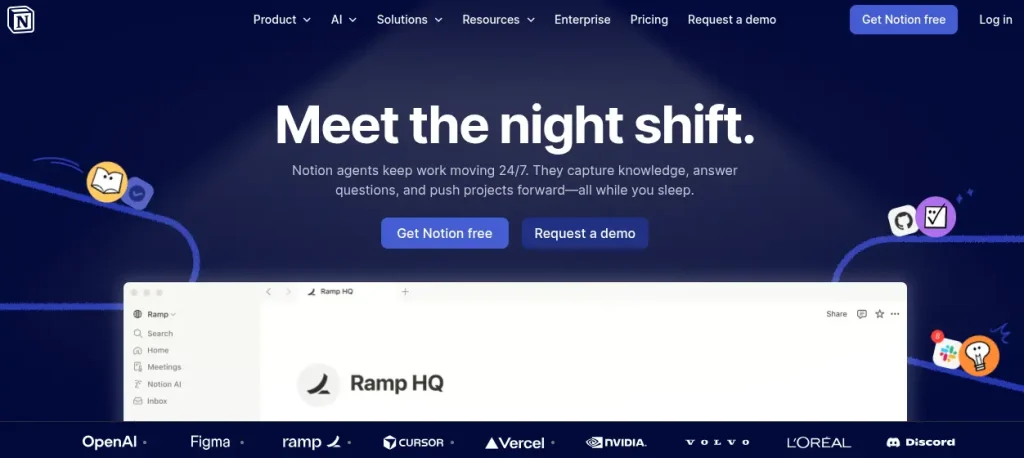
Ideal For: Meeting notes, project documentation, content planning, and team knowledge.
Notion AI works inside Notion’s workspace, helping teams draft and edit content, summarize documents, search across workspace information, and turn meeting notes or discussions into actionable tasks.
For a small team, this can be useful when information is scattered across WhatsApp chats, documents, spreadsheets, and email threads.
Pricing: Notion has a free plan. Paid plans start at $10/user/month when billed annually, while AI features are available as part of its Business and Enterprise offerings.
20. ClickUp: Best for Project and Task Management
Ideal For: Project tracking, team collaboration, and workflow management
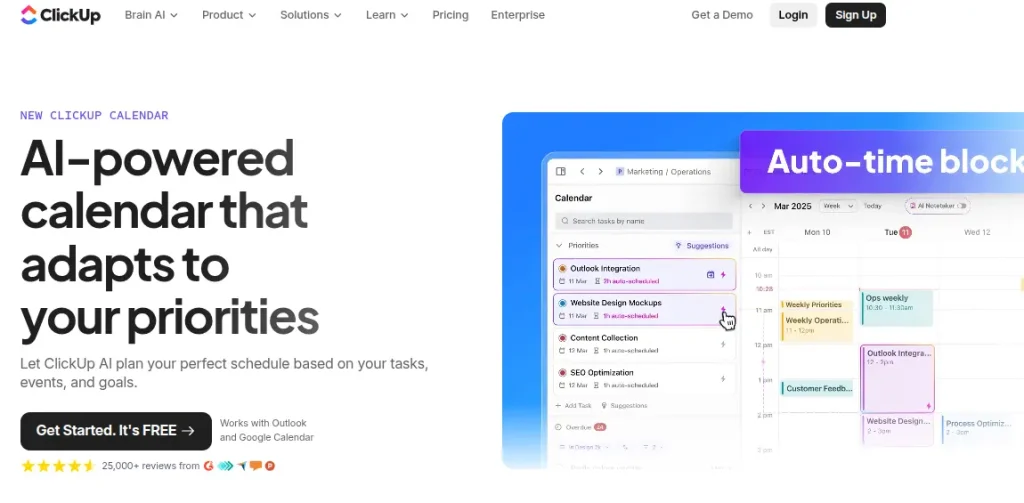
ClickUp combines task management, project planning, documentation, collaboration, and AI features in one workspace. ClickUp Brain can help summarize tasks and documents, generate content, answer questions about workspace information, and automate parts of project management.
It can be particularly useful when a small team is juggling multiple clients or projects and needs a clearer view of who is doing what.
Pricing: ClickUp offers a free plan. Paid plans start at $7/user/month when billed annually, with AI features available through additional AI plans or packages.
How to Choose the Right AI Tools for Small Business?
Buying an AI tool because everyone seems to be talking about it is an expensive way to discover that your team didn’t need it. Before paying for a subscription, run through this checklist:
- Identify the bottleneck: Pick one repetitive task that takes significant time each week.
- Check your existing stack: Your CRM, accounting software, or email platform may already include AI features you don’t need to buy separately.
- Calculate the actual savings: If a ₹2,000/month tool saves 10 hours of work, compare that saving with the actual value of those hours.
- Test before committing: Use a free plan or trial with a real business workflow instead of judging the tool from a demo.
- Check human involvement: Decide which tasks AI can handle independently and where someone needs to review the output.
- Consider your data: Don’t upload customer, financial, employee, or other sensitive business information without checking how the tool stores and processes it.
- Measure after implementation: Track something concrete like hours saved, leads followed up, support tickets resolved, content produced, or errors reduced.
A Simple AI Adoption Checklist for Small Businesses
You don’t need to automate your entire business on day one. Start with one workflow, prove that it works, and expand from there. Use this checklist before rolling out an AI tool:
- Pick one repetitive task: Start with something your team does every week
- Document the current process: Know how the task is handled before trying to automate it.
- Choose one AI tool: Avoid testing multiple platforms for the same problem.
- Run a real-world trial: Use actual work rather than a sample generated for a demo.
- Set a measurable target: Track time saved, output produced, leads handled, or costs reduced.
- Add human review: Keep people involved in customer-facing, financial, legal, and other high-impact tasks.
- Check data impressions: Review what information the tool collects, stores, and shares.
- Train the team: A powerful tool is useless if nobody knows how to use it properly.
- Review the results: Keep the tool if it delivers measurable value; cancel if it doesn’t.
Final Words
AI doesn’t need to become another complicated project for a small business. Start with the work that is repetitive, time-consuming, or easy to standardize. Use ChatGPT for everyday content and research, Canva for design, Buffer for social media, Zoho CRM for sales and customer management, and tools like Zapier when different apps need to work together.
The goal is to build a workflow where your team spends less time on routine work and more time on the work that actually requires human judgment.
Frequently Asked Questions (FAQs)
The best tool depends on the business problem you’re trying to solve. ChatGPT works well for general content and research, Canva for design, Buffer for social media, Zoho CRM for customer management, and Zapier for automation.
Mailmodo, HubSpot, Canva, and Buffer can support different parts of marketing. Mailmodo is useful for email campaigns, HubSpot for broader marketing and CRM workflows, Canva for visual content, and Buffer for social media scheduling.
Yes. Tools such as Zapier and Make can connect different business applications and automate repetitive workflows. For example, a new lead can trigger a CRM entry, notification, and follow-up tasks without someone manually entering the information.
Apollo can help with prospecting and sales outreach. Zoho CRM with Zia can help manage leads and sales pipelines. Lavender is more focused on improving sales emails and personalized outreach.
Start with one repetitive task that consumes meaningful time. Test one tool using a real workflow, measure the result, and expand only if it delivers a measurable improvement. This avoids paying for a collection of AI subscriptions that doesn’t solve an actual business problem.
About The Author

