

AI animation has reached a point where you no longer need years of experience with complex software to create something worth watching. But with new AI Animation Generators popping up almost every week, figuring out which ones are actually useful is another headache entirely.
I tested 15 of the most talked-about tools like Runway, Kling AI, and even lesser-known options like Hiber3D. Some impressed me immediately. At the same time, others felt better on paper than in practice.
In this blog, I will break down where each tool shines, where it struggles, and which one makes sense for your workflow.
The Best AI Animation Generators at a Glance
Before getting into my experience with each tool, here’s a quick comparison. I have kept it focused on the things that actually matter when you’re choosing between them.
| Tool | Best For | Key Features | Pricing |
|---|---|---|---|
| Runway | Creative AI video generation | Text/image-to-video, video editing, motion control | Free; paid from $12/month (annual billing) |
| Kling AI | Realistic, cinematic videos | Text-to-video, image-to-video, motion generation | Free access; paid plans available |
| AutoDraft AI | 2D animation | Character consistency, storyboarding, animation assets | Free access; paid plans available |
| InVideo AI | Complete videos from prompts | AI video creation, avatars, voice cloning, stock media | Free; paid from $17/month (annual billing) |
| PixVerse | Fast image-to-video creation | Text/image-to-video, effects, templates | Free access; paid plans available |
| Hailuo AI | Short cinematic clips | Text-to-video, image-to-video, camera motion | Free access; paid plans available |
| Pika | Beginner-friendly AI video | Text/image-to-video, effects, video modification | Free; paid plans available |
| LensGo | AI video and visual creation | Image/video generation, content workflows | Free; paid from $9.99/month |
| Mango AI | Talking avatars | AI avatars, lip-sync, text-to-animation | Free access; paid plans available |
| Hiber3D | Interactive 3D worlds | Prompt-to-3D, world generation, interactive environments | Free access |
| LGM 3D | AI-generated 3D objects | Image/text-to-3D, high-resolution 3D generation | Open research model |
| Dora | Animated 3D websites | AI website generation, 3D animation, no-code design | Free; paid plans available |
| GoEnhance AI | Image-to-video animation | Image animation, video transformation, upscaling | Free tier; paid plans available |
| Humva | AI avatar videos | Talking avatars, lip-sync, AI presenters | Free access; paid plans available |
| DomoAI | Anime and stylized animation | Video-to-video, image-to-video, character animation | Free trial; paid from $9.99/month |
Bottom line is that there isn’t one “BEST” tool here. Every tool serves a purpose. The better approach is to pick based on what you actually want to create.
The 15 Best Animation Generator Tools I Tested
I went into these tools looking at more than whether they could turn a prompt into a moving clip. That’s the bare minimum now. Some of these AI animation generators are surprisingly capable right out of the box. Let’s start with one of the biggest names:
1. Runway: Best for Video Generation and Creative Control
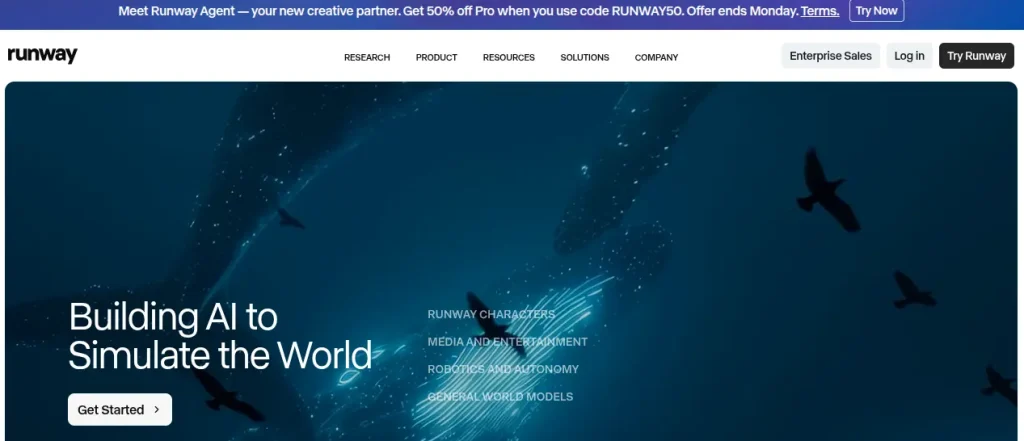
Runway is one of the first tools I would pick when creative control matters. Its image-to-video capabilities are particularly useful when you already have a strong visual and want to add movement without leaving everything to a text prompt.
The results aren’t always perfect, though. Complex motion can still introduce strange physics or inconsistent details, and regenerating clips can eat through credits faster than you’d expect.
Key Features:
- AI-powered text-to-video and image-to-video generation
- Motion and camera controls for more precise results
- AI video editing and transformation tools
- Collaboration features for creative teams
Pricing: Free plan available; paid plans start at $12/month when billed annually.
2. Kling AI: Best for Realistic Motion and Cinematic Videos
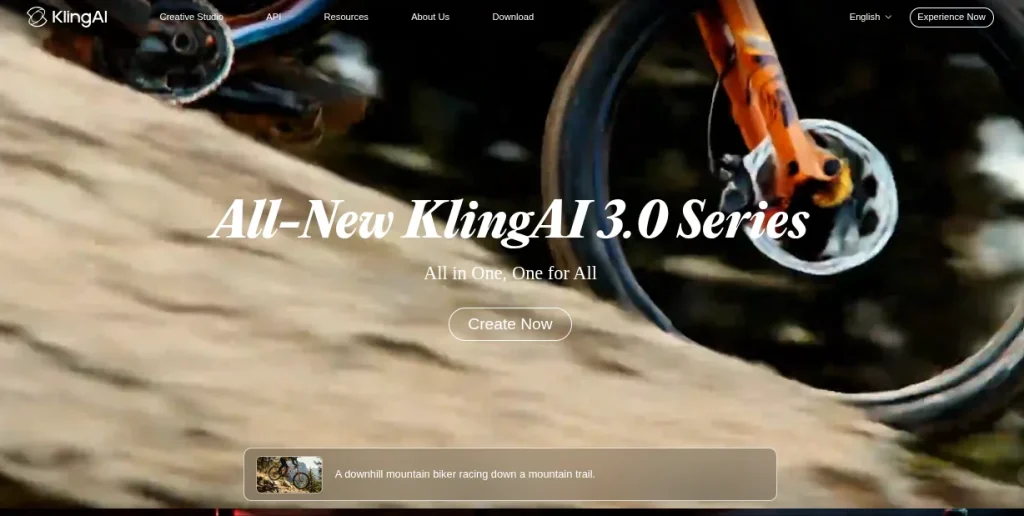
Kling AI stands out when you’re chasing realism. I find it more interesting for scenes involving human movement, environmental motion, or cinematic camera work than for highly stylized animation.
Give it a well-composed starting image and a clear motion prompt, and the results can look surprisingly convincing. The downside? Generation times and consistency can vary, so patience is occasionally part of the workflow.
Key Features:
- Text-to-video and image-to-video generation
- Realistic character and object motion
- Cinematic camera movement controls
- High-quality video generation for detailed scenes
Pricing: Free credits available; paid subscription plans are also offered.
3. AutoDraft AI: Best for 2D Animation and Character Consistency
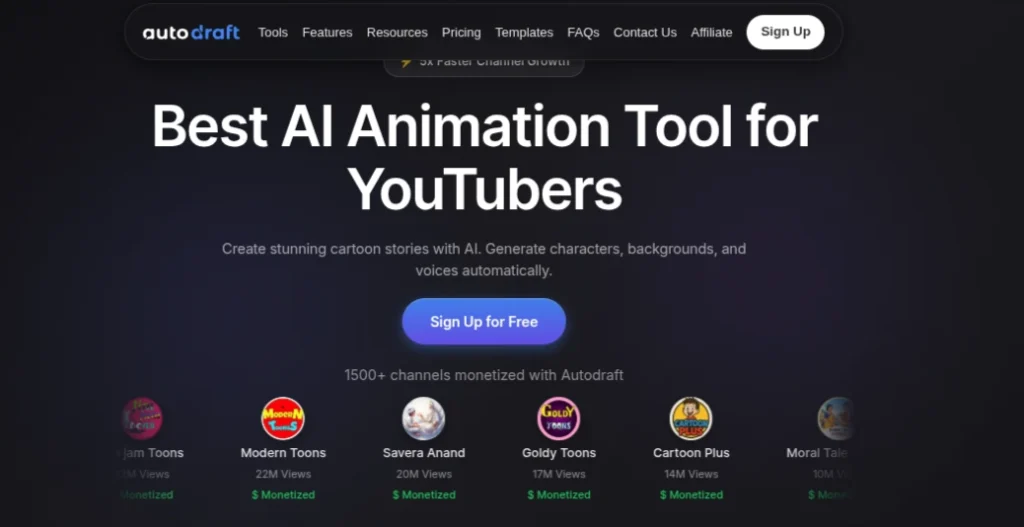
AutoDraft AI feels more purpose-built for animators than many general-purpose AI video tools. Its biggest appeal is character consistency, something that quickly becomes frustrating when you’re trying to tell a story across multiple scenes.
It’s particularly useful for 2D animation, comics, and character-driven content where keeping the same visual identity matters more than photorealism.
Key Features:
- AI-driven character creation and animation
- Consistent characters across different scenes
- Customizable styles and backgrounds
- Storyboarding and animation workflow tools
Pricing: Free plan available; paid plans unlock additional credits and features
Want to dig deeper – Read AutoDraft AI detailed review
4. InVideo AI: Best for Turning Ideas into Complete Videos
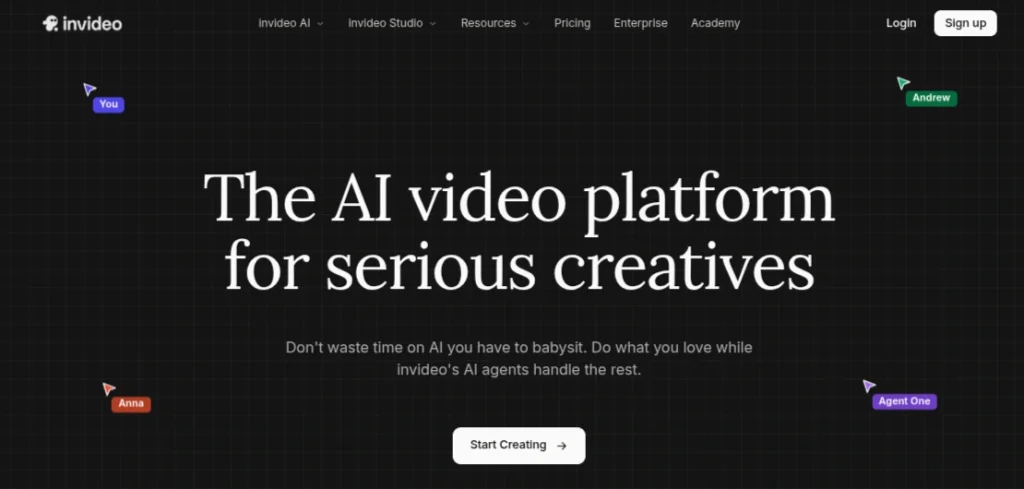
InVideo AI is less about painstaking animation control and more about speed. Give it a prompt or script, and it can assemble a complete video with visuals, voiceovers, subtitles, and music. I see it being more useful for explainers, social content, and marketing videos than for someone trying to create detailed character animation.
Key Features:
- Prompt and script-to-video generation
- AI voiceovers and avatars
- Automated subtitles and scene creation
- Access to stock media and editing tools
Pricing: Free plan available; paid plans start at around $28/month
5. PixVerse: Best for Quick Image-to-Video Animation
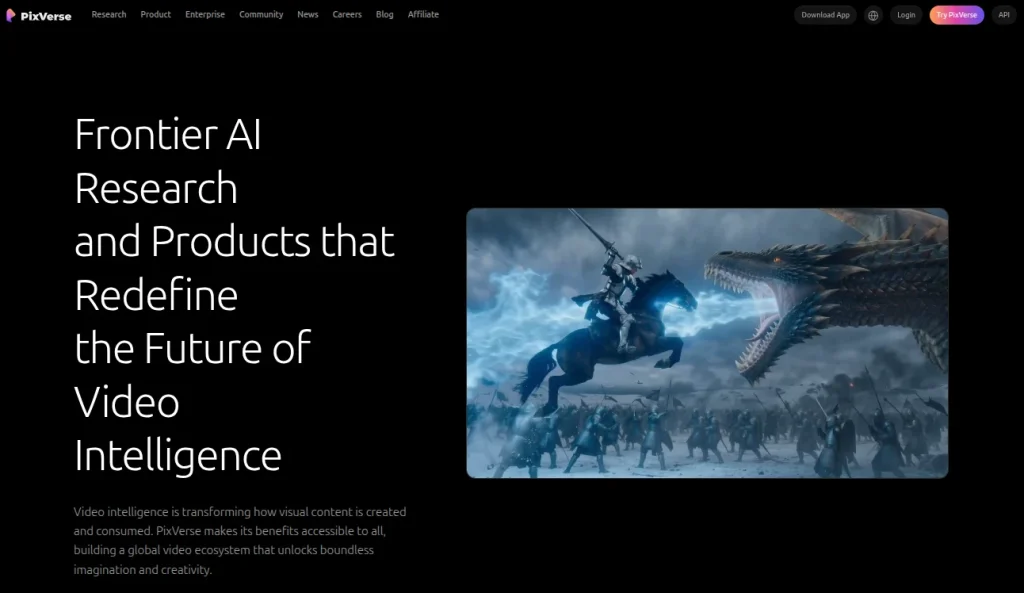
PixVerse is one of those tools that’s easy to start experimenting with. Upload an image, describe the movement you want, and you can turn a static visual into a short animated clip without much setup. The effects and templates are fun to play with, although I would not expect perfect consistency from every generation.
Key Features:
- Text-to-video and image-to-video generation
- AI effects and animation templates
- Character and object motion
- Multiple video styles and aspect ratios
Pricing: Free credits available; paid plans offer more generation credits and features
6. Hailuo AI: Best for Short Cinematic AI Videos
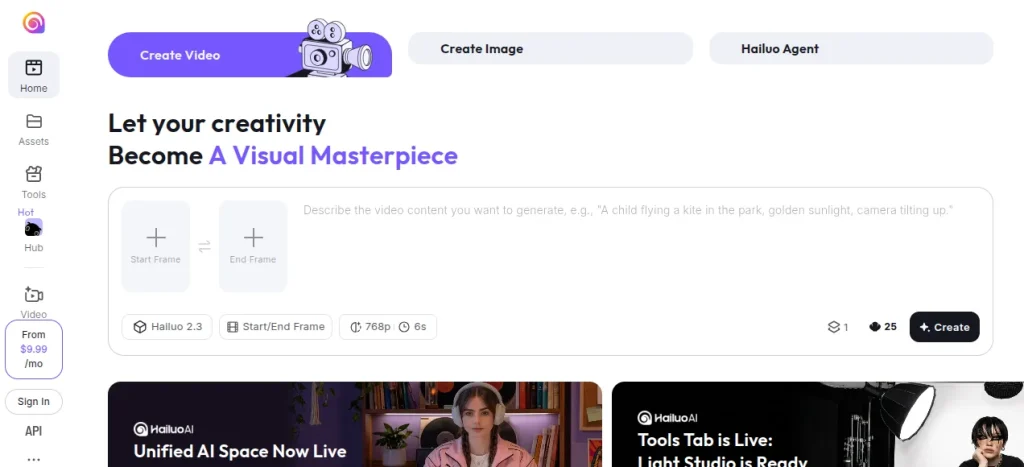
Hailuo AI caught my attention for its ability to create cinematic-looking movement from relatively single prompts and images. It handles atmosphere and camera motion particularly well when the scene is not overloaded with complicated actions. Like most generative video tools, character consistency can still wobble when you push it too hard.
Key Features:
- Text-to-video and image-to-video generation
- Cinematic camera movements
- AI-driven character and scene motion
- Prompt-based visual storytelling
Pricing: Free credits available; paid plans provide additional generation credits
7. Pika: Best for Beginners Experimenting with AI Animation
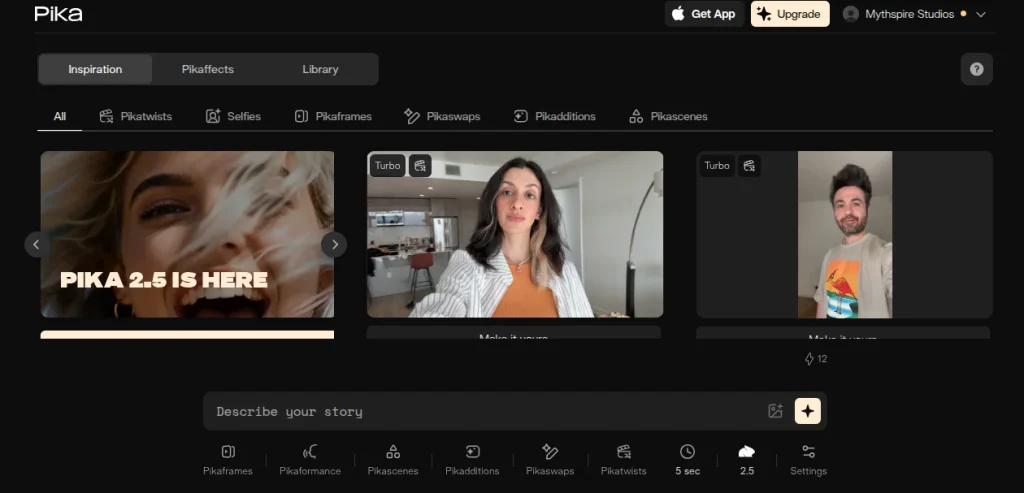
Pika is one of the easier tools to pick up when you’re new to AI video. You can generate clips from text and images, modify existing videos, and play around with creative effects without dealing with an intimidating interface.
I find it better for quick experiments and social content than projects requiring precise, consistent animation.
Key Features:
- Text-to-video and image-to-video generation
- AI video modification and effects
- Object addition and transformation
- Beginner-friendly creative controls
Pricing: Free plan available; paid plans offer additional credits and faster generations
8. LensGo: Best for AI Video Restyling
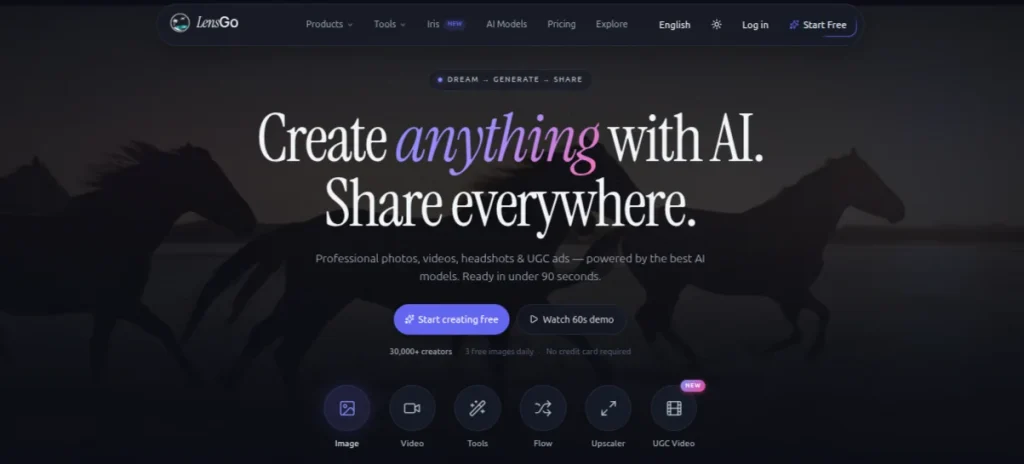
LensGo is particularly interesting if you already have footage and want to change how it looks. Rather than focusing purely on generating videos from scratch, it lets you experiment with different visual styles and transform existing content. Results can vary depending on the source footage, but the workflow itself is fairly straightforward.
Key Features:
- AI video generation and restyling
- Image-to-video capabilities
- Custom visual style creation
- AI image generation tool
Pricing: Free credits available; paid plans start at around $9.99/month
9. Mango AI: Best for Talking Avatars and Presentation Videos
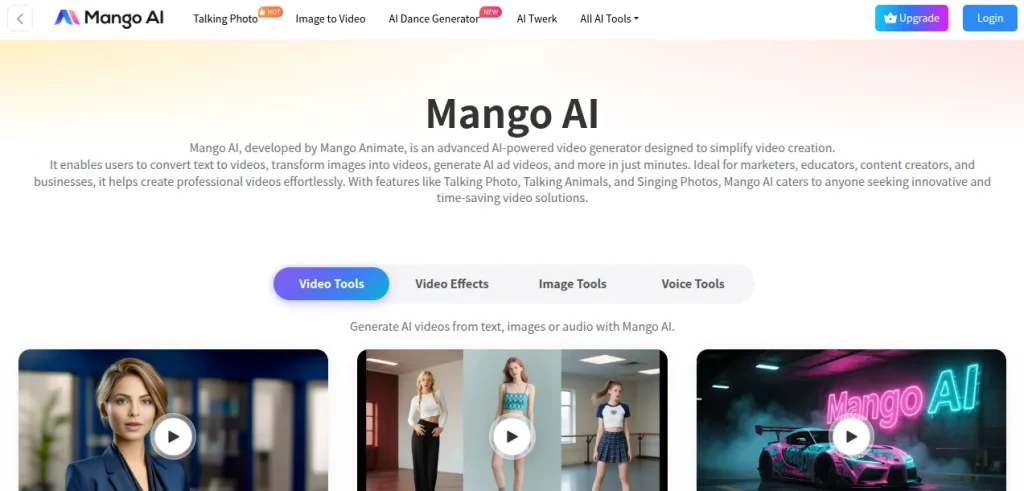
Mango AI takes a different route from tools like Runway and Kling. Its strength is turning text and images into presenter-style videos with talking AI avatars. That makes it more practical for training content, explainers, and presentations than cinematic animation.
Key Features:
- AI talking avatars
- Text-to-animation to video generation
- Photo lip-sync and face animation
- AI voiceover options
Pricing: Free plan available; paid plans unlock additional features and usage.
10. Hiber3D: Best for Creating Interactive 3D Worlds
Hiber3D is quite different from the typical text-to-animation maker AI tools on this list. Instead of generating short video clips, it focuses on building interactive 3D environments from prompts. I see it as more of an experimentation tool for anyone interested in game design, virtual worlds, or 3D experiences.
Key Features:
- AI-powered 3D world generation
- Text-to-3D environment creation
- Interactive world-building tools
- Customizable 3D assets and environments
Pricing: Free access available
Looking for the perfect AI image generator? Compare the 10 best AI image generation tools based on image quality, pricing, ease of use, free plans, and ideal use cases. Whether you’re a designer, marketer, content creator, or beginner, this guide helps you choose the right tool with confidence.
Explore the Top 10 AI Image Generator Tools →11. LGM 3D: Best for AI-Based 3D Object Generation
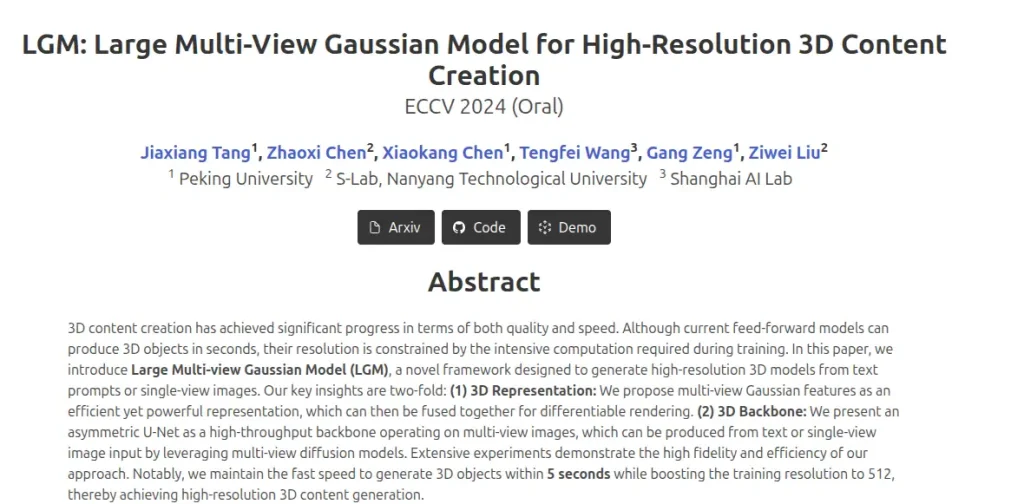
LGM 3D is less of a conventional animation platform and more of an AI approach to generating 3D assets. It can turn images into detailed 3D models, which makes it interesting for workflows involving games, animation, AR, or 3D design. It’s also noticeably more technical than beginner-friendly tools like Pika.
Key Features:
- AI-powered image-to-3D generation
- High-resolution 3D model creation
- Fast 3D asset generation
- Open-source research implementation
Pricing: Open-source model; costs depend on how and where you run it.
Want to create Instagram Reels, TikTok videos, or YouTube Shorts in minutes? Explore our handpicked list of the Top 10 AI Reel Maker Tools to generate scripts, edit videos, add captions, create AI voiceovers, and publish professional-quality short-form content faster than ever.
Explore the Top 10 AI Reel Maker Tools →12. Dora: Best for Animated 3D Websites
Dora sits somewhere between AI web design and 3D animation. You can use it to build visually rich websites with interactive animations without writing everything from scratch. I wouldn’t compare it directly with Runway or Kling because the end goal is completely different. The animation here is part of the web experience.
Key Features:
- AI-powered website generation
- No-code 3D website design
- Interactive animations and effects
- Responsive visual design tools
Pricing: Free plan available; paid plans offer additional project and publishing features
13. GoEnhance Image to Video AI: Best for Animating Static Images
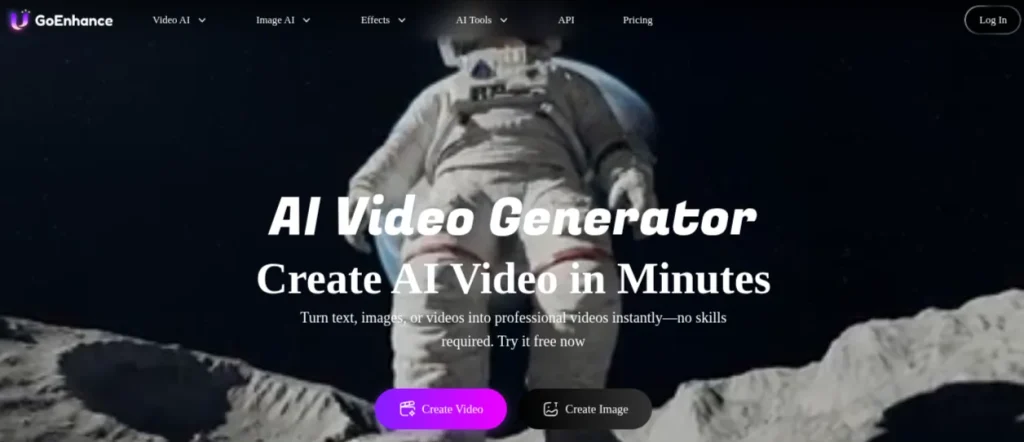
GoEnhance is useful when you already have an image and simply want to make it move. Its image-to-video feature can add motion to characters and scenes without requiring traditional animation skills. I also like that it’s broader toolkit includes video enhancement and style transformation, although results depend heavily on the quality of your starting image.
Key Features:
- AI image-to-video generation
- Character and scene animation
- Video enhancement and upscaling
- AI video style transformation
Pricing: Free credits available; paid plans offer additional credits and features
14. Humva: Best for AI Avatar Videos
Humva focuses more on digital presenters than creative animation. You can create talking avatar videos from scripts, making it useful when you need a human-like presenter without getting in front of a camera yourself. Think training videos, explainers, or quick professional content rather than cinematic AI filmmaking.
Key Features:
- AI talking avatars
- Script-to-video generation
- AI voice and lip-sync
- Custom avatar creation
Pricing: Free access available; paid plans provide additional usage and features
15. Domo AI: Best for Anime and Stylized Animation
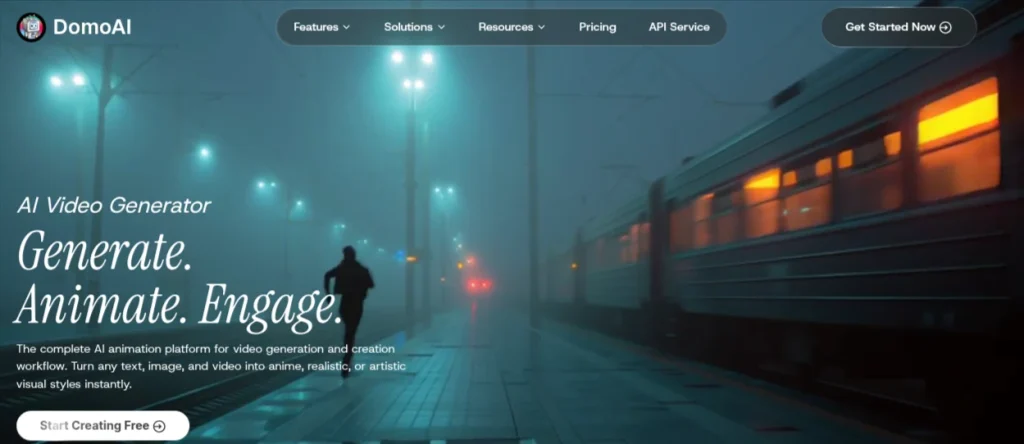
DomoAI is the tool I’d look at when realism isn’t the goal. It’s particularly good at transforming videos and images into anime-inspired or stylized visuals, which immediately gives it a different personality from Runway or Kling. I find it most interesting for creators who already have footage and want to completely rethink its visual style.
Key Features:
- Video-to-video style transformation
- Image-to-video animation
- Anime and artistic visual styles
- Character animation tools
Pricing: Free trial available; paid plans start at around $9.99/month
How I Chose the Best AI Animation Tools?
I did not judge these tools purely by how impressive their best demo videos looked. With AI animation, a great result means little if you need 20 generations to get there. I focused on a few practical factors:
- Output Quality: Does the animation actually look usable?
- Motion Consistency: Do characters and objects stay coherent while moving?
- Ease of Use: Can someone start creating without spending days learning the interface?
- Creative Control: How much influence do you have beyond writing a prompt?
- Generation Speed: How long does it take to go from an idea to a usable result?
- Value for Money: Are the results worth the credits or subscription cost?
I also considered what each tool does differently. Comparing Hiber3D directly with Runway, for example, does not make much sense. The better question is whether each tool is genuinely good at the job it claims to do.
AI Animation Maker vs Traditional Animation: Which Should You Learn?
I don’t see this as an either-or decision. AI animation tools are brilliant at getting from an idea to a visual quickly, while traditional animation gives you precise control, which is still missing from most AI tools.
| AI Animation Makers | Traditional Animation |
|---|---|
| Faster for generating concepts and short clips | Offers precise frame-by-frame control |
| Easier for beginners to experiment with | Requires more time and technical skills |
| Can produce results from text or images | Requires hands-on creation and animation knowledge |
| Results can be inconsistent | More predictable and controllable output |
If you’re starting today, I’d learn both but not equally. Start experimenting with AI to understand prompting, image-to-video workflows, and generative motion. At the same time, learn basic animation principles such as timing, spacing, composition, and storytelling.
AI can generate movement. Knowing why that movement looks good is still a human skill. In my opinion, the strongest workflow is somewhere in the middle. Use AI to speed up repetitive or exploratory work, then rely on traditional editing and animation skills when you need control and consistency.
Looking for the perfect text-to-image AI tool? Explore our curated list of the 15 Best Text-to-Image AI Generators to create realistic photos, digital artwork, marketing creatives, illustrations, and social media graphics. Compare features, pricing, free plans, and use cases to find the ideal AI image generator for your projects.
Explore the 15 Best Text-to-Image AI Generators →How to Choose the Right AI Animation Generator?
The easiest mistake is picking the tool everyone is talking about rather than the one that fits what you actually want to create. I would narrow it down by your end goal:
- For cinematic AI videos: Start with Runway, Kling AI, or Hailuo AI
- For 2D and character animation: AutoDraft AI is the more focused choice.
- For Beginners: Pika and Pixverse have relatively approachable workflows
- For anime and stylized content: DomoAI or LensGo are worth exploring
- For 3D Creation: Look at Hiber3D and LGM 3D.
- For animated websites: Dora has a very specific and useful niche
- For talking avatars and explainers: Mango AI or Humva make more sense
- For complete videos from scripts: InVideo AI can save considerable production time
My advice? Don’t pay for three subscriptions on day one. Pick one tool, use the free credits if available, and create a small project from start to finish. You will learn far more by making a 20-second animation than by watching hours of tutorials comparing tools.
Final Words
AI animation is moving ridiculously fast, so I wouldn’t get too attached to rankings. The best tool today may have serious competition in a few months from now. For now, Runway and Kling AI are strong choices for general AI video creation, while tools like AutoDraft AI, DomoAI, and Hiber3D are more interesting for specific workflows. My advice is simple: pick the AI animation generator closest to what you want to create and start experimenting.
One tool and a finished project will teach you more than testing every new AI platform that launches.
Frequently Asked Questions (FAQs)
There isn’t one tool that’s best at everything. Runway is a strong all-rounder, Kling AI stands out for realistic motion, AutoDraft AI suits 2D character animation, and DomoAI is worth considering for anime and stylized videos. Your choice should depend on what you want to create.
Yes. Many text-to-animation maker AI tools can generate short videos or animated scenes directly from prompts. Runway, Kling AI, Hailuo AI, and Pika are some options to explore.
Several tools on this list offer free plans or limited credits, including Runway, Pika, PixVerse, and Kling AI. Free tiers are great for testing, but regular video generation usually requires a paid plan or additional credits.
No. Most tools are designed to work with simple text prompts or images. That said, learning basic animation principles, storytelling, and video editing will help you produce noticeably better results.
Not completely. AI is excellent for speed, experimentation, and generating initial visuals, but traditional software still offers greater precision and consistency. I see the two working together rather than one completely replacing the other.
About The Author

