
There are more AI image generators than ever, and honestly, choosing between them can get confusing. I have found that no single tool gets everything right. Some are better for realistic images, others give you more creative control, while a few are simply great when you need a quick visual without a steep learning curve.
In this blog, I will compare 15 text-to-image AI generators based on what they actually do well, where they fall short, and when they’re worth using. This guide is designed to help you find the right tool for your creative, learning, or professional workflow.
The Best Text-to-Image Generators at a Glance
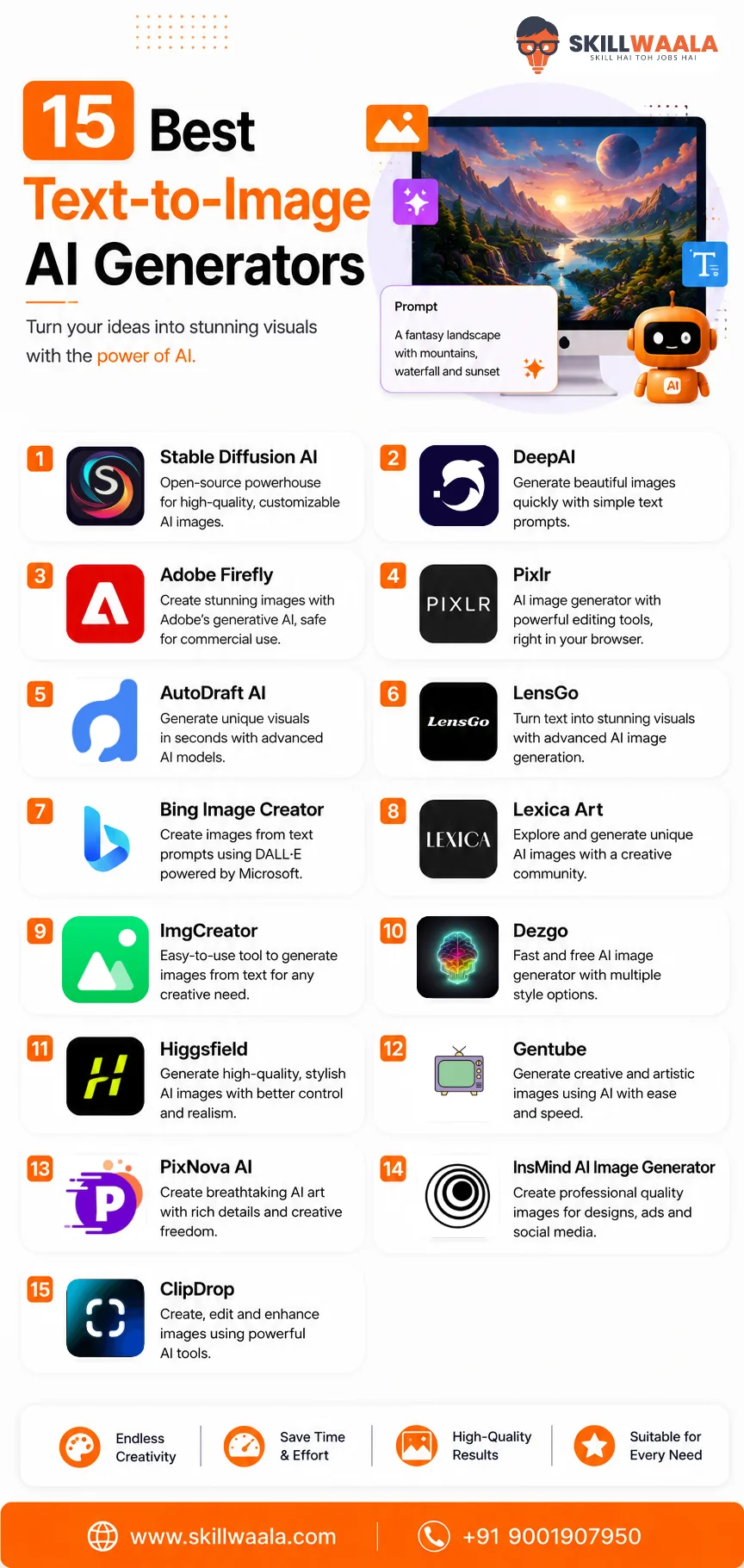
If you don’t want to test 15 different tools yourself, this table is a good place to start. I have matched each AI image generator with the use case where I think it makes the most sense. Some offer generous free access, while others are better suited to people who need more control or professional-quality results.
| Tool | Best For | Free Access | Ease of Use |
|---|---|---|---|
| Stable Diffusion AI | Customization and creative control | Yes | Moderate |
| DeepAI | Quick, straightforward image generation | Yes | Easy |
| Adobe Firefly | Professional design workflows | Yes, limited | Easy |
| Pixlr | AI generation with built-in image editing | Yes, limited | Easy |
| AutoDraft AI | Character consistency and storytelling | Yes, limited | Easy |
| LensGo | Exploring different AI visual styles | Yes, limited | Easy |
| Bing Image Creator | Free, everyday image generation | Yes | Very easy |
| Lexica Art | AI art and prompt inspiration | Yes, limited | Easy |
| ImgCreator | General-purpose creative visuals | Yes, limited | Easy |
| Dezgo | Stable Diffusion-based image generation | Yes | Moderate |
| Higgsfield | Cinematic and high-quality AI visuals | Yes, limited | Easy |
| Gentube | Fast creative experimentation | Yes | Easy |
| PixNova AI | Trying multiple AI image features | Yes | Easy |
| InsMind AI Image Generator | Product and marketing visuals | Yes, limited | Easy |
| ClipDrop | Generating, enhancing, and cleaning up images | Yes, limited | Easy |
My Take: If you’re just getting started, Bing Image Creator and Adobe Firefly have relatively low learning curves.
Stable Diffusion is the more interesting option when you want deeper control and don’t mind learning how models, settings, and prompts work.
For me, tools like ClipDrop make the most sense as part of a larger workflow rather than being the only AI image tool you use.
15 Best Text-to-Image AI Generators in 2026
Here’s the list you were waiting for. Instead of listing the same generic tools that are popular, I went out of my way and tested tools that are specifically designed for text-to-image generation.
1. Stable Diffusion AI: Best for Customization and Creative Control
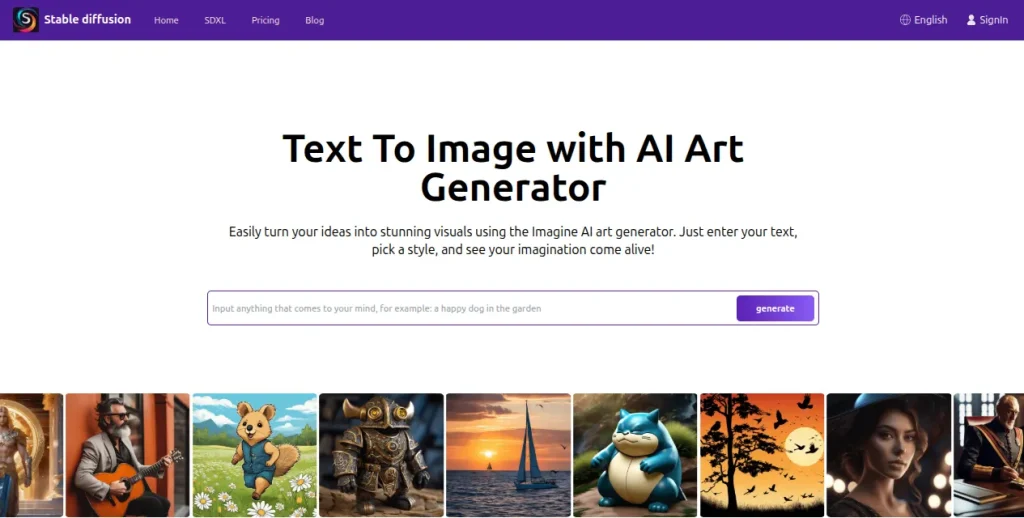
Stable Diffusion is the tool I’d explore if you want more control over how AI images are generated. Unlike simpler prompt-and-generate platforms, you can experiment with different models, negative prompts, fine-tuning, and custom workflows. The trade-off is a steeper learning curve, especially if you plan to run it locally.
Pricing: Stability AI’s Community License allows individuals and organizations earning under $1 million in annual revenue to self-host eligible core models for free. Its API uses a credit-based system where 1 credit costs $0.01, with new users receiving 25 free credits. Stable Diffusion 3.5 Large costs 6.5 credits per generation, while Stable Image Core costs 3 credits.
💡 My Take: I’d choose Stable Diffusion for experimentation and customization rather than convenience. It’s an excellent choice if you want to go beyond basic prompting and gain a deeper understanding of how AI image generation works.
2. DeepAI: Best for Quick and Simple Image Generation

DeepAI takes a much simpler approach. Enter a prompt, choose a style, and generate an image without worrying about models or complicated settings. I see it working best for quick concept visuals and casual experimentation rather than highly polished creative work.
Pricing: DeepAI Pro costs $9.99 per month or $89.99 per year. The subscription currently includes monthly allowances of 500 HD AI image generations, 60 higher-quality Genius Mode images, and 10 Super Genius 2K images. Additional usage beyond the included allowances is available through its prepaid, pay-as-you-go wallet system.
💡 My Take: DeepAI is a great option when speed and simplicity are more important than advanced creative control. It’s ideal for quick image generation, but as your AI art skills grow, you may find its customization options and workflow somewhat limiting.
3. Adobe Firefly: Best for Professional Creative Workflows
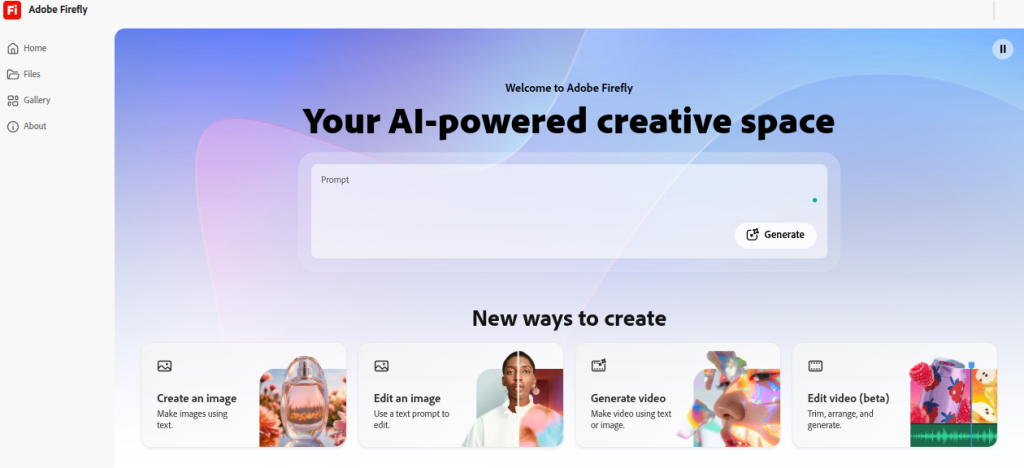
Adobe Firefly makes the most sense when AI generation is part of a larger creative workflow. You can generate an image and continue refining it using tools like Generative Fill rather than treating the first output as the finished product. I find that far more practical for regular design and content work.
Pricing: Adobe Firefly has a free plan with limited daily generations. In India, Firefly Standard costs ₹797.68/month, including GST and provides 2,000 generative credits, while Firefly Pro costs ₹1596.54/month with 4,000 credits. Higher tiers include Pro Plus with 10,000 credits and Premium with 50,000 credits.
💡 My Take: If you’re already using Adobe Creative Cloud, Adobe Firefly is a natural choice. Its seamless integration with Photoshop and other Adobe apps makes it more valuable than standalone AI image generators, especially for professional design workflows.
4. Pixlr: Best for AI Generation and Image Editing in One Place
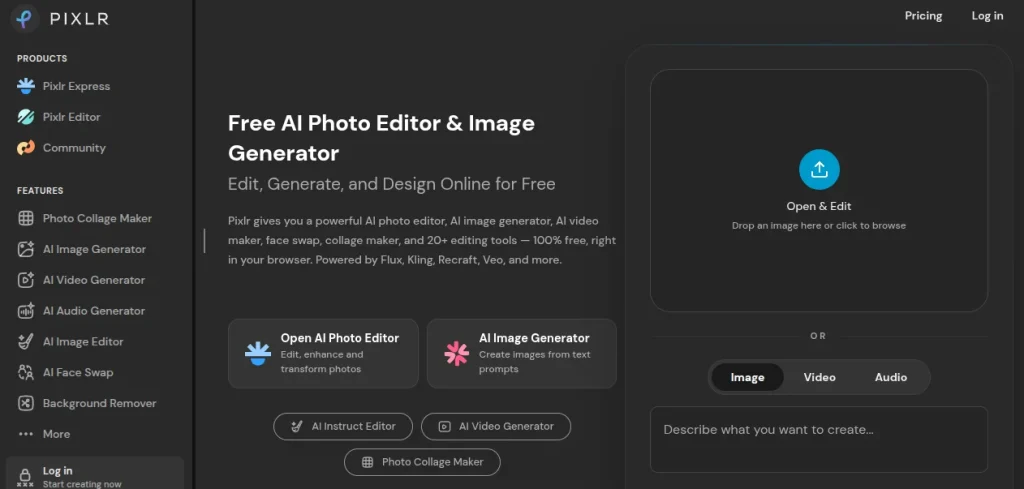
Pixlr makes sense to me when generating an image is only the first half of the job. You can turn a text prompt into a visual and then continue editing it with tools for generative fill, background removal, resizing, and other adjustments. It’s particularly practical for social media graphics, presentation visuals, and quick marketing creatives.
Pricing: Pixlr offers a free tier/trial for its AI image generator. Paid plans currently start at $2.49/month for Plus, with higher tiers offering more AI credits and features.
💡 My Take: Pixlr is a great choice if you want an all-in-one creative workspace instead of just an AI image generator. Its built-in editing tools make it easy to refine, enhance, and customize images without switching to another application.
5. AutoDraft AI: Best for Characters and Visual Storytelling
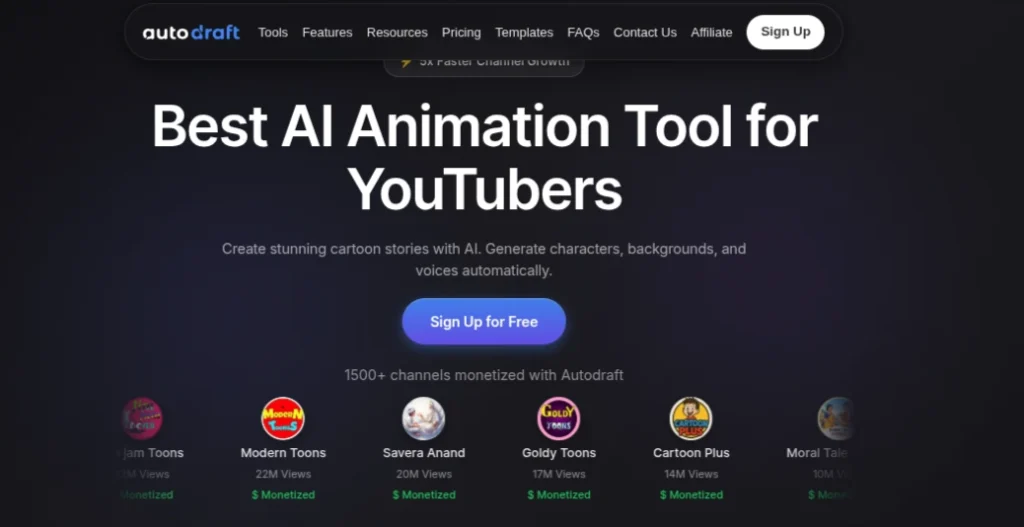
AutoDraft AI is more interesting if you’re creating characters rather than isolated images. Its creative toolkit is geared toward illustration and animation workflows, making it useful for comics, storyboards, and animated content, or projects where the same characters need to appear across multiple scenes.
Pricing: AutoDraft says much of its platform can be used for free. Its own published guide lists a free Starter plan with 20 credits, a Base plan at $10/month with 1,000 credits, and Pro at $39/month with 4,000 credits. Pricing can change, so I’d check the current plan before subscribing. Review complete details about AutoDraft AI here.
💡 My Take: AutoDraft AI shines when your project depends on consistent characters and visual storytelling. While it may not be my first choice for creating a simple blog image, it’s an excellent option for comics, animations, storyboards, and narrative-driven content.
6. LensGo: Best for Experimenting with AI Images and Visual Styles
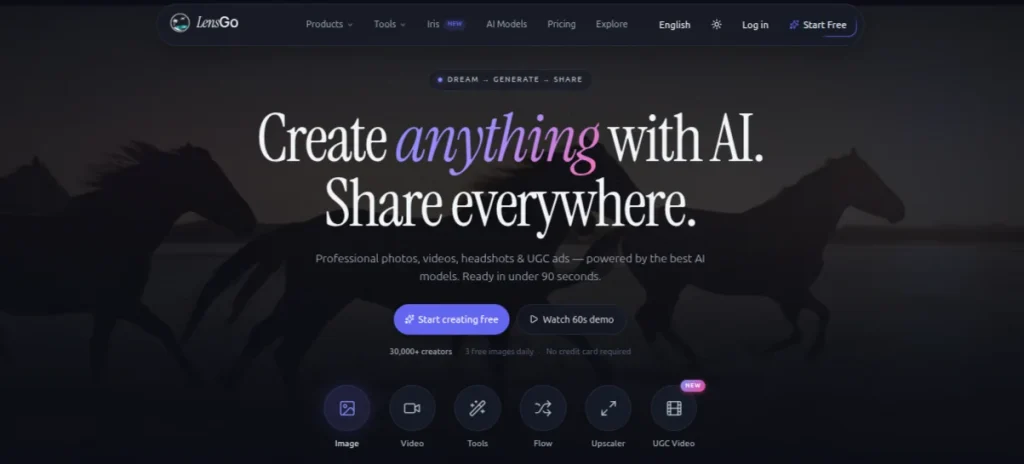
LensGo goes beyond basic text prompts by combining AI image generation with video and other creative tools. It sees its appeal for people who want to experiment with different visual concepts without building a complicated workflow from scratch. It works particularly well for testing content ideas and exploring different styles.
Pricing: LensGo has a free plan with 3 credits per day and watermarked standard-resolution images. Paid plans currently start at $9.99/month, while Creator costs $19.99/month and Studio costs $39.99/month.
💡 My Take: LensGo is a solid choice if you want to experiment with both AI image and video generation in one platform. Instead of focusing only on still images, it offers the flexibility to explore multiple AI-powered creative workflows from a single tool.
7. Bing Image Creator: Best for Easy, Free AI Image Generation
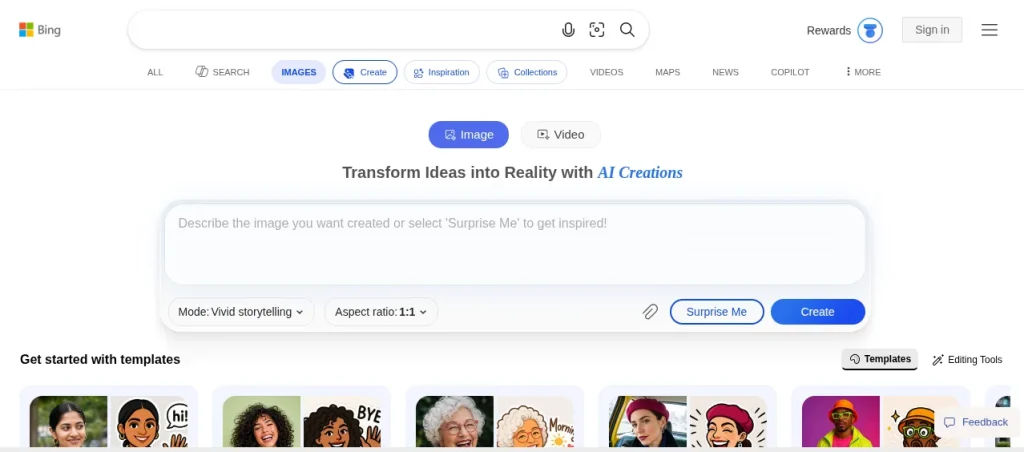
Bing Image Creator is one of the easiest options for anyone looking for a free text-to-image AI generator. You simply describe the image you want and generate it without dealing with models or technical settings. I find it useful for quick concept images, presentation visuals, and learning how better prompts can improve AI-generated results.
Pricing: Bing Image Creator is free to use with a Microsoft account. Users receive a limited number of fast image creations, after which generation may continue at standard speed. Microsoft may change boost limits and generation allowances over time, so availability can vary between accounts.
💡 My Take: If you’re just getting started with AI image generation, this is an excellent place to begin. While it doesn’t offer the advanced controls of more specialized tools, its simplicity and ease of use make it perfect for creating high-quality images with minimal effort.
8. Lexcia Art: Best for AI Art and Prompt Inspiration
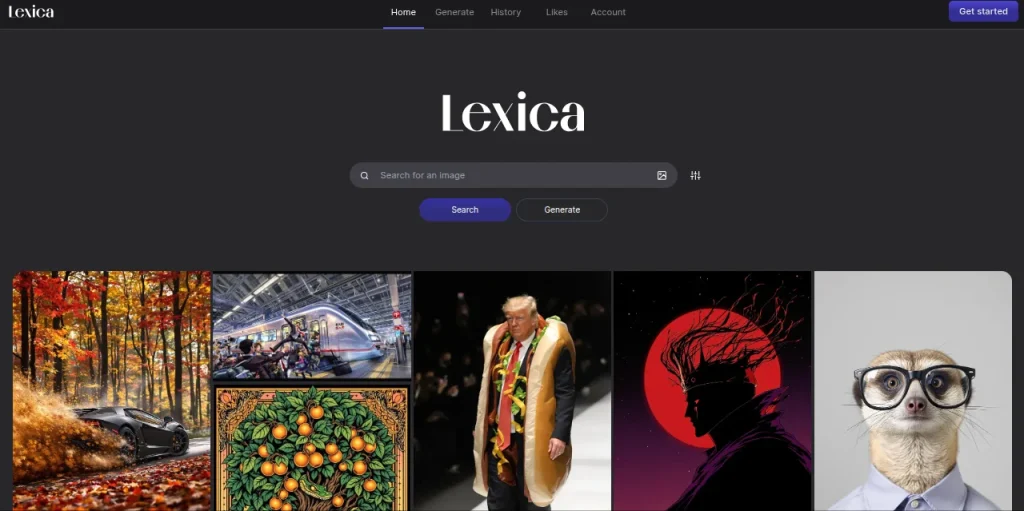
Lexica is particularly useful when you know the kind of image you want but aren’t sure how to write the prompt. Its searchable library lets you explore AI-generated artwork and study the prompts behind different results. I find this genuinely helpful for learning how descriptions, styles, lighting, and other prompt details influence an image.
Pricing: Lexica uses subscription-based pricing for its image generation features, with plans offering different numbers of monthly generations and access to faster generation queues. Limited access may be available for exploring its image library, but users who generate images regularly will need to consider a paid plan. I’d check the current pricing page before subscribing, as plan limits can change.
💡 My Take: Lexica Art is more than just an AI image generator-it’s an excellent resource for discovering effective prompts and creative inspiration. Even if you use another tool for image generation, Lexica can help you refine your ideas and improve your prompt-writing skills.
9. ImgCreator: Best for Everyday Creative Visuals
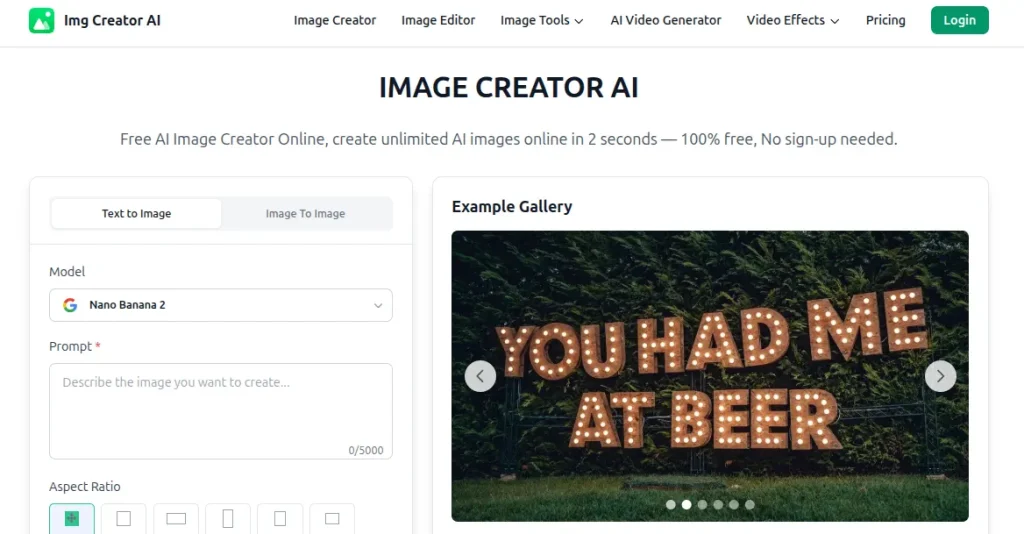
ImgCreator is a straightforward option for generating illustrations, concept images, social media creatives, and other everyday visuals from text. You don’t need to understand complex models or advanced parameters to start creating, which keeps the learning curve manageable. However, that simplicity may feel restrictive once you want precise control over your outputs.
Pricing: ImgCreator generally operates with a credit-based system, with limited free credits available for users to try its AI generation features. Paid subscriptions provide additional credits and access to more generation capabilities. Since available plans, credit allowances, and prices can change, I recommend checking the latest pricing before choosing a subscription.
💡 My Take: ImgCreator is a good option for casual image generation and quick creative projects. If you need more advanced customization, finer control, or professional-grade outputs, tools like Stable Diffusion or other specialized AI platforms are a better choice.
10. Dezgo: Best for Straightforward Stable Diffusion Generation
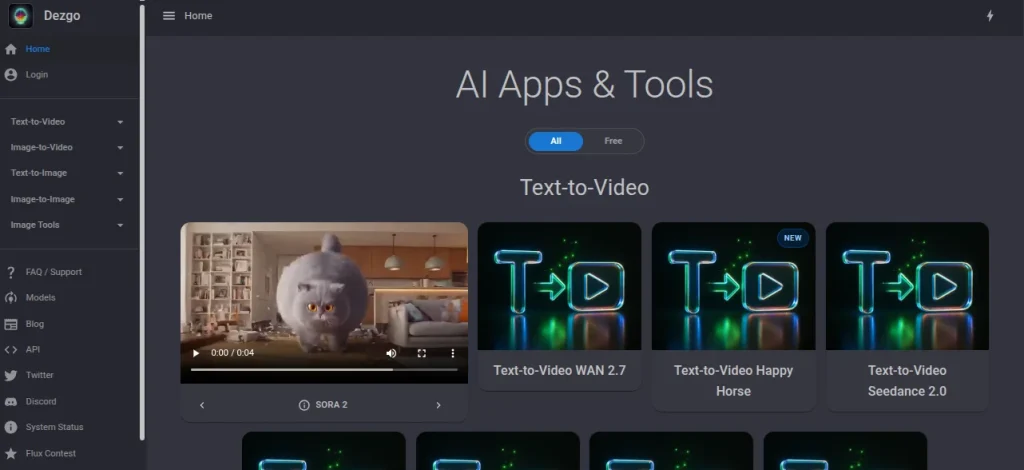
Dezgo is a good option if you want access to Stable Diffusion-based image generation without setting up models on your own computer. You can enter a prompt, adjust generation settings, and experiment with different models through a browser. It gives you more control than many beginner-focused generators without making the process overly technical.
Pricing: Dezgo allows users to access several AI generation features for free, although free generations may have limitations, such as slower processing. Its optional Power Mode uses a pay-as-you-go model for faster processing and additional capabilities, so costs depend on the model, settings, and resources used rather than a fixed monthly subscription.
💡 My Take: Dezgo is a great choice if you’re interested in the power of Stable Diffusion but don’t want the hassle of installing and running it locally. While its interface isn’t the most polished, it offers solid image generation capabilities and gets the job done with minimal setup.
11. Higgsfield: Best for Cinematic AI Visuals
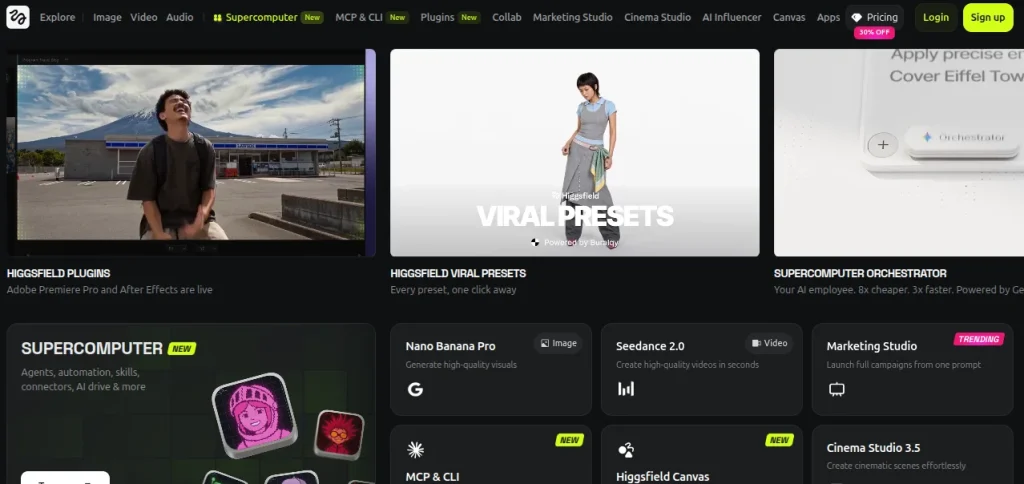
Higgsfield stands out when you want AI-generated content that feels more cinematic and social-media ready. Its strength is in combining image creation with motion-focused tools, making it interesting for creators working on short-form videos, advertisements, and visually dramatic content. I’d look at it less as a basic image generator and more as part of a broader AI content workflow.
Pricing: Paid subscription tiers provide more generation credits and access to premium models and features. Pricing and credit requirements can vary depending on the generation model and feature being used, so frequent creators should compare the current plans based on their expected usage.
💡 My Take: Higgsfield is an excellent option if you plan to turn AI-generated images into dynamic videos or cinematic content. However, if your goal is simply to create static graphics or social media visuals, simpler and more affordable AI image generators may be a better fit.
12. GenTube: Best for Fast Creative Experimentation
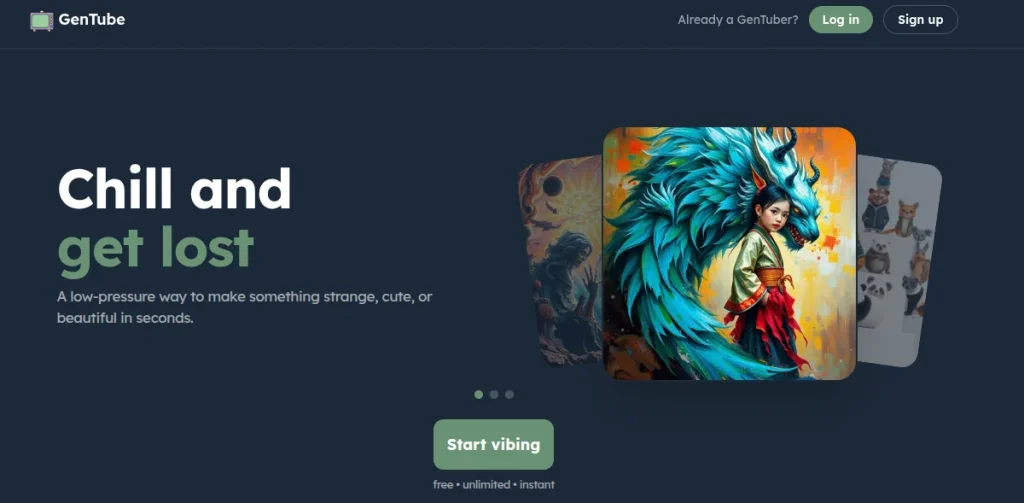
GenTube takes a playful approach to AI image creation, making it easy to generate visuals quickly and explore ideas without a complicated setup. I see it as more useful for creative experimentation, inspiration, and casual image generation than for highly controlled professional design work.
Pricing: GenTune can be used for free for basic AI image generation, making it accessible for casual experimentation. Usage limits, account requirements, and access to additional features may change as the platform develops, so I’d check the current offering if you plan to use it regularly.
💡 My Take: GenTube is a fun platform for experimenting with AI-generated images without worrying too much about complex prompts or settings. It’s ideal for quick creative exploration, but if you need precise control over composition, style, or fine details, a more advanced AI image generator will serve you better.
13. PixNova AI: Best for Exploring Multiple AI Image Features
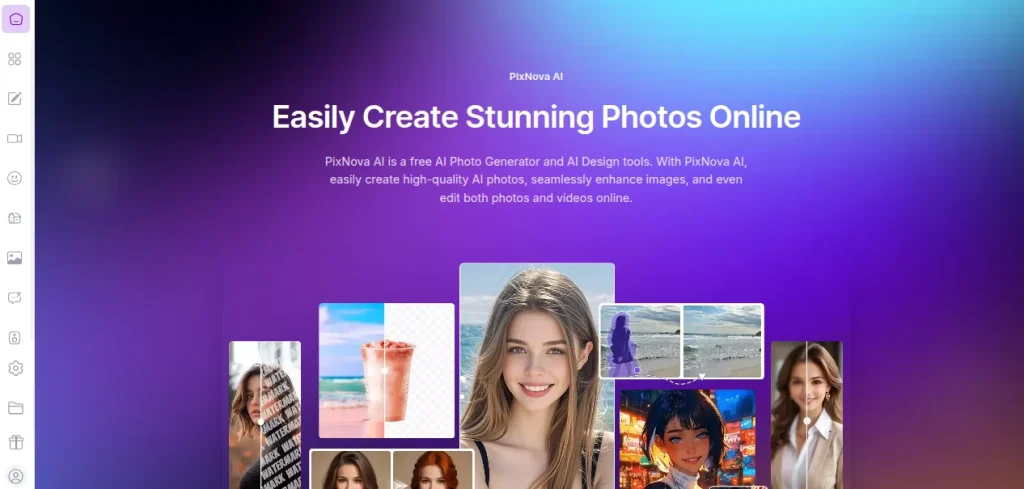
PixNova AI brings several AI image tools into one platform, including text-to-image generation and various photo transformation features. That variety makes it useful when you want to experiment without jumping between websites. The interface is fairly approachable, although I see it more as an all-purpose AI image toolkit than a specialist generator.
Pricing: PixNova offers many of its basic AI image tools for free, although some features may have usage limits or require credits. Premium plans and credit packages provide access to additional generations and advanced features. Since limits and pricing can vary between individual tools, I’d check the current options before paying.
💡 My Take: PixNova AI is worth exploring if you enjoy experimenting with a variety of AI image effects and creative features. It’s a fun platform for testing different visual styles, but for high-quality text-to-image generation and greater creative control, I’d still recommend using a more specialized AI image generator.
14. insMind AI Image Generator: Best for Product and Marketing Visuals
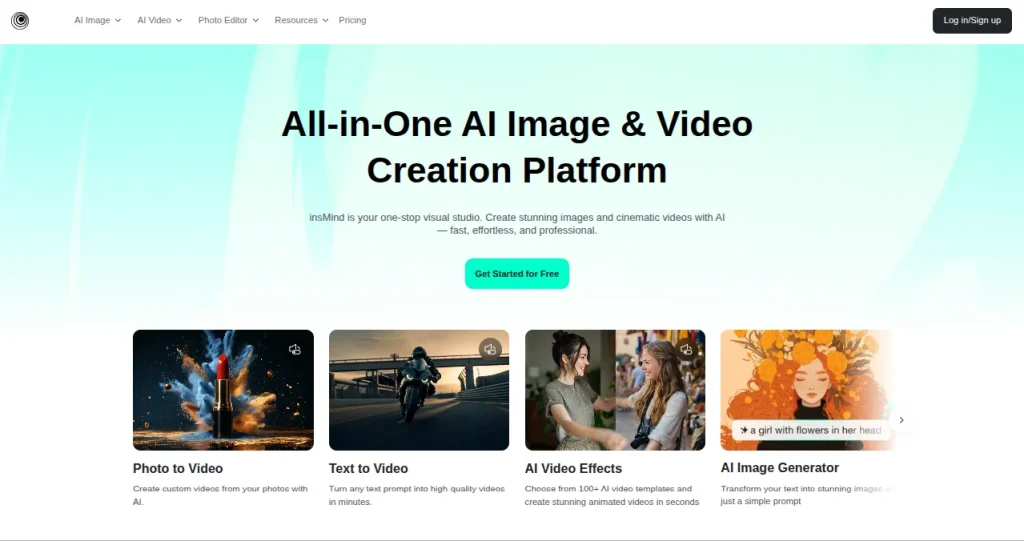
insMind makes the most sense for product-focused images rather than purely artistic experimentation. Alongside text-to-image generation, its toolkit includes features for creating backgrounds, removing unwanted elements, and polishing product photos.
I can see this being useful for someone creating eCommerce listings, social media ads, or quick promotional creatives without a full design setup.
Pricing: Its Pro subscription unlocks additional AI credits, premium editing features, and higher-quality downloads. Pricing may differ between monthly and annual billing, so regular users should compare the latest plans based on how many images they expect to create.
💡 My Take: insMind AI Image Generator is an excellent choice when your goal is to create polished product photos, e-commerce visuals, or marketing creatives. If you’re looking for artistic experimentation or highly customized AI artwork, however, dedicated AI image generators provide much greater creative flexibility.
15. ClipDrop: Best for Generating and Cleaning Up AI Images
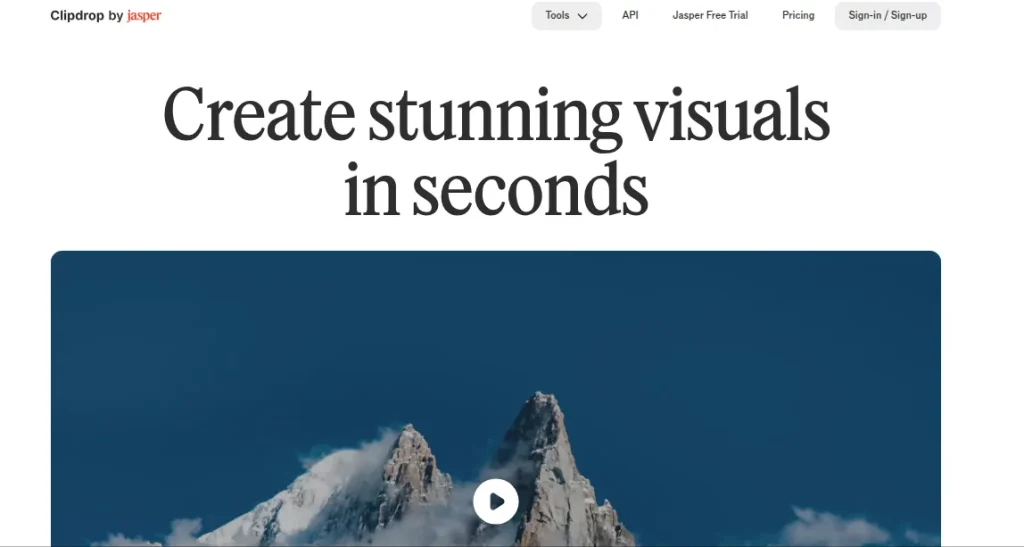
ClipDrop is most useful to me as a collection of practical AI image tools rather than just a generator. You can create images and then handle tasks such as background removal, cleanup, relighting, and upscaling within the same ecosystem. I’d use it alongside another generator when an otherwise good image needs a few final fixes.
Pricing: ClipDrop provides limited free access to several of its AI tools, while its Pro plan removes or increases usage limits and unlocks higher-resolution processing. Some advanced generations may use separate credits depending on the features. Pricing and allowances can change, so I’d review the current Pro plan if ClipDrop becomes a regular part of your workflow.
💡 My Take: ClipDrop works best as part of a complete AI creative workflow. You can generate images with your preferred AI tool and then use ClipDrop to enhance, clean up, upscale, or remove backgrounds, making it an excellent finishing tool rather than a primary image generator.
How I Chose the Best Text-to-Image AI Generators?
I didn’t judge these tools purely by which one could produce the prettiest image from a carefully engineered prompt. That wouldn’t reflect how most people actually use them. I focused on a mix of output quality, usability, and how well each tool fits into a real creative workflow. Here are the factors I considered:
- Image Quality: How polished and visually convincing are the results?
- Prompt Accuracy: Does the tool actually understand and follow detailed instructions?
- Ease of Use: Can a beginner start generating without watching hours of tutorials?
- Free Access: Is there enough free usage to properly test the tool before paying?
- Generation Speed: How quickly can you generate and iterate on ideas?
- Creative Control: Can you adjust styles, models, settings, or specific parts of an image?
- Editing Tools: Can you refine the output without immediately switching to another platform?
- Practical Use: Is the tool genuinely useful for presentations, content, design, marketing, or creative projects?
I also gave extra weight to tools that offer a clear reason to use them. With so many platforms offering similar text-to-image generation, being able to generate a decent picture is not enough anymore. The best tools either do something particularly well or fit naturally into a broader workflow.
Looking to launch or grow your podcast? Explore our handpicked list of the 10 Best AI Podcast Generator Tools to create, edit, enhance, and publish high-quality podcast episodes faster. Compare features, voice quality, pricing, and use cases to find the perfect AI tool for your workflow.
Explore the Top 10 AI Podcast Generator Tools →Which Text-to-Image AI Generator Should You Choose?
There isn’t one generator I’d recommend to everyone. The right choice depends on whether you value simplicity, creative control, professional editing, or just want to experiment without paying up front. Here’s my quick breakdown:
- Best for Beginners: Bing Image Creator. It is simple to start with and does not overwhelm you with technical settings.
- Best Free Option: Stable Diffusion. Use it particularly if you’re comfortable running open-source models locally.
- Best for Learning AI Image Generation: Stable Diffusion. It gives you more room to understand models, prompts, and generation settings.
- Best for Professional Design: Adobe Firefly. Especially useful if your workflow already involves Adobe Creative Cloud tools.
- Best for Creative Experimentation: LensGo. It is useful when you want to play with both AI images and video.
- Best for Character-based Projects: AutoDraft AI. It is a better fit for storytelling and recurring characters.
- Best for Product Visuals: insMind. It is practical for e-commerce and marketing-focused image workflows.
- Best for Image Cleanup: ClipDrop. It is useful as a companion tool for enhancing AI images generated elsewhere.
Looking for the best AI animation generator? Explore our in-depth comparison of the best AI animation tools for creating text-to-video, image-to-video, 2D animations, cinematic clips, and AI avatars. Compare features, pricing, free plans, and use cases to choose the right platform for your creative workflow.
Explore the Best AI Animation Generator Tools →How to Get Better Results From Text-to-Image AI Generators?
Getting a good AI image usually comes down to how clearly you describe what you want. A vague prompt like “a man working on a laptop” leaves too many decisions to the AI.
Add context, composition, lighting, and style, and the results become much more predictable. A simple prompt formula I use is:
Subject + Action + Environment + Visual Style + Lighting + Composition
| Example: “A young professional working on a laptop in a modern home office, realistic photography, warm natural window light, eye-level shot, minimal background.” |
Don’t try to write the perfect prompt on your first attempt. Generate an image, identify what looks wrong, and change one or two details. I have found that iterative prompting works much better than repeatedly replacing the entire prompt.
Looking for the best text-to-video AI tool? Explore our guide to the Best Text-to-Video Generators and compare the top platforms for creating cinematic videos, social media content, marketing ads, AI animations, and product demos from simple text prompts. Compare features, pricing, free plans, and use cases to find the perfect AI video generator for your workflow.
Explore the Best Text-to-Video Generators →Also, use different tools for different stages. You might generate the initial image with Stable Diffusion, refine parts of it in Adobe Firefly, and use ClipDrop for cleanup or upscaling. AI Image generation gets far more useful once you stop expecting one tool to handle everything.

Final Words
There’s no single winner among text-to-image AI generators, and I don’t think there needs to be. Stable Diffusion gives you deeper control, Adobe Firefly fits naturally into professional creative workflows, while tools like Bing Image Creator make AI image generation accessible without a steep learning curve.
My advice is to pick two or three tools that match the kind of work you actually do and learn them properly. Start with the free versions, experiment with prompts, and pay attention to where each tool struggles. Once you understand their strengths and limitations, combining them into your own workflow becomes far more useful than constantly chasing the newest AI image generator.
Frequently Asked Questions (FAQs)
A text-to-image AI generator is a tool that creates visual content based on written prompts. You describe the subject, setting, style, lighting, or composition you want, and the AI generates an image based on those instructions.
Bing Image Creator is one of the easiest free options for beginners, while Stable Diffusion offers much more flexibility if you’re comfortable with a slightly steeper learning curve. The better choice depends on whether you prioritize simplicity or creative control.
Yes. Several platforms let you create an image from text for free, although generation limits, credits, image resolution, or processing speeds may be restricted.
Text-to-image models are trained with a large collection of images and corresponding text descriptions. When you enter a prompt, the model interprets the concepts and visual relationships in your instructions and generates an image that attempts to match them.
Stable Diffusion models can be self-hosted and used for free under Stability AI’s applicable licensing terms. However, using Stable Diffusion through third-party platforms or cloud services may involve subscription, credit, or computing costs.
It depends on the tool, model, subscription plan, and licensing terms. Some platforms allow commercial use, while others impose restrictions on free accounts or specific models. Always check the provider’s current licensing terms before using an AI-generated image for client work, advertising, products, or other commercial purposes.
About The Author

