YouTube has changed fast over the last two years. What once needed a full editing team can be done now with a laptop, a good idea and the right AI tools. We have personally seen content creators and editors cut down their editing by 50% to 60%. Now they are able to generate thumbnails in minutes and write an entire video script in a fraction of the time.
But the issues most creators face are common, too many tools and too many subscriptions. What to choose?
On one hand, an AI tool promises viral scripts, while other claims 1 click automation. Funny thing is they barely help once the free trial ends. That’s why we have put together this practical guide of the best AI tools for YouTubers in 2026.
Trust us this is no generic list but the real deal, as per our observation of the creators and them using the real tools that help them save time, improve quality and stay consistent without burning out.
Why AI Tools Matter More for YouTubers Now?
Production quality was what was needed a few years ago, but today speed and consistency are equally important, if not more so. The algorithm always rewards the creator who can:
- Publish regularly
- Retain viewer attention
- Test different formats quickly
- Repurpose content across platforms
- Respond to trends before they fade
AI helps with such problems. But one thing people often ignore is that it does not replace creativity; it removes the boring, repetitive stuff.
Strong hooks, audience understanding, and storytelling are equally important even today, and AI just moves faster without being creative. But once you give it a proper direction, it tends to run smoothly.
Best AI Tools for YouTubers in 2026
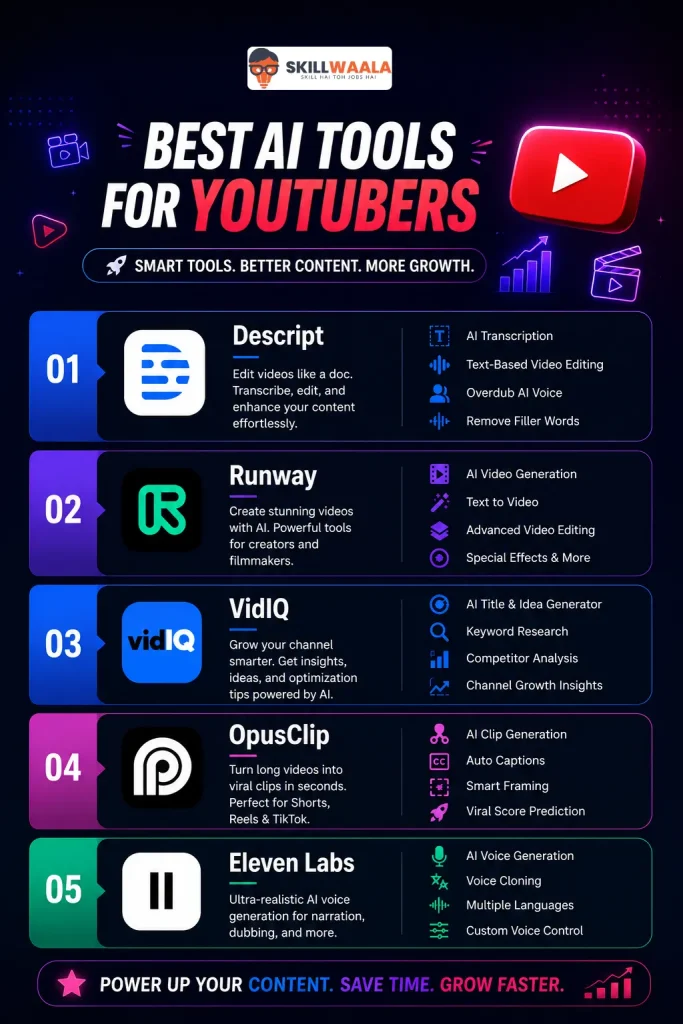
1. Descript
Best For: Editing talking-head videos and podcasts
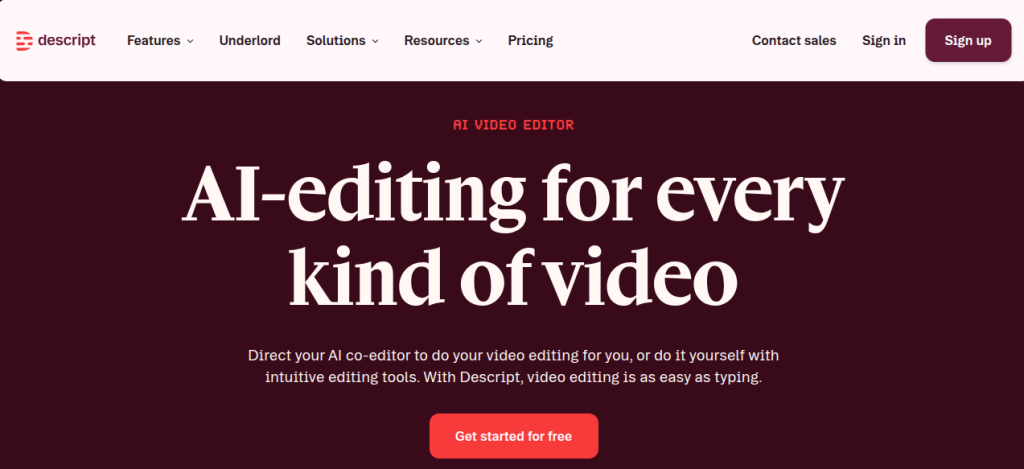
This tool changed how many creators edit the videos. Instead of dragging the clips across a timeline for hours, we can edit the video by simply editing the text.
Delete a sentence in the transcript, and the video cut happens automatically. This might not sound like a big thing, but you will realize how useful it is once you edit the whole week-wise content.
The Key Features:
- AI Transcription
- Filler Word Removal
- Eye Contact Correction
- AI Voice Cloning
- Screen Recording
The workflow feels built for creators, not professional film editors. This makes sense because most of the YouTubers want ot publish their content fast instead of making Hollywood movies.
Descript is genuinely one of the best AI tools for YouTubers free users can start with.
Best AI Tools for Startup Founders
Explore powerful AI tools that help startup founders automate tasks, boost productivity, manage teams, and grow their business faster.
Read Full Article2. Runway
Best For: AI video generation and B-roll creation.
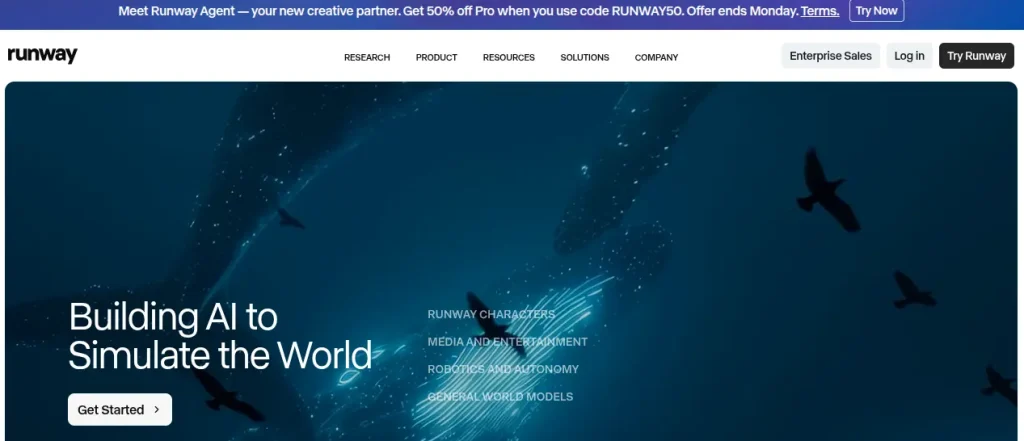
Runway has become a popular tool among creators as it can generate cinematic visuals without the need of any expensive shoots.
If you need any background footage, AI generated transitions or stylized scenes then Runway can handle those seamlessly now.
The Key Features:
- Text-to-video generation
- Background removal
- Motion tracking
- AI video expansion
- Frame interpolation
- Honest Limitation
But do remember that an output still needs human judgement as fully AI-generated videos often feel emotionally flat if you overuse them.
Creators who blend AI visuals smartly with the real footage usually get a much better audience retention compared to those who don’t use real footage in their content.
Top 15 AI Tools for Social Media Managers
Discover the best AI tools for social media managers to create content faster, schedule posts smarter, boost engagement, and grow your brand effortlessly.
Read Full Article3. VidIQ
Best For: Channel growth and SEO
Many creators get obsessed over editing rather than discoverability. VidIQ lets you sort the less glamorous side of the YouTube.
The Key Features:
- Keyword research
- Competitor analysis
- Title optimization
- Thumbnail insights
- Trend discovery
Well, it still matters because even a strong video with astonishing editing can fail if the title is not up to the mark.
We have seen creators improve click-through rates just by testing AI-assisted headline variations inside VidIQ.
4. OpusClip
Best For: Turning long videos into Shorts.
Short-form content is exhausting to maintain manually.
OpusClip, all automatically finds hooks, extracts highlights, adds captions, and formats clips for Shorts, Reels, and even TikTok (where it’s still running). The best use case would be:
- Podcasts
- Inetrviews
- Webinars
- Tutorials
- Education content
Note that one long video can be split into 10 to 20 short clips, which you can publish as Shorts, Reels, or other short-form content.
5. Eleven Labs
Best For: AI voiceovers
Most of the AI voice tools sound robotic, and here comes ElevenLabs. It is one of the few tools that feels natural enough for public-facing content.
Creators often use this content for:
- Narration
- Documentary channels
- Explainer videos
- Multilingual dubbing
Important Note: It is always important to prioritize authenticity; overusing the synthetic voices can weaken the audience connection, especially when the content already lacks a personality.
Best AI Tools for Research Work
Discover the best AI tools that can speed up your research work, improve accuracy, and help you write smarter & faster.
Read Full ArticleComparison Table- Best AI Tools for YouTubers
Best AI Tools for YouTubers:
| Tool | Best For | Free Plan | Pricing | Key Strengths |
| Descript | Editing talking-head videos and podcasts | Yes | Starts around $12/month | Text-based editing, AI transcription, filler removal |
| Runway | AI video generation and B-roll creation | Yes | Starts around $15/month | Text-to-video, motion tracking, AI visuals |
| VidIQ | YouTube SEO and channel growth | Yes | Starts around $16/month | Keyword research, title optimization, trend insights |
| OpusClip | Turning long videos into Shorts | Yes | Starts around $15/month | Auto clips, captions, Shorts formatting |
| ElevenLabs | AI voiceovers and dubbing | Yes | Starts around $5/month | Natural AI voices, dubbing, voice cloning |
The majority of free AI tools are barely usable after the first two or three exports. This frustrates the new creators quickly and then they tend to leave the process unfinished.
The following section covers the list of free AI tools that are worth trying.

Free AI Tools Worth Trying for YouTubers in 2026
6. Canva
Comes with strong free editing features with AI captions and background removals.
7. Adobe Express
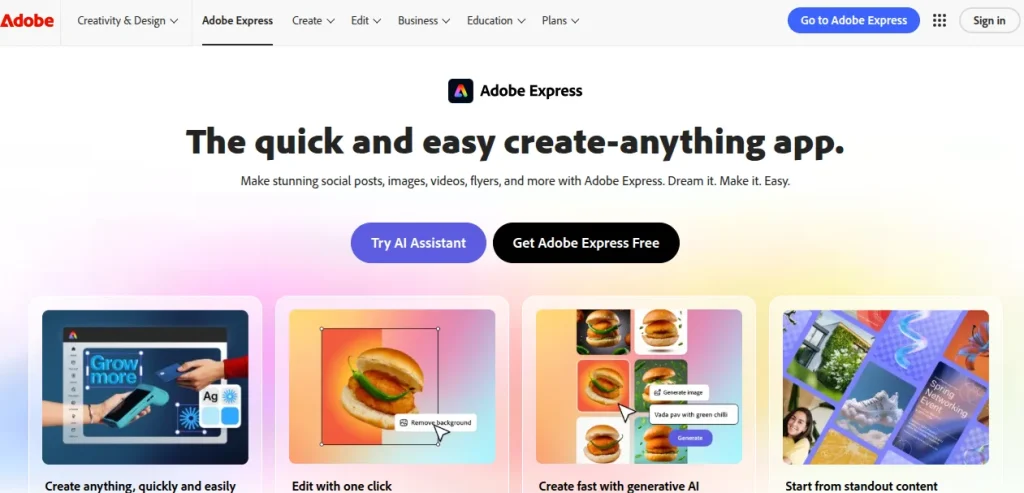
Very Helpful for quick social graphics and video resizing.
8. Notion
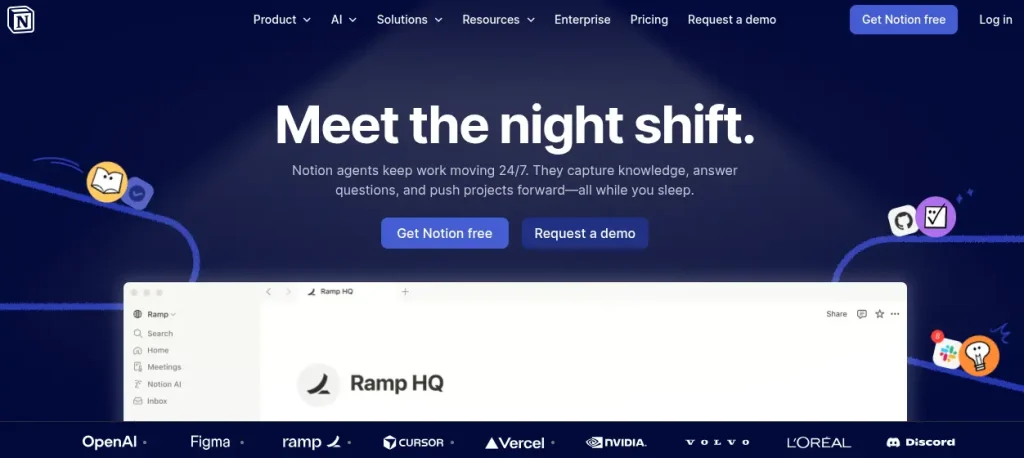
Will definitely surprise you with it’s very useful features to organize scripts, content calendars and research workflows.

Conclusion
It will not be fair to consider one single tool as the best for YouTubers. It’s the combination that removes friction from the creative process without altering the content’s true intent and personality.
Remember, the channels winning today (and probably tomorrow) are not the fully automated channels, but the creator-led channels that use AI strategically. Also, if you seek to learn these tools in detail, you can always consider one of its kind free AI tools courses by SkillWaala, where you learn practical tips instead of the typical boring theoretical stuff, taught by industry experts who use it.
FAQ‘s for YouTubers’ AI Tools
Depending on the workflow, it works extremely well for editing; for SEO and growth insights, VidIQ is a strong option; and creators focused on Shorts prefer OpusClip.
Some popular YouTube AI tools include Descript, Runway, VidIQ, Canva, OpusClip, ElevenLabs, and CapCut. These tools help with editing, thumbnails, SEO, voiceovers, and even content repurposing.
YouTube earnings vary by niche, geography, audience quality, and advertiser demand. Many creators earn between $1 and $20 per 1,000 monetized views. It is also noteworthy that finance and software niches often earn more than the entertainment categories.
Yes. It’s particularly useful for creators and professionals trying to understand practical AI applications without spending on expensive programs first.
About The Author