

An AI rough cut tool reviews your raw footage, removes the unusable parts such as silences, filler words, and bad takes, and assembles the strongest material into a first version of your video. The rough cut is the stage where most editing time disappears, because someone has to watch everything, pick the best takes, and put them in order. AI now handles much of that, so you start from a working draft instead of a blank timeline.
Creators are already adopting AI for this kind of work. Wyzowl’s 2026 video marketing research found that 63% of video marketers have used AI tools to help create or edit marketing videos, up from 51% a year earlier. For YouTubers, students, and freelance editors, a faster rough cut means more videos published and more time for the creative decisions that make a video stand out.
This guide compares six AI tools that turn hours of footage into a first cut, and explains which type of creator each one suits.
What does a good AI rough cut tool do?
- Remove what you do not need: silences, filler words, repeated lines, and bad takes.
- Choose the best material: select the strongest takes, not only cut the weak ones.
- Follow your direction: build the cut around a brief, a script, or a structure you describe.
- Handle more than one camera: sync angles and switch between them.
- Stay editable: give you a timeline where every cut can be changed or exported.
The 6 tools at a glance
| Tool | How it builds the rough cut | Where you finish the edit | Starting price |
|---|---|---|---|
| Invideo | Agent reviews action, delivery, and dialogue, selects the strongest takes, and assembles a base cut from your brief | The same multitrack timeline | Basic plan from $9 per seat per month |
| Eddie AI | Transcribes, syncs angles, logs footage and builds rough cuts | Eddie, or Premiere Pro, DaVinci Resolve, Final Cut Pro and Avid | 500 free credits; packs from $10 |
| Descript | Text-based editing, with Underlord cutting filler words and retakes | Descript’s editor and timeline | Free to start; Hobbyist from $16 per month billed annually |
| Gling | Removes silences, bad takes, and filler words automatically | Gling, or export to Final Cut, DaVinci, or Premiere | Start free, no credit card required |
| AutoCut | Plugin that removes silences and bad takes and switches angles | Premiere Pro or DaVinci Resolve | AI plan $14.90 per month billed yearly |
| Async | Chat-based cleanup of filler, pauses, repeats, and bad takes | Async’s editor | Free plan; Essentials listed at $11.99 per month |
1. Invideo: Best overall for AI rough cuts
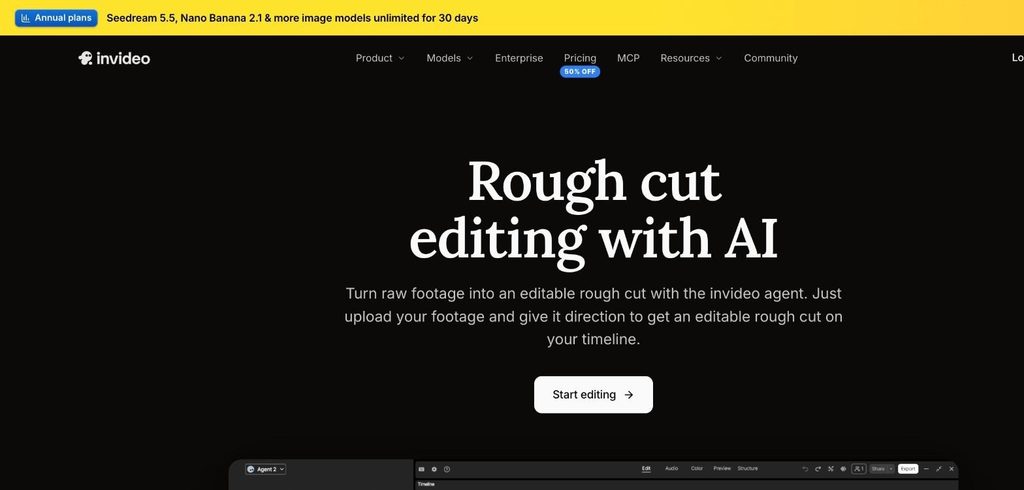
Invideo Editor goes beyond deleting silences. Brief the agent on what your video should cover, and it reviews the on-screen action, delivery, and dialogue to remove unusable material and select the strongest takes, then assembles your first cut on a multitrack timeline. You can upload footage from one or more cameras along with dialogue, voice recordings, and music, and start from organised selects or a large collection of raw material.
For AI rough cut editing, InVideo Editor also lets you shape the structure in plain language. Ask for a faster opening, a shorter middle or a different order of events, and the agent reorganises clips, adjusts pacing and cuts the video to a target duration while keeping the important context. It can arrange footage around a music track, voice recording, or beat pattern, sync camera angles, and build cut-downs such as a trailer, highlight reel, or platform-specific version from your existing timeline.
The rough cut is never locked. Inspect the assembled video, ask for changes conversationally, or edit the clips, timing, audio, and effects yourself to complete the video. This works for interviews and podcasts, ads and product videos, music, sports and event edits, and trailers and social cut-downs.
Verdict: Invideo is the best overall choice because it selects and arranges the best material from your direction, not only removes mistakes, and lets you finish the whole video on the same timeline.
2. Eddie AI: For professional editors with large shoots
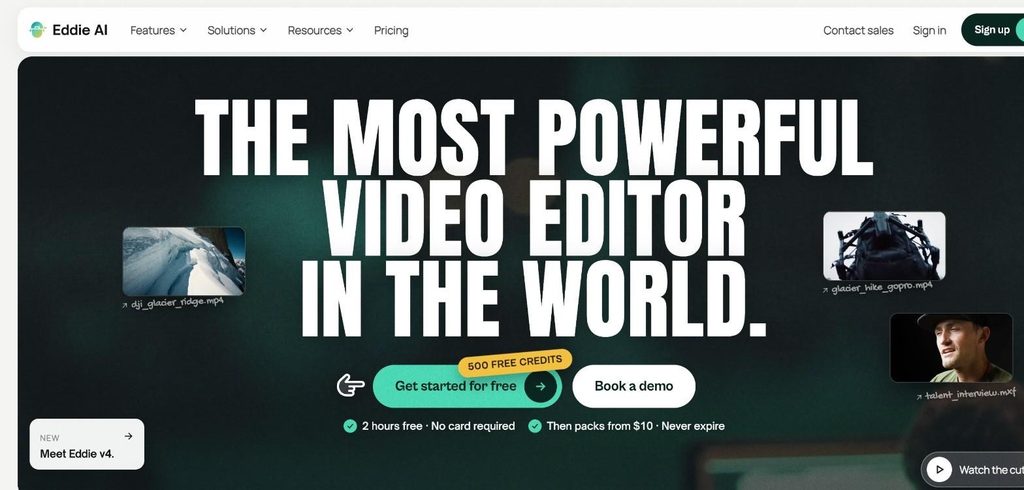
Eddie AI is built for video professionals. When you upload footage, it transcribes every word and syncs your angles, then helps you find moments, cut, and polish. Its features include rough cuts, multicam, A-roll and B-roll logging, scripted edits, social clips, and captions. It works on the web, Mac, Windows and iPhone, inside Claude and ChatGPT, and with Premiere Pro, DaVinci Resolve, Final Cut Pro and Avid.
New accounts get 500 free credits, covering two hours of footage, with credit packs from $10 that never expire.
Verdict: Eddie AI is a strong choice for editors handling documentary-style or interview shoots who want to hand the cut to a professional editing app.
3. Descript: For text-based rough cuts
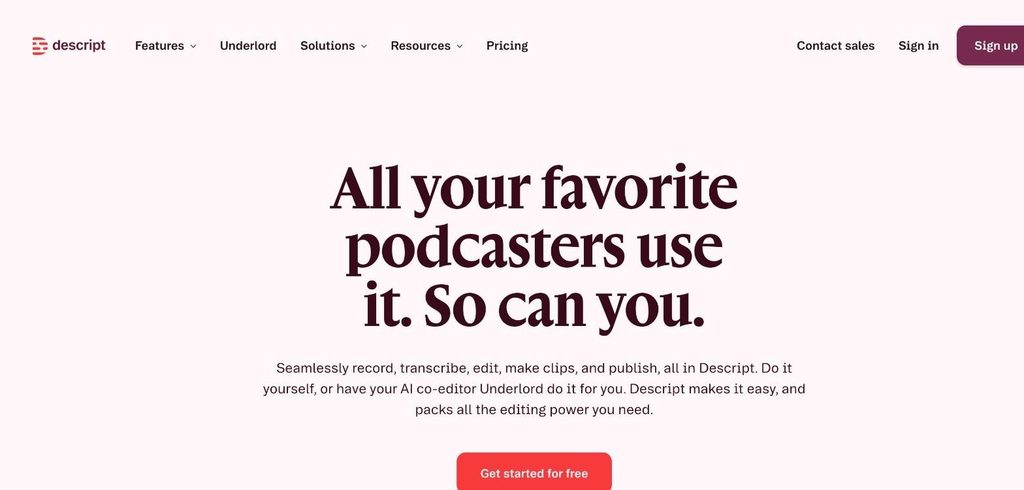
Descript transcribes your footage so you can make a rough cut by editing text. Delete a sentence, and it disappears from the video, or copy and paste sections to change the order. Its AI co-editor, Underlord, can cut filler words and retakes, and Descript also includes a full timeline for precise adjustments.
Descript is free to start, and the Hobbyist plan costs 16permonthbilledannually(24 monthly) with 10 media hours per month.
Verdict: Descript suits talking-head creators and podcasters who find it easier to edit words than clips.
4. Gling: For YouTubers removing bad takes
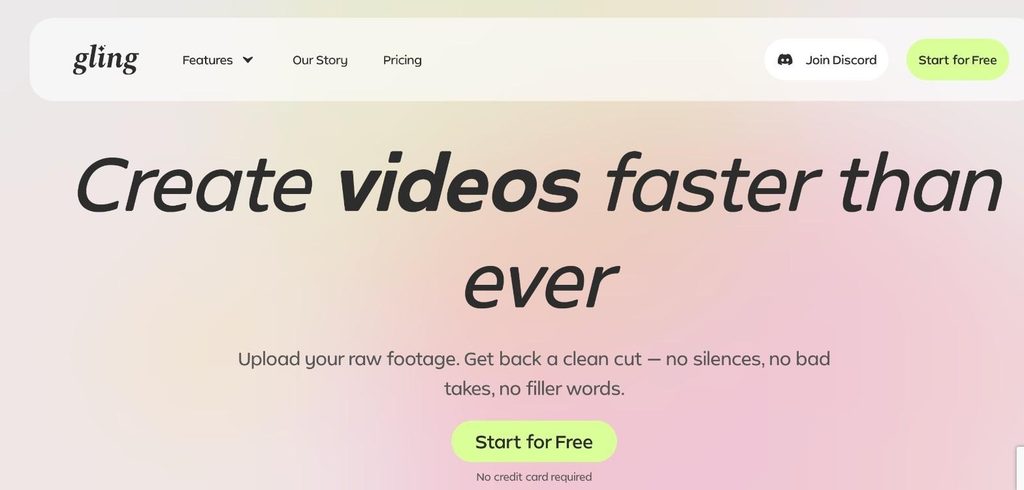
Gling is made for YouTube creators. Upload your raw recording, and it transcribes it, finds bad takes and silences, and cuts them automatically, giving you back a clean cut with no filler words. You can refine the result by adjusting the text or removing clips from the timeline, then export the timeline to Final Cut, DaVinci, or Premiere, or download an MP4 or MP3 with SRT captions. Gling also offers AI captions, automatic zoom, noise removal, YouTube title ideas, and chapters.
You can start for free with no credit card required.
Verdict: Gling is a focused, easy option for solo YouTubers who record long takes and want the mistakes gone before they start editing.
5. AutoCut: For Premiere Pro and DaVinci Resolve users
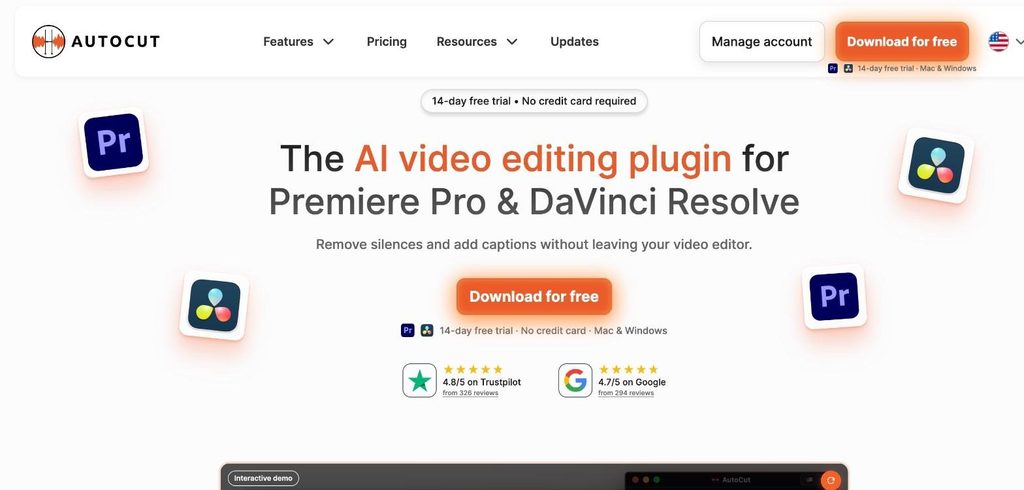
AutoCut is an AI plugin that works inside Premiere Pro and DaVinci Resolve. AutoCut Silences removes silence, AutoCut Repeat removes bad takes, AutoCut Angles switches cameras automatically, and AutoCut Podcast handles podcast edits, with captions, zooms, and chapters in the same plan.
The AI plan costs $14.90 per month billed yearly, and there is a 14-day free trial with no credit card required. You need Premiere Pro or DaVinci Resolve to use it.
Verdict: AutoCut is ideal if you already edit in Premiere Pro or DaVinci Resolve and want a faster rough cut without changing software.
6. Async: For chat-based rough cuts
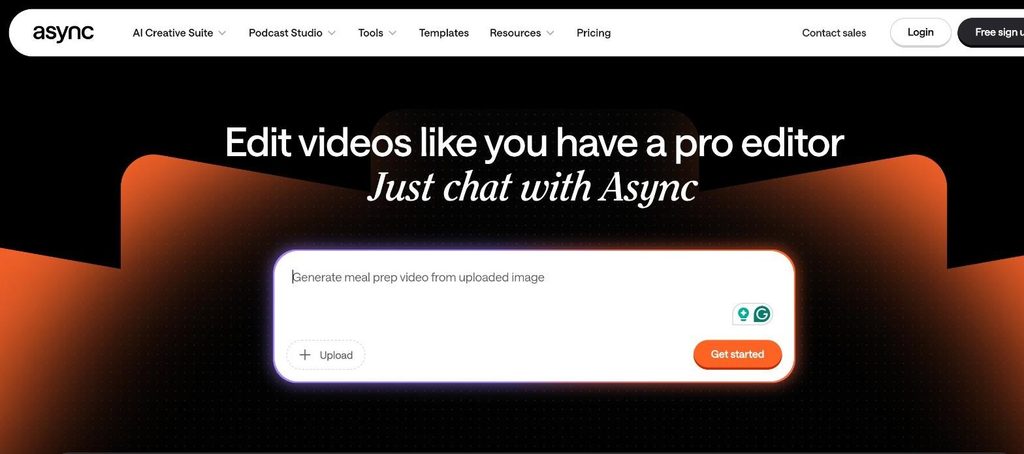
Async, formerly Podcastle, lets you edit by chatting. Ask it to fix the rough cut, and it removes filler, pauses, repeats, bad takes, and awkward moments without you scrubbing through the timeline. It can also cut to the beat of a music track, clean audio, add captions, and make short clips, and you can save your editing style as a reusable skill.
Async has a free plan with limited lifetime usage and 720p export, and paid plans are listed from $11.99 per month for Essentials.
Verdict: Async is a good fit for beginners who would rather describe the edit than learn a timeline.
How to get a better AI rough cut
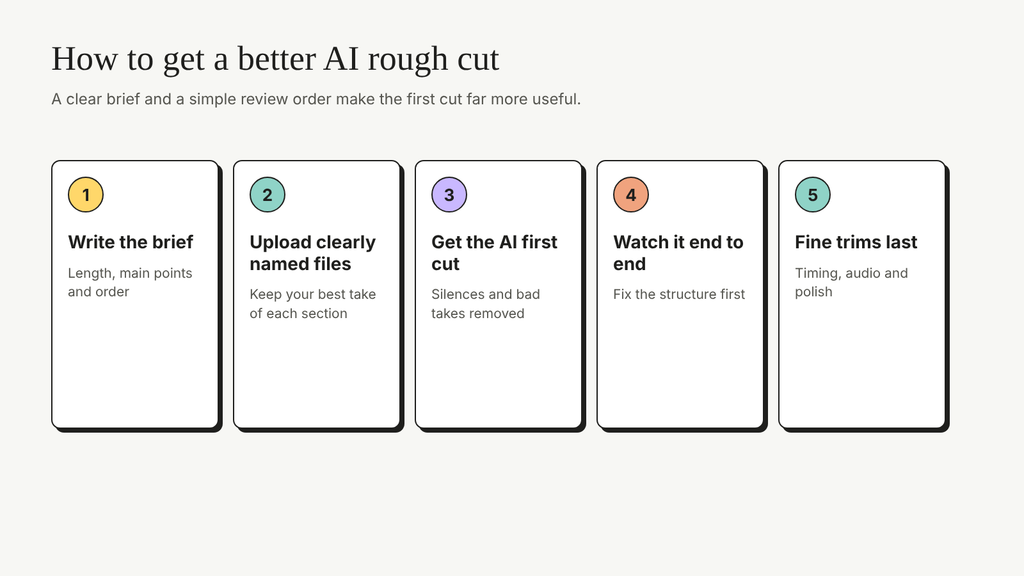
AI works best with a clear brief. Before you upload, decide the length, the main points, and the order you want, and write them down as you would for a human editor. Name your files clearly, keep your best take of each section, and mention anything that must stay in. After the first cut, watch it end to end before you change details, then fix the structure first and the small trims last. Wyzowl’s video marketing statistics show how quickly AI has become part of everyday video work.
To build the rest of your editing skills around these tools, see SkillWaala’s guide to AI tools in video editing, these video editing trends, and this list of AI tools for YouTubers.
Key takeaways
- AI rough cut tools remove unusable footage and assemble a first cut, which saves the most editing time.
- Most video marketers now use AI tools to create or edit video.
- InVideo is the best overall choice because it selects the strongest takes, follows your brief, and keeps everything editable on one timeline.
- Eddie AI suits professional editors, Descript suits text-based editing, and Gling suits YouTubers.
- AutoCut works inside Premiere Pro and DaVinci Resolve, and Async lets you edit by chatting.
- A clear brief and well-named files lead to a better first cut.
Conclusion
The rough cut is where AI saves editors the most time. InVideo leads this list because it chooses the strongest takes, follows your creative direction, and keeps the whole edit on one timeline, while Eddie AI, Descript, Gling, AutoCut, and Async each suit a different way of working. Try one on your next recording and compare the time it takes to reach a first cut. How many hours of footage would you hand to AI first?
FAQs
A rough cut is the first assembled version of a video. It puts the chosen takes in order so you can judge the structure before fine-tuning timing, audio, colour and graphics.
Yes. Tools such as InVideo and Eddie AI can review raw footage and assemble a rough cut, while tools such as Gling and AutoCut focus on removing silences and bad takes.
InVideo is the best overall pick because it builds the cut from your direction and lets you finish the video in the same editor. Gling is a simpler option if you mainly need bad takes and silences removed.
Some can. InVideo can sync camera angles, Eddie AI syncs angles on upload, and AutoCut Angles switches cameras automatically inside Premiere Pro or DaVinci Resolve.
No. All the tools in this list let you review and change the cut. With InVideo, every edit stays on a multitrack timeline you can adjust by hand or with more instructions.
Yes, with some tools. Gling exports timelines to Final Cut, DaVinci, and Premiere; Eddie AI works with Premiere Pro, DaVinci Resolve, Final Cut Pro, and Avid, and AutoCut runs inside Premiere Pro and DaVinci Resolve.
About The Author