
An AI video podcast editor is software that uses artificial intelligence to handle the slow parts of editing a filmed podcast: syncing camera angles, switching to whoever is speaking, removing filler words and silences, cleaning up audio and cutting short clips for social media. Instead of spending hours on a timeline, you review a first cut and make the creative decisions yourself.
Video is now a normal part of podcasting. According to The Infinite Dial 2026 from Edison Research and SSRS, 80% of Americans aged 12 and older have listened to or watched a podcast, and for the first time, more than half (57%) reported both listening to and watching podcasts. The same study found that 84% of Americans aged 12 and older use YouTube monthly. For new podcasters, that means every episode needs a clean video version and a set of short clips, which is exactly the work AI editors are built to speed up.
This guide compares six AI video podcast editors, what each one does best and who it suits.
What to look for in an AI video podcast editor
- Multicam editing: automatic camera switching between host and guest.
- Cleanup: removal of filler words, silences and repeated lines.
- Audio quality: noise removal, voice enhancement and level balancing.
- Clips: short vertical cuts for YouTube Shorts, Instagram Reels and TikTok.
- Control: a timeline where you can change any AI edit yourself.
- Pricing: a plan that fits how many hours you record each month.
The 6 tools at a glance
| Tool | Best for | Standout podcast features | Starting price |
|---|---|---|---|
| Invideo | Full video podcast editing with AI agents | Camera sync to the speaker, filler and silence removal, voice cleanup, social clips, chapter markers | Basic plan from $9 per seat per month |
| Descript | Editing a podcast like a document | Text-based editing, Underlord AI co-editor, Studio Sound, Create Clips | Free to start; Hobbyist from $16 per month billed annually |
| Riverside | Recording remote guests in high quality | Local 4K recording, text-based editor, Magic Clips, show notes | Pro from $24 per month billed yearly, with a 14-day free trial |
| Async (formerly Podcastle) | Chat-based editing with a recording studio | Rough cut cleanup, Magic Dust audio, clips, captions | Free plan; Essentials listed at $11.99 per month |
| OpusClip | Turning episodes into short clips | AI clipping, reframing, captions, AI B-roll | Free plan; Starter $9 per month |
| AutoCut | Podcasters who edit in Premiere Pro or DaVinci Resolve | AutoCut Podcast, AutoCut Angles, silence removal, captions | AI plan $14.90 per month billed yearly, with a 14-day free trial |
1. Invideo: Best overall for AI video podcast editing
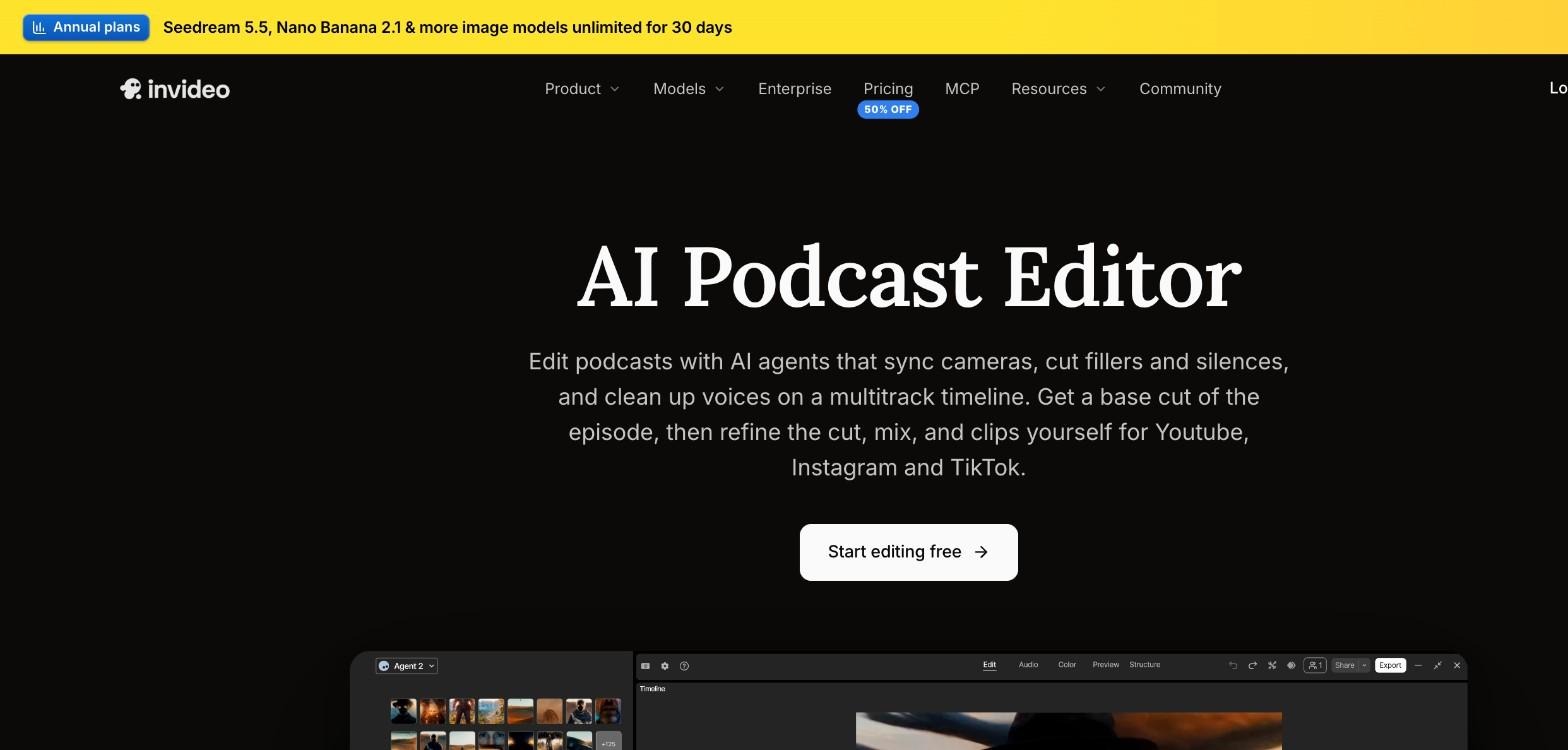
Invideo Editor is built for the full job of editing a filmed podcast, from the first cut to the final clips. Its AI agents sync every camera angle to the audio track you choose and cut to whoever is speaking as the conversation moves between host and guest. You can share an outline or describe the episode, and the agent reorders the segments and hands you an editable first cut on a multitrack timeline.
If you want a video podcast editor that also handles the cleanup, InVideo Editor covers the steps most podcasters spend the longest on. It removes fillers, silences, and repeated lines, cleans each speaker’s track with voice isolation and de-noise, evens out voices with auto-leveling and ducks music under speech, with loudness metering before export. The agent can also mark chapter markers for your show notes, add captions, guest name titles and topic cards, and find the moments you ask for to cut them into clips for YouTube, Instagram and TikTok.
You stay in control throughout. Every camera switch, trim, and caption is an editable block on the timeline, and you can match colour across cameras or grade the episode yourself with colour wheels, curves, LUTs and scopes. There is no limit on how much footage a project can take, and you can export the full episode, the clips, and the audio file. Invideo Editor also works through MCP, so you can ask Claude, ChatGPT, Cursor, or another MCP client for the edit. The Basic plan starts at $9 per seat per month on monthly billing, with full access to the timeline editor.
Verdict: Invideo is the strongest all-round choice because it covers multicam editing, cleanup, audio, captions, chapters, and clips in one editor, while keeping every AI decision open to change.
2. Descript: For editing a podcast like a document
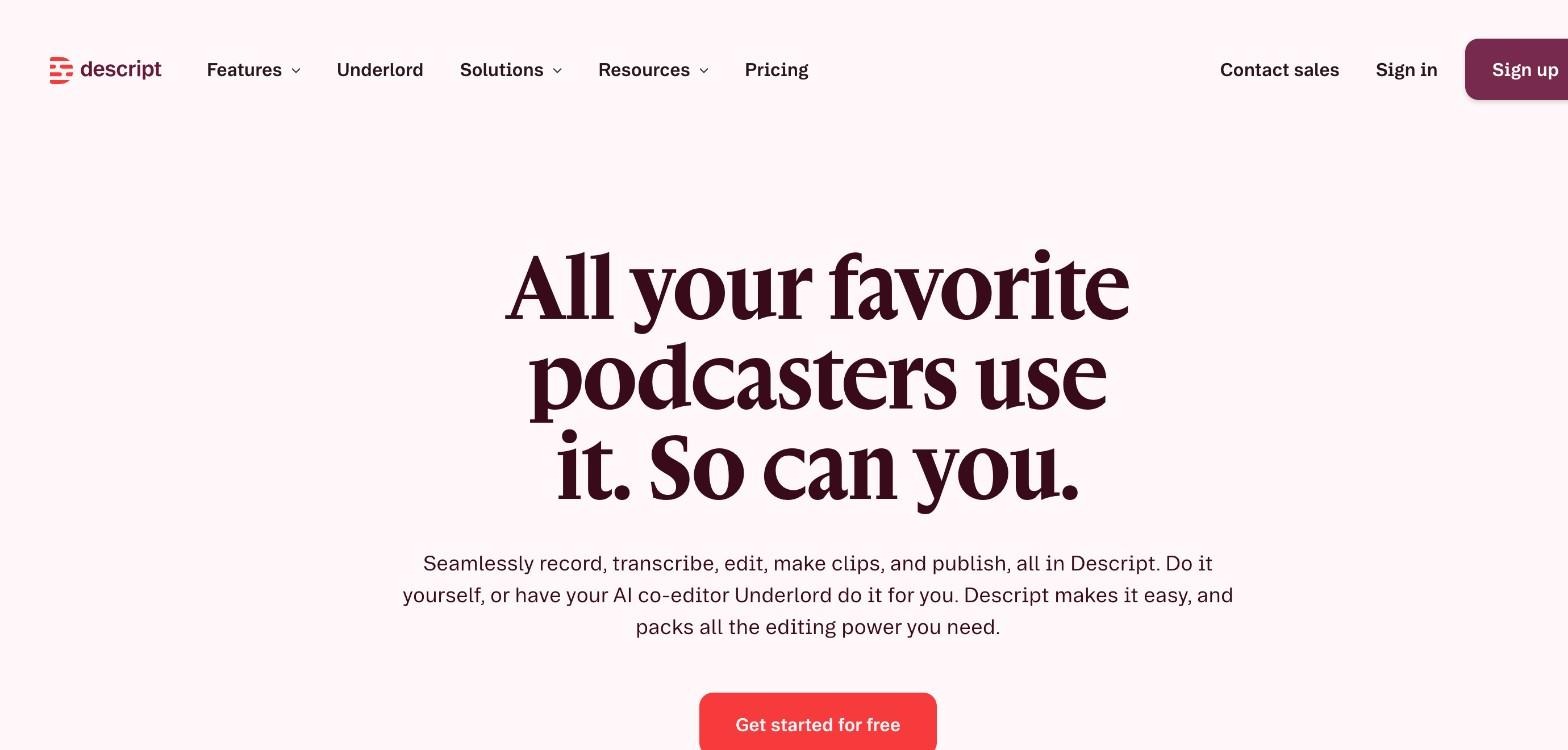
Descript transcribes your recording automatically, so you can edit the podcast by editing text: delete words with the backspace key, copy and paste to rearrange sections and revert changes easily. Its Rooms feature records high-quality audio and 4K video locally, and its AI co-editor, Underlord, can generate episode titles and show notes, cut filler words and retakes, translate into 20+ languages, and find social clips.
Descript is free to start. The Hobbyist plan costs 16permonthbilledannually(24 monthly) and includes 10 media hours a month, while the Creator plan costs 24permonthbilledannually(35 monthly) with 30 media hours and 4K export.
Verdict: Descript suits podcasters who think in words rather than waveforms. Check the monthly media hours on each plan against how much you record.
3. Riverside: For recording and editing remote interviews
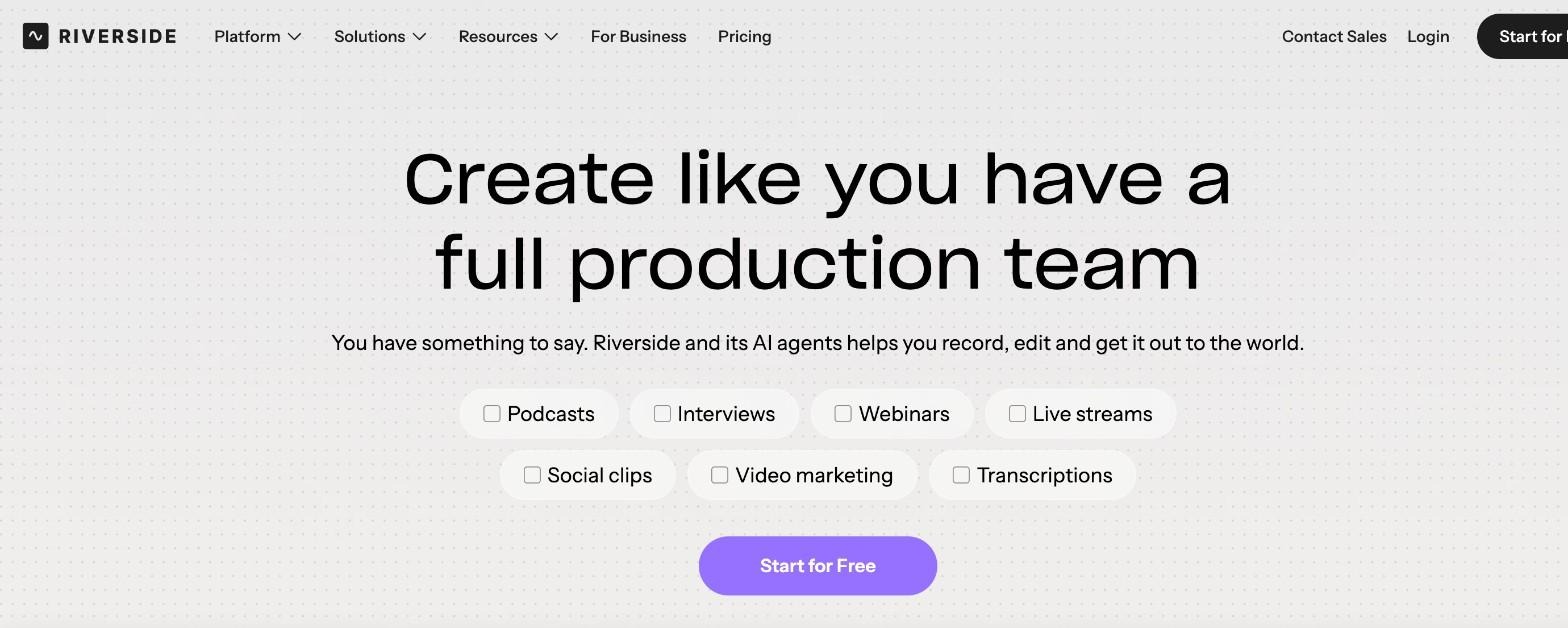
Riverside covers recording, editing, repurposing, and publishing in one platform. It records up to 4K video and uncompressed audio locally in separate tracks, so internet problems do not affect quality. Its AI text-based editor, Magic Audio cleanup, and Magic Clips help you finish the episode, and it can publish straight to YouTube, Spotify, and Apple.
The Pro plan costs 24permonthbilledyearly(35 monthly) and comes with a 14-day free trial. It includes unlimited text-based editing, an AI editing and repurposing agent, removal of silences and filler words, Magic Clips and show notes, and podcast hosting.
Verdict: Riverside is a strong choice if you record with remote guests and want the recording and editing in the same place.
4. Async (formerly Podcastle): For chat-based editing with a recording studio
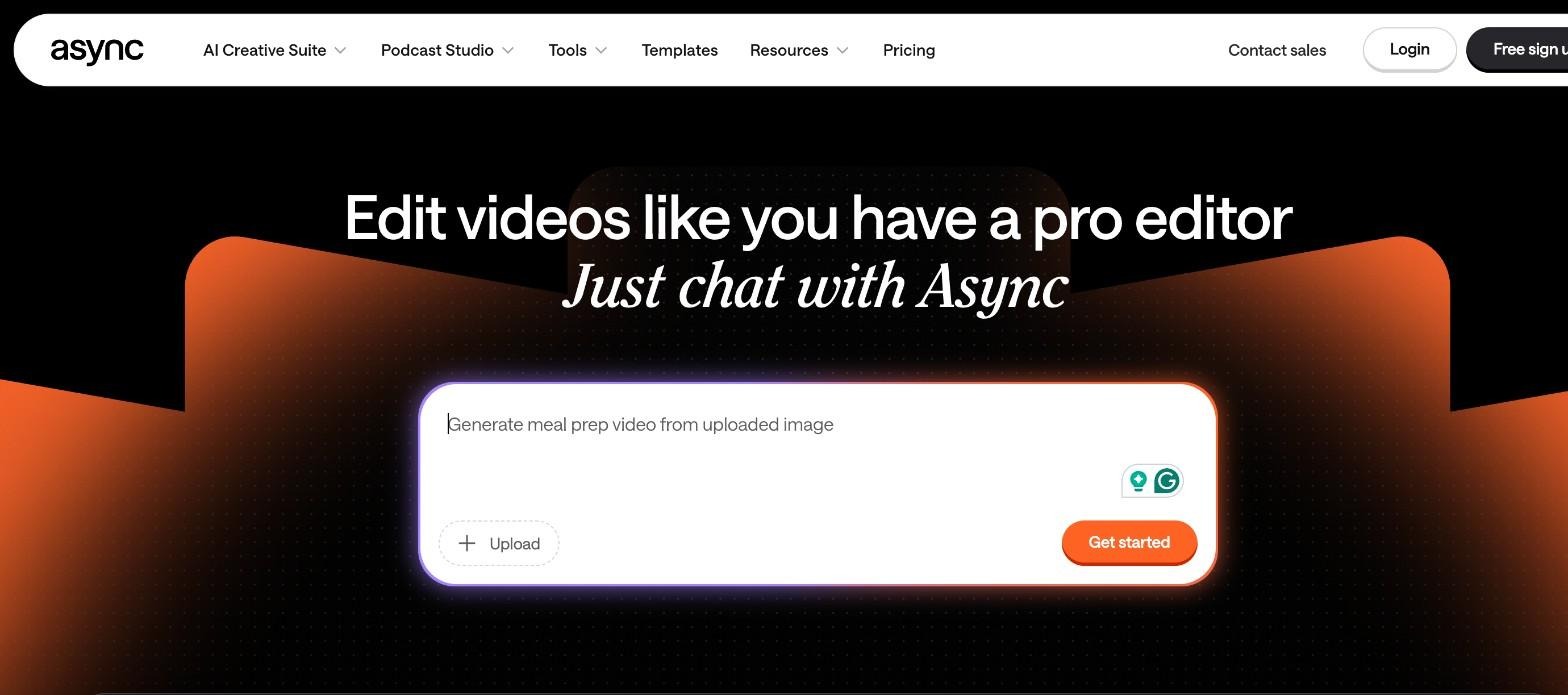
Podcastle now operates as Async, an AI creative suite with a Podcast Studio and chat-based video editing. You describe what you want, and Async can remove filler, pauses, repeats, and bad takes, clean audio with its Magic Dust feature, add captions, and find the strongest moments for short clips. It also includes remote multitrack recording and podcast hosting.
Async has a free plan with limited lifetime usage and exports up to 720p. Paid plans start at $11.99 per month for Essentials, and the Pro plan adds recording up to 4K.
Verdict: Async suits solo creators who like to edit by chatting and want recording, editing, and hosting under one subscription.
5. OpusClip: For turning episodes into short clips
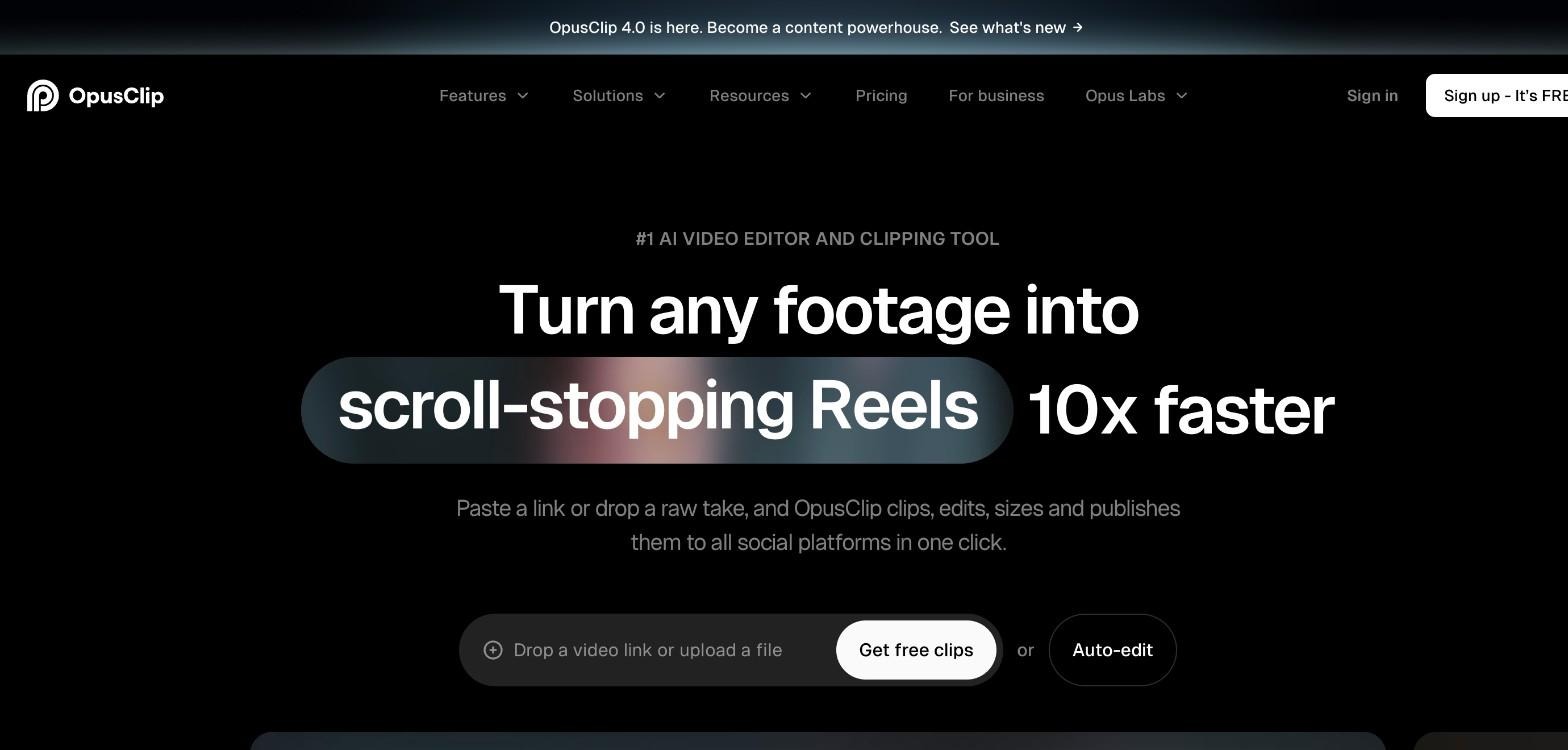
OpusClip is built around repurposing. Paste a link or upload a recording, and it finds clips, adds captions, reframes them for each platform, and can publish them to social channels. Its ClipAnything model works on many video types, ReframeAnything keeps moving subjects centred, and it also offers AI B-roll, audio enhancement, and voice-over. On the Pro plan, it can import videos from sources such as YouTube, Google Drive, Zoom and Riverside.
OpusClip has a free plan, and the Starter plan costs $9 per month.
Verdict: OpusClip is a good partner tool for growing on Shorts, Reels, and TikTok, especially if you already edit the full episode somewhere else.
6. AutoCut: For podcasters who edit in Premiere Pro or DaVinci Resolve
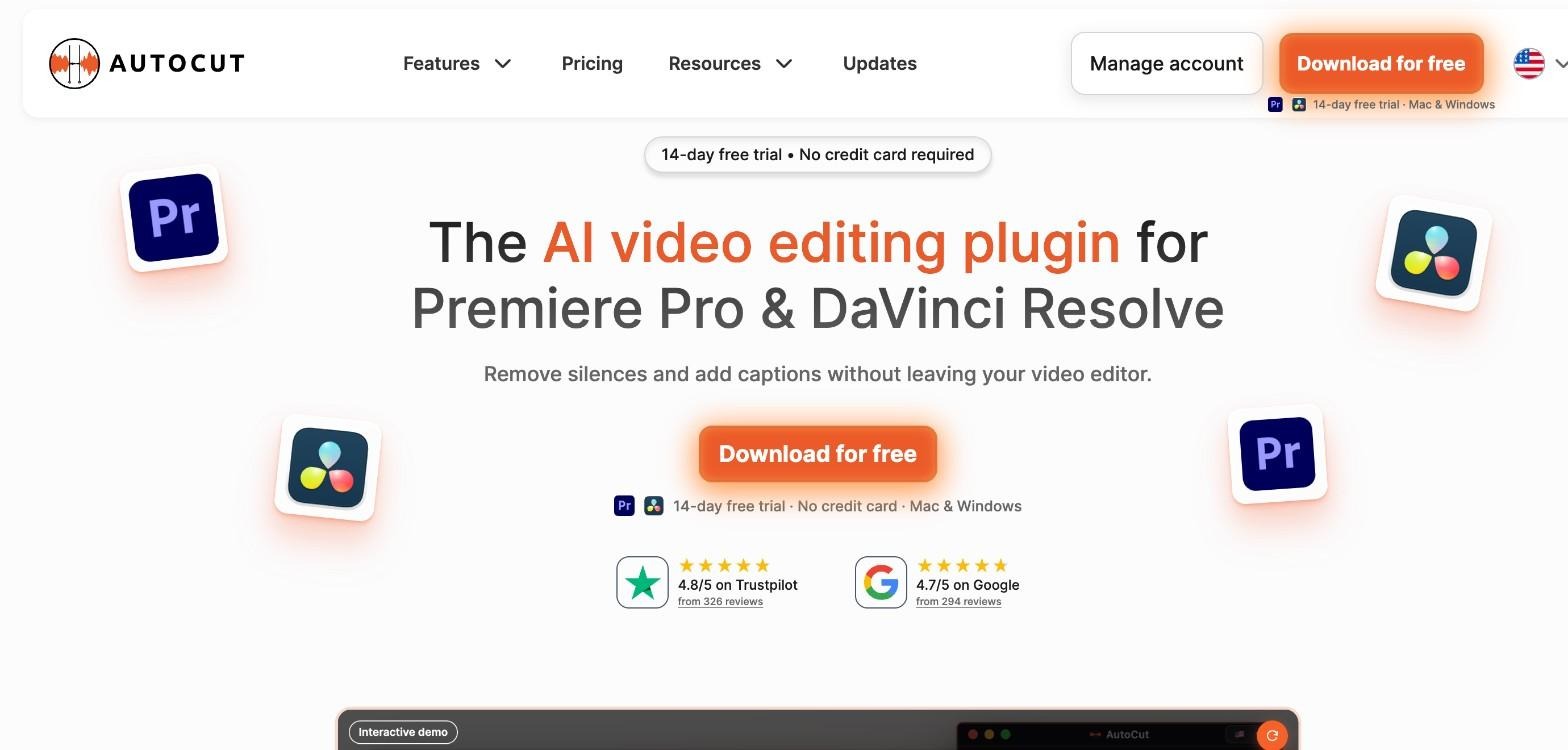
AutoCut is an AI plugin for Premiere Pro and DaVinci Resolve. AutoCut Podcast handles podcast editing, AutoCut Angles switches cameras automatically, and other tools remove silences and bad takes, add animated captions, create automatic zooms, and add chapters.
The AI plan costs $14.90 per month billed yearly, and there is a 14-day free trial with no credit card required. Because it is a plugin, you need Premiere Pro or DaVinci Resolve to use it.
Verdict: AutoCut is the right pick if you already edit in Premiere Pro or DaVinci Resolve and want AI help without changing software.
How to choose the right editor
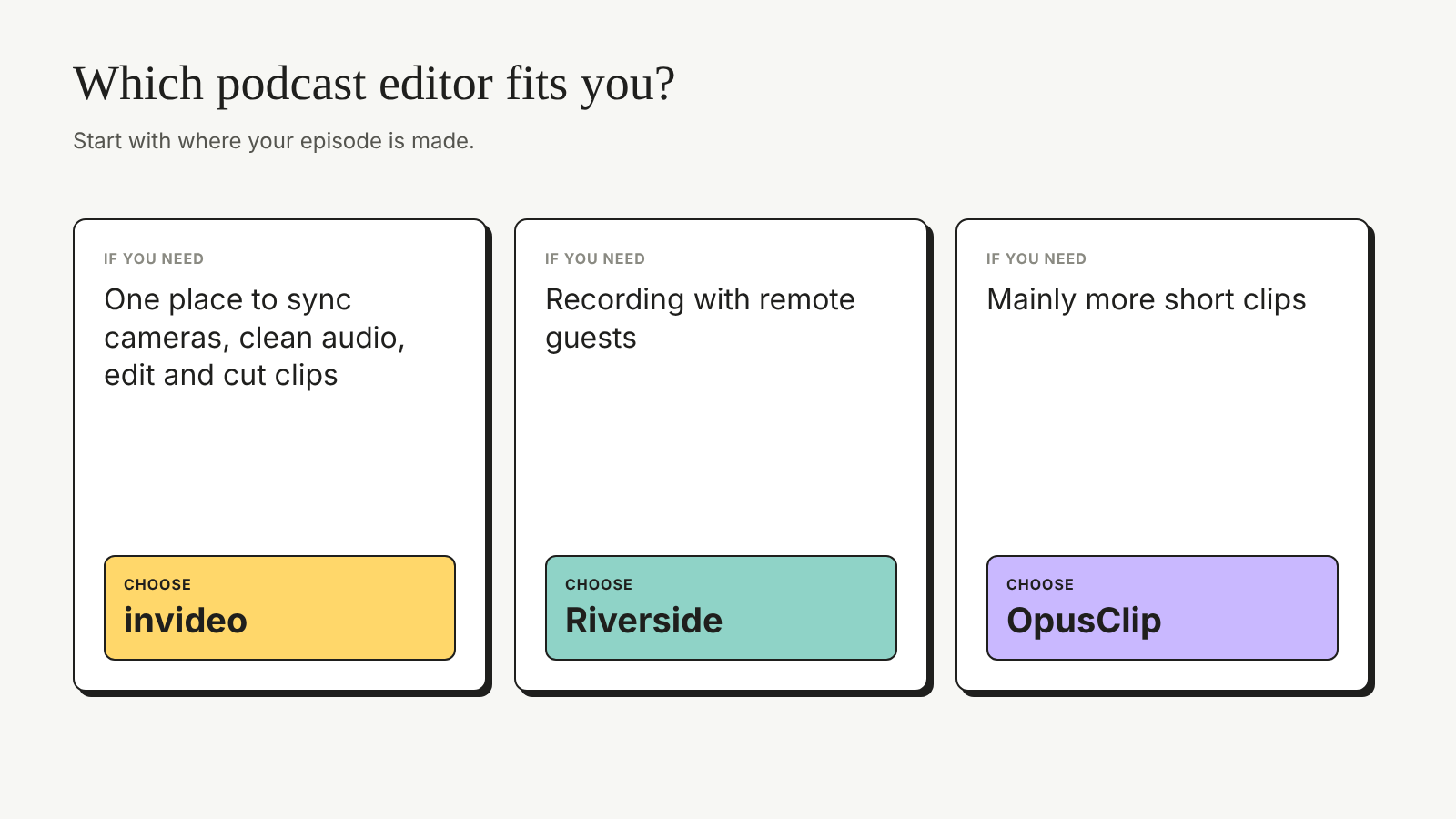
Start with where your episode is made. If you want one place to sync cameras, clean audio, edit, and cut clips, choose an all-in-one editor like InVideo. If you record with remote guests, a recording platform such as Riverside helps. If you mainly want more short clips, add a repurposing tool like OpusClip. If you are planning a show from scratch, SkillWaala’s guide to the best AI podcast generator tools covers AI tools for creating episodes, and this list of AI music generators and audio tools helps with intros and background music.
Whichever editor you pick, plan your episodes around clips from the start, since the Infinite Dial 2026 report from Edison Research and SSRS shows how many listeners now watch podcasts as well. For more ideas on speeding up the rest of your workflow, see these AI tools for content creators.
Key takeaways
- AI video podcast editors save time on camera switching, cleanup, audio, and clips.
- More than half of Americans now both listen to and watch podcasts, so a video version matters.
- InVideo is the best overall choice for full video podcast editing with AI agents and a multitrack timeline.
- Descript suits text-based editing, and Riverside suits remote recording.
- Async offers chat-based editing, OpusClip focuses on clips, and AutoCut works inside Premiere Pro and DaVinci Resolve.
- Compare monthly hours, credits, and export limits before you pick a plan.
Conclusion
The right AI video podcast editor removes hours of repetitive work so you can focus on the conversation. InVideo leads this list because it handles multicam editing, cleanup, audio, captions, and clips in one place, while Descript, Riverside, Async, OpusClip, and AutoCut each fit a specific way of working. Try one on your next episode and compare the time it saves. Which part of podcast editing would you hand to AI first?
FAQs
For most podcasters, InVideo is the best overall choice because it syncs cameras to the speaker, removes fillers and silences, cleans audio, and creates clips on one editable timeline.
Yes. Tools such as InVideo and AutoCut can switch camera angles to follow the speaker, so you do not have to make every cut by hand.
Some tools have free plans or trials. Descript is free to start, Async and OpusClip have free plans, and Riverside and AutoCut offer 14-day free trials. Free plans usually limit hours, credits or export quality.
Yes. Descript and Riverside are built around text-based editing, and InVideo Editor lets you remove fillers and repeated lines while keeping every edit on a multitrack timeline.
Yes. AI handles repetitive work, but you should watch the cut, keep the pauses that help an answer land, and check names in captions before you publish.
InVideo can cut the moments you describe into clips for YouTube, Instagram and TikTok inside the same project, and OpusClip is a dedicated clipping tool if you only need short-form content.
About The Author