Most creators don’t struggle with ideas. They struggle with time, consistency, and the silent pressure to stay relevant. AI tools are not magic, but when used right, they remove friction. I’ve tested dozens across writing, design, video, and research workflows. Some are overrated. A few quietly change how you work. This guide focuses on those few and how to actually use them without losing your voice.
Why AI Tools Matter for Content Creators Today
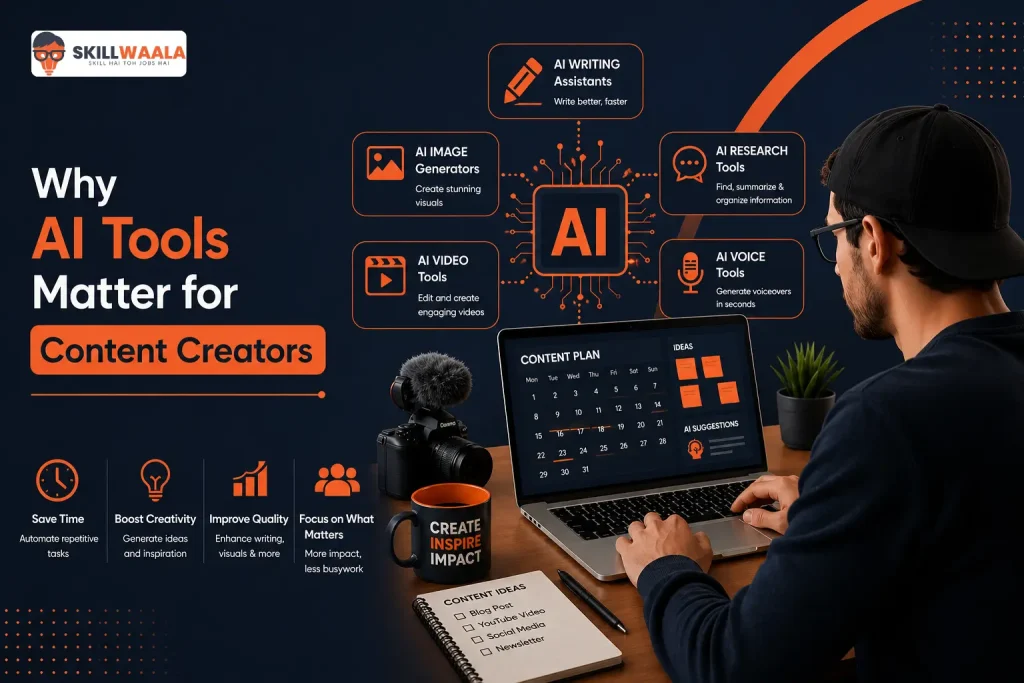
Content creation has shifted fast. College students are building personal brands. Working professionals are writing on weekends. Full-time creators are expected to publish daily across platforms, and the gap between effort and output is where most people burn out.
AI closes that gap, not by replacing creativity, but by handling repetitive thinking. But you still need the taste and judgment. But you no longer need to start from zero every time.
The Real Pain Points Creators Face
Time scarcity and inconsistency
You sit to create, spend 40 minutes thinking, and end up with nothing usable.
Idea fatigue
After your first 20 posts, everything starts sounding similar.
Execution bottlenecks
Writing, editing, thumbnail design, captions. Each step eats time.
Platform pressure
Different platforms demand different formats. LinkedIn is not Instagram, and YouTube is definitely not X.
Skill gaps
Not everyone is a designer, writer, or video editor. But the audience expects all three.
AI tools address each of these, not perfectly, but enough to move you forward.
Top AI Writing Tools That Actually Help You Think
1. ChatGPT
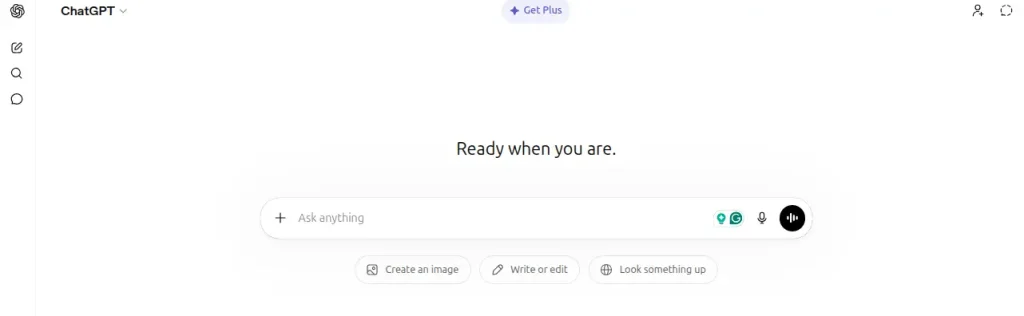
Everyone knows it, but only a few use it well. Most people ask to write full posts, and that’s the mistake.
Use it like a thinking partner.
What works
- Brainstorming 10 angles for one topic
- Rewriting your rough drafts for clarity
- Creating hooks and opening lines
What doesn’t
- Copying and pasting full outputs without editing
- Asking vague prompts
Practical workflow
Write a messy draft first. Then ask it to refine the structure, improve the flow, and sharpen the tone. You stay in control.
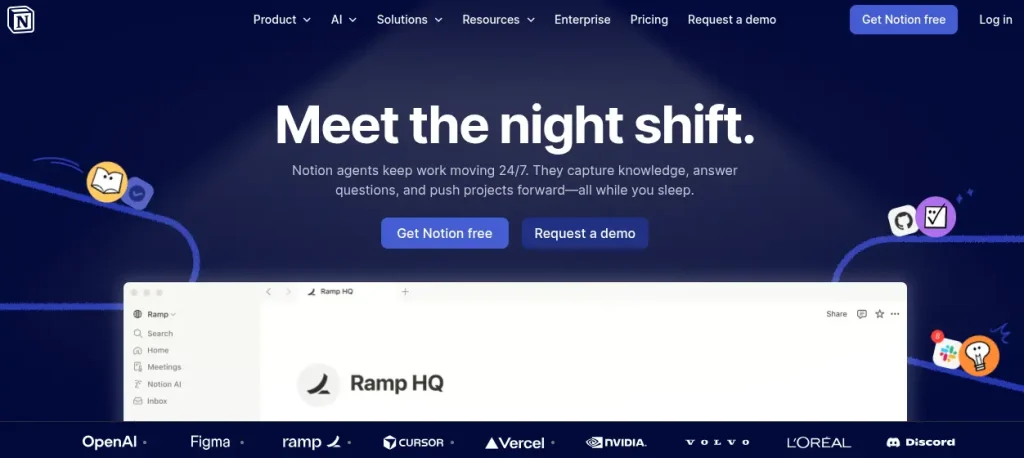
2. Notion AI
Great for creators who like structured thinking.
Best use cases
- Content calendars
- Idea databases
- Research summaries
I use it to store content ideas by category. When I feel stuck, I don’t search for ideas; I pick from a system.
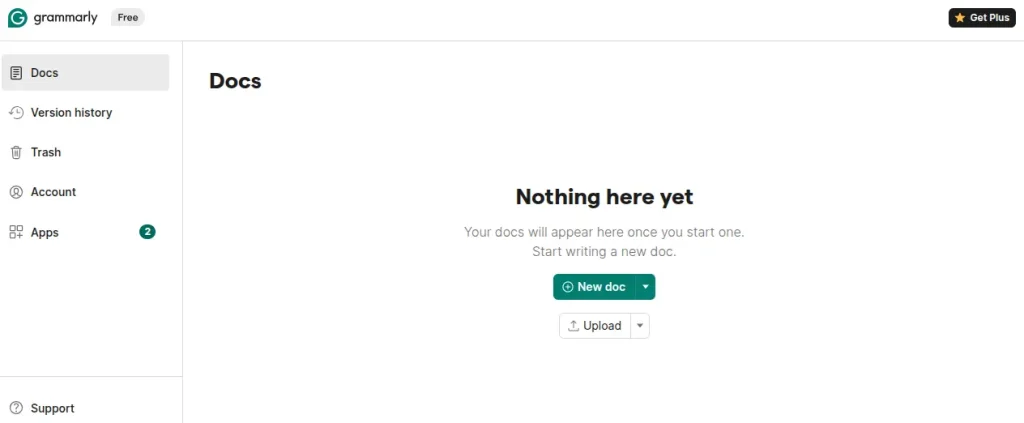
3. Grammarly
Not exciting, but extremely useful. It fixes what you don’t notice. Especially helpful for professionals writing in English as a second language.
Top AI Tools for Video Creators
Explore smart AI tools for thumbnail design, video editing, voiceovers, subtitles, and content planning for YouTube creators.
Discover Creator ToolsBest AI Tools for Visual Content Without Design Skills
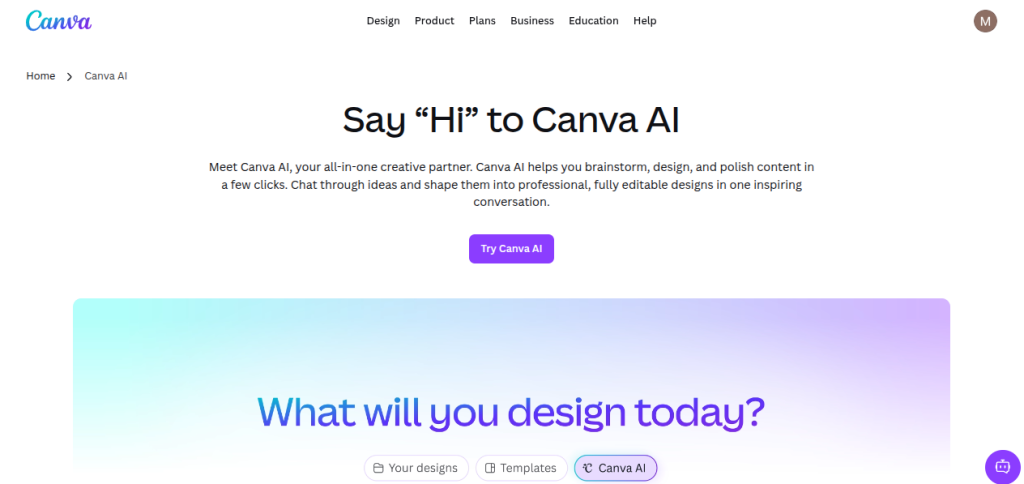
1. Canva
Canva has quietly become an AI tool.
What stands out
- Magic Design for quick templates
- Background remover
- AI text to image
If you are a beginner, this is enough. You don’t need Photoshop.
2. Adobe Firefly
Brings more control and quality.
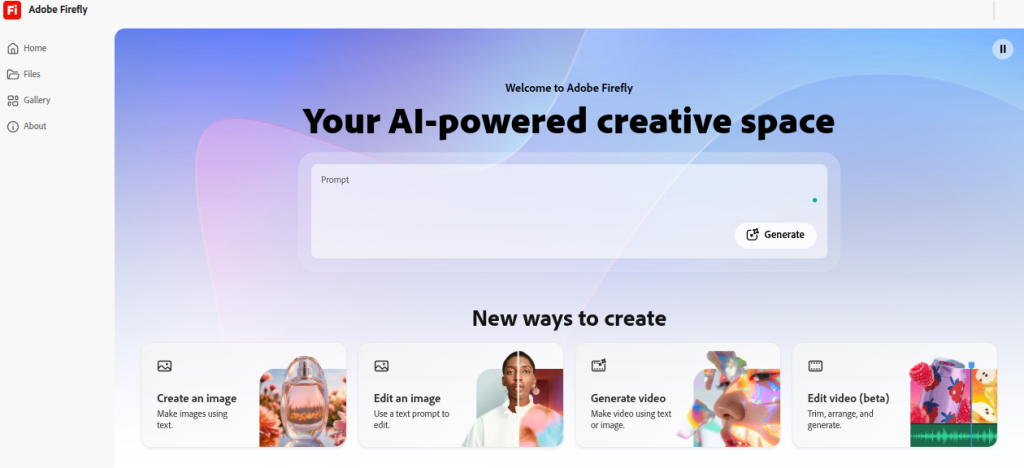
Use it when you want custom visuals instead of generic templates.
3. Remove.bg
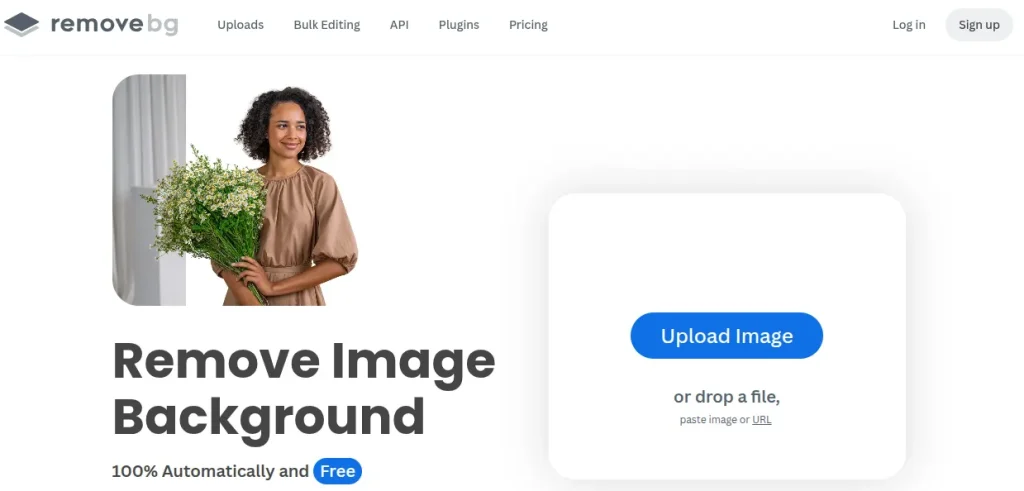
A simple tool that saves time, and that’s a pretty good reason to use it.
Best AI Tools for Video Creators
Video is growing fast. Short-form, especially.
1. CapCut
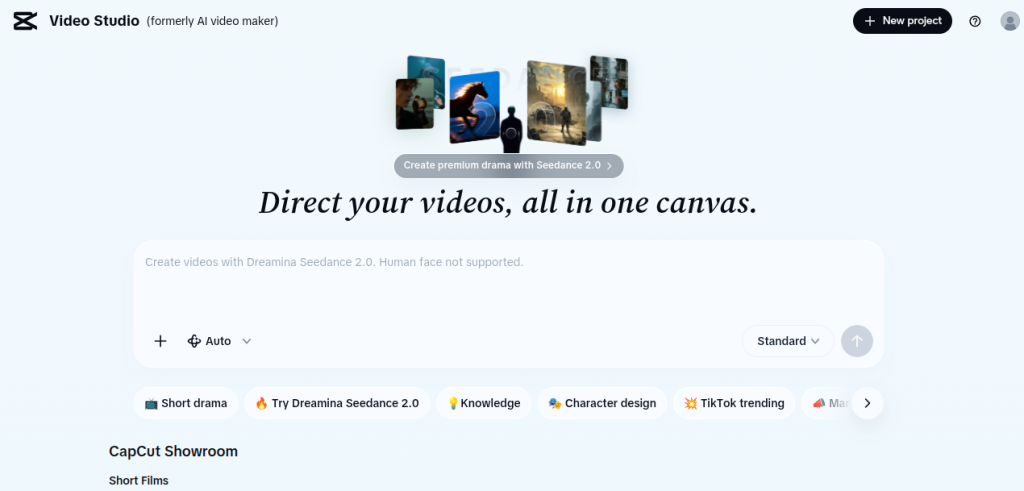
Very beginner-friendly.
Use it for
- Reels and Shorts
- Auto captions
- Quick edits
2. Descript
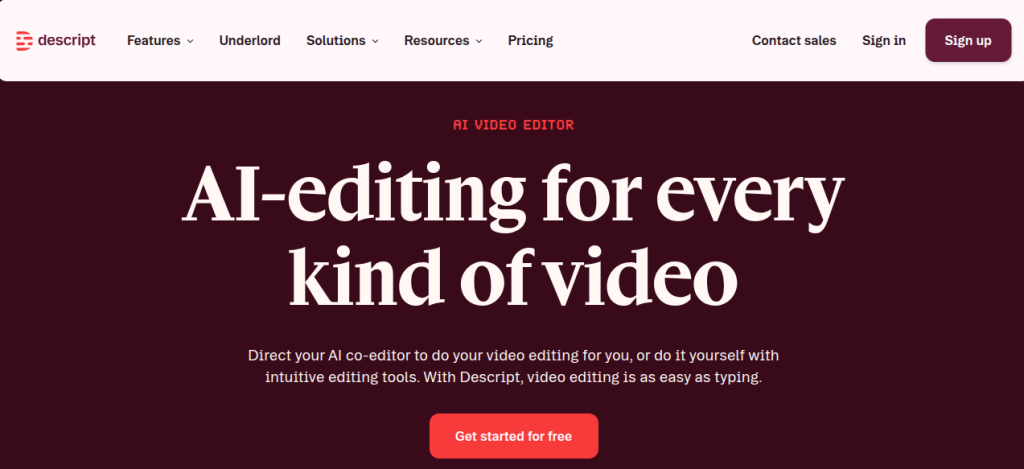
This one changes workflows.
You edit a video by editing text. Delete a sentence, it cuts the video.
Best for
- Talking head videos
- Podcasts
3. Pictory
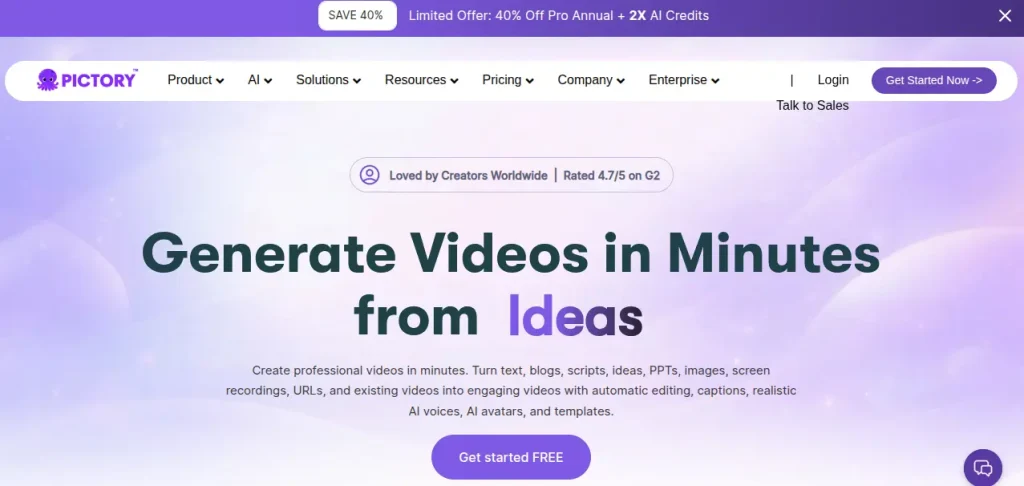
Turns scripts into videos.
Useful if you don’t want to appear on camera.
AI for Research and Idea Generation
1. Perplexity AI
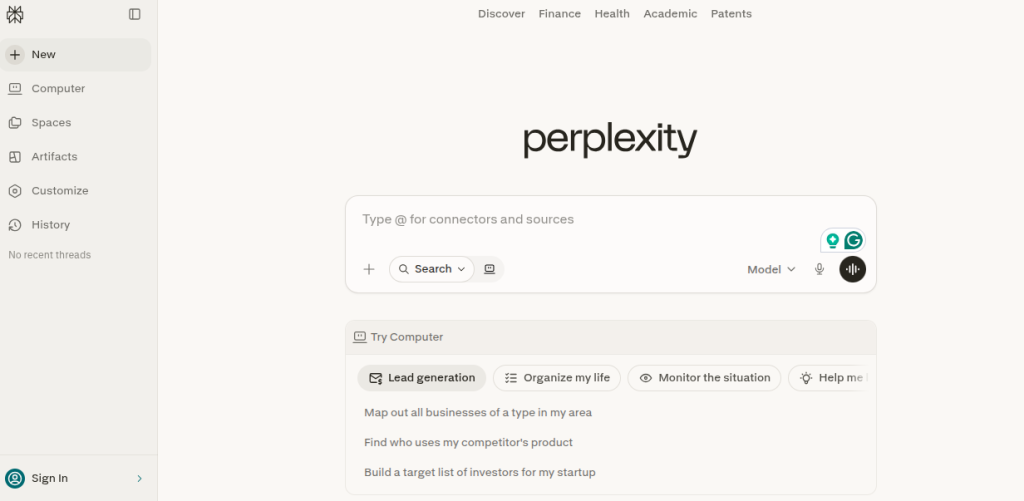
Feels like Google, but smarter.
It gives answers with sources. Great for content research.
2. Google Trends
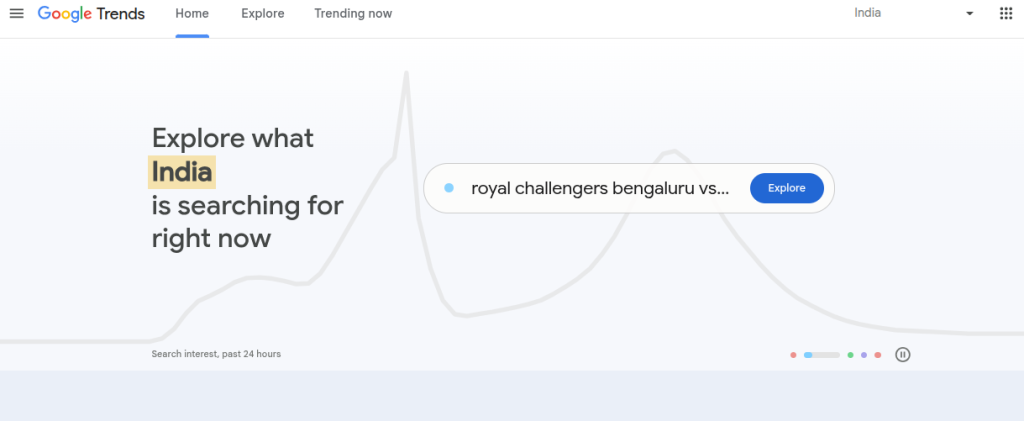
Still underrated.
Check what people are searching for. Align your content accordingly.
3. AnswerThePublic
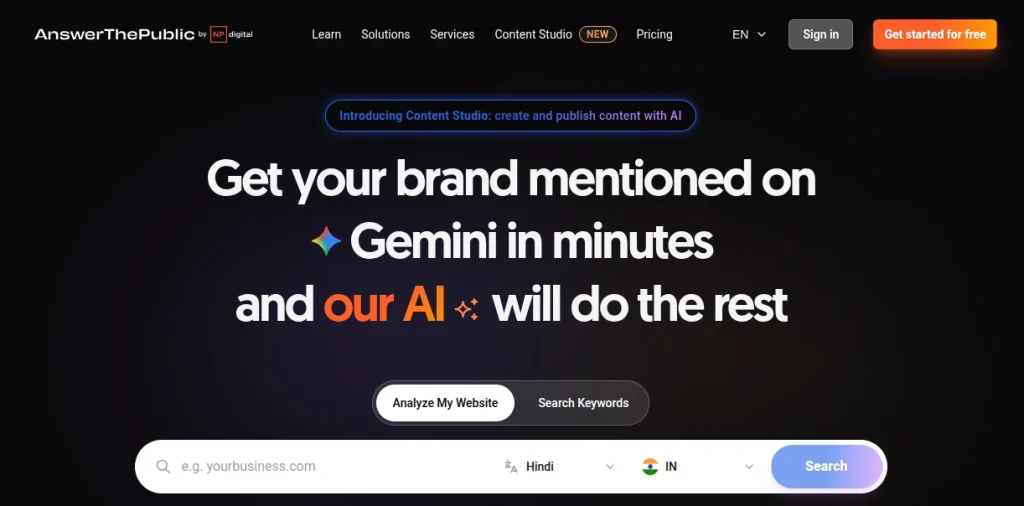
Shows real questions people ask.
Perfect for blog topics and YouTube ideas.
How to Use AI Without Sounding Like AI?
This is where most creators fail. AI content has a pattern. Once you see it, you can’t unsee it.
Common mistakes
- Overly polished tone
- Repetitive phrasing
- Generic advice
What I do instead
- Add personal opinions
- Keep some imperfections
- Use local references
For example, content for audiences feels more real when you mention actual scenarios. College assignments, office deadlines, late-night side hustles.
AI won’t do that naturally. You have to bring it in.
A Simple Workflow You Can Start Today
You don’t need 10 tools. Start with 3.
Step 1: Idea generation
Use ChatGPT or Perplexity AI
Step 2: Draft creation
Write your own version first
Step 3: Refinement
Improve using AI
Step 4: Design
Create visuals in Canva
Step 5: Distribution
Repurpose content for different platforms
That’s it, this way you let the simple beat the complex.
Where to Learn AI Tools without Getting Overwhelmed?
Most tutorials either go too basic or too technical. If you prefer a structured path, Skillwaala’s free AI tools course is a solid starting point. It covers practical use cases instead of theory, which matters more when you are actually trying to create content consistently.

For Students and Beginners
Start small. You don’t need a niche immediately. You need consistency.
What works
- Sharing what you learn
- Documenting your journey
- Posting 3 times a week
AI helps you stay consistent even when motivation drops.
For Working Professionals
Time is your biggest constraint.
Use AI to compress effort.
Example
Turn one LinkedIn post into:
- 3 tweets
- 1 Instagram carousel
- 1 short video
Same idea. Multiple formats.
For Established Creators
At this stage, quality matters more than quantity.
AI helps you scale without diluting your brand.
Focus on
- Delegating repetitive tasks to AI
- Keeping creative decisions human
Your audience follows your perspective, not your output speed.
Limitations You Should Know
AI is not always accurate. Especially in research.
It also lacks lived experience. It can imitate, but not feel.
Blind trust leads to shallow content.
Use it as a tool, not a replacement.

Final Thoughts
The creators who win in the next few years won’t be the ones who use the most tools. It will be the ones who use a few tools well. Skill still matters. Taste matters more. AI just removes the excuse of not having enough time. If you’ve been waiting to start, this is probably the easiest time you’ll ever get.
FAQs
There is no single best tool, as most creators combine ChatGPT for writing, Canva for visuals, and CapCut for video content.
No. AI can assist with speed and efficiency, but it cannot replace personal experience, storytelling depth, or original perspective.
Many tools offer free versions with limitations. For example, Canva and Grammarly have free plans. Paid plans unlock advanced features, but beginners can start for free.
Start with one tool. Learn it properly and use AI for idea generation and editing first. Avoid automating everything from day one. Consistency matters more than automation.
Search engines are not penalizing AI content directly. Poor quality content gets penalized. If your content is helpful, original, and experience-driven, it performs well regardless of how it was created.
Add your personal experiences, opinions, and local context. Avoid copying outputs directly. Edit aggressively. The human layer is what makes content relatable.
Focus on storytelling, audience understanding, and content strategy. AI tools change quickly, but these skills remain valuable long term.
About The Author