

AI text-to-speech has moved well beyond robotic voices and awkward pauses. The better tools can now produce narration that sounds surprisingly natural, making them useful for courses, presentations, YouTube videos, podcasts, accessibility, and everyday learning.
But the differences between text-to-speech AI tools become obvious once you use them for real projects. Voice quality is only part of the equation. Pronunciation controls, language support, voice cloning, editing options, and pricing can matter just as much.
I compared 10 of the best AI text-to-speech tools to see which ones are actually worth using and where each one fits best.
Quick Comparison: 10 Best AI Text-to-Speech Tools
| Tool | Best For | Voice Quality | Voice Cloning | Free Access | My Rating |
|---|---|---|---|---|---|
| ElevenLabs | Realistic AI voices | Excellent | Yes | Yes | 9.5/10 |
| Murf AI | Professional voiceovers | Excellent | Yes | Trial | 9/10 |
| Speechify | Reading & learning | Very Good | Yes | Yes | 8.5/10 |
| Resemble AI | Custom AI voices | Excellent | Yes | Trial | 9/10 |
| TTSMaker | Free text-to-speech | Good | No | Yes | 8/10 |
| VoiceMaker | Voice customization | Good | No | Yes | 8/10 |
| FineVoice | Voice generation & effects | Good | Yes | Yes | 8/10 |
| NaturalReader | Documents & study material | Very Good | No | Yes | 8.5/10 |
| Narakeet | Presentations & narration | Very Good | No | Yes | 8/10 |
| Speechma | Quick voice generation | Good | No | Yes | 8/10 |
What is Text-to-Speech AI and How Does It Work?
Text-to-speech (TTS) AI converts written text into spoken audio using machine learning models trained on human speech. You provide a script, select a voice, adjust the available controls, and the tool generates an audio file that you can listen to or use in your content.
Modern text-to-speech AI tools do more than just read words aloud. Better systems can interpret punctuation, pauses, emphasis, pronunciation, and speaking style to produce more natural narration.
For example, a training script saying “The deadline is Friday, not Monday” should sound different from a sentence being read from a textbook. Good TTS models understand enough of the surrounding text to make those distinctions.
What Can You Use AI Text-to-Speech For?
If you think AI TTS tools are just for voicers, you’d be quite wrong. The practical applications are broader than just voiceovers:
- Study Material: Convert lengthy notes, articles, or PDFs into audio for revision while commuting.
- Video Narration: Create voiceovers for tutorials, explainers, reels, and YouTube videos
- Presentations: Add narration to slides without recording every section yourself.
- E-Learning: Turn written lessons into spoken modules for online courses.
- Accessibility: Give people another way to consume written information
- Content Creation: Produce narration for podcasts, audiobooks, and other audio formats.
There’s also a useful middle ground. Use AI for the first version, then edit the audio rather than expecting the generated voice to be perfect. A small pronunciation correction or pause adjustment can make a surprisingly big difference.
That becomes especially relevant with Indian names, regional words, Hinglish, and technical terminology. A voice may sound excellent overall and still completely butcher one word you use repeatedly. Always listen to a sample before committing to a long generation.
1. ElevenLabs: Best for Realistic AI Voices
Rating: 9.5/10
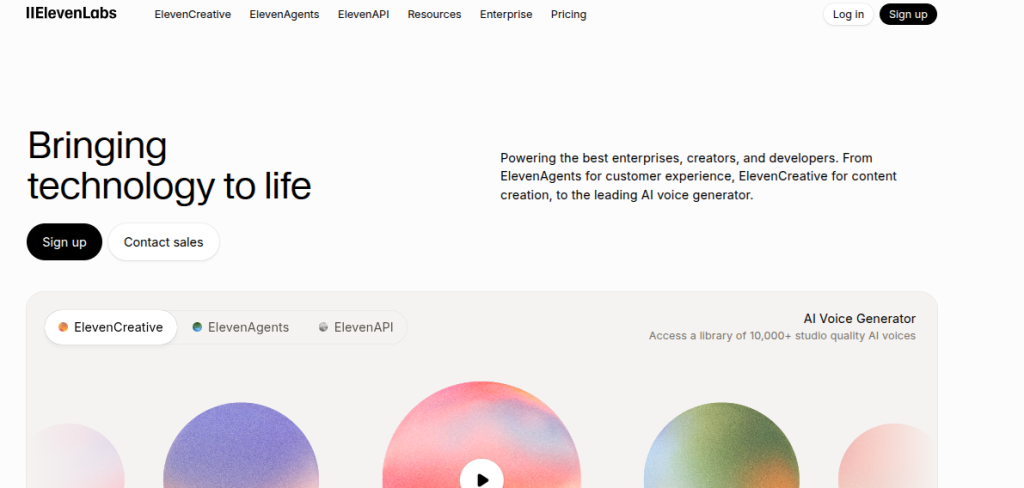
ElevenLabs is the first tool I’d test if voice realism is your main priority. Its voices have a natural rhythm and can handle conversational narration far better than the typical robotic TTS systems I’ve used.
It also makes sense for creators who want to experiment beyond basic text-to-speech. Voice cloning, multilingual speech generation, and API access give it room to grow from a quick experiment into a serious audio workflow.
Key Features
- Highly realistic AI voice generation
- Voice cloning
- Multilingual speech generation
- Voice and delivery controls
- API access for developers
Pros
- Excellent voice quality
- Strong for long-form narration
- Good multilingual capabilities
- Useful for both creators and developers
Cons
- Free usage is limited
- Advanced features require a paid plan
- Voice generation can become expensive for heavy users
Pricing: ElevenLabs has a Free plan with 10,000 credits per month. The Starter plan costs $6/month and includes 30,000 credits. The Creator plan costs $11/month with 121,000 credits. The Pro plan costs $99/month and provides 600,000 credits.
2. Murf AI: Best for Professional Voiceovers
Rating: 9/10
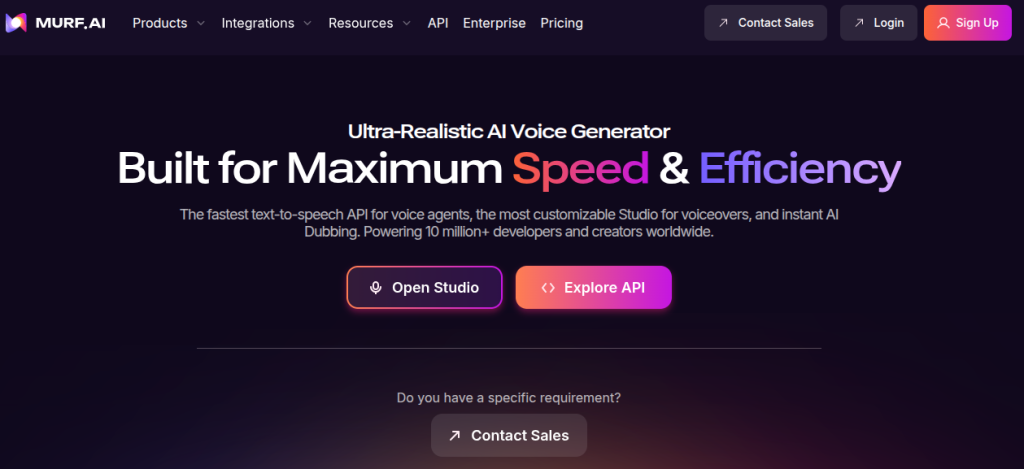
Murf AI is the kind of tool I’d pick when the final audio needs to sound polished and presentation-ready, rather than experimental. Its editor gives you more control over how a voiceover sounds, which is useful when you’re producing training videos, presentations, or business content.
What I like about Murf is that you can work with the script and narration together instead of treating the generated audio as a finished file. You can adjust delivery, pronunciation, pauses, and emphasis to get closer to the way an actual narrator would read the script.
Key Features
- AI voice generation with multiple voice styles
- Voiceover editor for script-based projects
- Pronunciation and emphasis controls
- Voice cloning capabilities
- Support for multiple languages and accents
Pros
- Excellent for professional narration
- Good control over voice delivery
- Beginner-friendly editing interface
- Useful for presentations and e-learning
Cons
- Free access is limited
- Some advanced features require paid plans
- Less focused on experimental voice creation than ElevenLabs
Pricing: Murf AI has a Free plan with 10 minutes of voice generation. The Creator plan costs $19/month. The Business plan costs $66/month. Both paid plans provide substantially higher voice-generation allowances. Enterprise pricing is also available on request.
3. Speechify: Best for Reading and Learning
Rating: 8.5/10
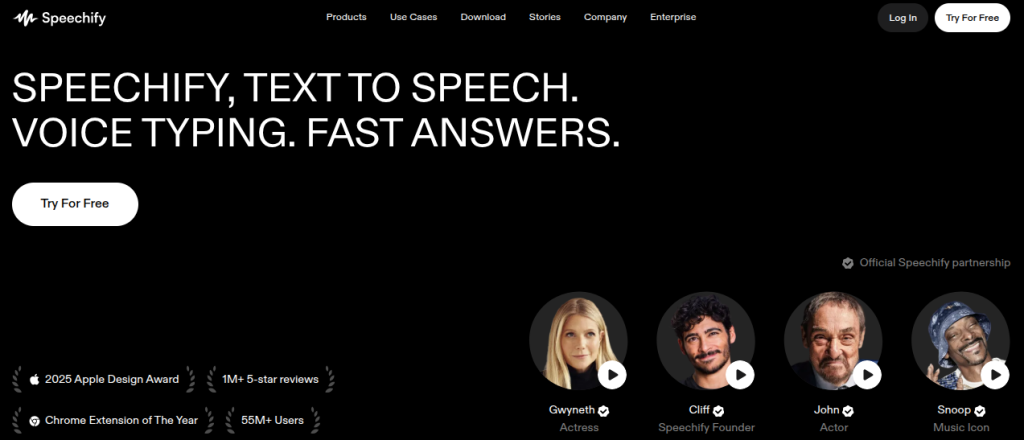
Speechify takes a slightly different approach to most text-to-speech AI tools on this list. Instead of focusing primarily on producing voiceovers, it is built around turning written content into something you can listen to.
That makes it particularly useful for long articles, documents, study material, and other text-heavy content. The voices sound natural enough for extended listening, and the platform is convenient when you want to consume written material while travelling or away from your screen.
Key Features
- Natural-sounding AI voices
- Text-to-speech for documents and web content
- Adjustable reading speeds
- AI voice options across multiple languages
- Mobile and browser support
Pros
- Excellent for long-form listening
- Easy to use
- Useful for study and research
- Good voice quality
Cons
- Less suited to advanced voice production
- Premium features require a subscription
- Not the strongest choice for professional voiceover editing
Pricing: Speechify has a Free plan that provides basic text-to-speech functionality with 10 robotic voices and speeds up to 1.5x. Speechify Premium costs $29/month and adds access to more than 1,000 voices, 60+ languages, speeds up to 5x, and additional AI features.
4. Resemble AI: Best for Custom AI Voices
Rating: 9/10
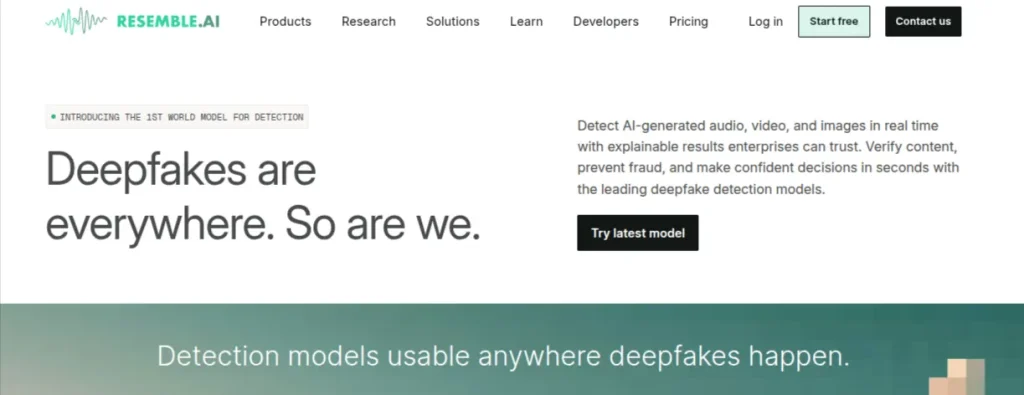
Resemble AI is aimed at people who need more control over the voice itself. While it works as a regular text-to-speech platform, its stronger appeal is custom voice creation and cloning, making it useful for branded content, applications, and interactive experiences.
I’d consider Resemble AI when maintaining a consistent voice matters across multiple projects. It also offers developer-focused capabilities, so you can move beyond manually generating audio and integrate synthetic speech into a product workflow.
Key Features
- AI voice cloning and custom voice creation
- Text-to-speech generation
- Speech-to-speech conversion
- Multilingual voice capabilities
- API and developer integrations
Pros
- Strong voice cloning capabilities
- Good choice for branded videos
- Developer-friendly
- Flexible audio-generation workflows
Cons
- More technical than beginner-focused platforms
- Advanced features can become expensive
- Voice quality varies depending on the selected voice and use case
Pricing: Resemble AI currently uses a different pricing structure from a conventional consumer TTS subscription. Its Flex plan starts at $0/month with pay-as-you-go usage. Team version costs $350/month, and Business costs $1,000/month. Enterprise pricing is custom.
Compare the top AI voice cloning tools based on voice quality, features, pricing, languages, and ease of use – and find the right tool for your needs.
Explore the Top 10 AI Voice Cloning Tools →5. TTS Maker: Best Free Text-to-Speech Tool
Rating: 8/10
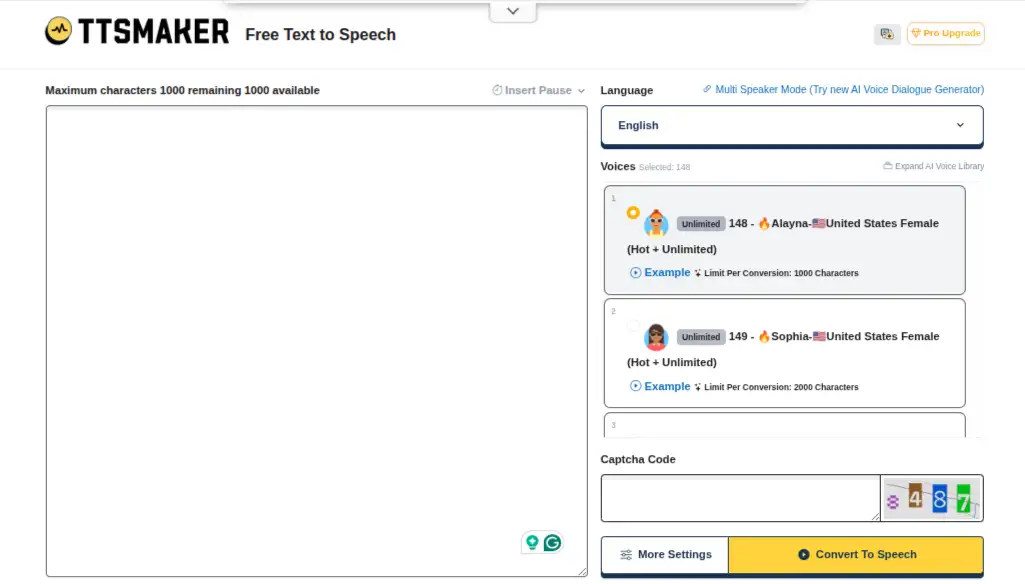
TTSMaker is one of the first tools I’d try when the goal is to turn written text into usable audio without paying for a subscription. There’s no need to learn a complicated production interface before you can generate your first voiceover.
The trade-off is quite predictable. TTSMaker doesn’t give you the same level of voice realism or detailed control you’ll find in ElevenLabs or Resemble AI. Still, for study material, basic narration, quick scripts, and small projects, it does the job surprisingly well.
Key Features
- Free text-to-speech generation
- Multiple languages and voice options
- Adjustable speech settings
- Downloadable audio files
- Browser-based workflow
Pros
- Generous free access
- Easy to use
- Supports multiple languages
- Good for quick audio generation
Cons
- Voice quality varies between voices
- Fewer advanced controls than premium platforms
- Not ideal for high-end commercial voiceovers
Pricing: TTSMaker has a Free plan with 20,000 characters per week. Its Lite plan costs $13.99/month for 300,000 characters. Pro Mini costs $23.99/month for 600,000 characters, and Pro Max costs $32.99/month for 1.2 million characters. The Studio plan costs $140/month and provides 6 million characters, along with additional capabilities.
6. VoiceMaker: Best for Voice Customization
Rating: 8/10
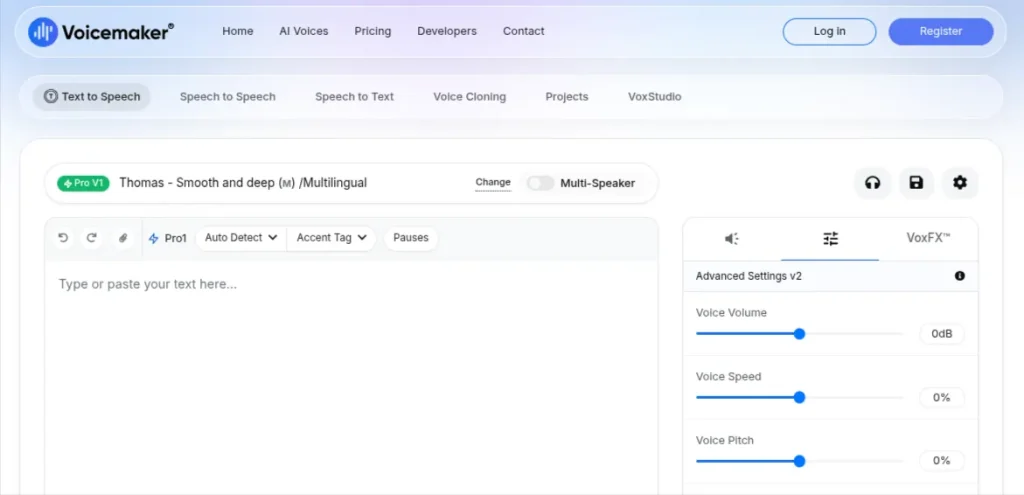
VoiceMaker is a practical choice when you want control over how an AI voice sounds without dealing with a complicated production setup. You can adjust speech characteristics and choose from a broad collection of voices and languages.
It has also become more capable in 2026, with features such as voice cloning, multi-speaker generation, pronunciation controls, and newer voice models. I’d consider it particularly useful for presentations, educational content, and regular voiceover production where having control over the output matters.
Key Features
- Multiple AI voices and languages
- Pitch, speed, volume, and pronunciation controls
- Voice cloning
- Multi-speaker generation
- SSML support
Pros
- Strong voice customization
- Useful free tier
- Supports Indian English and Hindi voices
- Affordable entry-level paid plan
Cons
- Voice quality varies between models
- The interface takes some getting used to
- Premium voices consume credits faster
Pricing: VoiceMaker has a free plan with 25,000 credits per month and a 250-character conversion limit. The Starter plan costs $5/month for 200,000 credits. The Creator costs $10/month for 400,000 credits. The Pro plan is $24/month for 1 million credits. Teams start at $49/month, and Business costs $109/month.
7. FineVoice: Best for Voice Generation and Audio Effects
Rating: 8/10
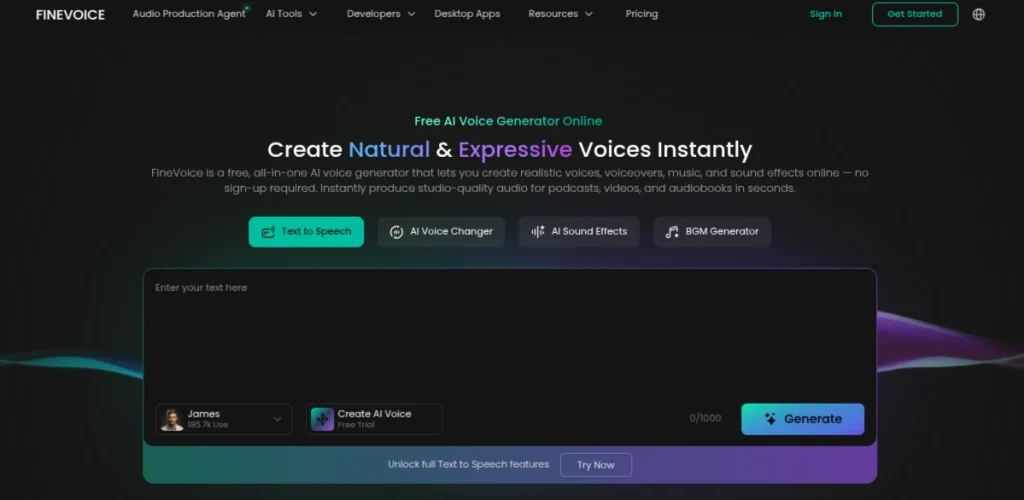
FineVoice is a useful option when you want text-to-speech plus a broader set of AI voice tools in the same workspace. It supports voice generation, voice changing, voice cloning, and audio-related effects, so it feels more like an AI voice toolkit than a basic TTS converter.
I’d use FineVoice for quick voiceovers, character voices, experiments, and short-form content. It isn’t my first choice for the most realistic narration available, but the variety makes it worth considering when you want to play around with different voices rather than produce one polished corporate narration.
Key Features
- AI text-to-speech generation
- Voice cloning
- AI voice changer
- Multiple languages and voices
- Audio and voice effects
Pros
- Broad range of voice features
- Easy for beginners to experiment with
- Useful free access
- Good option for creative projects
Cons
- Voice realism varies across voices
- Advanced usage requires credits
- Professional voiceover workflows offer more control elsewhere
Pricing: FineVoice offers a Free plan with limited credits and access to selected features. Its Basic plan costs $8.99/month. The Pro plan costs $19.99/month. Higher usage limits and additional AI voice features are included with the paid tiers.
8. NaturalReader: Best for Documents and Study Material
Rating: 8.5/10
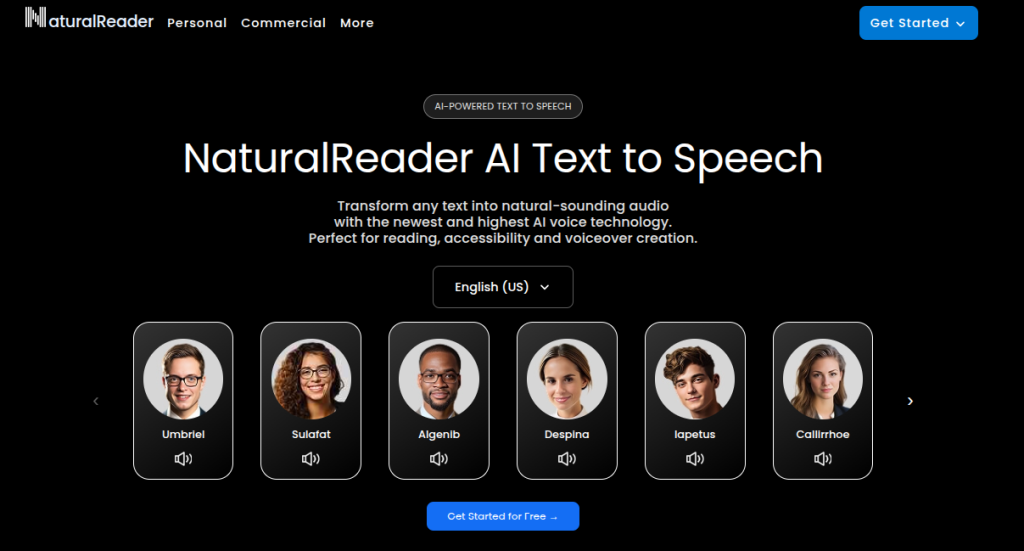
NaturalReader is one of the more practical text-to-speech tools if your main goal is listening to written content rather than creating elaborate voiceovers. It can turn documents and other written material into spoken audio, making it useful when reading long material on a screen becomes tiring.
I’d place NaturalReader closer to Speechify than ElevenLabs. Its strength is accessibility and everyday reading rather than highly expressive narration. For someone working through research papers, course material, PDFs, or lengthy documents.
Key Features
- AI text-to-speech for documents
- OCR for scanned documents and images
- Multiple AI voices and languages
- Adjustable reading speed
- Browser and mobile applications
Pros
- Excellent for long documents
- Easy to use
- Useful accessibility features
- Supports multiple document formats
Cons
- Less control over professional voiceovers
- Premium voices require a subscription
- The free version has usage restrictions
Pricing: NaturalReader offers a Free plan with access to basic voices and limited AI voice usage. Its Premium plan costs $20.90/month. The Plus plan costs $25.90/month when billed monthly. Annual billing lowers the effective monthly cost. Premium is available at $8.25/month and Plus at approximately $13.58/month.
9. Narakeet: Best for Presentations and Narrated Videos
Rating: 8/10
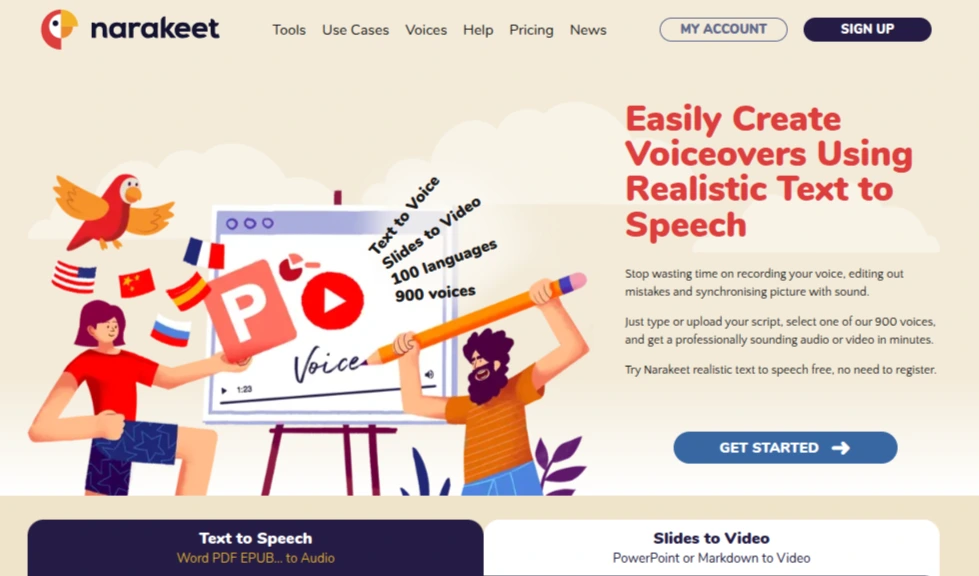
Narakeet is particularly useful when you want to turn scripts, documents, or presentations into narrated content without building a complicated audio workflow. It supports 900 AI voices across 100 languages and can work with Word documents, text files, EPUBs, and subtitle files.
I like Narakeet for presentation-heavy work because you can control pauses, pronunciation, speed, pitch, and even switch between multiple voices within a script. It also provides an API for automated text-to-speech production, which makes it more capable than its simple interface initially suggests.
Key Features
- 900 AI voices across 100 languages
- Text-to-speech for Word, EPUB, TXT, and subtitle files
- Presentation and video narration
- Multiple voices within one script
- API and batch audio generation
Pros
- Excellent for presentations and e-learning
- Large selection of voices and languages
- Supports detailed narration controls
- No recurring subscription required
Cons
- Free accounts cannot be used for commercial work
- Less focused on voice cloning
- Credit-based pricing can be less predictable for heavy usage
Pricing: Narakeet has a free account that allows up to 20 conversions, although free output is limited to personal and evaluation use. The smallest package costs $6 for minutes, with larger packages offering lower per-minute rates. Overall pricing ranges from approximately $0.20 to $0.05 per minute depending on the package size.
10. Speechma: Best Free Text-to-Speech Tool
Rating: 8/10
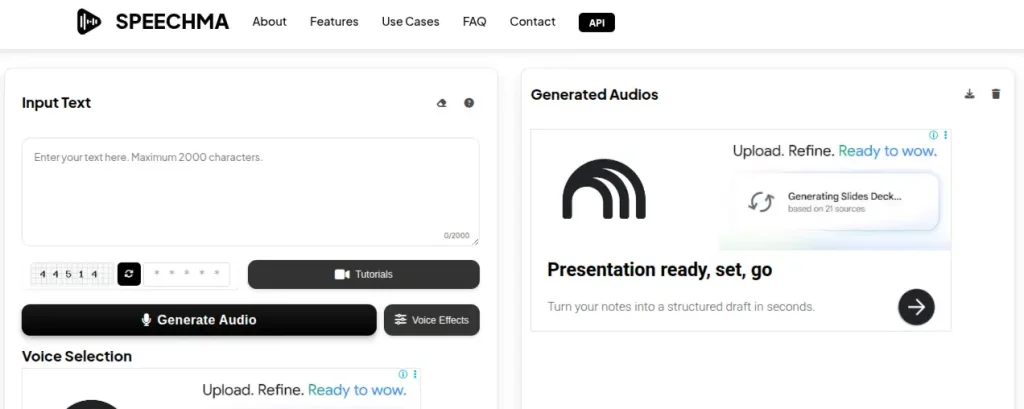
Speechma is one of the more interesting options in this comparison because its web-based text-to-speech service is completely free. It currently offers 580+ AI voices across 60+ languages, with commercial use included and no registration required. You can adjust speech settings and download the generated audio as an MP3.
For someone who needs quick narration without another subscription, that makes Speechma worth trying. The platform is more basic than ElevenLabs or Murf, though, and I’d treat it as a practical free option rather than a replacement for a full professional voice-production suite.
Key Features
- 580+ AI voices
- 60+ languages
- Commercial use included
- MP3 downloads
- Adjustable pitch, speed, and volume
Pros
- Completely free web-based TTS
- No registration required
- Commercial use included
- Larger voice selection
Cons
- No voice cloning currently
- Fewer production controls than premium platforms
- Web service is less suited to complex automated workflows
Pricing: Speechma’s web-based TTS service is completely free, with access to its full voice library and commercial usage included. For developers and businesses that need API access, the Start plan costs $9/month for 1 million characters. Pro costs $99/month for 50 million characters. A Business plan costs $999/month for 500 million characters, and custom Enterprise plans are also available.
15 Best AI Music Generators
From creating complete songs and background music to generating realistic voices and cleaning up recordings, AI audio tools can handle far more than just music generation. Explore the 15 Best AI Music Generators & Audio Tools and compare their features, output quality, ease of use, pricing, and best use cases to find the right tool for your workflow.
Explore the 15 Best AI Music Generators →AI Text-to-Speech Tools Comparison: Which One Should You Choose?
After testing the tools on different use cases, I wouldn’t pick a single winner and call it a day. ElevenLabs is my overall choice for voice quality, but that doesn’t make it the best option for every workflow. As everyone will tell you, there isn’t a universal winner. The best choice depends on what you want the generated audio to do.
| Use Case | Choose |
|---|---|
| Most realistic voices | ElevenLabs |
| Professional voiceovers | Murf AI |
| Study material and reading | Speechify |
| Custom voice cloning | Resemble AI |
| Free text-to-speech | TTSMaker |
| Voice customization | VoiceMaker |
| Voice effects and experimentation | FineVoice |
| Video voiceovers | LOVO AI |
| Reading documents | NaturalReader |
| Presentations and e-learning | Narakeet |
| Creative and character voices | Uberduck |
| Free voice generation | Speechma |
| Higher-volume TTS | FreeTTS |
My overall pick is ElevenLabs because it delivers the strongest combination of voice quality, cloning, multilingual support, and control. If you’re mainly converting notes or documents into audio, though, paying for ElevenLabs would be unnecessary. In that case, Speechify or NaturalReader is a better fit.
Final Words
The best AI text-to-speech tool depends on what you’re trying to create. ElevenLabs is my overall pick for realistic voices, while Murf AI is better suited to polished professional voiceovers. For listening to study material, Speechify and NaturalReader make more sense. If keeping costs at zero is the priority, TTSMaker and Speechma are good places to start.
Don’t choose based on voice count or a polished demo alone. Take the script you actually plan to use, generate the same sample in two or three tools, and listen for pronunciation, pauses, consistency, and natural delivery. Once you find a voice that works for your content, you can decide whether the paid plan is worth the extra control and usage.
Frequently Asked Questions (FAQs)
An AI text-to-speech tool converts written text into spoken audio using AI models trained on human speech. Modern systems can produce natural-sounding narration with controls for speed, pronunciation, pauses, tone, and speaking style.
ElevenLabs is my top overall choice for realistic AI voices. It offers strong voice quality, voice cloning, multilingual speech, and useful controls. For learning and reading documents, Speechify or NaturalReader may be a better fit.
ElevenLabs is my top overall choice for realistic AI voices. It offers strong voice quality, voice cloning, multilingual speech, and useful controls. For learning and reading documents, Speechify or NaturalReader may be a better fit.
Yes. Several platforms offer free plans or free usage, including TTSMaker, Speechma, VoiceMaker, ElevenLabs, and Speechify. Free plans usually have limits on characters, credits, available voices, or commercial usage.
Yes. Several AI audio generation tools support Hindi. However, language availability doesn’t guarantee good pronunciation. If you’re creating Hindi or Hinglish content, generate a sample using your actual script and check names, English terms, and regional words before producing the complete audio.
It depends on the tool and subscription plan. Some platforms include commercial rights in paid plans. Free plans may restrict commercial use. Always check the current license terms before using generated audio for client work, advertisements, paid courses, or monetized content.
About The Author

