

AI music and audio tools have become surprisingly good, but they don’t all solve the same problem. Suno can turn a prompt into a complete song, Eleven Labs excels at AI voice generation, and Adobe Podcast is better suited to cleaning up rough recordings.
I tested 15 popular tools across music generation, voiceovers, audio editing, and podcast production to see where each one actually fits. This AI music tools comparison focuses on practical use, output quality, ease of use, and value, so you can pick the tool that makes sense for your workflow.
15 Best AI Music Tools at a Glance
There isn’t one best AI music generator for every task. Moreover, voice and audio tools are a separate category. ElevenLabs, Murf, PlayHT, and LOVO focus on synthetic voices, while Descript, Adobe Podcast, Podcastle, and Auphonic help with editing and improving recorded audio.
| Tool | Best For | Category | Free Option |
|---|---|---|---|
| Suno | Complete AI songs | Music generation | Yes |
| ElevenLabs | Realistic AI voices | Voice generation | Yes |
| Murf | Professional voiceovers | Voice generation | Yes |
| Stable Audio | AI-generated audio | Music & audio | Yes |
| Udio | Detailed song creation | Music generation | Yes |
| Soundraw | Royalty-free background music | Music generation | Yes |
| AIVA | Instrumental compositions | Music generation | Yes |
| Riffusion | Experimental music | Music generation | Yes |
| Loudly | Creator-focused music | Music generation | Yes |
| Descript | Audio/video editing | Editing | Yes |
| Adobe Podcast | Voice enhancement | Audio enhancement | Yes |
| PlayHT | AI voiceovers | Voice generation | Yes |
| LOVO | AI voice production | Voice generation | Yes |
| Podcastle | Podcast creation | Podcasting | Yes |
| Auphonic | Audio post-production | Audio processing | Yes |
Pro Tip: If your main goal is music creation, start with Suno or Udio. For voice work, ElevenLabs is my first pick. If you’re cleaning up recordings rather than generating them, Adobe Podcast is much more relevant.
How I Compared These AI Music and Audio Tools?
I didn’t judge these tools on how impressive their demos look. The useful test is what happens when you actually need to make something and publish it.
- Output Quality: How good the generated music, voices, or enhanced recordings actually sound.
- Control: How much control you get over the final output rather than relying entirely on prompts.
- Ease of Use: Whether you can get useful results without spending hours learning the interface.
- Commercial Use: Licensing and whether the generated content can realistically be used for professional projects.
- Pricing: Free limits, paid plans, and whether the cost makes sense for regular use.
- Best Use Case: What I’d actually recommend for each tool based on its strengths.
1. Suno: Best AI Music Generator for Complete Songs
Rating: 9/10
Best For: Creating songs, demos, jingles, and music for content
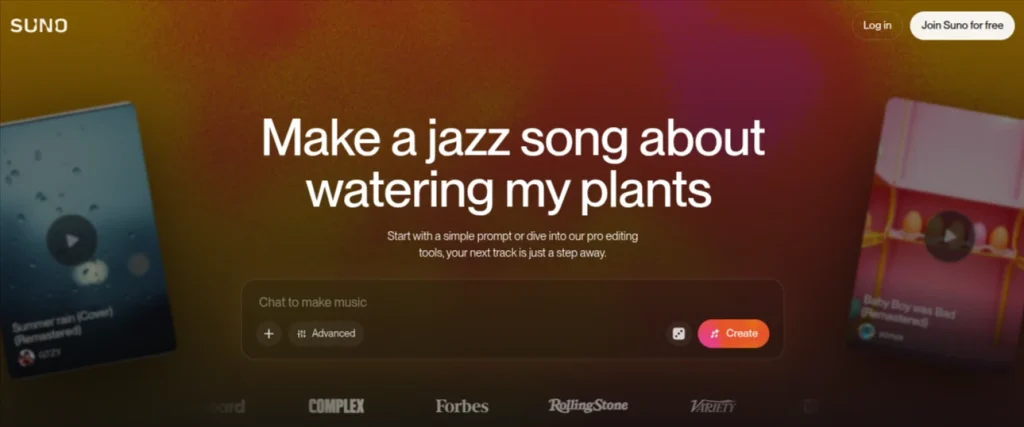
Suno is my first pick when the goal is to create a complete song without knowing music production. Give it a prompt describing the genre, mood, theme, or sound you want, and it can generate vocals, lyrics, and instrumentation together.
The quality can vary between generations, but when it works, the result is far more polished than you might expect from a browser-based AI music generator.
Key Features:
- Text-to-song generation with vocals
- Custom lyrics and song styles
- Song extension and editing
- Multiple generations from one idea
Pros: Excellent creative output, beginner-friendly, fast generation
Cons: Less control than traditional music software. Commercial rights depend on your plan.
Pricing: Free plan available with limited credits. Its Pro plan starts at $8/month. The Premiere plan costs $24/month. Commercial rights apply to songs created under the paid plans.
2. ElevenLabs: Best for AI Voice Generation
Rating: 9.5/10
Best For: Realistic AI voiceovers and narration
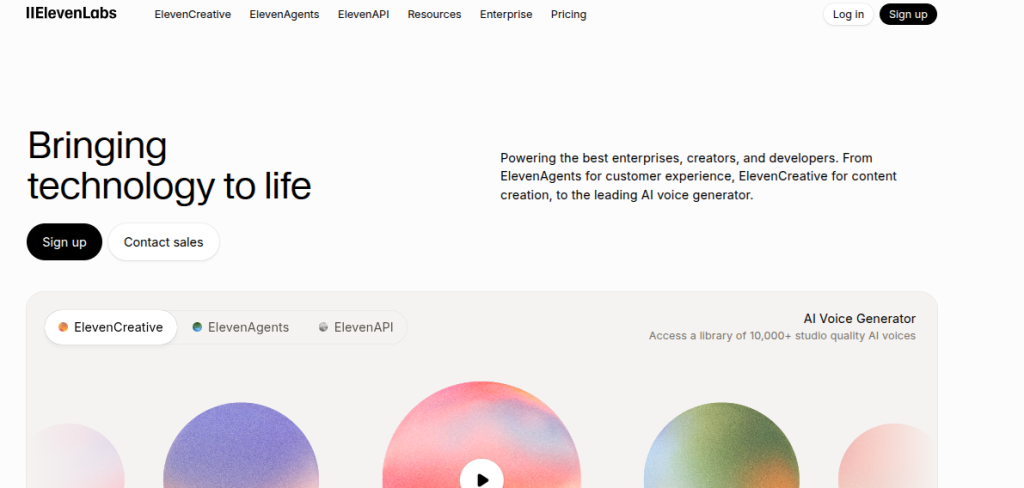
ElevenLabs is one of the strongest choices in this AI audio tools comparison if your work involves spoken audio rather than music. Its AI voices sound remarkably natural, with convincing pacing and intonation that work well for videos, courses, podcasts, and voiceovers.
I particularly like it when a script needs to sound polished without hiring a voice actor for every project.
Key Features:
- Natural text-to-speech generation
- Large selection of voices and languages
- Voice cloning
- Voice design and dubbing tools
Pros: Excellent voice quality, strong multilingual support, useful controls.
Cons: Free usage is limited. Voice cloning requires careful handling of permissions and licensing.
Pricing: ElevenLabs offers a free plan with limited monthly credits. The Starter plan starts at $6/month. Higher plans increase the monthly character/credit allowance and add more advanced features.
3. Murf: Best for Professional AI Voiceovers
Rating: 8.5/10
Best For: Professional voiceovers and educational content
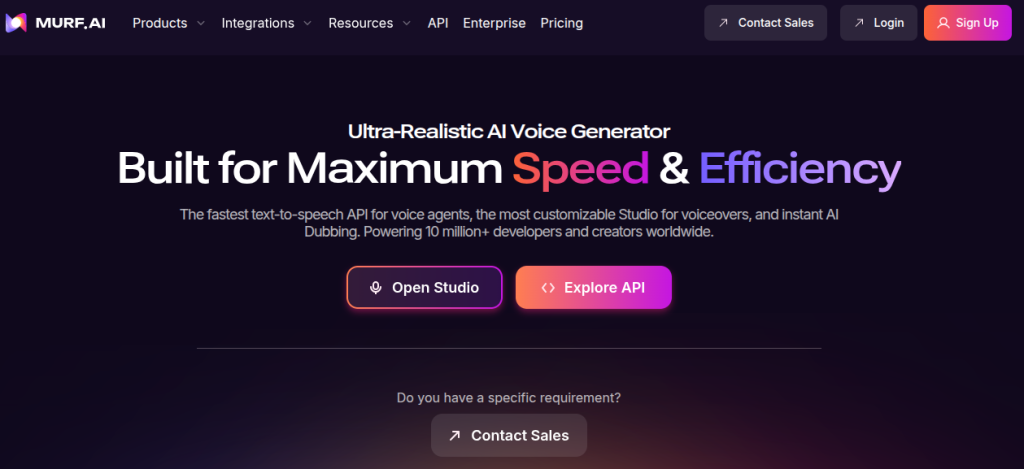
Murf is a strong option when you need polished narration rather than an AI voice that sounds obviously synthetic. Its editor lets you work with scripts, adjust delivery, and build voiceovers without having to jump between separate recording and editing tools.
I’d consider it particularly useful for training videos, presentations, explainers, and other professional content where consistency matters.
Key Features:
- AI text-to-speech with multiple voice styles
- Voiceover editing and customization
- Support for multiple languages
- Tools for presentations and video projects
Pros: Professional-sounding voices, straightforward editor, useful for business content.
Cons: Free access is quite limited. Some advanced features require higher-tier plans.
Pricing: Murf provides a free trial with limited access. Its Creator plan starts at $19/month. The Business plan starts at $66/month
4. Stable Audio: Best for AI-Generated Audio
Rating: 8/10
Best For: Custom music, sound effects, and experimental audio.
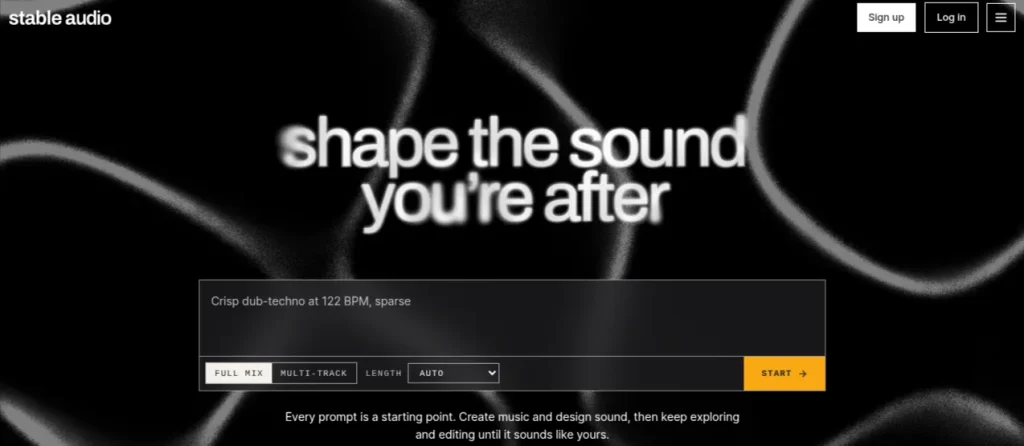
Stable Audio takes a broader approach than a typical AI music generator. It can create music and sound effects from text prompts, making it useful when you need a specific audio element rather than a complete song.
You can describe the atmosphere, instruments, tempo, or type of sound you want and use the result as a starting point for a project.
Key Features:
- Text-to-audio generation
- Music and sound-effect creation
- Control over duration and output
- Useful for creative audio experiments
Pros: Flexible audio generation, good prompt control, useful beyond music.
Cons: Output quality can vary. Less suitable when you need a fully produced commercial song.
Pricing: A free option is available with usage limits. I’d verify the current paid pricing directly before purchasing because the plan amounts are not revealed in its current public pricing information.
5. Udio: Best AI Music Generator for Detailed Song Creation
Rating: 9/10
Best For: Creating and refining AI-generated songs
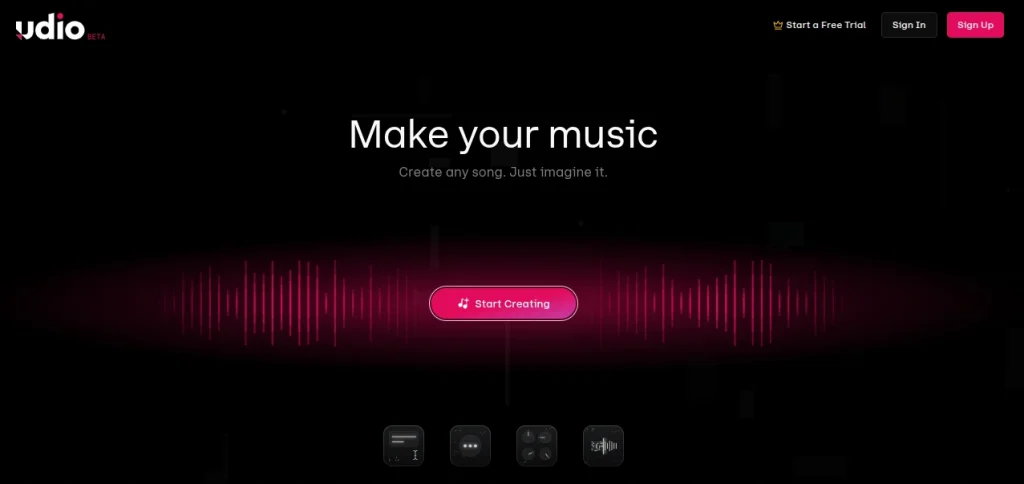
Udio is one of the closest competitors to Suno. Especially if you care about experimenting with the musical details of a generated track. It can turn text prompts into songs with vocals and instrumentation, while giving you tools to extend and refine generations.
I find it more interesting when you want to spend time shaping a track rather than accepting the first decent result.
Key Features:
- Text-to-music generation
- AI vocals and instrumental arrangements
- Song extension and editing
- Multiple genres and musical styles
Pros: Strong music quality, good creative control, impressive vocal generation.
Cons: Results can be inconsistent. Advanced workflows take some experimentation
Pricing: Free access is available with limited credits. Its Standard plan starts at $10/month. The Pro plan costs $30/month.
6. Soundraw: Best AI Royalty-Free Music Generator
Rating: 8.5/10
Best For: Royalty-free background music for content
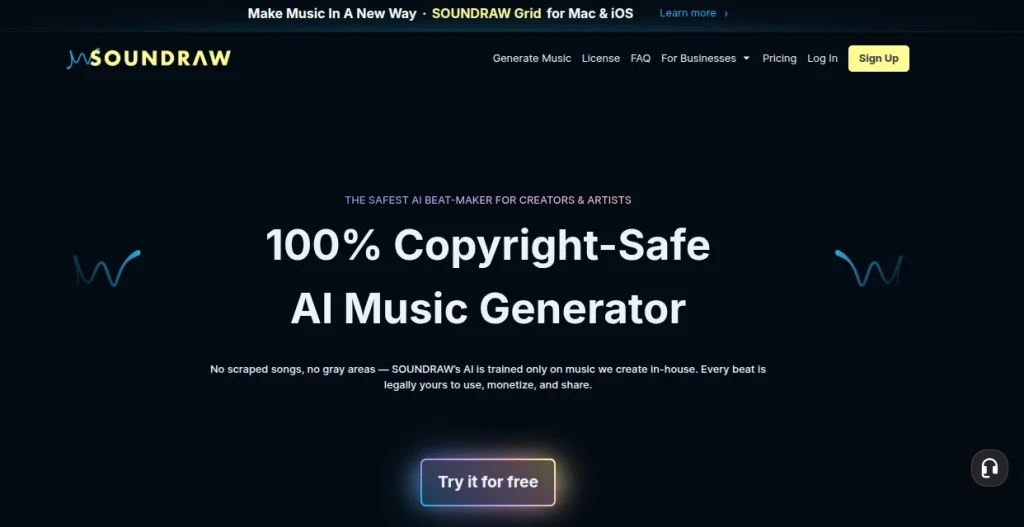
Soundraw is a better fit when you need background music for a project rather than a complete AI-generated song. You can select the mood, genre, length, and overall feel, then customize the generated track to match your content.
That makes it particularly useful for YouTube videos, presentations, ads, and social media content where music needs to support the visuals without taking over.
Key Features:
- AI-generated instrumental tracks
- Mood, genre, and duration controls
- Track customization
- Music licensing for commercial projects
Pros: Ease of use, practical for creators, strong customization options
Cons: Less suitable for vocal songs. Licensing terms depend on the subscription.
Pricing: Soundraw allows users to try the platform with limited credits. Its Creator plan starts at $19.99/month, or $16.99/month equivalent when billed annually.
7. AIVA: Best for AI-Generated Instrumental Music
Rating: 8/10
Best For: Instrumental and cinematic background music
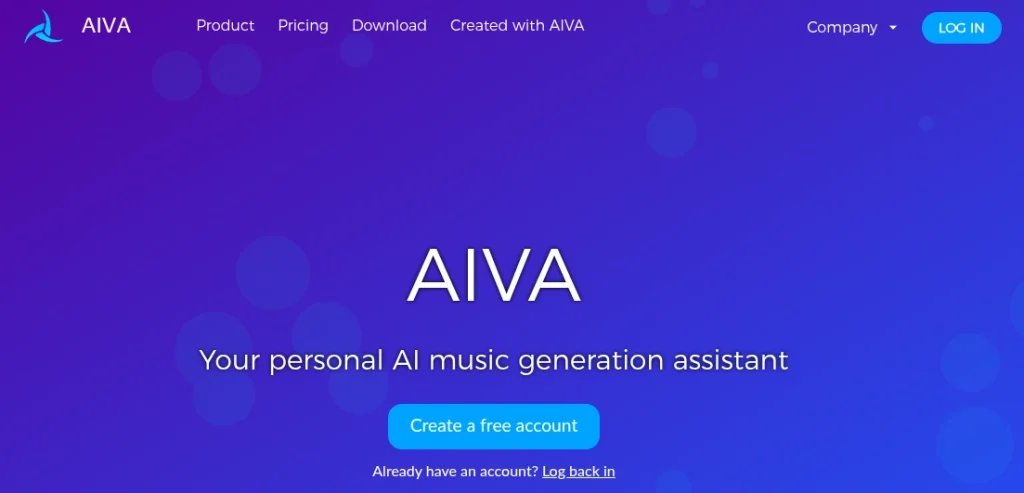
AIVA takes a more composition-focused approach to AI music generation. Rather than trying to create the next viral pop song, it works particularly well for instrumental pieces, cinematic backgrounds, and projects where the music needs to establish a mood.
You can generate compositions in different styles and make adjustments to better fit your project.
Key Features:
- AI-generated instrumental compositions
- Multiple musical styles
- Customization and editing options
- MIDI and audio export
Pros: Good for cinematic music, useful customization, established platform.
Cons: Vocals aren’t its main strength. Getting the best results takes some experimentation.
Pricing: AIVA has a free plan with restrictions on downloads and commercial use. Its Standard plan starts at €11/month when billed annually. The Pro plan starts at €33/month when billed annually.
8. Riffusion: Best for Experimental AI Music
Rating: 7.5/10
Best For: Experimenting with AI-generated music and unusual sounds
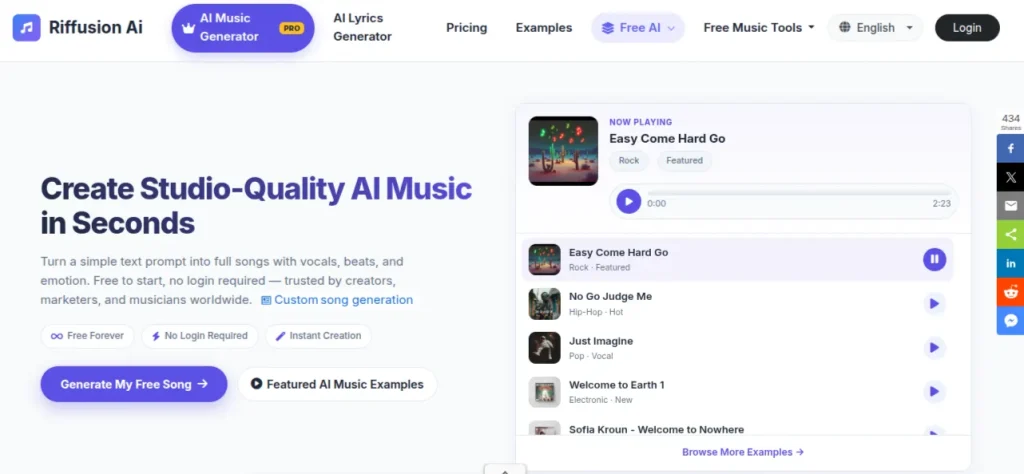
Riffusion is worth trying if you want to experiment rather than produce a perfectly predictable track. It turns text prompts into music and is particularly interesting for unusual genres, sounds, and creative ideas that may not fit conventional music-production workflows.
This interface is approachable, so it’s easy to generate several variations and see what sticks.
Key Features:
- Text-to-music generation
- Genre and style experimentation
- Rapid musical idea generation
- Creative remixing and variation
Pros: Fun to experiment with. Quick generation and broad creative range.
Cons: Output consistency can vary. Less suited to polished professional production.
Pricing: Riffusion offers free access with limitations. Its Starter plan starts at $8/month and provides additional monthly credits for music generation.
9. Loudly: Best for Quick AI-Generated Background Music
Rating: 8/10
Best For: Fast background music creation for digital content
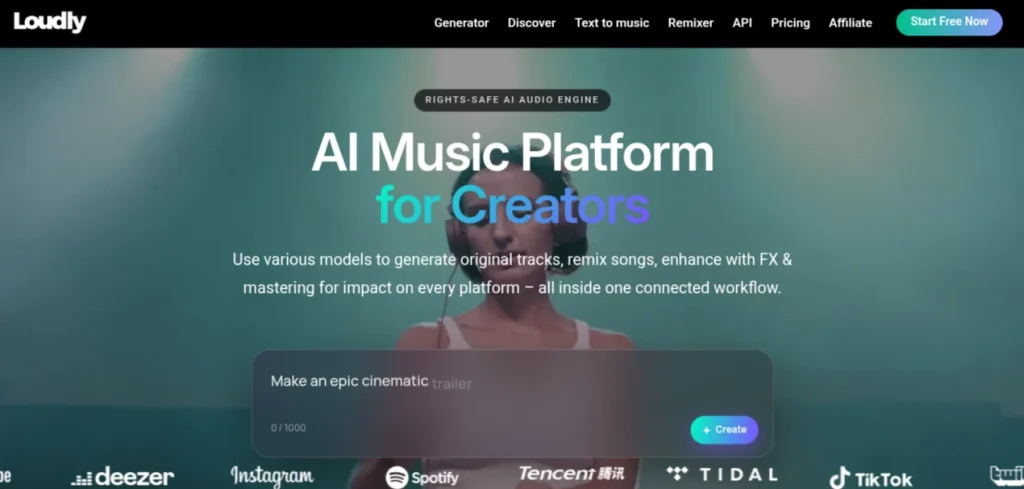
Loudly is a practical choice when you need usable background music without spending time tweaking every musical detail. Its AI music generator creates tracks based on parameters such as genre, mood, energy, and duration, making it particularly useful for videos, social content, presentations, and other projects where music supports the content rather than being the main attraction.
Key Features:
- AI-generated music tracks
- Genre and mood-based generation
- Customizable track length and structure
- Music licensing for content creators
Pros: Fast workflow, large music library, easy customization.
Cons: Less suitable for detailed song creation or complex musical arrangements.
Pricing: Loudly offers a Free plan with limited generations and 30-second track previews. Its paid Personal and Pro plans unlock full-length downloads, additional generations, stems, and commercial-use rights.
10. Descript: Best for Editing Audio and Video by Text
Rating: 8.5/10
Best For: Podcast editing, transcription, and content repurposing
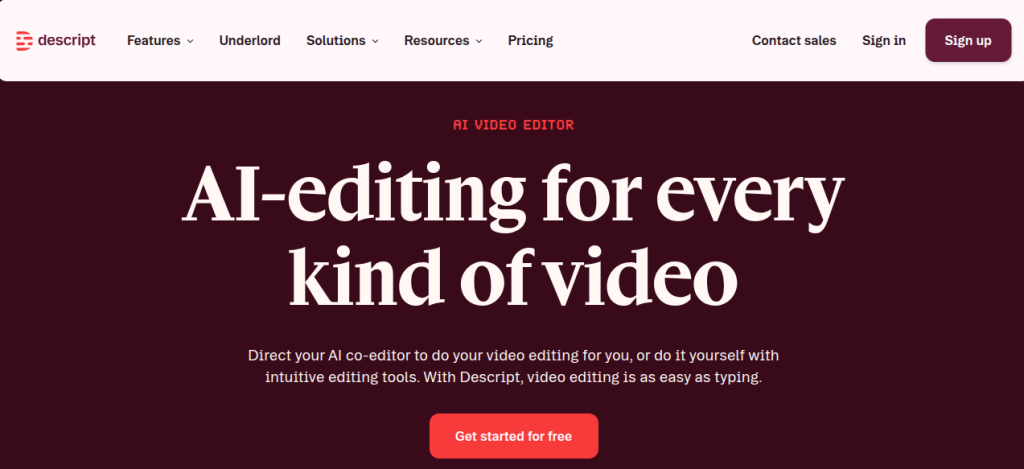
Descript is less of a music generator and more of a practical AI audio tool for editing recordings. Its biggest advantage is text-based editing. Once your audio or video is transcribed, you can edit the recording by changing the transcript.
That makes removing mistakes, tightening a podcast, or turning a long recording into shorter content much faster.
Key Features:
- Text-based audio and video editing
- Automatic transcription
- AI voice and audio cleanup
- Filler-word removal and clip creation
Pros: Extremely intuitive editing workflow, strong transcription, useful AI editing features.
Cons: Not intended for generating original music. Advanced features consume plan-based credits.
Pricing: Descript has a Free plan with limited access. The Hobbyist plan starts at $12/month per person when billed annually. The Creator plan starts at $24/month per person when billed annually.
11. Adobe Podcast: Best for Cleaning Up Voice Recordings
Rating: 9/10
Best For: Cleaning up voice recordings and editing podcasts.
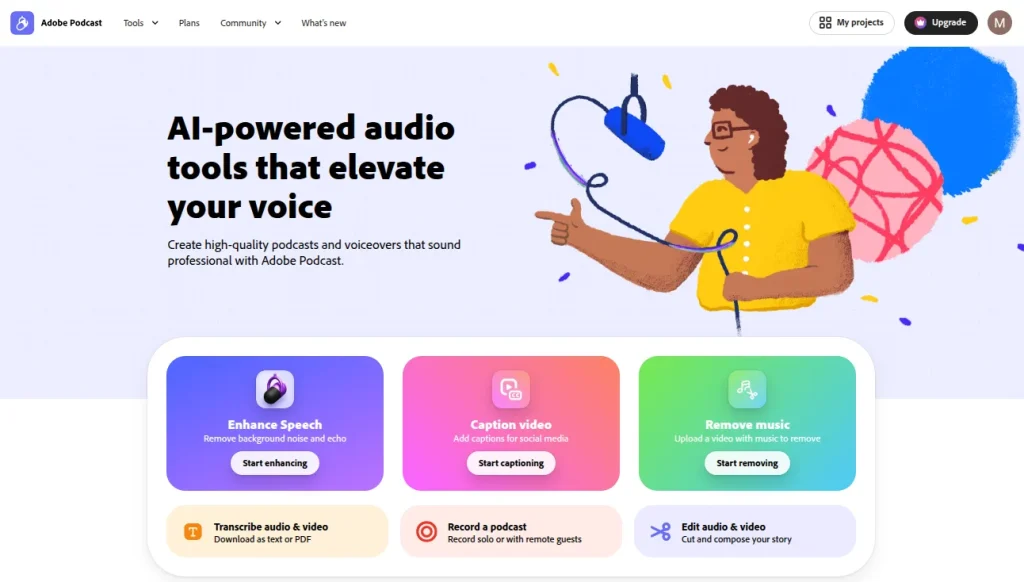
Adobe Podcast is one of the most useful AI audio tools when your recording quality isn’t great. Its Enhance Speech feature can reduce background noise and echo while making spoken audio sound cleaner, which is particularly handy when recording in a bedroom, office, or other imperfect environment.
It also includes browser-based recording, transcription, and text-based editing for podcast workflows.
Key Fetaures:
- AI-powered speech enhancement
- Browser-based podcast recording
- Automatic transcription
- Text-based audio editing
Pros: Excellent voice cleanup, simple interface, useful free plan.
Cons: Primarily focused on spoken audio. Advanced enhancement features require Premium.
Pricing: The free plan includes basic Enhance Speech and Studio features. Adobe Podcast Premium costs $9.99/month and adds longer processing limits, video enhancement, bulk uploads, adjustable enhancement strength, and unlimited Studio downloads. A 30-day free trial of Premium is available.
12. PlayHT: Best for AI Voiceovers
Rating: 8.5/10
Best For: AI voiceovers and multilingual narration

PlayHT is a strong option for generating natural-sounding voiceovers when you need more variety than a basic text-to-speech tool provides. It supports a wide range of voices and languages, making it useful for narration, educational videos, product explainers, and other spoken-content workflows.
The platform also offers voice cloning, although that feature should be used only with appropriate permission.
Key Features:
- AI text-to-speech
- Large voice library
- Multilingual voice generation
- Voice cloning
Pros: Natural voices, strong language support, useful for professional narration
Cons: Free usage is limited. Pricing and available plans can change.
Pricing: PlayHT offers a free plan with limited usage. Its Paid plans vary according to the current PlayHT offering and usage requirements, so I would verify the live subscription price before publishing rather than quote an unverified figure.
13. LOVO: Best All-In-One AI Voice Platform
Rating: 8.5/10
Best For: AI voiceovers, narrated videos, and multilingual content.
LOVO is a good choice when voice generation is only one part of the project. Its Genny platform combines AI voiceovers with video creation and editing, so you can build narrated content without moving between multiple applications.
It offers 500+ voices across 100+ languages, along with controls for elements such as emotion, pitch, speed, and pronunciation.
Key Features:
- 500+ AI voices in 100+ languages
- Voice cloning and custom voices
- Emotion, pitch, speed, and pronunciation controls
- Built-in video editing
Pros: Broad voice selection, strong customization, and useful video workflow
Cons: The platform can feel broader than necessary if you only need basic text-to-speech.
Pricing: LOVO offers a Free plan and a 14-day Pro trial. Its Basic plan starts at $19/month when billed annually. The Pro plan starts at $36/month when billed annually. Paid subscriptions include commercial rights for generated content.
14. Podcastle: Best for AI Podcast Production
Rating: 8.5/10
Best For: Recording, editing, and producing podcasts
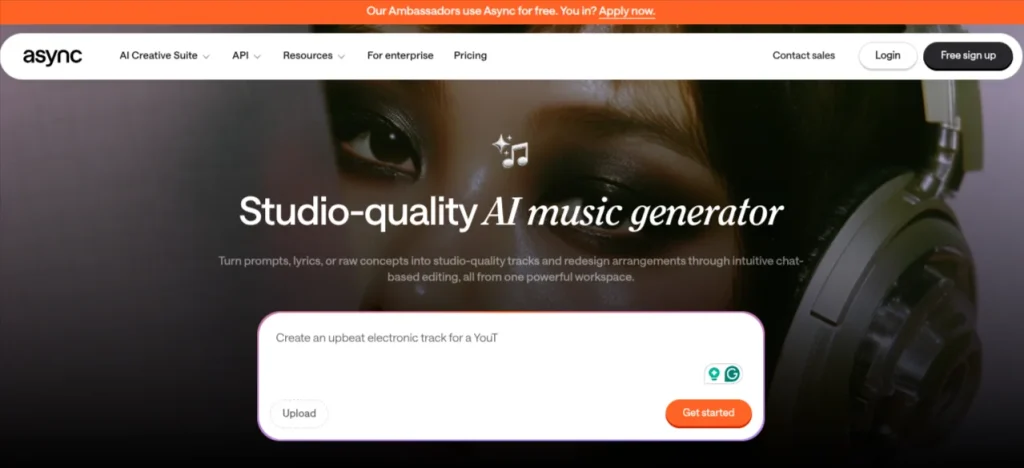
Podcastle is a strong option if you want to handle most of your podcast workflow in one place. It combines recording, transcription, editing, text-to-speech, and AI audio enhancement, so you can move from a raw recording to a finished episode without relying on several separate tools.
Its AI features are particularly useful for removing unwanted sections and improving the clarity of spoken audio.
Key Features:
- Multitrack audio and video recording
- AI-powered audio enhancement
- Automatic transcription
- Text-to-speech and voice tools
Pros: Beginner-friendly, broad podcasting toolkit, useful free plan.
Cons: More advanced editing and AI features require a paid plan
Pricing: Podcastle has a Free plan with limited access. The Essentials plan starts at $11.99/month. The Pro plan starts at $23.99/month. Teams plans are also available for larger production workflows.
15. Auphonic: Best for Automated Audio Post-Production
Rating: 9/10
Best For: Cleaning, balancing, and preparing podcasts, lectures, and voice recordings
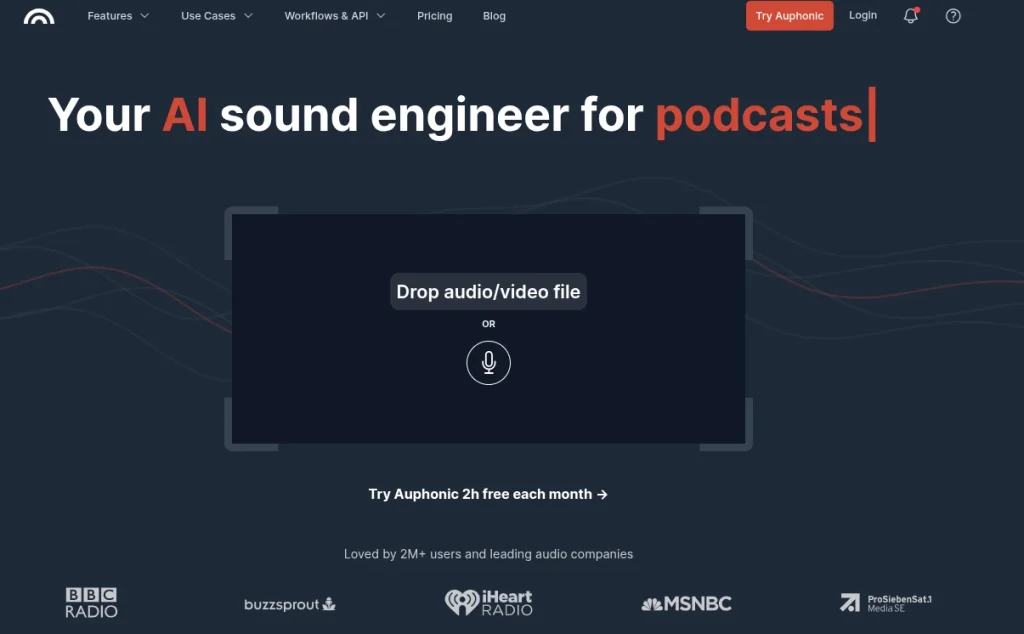
Auphonic is the tool I’d reach for after recording rather than before it. It automatically improves spoken audio by handling tasks such as noise and reverb reduction, loudness normalization, filtering, and speech recognition.
It also includes automatic cutting tools for silences, filler words, and coughs, which can save a surprising amount of editing time.
Key Features:
- Automatic noise and reverb reduction
- Loudness normalization
- Speech-to-text and automatic chapters
- Silence, filler-word, and cough removal
Pros: Excellent automation, fast processing, useful for podcasts and long recordings.
Cons: It’s focused on post-production rather than music generation. Free processing is limited.
Pricing: The Free plan includes 2 hours of processed audio per month. Recurring plans start at $11/month for 9 hours when billed annually. The monthly billing price starts at $13/month. Larger plans are also available for heavier production workloads.
10 Best AI Text-to-Speech Tools Comparison
Looking for natural-sounding AI voices for your content? We compared 10 of the best AI text-to-speech tools based on voice quality, voice cloning, language support, features, pricing, and real-world use cases. Find the right tool for YouTube videos, courses, podcasts, presentations, accessibility, and more. :contentReference[oaicite:0]{index=0}
Compare the Best AI Text-to-Speech Tools →Best AI Music Tools by Use Case
After comparing all 15 tools, the best choice depends heavily on what you’re actually trying to create. A full song, podcast voiceover, background track, and cleaned-up recording need very different AI tools.
| Use Case | Best Tool | Why |
|---|---|---|
| Full songs with vocals | Suno | Strong vocals, fast generation, broad genre support |
| Detailed song creation | Udio | Better suited to experimenting with musical structure and sound |
| AI voice generation | ElevenLabs | Excellent voice realism and multilingual support |
| Professional voiceovers | Murf | Strong workflow for narration and business content |
| Royalty-free background music | Soundraw | Good customization and creator-focused licensing |
| Instrumental & cinematic music | AIVA | Particularly strong for orchestral compositions |
| Experimental music | Riffusion | Good for exploring unusual musical ideas |
| Podcast editing | Descript | Text-based editing makes cutting recordings fast |
| Voice enhancement | Adobe Podcast | Excellent at cleaning up noisy recordings |
| Podcast production | Podcastle | Combines recording, editing, transcription, and AI tools |
| Audio post-production | Auphonic | Automates leveling, noise reduction, and cleanup |
Are AI-Generated Songs and Music Royalty-Free?
No. “AI-generated” does not automatically mean “royalty-free.” The license depends on the platform, your subscription, and sometimes how you use the generated track.
For example, Suno allows commercial use for songs created while you’re subscribed to a paid plan, while songs generated on its free tier are restricted to non-commercial use.
SOUNDRAW takes a different approach. Its Creator plan provides a commercial license for background music, while its Artist plans are intended for people who want to modify and distribute tracks commercially.
Before using an AI track in a monetized YouTube video, client project, advertisement, or commercial product, check three things:
- Your Plan: Is commercial use actually included?
- The License: Can you monetize, distribute, or modify the track?
- Copyright Position: Does the platform’s commercial license guarantee copyright ownership? For example, Suno explicitly separates commercial-use rights from copyright protection.
This difference is crucial. Royalty-free, commercially licensed, and copyright-protected are not interchangeable terms.
Final Words
After comparing these 15 platforms, I wouldn’t recommend picking one tool and expecting it to handle every audio task. Suno is my overall pick for AI music generation, while ElevenLabs stands out for realistic AI voices.
For background music, Soundraw is more practical. Adobe Podcast is excellent when the problem is poor recording quality rather than content creation.
For someone building AI skills, I’d start with one tool that matches the work you actually want to produce. Learn its strengths, understand its licensing, and build a small workflow around it before adding another subscription.
The AI audio space changes quickly, so pricing, features, and licensing can shift. Check the official terms before using generated audio commercially, especially when working for clients or publishing monetized content.
Frequently Asked Questions (FAQs)
Suno is my overall choice for generating complete songs with vocals and instrumentation. Udio is a strong alternative if you want more room to experiment with musical details and arrangements.
ElevenLabs is my top choice for realistic AI voice generation. Murf, LOVO, and PlayHT are also worth considering when you need voiceovers for videos, courses, or narration.
Not necessarily. Royalty-free. Commercially licensed and copyright-protected are different things. Always check the specific platform’s license and your subscription level before using AI-generated music commercially.
Yes, but the answer depends on the tool and plan you used to create it. Check whether your subscription grants commercial rights and whether the platform places restrictions on monetized content.
Soundraw is my preferred option for background music because it provides more control over the track and is built around creator-focused licensing. Loudly is another useful choice for quick background tracks.
Several platforms offer free plans or trials, including ElevenLabs, LOVO, and Adobe Podcast. Free usage usually comes with limits on credits, minutes, features, or commercial rights.
About The Author

