

I’ve tested enough AI tools to know that a great demo doesn’t always translate into a great workflow. Voice cloning is a perfect example. Some AI voice cloning tools can produce an impressive replica of your voice, but the results can change when you use longer scripts, different languages, or more expressive delivery.
So I looked at the tools that are actually worth trying in 2026, focusing on voice quality, cloning accuracy, language support, ease of use, and pricing. I’ve included both established platforms and newer options, including some worth exploring if you’re specifically looking for free AI voice cloning.
Here are the 10 AI voice cloning tools that made the cut.
Quick Comparison of the 10 Best AI Voice Cloning Tools
| AI Voice Cloning Tool | Best For | Free Option | Voice Quality | Multilingual |
|---|---|---|---|---|
| ElevenLabs | Best overall | Yes | Excellent | Excellent |
| Fish Audio | Best value & free option | Yes | Excellent | Excellent |
| Resemble AI | Professional voice workflows | Limited | Excellent | Excellent |
| Descript | Video & podcast editing | Yes | Very Good | Good |
| Cartesia | Real-time voice AI | Trial | Excellent | Strong |
| MiniMax | Affordable multilingual cloning | Trial | Very Good | Excellent |
| Speechify | Easy voice cloning | Limited | Very Good | Excellent |
| Respeecher | Film & professional production | No | Excellent | Strong |
| Hume AI | Expressive voice cloning | Yes | Excellent | Strong |
| OpenVoice | Open-source & cross-lingual cloning | Yes | Very Good | Strong |
1. ElevenLabs: Best Overall for AI Voice Cloning
My Rating: 9.5/10
ElevenLabs is the one I’d start with if voice quality is your main concern. Its Instant Voice Cloning can work from less than two minutes of audio, while Professional Voice Cloning uses a larger dataset to create a more accurate replica.
What impressed me most is how well it handles the small details that make a voice feel familiar. It also supports Hindi and Tamil alongside a broad range of other languages, which makes it particularly useful for multilingual content.
Key Features of ElevenLabs
- Instant and Professional Voice Cloning
- Supports 32 languages
- Voice generation and voice design
- API access for integrating cloned voices into apps
- Voice Library with thousands of voices
Pros of ElevenLabs
- Excellent voice quality
- Strong multilingual support
- Fast Instant Voice Cloning
- Professional cloning offers higher fidelity
Cons of ElevenLabs
- Professional Voice Cloning requires a higher-tier plan
- Output quality depends heavily on the recording you provide
- Voice clones cannot be exported as standalone files
Pricing: ElevenLabs has a Free plan with 10,000 credits per month. Paid plans start at $6/month for Starter, which includes Instant Voice Cloning. The Creator plan costs $22/month and adds Professional Voice Cloning. Higher usage is covered by the Pro plan at $99/month and the Scale plan at $299/month. Annual billing and Pay-as-you-go options are also available
2. Fish Audio: Best Free AI Voice Cloning Tool
My Rating: 9.2/10
Fish Audio is one of the more interesting alternatives to ElevenLabs right now, especially if you want to experiment without committing to a paid subscription. Its voice cloning can work with as little as 10 seconds of audio. Its newer Professional Voice Cloning option uses longer recordings for higher-fidelity results.
I’d look at Fish Audio if you’re creating voiceovers regularly but don’t want to experiment to eat into an expensive monthly allowance. The platform also gives you control over expressive delivery. And its newer S2 model supports word-level instructions for changing how specific parts of a script are spoken.
Key Features of Fish Audio
- Instant Voice Cloning from short recordings
- Professional Voice Cloning with 10-180 minutes of audio
- Multilingual voice generation
- Emotion and expression controls
- Voice cloning API for developers
Pros of Fish Audio
- Generous free tier
- Very natural voice output
- Strong multilingual capabilities
- Professional cloning includes voice ownership verification
Cons of Fish Audio
- Free usage is limited
- Professional cloning requires a paid plan
- Some advanced controls take time to learn
Pricing: Fish Audio has a Free plan with 8,000 monthly credits and up to 7 minutes of generation. The Plus plan costs $15/month. The Pro costs $100/month, and Max costs $999/month when billed monthly. Annual billing reduces the effective monthly price of the paid plans.
3. Resemble AI: Best for Professional Voice Workflows
My Rating: 9.1/10
Resemble AI is a stronger choice when voice cloning is part of a larger production workflow rather than a one-off experiment. You can create a Rapid Clone from as little as 10 seconds of audio, with the functional clone ready in under a minute. Its Professional Clone uses 10-25+ minutes of audio for higher-fidelity results.
Resemble is particularly interesting for its multilingual cloning. A single cloned voice can generate speech across 23 languages, including Hindi, while retaining the speaker’s vocal character and accent. It also offers custom pronunciation controls, which can be useful when your scripts contain Indian names, technical terms, or words that standard TTS systems tend to pronounce badly.
Key Features of Resemble AI
- Rapid Voice Cloning from short recordings
- Professional Voice Cloning for higher fidelity
- Multilingual cloning across 23 languages
- Custom pronunciation controls
- Cloud, API, and on-premises deployment
Pros of Resemble AI
- Excellent voice quality
- Very fast cloning
- Strong multilingual support
- Good control over pronunciation
- Open-source Chatterbox models available
Cons of Resemble AI
- Advanced API access is aimed at businesses
- Professional cloning requires more source audio
- The platform can feel more technical than beginner-focused tools
Pricing: AI currently lets you create your first voice clone for free, after which additional voice clones are $2 each. Its API-based voice cloning requires a Business plan or higher. The open-source Chatterbox models can be used independently without Resemble’s cloud API.
4. Descript: Best for Video and Podcast Editing
My Rating: 8.8/10
Descript takes a slightly different approach to AI voice cloning. Its Overdub feature creates a digital version of your voice that you can use to correct or add words to an existing recording without getting back in front of the microphone. That makes it particularly useful when you’re already editing videos, podcasts, tutorials, or presentations in Descript.
I like this approach because the cloning isn’t treated as a standalone gimmick. You can edit your transcript, change a sentence, and generate the replacement audio within the same project. The rebuilt Overdub model also improved intonation and pacing, particularly for longer passages.
Key Features of Descript
- Custom AI voice cloning with Overdub
- Text-based audio and video editing
- AI voice replacement for existing recordings
- Automatic transcription
- Video dubbing in 30+ languages
Pros of Descript
- Excellent for editing existing workflows
- Voice cloning and video editing in one workflow
- Free plan available
- Supports Hindi transcription and dubbing
- Useful for fixing small recording mistakes
Cons of Descript
- Less focused on standalone voice generation than ElevenLabs
- Free usage has limits
- Advanced Overdub usage requires a paid plan
Pricing: Descript has a Free plan with limited AI voice cloning. The Hobbyist plan costs $16/month when billed monthly and includes custom voice clones. The Creator plan costs $24/month. The Business plan costs $50/month and adds higher usage limits and advanced collaboration features.
5. Cartesia: Best for Real-Time Voice AI
My Rating: 9/10
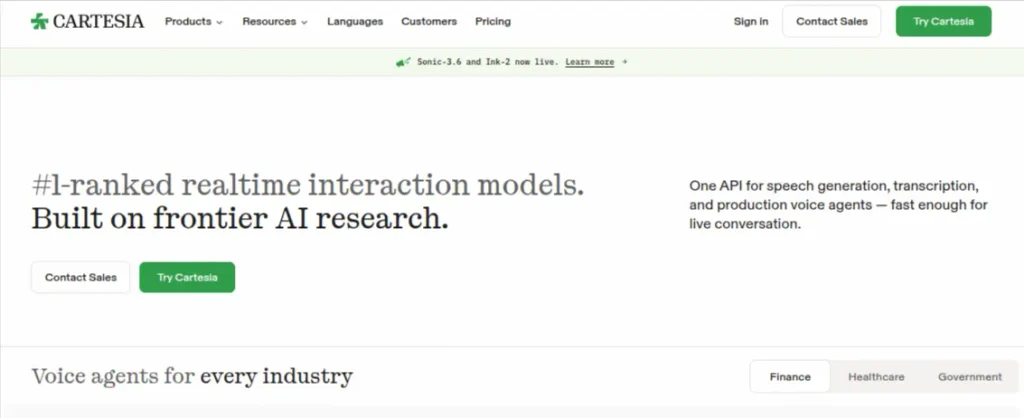
Cartesia is a different kind of AI voice cloning tool. Its biggest strength is speed. The platform is built around low-latency voice generation, making it particularly interesting for conversational AI, voice agents, and applications where the response needs to sound natural without noticeable delays.
Cartesia currently offers both Instant and Professional Voice Cloning. I’d pick Cartesia when the goal is more than generating a voiceover. If you’re experimenting with AI tutors, voice assistants, interactive applications, or real-time conversations, its architecture makes more sense than a traditional voice generator.
Key Features of Cartesia
- Instant Voice Cloning
- Professional Voice Cloning
- Low-latency text-to-speech
- Voice agents for conversational applications
- API access for developers
Pros of Cartesia
- Excellent for real-time applications
- Very low-latency voice generation
- Instant cloning available on the Pro plan
- Strong developer-focused workflow
Cons of Cartesia
- Better suited to technical workflows than casual users
- Professional Voice Cloning requires a higher-tier plan
- Less focused on traditional content-creation workflows
Pricing: Cartesia has a Free plan with 20,000 credits. The Pro plan costs $5/month and adds Instant Voice Cloning. The Startup plan costs $49/month and includes Professional Voice Cloning. The Scale plan costs $299/month with higher usage limits and concurrency.
6. MiniMax: Best for Multilingual Voice Generation
My Rating: 8.9/10
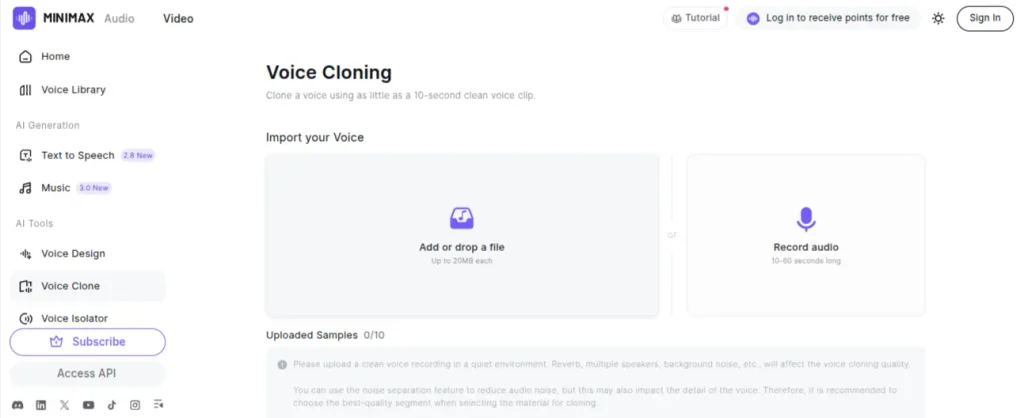
MiniMax is worth considering if multilingual voice generation is high on your list. Its current speech model supports voice cloning and uploaded audio. The newer model is focused on more natural rhythm, pronunciation, and expressive delivery. The platform also supports 30 languages on its Turbo speech model.
I’d especially consider it for dubbing or content that needs to move between languages without creating a completely different voice for each version. The cloning API can also reproduce the timbre of a reference recording, making it useful beyond basic text-to-speech.
Key Features of MiniMax
- Rapid voice cloning from uploaded audio
- Support for multilingual voice generation
- HD and Turbo speech models
- API access for voice cloning and text-to-speech
- Voice design and custom voice creation
Pros of MiniMax
- Strong multilingual capabilities
- Natural-sounding speech models
- Voice cloning is available through the API
- Competitive pricing
- Useful for dubbing workflows
Cons of MiniMax
- The product ecosystem can feel confusing at first
- Some advanced features are more developer-oriented
- Cloned voices through the rapid cloning API are temporary unless used within 7 days.
Pricing: MiniMax offers a free tier with limited voice-cloning functionality. Its dedicated Audio subscription starts at $5/month for Starter, which includes 100,000 credits. The Standard plan costs $30/month for 300,000 credits. Higher plans include Pro at $99/month, Scale at $249/month, and Business at $999/month. API users can also pay as they go, with Rapid Voice Cloning priced at $1.50 per voice.
7. Speechify: Best for Easy Voice Cloning
My Rating: 8.8/10
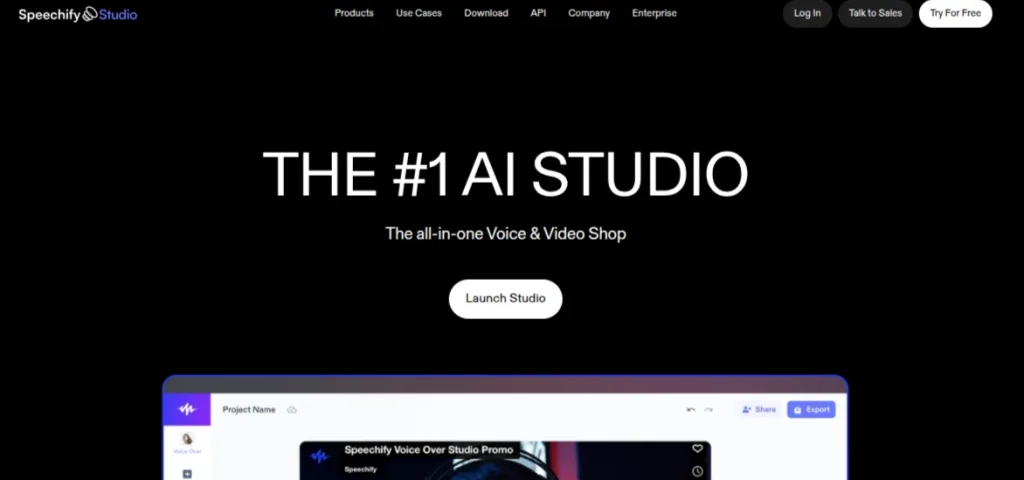
Speechify is better known for text-to-speech, but its Studio platform also offers AI voice cloning. You can create a custom voice from around 20 seconds of recorded audio and then use it for voiceovers, narration, or other audio projects. It also supports more than 60 languages and regional accents.
I’d pick Speechify when you want voice cloning without dealing with a complicated interface. The browser-based Studio keeps the process fairly straightforward, and you can adjust things such as pronunciation, pacing, pauses, and emotional tone after creating the voice.
Key Features of Speechify
- Voice cloning from a 20-second recording
- 1,000+ AI voices
- Support for 60+ languages
- Voiceover and dubbing tools
- Controls for pronunciation, pace, pauses, and emotion
Pros of Speechify
- Easy to get started
- Short recording required for cloning
- Strong multilingual support
- Voice cloning works inside a broader audio and video workflow
Cons of Speechify
- Voice cloning isn’t included in the free Studio plan
- More focused on creators than developers
- Advanced usage requires a paid Studio subscription
Pricing: Speechify Studio has a Free plan, but it does not include voice cloning. Studio Starter costs $100/year and adds voice cloning functionality. The Studio Creator costs $300/year with higher usage limits. Both paid plans include commercial usage rights.
8. Respeecher: Best for Professional Voice Production
My Rating: 9/10
Respeecher is built with professional voice production in mind, and that shows in the way it handles AI voice cloning. Instead of focusing purely on text-to-speech, its Speech-to-Speech technology preserves the performance of the original speaker while changing the voice. That makes it particularly useful for film, television, games, dubbing, and other production-heavy projects.
The platform has worked on projects involving The Mandalorian, The Brutalist, and Cyberpunk 2077, so this isn’t a tool I’d put in the same category as a casual voice generator. Its cross-language voice cloning and support for different English accents also make it interesting for localization work.
Key Features of Respeecher
- Speech-to-Speech voice conversion
- Custom voice cloning with permission
- Cross-language voice cloning
- Real-time voice conversion for custom projects
- Professional voice production and dubbing
Pros of Respeecher
- Excellent voice quality
- Preserves emotional delivery and performance
- Strong fit for film, games, and dubbing
- Supports Indian and other English accents
- Professional sound-production support
Cons of Respeecher
- Overkill for basic voiceovers
- Custom voice cloning requires a custom plan
- Some advanced features are aimed at professional productions
Pricing: Respeecher’s Voice Marketplace has a free trial. The pay-as-you-go plan starts at $5 for 5 credits, which is equivalent to 20,000 TTS characters or 5 minutes of Speech-to-Speech conversion. Subscription plans start at $18/month for TTS Only. The Creator plan costs $89/month and includes 400,000 TTS characters and 90 minutes of Speech-to-Speech usage. Custom voice cloning and enterprise solutions are also available.
9. Hume AI: Best for Expressive Voice Cloning
My Rating: 9/10
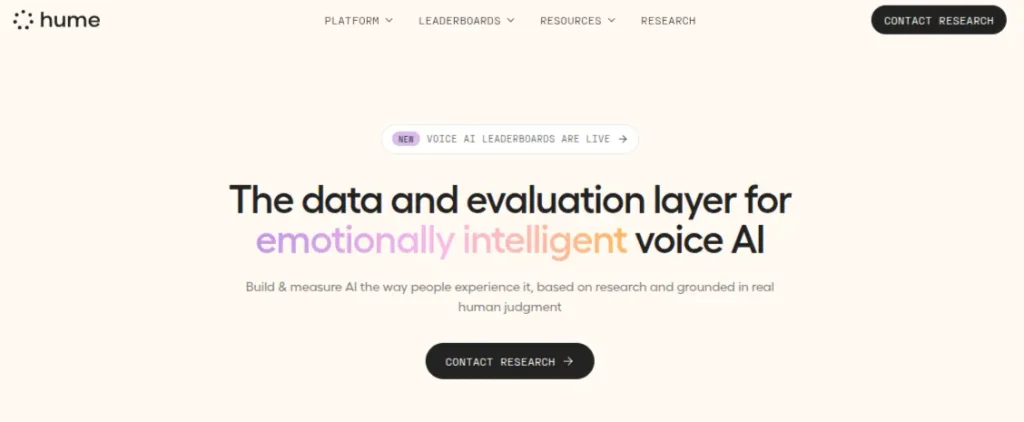
Hume AI stands out because its voice cloning isn’t focused only on reproducing someone’s vocal identity. Its Octave model also pays attention to how the speech should be delivered, including tone, accent, cadence, and emotional expression. You can create a clone from a short recording or upload an existing sample, then use that voice for text-to-speech or conversational applications.
That makes Hume particularly interesting for content where delivery matters. A flat reading can make even a well-written script sound lifeless, while Hume gives you more control over how the generated voice performs the text. Its current Octave 2 model also supports Hindi, which is a useful addition for multilingual content workflows.
Key Features of Hume AI
- Voice cloning from short recordings
- Expressive text-to-speech with Octave
- Hindi and other multilingual support
- Voice conversion for existing recordings
- Real-time conversational voice applications
Pros of Hume AI
- Highly expressive voice output
- Short recording required for cloning
- Hindi support
- Free plan available
- Useful for both voiceovers and conversational AI
Cons of Hume AI
- Some features are more developer-focused
- Octave 2 is currently in preview
- Free and Starter plans have commercial-use restrictions
Pricing: Hume AI has a Free plan with 10,000 TTS characters and 5 minutes of EVI usage. The Starter plan costs $3/month and includes 30,000 characters. The Creator costs $14/month after its introductory first-month price of $7. Higher plans include Pro at $70/month and Scale at $200/month. Voice cloning itself is available without a separate per-clone charge across these plans.
10. OpenVoice: Best Open-Source AI Voice Cloning
My Rating: 8.7/10
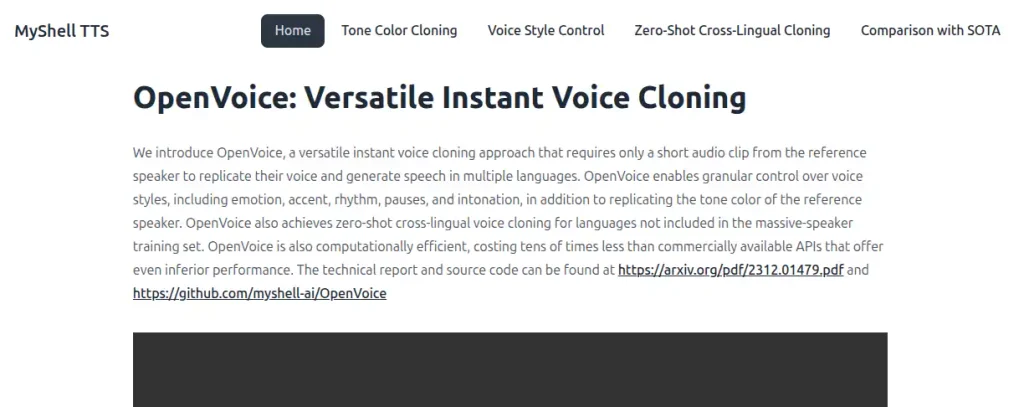
OpenVoice is a good option if you want to experiment with AI voice cloning without paying for a commercial platform. It can clone a reference voice from a short audio clip and give you control over elements such as emotion, accent, rhythm, pauses, and intonation.
The interesting part is the cross-lingual capability. OpenVoice can take a voice sample in one language and use that voice to generate speech in another. Its official implementation also provides support for Indian English, although the current V2 model has native support for six
languages.
Key Features of OpenVoice
- Instant voice cloning from short recordings
- Multilingual voice cloning
- Control over emotion, accent, rhythm, and intonation
- Open-source code and model weights
- MIT license for commercial and research use
Pros of OpenVoice
- Free to use
- Open-source and self-hostable
- Strong voice-style controls
- Supports cross-lingual cloning
- Indian English is available through its deployed services
Cons of OpenVoice
- Requires technical setup for local use
- Audio quality isn’t as consistent as premium commercial platforms
- V2’s native language support is more limited than that of some commercial tools
Pricing: OpenVoice is free and open source, with its V1 and V2 releases available under the MIT license for both commercial and research use. If you don’t want to run it locally, third-party hosted versions are available with usage-based pricing.
Discover 3500+ AI tools for writing, coding, design, video, marketing, productivity, automation, and more. Find the right AI tool for your needs in one place.
Explore AI Tools DirectoryHow to Choose the Best AI Voice Cloning Tool?
Choosing between AI voice cloning tools gets easier once you stop comparing feature lists and start with the work you actually want to do. Voice quality matters, but so do sample requirements, language support, generation speed, pricing, and whether the tool fits your workflow. Use this checklist before paying for any voice cloning software:
- Voice Quality: Test your own voice rather than relying on demos. Different voices, accents, and languages can produce very different results.
- Audio Requirements: Check how much clean recording the tool needs. Some can clone in a few seconds, while higher-fidelity options may need much more audio.
- Language Support: If you create Hindi, English, or multilingual content, make sure the cloned voice works naturally in those languages.
- Real-time Needs: For voice agents or live conversations, latency matters far more than it does for a recorded voiceover.
- Pricing: Compare what you actually get for the monthly fee. Character limits, credits, minutes, and commercial rights can make two similarly priced tools very different.
- Commercial Rights: If you’re using the voice for client work, courses, YouTube videos, or paid content, check the licensing terms before publishing.
- Privacy: Find out where your recordings are processed and stored. Cloud-based tools are convenient, while self-hosted options give you more control over your voice data.
- Consent and Safety: Only clone your own voice or a voice you have explicit permission to use. This isn’t a feature to experiment with using someone else’s voice.
My Advice: Test the same 20 to 30-second script in two or three tools before committing to a subscription. You’ll get a much better idea of which one actually sounds convincing with your voice.
Final Words
AI voice cloning has moved well beyond novelty demos. The better AI voice cloning tools can now produce convincing narration, support multilingual content, and fit into real production workflows. Recent testing also shows that the gap between premium platforms and newer alternatives is getting smaller.
For most people, ElevenLabs is still the safest starting point if voice quality comes first. If you’re experimenting rather than building a commercial workflow, start with a free option before paying for anything.
Also, only clone a voice you own or have explicit permission to use. Always avoid impersonating someone’s voice without consent.
Frequently Asked Questions (FAQs)
ElevenLabs is my top pick overall for voice quality, cloning accuracy, language support, and ease of use.
Yes. Tools such as ElevenLabs, Fish Audio, and OpenVoice offer free options, although usage and features may be limited.
It depends on the tool. Some can create a usable clone from 10-30 seconds, while professional cloning may require several minutes or more of clean audio.
Yes. Several tools support Hindi and other Indian languages. Although the quality varies depending on the tool, language, and recording quality.
Yes, when used responsibly. Clone your own voice or get explicit permission before cloning someone else’s voice.
About The Author

