
You’ve probably tried a few AI tools already. Some felt helpful, and others wasted time. That’s the reality, but the problem isn’t access, it’s clarity. Too many options, not enough direction. We’ve worked closely with learners who juggle assignments, side projects, and skill-building. The difference between those who move fast and those who stay stuck often comes down to tool selection. This guide takes away the noise and focuses on what actually works in day-to-day study and work scenarios.
What Are AI Tools for Students and How Do They Actually Help?
AI tools for students are not just writing assistants; that’s an outdated view.
Think of them as:
- Research accelerators
- Note simplifiers
- Idea generators
- Productivity boosters
Instead of spending hours rewriting notes or searching for explanations, these tools compress effort. Used right, they don’t replace thinking but remove friction.
In India, where competitive exams, tight deadlines, and multitasking are common, this efficiency matters more than ever.
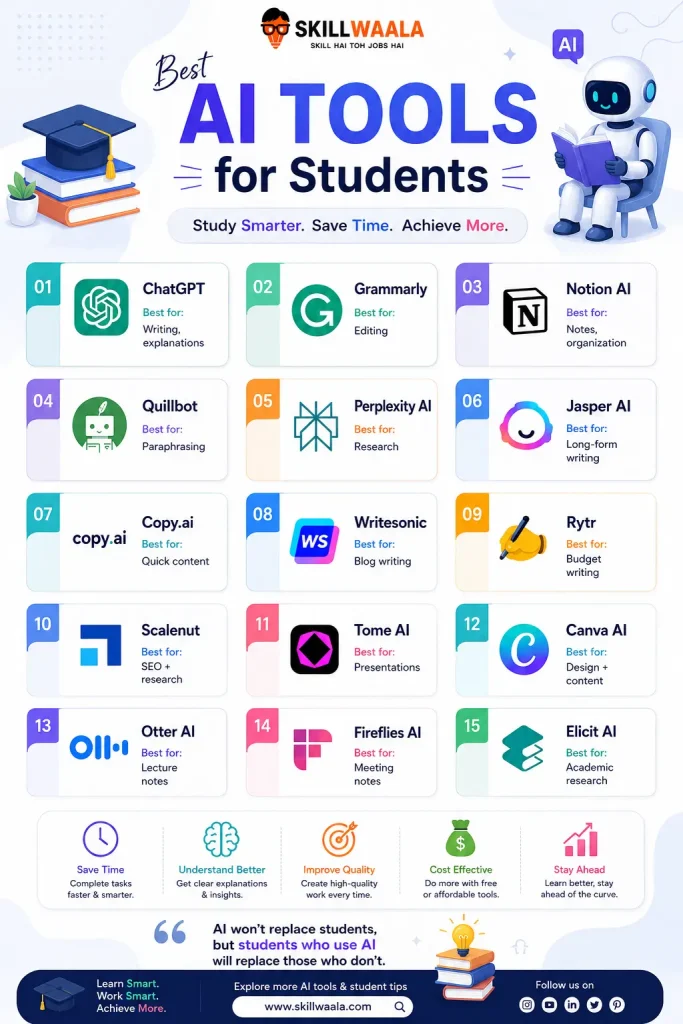
Which AI Tools Are Worth Using Today?
Before jumping into details, here’s a clean overview to help you shortlist quickly.
Comparison Table: 15 Best AI Tools for Students
| Tool | Pricing | Best For | Key Features |
| ChatGPT | Freemium | Writing, explanations | Conversational AI, multi-use |
| Grammarly | Freemium | Editing | Grammar, tone correction |
| Notion AI | Paid | Notes, organization | AI-powered workspace |
| Quillbot | Freemium | Paraphrasing | Rewriting, summarizing |
| Perplexity AI | Free | Research | Real-time answers with sources |
| Jasper AI | Paid | Long-form writing | Templates, structured writing |
| Copy.ai | Freemium | Quick content | Idea generation |
| Writesonic | Freemium | Blog writing | SEO-focused content |
| Rytr | Freemium | Budget writing | Multiple tones |
| Scalenut | Paid | SEO + research | Keyword optimization |
| Tome AI | Freemium | Presentations | AI slides generation |
| Canva AI | Freemium | Design + content | Visual + text AI |
| Otter AI | Freemium | Lecture notes | Transcription |
| Fireflies AI | Freemium | Meeting notes | Auto summaries |
| Elicit AI | Free | Academic research | Paper summaries |
1. ChatGPT
Use
Assignments, coding help, concept clarity, brainstorming, structuring essays, generating study notes, practicing interview questions, translating complex topics into simple explanations, and even creating revision schedules. Many students use it to simulate a tutor when no one is available.

Benefits
It reduces the time spent figuring out where to start. Instead of staring at blank pages, you get a working draft instantly. It also adapts to your level, whether you want beginner explanations or detailed breakdowns. Over time, it improves how you ask questions, which indirectly sharpens thinking.
Price
Freemium
Pros
Highly versatile across subjects
Works as both a tutor and a writer
Quick responses save time under pressure
Customizable outputs based on prompts
Cons
Generic answers if prompts are weak
Occasional factual inaccuracies
Can create dependency if overused
Alternative
Claude AI
2. Grammarly
Use
Proofreading essays, fixing grammar mistakes, improving sentence clarity, refining tone in emails, polishing SOPs, and making formal writing more professional. Particularly useful before submissions.
Benefits
It acts like a second set of eyes. After long writing sessions, errors become invisible. Grammarly catches those instantly. It also helps improve writing habits over time by suggesting better phrasing.
Price
Freemium
Pros
Accurate grammar and punctuation fixes
Tone detection helps in formal communication
Easy integration with browsers and apps
Cons
Advanced suggestions are locked behind a premium
Sometimes overcorrects creative writing
Not ideal for deep content improvement
Alternative
ProWritingAid
15 AI Tools for Research Work
Discover AI-powered research tools that help you collect information faster, analyze data efficiently, and improve the quality of your academic or professional work.
Explore Research Tools3. Notion AI
Use
Organising notes, summarising lectures, managing study schedules, creating to-do lists, building knowledge databases, and tracking projects. It’s widely used for managing multiple subjects or tasks in one place.
Benefits
Everything stays centralized. No scattered notes across apps. It helps structure messy information into clean, readable formats. Ideal for those juggling classes, internships, and side projects.
Price
Paid
Pros
All-in-one productivity tool
Great for long-term organization
AI summaries save revision time
Cons
Takes time to set up properly
Can feel overwhelming initially
AI features require a paid plan
Alternative
Evernote AI
4. Quillbot
Use
Paraphrasing assignments, summarizing articles, rewriting notes, improving sentence flow, and avoiding plagiarism. Often used when reworking existing content.
Benefits
Saves time when rewriting is required. Instead of manually restructuring sentences, it offers multiple variations. Also useful for shortening lengthy content into concise notes.
Price
Freemium
Pros
Multiple rewriting modes
Simple and fast interface
Effective for quick edits
Cons
The free version has limits
Output sometimes lacks natural tone
Not ideal for original writing
Alternative
Paraphraser.io
Best AI Tools for Bloggers
Discover powerful AI tools that help bloggers write faster, generate content ideas, improve SEO, create visuals, and grow their blog more efficiently.
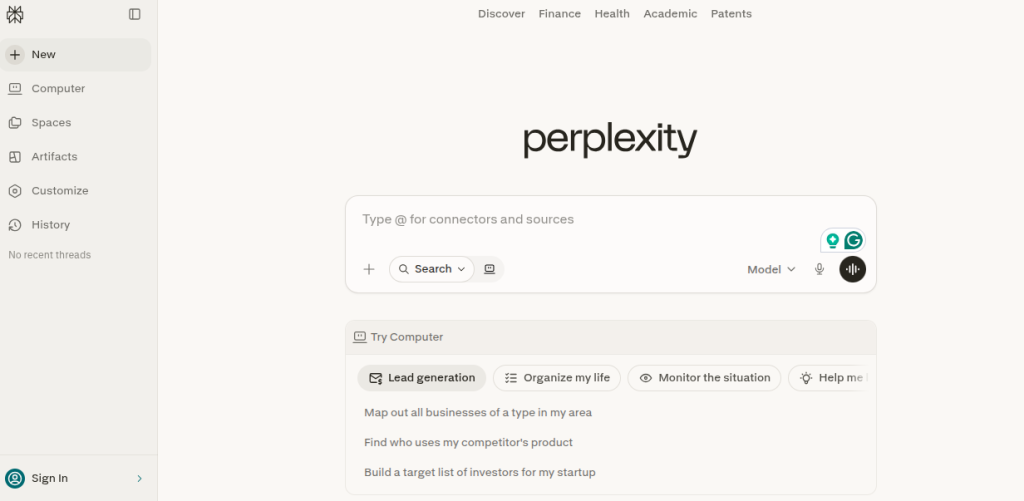
Discover Blogging Tools5. Perplexity AI
Use
Research, fact-checking, finding sources, answering academic queries, and exploring topics in depth. Great for assignments requiring references.
Benefits
Unlike many AI tools, it shows sources. That adds credibility. It reduces time spent searching across multiple websites and brings structured answers in one place.
Price
Free
Pros
Provides citations
Accurate for factual queries
Clean and distraction-free interface
Cons
Limited creativity
Not ideal for writing tasks
Dependent on available sources
Alternative
You.com
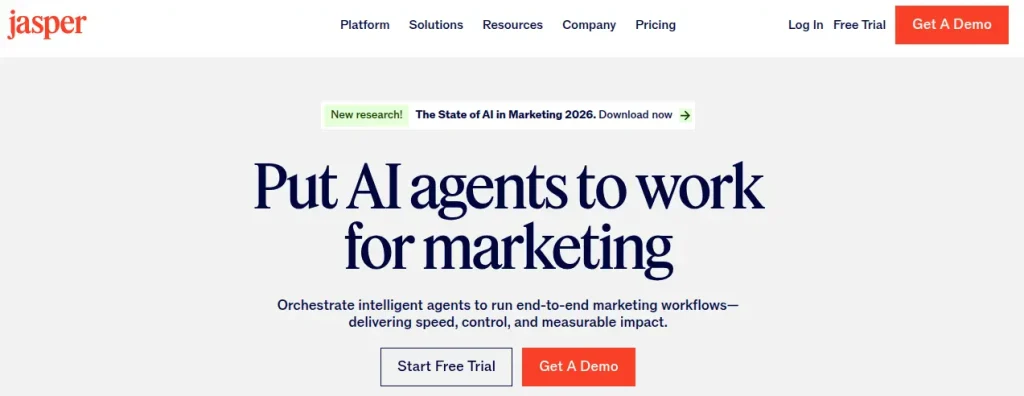
6. Jasper AI
Use
Long-form content, blogs, reports, marketing copy, and structured writing tasks. Useful when consistency in tone is required.
Benefits
Speeds up large writing projects. Templates reduce the effort needed to structure content. Helpful for those working on blogs or content-heavy assignments.
Price
Paid
Pros
High-quality structured output
Templates for different writing needs
Good for consistent tone
Cons
Expensive for students
Less flexible than general AI tools
Learning curve for best use
Alternative
Writesonic
AI Tools for Social Media Content Creation
Discover powerful AI tools that help create engaging social media posts, captions, visuals, reels, and content ideas faster for every platform.
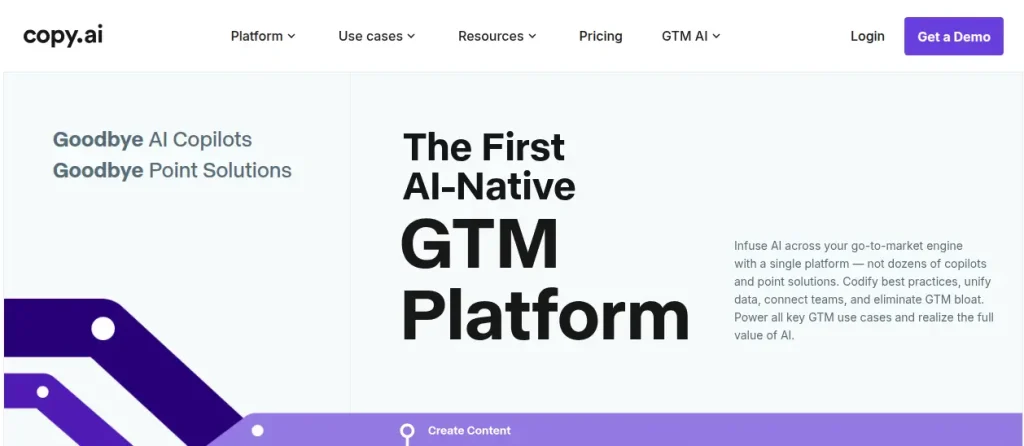
Boost Your Social Content7. Copy.ai
Use
Generating captions, short descriptions, quick ideas, outlines, and brainstorming content topics. Works best for short-form tasks.
Benefits
Removes creative blocks. When ideas don’t come easily, it gives quick starting points. Saves time during the ideation phase.
Price
Freemium
Pros
Fast and beginner-friendly
Great for idea generation
Simple interface
Cons
Surface-level content
Not suitable for deep writing
Needs editing for quality
Alternative
Rytr
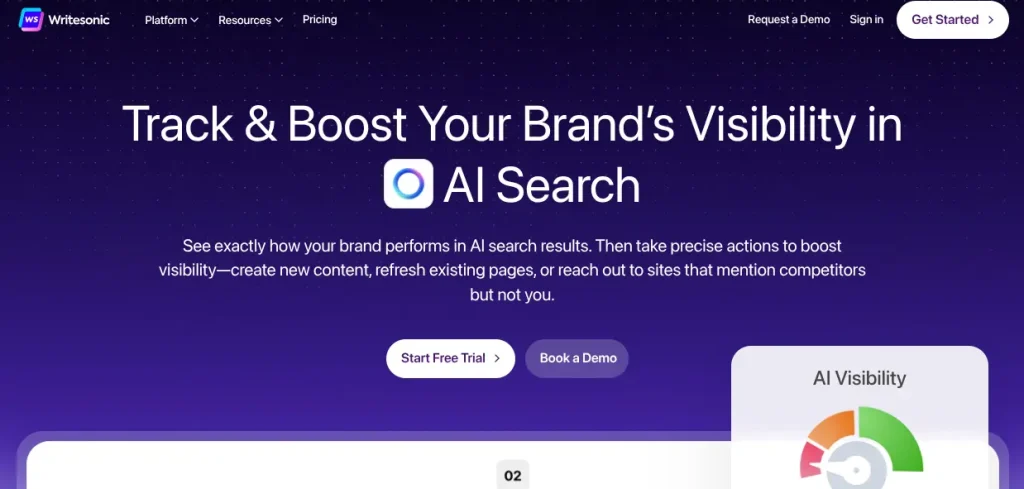
8. Writesonic
Use
Blog writing, SEO content, generating articles, and marketing copy. Suitable for content-heavy tasks.
Benefits
Combines writing with SEO insights. Helps create content that is not only readable but also optimized for search engines.
Price
Freemium
Pros
SEO-friendly output
Supports long-form writing
Multiple templates
Cons
Requires editing for accuracy
Can feel repetitive
Not ideal for academic tone
Alternative
Scalenut
Top 10 AI Tools for Graphic Designers
Explore powerful AI tools that help graphic designers create stunning visuals, edit images faster, generate creative ideas, and improve design workflows effortlessly.
Explore Design Tools9. Rytr
Use
Basic writing tasks, short content, emails, and quick drafts. Ideal for beginners or those on a budget.
Benefits
Affordable entry point into AI writing. Helps complete small tasks quickly without complexity.
Price
Freemium
Pros
Budget-friendly
Easy to use
Multiple tone options
Cons
Limited depth in content
Less powerful than competitors
Not suitable for complex writing
Alternative
Copy.ai
10. Scalenut
Use
SEO research, content planning, blog writing, keyword analysis, and optimization.
Benefits
Helps create content that ranks. Useful for those working on blogs, websites, or digital marketing tasks alongside studies.
Price
Paid
Pros
Strong SEO capabilities
Keyword insights included
Content planning tools
Cons
Complex for beginners
Higher cost
Not focused on academic writing
Alternative
Surfer SEO
Best AI Tools for Content Creators
Explore powerful AI tools that help content creators generate ideas, edit videos, design visuals, write engaging content, and grow faster across digital platforms.
Explore Creator Tools11. Tome AI
Use
Creating presentations, storytelling, visual slides, and project reports.
Benefits
Saves hours spent designing slides. Generates structured presentations quickly, which is helpful during tight deadlines.
Price
Freemium
Pros
Fast slide creation
Good visual storytelling
Easy to use
Cons
Limited customization
Designs can feel generic
Needs manual refinement
Alternative
Gamma AI
12. Canva AI
Use
Designing presentations, social media content, posters, resumes, and visual projects.
Benefits
Combines design and content creation. Even non-designers can create professional visuals quickly.
Price
Freemium
Pros
Beginner-friendly
Wide range of templates
AI-assisted design
Cons
Overused templates
Limited advanced control
Premium elements locked
Alternative
Adobe Express
Top 50 Beginner-Friendly AI Tools
Start your AI journey with 50 beginner-friendly tools designed to simplify daily tasks, improve productivity, and help you work smarter without technical expertise.
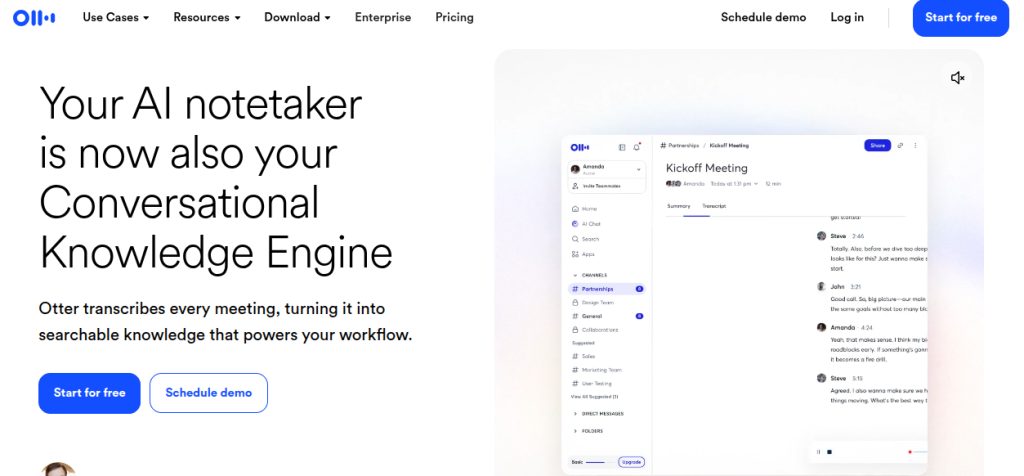
Start Exploring AI Tools13. Otter AI
Use
Recording lectures, transcribing classes, capturing meeting notes, and revising spoken content.
Benefits
Ensures you don’t miss important details. Especially helpful during fast-paced lectures where note-taking is difficult.
Price
Freemium
Pros
Real-time transcription
Saves manual effort
Good for revision
Cons
Accuracy varies with accents
Requires clear audio
Limited free minutes
Alternative
Fireflies AI
14. Fireflies AI
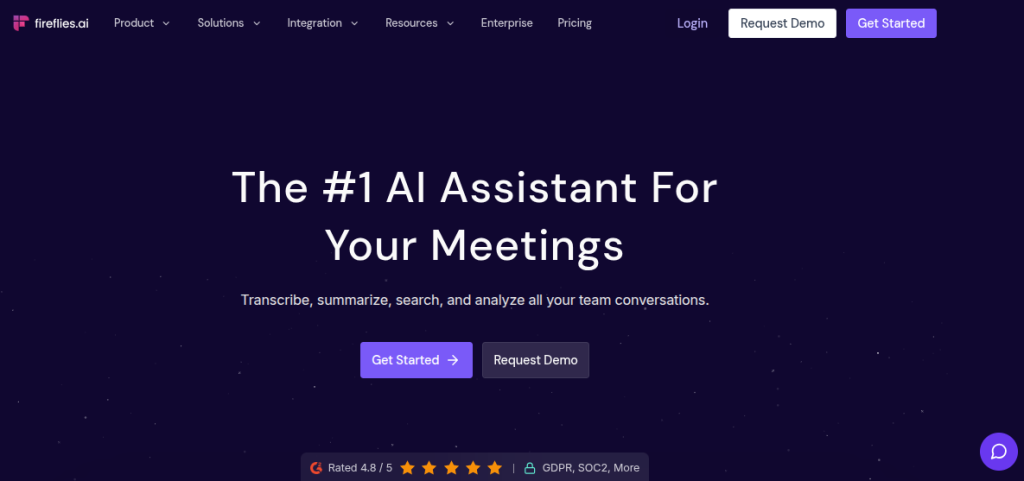
Use
Meeting recordings, summarizing discussions, capturing key points, and organizing conversations.
Benefits
Automatically converts discussions into structured notes. Useful for group projects or internships.
Price
Freemium
Pros
Automated summaries
Integrates with meeting tools
Time-saving
Cons
Setup required
Not always perfectly accurate
Needs review
Alternative
Otter AI
Turn AI Skills Into Income
Learn smart ways to monetize AI tools and build income streams through content, client work, productivity services, and online business ideas.
Learn AI Money-Making Tips15. Elicit AI
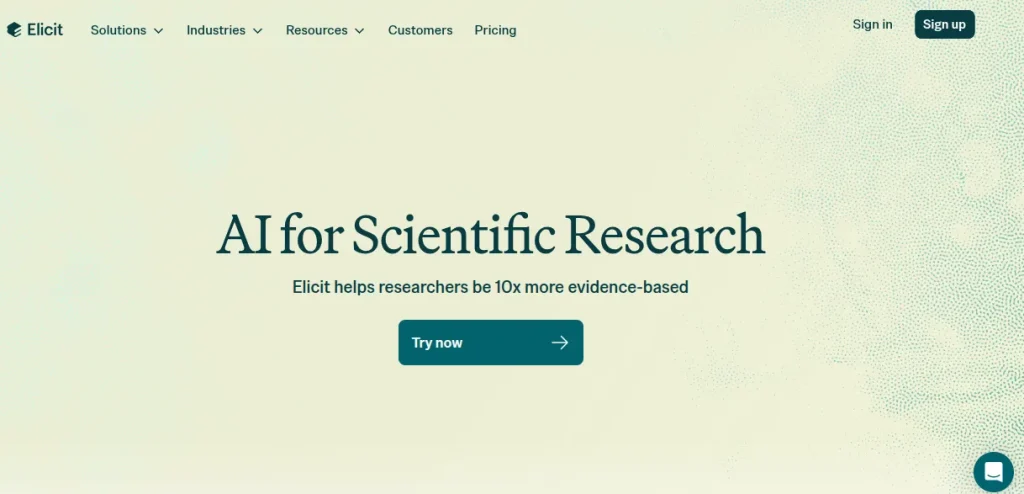
Use
Academic research, finding papers, summarizing studies, and extracting key insights.
Benefits
Reduces hours of reading into minutes. Helps understand research papers quickly without getting overwhelmed.
Price
Free
Pros
Strong research capabilities
Accurate summaries
Great for academic use
Cons
Limited outside research use
Interface can feel basic
Not useful for writing tasks
Alternative
Research Rabbit

What Do You Actually Gain from Using These Tools?
Time is the obvious win. That’s not the interesting part.
The real shift happens in how you approach work:
- Less overthinking, more execution
- Faster drafts, better revisions
- Clarity in complex topics
I’ve noticed something consistent: those who combine 2 to 3 tools intelligently outperform those using 10 randomly.
So, Which AI Tool Should You Start With?
Start simple, pick:
- One writing tool
- One research tool
- One productivity tool
That’s enough to change your workflow. If you’re unsure where to begin, explore a structured path like the free AI tools course by SkillWaala. It’s designed to remove confusion and focus on practical use.

Conclusion
They’re a multiplier, and used blindly, they create average work faster. Used strategically, these 15 AI tools unlock serious efficiency. The gap between these two outcomes is not the tool. It’s how you use it and if you want to stay competitive, learning these tools is no longer optional, it’s a baseline skill.
Frequently Asked Questions
The answer depends on your use case. For general tasks, ChatGPT works well. For writing improvement, Grammarly stands out. For research, Perplexity AI is a strong option.
In specific areas, yes. Tools like Jasper AI perform better for structured content. Perplexity AI is stronger for research. No single tool dominates every category.
Tools like Notion AI, Quillbot, and Elicit AI are highly effective for studying, note-making, and research tasks.
Some widely used tools include ChatGPT, Grammarly, Canva AI, Notion AI, and Quillbot. Their popularity comes from ease of use and versatility.
You can learn AI tools for free from SkillWaala. By enrolling in SkillWaala’s free AI tools course, you get access to learning more than 4000 AI tools from industry experts, along with their practical applications.
About The Author