Social media management used to be a grind of juggling calendars, captions, and constant algorithm changes. Now, AI has quietly reshaped how we work. Not by replacing creativity, but by removing the repetitive load that used to slow us down.
After a decade in this field, we’ve seen teams burn out over content planning, miss trends because of manual workflows, and struggle to prove ROI. AI tools don’t magically fix everything, but when used right, they shift your role from executor to strategist. That’s the real upgrade.
This guide breaks down the top 15 AI tools that actually help, how to use them in real workflows, and where they fall short.
Why Social Media Managers Are Turning to AI
The real pain points we keep seeing
- Deadlines pile up faster than ideas.
- Content calendars look full, yet engagement drops.
- Clients ask for “more creativity” with less time and budget.
We’ve been there and the issue isn’t lack of skill. It’s the volume of work. Writing captions, researching hashtags, analyzing performance, replying to comments. All of it takes majority time you need for strategy.
AI tools step in at this exact friction point, not as replacements, but as multipliers.
What AI Actually Improves in Social Media Work
Speed without sacrificing intent
Drafting ten caption options used to take an hour. Now it takes minutes and the difference is not just time saved. It’s the ability to test more angles.
Better decision-making
Analytics tools powered by AI highlight patterns we often miss. Posting time, content format, and audience behavior. Instead of guessing, you start optimizing.
Consistency across platforms
Maintaining tone across Instagram, LinkedIn, and X is harder than it looks. AI helps maintain a consistent voice while adapting format.
Still, none of this works if you rely blindly on outputs. That’s where most beginners get stuck.
Top 15 AI Tools for Social Media Content Creation
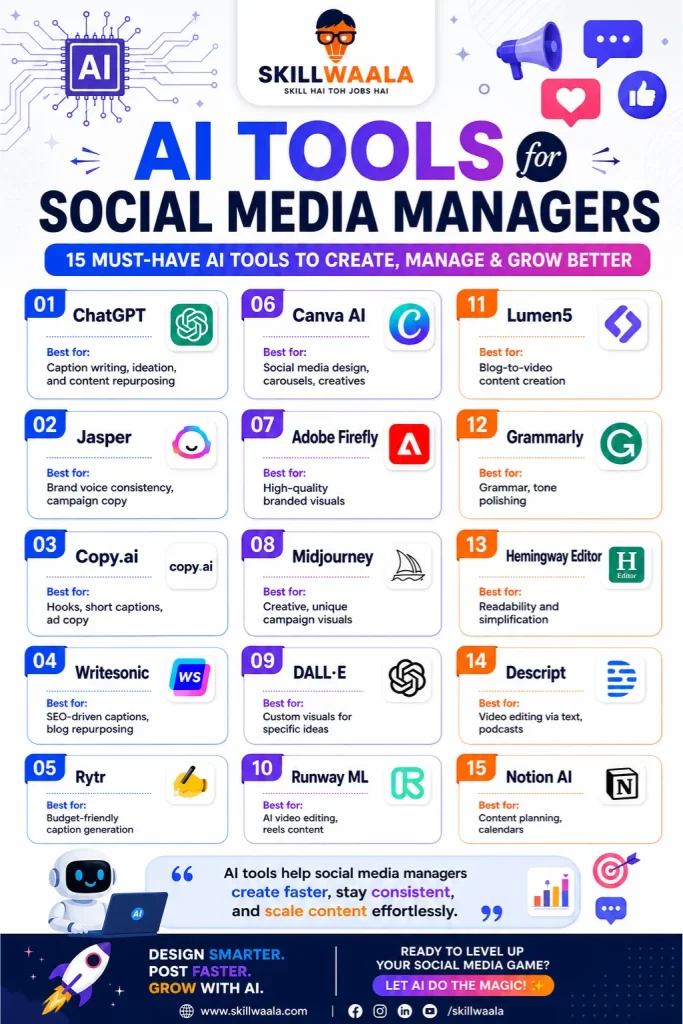
Over time, we’ve realized one thing. It’s not about having more tools, it’s about knowing exactly where each one fits. When you map tools to specific use cases, your workflow becomes a lot cleaner and faster.
Here are 15 AI tools we’ve actually found useful, along with what they’re best at:
| Tool | Free Plan | Starting Paid Plan | Higher Plans | Best For (Social Media Use Case) |
| ChatGPT | Yes (limited) | $20/month (Plus) | $25/user/month (Team), $200 Pro | Caption writing, ideation, and content repurposing |
| Jasper | Trial / limited | $49–$59/month | $69+ / custom Business | Brand voice consistency, campaign copy |
| Copy.ai | Yes (2,000 words) | $49/month | Enterprise custom | Hooks, short captions, ad copy |
| Writesonic | Yes (limited credits) | $16/month | $45–$99/month | SEO-driven captions, blog repurposing |
| Rytr | Yes (limited) | $9/month | $29/month | Budget-friendly caption generation |
| Canva AI | Yes (basic) | $12/month (Pro) | Team pricing | Social media design, carousels, creatives |
| Adobe Firefly | Limited free credits | Included in Adobe plans ($20+) | Enterprise | High-quality branded visuals |
| Midjourney | No free plan | $10/month | $30+/month | Creative, unique campaign visuals |
| DALL·E | Limited via ChatGPT | Included in the $20 ChatGPT plan | API pricing | Custom visuals for specific ideas |
| Runway ML | Limited free | $15/month | $35+/month | AI video editing, reels content |
| Lumen5 | Limited free | $19/month | $59+/month | Blog-to-video content creation |
| Grammarly | Yes (basic) | $12/month | $15/user/month | Grammar, tone polishing |
| Hemingway Editor | Yes (free web) | One-time $20 desktop | — | Readability and simplification |
| Descript | Yes (limited) | $12/month | $24+/month | Video editing via text, podcasts |
| Notion AI | Yes (basic Notion) | $10/month add-on | Team pricing | Content planning, calendars |
ChatGPT
Best for: Caption writing, content ideation, repurposing long-form content
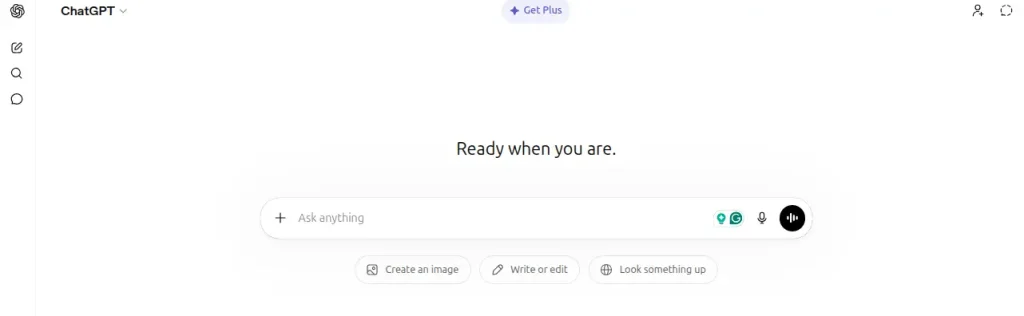
We rely on it when we need several content options swiftly or when breaking down complex topics into easy-to-understand posts.
Jasper
Best for: Brand-focused copywriting and maintaining tone consistency
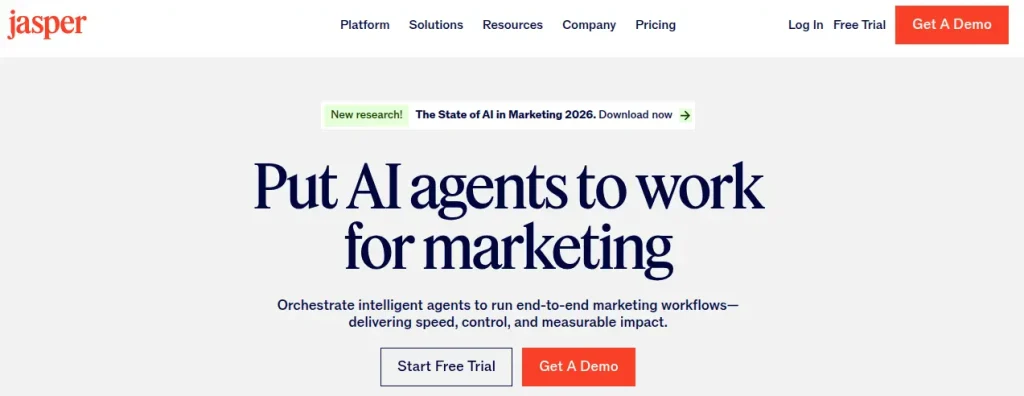
Works effectively when strict brand guidelines are in place and consistent content is required across platforms.
Copy.ai
Best for: Quick hooks, ad copy, and short-form captions
Great when speed matters more than depth. Especially useful for brainstorming scroll-stopping lines.
Best AI Tools for YouTubers
Discover AI tools that help YouTubers edit videos faster, generate content ideas, create thumbnails, and grow their channels efficiently.
Explore YouTube AI ToolsWritesonic
Best for: SEO-focused captions and blog-to-social repurposing
Helpful when you want your content to perform not just socially, but also in search-driven platforms.
Rytr
Best for: Budget-friendly content generation and basic captions
A good starting point if you’re experimenting with AI tools without investing too much upfront.
Canva AI
Best for: Social media graphics and quick visual content
We use this for fast execution when turnaround time is tight and design resources are limited.
Best Ways to Earn Money With AI
Explore proven methods to use AI tools for freelancing, side hustles, automation, and creating digital products that generate income.
Discover AI Income MethodsAdobe Firefly
Best for: High-quality AI visuals and branded creative assets
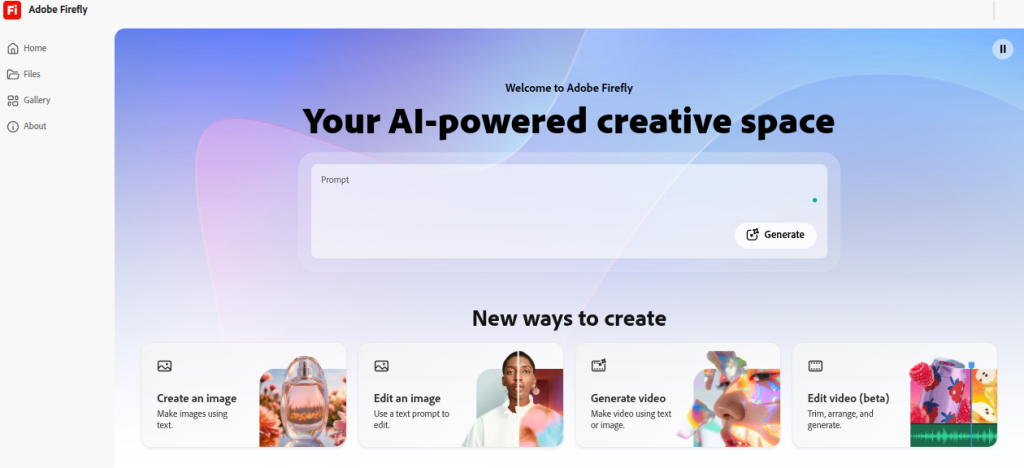
More control and better output quality when you need polished visuals.
Midjourney
Best for: Creative, unique, and concept-driven visuals
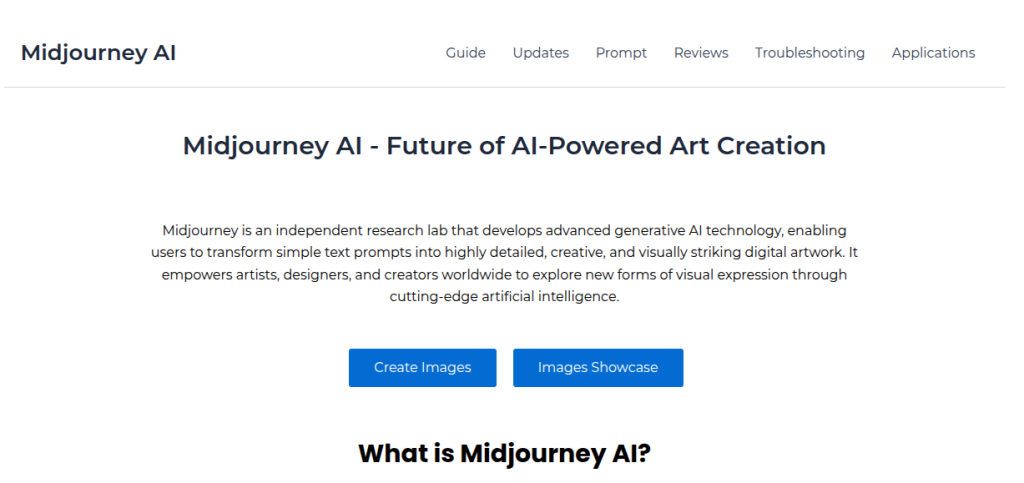
Perfect for standing out. Not ideal for everyday posts, but powerful for campaigns.
DALL·E
Best for: Custom image generation for specific content ideas
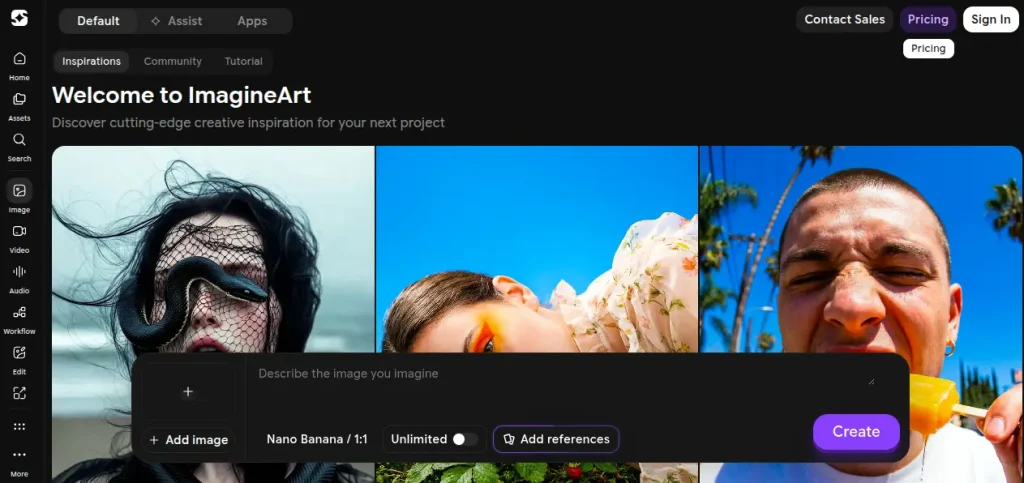
Useful when you need a very particular visual that stock libraries can’t provide.
Compare the 10 best AI image generators side by side. Discover their features, pricing, free plans, strengths, and ideal use cases to find the perfect tool for your creative projects.
Compare the Top 10 AI Image Generators →Runway ML
Best for: AI video editing and content enhancement

We’ve used this to speed up video production, especially for reels and short-form content.
Lumen5
Best for: Turning blog content into social videos
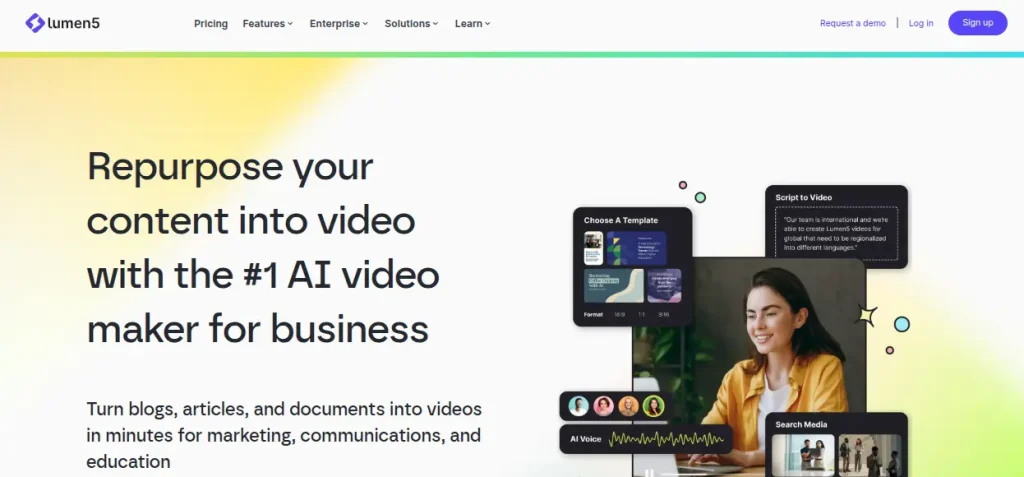
A solid option when repurposing written content into engaging video formats.
Grammarly
Best for: Grammar correction and tone refinement
Still one of the most reliable tools for polishing content before it goes live.
Hemingway Editor
Best for: Improving readability and simplifying writing

Helps tighten content so it’s easier to consume on fast-scrolling platforms.
Descript
Best for: Audio and video editing with text-based workflows
Editing videos by editing text feels odd at first, but once you get used to it, it saves a lot of time.
Notion AI
Best for: Content planning, idea organization, and workflow structuring
We use this during campaign planning to map out content calendars and structure ideas quickly.
Radaar.io (Bonus Tool)
Best for: Social media scheduling, collaboration, and analytics

Radaar.io is useful when you want to manage multiple social media accounts from one place without overcomplicating your workflow. It helps schedule posts, track performance, and collaborate with team members, making it a practical addition for agencies and growing brands.
How We Actually Use AI in Daily Workflows
This is where theory meets reality.
A typical workflow might look like this:
- Start with AI-assisted content ideation
- Refine ideas manually based on brand voice
- Generate drafts using AI writing tools
- Edit heavily to add personality
- Create visuals with AI support
- Schedule posts using AI-recommended timings
- Track performance and adjust strategy
Notice something. AI appears in every step, but never takes full control.
Common Mistakes to Avoid
Blindly trusting AI outputs
AI can sound confident even when it’s wrong. Always fact-check, especially for data-driven posts.
Losing brand voice
If every caption sounds the same, your audience notices. AI should adapt to your voice, not replace it.
Over-automation
Scheduling, replying, analyzing. Automating everything creates a disconnect, and social media is still about human connection.
Choosing the Right AI Tools
Don’t chase every new tool
New AI tools launch every week, and most aren’t necessary.
We recommend starting with:
- One writing tool
- One design tool
- One scheduling tool
- One analytics tool
Master these before expanding.
Focus on integration
Tools that integrate well save more time than standalone tools. Switching between platforms kills efficiency.

The Skills That Still Matter
AI hasn’t replaced core social media skills. It has made them more important.
Strategic thinking
Knowing what to post and why matters more than how fast you can create it.
Creativity
AI can generate ideas, but it can’t replicate cultural context or emotional nuance fully.
Audience understanding
No tool understands your audience better than you do through consistent observation.
A Quick Reality Check
AI tools won’t fix a weak strategy, as they won’t make bad content go viral. What they will do is remove friction and give you more time to think, test, and improve. That shift is where growth happens, and to grow in the field of AI, you can always enroll in SkillWaala’s free AI tools course, where you learn the art of using AI from the masters.

Conclusion
Managing your social media is not just about having a schedule of when to post on social media anymore, but about having systems to manage your social media more efficiently. By using AI tools in a purposeful way, you can conduct faster experiments while focusing on what truly drives higher results.
We’ve personally benefited from this approach by being able to spend less time performing repetitive tasks and putting more time into the creative and strategic side of social media. If you’re trying to incorporate AI into managing your social media, don’t stress yourself out trying to learn everything there is to know about each AI tool; rather, try to focus on thinking like an AI and not just implementing the tools. The better you can think like an AI, the greater your ability will be to utilize this tremendous technology to your advantage and be well ahead of the competition.
Frequently Asked Questions
There is no one-size-fits-all answer regarding what the best tool is. This will depend on your workflow. Typically, we use multiple tools to create our content. We will use ChatGPT to generate content, Canva AI to create designs, and a scheduling platform such as Buffer to publish content. Ultimately, using the right mix of tools will be more successful than using just one tool.
Mainly because of the speed factor, we are using artificial intelligence (AI) with respect to content generation (content ideas), draft captions, visualising content, utilising analytics for insight, and even responding to comments. This way, repetitive tasks are taken care of for us so we can spend our time on strategy and thinking creatively.
The 70/20/10 rule for social media is focused on creating balance in your content. As an example, the rule allows you to use 70% of your content as valuable and interesting material for your audience, 20% as shared or curated material from other sources, and then the final 10% for your own self-promotion. Following this guideline will prevent your social media page from appearing too commercialized to your audience.
When it comes to choosing an AI-generated content solution to help you with social media post content creation, both ChatGPT and Jasper offer strong solutions for most use cases. While ChatGPT offers a more generalized solution that is ideal for brainstorming ideas, Jasper is better suited for those looking to maintain a consistent tone of voice throughout their marketing materials. Your choice between ChatGPT and Jasper will ultimately depend on the level of specificity to your needs.
There are many ways to find free training options for AI technologies to support your social media marketing efforts. One of those options is SkillWaala, which provides free training on over 4000 different types of AI Tools and is taught by industry-leading professionals. This would be a great way for you to get hands-on experience with AI without having to spend anything!
About The Author