Design work has changed faster in the last two years than in the previous decade. Deadlines are tighter, and clients expect more variations. Freshers feel overwhelmed, and experienced designers feel replaced before they even try the tools. We have been in that space where you spend hours on something that AI now does in seconds, and it feels unfair.
The truth is simpler. The tools are not replacing designers, but they are replacing slow workflows.
This guide cuts through the noise and shows which AI tools actually help, where they fail, and how to use them smartly, whether you are a student practicing in your hostel room or a freelancer handling three clients at once.
Why AI Tools Matter for Designers Today?
Time pressure is the biggest pain point; the second is creative fatigue; and the third is the cost of software.
AI tools address all three, but only if you pick the right ones.
Not every tool is worth your time. Some look flashy but produce generic outputs, while others quietly become part of your daily workflow.
You want tools that do one of these well:
- Speed up repetitive tasks
- Generate ideas when you are stuck
- Improve output quality without rework
Categories of AI Tools You Should Focus On
Image Generation Tools
Used for creating visuals from prompts. Helpful for concept art, mood boards, and social media creatives.
Design Automation Tools
These tools help create layouts, resize designs, and automate branding.
Editing and Enhancement Tools
Perfect for retouching, upscaling, background removal, and refining images.
UI and Branding Assistants
Useful for logo ideas, color palettes, and layout systems.
Each category solves a different problem. Mixing them blindly wastes time.
Best AI Tools for Graphic Designers 2026
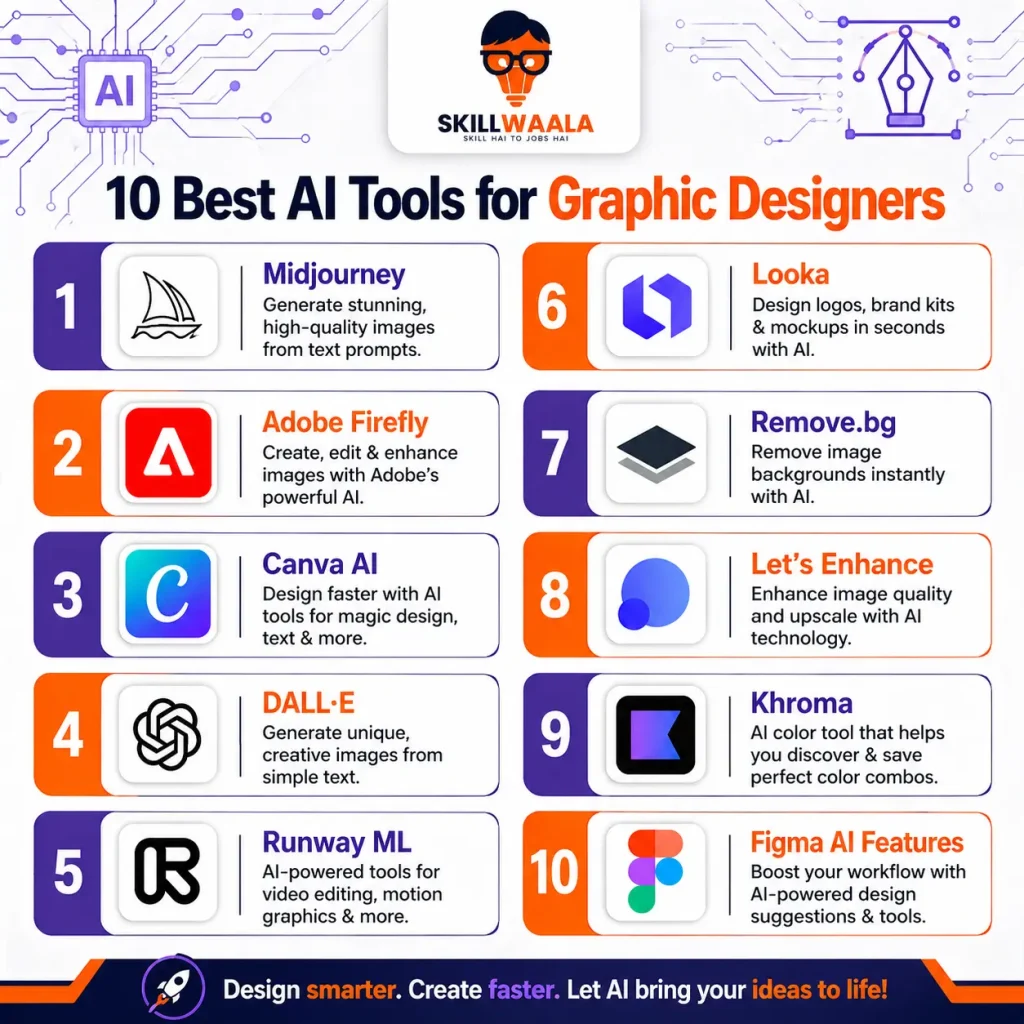
1. Midjourney
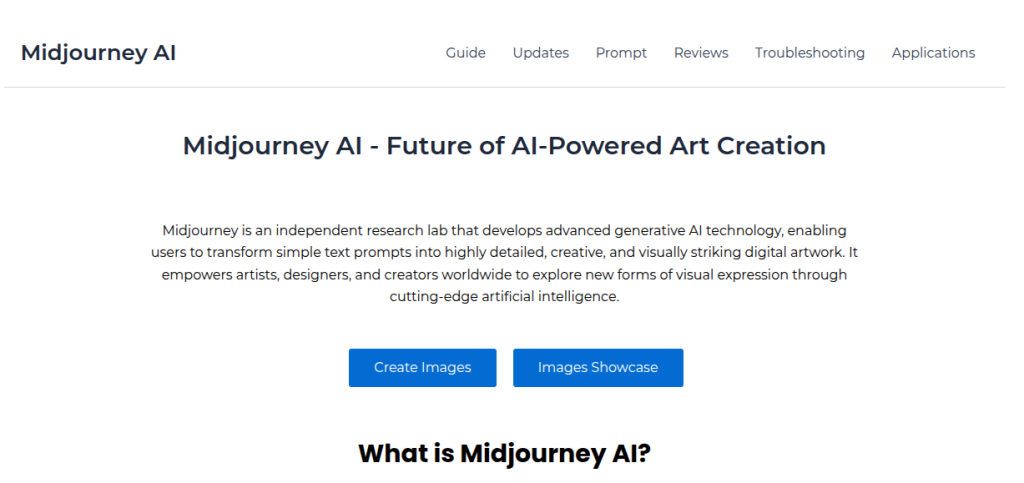
What it does
Generates high-quality images from text prompts. Works best for artistic and conceptual visuals.
Where it shines
Concept art, poster ideas, surreal visuals, branding inspiration
Where it struggles
Precise typography, client-specific edits, consistency across multiple outputs
Real insight
If you are a student building a portfolio, Midjourney can give you stunning visuals quickly. But do not present them as final work. Use them as a base and refine manually.
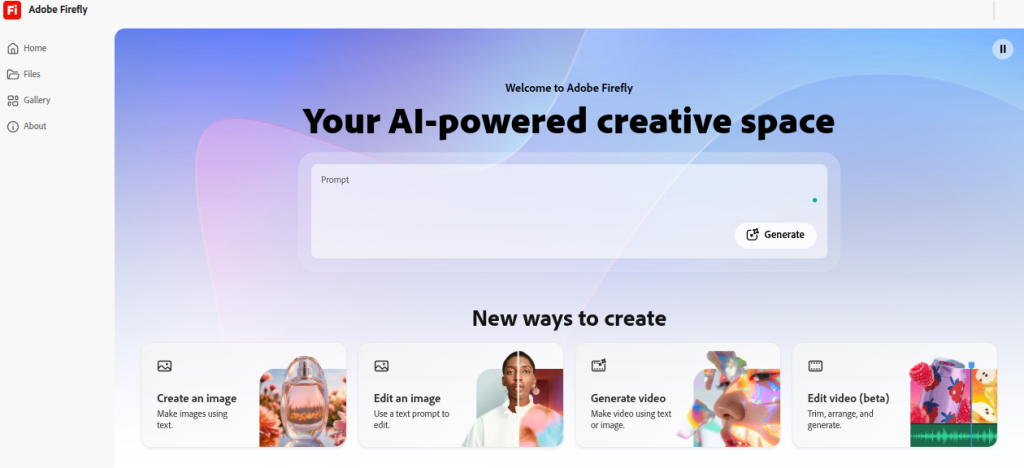
2. Adobe Firefly
What it does
AI is integrated into the Adobe ecosystem for image generation and editing.
Where it shines
Seamless workflow with Photoshop and Illustrator, commercial safe outputs
Where it struggles
Creativity is more controlled compared to other tools
Real insight
Professionals working with clients will prefer Firefly due to its licensing clarity. It fits into existing workflows instead of replacing them.
Grow Your YouTube Channel with AI
Learn how AI tools can help you create better videos, improve engagement, and save hours of editing and planning time.
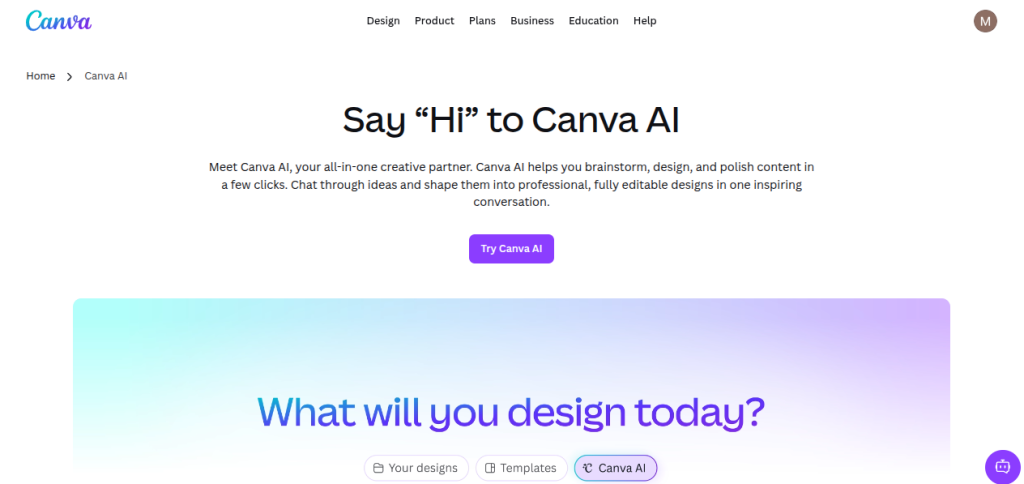
Boost Your Channel3. Canva AI
What it does
Automates social media designs, presentations, and branding kits.
Where it shines
Quick designs, templates, beginner-friendly interface
Where it struggles
Limited creative depth for advanced designers
Real insight
Freshers love Canva because it removes the learning curve. But relying only on it will limit your growth. Use it for speed, not mastery.
4. DALL E
What it does
AI graphic design generator that creates images from prompts.
Where it shines
Clean compositions, realistic imagery
Where it struggles
Complex prompt control compared to Midjourney
Real insight
DALL-E is great for marketing creatives and ad visuals. It produces safer outputs which work well for brands.
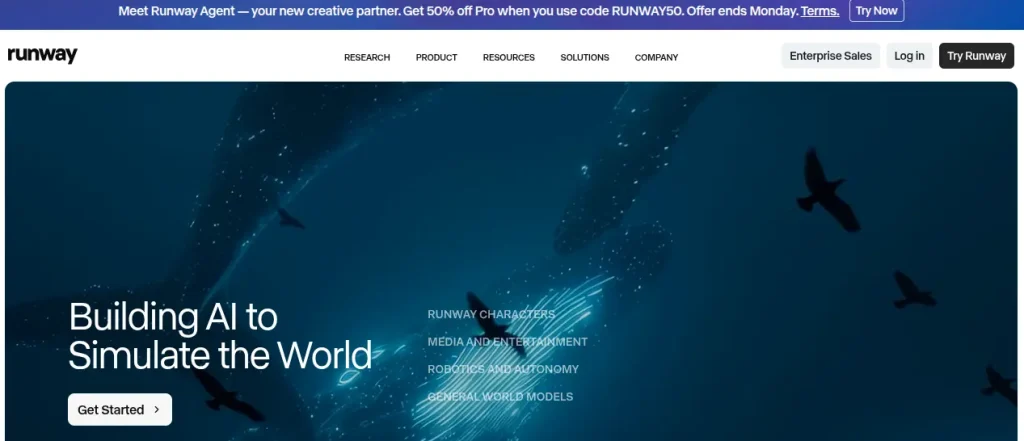
5. Runway ML
What it does
Video and image editing powered by AI.
Where it shines
Background removal, motion tracking, video generation
Where it struggles
Heavy projects can lag depending on the system and plan
Real insight
Designers moving into video content will find Runway extremely useful. Short-form content creators especially benefit.
6. Looka
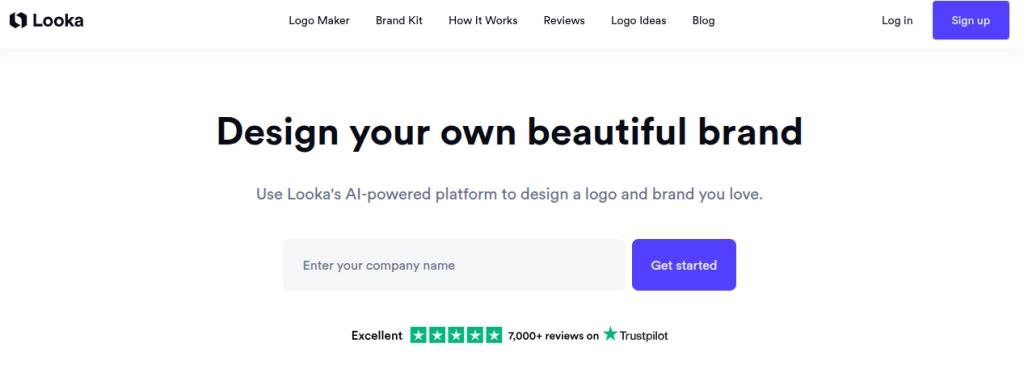
What it does
AI-powered logo generator and branding tool.
Where it shines
Quick logo ideas, brand kits
Where it struggles
Originality and uniqueness
Real insight
Good starting point for clients with low budgets. Not ideal for premium branding projects.
7. Remove.bg
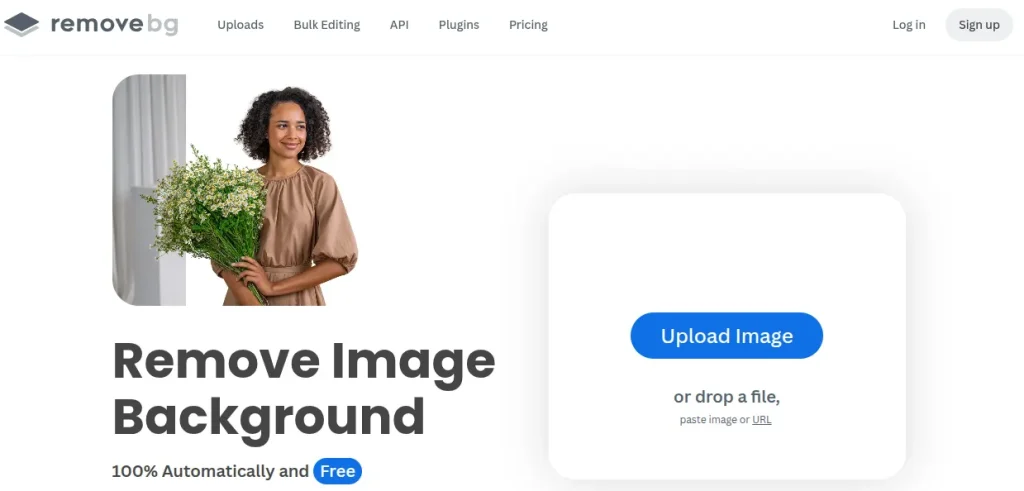
What it does
Removes background from images instantly.
Where it shines
Accuracy and speed
Where it struggles
Complex edges like hair in low-quality images
Real insight
This tool alone can save hours every week. Many designers still do this manually, which makes no sense now.
8. Let’s Enhance
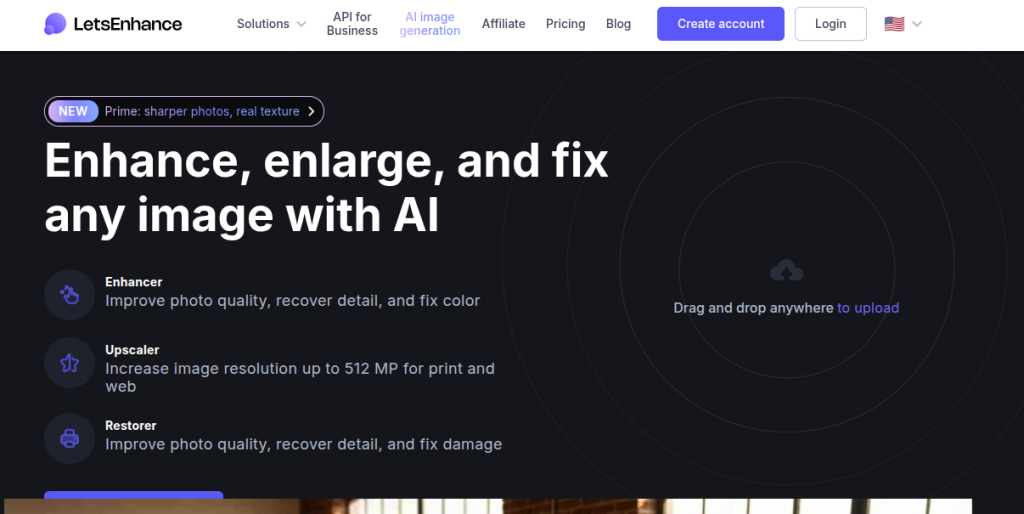
What it does
Upscales images without losing quality.
Where it shines
Improving resolution for prints and large formats
Where it struggles
Extreme upscaling can still look artificial
Real insight
Perfect for freelancers working with clients who send low-quality images and expect miracles.
9. Khroma
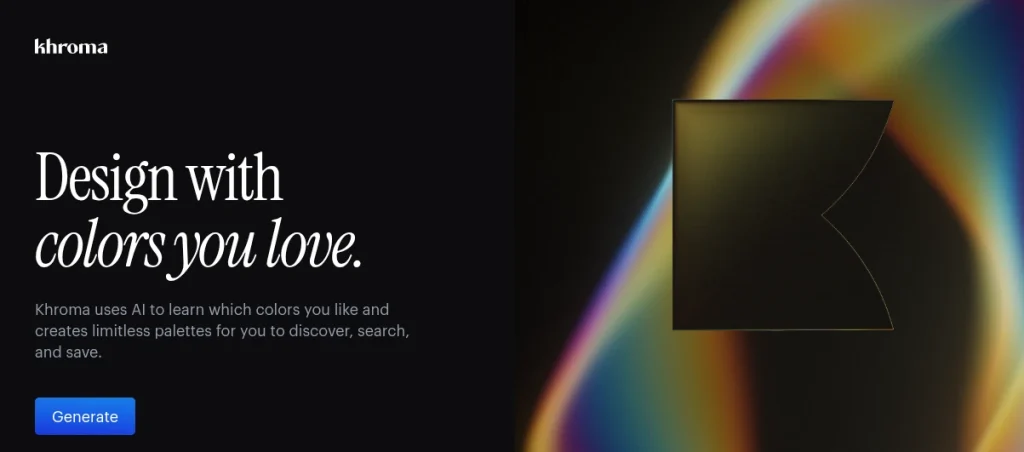
What it does
Generates color palettes based on preferences.
Where it shines
Personalized palettes, branding inspiration
Where it struggles
Limited control over exact color logic
Real insight
Useful when you are stuck choosing colors. Not a replacement for color theory knowledge.
10. Figma AI Features
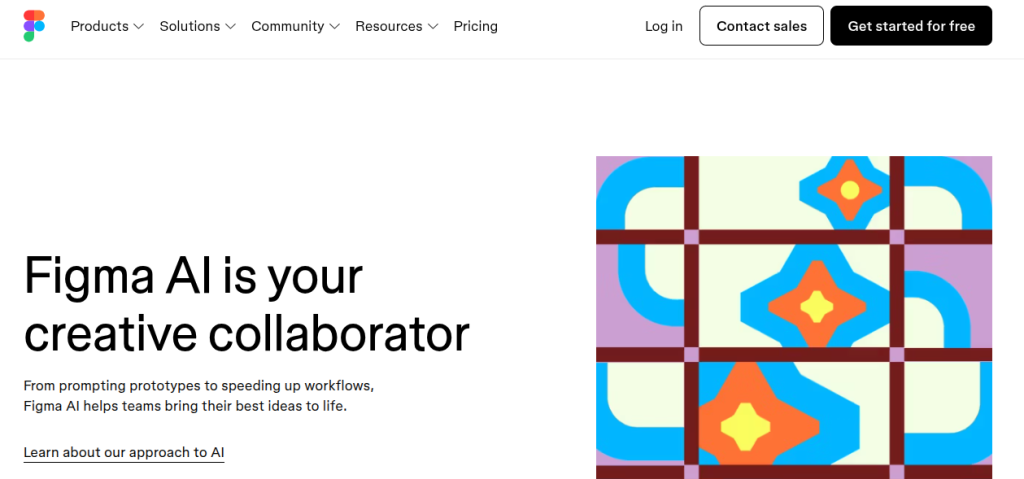
What it does
Helps automate UI design tasks, content generation, and layout suggestions.
Where it shines
UI design workflows, team collaboration
Where it struggles
Still evolving in terms of deep creative control
Real insight
UI designers will benefit more than traditional graphic designers. Still worth exploring.
🔎 Dig Deeper: AI Tools for Content Creators
Best AI Tools for Image Editing and Generation in 2026
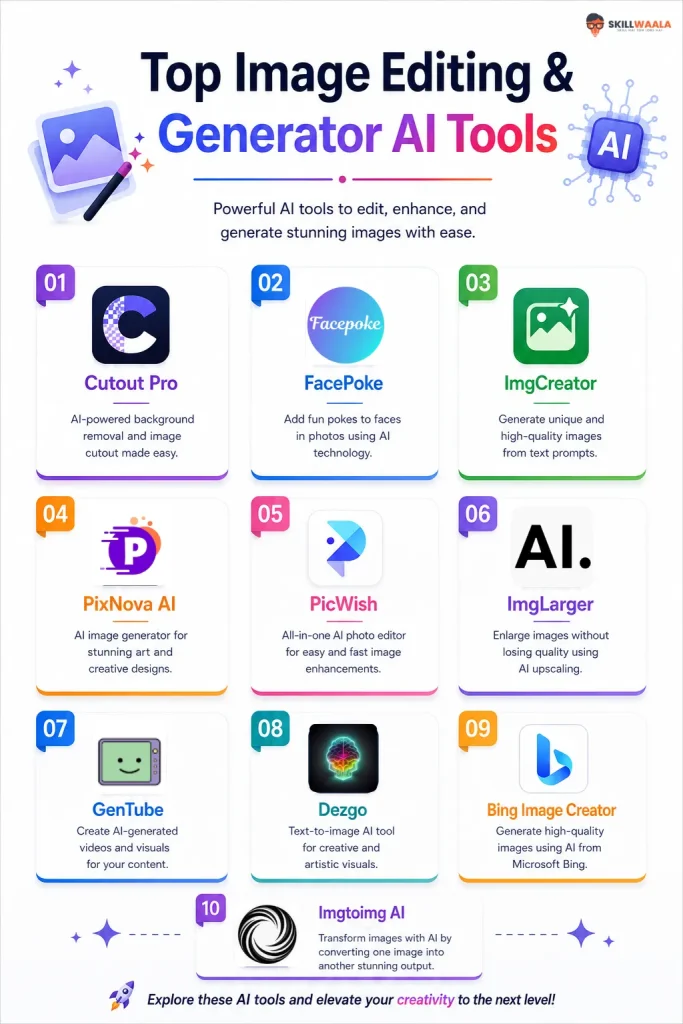
11. Cutout Pro
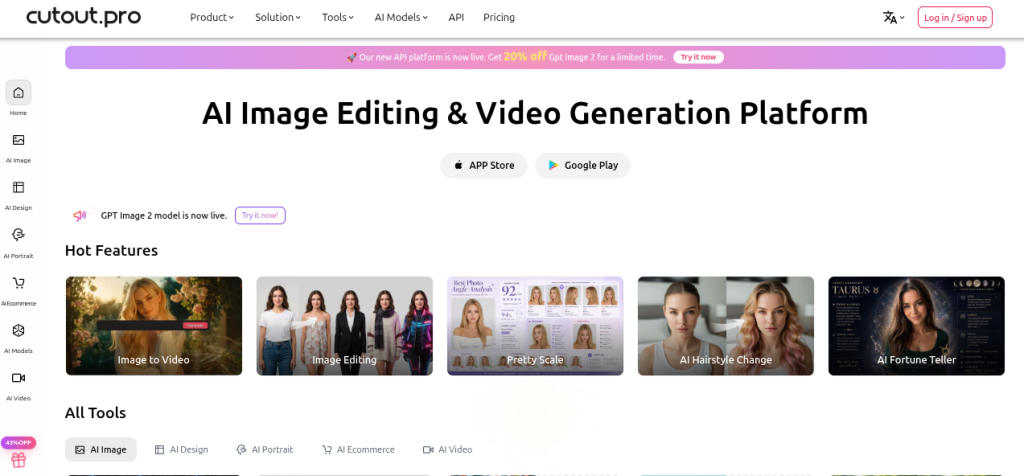
What it does
Cutout Pro is an image editing tool that uses AI to remove backgrounds, enhance image quality, restore old photos, and create professional-looking visuals with minimal effort.
Where it shines
Product photography, background removal, photo restoration, eCommerce images, social media graphics
Where it struggles
Complex design projects, advanced photo manipulation, and creative artwork generation
Real insight
If you regularly work with product photos or need quick background removal, Cutout Pro can save hours of manual editing. It is especially useful for beginners who do not have advanced Photoshop skills.
12. FacePoke
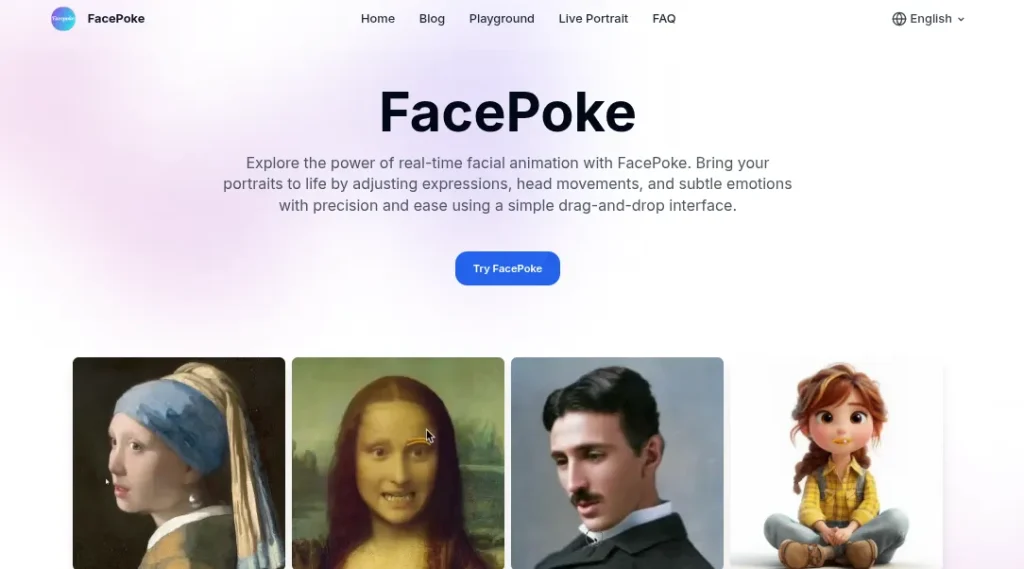
What it does
With FacePoke, users can modify facial expressions in images using AI. You can change smiles, eye direction, head position, and other facial features with simple controls.
Where it shines
Character design, facial expression testing, creative portraits, social media content
Where it struggles
High-end commercial projects, realistic facial consistency across multiple images
Real insight
FacePoke is more of a creative playground than a professional editing tool. It is useful when you want to experiment with portrait images or create expressive character concepts quickly.
13. ImgCreator
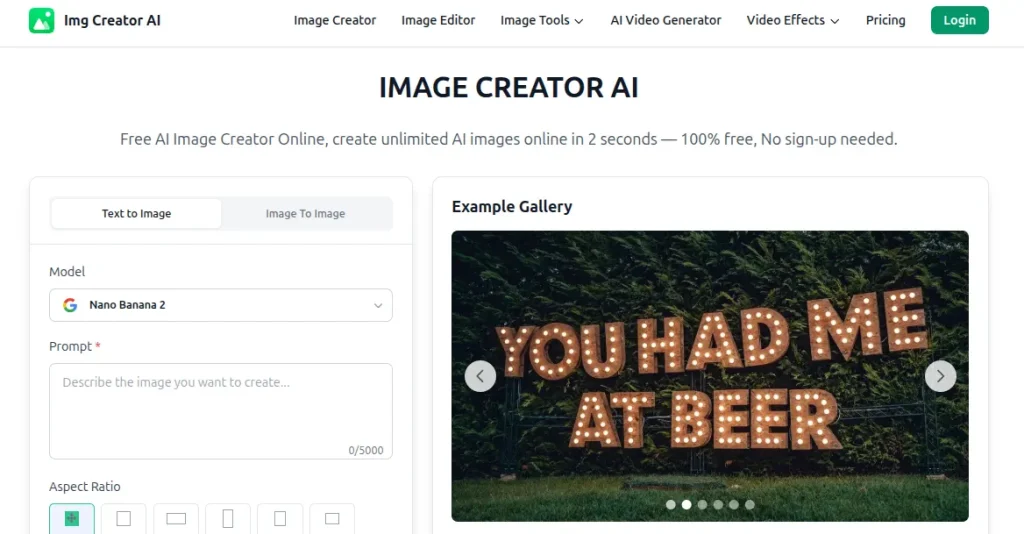
What it does
ImgCreator is an image generation AI tool that generates images from text prompts and can also create illustrations, concept art, anime-style visuals, and marketing graphics.
Where it shines
Digital art, social media visuals, creative concepts, blog graphics, character design
Where it struggles
Detailed brand-specific designs, typography-heavy projects, and precise image editing
Real insight
For students learning design, ImgCreator offers a fast way to generate visual ideas. It works best at the brainstorming stage rather than for final client deliverables.
14. PixNova AI
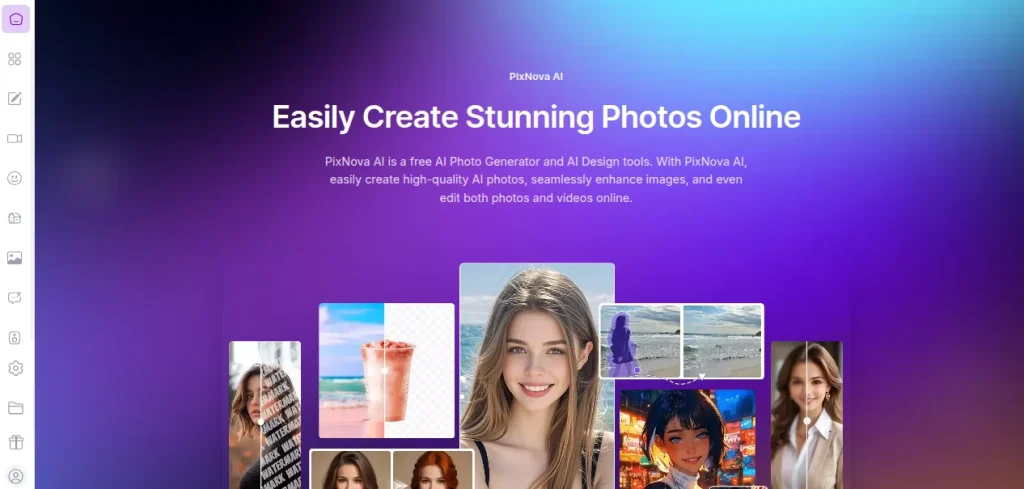
What it does
PixNova AI creates images from text prompts and offers AI-powered image enhancement features. It focuses on generating visually appealing graphics quickly.
Where it shines
Creative artwork, profile images, marketing visuals, concept generation
Where it struggles
Complex design workflows and highly customized commercial designs
Real insight
PixNova AI is a good option when you need quick inspiration. Designers can use it to explore different visual directions before starting the actual design process.
15. PicWish
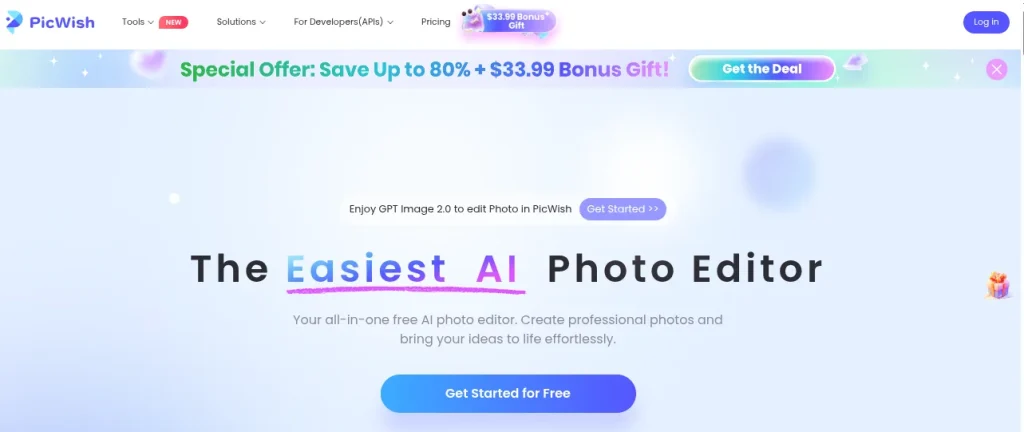
What it does
PicWish specializes in background removal, object removal, image enhancement, and photo cleanup using AI.
Where it shines
eCommerce photos, product listings, social media content, quick photo corrections
Where it struggles
Advanced retouching and detailed creative editing
Real insight
If your work involves online stores or marketplace listings, PicWish can dramatically reduce editing time. Many small business owners use it because of its simple interface and fast results.
16. ImgLarger
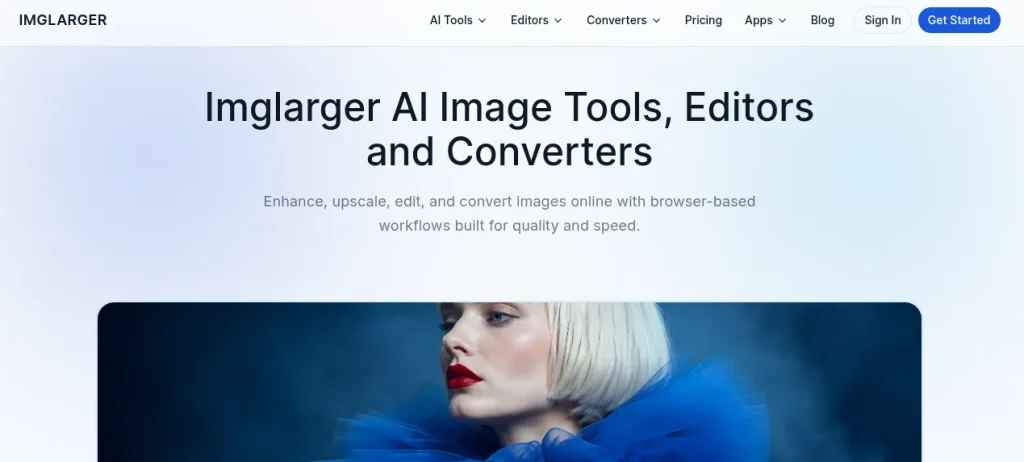
What it does
ImgLarger employs AI technology to enhance image resolution while maintaining fine details. It can increase image resolution without making the image look blurry.
Where it shines
Image upscaling, print preparation, old image enhancement, and content repurposing
Where it struggles
Images of extremely low quality that do not provide sufficient visual details
Real insight
Designers often receive low-resolution images from clients. ImgLarger can be a lifesaver when you need to improve image quality before using it in marketing materials or presentations.
17. GenTube
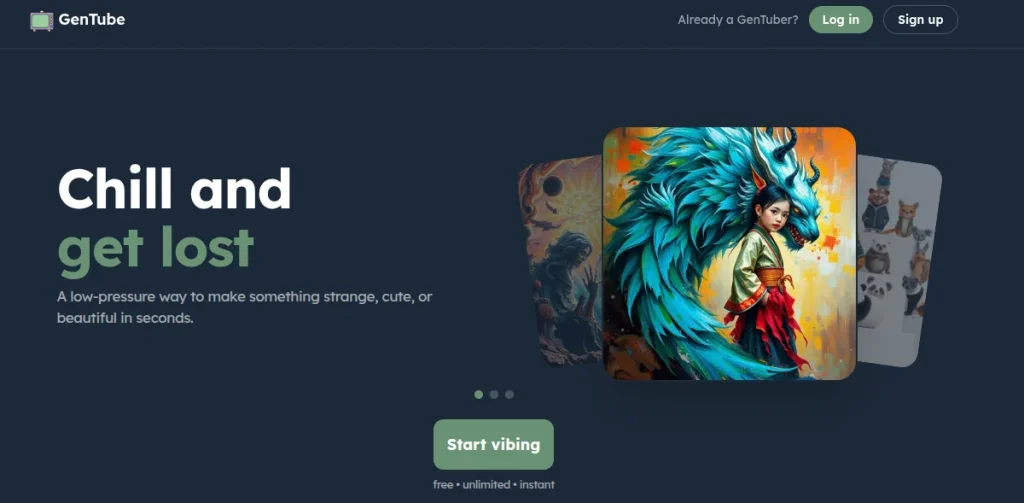
What it does
GenTube is an AI image generation platform that creates visuals from text prompts and allows users to explore different artistic styles.
Where it shines
Concept art, creative experiments, social media graphics, and visual storytelling
Where it struggles
Brand consistency and highly detailed commercial artwork
Real insight
GenTube is highly effective for generating ideas during creative blocks. It can help designers quickly visualize concepts before investing time in manual design work.
18. Dezgo
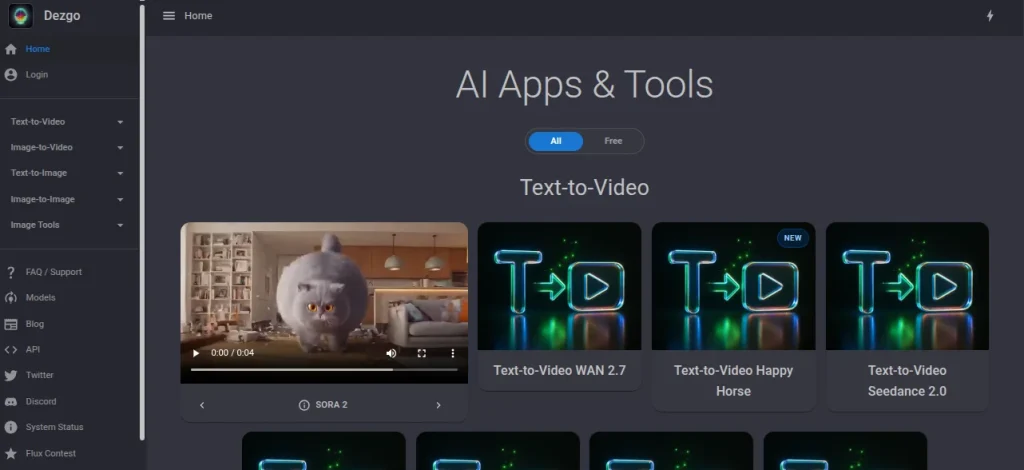
What it does
Dezgo is an AI image generator based on Stable Diffusion technology. It converts text prompts into detailed images and offers several customization options.
Where it shines
Concept visualization, digital artwork, illustrations, creative projects
Where it struggles
Professional graphic design layouts and typography-focused tasks
Real insight
Design students who want to experiment with AI image generation without spending heavily on premium tools may find Dezgo a useful starting point.
19. Bing Image Creator
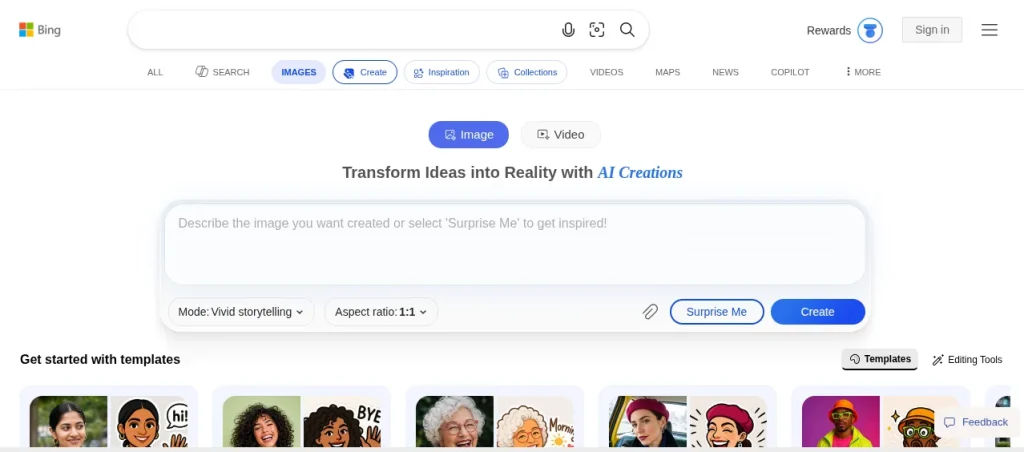
What it does
Bing Image Creator generates images from text prompts using advanced AI models. It is integrated with Microsoft’s ecosystem and is easy to access.
Where it shines
Quick image generation, blog visuals, concept art, marketing ideas
Where it struggles
Precise design control and complex brand-specific requirements
Real insight
Bing Image Creator is one of the simple tools that beginners can use to experience AI-generated design without a steep learning curve. This is so because it is very easy to use and is free for casual users.
20. Imgtoimg AI
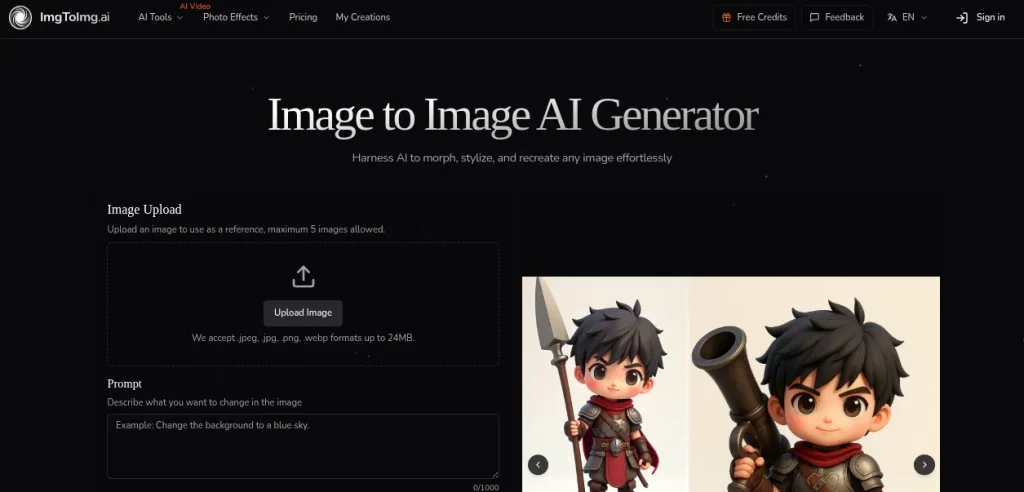
What it does
Imgtoimg AI transforms existing images into new styles, variations, or enhanced versions using artificial intelligence.
Where it shines
Style transfers, image transformations, concept exploration, and visual experimentation
Where it struggles
Maintaining exact details from the original image during major transformations
Real insight
Imgtoimg AI is a useful tool when you already have a visual reference and want to explore multiple creative directions. Many designers use it to generate fresh variations before selecting a final design approach.
Best Free AI Tools for Graphic Design
Budget is a real constraint for students and freshers. The good news is you can start without spending anything.
Here are some solid free options:
- Canva free plan
- Remove.bg free credits
- DALL E limited usage
- Figma free plan
- Adobe Firefly free tier
Search intent like AI tools for graphic designers free or AI graphic design free download often leads to shady sites. Avoid downloading cracked tools. Use official free tiers instead.
How to Actually Use These Tools in Real Work
Knowing tools is easy. Using them correctly is rare.
Start with Idea Generation
Use Midjourney or DALL-E for concepts. Do not aim for perfection.
Move to Design Software
Take outputs into Photoshop or Illustrator. Refine layouts, typography, and colors.
Use Automation for Repetitive Work
Background removal, resizing, mockups
Final Polish
Manual adjustments still matter. AI cannot replace your design judgment.
Skipping this workflow leads to generic designs.
Common Mistakes Designers Make with AI
Blindly trusting outputs
AI makes visually appealing but sometimes incorrect designs.
Overusing effects
Too many AI elements make designs look artificial.
Ignoring fundamentals
Typography, spacing, and hierarchy still matter more than tools.
Copying instead of creating
AI should assist your ideas, not replace them.
Future of AI Tools for Graphic Designers 2026
The shift is already visible. Clients expect faster delivery. Agencies want designers who understand AI workflows.
Designers who adapt will earn more. Those who resist will struggle with relevance.
One thing is clear. Creativity still wins. Tools only amplify it.

Learn AI Tools the Right Way
Jumping between tools randomly wastes time. Structured learning helps.
If you are serious about building skills, check out the free AI tools course by Skillwaala. It gives a clear path without overwhelming you.
FAQ‘s
No single tool fits all. Midjourney for creativity, Canva for speed, Adobe Firefly for professional workflows.
Yes, Canva, Figma, DALL-E, and Adobe Firefly offer free plans.
No, it replaces repetitive work, not creative thinking.
Canva and Figma are the easiest starting points.
Use tools like Adobe Firefly that provide commercial-safe outputs.
Follow structured learning instead of random tutorials. A guided course like the free AI tools course by SkillWaala helps.
About The Author