Most people don’t struggle with ChatGPT because it’s complicated. They struggle because they treat it like Google. I’ve seen students ask vague questions, and professionals expect perfect outputs in one go and then get frustrated.
This guide fixes that. Whether you’re just starting out or already using ChatGPT at work, you’ll learn how to actually use it like a tool, not a toy.
What is ChatGPT and Why It Matters Now
ChatGPT is not just a chatbot. It is a thinking assistant. It helps you write, analyse, code, brainstorm, and automate repetitive work. But here is the catch. It only performs as well as your input. That is where most people fall behind.
Who Should Use This Guide
- Students struggling with assignments, notes, or clarity
- Working professionals buried under repetitive tasks
- Freelancers trying to scale output without burnout
- Anyone who wants to save time without compromising quality
Beginner Level Getting Started Without Overthinking
Common Mistakes Beginners Make
- Asking generic questions like “Explain AI”
- Expecting perfect answers without context
- Copy pasting results without reviewing
That approach rarely works.
Learn the Basics of Prompting
Instead of “Write an article on marketing,” try “Write a 500-word beginner-friendly article on digital marketing, focusing on small businesses in India. Use simple language and examples.” Specificity changes everything.
Beginner Friendly Use Cases
- Notes simplification
- Resume drafting
- Basic coding help
- Email writing
Starter Prompts
For Students
- “Explain this topic in simple terms, like I’m in Class 10: topic”
- “Summarise this chapter into bullet points”
For Professionals
- “Draft a professional email declining a client request politely”
- “Turn these meeting notes into actionable tasks”
Mid-Level Using ChatGPT Like a Productivity Tool
At this stage, you stop asking questions and start giving instructions:
Pain Point
You are getting decent results, but still editing a lot.
Fix Structure Your Prompts
Use this simple formula:
“Role plus Task plus Context plus Output Format”
Example
“Act as a digital marketing expert. Create a 7-day Instagram content plan for a Jaipur-based clothing brand targeting young women. Give captions and hashtags.”
With this, now ChatGPT has direction.
Advanced Techniques That Actually Work
1) Iterative Prompting
Do not expect perfection in one go; keep asking to get a refined output.
Example
First prompt: “Write a blog intro”
Follow up: “Make it more conversational and relatable to Indian students”
2) Constraint-Based Prompting
Add boundaries- “Write a LinkedIn post under 150 words, avoid jargon, include one strong opinion.”
Constraints always improve the quality.
3) Persona-Based Outputs
Give ChatGPT a personality- “Act as a senior software engineer mentoring a junior developer.”
This changes tone and depth instantly.
Prompts for Different Professionals
Content Writers
- “Write a blog outline on topic with SEO friendly headings and FAQs”
- “Rewrite this paragraph in a more human conversational tone”
- “Generate 5 unique hooks for this article”
Web Developers
- “Explain this code error and suggest fixes paste code”
- “Create a responsive navbar using HTML CSS and JavaScript”
- “Optimize this code for better performance”
Digital Marketing Experts
- “Create a high converting Facebook ad copy for product targeting audience”
- “Suggest SEO keywords for a local business in Rajasthan”
- “Audit this landing page and suggest improvements”
Students
- “Explain this concept with real-life examples”
- “Create a study timetable for 2 weeks with revision slots”
- “Generate likely exam questions from this topic”
Confused Between ChatGPT and Google Gemini?
Compare ChatGPT and Google Gemini across content writing, coding, image generation, research, productivity, pricing, and real-world use cases to find the right AI tool for your needs.
Compare ChatGPT vs GeminiExtensions for ChatGPT
AIPRM
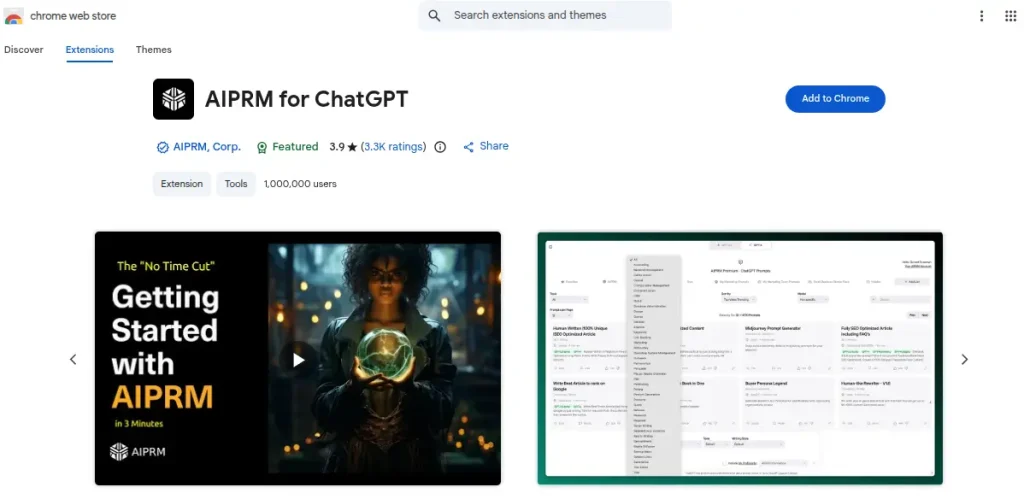
AIPRM is a Chrome extension that provides ready-made prompt templates for various use cases. It helps users save time by selecting proven prompts instead of writing them from scratch.
WebChatGPT
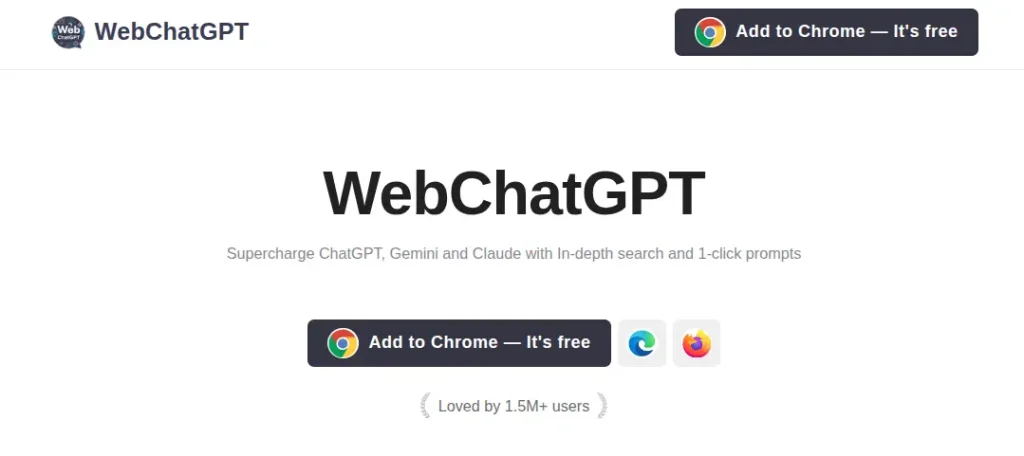
WebChatGPT enhances ChatGPT by allowing it to access real time web results. It improves accuracy for topics that require updated information like news, trends, and research.
ChatGPT Prompt Genius
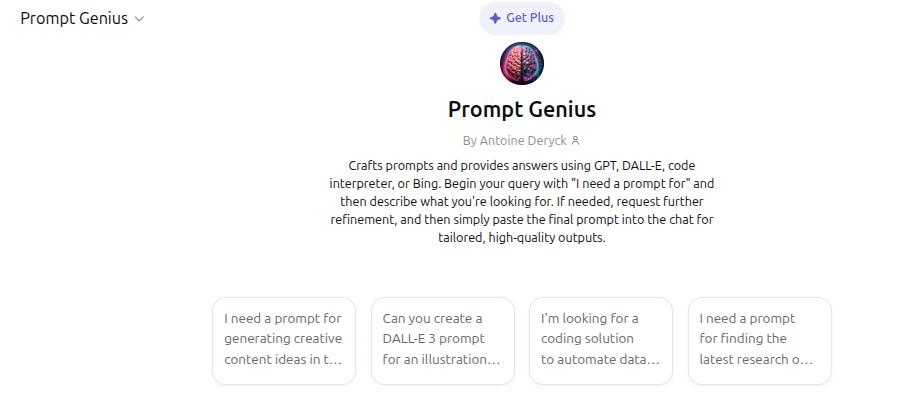
This extension helps you discover, save, and organize useful prompts. It also allows customization of the ChatGPT interface for a more personalized workflow.
Merlin AI
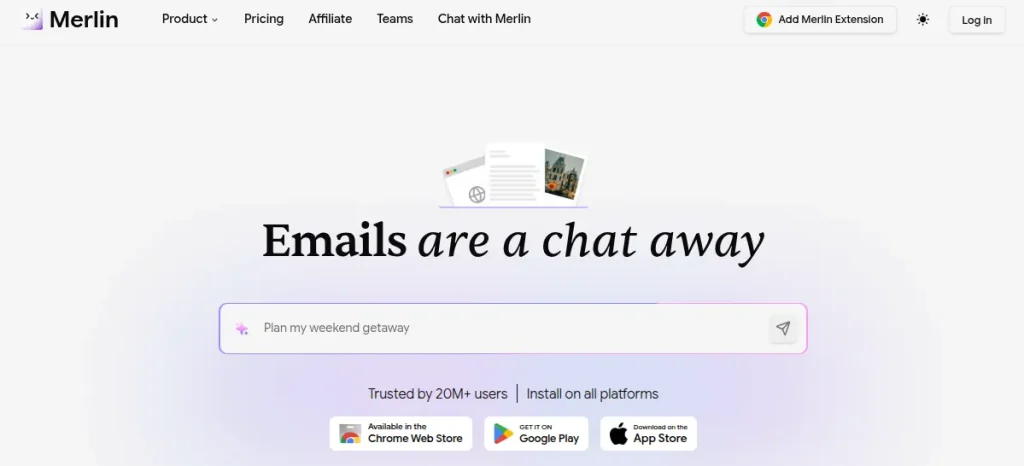
Merlin AI integrates ChatGPT across websites like Google Search, LinkedIn, and Gmail. It allows you to generate responses, summaries, and content without switching tabs.
YouTube Summary with ChatGPT
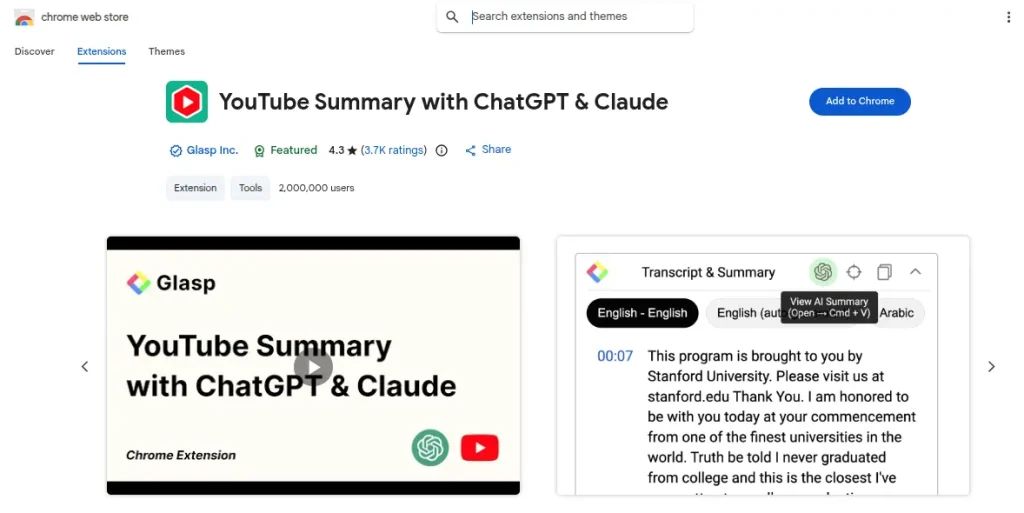
This extension generates quick summaries of YouTube videos. It is especially useful for students and professionals who want to save time and extract key insights without watching full videos.
Learn how to run ChatGPT Ads with this complete step-by-step guide. Discover campaign setup, targeting, budgeting, ad strategies, and tips to get better results from your ChatGPT advertising campaigns.
Read the Complete ChatGPT Ads Guide →Real Pain Points and Practical Fixes
ChatGPT gives generic answers
You are not giving enough context, start adding details like audience, tone, location, and purpose.
The outputs do not sound human
Ask for tone explicitly like this- “Make this sound like a real human wrote it natural, slightly informal, and engaging.”
Too much editing required
Use constraints:
- Word limit
- Format such as bullets, table, steps
- Tone such as casual, formal, persuasive
I do not know what to ask
Start with “What should I ask you if I want to improve in skill,” and then let ChatGPT guide you.
Localization: Why It Matters?
Most users ignore this and lose relevance. Instead of “Create a marketing plan” try “Create a digital marketing plan for a small coaching institute in Kota targeting Class 12 students.”
Local context leads to better results.
Our Practical Workflow
When we use ChatGPT for professional work, we follow this
1) Dump raw thoughts
2) Ask ChatGPT to structure them
3) Refine tone and clarity
4) Add a human touch manually
It is not about replacing effort. It is about reducing friction.
Advanced Use Cases
- Automating repetitive emails
- Generating multiple content variations quickly
- Debugging code faster
- Learning new skills in less time
One underrated use is using it as a thinking partner. When you get stuck, ask “Give me 3 different perspectives on this problem.” It helps break mental blocks quickly.
Quick Prompt Framework Cheat Sheet
- “Act as” defines role
- “Create” defines task
- “For” defines audience
- “In” defines format
- “Keep it” defines tone
Use these intentionally.

Final Thoughts
ChatGPT is not magic. It is leverage that rewards clarity and intent. Students can use it to understand concepts faster and reduce the time spent on repetitive studying tasks. Professionals can rely on it to streamline workflows, improve output quality, and handle routine work more efficiently. The whole process becomes much easier when you learn all this in advance from the free AI tools course by SkillWaala.
The real shift happens when you stop looking at it as a shortcut and start treating it as a skill that improves with practice. Over time, the way you think, ask, and refine your inputs will directly influence the results you get, and that is where long term value is created.
Frequently Asked Questions
Yes! By enrolling in the free AI course by SkillWaala, you can learn multiple AI tools in a month.
There is no one particular manual for ChatGPT and most of them are paid. Instead, you can learn ChatGPT from the free AI course at SkillWaala. This way you save your pocket and become proficient in using it.
Join the ChatGPT complete course at a reputed and reliable institute like SkillWaala. Here you will learn ChatGPT and other 3500 AI tools for free from industry professionals.
The best way to learn AI is to enrol in an AI course. As a beginner, there is a higher chance you will lack the funds to join a costly AI course. Instead, try to find a reliable free AI tools course, as plenty of genuine programs are available online.
Of course you can! All you need is the eagerness to learn this new form of technology and a little mentoring from a reliable free AI tools training institute like SkillWaala.
About The Author