
Artificial Intelligence has made the lives of countless people much easier in schools, colleges, offices, and even at home compared to previous years. What used to take 10 hours can now be done in 10 seconds with AI.
Whether you are a freelancer, a business owner, or a student, there is an AI tool for everyone out there that can save you plenty of hours to do other important tasks.
The 10 best AI productivity tools discussed in the list are genuinely useful, trusted widely, and most importantly, can actually save you a lot of time.
Each tool includes an example prompt to help you better understand how to use it most efficiently. Let’s get into it!
Top 10 AI Tools to Save Your Time
Check out his comparison table before diving into the main content:
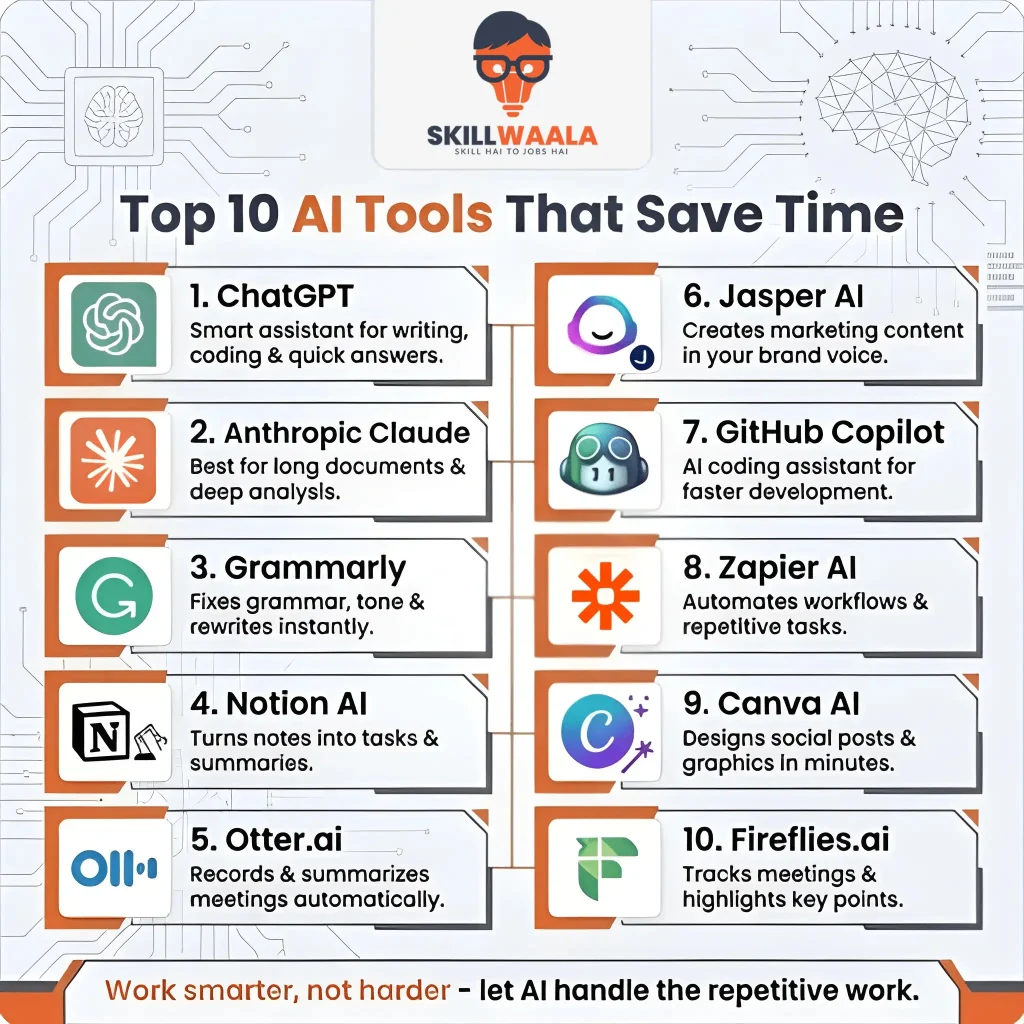
| Tool | Best for | Key feature | Free plan | Ideal for |
| ChatGPT | Writing, coding, Q&A | Versatile all-in-one assistant | Yes | Everyone |
| Claude | Long-form writing & analysis | Reads & summarizes long docs | Yes | Writers & analysts |
| Grammarly | Grammar & tone refinement | Context-aware rewriting | Yes | Writers & professionals |
| Notion AI | Notes & project management | Auto-summarizes & organizes notes | Limited | Teams & students |
| Otter.ai | Meeting transcription | Speaker ID + auto-summary | Yes | Professionals in meetings |
| Jasper AI | Marketing content | Brand Voice across all content | No | Marketers & content teams |
| GitHub Copilot | Code generation | Intelligent code autocomplete | Yes | Developers |
| Zapier AI | Workflow automation | AI-powered no-code task routing | Yes | Operations teams |
| Canva AI | Visual design | Instant professional graphics | Yes | Non-designers |
| Fireflies.ai | Meeting recording & recap | Auto highlights key moments | Yes | Remote teams |
Now let’s head to the part you can’t afford to miss:
ChatGPT

Developed by OpenAI, this tool has become one of the most commonly used productivity AI tools. Be it writing, explaining, summarizing, or coding, ChatGPT does it all effectively. It’s more like a smart assistant who never sleeps and, of course, doesn’t get irritated when asked the same questions twice.
Example prompt to save time: “Write a professional follow-up email to a client who hasn’t responded to my proposal in a week. Keep it friendly but firm, and under 100 words.”
Claude
No doubt about it, Claude by Anthropic has become one of the best AI productivity tools out there. Especially for tasks that require careful thought or long-form writing, such as an article or blog post, Claude stands out from other generative AI tools. You can even ask it to read and summarize long documents and write detailed explanations.
Example prompt to save time: I’m attaching a 30-page business report. Please summarize the five most important findings and identify any risks mentioned.
Want Stunning Presentations in Minutes?
Discover AI presentation makers that simplify slide creation, automate design, and help you present ideas more confidently.
Start Creating Better SlidesGrammarly
Grammarly is one of those tools that quietly saves you an enormous amount of time while running in the background. You can integrate it with your Google Docs, emails, or even your browser, and it starts fixing grammar and tone and can even suggest and rewrite full sentences for you. Now, with the AI-powered version, it goes far beyond the spell-check. Now it understands context and can clearly distinguish between casual and formal tones, adjusting its suggestions accordingly.
Example prompt to save time: Rewrite this paragraph to sound more confident and professional, without changing the main intent.
Notion AI
From covering notes to projects, Notion AI has become a popular workspace app. You can ask it to summarize your meeting notes, generate action items from your not-so-presentable research, or even autofill a table for you. Possibly the most reliable tool out there for teams that look for cut-downs on the time spent in organizing notes.
Example prompt to save time: Here are my meeting notes. Extract all action items, assign them to mentioned people, and format as a to-do list.
AI Tools Every Content Creator Should Try
From content writing to video editing and graphic design, discover AI tools that save time and improve content quality.
Discover Content ToolsOtter.ai
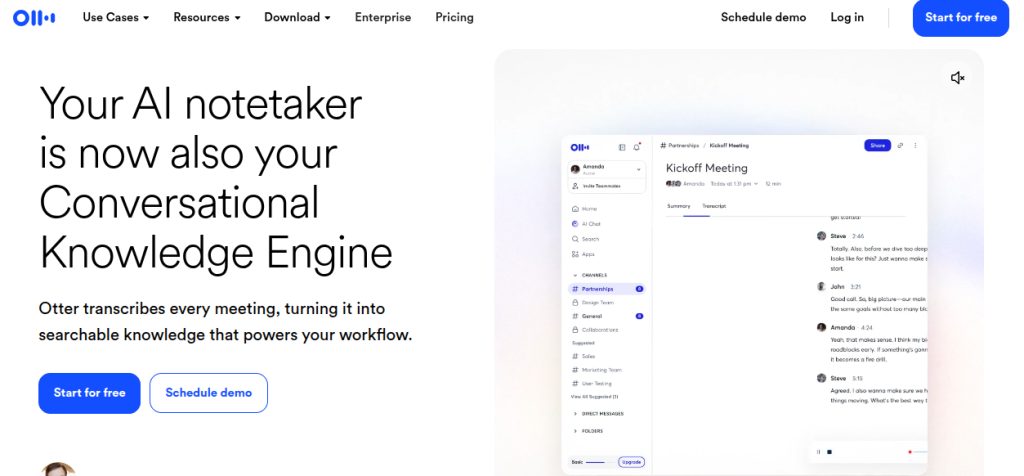
If you are looking for a reliable transcriber that can record meetings, clearly identify who said what, and create a summary accordingly, then Otter.ai is a good choice for you. The best part is that it can work with Zoom, Google Meet, and even Microsoft Teams. It’s genuinely a great product for professionals who are tired of taking notes during meetings.
Example prompt to save time: Summarize this meeting transcript and highlight the three most important decisions that were made.
Jasper AI
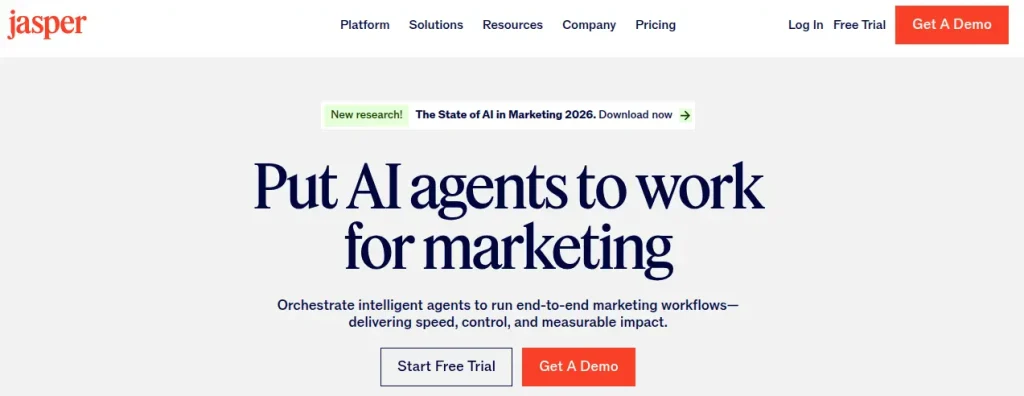
Jasper AI is built for marketers, content teams, and brand strategists who produce high-quality content. The Brand Voice feature, which comes with Jasper, learns your company’s tone and applies it across your blogs, ad copy, email campaigns, and social content. Lastly, with Jasper’s template library, you can pick your favorite format, fill in important details, and let Jasper handle all the heavy lifting, saving you tons of time.
Example prompt to save time: Write a friendly, practical 300-word blog intro for ‘Why Small Businesses Need Email Marketing in 2025’. Target small business owners with no marketing background. Keep it encouraging and clear, highlighting email marketing’s importance for growth, customer engagement, and cost-effectiveness.
Best AI Tools Every Graphic Designer Should Try
Explore smart AI-powered design tools for image editing, background removal, creative generation, and faster graphic design workflows.
Discover Creative ToolsGitHub Copilot
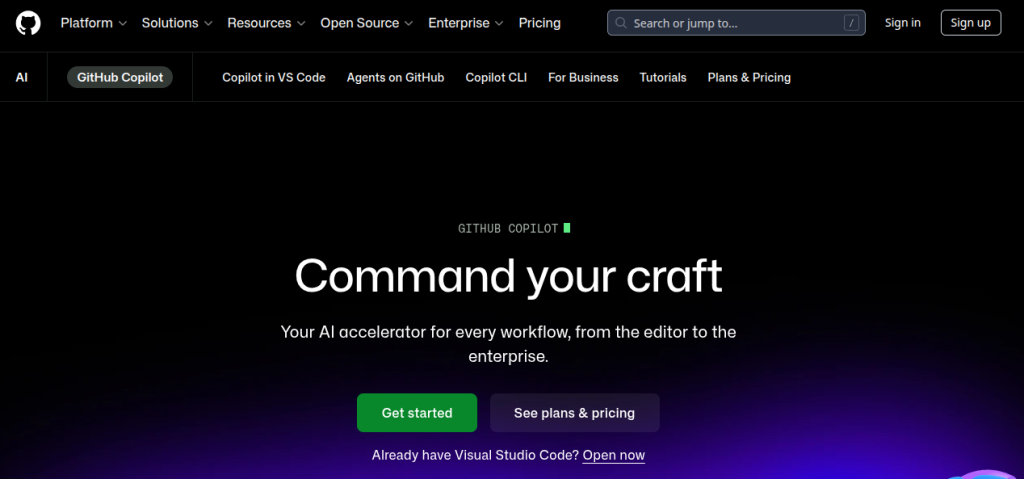
Seems like GitHub Copilot has arrived as a boon for developers, becoming the most impactful AI tool in terms of actual hours saved. It works more like an intelligent autocomplete agent that understands the context and accordingly suggests complete code blocks and related tasks. Copilot works in VS Code and other popular editors.
Example prompt to save time: Write a Python function that reads a CSV file, filters rows with ‘status’ as ‘active’, and returns the results as a list of dictionaries. Include error handling for missing files.
Zapier AI
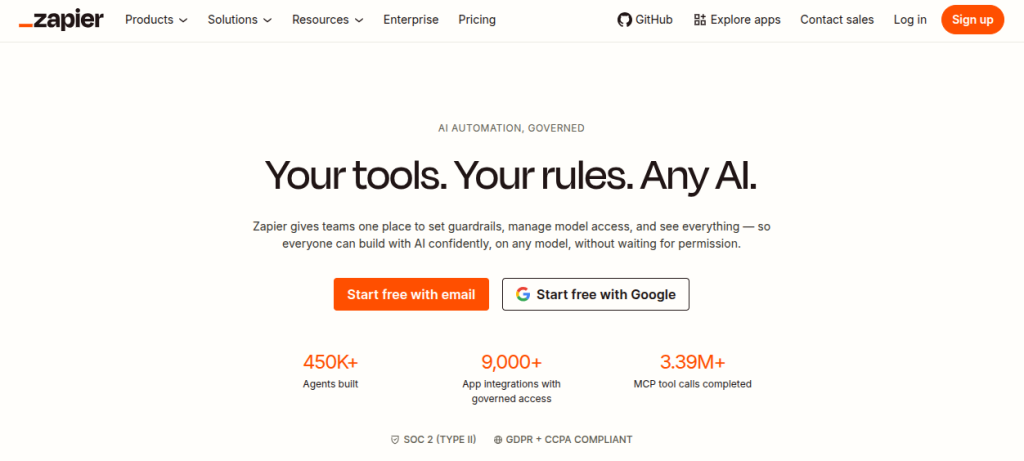
Zapier has been the backbone of no-code automation for a long time. With the addition of AI actions, it has once again become one of the most powerful productivity AI tools for business operations. Now you can build workflows that don’t just move data between the apps but also understand and classify it and make decisions accordingly. Zapier is best for any operations team managing high volumes of repetitive digital tasks.
Example prompt to save time (Zapier AI Actions): When a new form submission arrives in Typeform, use AI to classify whether it’s a sales inquiry, a support request, or spam. Then send it to the right Slack channel and create a task in Asana only for sales and support submissions.
AI Tools Every YouTuber Should Try
From video editing to subtitles and content planning, discover smart AI tools that make YouTube content creation faster and easier.
Discover Creator ToolsCanva AI
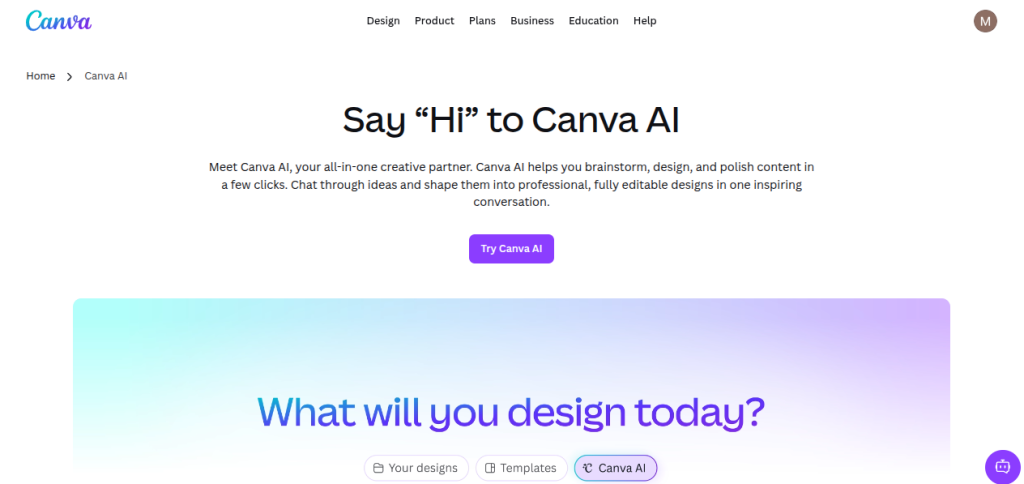
Earlier, designing visuals used to take hours, but Canva AI changed everything. Social media posts, presentations, and designs can now be created within minutes with Canva AI. It’s perfect for every non-designer who want professional looking graphics. That’s how Canva AI saves your time by eliminating the need for complex design skills.
Example prompt to save time: Create a clean Instagram post design for a sale announcement with modern fonts and minimal style.
Fireflies.ai
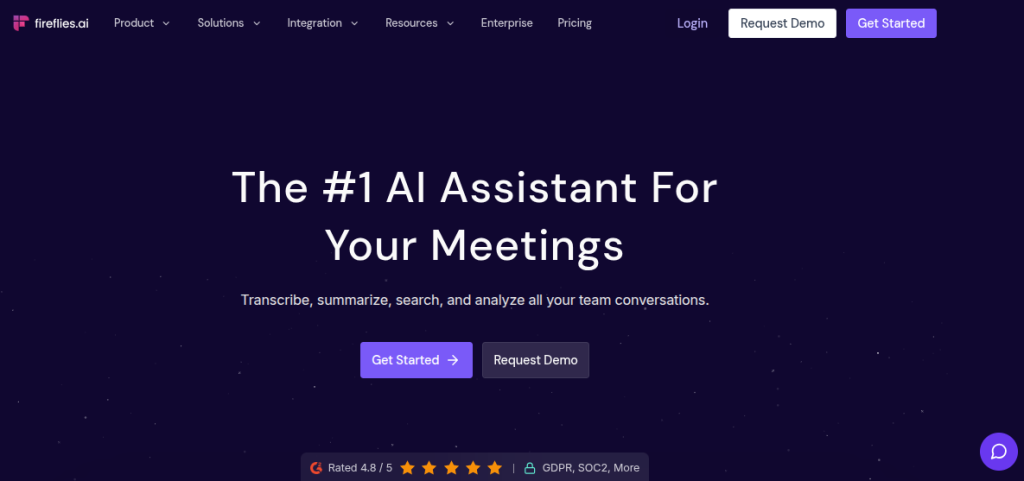
Are you tired of forgetting key details from meetings or having to rewatch a long video to find what was said? If so, then Fireflies.ai could potentially help you. This tool automatically records and transcribes your meetings and even highlights key moments.
The best part about this AI tool is that it integrates with many popular meeting platforms, such as Zoom, Google Meet, and Microsoft Teams, and runs in the background while you’re on a call.
Example prompt to save time: Generate a summary of this meeting with key decisions, action items, and follow-ups.
AI Tools Every Social Media Manager Should Try
Explore smart AI tools for content creation, post scheduling, analytics, captions, and audience engagement to grow your social media presence faster.
Boost Your Social StrategyHow You Can Learn these AI Tools for Free?
With SkillWaala’s 100% Free AI Tools Course, you can stay ahead in this fast-paced digital world and learn more than 3500 AI tools at zero cost. Whether you are a student, a professional, or an entrepreneur, this course is designed to help you understand AI concepts in detail, and that too without spending a single rupee.
No time is better than this to learn AI tools for free. SkillWaala makes it effortless by giving you access to unlimited AI knowledge, where you learn these new-age tools from the industry experts who use them in their day-to-day tasks.

One Last Thing
The top 10 tools covered in this blog are just the tip of the iceberg when it comes to the actual potential of AI tools for delivering productivity. AI tools are no longer a luxury but a basic necessity for anyone looking for a job in fields like digital marketing.
Become the person who learns the skills that matter today early, and you will always have the edge. Dive in, explore, and learn the AI tools like never before with SkillWaala’s Free AI Tools Course.
Frequently Asked Questions
Tools like ChatGPT, Canva AI, and Gemini have great free plans that are more than enough for your everyday tasks. If you want to get some advanced features, you need to upgrade for premium plan.
No! Most of the AI tools in 2026 are easy to use, and even if you just know how to write sentences, you can use these tools seamlessly.
Professionals using AI tools save between 2 and 4 hours a day on research, writing, or design. Which means AI is capable of doing half the work for you in a day when learned properly.
Tools like Notion, ChatGPT, and Grammarly are best suited for students in 2026. These tools help with research, writing, and proofreading, making the workload significantly less stressful.
Ans. In this case, enrolling in SkillWaala’s free AI tools course will be a wise choice. With more than 3500 tools, trainers at SkillWaala ensure that you stay one step ahead in the competition.
About The Author