Whether you are a Class 11 student still figuring out your stream, a college student juggling deadlines and placement prep, or someone returning to work after years at home, this blog is written for you.
AI tools have arrived, and the good news is that some of the easiest AI tools anyone can use already exist, are free, and of course, available right on your phone or laptop.
Herein, let’s deep dive into the list of easy AI tools that anyone can use in 2026 to enhance their productivity in both their career and studies.
Why AI Tools Matter More Than Ever in 2026?
Let’s talk numbers first, because they tell the real story. According to ManpowerGroup’s 2026 Talent Shortage Survey, 82% of Indian employers are struggling to find the right talent, exceeding the global average of 72%. And now, AI literacy has become one of the most sought-after skills, trying to overtake traditional engineering and IT capabilities.
This is not just for IT jobs. Marketing, HR, finance, content, banking, and almost every sector are now hiring people who know how to use AI in their daily work.
India recorded nearly 2.9 lakh AI-related job postings in 2025, and demand is expected to grow by 32% in 2026, bringing the total AI roles close to 3.8 lakh.
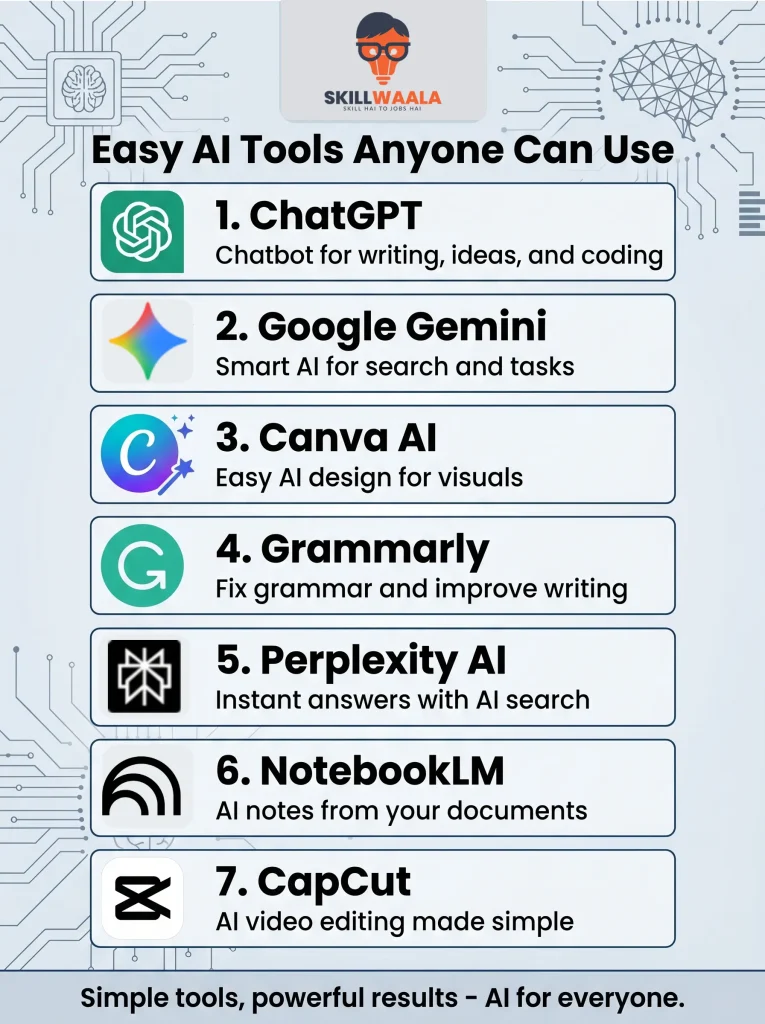
Easy AI Tools for Beginners (Quick Reference Table)
| Tool | Best For | Free? |
| ChatGPT | Writing, research, Q&A | Yes (Not fully) |
| Google Gemini | Research, Google Docs integration | Yes (Not fully) |
| Canva AI | Design, presentations, resumes | Yes (Not fully) |
| Grammarly | Writing quality, tone, and emails | Yes (Not fully) |
| Perplexity AI | Sourced research and fact-finding | Yes (Not fully) |
| NotebookLM | Studying from personal documents | Yes (Not fully) |
| CapCut AI | Video editing and content creation | Yes (Not fully) |
All of these are easy AI tools for beginners. All of them have a solid free plan. And all of them are being used right now by people who are getting hired, promoted, and shortlisted faster.
Easy AI Tools List (Best Ones to Start With)
1. ChatGPT
Best for: Writing, research, answering questions, summarising notes
Free Plan: Yes
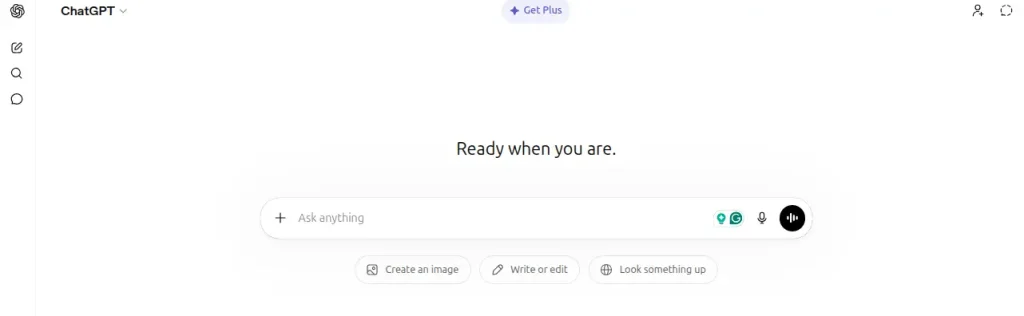
ChatGPT is where most beginners start, and for good reason. You type something, and it responds like texting a very smart friend.
A Class 12 student can use it to simplify a difficult chapter. A college student can use it to draft emails, structure assignments, or brainstorm project ideas in minutes. Someone returning to work can use it to update their resume or understand a confusing job description.
You do not need to install anything. Just go to chat.openai.com, sign up for free, and start typing.
Prompt Example: Summarize this website content and present it in a simple form for my better understanding.
2. Google Gemini
Best for: Research, planning, writing inside Google Docs
Free Plan: Yes
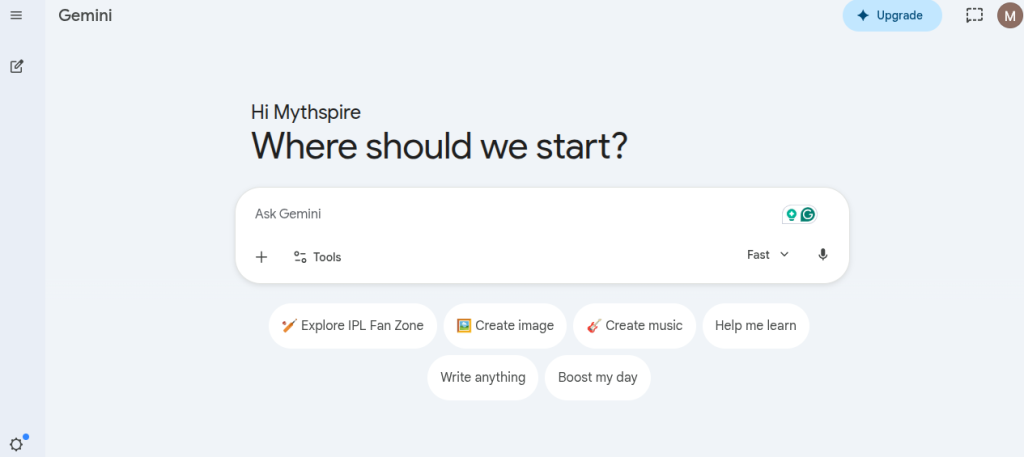
If you already use Gmail, Google Docs, or Google Drive, Gemini fits right into your existing workflow.
Gemini is a good fit for light daily productivity, such as planning, outlining, drafting, and asking questions, all within a familiar ecosystem. For students preparing assignments or notes, it is one of the simplest AI tools to use because it works inside tools you already know.
Prompt Example: Write a 1200-word AEO optimized blog on this topic, using the keywords listed below.
Best AI Tool for Content Creation ChatGpt or Gemini?
Discover which AI platform delivers better results for blog writing, social media content, marketing copy, and creative projects.
Compare ChatGpt and Gemini Tools3. Canva AI
Best for: Presentations, posters, social media posts, resumes
Free Plan: Yes
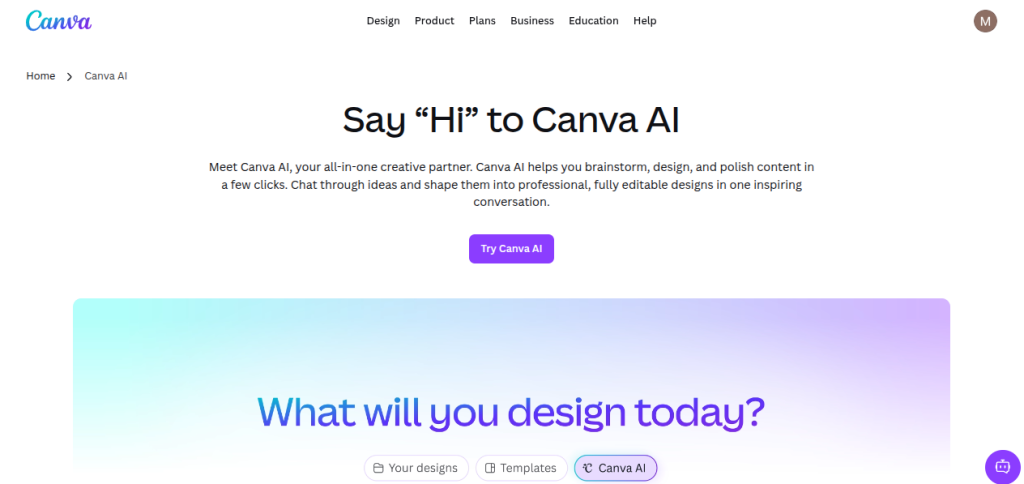
Canva has always been popular with students in India. With AI features added, it has become even more powerful.
It makes creating professional visuals easy for beginners with no prior design experience. You get drag-and-drop functionality for presentations, posters, and social media graphics; the tool handles most of the technical work automatically.
For college festivals, project submissions, internship portfolios, or even a personal Instagram page, Canva AI does the heavy lifting.
Prompt Example: Create a realistic-looking Solar System image.
4. Grammarly
Best for: Emails, essays, cover letters, LinkedIn profiles
Free Plan: Yes
Checking grammar, tone, and clarity in real time was the top task it performed. But in 2026, it does much more than fix spelling mistakes.
It now suggests rewrites, adjusts your tone for different audiences, and helps you sound confident and professional, even if English is not your strong suit. For someone returning to work after a career break, this tool is genuinely a confidence booster. Your emails and applications will look polished from day one.
Prompt Example: Rewrite this paragraph in an educational tone, suitable for students.
5. Perplexity AI
Best for: Finding accurate, sourced information quickly
Free Plan: Yes
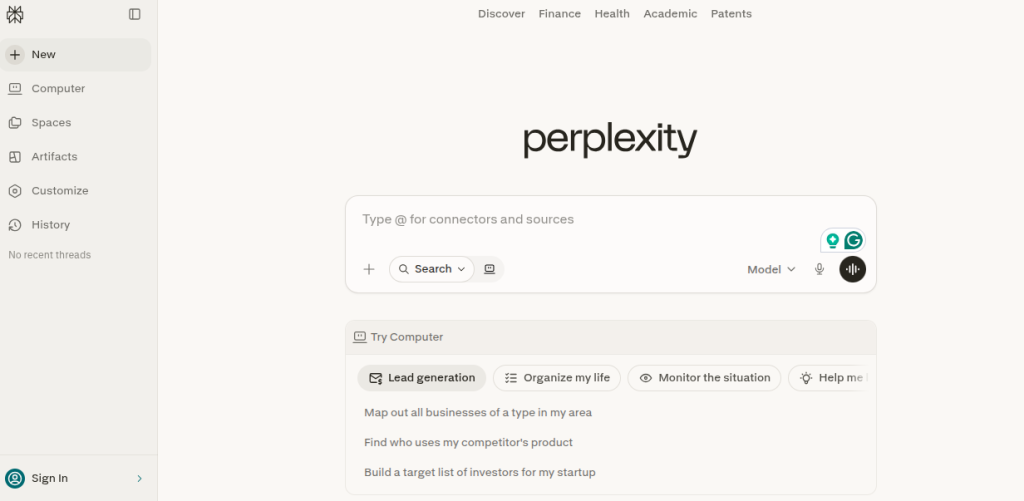
Perplexity is one of the easiest research-first tools available. It is built around giving you answers with sources, not just a list of links to dig through. Instead of ten blue search results, you get a direct, clear answer with references you can verify.
For students writing papers or preparing for group discussions, this is far more reliable than random Google searches.
Prompt Example: Tell me everything about AI in 2026.
6. NotebookLM by Google
Best for: Studying from your own notes, PDFs, and documents
Free Plan: Yes
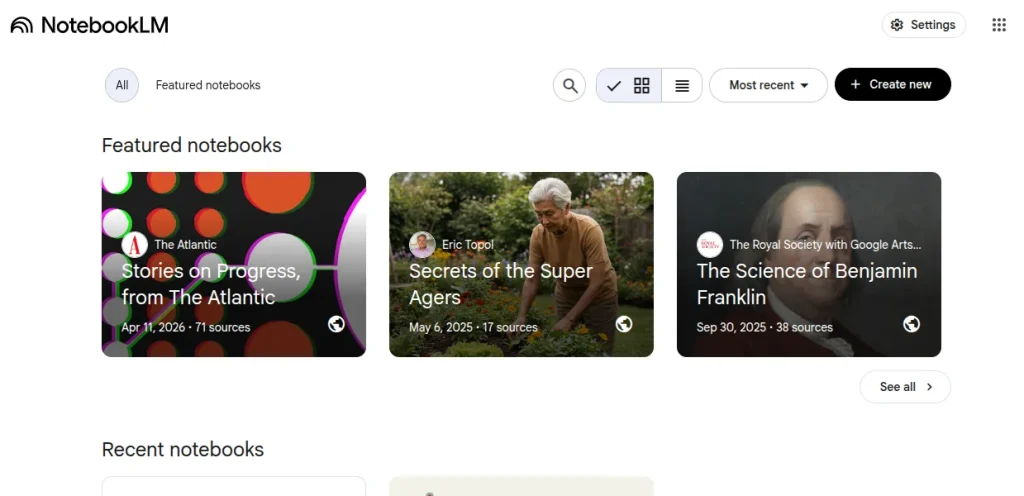
NotebookLM lets you create a personalized AI assistant that works only with content you upload, such as your notes, textbooks, PDFs, and even audio. It does not mix in outside information. It stays completely focused on what you gave it.
Think of it as a study partner who has thoroughly read all your notes and can quiz you, explain concepts, or summarise chapters on demand.
Prompt Example: Convert this content piece into an infographic with minimal text.
7. CapCut AI
Best for: Reels, YouTube videos, college project videos
Free Plan: Yes
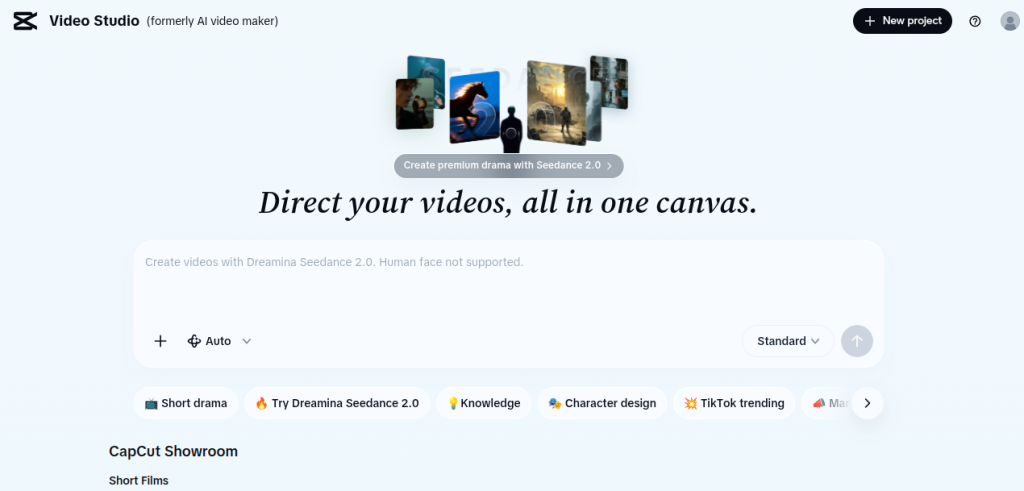
Video content is everywhere in 2026. CapCut uses AI to auto-caption your videos, suggest edits, enhance audio, and generate subtitles in multiple languages.
If you are building a personal brand, applying for media or communication roles, or creating content for college events, CapCut is one of the most practical, simple AI tools to use, without spending a single rupee.
AI Feature: Enhances audio and video quality and removes backgrounds. Plus, it also allows you to create video and audio by putting a prompt in it (this feature is not available in all regions).

What Makes an AI Tool “Easy to Use”?
A genuinely beginner-friendly AI tool has four qualities:
- No coding required: you just type in plain language
- Free to start: most have a solid free plan
- Useful from Day 1: You do not need a manual to get going
- Works for real tasks: writing, research, design, planning
A Note for Those Restarting Their Careers
If you have taken a break from work, whether for children, family health, or personal reasons, please know this:
The gap on your resume matters far less than your skills do in 2026.
Recruiters today prioritize proof of work over promises. A candidate with real-world, demonstrable skills often outperforms someone with only academic credentials or an unbroken work history.
Start with ChatGPT and Grammarly. Spend 20–30 minutes a day exploring these tools. Within a few weeks, you will have real, demonstrable AI skills to mention in interviews and on your resume.
If you want a structured path to get started, a Free AI Course can give you the foundation in a matter of days, no prior tech knowledge required, no fees involved.
What Indian Companies Are Actually Looking For?
Here is something most students do not know. In 2026, when a recruiter from TCS, Infosys, Swiggy, or a funded startup sees two similar resumes, they will shortlist the one that shows experience with AI tools.
Not an AI degree, definitely not a certification from IIT. Just demonstrated comfort with AI tools in daily work.
Demand for generative AI and large language model skills surged nearly 60% year-on-year in India, and this gap is being filled by people who simply started learning early. You do not need to be the best; you just need to start before everyone else does.
One Last Thing
There is a pattern with every new technology in India. Early adopters build a 2 to 3 year advantage. Late starters spend those same years catching up. Wi-Fi. Smartphones. Social media. Digital payments. AI is the next one on that list.
The students who start exploring easy AI tools for beginners today will enter campus placements next year with something others don’t have: real, practical experience with tools companies are actively seeking.
The professionals who restart their careers with AI skills will be walking into interviews with a modern, in-demand skill set, not apologizing for a career gap. A structured Free AI Course is one of the fastest ways to learn free tools, and with knowledge accessible, the only thing left is your decision to start.

Frequently Asked Questions (FAQs)
ChatGPT, Google Gemini, Canva AI, and Grammarly are the easiest starting points. They work through simple text; you type what you need, and the tool responds. No coding, no installation, and no prior experience required.
Yes. All the tools mentioned in this blog, ChatGPT, Gemini, Canva AI, Grammarly, Perplexity, NotebookLM, and CapCut, offer solid free plans. Some have premium features behind a paywall, but the free versions are more than enough to start with.
Absolutely. AI literacy is now India’s most in-demand and hardest-to-find skill, and companies across IT, BFSI, and startups are actively seeking candidates who can demonstrate AI tool use in their work.
Yes, and more effectively than you might think. AI tools like Grammarly can sharpen your communication, ChatGPT can help you update your resume and prepare for interviews, and Canva AI can help you build a professional portfolio. In 2026, current skills matter far more than an old gap on your resume.
Most people become comfortable with one tool within 3-7 days of daily 15-20-minute practice sessions. You do not need a course to start, just open the tool and try it. A structured AI course can speed things up significantly if you want guided learning.
NotebookLM is excellent for studying from your own notes and textbooks. ChatGPT is great for understanding complex concepts in simple language. Canva AI is helpful for school projects and presentations. Using even two of these consistently will put you ahead of most peers.
AI tools are safe to use as a support for understanding topics, brainstorming ideas, structuring your thoughts, or improving your writing. However, submitting AI-generated content directly as your own work may violate your institution’s academic integrity policy. Use AI to learn and improve your work, not to replace your thinking entirely.
About The Author