
AI video generators have improved fast, but impressive demos don’t always translate into videos you’d actually publish.
I tested 10 popular tools to see how they perform. I compared video quality, prompt accuracy, consistency, editing features, ease of use, and cost-to-performance ratio. Some are excellent for cinematic visuals, and others are better suited to YouTube videos, reels, presentations, or training content.
This AI video generator comparison focuses on what actually matters when you’re creating videos regularly. Let’s dive in.
10 Best AI Video Generators at a Glance
I wouldn’t rank these tools on video quality alone. A cinematic 8-second clip is impressive, but it doesn’t help much if you need a 10-minute YouTube video by tonight. This checklist gives you the quick answer before we get into the individual reviews.
| AI Video Generator | Best For | My Take |
|---|---|---|
| Kling AI | Cinematic clips & realistic motion | Strong all-rounder |
| Google Veo | Realistic, high-quality video | Best for visual quality |
| Runway | Creative control & filmmaking | Best for advanced creators |
| Sora | Creative video generation | Strong for visual storytelling |
| Pika | Effects & short-form content | Fun and fast |
| Luma AI Dream Machine | Cinematic image-to-video | Great for visual experiments |
| Hailuo AI | Creative short clips | Good value for experimentation |
| InVideo AI | YouTube & complete videos | Best for script-to-video workflows |
| HeyGen | AI avatars & presenters | Best for presenter-led videos |
| Synthesia | Training & business videos | Best for professional learning content |
The biggest mistake is treating all 10 as direct competitors. A tool that excels at generating cinematic B-roll may be a terrible choice for producing a talking-head course.
1. Kling AI: Best for Cinematic AI Videos
Rating: 4.5/5 (HTML se star bana dena rating ko)
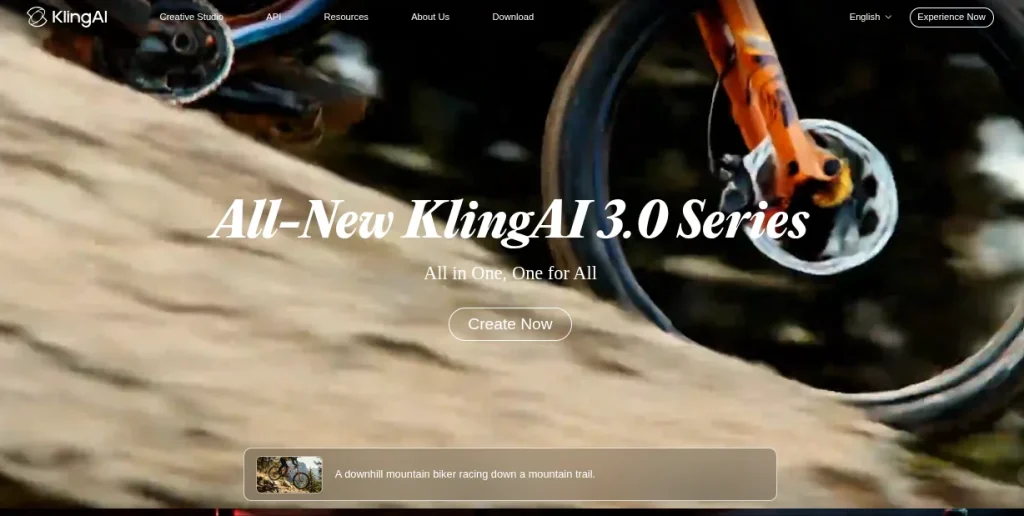
Kling AI stands out for realistic motion and cinematic-looking clips. It works particularly well when you need AI-generated B-roll, visual storytelling, or short-form content without building every scene manually.
I found Kling most useful when the prompt gives clear instructions about subject movement, camera direction, and framing. Vague prompts can produce attractive clips, but they’re less predictable.
Kling is great for someone who wants to build a portfolio or experiment with AI video. It gives you enough control to create something more purposeful than a random AI clip.
- Best for: Cinematic videos, B-rolls, reels
- Key Features: Text-to-video, image-to-video, camera movement, character consistency
- Video quality: Excellent
- Ease of Use: easy
- Free option: Yes, with limits
- YouTube: Great for B-roll and visual sequences
- Instagram Reels: Excellent
- Biggest strength: Realistic movement
- Biggest weakness: Credits can run out quickly
2. Google Veo: Best for Realistic AI Video
Rating: 4.7/5
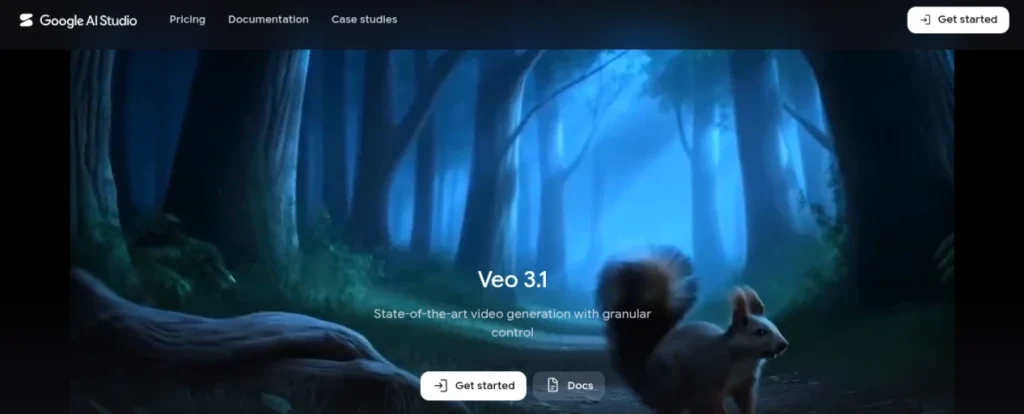
Google Veo is a strong choice when realism and cinematic detail matter most. Its newer models can generate video from text and images while handling elements such as camera movement, dialogue, sound effects, and ambient audio.
What impressed me most is how much the audio changes the final result. A generated scene with dialogue and environmental sound feels far more complete than a silent clip that needs everything added later.
Veo makes the most sense for creators who care about polished visuals rather than generating dozens of clips quickly. It can also be useful for learning how detailed prompts affect cinematography, movement, and scene composition.
- Best for: Realistic scenes, cinematic videos, storytelling
- Key Features: Text-to-video, image-to-video, native audio, reference images
- Video quality: Excellent
- Ease of Use: Easy
- Free option: Limited
- YouTube: Excellent for B-rolls and storytelling
- Instagram Reels: Excellent
- Biggest strength: Realistic visuals and audio
- Biggest weakness: Access and usage depend on the Google product or plan
Top 15 Text-to-Image AI Generators
Turn simple text prompts into stunning visuals with the latest AI image generators. Explore our list of the Top 15 Text-to-Image AI Generators and compare their image quality, creative capabilities, ease of use, pricing, and best use cases. Find the right tool for your designs, marketing creatives, social media content, or AI art.
Explore the Top 15 AI Image Generators →3. Runway: Best for Creative Control
Rating: 4.6/5
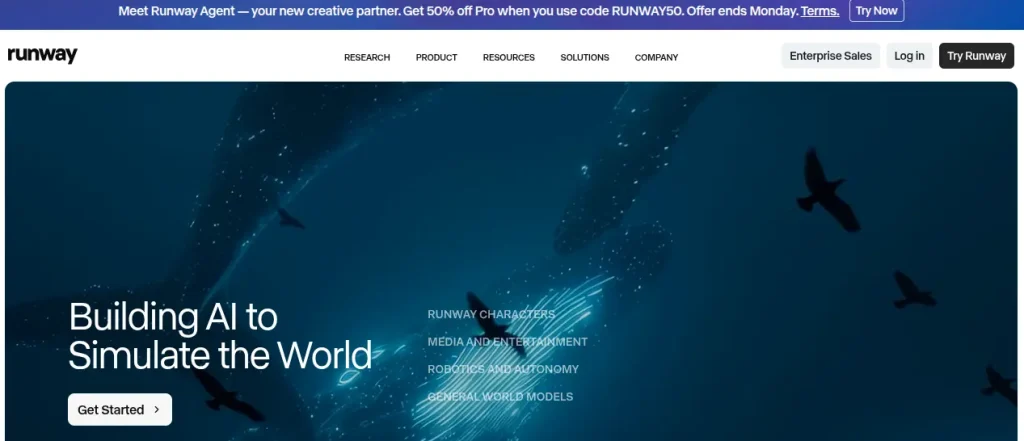
Runway combines generation, editing, effects, and workflows, which makes it particularly useful when you want control over the finished video, not just a good-looking clip. Its latest Gen4.5 supports text-to-video and image-to-video with detailed camera and scene instructions.
I particularly like Runway for projects where generation and editing need to happen together. You can generate a scene, modify footage, change backgrounds, remove objects, and build longer sequences without constantly jumping between platforms.
The free plan is useful for testing, but regular production will likely require a paid plan.
- Best for: Filmmaking, B-roll, creative projects.
- Key Features: Text-to-video, image-to-video, AI editing, character consistency
- Video quality: Excellent
- Ease of use: Moderate
- Free option: Yes, limited credits
- YouTube: Excellent
- Instagram Reels: Excellent
- Biggest strength: Creative control
- Biggest weakness: Credit usage
4. Sora: Best for Creative Video Generation
Rating: 3.5/5
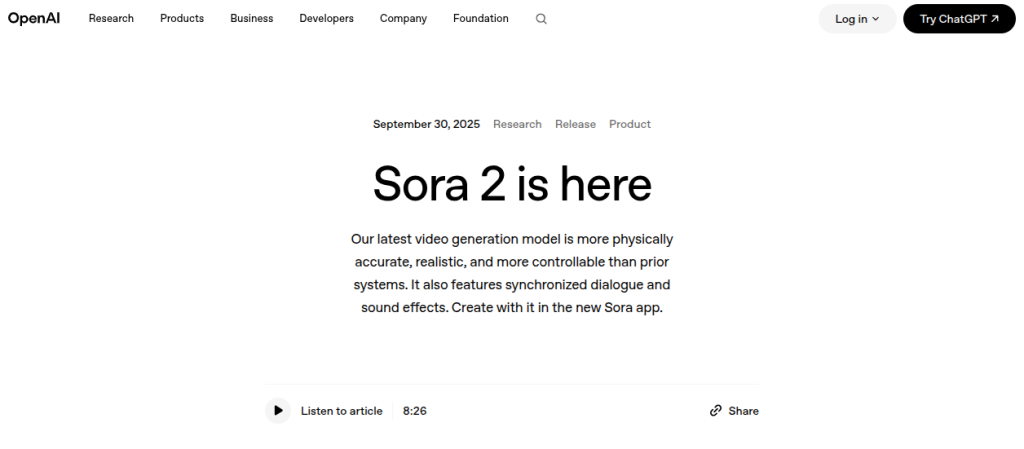
Sora made a big impact on AI video, particularly with its ability to generate realistic scenes and follow detailed creative instructions. Sora 2 added synchronized dialogue and sound effects, along with stronger physics and control.
That last point matters. Sora is still relevant when discussing the AI video landscape, but I wouldn’t recommend building a new workflow around the consumer product today. OpenAI says the Sora API is scheduled to be discontinued on September 24, 2026. (OpenAI)
- Best for: Creative storytelling and cinematic concepts
- Key features: Text-to-video, image-to-video, synced audio, remixing
- Video quality: Excellent
- Free option: Previously available with limits
- YouTube: Good for visual sequences
- Instagram Reels: Good
- Biggest strength: Realistic motion and storytelling
- Biggest weakness: The Sora web and app experiences were discontinued on April 26, 2026.
5. Pika: Best for AI Effects and Short Videos
Rating: 4.2/5
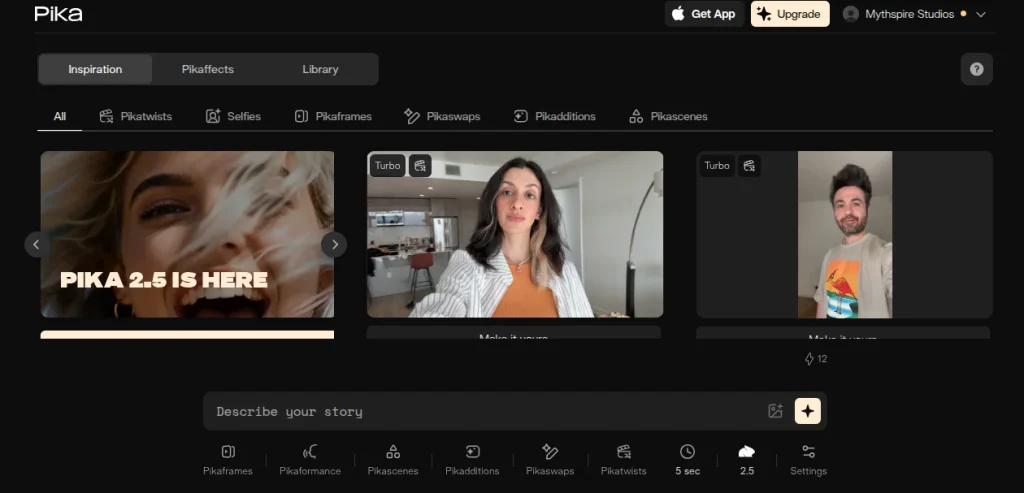
Pika is built around quick, creative video generation rather than complicated filmmaking workflows. It’s particularly interesting for social content because you can transform images, add unusual effects, and create short clips without spending much time learning the platform.
Pika makes sense when attention matters more than cinematic perfection. Its effects can turn an otherwise ordinary image or clip into something more suitable for social media, where unusual visuals often have more value than perfectly realistic footage.
I’d pick it for short experiments, social posts, thumbnails, and creative concepts. If you want serious filmmaking or highly consistent characters, I would not choose Pika.
- Best for: Reels, memes, creative effects
- Key features: Text-to-video, image-to-video, effects, video transformations
- Video quality: Very good
- Ease of use: Easy
- Free option: Yes, with limits
- YouTube: Good for short visual segments
- Instagram Reels: Excellent
- Biggest strength: Creative effects
- Biggest weakness: Less suited to long-form production
6. Luma AI Dream Machine: Best for Cinematic Image-to-Video
Rating: 4.3/5
Luma’s AI Dream Machine is particularly good when you already have an image and want to turn it into a convincing video. Rather than starting every project from a blank text prompt, you can use an existing visual as the foundation and describe how you want it to move.
I like Dream Machine when the starting image already has the look I want. It gives you more control over the visual direction than repeatedly asking a model to recreate the same concept from text.
That makes it useful for turning illustrations, product images, concept art, or photographs into short animated sequences. It can also work well for social content where a few strong visual moments are enough. However, it is not a good choice for complete YouTube production. It’s much more useful as a visual generation tool inside a larger editing workflow.
- Best for: Image-to-video, cinematic B-roll, visual concepts
- Key features: Text-to-video, image-to-video, camera movement, keyframes
- Video quality: Very good
- Ease of use: Easy
- Free option: Yes, with limits
- YouTube: Good for B-roll
- Instagram Reels: Very good
- Biggest strength: Image-to-video generation
- Biggest weakness: Complex scenes can lose consistency
7. Hailuo AI: Best for Quick Creative Clips
Rating: 4.1/5
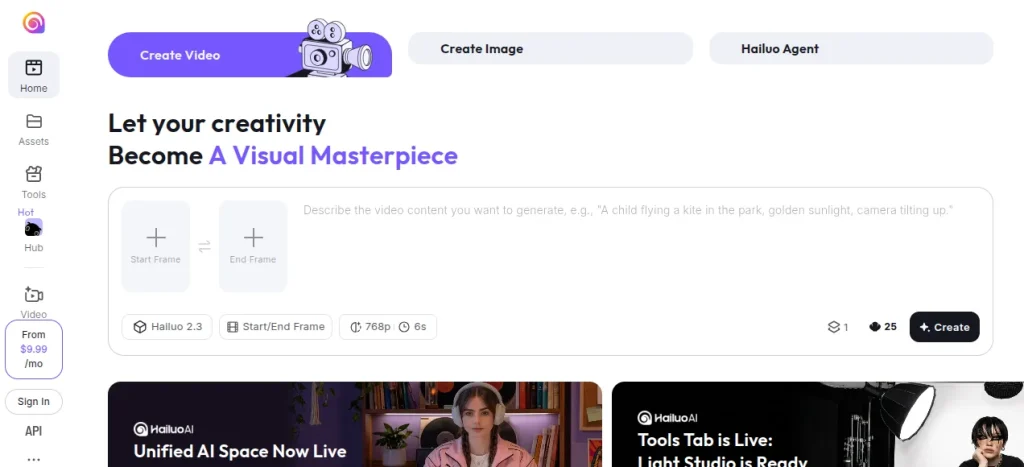
Hailuo AI is worth considering when you want good-looking AI video without a complicated workflow. It handles text-to-video and image-to-video generation, making it useful for short creative clips, visual experiments, and social content.
Hailuo becomes interesting when you’re testing several ideas and don’t want to spend too much time modifying every prompt. It can produce surprisingly detailed scenes, although the results aren’t always as predictable as the strongest premium models.
I personally use it for short visual sequences, social posts, concept videos, and B-roll experiments rather than an entire production workflow
- Best for: Short clips, creative experiments, social content
- Key features: Text-to-video, image-to-video, camera movement
- Video quality: Very good
- Ease of use: Easy
- Free option: Yes, with limits
- YouTube: Good for B-roll
- Instagram Reels: Very good
- Biggest strength: Fast experimentation
- Biggest weakness: Consistency can vary between generations
8. InVideo AI: Best for YouTube Videos
Rating: 4.3/5
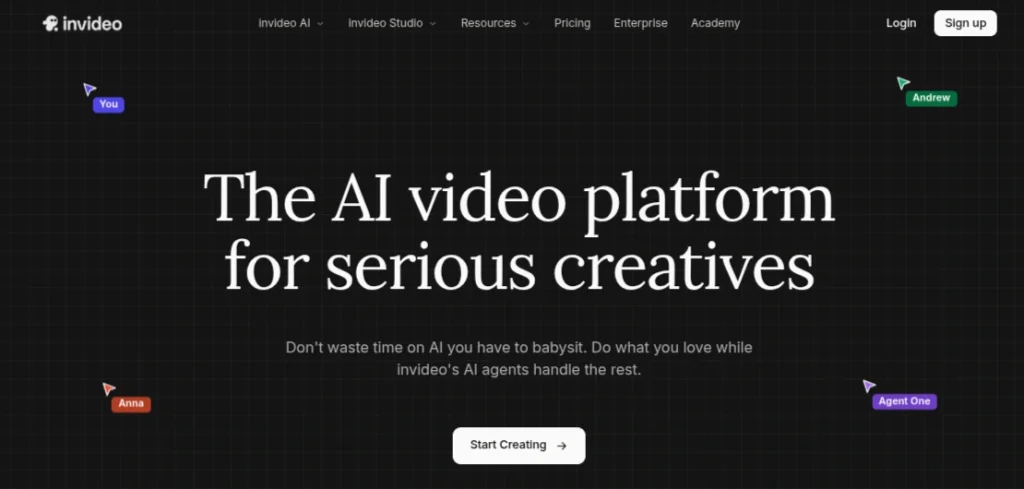
InVideo AI takes a different approach from cinematic generators. Instead of asking you to generate individual shots, you can give it a topic or script and build a complete video around it. That makes it far more practical for tutorials, explainers, listicles, and regular YouTube content.
The biggest advantage is speed. You can start with an idea, generate a draft, replace scenes, adjust the script, and export a usable video without opening several different tools. That makes InVideo AI particularly useful when consistency and publishing frequency matter more than cinematic originality.
This tool is worth considering for educational channels, faceless YouTube content, product explainers, and social videos. It isn’t the tool I’d choose for a dramatic AI short film. That’s not really its job.
- Best for: YouTube videos, explainers, tutorials
- Key features: Script-to-video, AI voiceovers, stock footage, subtitles, editing
- Video quality: Good
- Ease of use: Very easy
- Free option: Yes, with limitations
- YouTube: Excellent
- Instagram Reels: Good
- Biggest strength: Complete video workflow
- Biggest weakness: Visuals can feel generic
9. HeyGen: Best for AI Avatar Videos
Rating: 4.5/5
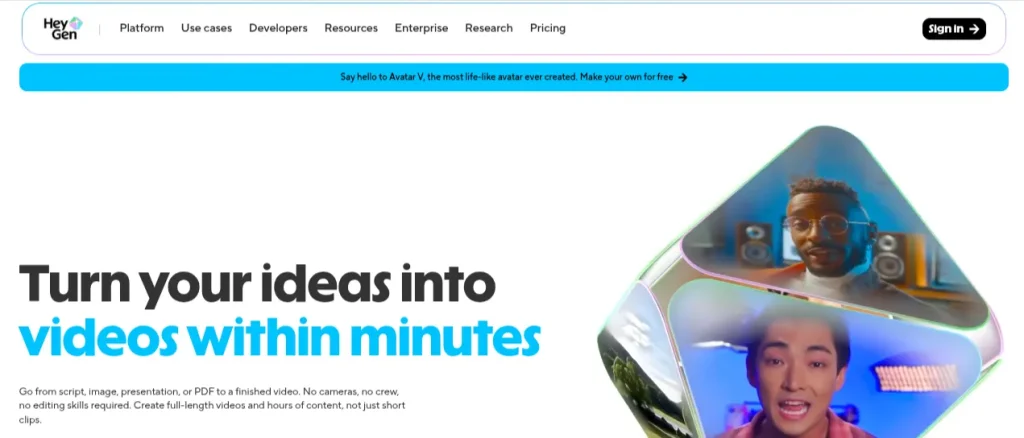
HeyGen is built for a different kind of video creation. Instead of generating cinematic scenes, it focuses on AI presenters, avatars, voiceovers, and business-style videos. That makes it useful for tutorials, product demos, onboarding, and educational content.
HeyGen is particularly useful when you don’t want to appear on camera but still want a presenter delivering the content. You can write a script, select an avatar and voice, and produce a polished talking-head video without recording yourself.
Its translation and dubbing features also make it useful when the same content needs to reach different audiences. I wouldn’t choose HeyGen for cinematic B-roll or imaginative visual storytelling. That’s not its forte. It provides value when you want to turn scripts into professional presenter-led videos efficiently.
- Best for: Presentations, tutorials, training videos
- Key features: AI avatars, voice cloning, translation, lip-sync, video creation
- Video quality: Excellent
- Ease of use: Very easy
- Free option: Limited
- YouTube: Good for presenter-led content
- Instagram Reels: Good
- Biggest strength: Realistic AI presenters
- Biggest weakness: Less useful for cinematic storytelling
10. Synthesia: Best for Training and Educational Videos
Rating: 4.5/5
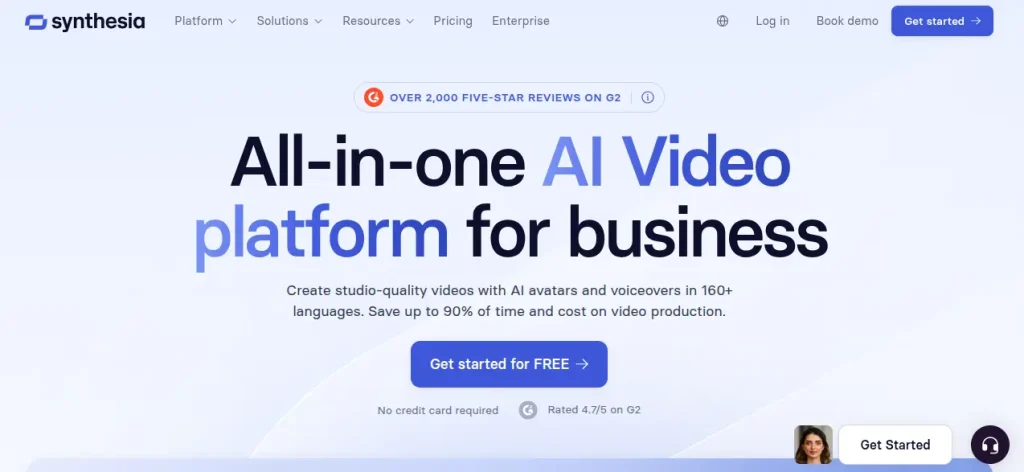
Synthesia focuses on professional videos with AI presenters, making it a strong choice for training, onboarding, internal communication, and educational content. It is less about cinematic experimentation and more about creating polished videos at scale.
Synthesia works well when you have information to explain rather than a story to dramatize. A course creator can turn lesson scripts into presenter-led videos without recording every module, while businesses can create onboarding material without scheduling repeated shoots.
Its template-driven workflow also helps maintain consistency across a large library of videos. That matters for training content where every lesson needs the same visual style. However, Synthesia is not great for cinematic shorts or visually experimental reels. HeyGen is a closer competitor, while Runway or Kling make more sense for creative video generation.
- Best for: Training, courses, presentations
- Key features: AI avatars, voiceovers, screen recording, translations, templates.
- Video quality: Excellent
- Ease of use: Very easy
- Free option: Limited
- YouTube: Good for educational content
- Instagram Reels: Average
- Biggest strength: Professional presenter videos
- Biggest weakness: Limited creative freedom
Best AI Video Generator for YouTube
For YouTube, I wouldn’t pick the tool with the most impressive five-second demo. A good YouTube workflow needs script support, usable visuals, editing, voiceovers, and enough control to produce videos consistently. Here are my picks:
- Best overall for YouTube: InVideo AI
- Best for cinematic YouTube content: Kling AI
- Best for creative control: Runway
- Best for AI presenters: HeyGen
- Best for educational content: Synthesia
InVideo AI gets my overall pick because it handles more of the production process in one workflow. It’s particularly useful for tutorials, explainers, listicles, and faceless channels where publishing regularly matters.
Kling AI and Runway are better choices if your videos depend heavily on original visuals. You can generate specific scenes and combine them with your own narration and editing.
For educational channels, HeyGen and Synthesia make more sense when you want a presenter without recording yourself.
Best AI Tools for YouTubers
Creating YouTube content doesn’t have to mean spending hours on editing, scripting, thumbnails, SEO, and repurposing. Explore the Best AI Tools for YouTubers to speed up your workflow, improve content quality, create Shorts, generate voiceovers, and grow your channel more efficiently.
Explore the Best AI Tools for YouTubers →Best AI Video Generator for Instagram Reels
Reels need a different approach. You have less time to hold attention, so strong visuals, quick pacing, and vertical output matter more than having a complete video-production workflow. My picks are:
- Best overall for Instagram Reels: Kling AI
- Best for creative effects: Pika
- Best for cinematic clips: Google Veo
- Best for quick B-roll: Hailuo AI
- Best for presenter-led Reels: HeyGen
Kling AI is my overall pick because it can produce realistic, visually interesting clips that work well as standalone Reels or as parts of a large edit.
Pika is a better choice when the idea depends on an unusual effect or visual transformation. It’s particularly used for short, attention-grabbing concepts where realism isn’t the main goal.
Veo is worth considering when you want highly polished visuals, while Hailuo AI is useful for testing multiple concepts without building a complicated workflow.
For educational reels, HeyGen can work well when you want an AI presenter explaining a concept without appearing on camera.
Best AI Reel Maker Tools
Want to create engaging Reels without spending hours on editing? Explore the Best AI Reel Maker Tools for generating short-form videos, adding captions, creating voiceovers, applying effects, and turning ideas into ready-to-publish content. Compare the top tools and find the right AI reel maker for your content creation and marketing needs.
Explore the Best AI Reel Maker Tools →Free vs Paid AI Video Generators: Which Should You Choose?
Free plans are useful for testing a workflow, but not really great for producing videos at scale. Most serious AI video creation involves credits, generation limits, watermarks, or restricted features.
Free AI video generators are better when:
- You’re learning how prompting affects video output
- You want to test several tools before paying
- You only create occasional short clips
- You’re building your first AI video portfolio
Paid plans are better when:
- You publish videos regularly
- You need higher resolutions or longer clips
- You generate multiple versions of each scene
- You want faster generation and fewer restrictions
- AI video is part of your freelance or professional workflow
The biggest trap is comparing monthly subscription prices alone. A cheaper plan can become expensive if each useful generation consumes credits.
I usually test the tool before buying the paid version. Use the same three prompts in several tools, compare the output, and track how many generations you actually need to get a usable clip.
How to Choose the Best AI Video Generator for Your Needs?
The best AI video generator depends less on its overall rating and more on what you actually plan to create. A student making project videos has very different requirements from someone running a YouTube channel or creating training material at work. Use this checklist before paying for anything:
- For cinematic videos: Kling AI, Google Veo, Runway
- For YouTube: InVideo AI or Runway
- For Instagram Reels: KlingAI or Pika
- For AI presenters: HeyGen or Synthesia
- For image-to-video: Luma AI Dream Machine
- For quick experiments: Hailuo AI or Pika
- For training content: Synthesia or HeyGen
Also check the credit system, export quality, watermark policy, generation speed, and commercial-use terms. These details matter once you move beyond experimentation.
In my experience, you should not subscribe to three or four platforms immediately. Pick one based on your primary use case, create a few real projects, and see whether it fits your workflow.
Final Words
After comparing all AI tools, it’s clear that there isn’t one winner for every type of video. The best choice depends on what you need to produce repeatedly. If I had to pay for only one tool, I’d start with Kling AI because it offers a strong balance of video quality, creative control, and practical use cases.
That being said, your workflow matters more than the leaderboard. A YouTube creator may get more value from InVideo AI, while someone creating corporate training content has little reason to choose a cinematic generator. Pick based on the videos you’ll actually make, not the demo that looks coolest.
Frequently Asked Questions (FAQs)
Kling AI is my overall pick for its balance of video quality, realistic motion, and creative control.
InVideo AI is the most practical for producing complete YouTube videos quickly. Runway and Kling AI are better for cinematic footage.
Kling AI is my top choice for realistic short-form visuals. And Pika is better for creative effects.
Several tools offer free credits or limited free access, including Kling AI, Runway, Pika, Luma AI, and InVideo AI. However, the limits vary by platform and plan.
Yes, if you create videos regularly. Paid plans become worthwhile when generation limits are slowing down your workflow, or you need higher-quality exports.
Not completely. They can handle generation and some editing tasks, but human editing is still valuable for pacing, storytelling, audio, and final quality.
About The Author

