

A few years ago, getting a professional headshot meant finding a photographer, booking a shoot, and hoping the final photos actually looked like you.
For students building their first LinkedIn profile, freshers applying for jobs, or working professionals updating their CVs, there’s another problem: getting a decent photo without spending a lot of money or time on a photoshoot.
The best AI headshot generators simplify this task. These tools can turn a handful of ordinary selfies into polished profile photos for LinkedIn, CVs, portfolios, and professional websites.
But there’s a catch. Some produce surprisingly realistic results, while others still leave you with the obvious AI look.
I compared 10 popular AI headshot generators based on realism, image quality, customization, pricing, and how useful the final photos are in actual professional settings.
10 Best AI Headshot Generators: Quick Comparison
Before getting into individual tools, here’s a quick look at how the 10 options compare.
| AI Headshot Generator | Best For | Photo Quality | Customization | Starting Price* |
|---|---|---|---|---|
| HeadshotPro | Overall professional headshots | Excellent | High | $29 |
| Aragon AI | Corporate headshots | Excellent | High | $35 |
| BetterPic | Customization and styles | Excellent | Very High | $9 |
| Secta AI | Multiple professional styles | Excellent | High | $99 |
| The Multiverse AI | Creative professional photos | Very Good | High | $29 |
| Dreamwave | Natural-looking portraits | Excellent | Medium | $40 |
| Try It On AI | Business profiles | Very Good | High | $17 |
| ProfilePicture.AI | Profile pictures | Very Good | Very High | $19 |
| StudioShot | Corporate teams | Excellent | High | Custom |
| ProPhotos AI | Professional profile photos | Very Good | High | $25 |
* Pricing can change based on packages, promotions, and image volume, so check the current plan before purchasing.
The interesting part is that there isn’t one obvious winner for everyone. Someone creating their first LinkedIn profile may care more about affordability, while a consultant or business owner may prioritize realism and consistency.
1. Headshot Pro: Best Overall
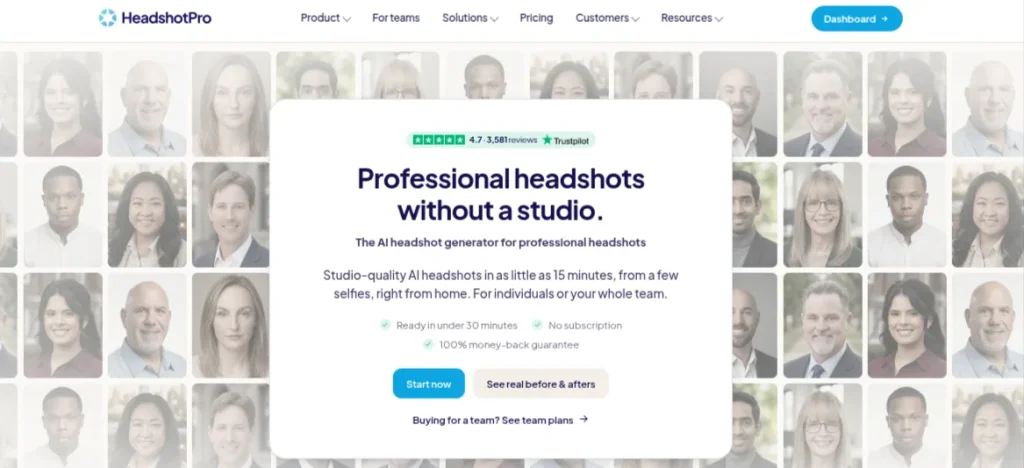
HeadshotPro is one of the easiest options if your main goal is getting a professional-looking headshot without spending time figuring out complicated settings. You upload your photos, choose the kind of professional look you want, and the platform generates a collection of headshots in different outfits, backgrounds, and poses.
The results are particularly useful for LinkedIn profiles, CVs, company bios, portfolios, and professional websites. I also like the fact that you get multiple variations instead of having to settle for one generated image.
Features of HeadshotPro
- Generates multiple professional headshots from uploaded photos
- Offers different outfits, backgrounds, and poses
- Supports business and corporate-style portraits
- Provides options for different professional looks
- Suitable for individual and team headshots
- High-resolution output available
Pricing: Plans start at around $29, depending on the package and number of headshots included.
My Verdict: HeadshotPro is a strong starting point if you want a polished corporate photo without spending much time experimenting. The biggest advantage is variety.
2. Aragon AI: Best for Corporate Headshots
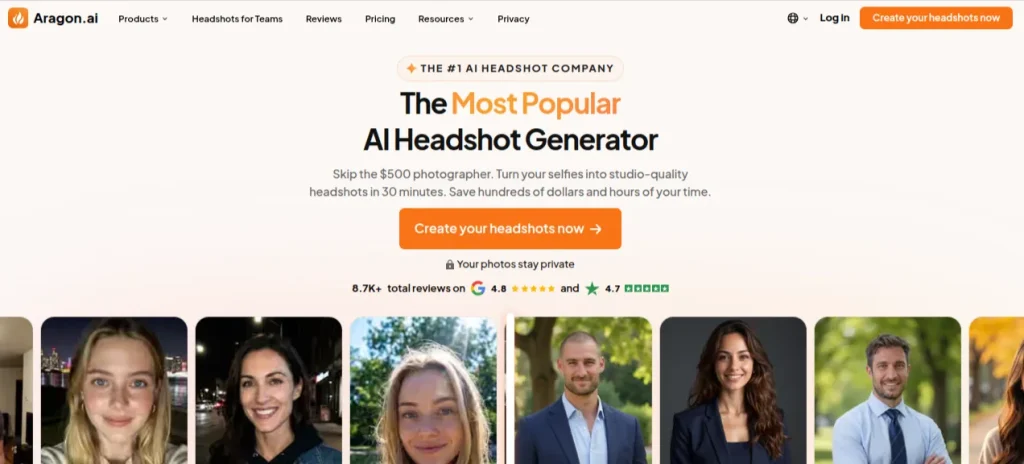
Aragon AI is a strong pick when you want your headshot to look like it came from a proper corporate photoshoot. You upload a few photos, select your preferred attire and backgrounds, and the platform generates a set of professional portraits.
I’d consider it particularly useful for LinkedIn profiles, CVs, company bios, and personal websites, where a polished but believable appearance matters more than having unusual creative styles.
Features of Aragon AI
- Generates up to 100 AI headshots, depending on the plan
- Multiple attire and background options
- Professional and corporate photo styles
- Standard and enhanced-resolution outputs
- Headshots can be generated in around 15-45 minutes
- Team headshot options are available
Pricing: Individual packages currently start at $35 for 40 headshots. The Standard plan costs $45 for 60 headshots, while the Executive plan costs $75 for 100 headshots.
My Verdict: Aragon AI makes the most sense when you want a safe, conventional professional look rather than something overly stylized. The number of variations is useful because you can test different outfits and backgrounds before deciding which photo actually belongs on your profile.
3. BetterPic: Best for Customization
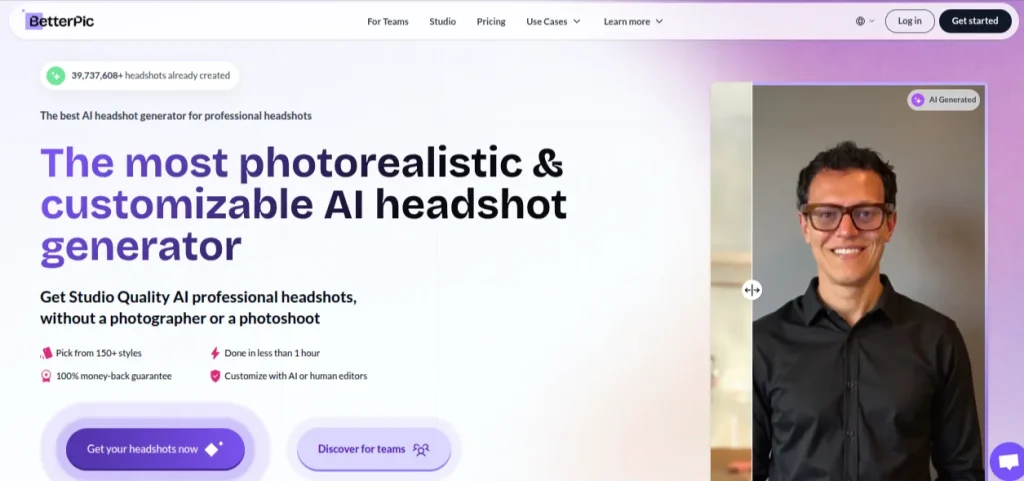
BetterPic stands out when you want more control over how your final headshots look. You can choose from 150+ professional styles, different outfits and backgrounds, and make additional edits after the images are generated. The platform currently offers 4K outputs and says paid headshots are usually delivered in under an hour.
That flexibility is useful if you need different photos for LinkedIn, a CV, a portfolio, or a company profile. You can keep the overall look professional without every image feeling like the same template.
Features of BetterPic
- 150+ professional styles
- 4K headshots
- Multiple outfits and backgrounds
- AI editing and manual photo edits
- Redo option if you aren’t happy with the results
- Commercial license included
- One-time payment rather than a subscription
- Individual and team packages available
Pricing: BetterPic’s current individual plans start at $35 for 20 headshots, while the Pro plan costs $39 for 60 headshots across 3 styles. The Expert plan costs $79 for 120 headshots across 6 styles and adds unlimited human edits on one photo plus a free redo.
My Verdict: BetterPic is probably the one I’d try if customization matters to you. The Pro plan, in particular, gives you enough variations to experiment without paying for a huge package.
4. Secta AI: Best for Multiple Professional Styles
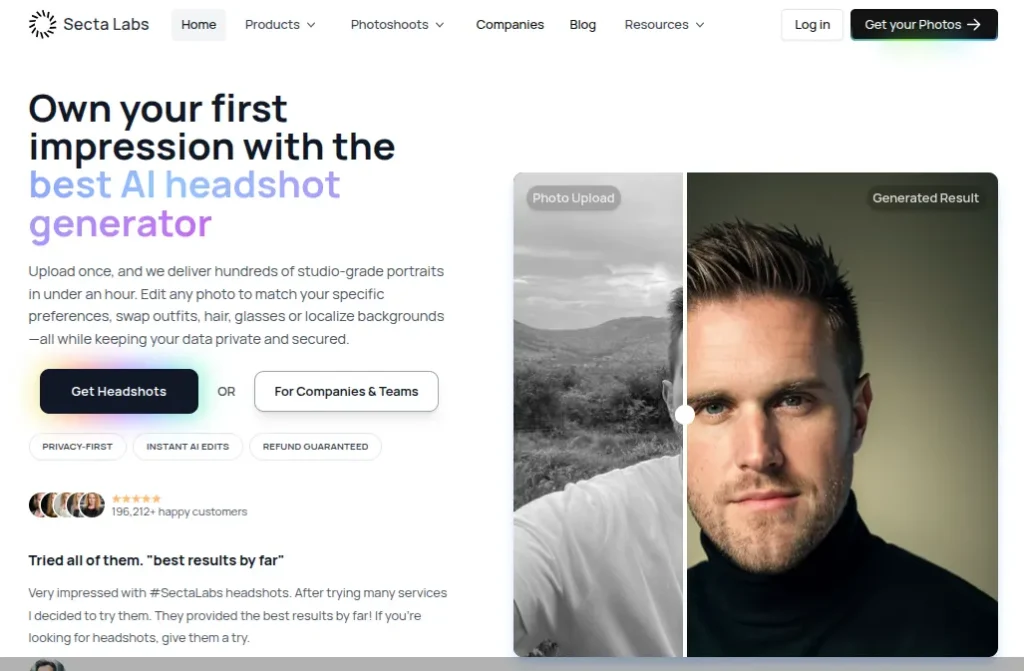
Secta AI is worth considering if you don’t want your headshot collection to look like 20 versions of the same photo. You upload your own photos, and Secta generates a large collection of professional portraits across different styles, outfits, backgrounds, and settings. The platform says results are usually ready in under two hours.
I like the amount of variety here. You can keep one image for LinkedIn, use another for a CV, and pick something slightly more relaxed for a portfolio or personal website.
Features of Secta AI
- 200+ HD professional photos on the current Professional plan
- 90+ styles to choose from
- AI-powered photo editing with Remix
- Different backgrounds, outfits, and professional settings
- Option to place yourself into different photo styles
- Human support available 24/7
- 30-day money-back guarantee
Pricing: The Professional plan is currently listed at $49 as a one-time payment, discounted from $99. It includes 200+ HD photos and access to multiple styles.
My Verdict: Secta AI makes the most sense when variety matters. If you’re building a professional presence across LinkedIn, a portfolio, social profiles, and company pages, having several distinct looks can be genuinely useful.
5. The Multiverse AI: Best for Creative Professional Photos
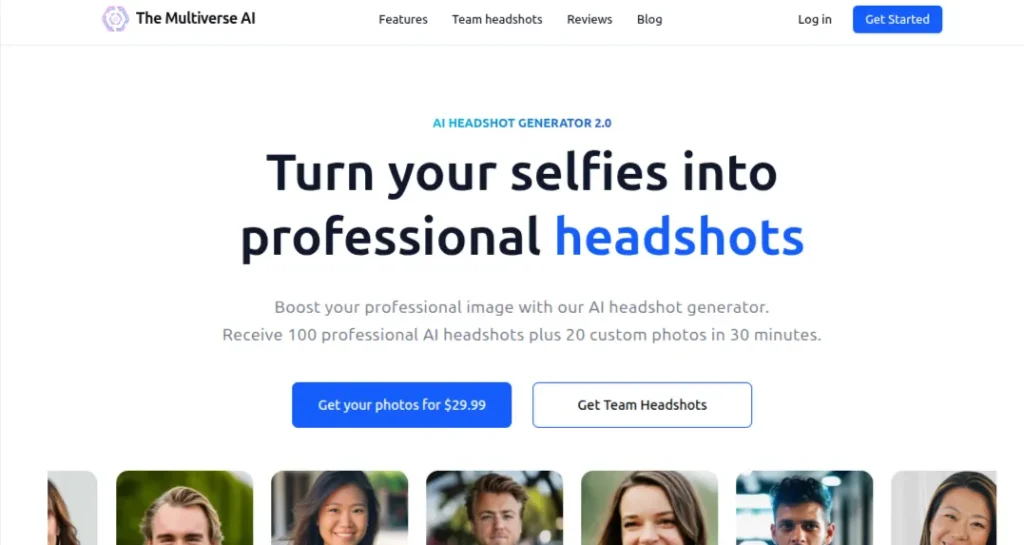
The Multiverse AI is a good option if you want a professional headshot without making every image look like a standard corporate portrait. You upload 12-15 selfies, and the platform generates 100+ professional headshots across different outfits, backgrounds, and styles. Most results are ready within 10-15 minutes.
The newer version also includes a text-based editor, so you can ask for changes such as a different outfit, background, hairstyle, or framing instead of starting from scratch. That makes it useful when you want one profile photo to feel more formal and another to have a slightly more relaxed look.
Features of The Multiverse AI
- 100+ professional headshots
- 20 custom AI photos included
- Multiple outfits, backgrounds, and styles
- Text-prompting editing and existing headshots
- Smart framing and background replacement
- Square, portrait, and landscape formats
- Results typically delivered within 10-15 minutes
- One-time payment with no subscription required
Pricing: The current individual package costs $29.99 and includes 100+ professional headshots plus 20 custom photos.
My Verdict: The Multiverse AI is a strong choice when you need variety rather than one conventional corporate photo.
6. Dreamwave: Best for Natural-Looking Headshots
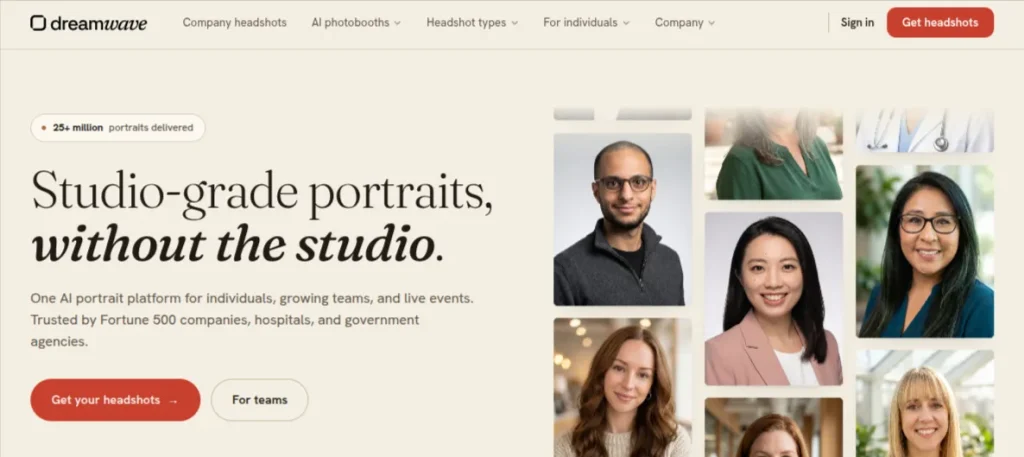
Dreamwave is a strong choice if your biggest concern is the “AI-generated” look. The platform focuses heavily on keeping facial features, skin tone, hair, and other details consistent with the original person while generating professional scenes, outfits, and poses.
You can upload a single clear selfie and receive a large gallery of professional headshots. The platform says the gallery is typically ready in about two hours, with options ranging from business formal to smart casual.
Features of Dreamwave
- Professional headshots from a single selfie
- Multiple outfits, poses, backgrounds, and styles
- Business formal and business casual options
- AI outfit and background changes
- Photo retouching and editing tools
- High-resolution output
- Free redo on selected plans
- Claims not ot sell photos or use them for AI training
Pricing: Individual plans currently start at $35 for 40 photos. The Standard plan costs $45 for 60 photos, while the Best Value plan costs $99 for 100 photos and includes unlimited human touch-ups.
My Verdict: Dreamwave is worth considering if realism is your first priority. For a LinkedIn profile or CV, I’d rather have five convincing photos than 50 images where the face looks slightly off.
7. Try It On AI: Best for Fast Professional Headshots
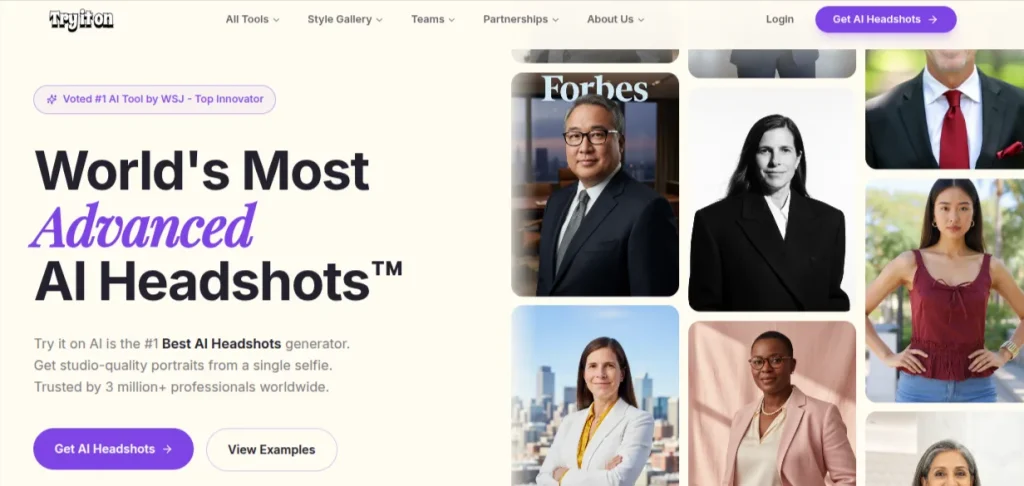
Try It On AI is a good fit when you don’t want to wait around for a traditional photoshoot. The platform now supports a one-selfie workflow, although its broader headshot service also supports multiple uploads. Depending on the package, you can generate 100+ professional portraits and choose from business, casual, creative, and industry-specific styles.
That speed is the main attraction. If you need a new LinkedIn photo before applying for jobs, updating your portfolio, or refreshing a professional profile, getting usable options within minutes can be genuinely useful.
Features of Try It On AI
- One-selfie AI headshot generation
- 100+ professional portrait variations
- Business, casual, creative, and industry-specific styles
- Custom outfits and backgrounds
- Human editing available on premium plans
- Team headshots with consistent styling
- Results available in minutes for supported workflows
- No monthly subscription for individual headshot purchases
Pricing: Individual AI headshot packages currently start at $17, while the studio’s Express AI Headshots service starts at $35 per photoshoot. Pricing varies by package and output volume.
My Verdict: Try It On AI is one of the more practical choices when turnaround time matters. I’d shortlist it for job applications.
8. ProfilePicture.AI: Best for Profile Photo Variety
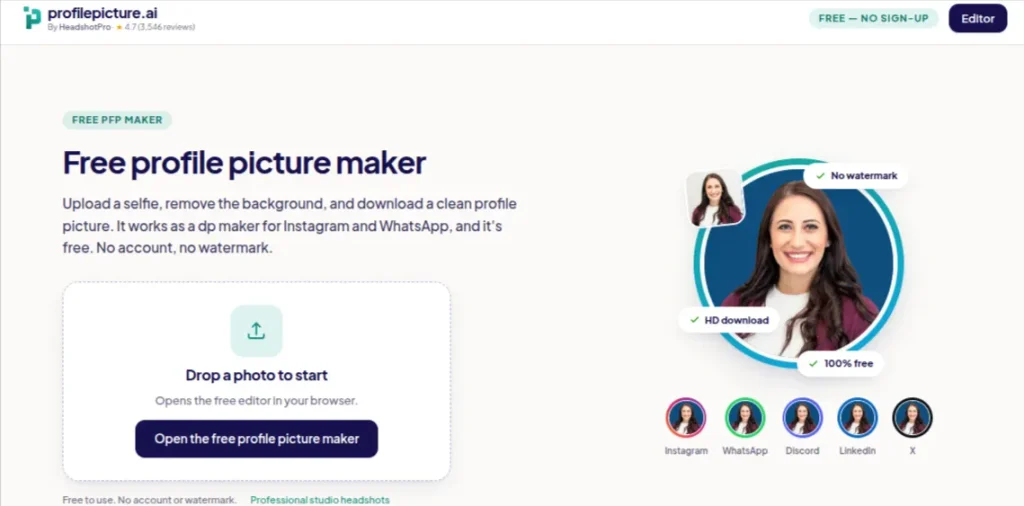
ProfilePicture.AI takes a slightly broader approach than dedicated corporate headshot platforms. Instead of focusing only on traditional business portraits, it lets you generate profile pictures in different professional, creative, and social styles.
That makes it useful when you need more than one kind of profile image. A polished LinkedIn photo may call for a different look than a portfolio, personal website, or creator profile.
Features of ProfilePicture
- Multiple AI-generated profile photo styles
- Professional and business-focused options
- Different backgrounds, outfits, and visual styles
- Suitable for LinkedIn and other professional profiles
- Supports a wide range of profile picture themes
- Web-based workflow with no photography equipment required
Pricing: It starts at around $6.40/month, although the available plans and pricing can change.
My Verdict: ProfilePicture.AI is worth considering if you want flexibility rather than a strictly corporate headshot.
9. StudioShot: Best for Corporate Teams
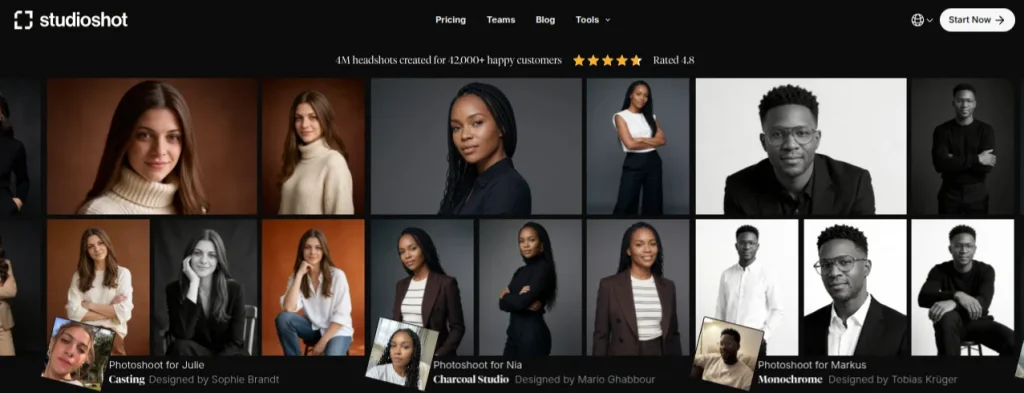
StudioShot is aimed more at professional and corporate use than casual profile pictures. The platform combines AI-generated photography with professional photography and retouching workflows, making it particularly useful for companies that need consistent headshots across a team.
For an individual, it may be more than you need. But if you’re building a company website, team page, LinkedIn profiles, or professional directory and want everyone to have a similar visual style, StudioShot is worth considering.
Features of StudioShot
- Professional AI-generated headshots
- Multiple business and corporate styles
- Different backgrounds and lighting setups
- Professional retouching options
- Consistent headshots for teams
- Suitable for company websites and employee profiles
Pricing: StudioShot uses package-based pricing, with the final cost depending on the type of headshots required.
My Verdict: StudioShot makes more sense for businesses and teams than someone who needs one LinkedIn photo.
10. ProPhotos AI: Best for Professional Profile Photos
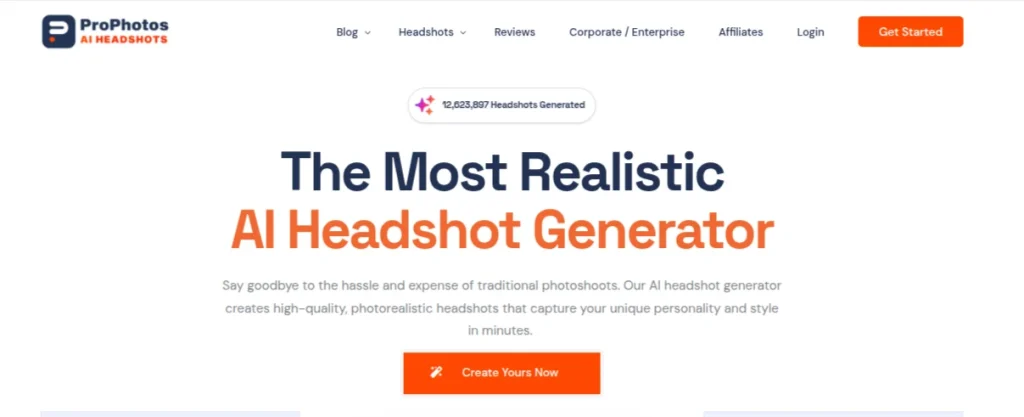
ProPhotos AI focuses on realistic business headshots for LinkedIn, resumes, company websites, and other professional profiles. You upload your own photos, and the platform generates different combinations of professional outfits, backgrounds, and poses. It also has dedicated use cases for students and professionals, which makes it a practical option for career-focused profiles.
The biggest advantage here is the sheer number of variations. You can generate 40, 100, or 200 headshots depending on the package, giving you plenty of options before choosing the one that actually feels like you.
Features of ProPhotos AI
- 40-200 AI-generated headshots, depending on the plan
- Multiple professional outfits and backgrounds
- Background customization on higher plans
- Suitable for LinkedIn, resumes, and company websites
- Commercial usage rights included
- Team and enterprise headshot options
- AI model automatically deleted after 30 days
- Results available in as little as 30 minutes on the highest plan
Pricing: The current plan starts at $39 for 40 headshots. The Premium plan costs $49 for 100 headshots. The Professional plan costs $59 for 200 headshots.
My Verdict: ProPhotos AI is a sensible choice if you want a large selection of conventional professional portraits without paying for a studio shoot. I consider it for LinkedIn and job-search profiles.
How to Choose the Best AI Headshot Generator?
Choosing an AI headshot tool isn’t really about finding the one with the biggest gallery. You want the photos to look like you, fit the platform you’re using, and justify what you’re paying. Use this checklist before uploading your selfie:
- Check facial accuracy: Your face should remain recognizable across different images. Watch for strange teeth, eyes, skin, texture, hair, or altered facial proportions.
- Look for useful styles: A LinkedIn profile usually needs a different treatment from a creative portfolio. Pick a tool with styles that match your actual work.
- Compare the number of usable photos: 100 generated images sound great until only five feel natural. Quality matters more than the headline number.
- Check resolution: If you plan to use the image on a website or print it later, look for higher-resolution output.
- Review turnaround time: Some platforms deliver results within minutes, while others can take longer. Current providers advertise turnaround times ranging from roughly 15 minutes to a couple of hours.
- Look at the refund or redo policy: AI results can vary depending on your input photos. A free redo or money-back guarantee gives you some protection.
- Read the privacy policy: You’re uploading your face, so check how long your source photos are stored and whether they are used for model training.
- Check the actual cost: Compare the number of genuinely usable photos rather than choosing the cheapest headline price.
- Use recent, clear selfies: Good lighting, a visible face, and different angles generally give these systems better material to work with.
Final Words
A professional headshot doesn’t need to involve an expensive photoshoot or hours of preparation anymore. These top 10 AI headshot generators can give you several polished options for LinkedIn, CVs, portfolios, and professional websites within a short time.
But don’t choose a tool because it promises hundreds of photos. Look for realistic facial details, useful styles, good privacy practices, and images that still look like you. For most people, I’d start with HeadshotPro, BetterPic, or Dreamwave and compare the results before committing to a paid package
Your profile photo is still only one part of your professional presence. A strong photo gets attention, but your skills, experience, portfolio, and the work you showcase are what make people stay.
Frequently Asked Questions (FAQs)
An AI headshot generator creates professional-looking portraits from photos you upload. Depending on the platform, it can change your outfit, background, lighting, pose, and overall styling while keeping your facial identity.
Yes. A realistic AI headshot can work well for LinkedIn, provided it still looks like you. Avoid heavily stylized images or results that noticeably change your facial features.
There isn’t a universal answer because results depend partly on the quality of your uploaded photos. Dreamwave, HeadshotPro, Aragon AI, and BetterPic are among the stronger options for realistic professional portraits.
Follow the platform’s specific requirements, but uploading several clear photos with different angles and expressions generally gives the AI more useful information about your appearance.
Yes, if the generated image accurately represents you and looks professional. For a CV, a clean and realistic portrait is usually a safer choice than an exaggerated or heavily edited AI image.
For many online profiles, they can be a practical alternative. They don’t completely replace professional photography, though. A photographer can capture genuine expressions, natural lighting, and personality that an AI-generated image may not reproduce accurately.
About The Author

