
InVideo and CapCut are both AI-powered video editors that beginners use to make content for YouTube, Instagram, and other platforms. CapCut is best known for templates, effects, and quick social edits, while InVideo is an AI editor where you and AI agents work together on a professional multitrack timeline. Choosing between them comes down to the kind of videos you want to make, how much control you need, and whether the tool is available where you live.
Both tools serve a huge audience. CapCut reports 700 million monthly users on its website. Wyzowl’s 2026 research found that 63% of video marketers have used AI tools to help create or edit marketing videos, so the editor you learn should prepare you for AI-assisted workflows.
This comparison looks at how each tool handles editing, AI features, YouTube workflows, collaboration, and access, then gives a clear recommendation.
InVideo vs CapCut at a glance
| Feature | InVideo | CapCut |
|---|---|---|
| Core approach | Professional multitrack timeline with AI agents | AI photo and video editor with templates and effects |
| AI editing | Agents log footage, build rough cuts, cut to the beat, and match a reference edit’s style | Chat with its AI video editor to build a video from scratch |
| Captions | Automatic captions that stay synced as you edit | Automatic subtitles in multiple languages |
| Audio | Music, voice recording, AI voiceover, mixing tools | Text-to-speech, noise removal and voice enhancement |
| Background tools | AI background replacement without a green screen | AI video background remover |
| Pricing | Basic plan from $9 per seat per month | Free to try online, with no credit card required |
Editing approach: timeline with AI agents vs templates and quick edits
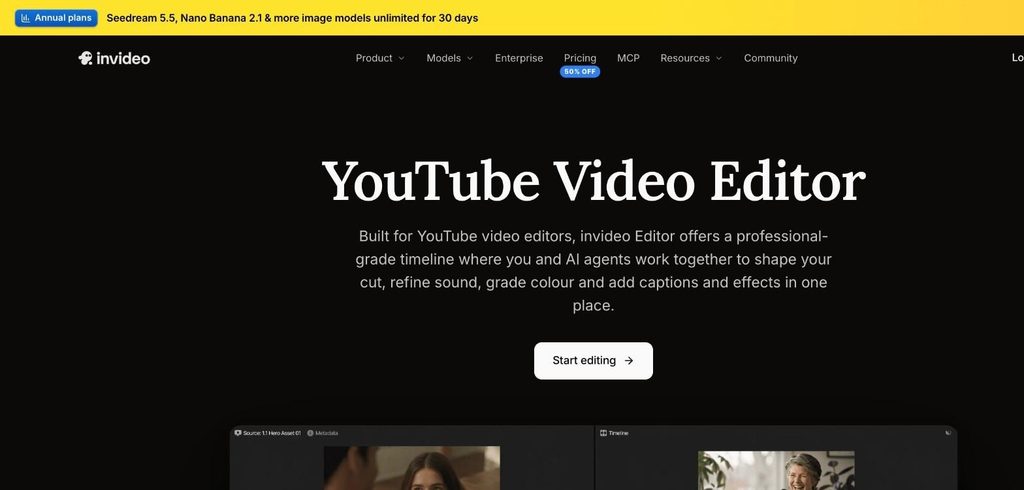
Invideo editor is built around a professional-grade timeline where you and AI agents work together to shape your cut, refine sound, grade colour, and add captions and effects in one place. You can trim clips by dragging or delete a sentence from the transcript to cut it from the video, resize for vertical or square formats with safe zone presets, speed up or slow down clips, stabilise shaky footage and merge videos, photos and music on the timeline.
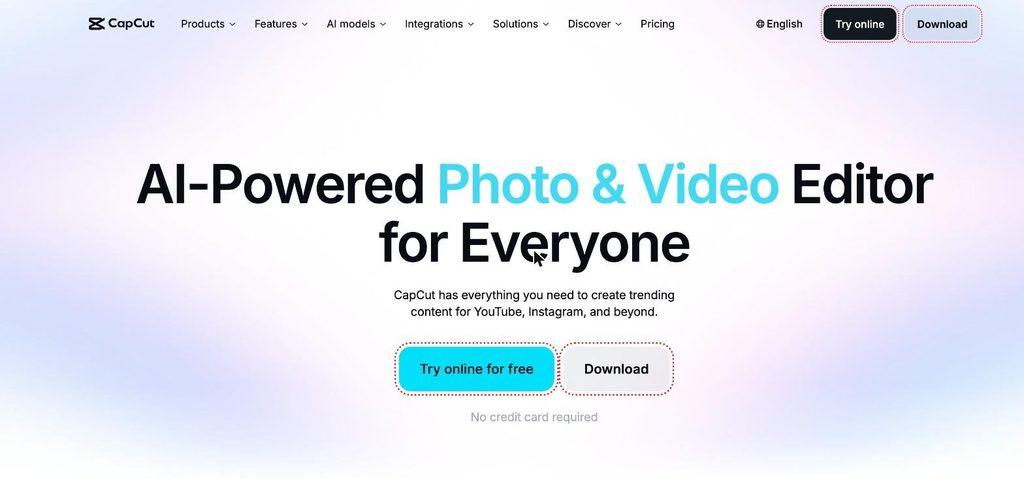
CapCut describes itself as an AI-powered photo and video editor for everyone, with everything you need to create trending content for YouTube, Instagram and beyond. Its online editor covers cutting, trimming, transitions, and subtitles, and its large template library includes Reels and TikTok templates, social media templates, and business templates, so you can start from a ready-made design.
Verdict: CapCut is quick for template-based social posts. Invideo is the better tool to learn if you want real editing skills on a timeline, because the same skills carry over to longer and more professional projects.
AI features: agents that edit with you vs AI generation tools
Invideo’s AI agents handle the busy work while you focus on creative direction. They can analyse and log every take by dialogue, actor, prop, and camera angle, remove filler, silences, and flubbed takes to assemble the best takes into a first cut, carry a beat pattern through a music track to cut your shots to the music, and apply the pacing, structure, and style of an edit you admire to your footage.
CapCut’s AI tools focus on generation and quick fixes. You can chat with its AI video editor to build a video from scratch, turn text, images, or keyframes into videos, generate images, convert text to speech, remove video backgrounds, remove noise, and enhance voices.
Verdict: CapCut’s AI is useful for generating content quickly. Invideo’s agents go further on the editing itself, from rough cuts to cutting on the beat, which saves more time on real footage.
YouTube workflow
For YouTubers, Invideo works as a complete YouTube video editor. You can add captions automatically and keep them synced as you edit, add music, record your voice or use an AI voiceover, replace backgrounds without a green screen and resize the same video for Shorts or Instagram. Because the rough cut, captions, audio and resizing all happen in invideo editor, a long video and its short versions can come from one project.
CapCut also targets YouTube creators, with auto subtitles, audio tools and templates for short-form content. Its strength is speed for short, trend-based videos.
Verdict: Invideo is the stronger choice for long-form YouTube videos and for creators who want their long video and Shorts to come from the same edit.
Collaboration and working across devices
Invideo lets you edit together on the same timeline, like a Google Doc. You share a link, make changes in real time and leave comments at exact moments, without sending files back and forth. Projects stay synced across your laptop, tablet and phone, and you can connect AI assistants such as Claude or ChatGPT through MCP to edit with your own agent.
CapCut offers an online editor as well as downloadable apps, so you can edit in the browser or install it on your device.
Verdict: Invideo’s shared timeline makes it a strong fit for students working on group projects, freelancers sharing edits with clients and small teams.
Pricing
Invideo’s Basic plan costs $9 per seat per month on monthly billing and includes full access to the timeline editor, professional colour, audio and 3D tools and 190 credits per month for AI generation. Higher plans add more credits and access to more AI agents and models.
CapCut can be tried online for free with no credit card required.
Final verdict: which should beginners learn?
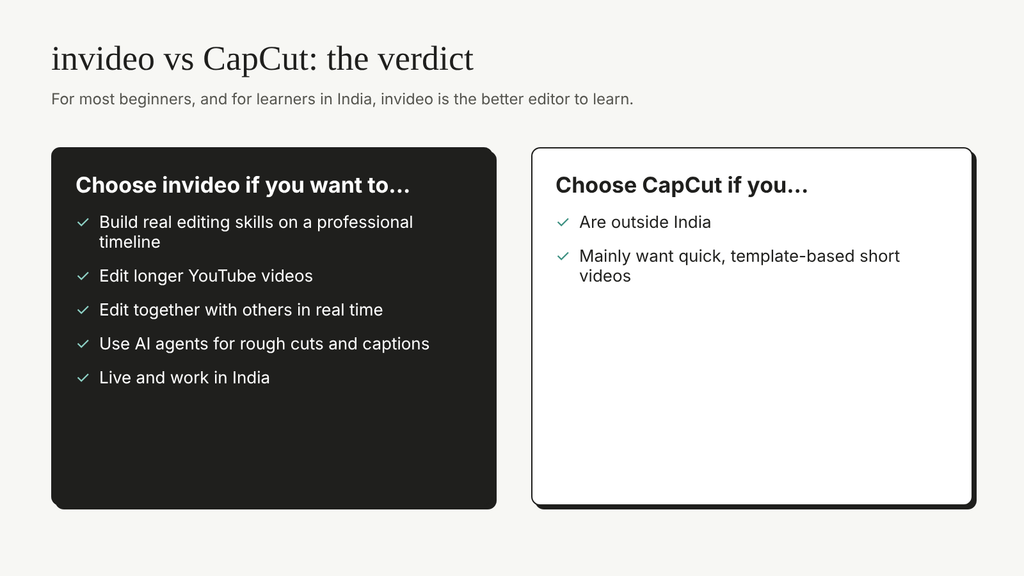
Choose InVideo if you want to build real editing skills on a professional timeline, edit longer YouTube videos, edit together with others in real time, use AI agents for rough cuts and captions. Choose CapCut if you mainly want quick, template-based short videos.
For most beginners, and especially for students and freelancers, InVideo is the better editor to learn in 2027. To round out your toolkit, see SkillWaala’s list of beginner-friendly AI tools, these video editing trends, and this guide to AI tools in video editing.
Key takeaways
- CapCut focuses on templates, effects, and AI generation for quick social videos.
- InVideo combines a professional multitrack timeline with AI agents that log footage, build rough cuts, and cut to the beat.
- InVideo supports real-time collaboration, cross-device editing, and editing through Claude or ChatGPT.
- For most beginners who want lasting editing skills, InVideo is the better tool to learn.
Conclusion
CapCut is popular for quick social videos, but InVideo gives beginners a professional timeline, AI agents that handle the slow parts of editing, and real-time collaboration. If you are learning video editing to build a career, a portfolio, or a YouTube channel, InVideo is the better tool to start with. Which video will you edit first?
FAQs
For beginners who want to learn real editing on a timeline, yes. InVideo pairs a professional timeline with AI agents that handle the busy work, while CapCut is mainly geared towards quick template-based edits.
Yes. InVideo adds captions automatically and keeps them synced as you edit. You can choose a preset style, edit the text, or use your own fonts.
Yes. You can resize a video to vertical for Shorts and other platforms using safe zone presets, and keep captions and edits in the same project.
Yes. InVideo works with AI assistants such as Claude and ChatGPT through MCP, so you can ask your assistant to make edits on the timeline.
Yes. Several people can edit the same timeline in real time, like a Google Doc, and leave comments at exact moments in the video.
About The Author