

You finish writing a blog post, publish it, and then the real work starts.
Which keywords are you missing? Why is a competitor ranking above you? Is the content actually covering the topic well? Are your pages showing up in AI search results? Then there’s the backlink data, technical issues, and a dozen other things waiting in different SEO dashboards.
I’ve lost plenty of time doing exactly this. That’s why I started testing AI SEO tools. The good ones cut down the repetitive work without taking SEO decisions out of your hands.
I’ve narrowed down 20 AI Search optimization tools covering content, keywords, backlinks, technical SEO, and AI search visibility, along with what each tool actually does well and where it falls short. These tools are some of the best in their categories and will be relevant throughout 2026-27.
What Are AI SEO Tools?
AI SEO tools use artificial intelligence to handle parts of SEO that usually take a lot of manual work. They can help with keyword research, competitor analysis, content briefs, content gaps, backlinks, technical checks, and even visibility across AI search results.
The useful ones don’t do the SEO thinking for you. They reduce the tedious work so you can spend more time deciding what actually makes sense for a page.
Why Do You Need One?
SEO gets time-consuming when you’re doing everything manually. A freelance writer researching keywords for a client, a startup founder trying to rank a new website, or an SEO executive managing dozens of pages can easily spend hours collecting and comparing data.
An AI SEO tool can take some of that workload off your plate.
Example: Instead of opening ten competing pages and manually noting the topics they cover, a content optimization tool can surface common themes and gaps for you. You still decide what belongs in the article, but you’re not starting with a blank spreadsheet.
What is the Most Popular AI SEO Tool in the Market?
To be honest, there isn’t one tool that excels at everything. It depends on your use case.
- Semrush wins if you want broad search optimization research, competitor analysis, site audits, and AI visibility tracking all in one platform.
- Surfer SEO is great for content optimization
- ChatFeatures and Promptwatch are ideal for AI search visibility
What to Look For in the Best AI SEO Tool?
Not every SEO platform with an AI feature deserves to be in your marketing stack.
I have spent many years freelancing as a writer and almost 3 years as Head of Content at Skillwaala, and SEO is one the most important channels for driving website traffic and acquiring fresh leads for our courses. So, I didn’t just handpick the most popular options that are present in every list of AI SEO tools.
I have listed the tools that have helped me optimize my workflow and increase my writing productivity drastically.
Before paying for one, I’d look at a few practical things beyond the feature list on its homepage.
Accuracy
SEO decisions are only as good as the data behind them. Check whether the tool gives reliable keyword volumes, ranking data, competitor insights, and content recommendations. A polished dashboard doesn’t help much if the numbers are questionable.
AI Capabilities
Look at what the AI actually does. Does it analyze SERPs, identify content gaps, cluster keywords, monitor AI search visibility, or merely generate text?
There’s a big difference between adding AI-generated suggestions to an existing SEO tool and using AI to speed up meaningful analysis.
Workflow Compatibility
A tool should fit into the way you already work. If you spend most of your time writing and updating articles, content optimization may matter more than advanced backlink reporting. An SEO manager handling multiple websites may care more about rank tracking, audits, reporting, and automation.
Integrations
Check whether the tool works with the platforms you already use. Google Search Console, Google Analytics, WordPress, Looker Studio, Slack, and other integrations can save a surprising amount of manual work when you’re managing SEO regularly.
Pricing
Don’t compare tools by their starting price alone. Look at what you actually get at each tier, including keyword limits, projects, tracked pages, AI credits, reports, and user seats. A ₹2,000 plan that runs out of credits halfway through your work can end up being more expensive than a ₹3,000 plan that covers everything you need.
Data Quality
Fresh, relevant data matters more than having a dashboard packed with features. Check how often rankings, backlinks, keywords, and AI visibility data are updated. If you’re using the tool to make decisions about a client’s website or your own business, outdated information can send your entire SEO strategy in the wrong direction.
How I Selected the Best AI SEO Tools
I didn’t want this list to become another collection of SEO software with “AI” added to the product description. I look at what each platform can actually help you accomplish and whether that usefulness holds up beyond a product demo.
Performance Under Pressure
I look at how the tools handle practical SEO jobs like researching keywords, analyzing competing pages, finding content gaps, optimizing articles, tracking rankings, and monitoring AI search visibility. A tool might have 50 features, but if the 3 you actually need are unreliable, the other 47 don’t matter much.
Data Verification
AI-generated recommendations are useful, but they still need to be checked against real search data. I considered whether tools provide enough underlying data to validate their suggestions rather than asking users to blindly trust an AI-generated answer.
Real AI vs. Marketing Fluff
This was a big filter. Some platforms use AI for genuinely useful analysis. Others mainly use it to generate titles, outlines, or paragraphs that you could produce with almost any general-purpose chatbot. I gave more weight to tools where AI changes the actual SEO workflow.
Integration With Existing Workflows
An SEO tool becomes far more useful when it fits into the system you already use. I looked at integrations, exports, reporting options, and compatibility with common SEO workflows rather than treating every platform as a standalone dashboard.
Pricing vs. Value
Finally, I considered what you get for the money. A tool costing ₹5,000 a month isn’t automatically better than one costing ₹1,500. For a freelance writer or someone managing a small website, the expensive platform may be overkill. For an agency handling multiple clients, paying more for automation and deeper data can make perfect sense.
20 Top AI SEO Tools: Quick Comparison
| Tool | Best For | Starting Price |
|---|---|---|
| ChatFeatured | AI search visibility & SEO execution | $150/mo |
| Semrush One | All-round SEO | Varies |
| RabbitSEO | Small-business SEO | Free |
| Promptwatch | AI citations & crawler analytics | $95/mo |
| Surfer SEO | Content optimization | $49/mo |
| SE Ranking | SEO management & reporting | $103.20/mo |
| Ahrefs | Backlinks & competitor research | $29/mo |
| Search Atlas | All-in-one SEO | $79/mo |
| Indexly | Page indexing | Free |
| Rankability | Content monitoring | $99/mo |
| Keywordly | Keyword clustering | $49/mo |
| Koala AI | AI content creation | $25/mo |
| SEOpital | Content production at scale | Varies |
| Frase | Content briefs & optimization | $49/mo |
| ChatGPT | General SEO assistance | Free |
| Perplexity | SEO research & fact-checking | Free |
| Smartlead | Link-building outreach | $39/mo |
| WRITER | Enterprise content | Custom |
| BuzzStream | Link-building relationships | $19/mo |
| MarketMuse | Topical authority | Free |
1. ChatFeatured: Best for AI SEO Execution
ChatFeatured is built for the part of SEO that has become harder to ignore – getting your brand mentioned in AI-generated answers. It tracks visibility across major AI search platforms, monitors prompts, audits your site, and gives you recommendations for improving your chances of being cited.
What I like here is the connection between the data and the action. You’re not only looking at whether ChatGPT or Google AI mentions your brand. The platform also gives you content and site-level tasks to work on.
Features of ChatFeatured
- AI visibility and citation tracking
- Prompt tracking
- AI content strategy
- Site audits
- AI crawler tracking
- Competitor visibility analysis
- Content publishing workflows
Pricing: Starter costs $150/month and includes 50 tracked prompts, 10 AI articles per month, 200 audited pages, and one project. Growth costs $500/month. Enterprise starts at $1,500/month. A 7-day free trial is also available.
Pro Tip: If your SEO work is moving into AI search, ChatFeatured is one of the more focused options here. I wouldn’t pick it as your only SEO platform, though.
2. Semrush One: Best for Comprehensive SEO Analysis
Semrush One brings traditional SEO and AI search visibility together. You can track rankings, research keywords and competitors, audit websites, monitor AI mentions, and track custom prompts without jumping between separate platforms.
That makes it useful for someone managing several parts of an SEO workflow at once. A content writer probably won’t need everything inside Semrush One, but an SEO professional handling multiple websites can get a lot of use out of it.
Features of Semrush One
- Keyword research
- Competitor analysis
- Rank tracking
- Site audits
- Backlink research
- AI visibility tracking
- Prompt monitoring
- Content optimization
- AI-ready site audits
Pricing: Semrush One currently starts at $199.95/month. Higher tiers are available, and a 7-day free trial is offered to new users.
Pro Tip: If you want one platform covering traditional SEO and AI search, Semrush One makes a strong case.
3. RabbitSEO: Best for Small-Business SEO
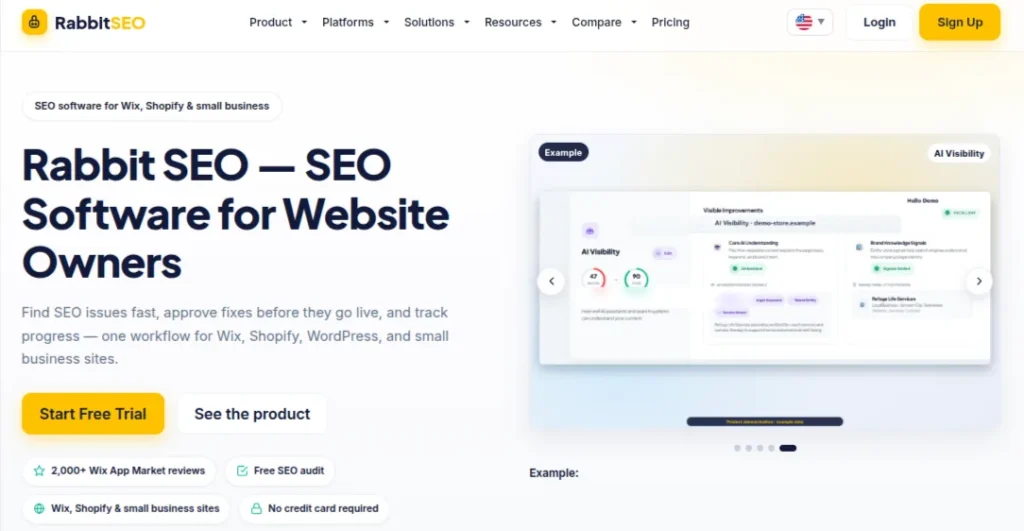
RabbitSEO takes a more focused approach. It combines SEO audits, rank tracking, backlink monitoring, on-page fixes, schema support, and AI visibility tools, with plans built around smaller websites and teams.
I particularly like the free tier for people who are still learning. You can work with one website, track five keywords, monitor 20 links, and optimize three pages without committing to a paid subscription.
Features of RabbitSEO
- SEO audits
- Rank tracking
- On-page SEO fixes
- Schema markup support
- Image alt-text improvements
- Backlink monitoring
- AI visibility tracking
- Google Analytics and Search Console connections
Pricing: RabbitSEO has a Free plan. Pro costs $100/month. Business costs $400/month. Enterprise costs $1,200/month.
Pro Tip: This is one of the easier tools to recommend to someone managing a small website. You get enough in the free plan to understand whether the workflow works for you before spending anything.
4. Promptwatch: Best for AI Crawler & Citation Analytics
Promptwatch focuses on a part of SEO that traditional platforms don’t always explain well: what AI systems are doing with your website and brand. It tracks how your brand appears in AI-generated answers, monitors AI crawlers visiting your site, and shows which sources are being cited.
That can be useful when your Google rankings look fine, but visibility in ChatGPT, Gemini, or other AI search experiences is weak.
Features or Promptwatch
- AI visibility tracking
- AI crawler monitoring
- Citation tracking
- Prompt tracking
- Competitor monitoring
- Country-level tracking
- AI-search analytics
Pricing: Plans start at $95/month for Essential. Professional costs $245/month. Business costs $579/month. A 7-day free trial is also available.
Pro Tip: Promptwatch makes more sense as a specialist tool than a replacement for Ahrefs or Semrush. If AI search visibility is becoming part of your SEO reporting, though, it’s worth considering.
5. Surfer SEO: Best for Content Optimization
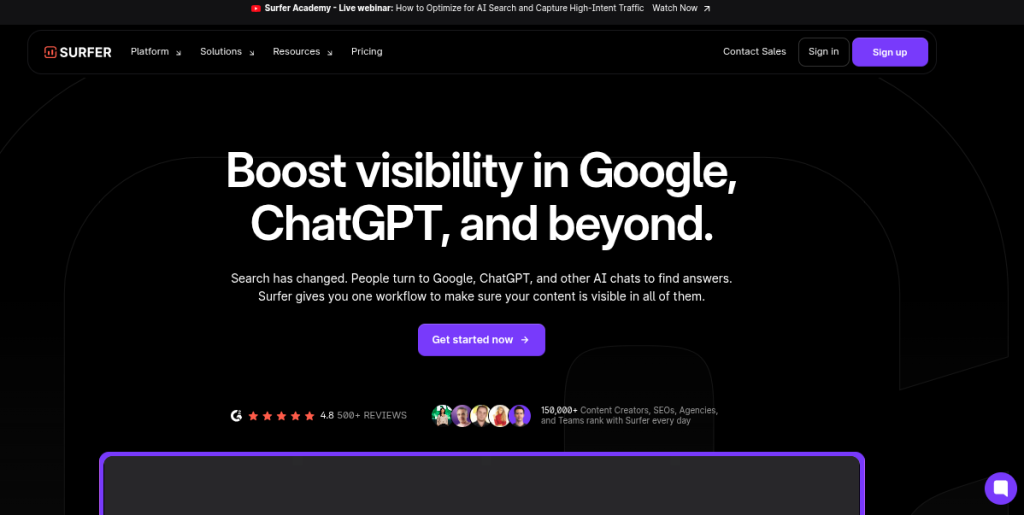
Surfer SEO is built around a problem most content teams know well. You’ve written the article, but you’re not sure how well it covers the topic Google expects to see.
Its Content Editor compares your page against competing results and provides recommendations around topics, structure, and content coverage. It also offers content planning and AI visibility features, so the platform has moved beyond its original content-scoring approach.
Features of Surfer SEO
- Content Editor
- SERP analysis
- Content optimization
- AI content generation
- Content planning
- AI visibility tracking
- WordPress and Google Docs integrations
- Plagiarism checking
Pricing: Plans start at $49/month for Discovery. Standard costs $99/month. Pro costs $182/month. Peace of Mind costs $299/month when billed annually.
Pro Tip: Surfer is one of my preferred options when the main job is improving existing content. I wouldn’t obsess over its content score, though. A high score doesn’t automatically make an article useful.
6. SE Ranking: Best for Search Optimization Management & Reporting
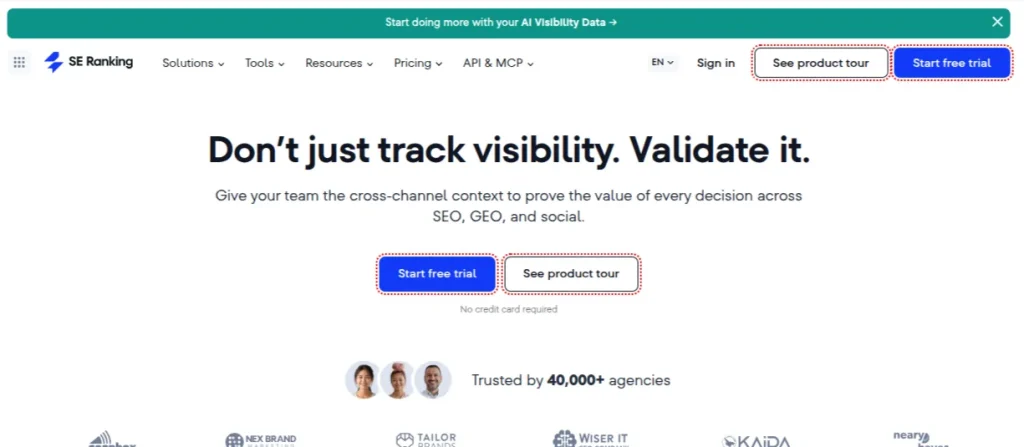
SE Ranking is the kind of platform that makes sense when SEO stops being a single task and becomes an ongoing workflow. It covers rankings, keywords, competitors, backlinks, website audits, reporting, and newer AI-search tracking features.
The reporting tools are particularly handy for agencies and freelancers handling several clients. Instead of pulling numbers from different platforms every week, you can bring much of that information into one report.
Features of SE Ranking
- Rank tracking
- Keyword research
- Competitor analysis
- Website audits
- Backlink monitoring
- AI/GEO tracking
- White-label reporting
- Google Analytics integration
- Google Search Console integration
Pricing: The Core plan starts at $103.20/month when billed annually. Growth starts at $223.20/month. Pro starts at $444/month. A 14-day free trial is also available.
Pro Tip: SE Ranking sits in a nice middle ground. It has enough depth for professional SEO work without feeling like you need a training manual before you can find your way around the dashboard.
7. Ahrefs: Best for Backlink Research & Competitive Intelligence
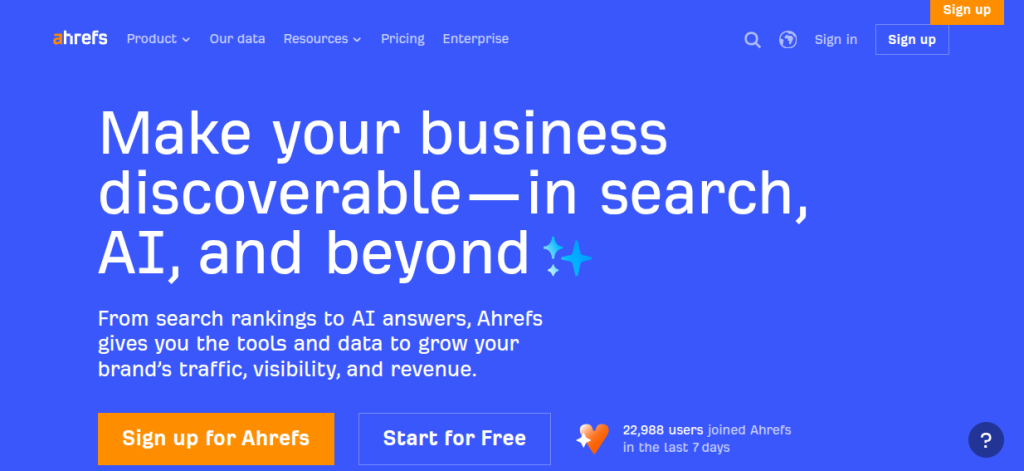
Ahrefs is one of those SEO tools that has stayed useful because it gives you information about your competitors and where their links are coming from.
Site Explorer, Keywords Explorer, Content Explorer, Site Audit, and Rank Tracker cover most of the research work an SEO professional does regularly. Its newer AI features add visibility tracking for brands across AI search, but I still think Ahrefs is strongest when you’re digging into competitors, backlinks, and search opportunities.
Features of Ahrefs
- Backlink analysis
- Keyword research
- Competitor research
- Site audits
- Rank tracking
- Content research
- AI visibility tracking
- Web analytics
Pricing: Ahrefs has a Free Webmaster Tools option for verified websites. Paid plans start with Starter at $29/month. Lite costs $129/month. Standard costs $249/month. Advanced costs $449/month.
Pro Tip: If backlinks and competitor research are a major part of your work, Ahrefs is still hard to replace. I’d pair it with a dedicated content tool if content optimization is your bigger concern.
8. Search Atlas: Best All-in-One SEO Platform
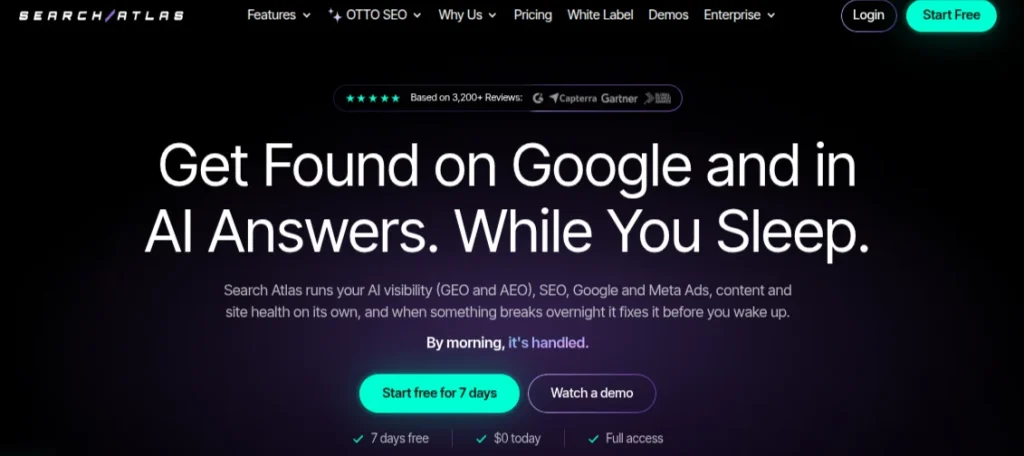
Search Atlas tries to put a lot of SEO work under one roof. You get keyword research, competitor analysis, site audits, content tools, rank tracking, backlink data, AI visibility monitoring, and its automated OTTO SEO system.
That breadth is the main attraction. If you’re tired of paying for one platform to research keywords, another to optimize content, and another to monitor AI visibility, Search Atlas is worth a look.
Features of Search Atlas
- Keyword research
- Competitor analysis
- Site audits
- Rank tracking
- Backlink analysis
- AI content tools
- AI visibility tracking
- SEO automation
- Keyword clustering
Pricing: Plans start at $79/month for Starter when billed annually. Growth costs $159/month. Pro costs $319/month.
Pro Tip: Search Atlas makes the most sense for people who want a broad SEO toolkit rather than a specialist platform. The sheer number of features can take some getting used to.
9. Indexly: Best for Faster Page Indexing
Publishing a page is one thing. Getting search engines to discover and index it is another. Indexly focuses heavily on that second problem. It helps monitor URLs and sitemaps, identify indexing issues, and automate parts of the indexing workflow. It also includes broader SEO and AI-search features, so you’re not limited to checking whether a URL made it into Google’s index.
Features of Indexly
- Indexing monitoring
- Sitemap monitoring
- URL Tracking
- SEO audits
- AI visibility tracking
- Competitor analysis
- Content opportunity discovery
- Indexing automation
Pricing: Indexly offers a Free plan. Paid plans currently start at $99/month. Growth costs $299/month. Scale plan costs $499/month.
Pro Tip: This is a specialist tool, and I’d treat it that way. If indexing isn’t a problem for your site, you probably don’t need another subscription. For large sites publishing lots of URLs, it becomes much more useful.
10. Rankability: Best for Content Quality Monitoring
Rankability focuses on what happens to your content after it gets published. Its platform helps monitor content quality, search performance, and visibility across AI search. That makes it useful for teams managing a large library of existing articles rather than constantly starting from scratch.
Features of Rankability
- Content optimization
- Content monitoring
- AI search tracking
- Prompt tracking
- Competitor analysis
- Content quality analysis
- API access
Pricing: Plans start at $99/month for Starter. Core plan costs $199/month. Team costs $399/month.
Pro Tip: I’d consider Rankability when you already have a sizeable content library and need to identify pages that need attention. It’s less compelling if you’re only managing a handful of articles.
11. Keywordly: Best for Keyword Clustering
Keyword research can leave you with a spreadsheet containing thousands of terms and absolutely no idea what to do next. Keywordly tackles that part. It groups related keywords, builds topical maps, and helps turn keyword research into a content plan. It also includes content optimization and AI visibility features.
Features of Keywordly
- Keyword research
- Keyword clustering
- Topical maps
- Content planning
- AI content generation
- Content optimization
- Internal linking
- AI visibility tracking
Pricing: Plans start at $49/month for Solo. Team costs $99/month. Business costs $149/month. Agency plan costs $249/month.
Pro Tip: Keywordly is the most useful AI SEO tool when you already have plenty of keyword data but need to make sense of it. The clustering workflow can save a lot of tedious spreadsheet work.
12. Koala AI: Best for AI Content Generation
Koala AI is one of the more practical AI tools for SEO if your biggest problem is producing content consistently. It combines AI writing with SERP research, internal linking, images, factual information, and CMS publishing, so you can handle several parts of the content workflow from one platform.
That makes it useful for bloggers, affiliate publishers, and content teams that need to produce SEO-focused articles without spending hours on the initial research and drafting. However, don’t make the mistake of simply copy-pasting and publishing the AI output.
Features of Koala AI
- Long-form AI writing
- SERP analysis
- SEO optimization
- Internal linking
- AI images
- Brand voice controls
- WordPress publishing
- Google Search Console integration
Pricing: Starter costs $25/month. Professional costs $49/month. Boost costs $99/month. Higher-volume plans are also available for larger publishing operations.
Pro Tip: Koala is a useful addition to the list of SEO AI tools, particularly when content volume is the bottleneck. The first draft can save serious time, but human editing is still necessary if you want the article to have original insights and actually be worth ranking.
13. SEOpital: Best for Scaling Content Production
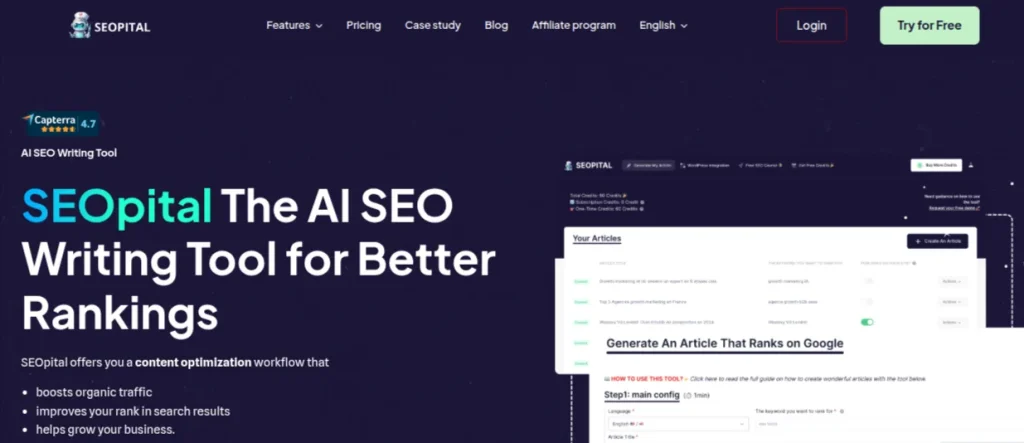
SEOpital is one of the more focused AI SEO tools on this list. It uses SERP analysis and AI to help create long-form content around a target keyword, with the goal of reducing the research and drafting time involved in SEO publishing.
It makes more sense for someone producing content regularly than for a person writing one article a month. The bulk-content approach can be useful for agencies and publishers, but the quality still depends heavily on the brief and editorial process you give it.
Features of SEOpital
- AI content generation
- SERP analysis
- Keyword optimization
- Long-form content creation
- Bulk content production
- Content briefs
- WordPress publishing
- Multilingual content support
Pricing: SEOpital offers a free trial, while paid plans vary based on content volume and usage requirements.
Pro Tip: A practical option when production speed matters. I wouldn’t use it as a replacement for an SEO strategist or editor. Think of it as one of the tools that handles the heavy lifting at the drafting stage.
14. Frase: Best for Content Briefs & Optimization
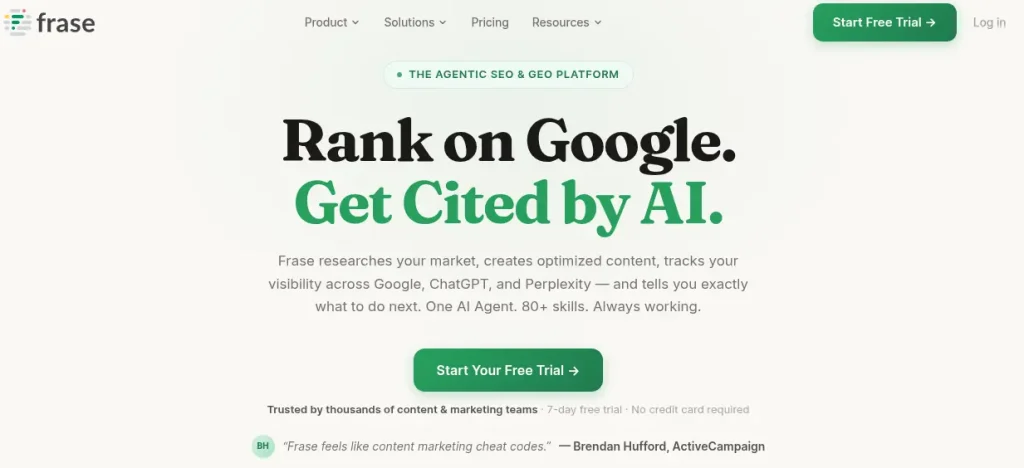
Frase is built around the research that happens before and during content creation. It analyzes search results, identifies topics and questions worth covering, and turns that information into content briefs and optimization recommendations.
For a content writer, this can cut down the time spent opening multiple ranking pages and manually noting what they cover. The tool gives you a starting point, but you still need to decide what deserves a place in the article.
Features of Frase
- SERP analysis
- AI content briefs
- Content optimization
- AI writing
- Keyword and topic research
- SEO scoring
- GEO and AI visibility features
- Content decay monitoring
Pricing: Frase starts at $49/month for the Starter plan. Higher plans are available for teams with large content requirements.
Pro Tip: Frase is one of the SEO AI tools I’d consider for a content-heavy workflow. Its biggest strength isn’t generating another 1,500-word article; it’s helping you understand what the article needs before you start writing.
15. ChatGPT: Best for Versatile SEO Assistance
ChatGPT isn’t a traditional AI search optimization tool, but it has become one of the most flexible AI-powered SEO tools for everyday search optimization work. You can use it to classify keywords, analyze content, create outlines, write and troubleshoot schema, brainstorm internal links, analyze spreadsheets, research topics, and turn messy SEO data into something easier to work with.
The catch is that ChatGPT doesn’t have the same dedicated keyword or backlink database as platforms such as Ahrefs or Semrush.
Features of ChatGPT
- Keyword classification
- Content analysis
- SEO outlines
- Metadata generation
- Spreadsheet and data analysis
- Web research
- Schema assistance
- Custom SEO workflows
Pricing: ChatGPT has a Free plan. ChatGPT Plus costs $20/month, with higher-access plans available on other tiers.
Pro Tip: This is the most versatile tool on the list, but I wouldn’t ask it to replace a specialist SEO platform. Pair it with reliable SEO data, and it becomes far more useful.
16. Perplexity: Best for SEO Research & Fact-Checking
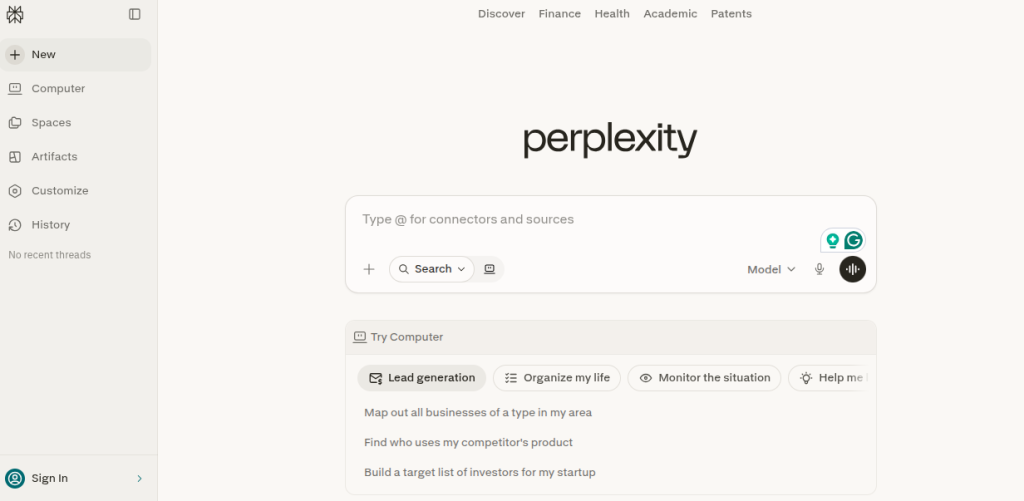
Perplexity isn’t a traditional SEO platform, but it can be a useful addition to your stack of AI tools for SEO when research is the bottleneck. It searches the web, summarizes information, and provides citations, which makes it handy for finding primary sources, checking claims, and understanding a topic before creating content.
I particularly like it for the early research stage. Instead of asking it to write an entire SEO article, use it to find sources, compare information, identify questions people are asking, and then bring those findings into your actual content workflow.
Features of Perplexity
- Web research
- Source citations
- Deep Research
- File analysis
- Multiple AI models
- Real-time information
- Research projects
Pricing: Perplexity has a Free plan. Pro costs $20/month or $200/year.
Pro Tip: Perplexity works best as a research companion rather than an SEO suite. If you’re using AI tools to create content, this is one I’d keep around for source discovery and fact-checking.
17. Smartlead: Best for AI-Powered Link-Building Outreach
Link building often sounds more complicated than it is. Finding prospects is one problem, but actually contacting hundreds of relevant websites and keeping track of replies is another.
Smartlead focuses on the outreach side. It supports multiple inboxes, automated follow-ups, email warm-up, personalization, and campaign management. For an agency or freelancer running regular outreach campaigns, it can remove a lot of repetitive work.
Features of Smartlead
- Code email campaigns
- Automated follow-ups
- Email warm-up
- AI-powered personalization
- Multiple inboxes
- Unified inbox
- Lead management
- API integrations
Pricing: Smartlead starts at $39/month for Basic. Pro costs $94/month. Smart costs $174/month, and Prime costs $379/month.
Pro Tip: Smartlead isn’t a keyword research tool, but it fits into the broader AI-powered SEO tools ecosystem through link-building and digital PR. I’d consider it when outreach volume becomes difficult to manage manually.
18. WRITER: Best for On-Brand Enterprise Content Creation
WRITER is built for organizations that need more control over how AI is used across their content operations. Instead of functioning as another standalone AI writer, it combines AI agents, workflows, company knowledge, brand guidelines, and governance.
That makes it a very different proposition from tools such as Koala AI or Frase. A solo writer probably won’t need this much infrastructure. A large marketing team with strict brand and compliance requirements might.
Features of WRITER
- AI agents
- Custom workflows
- Brand and style controls
- Company knowledge
- Content generation
- Connectors
- Governance controls
- Enterprise security
Pricing: WRITER offers a free trial, while enterprise pricing is custom based on the organization’s requirements.
Pro Tip: This is one of the more specialized AI SEO tools for large content teams. I wouldn’t recommend paying for it just to generate blog posts. Its value is in controlling AI-assisted content production across an organization.
19. BuzzStream: Best for Link-Building Relationship Management
BuzzStream is less about finding keywords and more about managing the people behind your backlinks. It gives you a central place to research prospects, organize contact details, send outreach emails, track conversations, and monitor campaigns.
This becomes successful once link building moves beyond sending ten emails from Gmail. For example, a freelancer handling outreach for several clients can see who has been contacted, who replies, and which relationships need a follow-up without maintaining a messy spreadsheet.
Features of BuzzStream
- Link prospecting
- Content research
- Email outreach
- Automated follow-ups
- Relationship tracking
- Team collaboration
- Campaign reporting
- Backlink monitoring
Pricing: BuzzStream starts at $19/month for Solo. Starter costs $29/month. Group costs $99/month. Professional costs $249/month.
Pro Tip: BuzzStream isn’t one of the flashy SEO AI tools, and that’s fine. Its strength is keeping link-building outreach organized once spreadsheets stop being practical.
20. MarketMuse: Best for Topical Authority & Content Strategy
MarketMuse looks beyond individual keywords and tells you how well your website actually covers a topic. It analyzes your existing content, identifies gaps, studies topical coverage, and helps prioritize what you should create or update next. Among the AI-powered SEO tools on this list, MarketMuse is particularly useful for building topic clusters rather than chasing disconnected keywords.
Suppose you run a website about digital marketing. Instead of creating another article because a keyword has decent search volume, MarketMuse can help you see which supporting topics are missing and where your existing coverage is weak.
Features of MarketMuse
- Topic research
- Content inventory analysis
- Content gap identification
- Content optimization
- Personalized difficulty scores
- Content briefs
- Topic tracking
- Content strategy documents
Pricing: MarketMuse has a Free plan with 10 queries per month. Paid plans provide higher limits and additional content optimization, research, and strategy features.
Pro Tip: MarketMuse is an AI tool I’d consider once a website already has a decent amount of content. It’s far more useful for deciding what to write next than for generating another generic article.
How to Choose the Best AI SEO Tool for Your Needs?
There’s no prize for having the most SEO subscriptions. I’d start with the problem you’re trying to solve, then choose the tool around it. A content writer updating old articles needs something very different from an agency tracking 50 client websites. Here’s a practical way to narrow it down:
- For keyword research: Ahrefs, Semrush One, and SE Ranking are stronger choices
- For content optimization: Surfer SEO and Frase are worth considering.
- For AI content creation: Koala AI and SEOpital are more focused on production
- For AI search visibility: ChatFeatures and PromptWatch are better suited to tracking mentions and citations.
- For keyword clustering: Keywordly can save a lot of manual sorting.
- For backlinks: Ahrefs is useful for research, while BuzzStream and Smartlead handle different parts of outreach.
- For topical authority: MarketMuse is the more specialized option
- For general SEO assistance: ChatGPT and Perplexity can support research, analysis, and content workflows.
Final Verdict: Which AI SEO Tool Should You Use?
There’s no single winner here. It depends on what you’re trying to fix.
- Semrush One is the strongest all-rounder.
- Ahrefs is excellent for backlinks and competitor research
- Surfer SEO is a better fit for content optimization
- For AI search visibility, I would choose ChatFeatures or Promptwatch
- MarketMuse is great for topical authority and content clustering
If you’re still learning SEO, start with a free or affordable option and upgrade when your workload justifies it. The tool matters, but knowing how to use the data matters more.
Frequently Asked Questions (FAQs)
The latest AI SEO tools depend on your goal. Semrush One and Ahrefs are strong all-round options. Surfer SEO is useful for content optimization. ChatFeatured and Promptwatch are better suited to AI search visibility. MarketMuse is worth considering if your focus is topical authority.
They can help improve your SEO process, but they cannot guarantee higher rankings. SEO AI tools can identify keywords, content gaps, technical issues, and competitor patterns. The results still depend on how well you apply those insights.
Yes. ChatGPT can help with keyword clustering, content briefs, metadata, internal-linking ideas, content analysis, and SEO research. It works best alongside dedicated SEO platforms that provide reliable ranking, keyword, and backlink data.
They can be if they save enough time or provide data you actually use. Beginners can start with free options, while freelancers, agencies, and content teams may benefit from paid tools with higher limits, automation, reporting, and deeper SEO data.
No. They can automate repetitive SEO tasks, but strategy still requires human judgment. An SEO professional needs to understand search intent, business goals, content quality, competitors, and which recommendations are worth acting on.
Traditional SEO tools mainly provide data for keywords, rankings, backlinks, competitors, and technical issues. AI-powered SEO tools add AI-driven analysis, recommendations, automation, content assistance, or AI search visibility tracking to that workflow.
About The Author

