

Creating professional videos, profile pictures, or social media content can take more time than expected. AI avatar generators offer a practical alternative, letting you create digital presenters, generate avatars from photos, or build unique characters without expensive equipment.
But which tools are actually worth trying? I’ve shortlisted the best online avatar generators, covering free options, professional video creators, anime avatar generators, and more.
Let’s dive into what each tool does best, its limitations, and what you should know before paying.
What Are AI Avatar Generators?
AI avatar generators are tools that create digital characters from text prompts, uploaded photos, or existing templates. Depending on the platform, you can generate a static profile picture, create a realistic talking avatar, or produce videos featuring a virtual presenter. Most tools fall into three categories:
- Photo-based Avatar Generators: Turn your selfies into professional headshots, stylized portraits, or digital characters.
- AI video avatar generators: Create presenter-led videos using a script, an AI voice, and a virtual human.
- Creative avatar generators: Generate anime characters, cartoon portraits, and custom avatars for social media or gaming profiles.
The difference matters when choosing a tool.
If you want to publish tutorial videos without appearing on camera, a video generator such as Synthesia or HeyGen makes more sense than a tool focused on profile pictures.
If you need a new display picture, a dedicated avatar generator from a photo is a better starting point.
Top 10 AI Avatar Generators: Quick Comparison
| AI Avatar Generator | Best For | Free Access | Ideal Use Case |
|---|---|---|---|
| Synthesia | Professional video avatars | Yes, limited | Training and educational videos |
| HeyGen | Realistic AI presenters | Yes | Marketing and personal branding |
| D-ID | Talking photo avatars | Trial access | Animating portraits |
| Colossyan | Learning and training videos | Yes | Workplace learning |
| Elai.io | Script-to-video avatars | Limited free access | Turning lessons into videos |
| AI Studios | Virtual human presenters | Limited free access | Business presentations |
| Fotor | Creative avatar images | Yes, with limits | Profile pictures and portraits |
| Vidnoz | Beginner-friendly avatar videos | Yes, with limits | Short explainers |
| Avatarify | Real-time face animation | Depends on version | Virtual characters and streaming |
| Hour One | Business video presenters | Check current availability | Corporate communication |
1. Synthesia: Best for Professional Training Videos
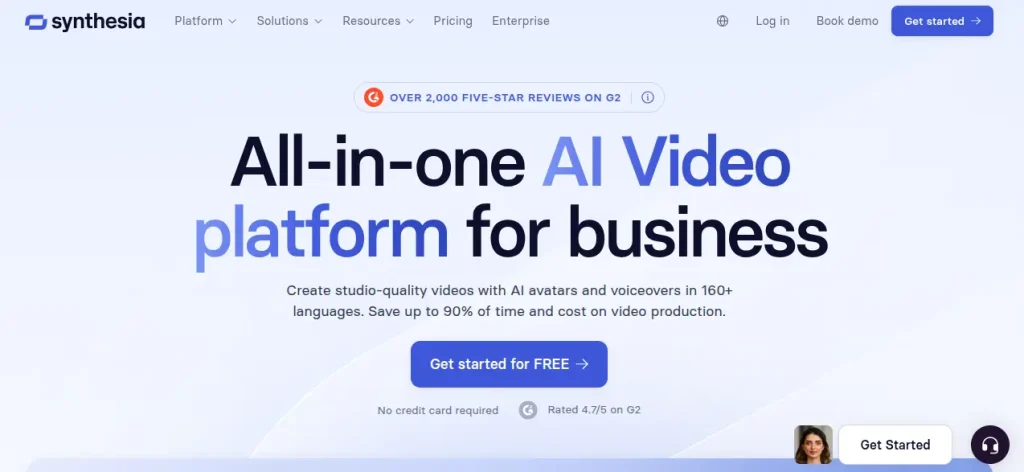
Synthesia is a strong choice for creating professional videos without setting up a camera, microphone, or recording space. You can write a script, select an AI presenter, add supporting visuals, and generate a video for tutorials, presentations, or workplace training. Its avatar library and multilingual video capabilities make it useful when you need to explain the same topic to different audiences.
For example, if you’re preparing a digital marketing course, you could turn a lesson on keyword research into a presenter-led video. You would still need to review the script and visuals, but you could avoid recording multiple takes whenever a lesson changes.
Features of Synthesia
- AI presenters with custom avatar options on eligible plans
- Script-to-video creation with templates and supporting visuals
- AI dubbing and multilingual video production
- Video sharing and downloadable exports on eligible plans
- Free access for testing the editor, avatar, and voices
Pricing
- Basic: $0/month, with 500 monthly credits and a limited video allowance
- Starter: $19/month with monthly billing.
- Pro: $89/month with monthly billing
2. HeyGen: Best for Realistic AI Avatars
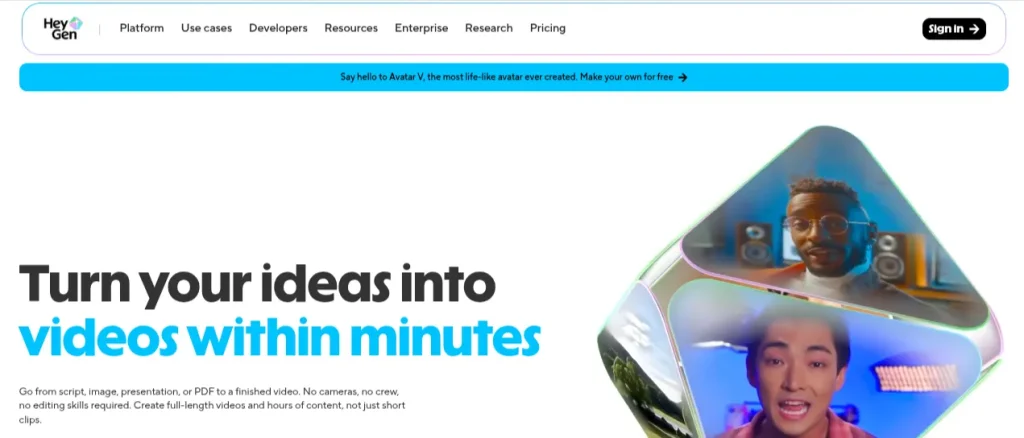
HeyGen is worth trying if you want a digital presenter that looks and sounds convincing on screen. It supports stock avatars, custom video avatars, photo avatars, voice cloning, and video translation. These features make it useful for product explainers, marketing videos, personal branding, and content that needs to reach audiences in multiple languages.
One practical use case is creating short educational videos for LinkedIn or YouTube without recording yourself each time. You can start with its free plan, test a short script, and assess the voice, lip-sync, and facial movements before deciding whether a paid subscription is worth it.
Features of HeyGen
- 500+ stock video avatars on the free plan
- Custom video avatars and photo-based avatars
- Voice cloning and multilingual video translation on eligible plans
- Video generation with Avatar IV
- Watermark-free exports on eligible paid plans
Pricing
- Free plan offers up to 3 videos per month, each up to 1 minute
- Creator: $29/month
- Pro: $49/month
- Business: $149/month, plus $20/month for each additional seat
3. D-ID: Best for Turning Photos Into Talking Avatars
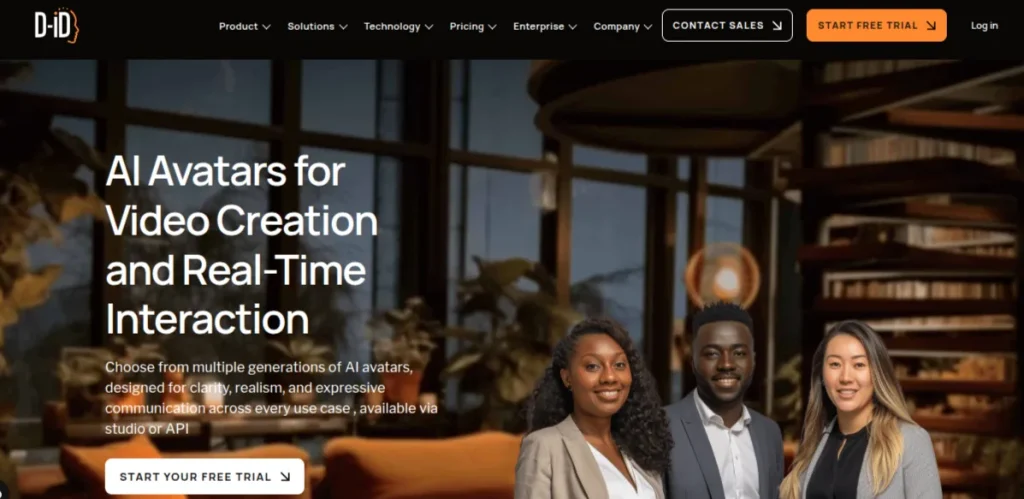
D-ID takes a slightly different approach to AI avatar generation. You can select a virtual presenter or use a photograph to create a talking-avatar video, then add a script, voice, and background visuals. The platform also offers interactive visual agents, making it relevant to creators exploiting conversational avatars rather than conventional talking-head videos.
Imagine you have a portrait and want to turn it into a short explainer for a presentation or social media post. D-ID can animate the face and synchronize its movements with generated speech. The result depends on the quality of the input image and the avatar type, so review a short sample before producing a longer video.
Features of D-ID
- Photo-to-video avatar generation
- Script-based video creation with AI voices
- Custom avatars created from photographs or recordings, depending on the plan
- Voice cloning and video translation on eligible plans
- Interactive visual agents for conversational experiences
Pricing
- A free 14-day trial is available, with up to 3 minutes of video and a visible watermark
- Lite: $5.9/month
- Pro: $29/month
- Advanced: $196/month
4. Colossyan: Best for AI Training Videos
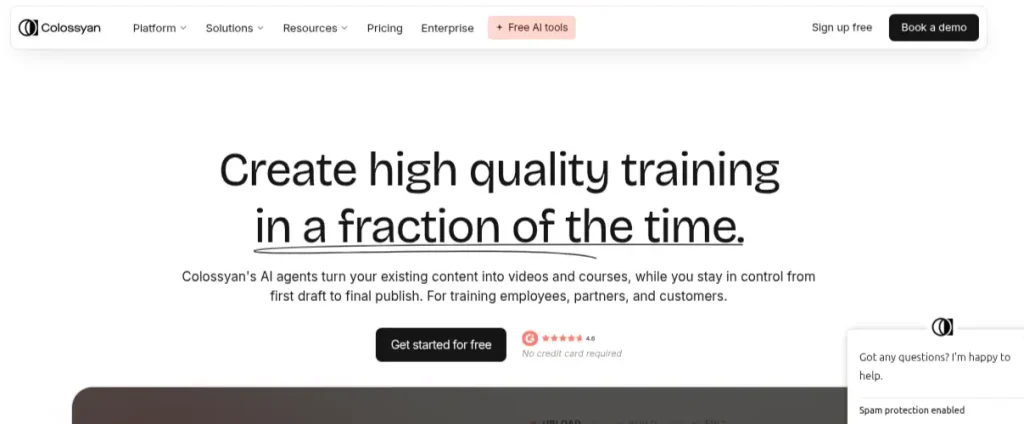
Colossyan is worth considering if you’re creating educational content, employee training videos, or structured tutorials. Its AI avatar generator lets you build presenter-led videos from scripts and documents, with support for multiple languages and interactive learning features. You can also create a custom avatar using a photo or video, depending on your plan.
For example, if you’re preparing a course on digital marketing, you could turn a lesson about Google Ads into a video featuring a virtual presenter. Colossyan is particularly relevant when you need consistent training material rather than a one-off social media clip.
Features of Colossyan
- Library of professional AI presenters
- Custom avatars and voice cloning on eligible plans
- Script and document-based video creation
- Video translation into 120+ languages
- Interactive videos with quizzes and branching scenarios
Pricing
- Starter plan is Free
- Professional: $59/month on the annual plan
- Enterprise: Custom pricing
5. Elai.io: Best for Turning Scripts Into Avatar Videos
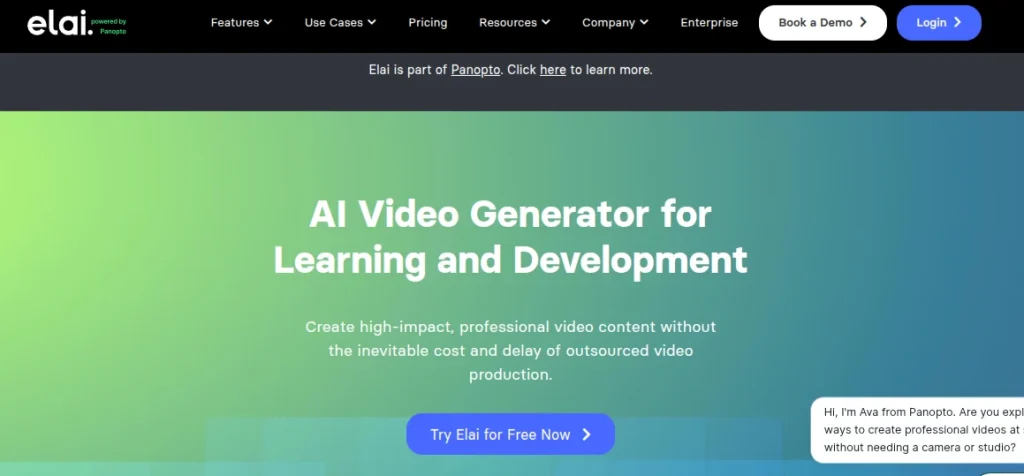
Elai.io helps you turn written content into videos featuring digital presenters. It offers an online avatar generator with script-to-video features, making it useful for converting written lessons, presentations, and explainers into video content without recording yourself.
Imagine you’ve written a detailed tutorial but need a video version of your portfolio or learning platform. Instead of starting from scratch, you can use your existing script, select an avatar, and generate a presenter-led video. The main limitation is the monthly video allowance. Longer projects can consume credits quickly.
Features of Elai.io
- AI avatars for presenter-led videos
- Script-to-video creation
- 80+ avatars and 75+ languages on the free plan
- Full HD video on the Creator plan
- Selfie avatars and voice cloning on eligible higher-tier plans
Pricing
- Free plan gives you 1 minute of video
- Creator: $29/month, or $23/month with annual billing
- Team: $125/month, or $100/month with annual billing
- Enterprise: Custom pricing
6. AI Studios by DeepBrain AI: Best for Virtual Human Presenters
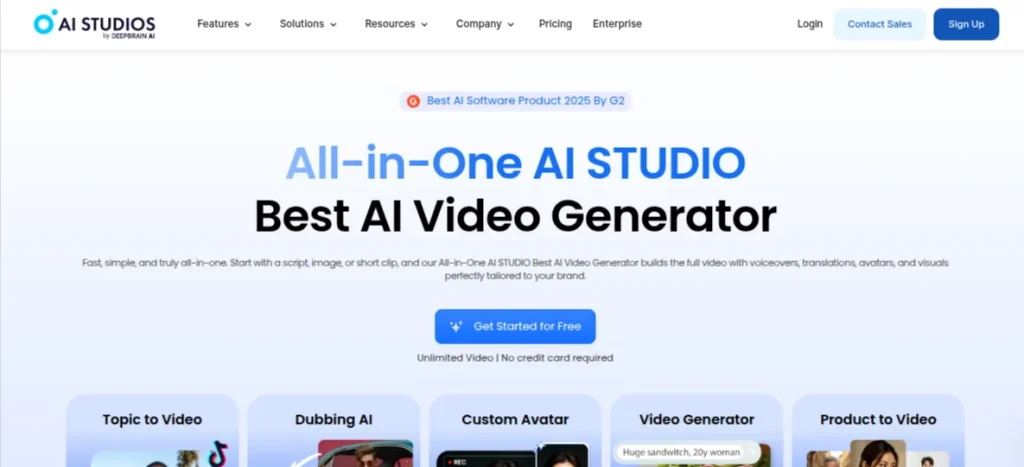
AI Studios by DeepBrain AI is built around AI video creation with virtual human presenters. You can produce videos using digital avatars, generate voiceovers, and create multilingual content without filming every version yourself. The platform also offers AI dubbing and custom avatar options on eligible plans.
This is useful when you need repeatable video content for tutorials, product demonstrations, or business presentations. For example, a small training team could create a series of software walkthroughs with a consistent presenter rather than arranging a recording session for every lesson.
Features of AI Studios by DeepBrain
- AI presenters and custom avatar options
- Script-based AI video creation
- AI dubbing with lip-sync on eligible plans
- Video exports up to 1080p on paid plans
- Generative media features with plan-based credit limits
Pricing
- The Free plan offers you up to 3 videos of 1 minute each
- Personal: $24/month
- Team: $55/month
- Enterprise: Custom pricing
7. Fotor: Best for AI Avatars From Photos
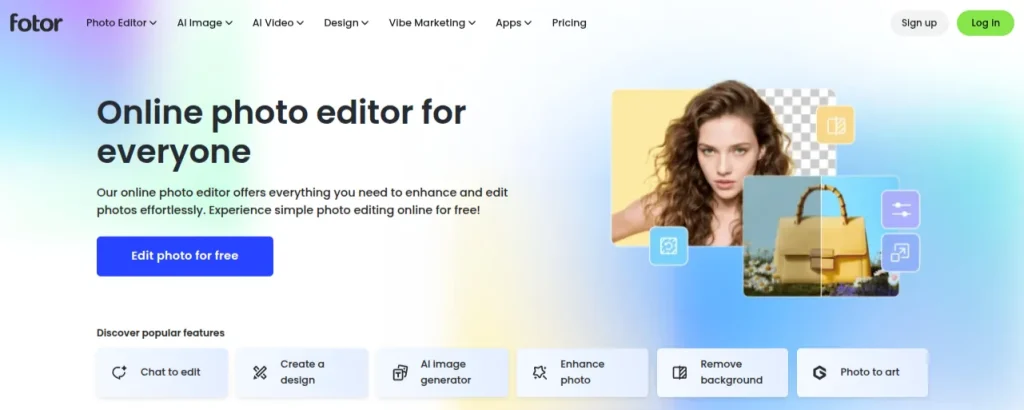
Fotor is a useful option if you want to create AI avatars from photos rather than produce talking-head videos. Its AI portrait and image-generation tools can transform selfies into stylized portraits, professional-looking profile pictures, and creative character images. You can also experiment with different visual styles without learning advanced photo-editing software.
For example, if your LinkedIn profile picture feels outdated or you need a consistent visual identity for your social media accounts, Fotor is worth testing. It works best for static images, though, so don’t choose it expecting the same video-presenter features you’ll find in Synthesia or HeyGen.
Features of Fotor
- AI avatar and portrait generation from uploaded photos
- Multiple artistic styles and portrait effects.
- AI photo editing and background removal
- Tools for creating profile pictures and social media graphics
- Free access to selected features, with paid features and credits subject to plan limits
Pricing
- Pro: ₹799/month
- Pro+: ₹1799/month
- Max: ₹3599/month
- Credit-based plans are also available.
8. Vidnoz: Best Free AI Avatar Generator for Beginners
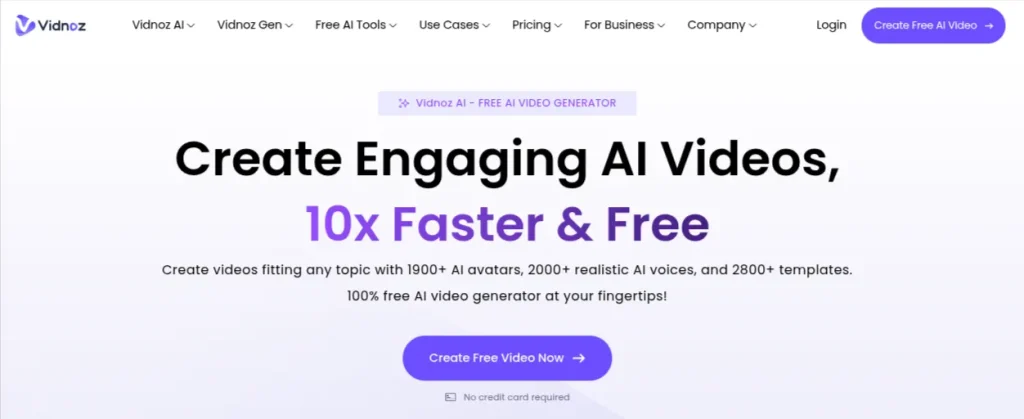
Vidnoz is worth exploring if you want to create AI avatar videos without committing to a paid subscription immediately. The platform offers virtual presenters, text-to-speech, video templates, and tools for generating presenter-led content. Its free access makes it useful for testing short explainers or learning how an AI video workflow operates.
Suppose you’re preparing a short tutorial for a portfolio or a presentation for an online class. You can experiment with an avatar, add your script, and review the generated video before deciding whether you need more minutes or premium features.
Features of Vidnoz
- AI video creation with virtual presenters
- Script-to-video generation and AI voices
- Templates for explainers and promotional videos
- Photo-based avatar features where supported
- Free usage with limits on generation, duration, or export features
Pricing
- Vidnoz offers a Free plan
- Starter: $26.99/month
- Business: $74.99/month
- Enterprise: Custom pricing
9. Avatarify: Best for Experimental Face Animation
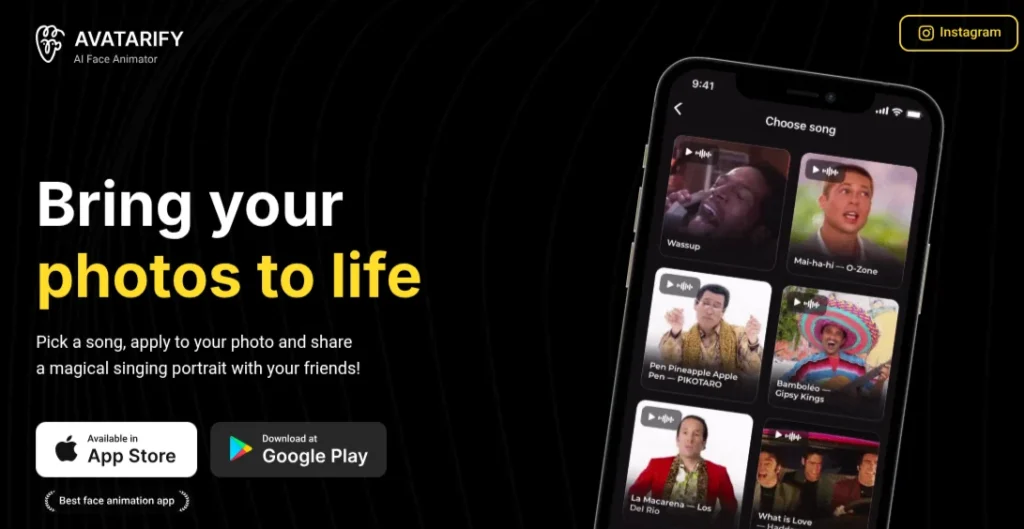
Avatarify takes a different approach from the other tools on this list. It is associated with real-time face animation, allowing a person’s facial movements to drive a digital face during video calls or other supported applications. This makes it more relevant to virtual-character experiments than conventional script-to-video platforms.
If you’re curious about face animation, streaming effects, or building a virtual character for a demonstration, Avatarify may be worth exploring. However, it isn’t a direct substitute for an online avatar generator that creates polished training videos from a written script.
Features of Avatarify
- Real-time facial animation in supported implementations
- Virtual-character effects for video applications
- Experimental workflows for face-driven animation
- Community-developed implementations with varying compatibility and maintenance
- Setup requirements that depend on the specific version
Pricing
Avatarify’s availability and cost depend on the implementation. Check the relevant project’s official repository or distribution page before downloading it. I wouldn’t treat it as a standard subscription-based AI avatar generator without confirming the exact product.
10. VEED: Best for AI Avatar Videos and Social Media Content
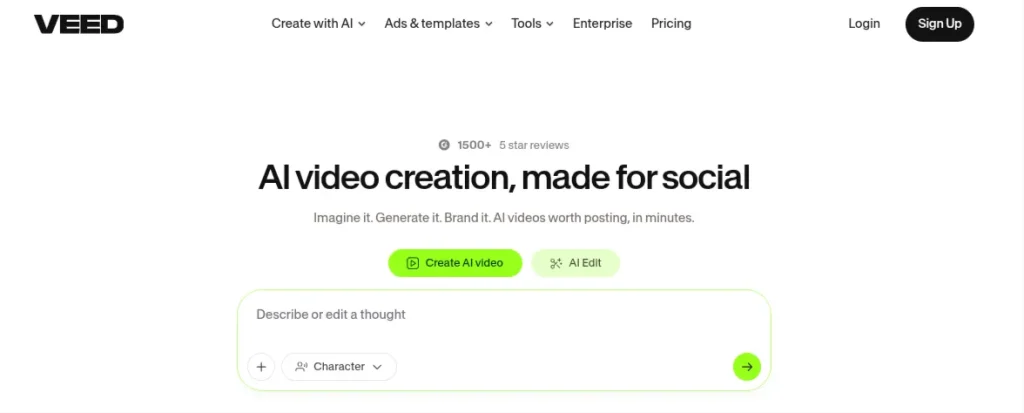
VEED is an online video editor with AI-powered video creation features, including AI avatars on supported plans. It is a powerful AI avatar generator if you want to create social media content or combine AI-generated elements with conventional video editing.
For example, you could use an AI presenter for a short educational video, add captions, and edit the final clip for YouTube or LinkedIn. Unlike tools focused exclusively on avatar generation, VEED also gives you a video-editing workflow in the same platform.
Features of VEED
- AI avatar and presenter features
- Browser-based video editing
- Automatic subtitles and caption editing
- Templates and tools for social media videos
- AI video features with plan-based usage limits
Pricing
- Creator: ₹999/user/month
- Pro: ₹2180/user/month
- Studio: ₹3515/user/month
- Enterprise: Custom pricing
Ready to Create Your AI Avatar?
Explore AI avatar generators for realistic digital presenters, talking photos, professional videos, and creative profile pictures. Find the right AI tool for your needs on Skillwaala.
Explore AI Avatar Tools →How to Choose the Best AI Avatar Generator?
The best AI avatar generators depend on what you want to create. A tool that produces realistic talking videos may be a poor choice for profile pictures, while a free AI avatar generator might be enough for occasional social media content. Before paying for a subscription, compare these factors:
1. Decide What Type of Avatar You Need
Start with the output, not the tool’s feature list.
- Professional videos: Look at Synthesia or HeyGen for presenter-led content
- Talking photos: Consider D-ID if you want to turn a portrait into a speaking avatar
- Profile pictures: Try Fotos for stylized portraits and photo-based avatars
- Training content: Compare Synthesia, Colossyan, and AI Studios for educational videos.
2. Check Free Plan Restrictions
A free AI avatar generator can be useful for testing, but check its monthly video allowance, watermark policy, export resolution, and AI credit limits. A platform advertising free access may restrict downloads or limit how long your videos can be. If you plan to publish content regularly, calculate the monthly cost before committing.
3. Test Avatar Realism and Voice Quality
Realistic facial movements matter when creating professional videos. Watch for unnatural lip-sync, stiff expressions, robotic speech, and inconsistent pronunciation.
If your script includes Hindi words, Indian names, or technical terminology, test those phrases before producing an entire video. Multilingual support doesn’t automatically guarantee natural pronunciation.
4. Compare Commercial Usage Rights
If you’re creating videos for clients, promoting a business, or publishing monetized content, read the tool’s licensing terms. Check whether your subscription permits commercial use, custom avatars, voice cloning, and distribution on platforms such as YouTube. These permissions can vary between plans.
5. Check Availability and Pricing in India
Don’t rely on a pricing figure copied from an old review. Confirm the current price on the official website, the billing currency, applicable taxes, and whether the relevant features are available in India. This is particularly important when choosing an online avatar generator with regional restrictions or usage-based pricing.
Find the Right AI Tool for Every Task
Looking for AI tools to write content, create images, edit videos, build websites, automate workflows, or grow your business? Explore Skillwaala’s AI tools directory and find tools that match your goals.
Final Words
The best AI avatar generators depend on what you’re trying to create. Synthesia and HeyGen are strong choices for professional videos, D-ID is worth exploring for talking photos, and Fotor works well for creative portraits.
My advice is to start with a free plan and test the output before paying. Check the video limits, export quality, and commercial-use terms, especially if you plan to use avatars for client projects or monetized content.
AI avatars won’t replace every recording or creative decision, but they can help you produce useful content without spending hours in front of a camera. Pick a tool that fits your workflow, create a short sample, and see whether the results justify the cost.
Frequently Asked Questions (FAQs)
Synthesia and HeyGen are strong options for professional video avatars, while D-ID is useful for creating talking-photo videos. Fotor is worth trying for profile pictures and stylized portraits. The best choice depends on whether you need a static image, a virtual presenter, or a talking character.
Yes. Several platforms offer free plans or limited free access, including Synthesia, HeyGen, and Fotor. Free usage may come with restrictions on video duration, generation credits, downloads, or watermarks, so check the current terms before choosing a tool.
Choose an avatar generator that supports photo uploads, upload a clear portrait, select a visual style, and generate your avatar. Tools such as D-ID focus on animating photographs, while Fotor is suitable for creating stylized portraits.
Synthesia and HeyGen are worth comparing for professional presenter-led videos. Both support digital presenters and video creation workflows, but their avatar options, language support, and subscription limits differ.
Yes. An anime avatar generator can transform a photograph or text prompt into an anime-style character. Tools focused on AI image generation and portrait editing are generally better suited to this task than platforms built primarily for business video production.
Yes. AI avatars can appear in tutorials, educational explainers, product demonstrations, and other YouTube videos. Before publishing, verify the tool’s commercial-use license and follow YouTube’s disclosure requirements for realistic altered or synthetic content when applicable.
About The Author

