

I’ve tested enough AI design tools to know that generating a logo is rarely the difficult part. The difficult part is getting something that actually looks like a brand rather than another AI-made icon.
In my experience, logo generators can produce dozens of options in seconds, but the typography, generic symbols, or designs fall apart when you actually use them on a website or social profile. That’s why I prefer testing these tools on practical projects instead of judging them from their landing pages.
In this blog, I have explored top 10 AI logo generators that are actually useful in 2026, focusing on design quality, customization, export options, pricing, and how much control you get over the final results.
Let’s dive in.
10 Best AI Logo Generators in 2026: Quick Comparison
| Tool | Best For | Free Plan | Vector Export | Brand Kit |
|---|---|---|---|---|
| Looka | Complete brand identity | Preview | Yes | Yes |
| Logo.com | Quick logo creation | Yes | Paid | Yes |
| Brandmark | Unique logo concepts | Preview | Yes | Yes |
| Recraft | AI-generated vector logos | Yes | Yes | No |
| Canva | Beginners & social content | Yes | Yes | Yes |
| Tailor Brands | New businesses | Preview | Paid | Yes |
| Wix Logo Maker | Logos for websites | Yes | Paid | Yes |
| Adobe Express | AI + manual editing | Yes | Yes | Yes |
| Designs.ai | All-in-one branding | Limited | Yes | Yes |
| Ideogram | Text-heavy logo concepts | Yes | Limited | No |
1. Looka: Best for Complete Brand Identity
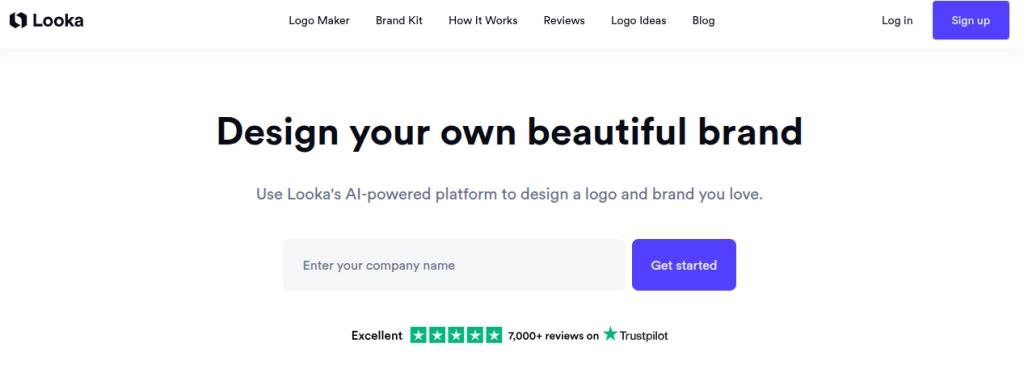
Looka generates logo concepts based on your business name, preferred colors, fonts, and visual styles. You can edit the generated designs, change layouts, and create different variations before settling on a final logo.
What makes Looka more useful than a basic logo creator is its wider branding system. You can create social posts, business cards, email signatures, letterheads, and other branded assets using the same visual identity.
Features of Looka
- AI-generated logo concepts
- Logo customization
- Custom fonts and color palettes
- Multiple logo variations
- Transparent logo versions
- Social media assets
- Business card designs
- Brand guidelines
- SVG, EPS, PDF, and PNG exports
- Commercial ownership
Pricing: Basic Logo $20 one-time, Premium Logo $65 one-time, Brand Kit $96/year, Brand Kit Web $129/year.
My Verdict: Looka is a strong pick when you need more than a logo and want the rest of your branding to follow the same visual system.
2. Logo.com: Best for Quick Logo Creation
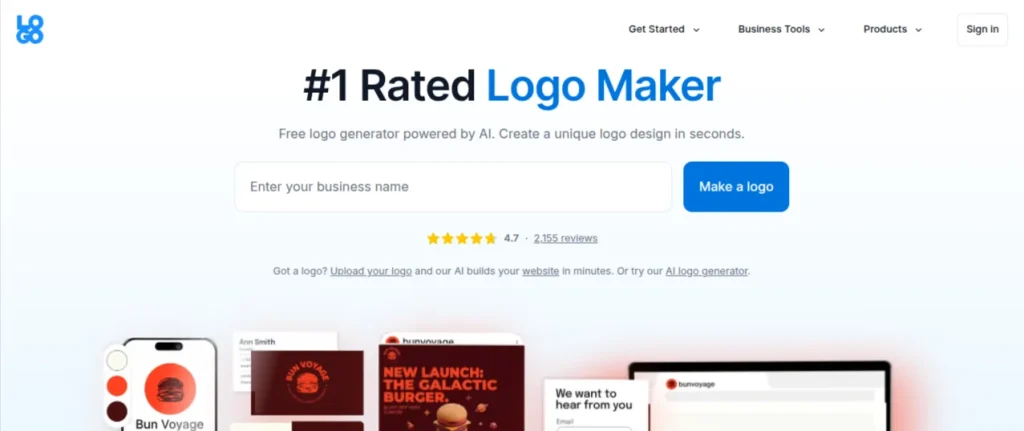
Logo.com takes a straightforward approach. Enter your business name, choose your preferences, and generate logo ideas that you can customize. Its free plan currently lets you create, download, and use one logo as a PNG.
The paid Brand Plan expands this into a broader branding workspace with vector files, social media assets, templates, logo resizing, brand guidelines, and other design tools. That makes it useful if your logo is only the starting point for building a small brand.
Features of Logo.com
- AI-assisted logo creation
- Unlimited logo idea generation on paid plans
- Logo customization
- Full commercial license
- PNG, SVG, and PDF files on paid plans
- Logo resizer
- Social media assets
- Business card templates
- Brand guidelines
- Design Hub
- Website and link-in-bio tools
Pricing: Free. Brand Plan: $12/month or $43/year when billed annually. Brand Plan Plus is also available for users who need higher logo and AI-tool limits.
My Verdict: Logo.com is worth trying first if you want a functional logo without paying upfront. The free PNG download makes it particularly useful for testing a brand idea.
3. Brandmark: Best for One-Time Logo Purchase
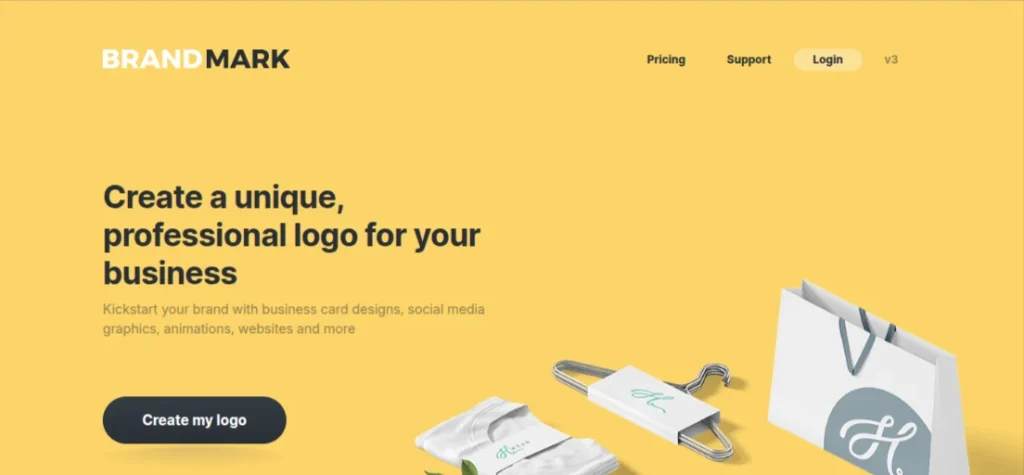
Brandmark generates logo concepts using your brand name, keywords, and preferred color style. You can then adjust the typography, colors, icon, layout, and other design elements directly in the browser.
The interesting part is its pricing model. Brandmark doesn’t force you into a monthly subscription for its core logo packages. Its paid plans are one-time purchases, with higher tiers adding brand guidelines, websites, business cards, social media designs, presentations, and other assets.
Features of Brandmark
- AI-generated logo concepts
- Generative AI icons
- Logo customization
- Font and color controls
- SVG, PNG, and PDF exports
- Brand-guidelines
- One-page websites
- Business card designs
- Social media designs
- Presentation designs
- Commercial usage
- Unlimited revisions
Pricing: Basic: $35 one-time. Designer: $95 one-time. Enterprise: $195 one-time.
My Verdict: Brandmark is a good fit if you want a logo and supporting brand assets without adding another recurring subscription to your monthly expenses.
4. Recraft: Best for AI-Generated Vector Logos
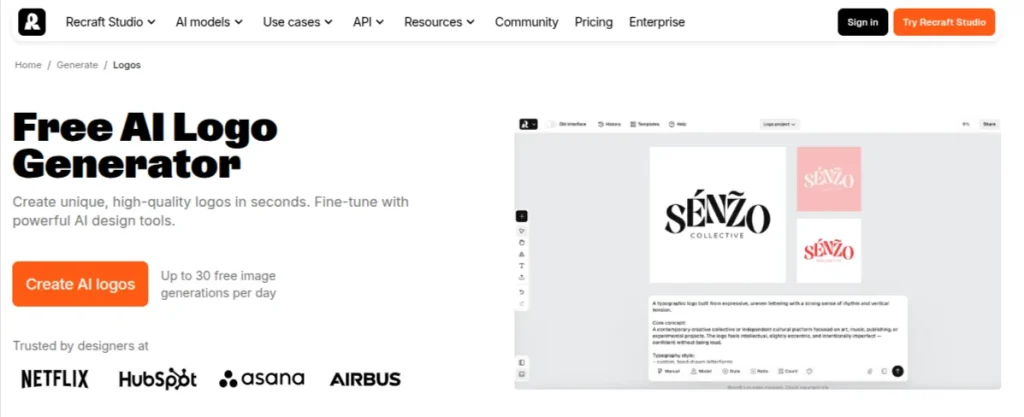
Recraft is a different kind of AI logo maker. Instead of working mainly from preset logo templates, you can describe the logo you want and generate it using its vector models. The platform also lets you edit vector paths directly, giving you more control over the final design.
This makes Recraft particularly interesting when you want something more custom than a typical template-based logo. Its Design Agent can also create a logo, color palette, typography, and icons as part of a reusable Design Kit.
Features of Recraft
- Prompt-based logo generation
- AI vector generation
- Editable SVG output
- Direct vector editing
- Custom styles
- Logo and icon generation
- Background removal
- Design Kits
- Mockups
- Commercial rights on paid plans
Pricing: Free plan with 30 daily credits. Paid plans start at $25/month. Paid plans include commercial rights.
My Verdict: Recraft is my pick when you want AI to explore a genuinely custom logo rather than rearrange existing templates.
5. Canva: Best for Beginners and Social Content
Canva is probably the most familiar option on this list, but its strength isn’t limited to its AI logo features. You can generate a starting concept and then edit practically every part of the design using Canva’s broader design toolkit.
That matters if your logo is going to appear alongside Instagram posts, presentations, resumes, thumbnails, or other content. You can keep those designs inside the same ecosystem instead of exporting the logo to another platform every time you need a new asset.
Features of Canva
- AI-assisted design generation
- Logo templates
- Drag-and-drop editor
- Font and color customization
- Brand Kit
- Social media designs
- Background removal
- Logo resizing
- Large template library
- AI design tools
Pricing: Free plan. Canva Pro: $180/year. Canva Business: $250/year per person. Pricing can vary by location and billing arrangement.
My Verdict: Canva is hard to beat if you want to create the logo and then use it across a wider content workflow. The trade-off is that template-heavy designs can feel less distinctive.
6. Tailor Brands: Best for New Businesses
Tailor Brands starts with a few basic questions about your business, logo style, and preferred fonts before generating logo concepts. You can choose between wordmarks, monograms, and icon-based designs, then customize the colors, fonts, and icons yourself.
The platform also builds supporting brand assets around the logo, including social media formats, business cards, letterheads, and brand books. You can create a logo for free and download a low-resolution version, while purchasing the logo gives you access to high-resolution vector files and commercial rights.
Features of Tailor Brands
- AI logo generation
- Wordmark, monogram, and icon logos
- Font customization
- Color customization
- Hundreds of logo variations
- SVG, EPS, and PNG files
- Transparent backgrounds
- Social media formats
- Brand book
- Business cards
- Commercial rights
Pricing: Tailor Brands lets you create a logo for free and download a low-resolution version. Logo purchase pricing varies by package and account, so there isn’t a single current public logo price I can reliably quote.
My Verdict: Tailor Brands is worth considering when the logo is part of a large business launch. I wouldn’t choose it solely for a quick logo, but its collection of supporting brand assets makes the platform useful for new businesses.
7. Wix Logo Maker: Best for Business Owners
Wix Logo Maker is a practical choice if you’re already building a website with Wix. You enter your business name, industry, and preferred visual style, and the tool generates logo ideas that
you can customize with different fonts, colors, icons, and layouts.
The main advantage is the connection with the wider Wix ecosystem. Once your logo is ready, you can use it across your website and other branded materials without moving between multiple platforms. You can also download different versions of the logo for digital and print use.
Features of Wix Logo Maker
- AI-assisted logo creation
- Logo customization
- Font and color controls
- Multiple logo layouts
- Social media assets
- Business card designs
- Brand guidelines
- High-resolution files
- Commercial usage options
Pricing: Logo creation and previews are free. Paid logo packages vary by region and the files/assets selected. Wix currently offers logo packages with high-resolution and vector downloads.
My Verdict: Wix Logo Maker makes the most sense if your website is already on Wix. If you only need a logo and don’t use the Wix ecosystem, other tools offer more specialized logo-generation controls.
8. Adobe Express: Best for AI + Manual Editing
Adobe Express combines AI-assisted creation with the kind of manual editing you’d expect from a traditional design platform. You can start with a logo concept and then adjust the typography, colors, layout, and other visual elements rather than accepting the first AI output.
That flexibility is useful when the generated concept is close but not quite right. Adobe Express also gives you access to Adobe Fonts, templates, background removal, and other design tools, so the logo can become part of a larger content workflow.
Features of Adobe Express
- AI logo generation
- Logo templates
- Prompt-based design
- Manual editing
- Adobe Fonts
- Color and typography controls
- Background removal
- Brand Kits
- Social media designs
- PNG and JPG downloads
- SVG export with eligible plans
Pricing: A Free plan is available. Adobe Express Premium costs $9.99/month
My Verdict: Adobe Express is a good middle ground when you want AI to handle the initial creative work but still want control over the final design.
9. Designs.ai: Best for Multiple Branding Assets
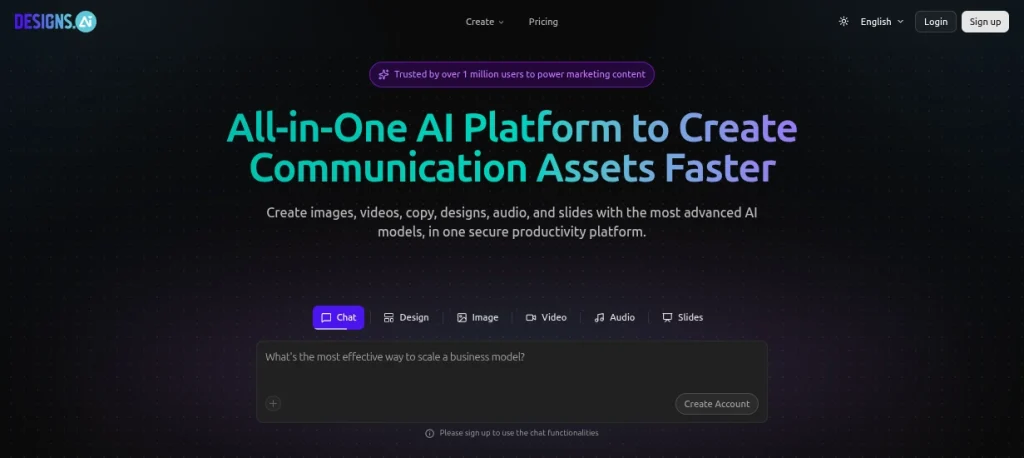
Designs.ai is broader than a dedicated logo creator. Its AI Logo Maker generates logo concepts from your brand information and lets you customize the resulting design, while the wider platform covers other visual and marketing assets.
That makes it more useful for someone building a small brand rather than someone who only needs a single logo file. You can use the same platform for additional branding materials after the logo is finished.
Features of Designs.ai
- AI logo generation
- Logo customization
- Icons and symbols
- Font and color controls
- Brand identity assets
- Social media designs
- Mockups
- Banners
- Presentations
- Multiple AI design tools
Pricing: Basic: $19/month. Pro: $49/month. Enterprise: $169/month. Annual billing offers lower effective monthly pricing.
My Verdict: Designs.ai is more compelling as an all-in-one creative platform than as a pure logo generator. If you need several types of branded content, its wider toolkit can justify the subscription.
10. Ideogram: Best for Text-Heavy Logo Concepts

Ideogram is primarily an AI image generator, but it’s useful for logo concepts because it handles typography and text inside generated images particularly well. You can describe the visual style, brand name, colors, and composition you want, then generate several directions to explore.
It’s better suited to concept development than a traditional logo maker workflow. You can generate an interesting starting point and refine it, but you may still need a vector design tool to turn the final concept into a polished, production-ready logo.
Features of Ideogram
- Text-to-image generation
- Strong text rendering
- Logo concept generation
- Multiple visual styles
- Typography-focused designs
- Transparent-background generation
- Image editing
- Remix and variation tools
- Free generation credits
Pricing: A Free plan is available. Paid plans start at $8/month.
My Verdict: Ideogram is worth trying when the brand name itself is a major part of the logo. For a final business logo, I’d use it for exploration and then clean up the chosen concept in a proper vector editor.
How to Choose the Right AI Logo Generator?
Picking an AI logo generator isn’t really about finding the tool that creates the prettiest first concept. The biggest question is what you can actually do with that concept once it’s generated. Before paying for a tool, run through this quick checklist:
- Customization: Can you change the fonts, colors, icons, spacing, and layouts?
- File Formats: Look for SVG, EPS, or PDF if you’ll use the logo for print or professional design work.
- Transparent Backgrounds: Handy for websites, social profiles, presentations, and marketing materials.
- Commercial Rights: Check whether your selected plan actually gives you the rights to use the logo commercially.
- Brand Assets: Social templates, business cards, and brand guidelines can save time if you’re building a complete identity.
- AI Control: Some platforms rely heavily on guided templates, while others let you describe the logo you have in mind.
- Pricing: Check whether it’s a one-time purchase or an ongoing subscription.
- Editing: Good editing controls can make the difference between an average AI concept and a logo that actually feels like your brand.
Pro Tip: Don’t settle for the first decent-looking result. Generate a few concepts, then test your favorite at a small size, on both light and dark backgrounds, and in black and white. If the design falls apart in those basic situations, it needs more work before you use it as your actual brand logo.
Free vs Paid AI Logo Generators
A free AI logo generator is usually enough when you’re experimenting with a side project, portfolio, YouTube channel, or personal page. You can test different styles and figure out what kind of logo suits the idea before spending anything.
Paid plans become useful when the logo needs to become a real business asset. You’re more likely to get SVG or EPS files, high-resolution exports, transparent versions, commercial rights, brand guidelines, and additional branding assets. Those extras matter when the same logo has to work on a website, printed material, social media, and larger marketing designs.
| Feature | Free | Paid |
|---|---|---|
| Generate logo concepts | Yes | Yes |
| Basic customization | Yes | Yes |
| High-resolution files | Limited | Yes |
| SVG/EPS files | Usually limited | Yes |
| Transparent PNG | Sometimes | Yes |
| Commercial usage | Varies | Usually included |
| Brand Kit | Limited | Often included |
| Social media assets | Limited | Yes |
| Brand guidelines | Rarely | Often included |
How to Create a Logo Using AI?
Creating a logo with AI is fairly quick, but the first result shouldn’t be treated as the finished design. The better results usually come from giving the tool a clear brief and then refining what it generates. Use this simple process:
- Define the Brand First: Write down the business name, industry, audience, personality, and where the logo will be used.
- Choose the Right Tool: Use a dedicated logo maker for guided branding, or a generative tool such as Recraft when you want more creative control.
- Write a Specific Prompt: Mention the style, colors, typography, symbol, and overall feeling you want.
- Generate Multiple Concepts: Don’t judge the tool from one output. Create several directions and identify what actually works.
- Edit the Strongest Concept: Adjust spacing, typography, colors, proportions, and unnecessary visual elements.
- Check the Logo at Different Sizes: A design that looks good on a laptop can become unreadable as a profile picture.
- Test Light and Dark Backgrounds: This quickly exposes weak color combinations and visibility problems.
- Download the Right Formats: Keep a transparent PNG for everyday use and an SVG/EPS/PDF version for professional applications.
- Check Commercial Rights: Read the plan’s licensing terms before using the logo for a business.
- Create a Basic Brand System: Save your final colors, fonts, logo variations, and spacing rules so future designs stay consistent.
Create Better Logos with AI
Explore powerful AI logo creation tools to generate logo ideas, experiment with different styles, and build a strong visual identity for your brand.
Explore More Logo Creation AI Tools →Final Words
AI logo generators have become genuinely useful for creating a first brand identity without starting from a blank canvas. The trick is choosing based on what you actually need, not how many designs a platform promises to generate.
Looka makes sense for a complete brand identity. Logo.com is ideal for quick and affordable logo creation. Brandmark works if you prefer a one-time purchase. For more creative control, Recraft is great. Canva works well if the logo needs to fit into a wider content workflow.
If you’re working on a small project, portfolio, side business, or new venture, start with a free option and test a few concepts before paying. And when you find a design you like, spend a little time refining it. AI can give you the starting point; your judgment is what makes the logo feel like a brand.
Frequently Asked Questions (FAQs)
An AI logo generator is a tool that uses artificial intelligence to create logo concepts from information such as your brand name, industry, preferred colors, design style, and typography. Some tools generate complete logo concepts, while others give you AI-generated elements that you can edit manually.
There isn’t one tool that fits every project. Looka and Brandmark are useful for guided branding; Logo.com works well for quick logo creation. Recraft is better suited for users who want more control over AI-generated vector designs.
Yes. Canva, Logo.com, Recraft, Adobe Express, and Ideogram all offer free options, although the available features, downloads, usage limits, and file formats differ between platforms.
Yes, but the first AI-generated result usually needs some refinement. Typography, spacing, color combinations, and scalability still need to be checked before using the logo professionally.
It depends on the tool and plan you use. Some platforms include commercial rights with paid packages, while free plans may have restrictions. Always check the licensing terms before using the logo for a business or client project.
Some platforms provide SVG or other vector formats, particularly on paid plans. Looka, Brandmark, Logo.com, and Recraft are examples where vector output is available, but the exact format and plan requirements vary.
About The Author

