

I’ve built enough websites to know that the hard part isn’t always the code. Sometimes, it’s just choosing the right website builder. The most frustrating thing is spending hours fixing things that should have taken minutes.
That’s why AI tools for website building are now an integral part of my workflow. Over the years, I’ve tested various AI website builders and found some very good ones that can actually turn an idea into a usable website without making the process more complicated.
Some impressed me. Others looked great in demos but felt limiting once I started editing. So I’ve narrowed down the ones worth considering, what each does well, and which ones I’d pick for different types of websites.
This is not a sponsored post, and no one is paying me to write this. I’m just sharing my honest opinion about some of the AI tools I use regularly for website building.
Quick Comparison: 10 Best AI Website Builders
| AI Website Builder | Best For | Ease of Use | Free Option | My Pick |
|---|---|---|---|---|
| Wix | Overall website building | Easy | Yes | Best overall |
| Hostinger | Affordable websites | Easy | Trial | Best value |
| Framer | Portfolios & landing pages | Easy | Yes | Best for design |
| Squarespace | Professional websites | Easy | Trial | Best templates |
| Durable | Quick business websites | Very easy | Yes | Fastest setup |
| 10Web | WordPress websites | Easy | Trial | Best WordPress option |
| Webflow | Advanced website design | Moderate | Yes | Best for control |
| Shopify | Online stores | Easy | Trial | Best for ecommerce |
| Elementor AI | WordPress customization | Moderate | Limited | Best WordPress editor |
| Jimdo | Small business websites | Very easy | Yes | Best for simplicity |
1. Wix: Best Overall AI Website Builder
My Rating: 9/10
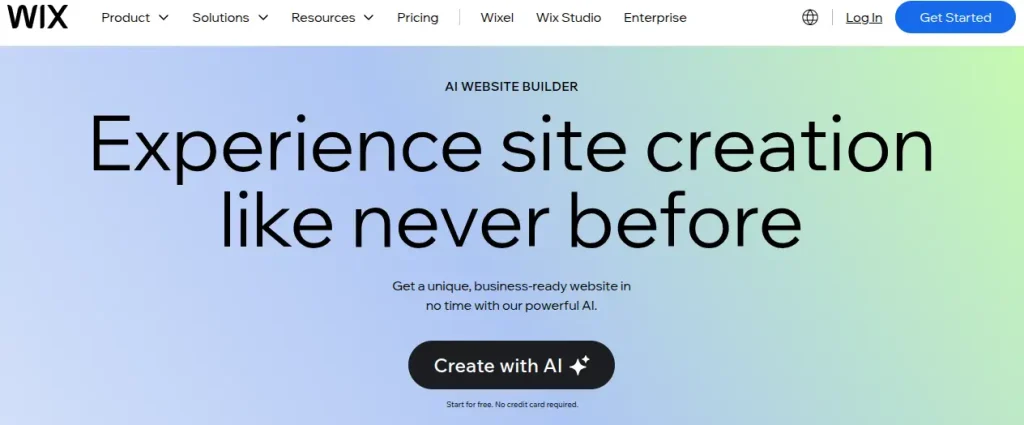
Wix is one of the easiest places to start if you want a website without learning code. Its current AI website builder creates a site from a written description, after which you can adjust the layout, content, and design yourself.
I like that balance because AI can get you past the blank-page problem, while you still control the final result. Wix is also more than an AI website creator. You can add blogging, SEO, booking, marketing, and e-commerce features as your project grows.
Key Features of Wix
- AI-generated website from a prompt
- AI-assisted page and content editing
- Drag-and-drop editor
- Built-in SEO and marketing tools
- E-commerce functionality
Pros of Wix
- Beginner-friendly
- Strong balance between AI automation and manual control
- Plenty of business features are built into the platform
- Good choice if the website may eventually need e-commerce features
Cons of Wix
- AI designs may need manual refinement
- Advanced features require paid plans
Pricing: Wix offers a free plan with Wix branding and a Wix subdomain. Paid plans start around $17.77/month.
2. Hostinger AI Website Builder: Best for Affordable Websites

My Rating: 8.5/10
Hostinger is a strong option when budget matters, but you still want AI to handle most of the initial website creation. You describe what you want, choose a website type, and its AI builder generates the basic structure and content. From there, you can edit the site visually without dealing with code.
What makes Hostinger particularly appealing is that website building and hosting sit under the same roof. That keeps things fairly straightforward for someone creating a portfolio, personal site, or small business website for the first time.
Key Features of Hostinger
- AI website generation from prompts
- AI Writer and AI image generator
- Drag-and-drop website editor
- Built-in hosting and SSL
- AI-powered SEO and e-commerce tools
Pros of Hostinger
- Affordable compared with many alternatives
- Hosting is included
- Beginner-friendly interface
Cons of Hostinger
- Less design flexibility than Framer or Webflow
- Best pricing usually requires longer billing periods
Pricing: Hostinger’s website AI builder is included with its Premium and Business Website Builder plans. Plans start at around $2.99/month on promotional pricing, with renewal prices higher.
3. Framer: Best for Modern Portfolios and Landing Pages
My Rating: 9/10
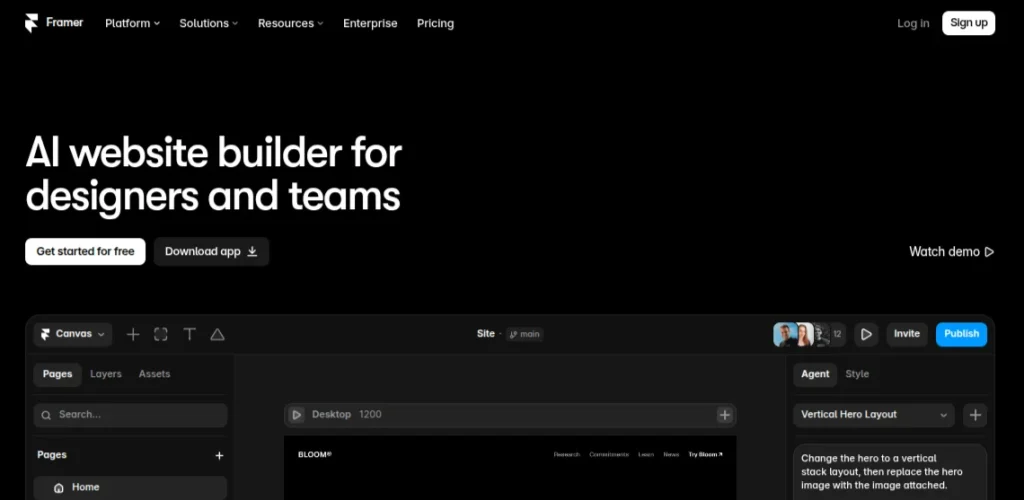
Framer is the one I’d pick when the website needs to look polished rather than merely functional. Its AI can generate a starting website from a prompt, but the real strength is the visual editor, which gives you much more control over spacing, layouts, animations, and responsive behavior.
That makes Framer particularly useful for portfolios, personal brands, startup landing pages, and other design-heavy projects. You can start with AI instead of a blank canvas, then refine the design yourself until it feels less like a generated template.
Key Features of Framer
- AI website generation
- Visual drag-and-drop editing
- Responsive layouts
- Built-in CMS and analytics
- SEO and localization tools
Pros of Framer
- Excellent design quality
- Fast for landing pages and portfolios
- Strong visual customization
Cons of Framer
- Less suitable for complex websites
- It takes some time to learn the editor
Pricing: Framer offers a free plan with Framer branding and a Framer subdomain. Paid plans start at around $10/month when billed annually. It adds features such as custom domains, increased limits, and additional site capabilities.
4. Squarespace Blueprint AI: Best for Professional Website Design
My Rating: 8.5/10
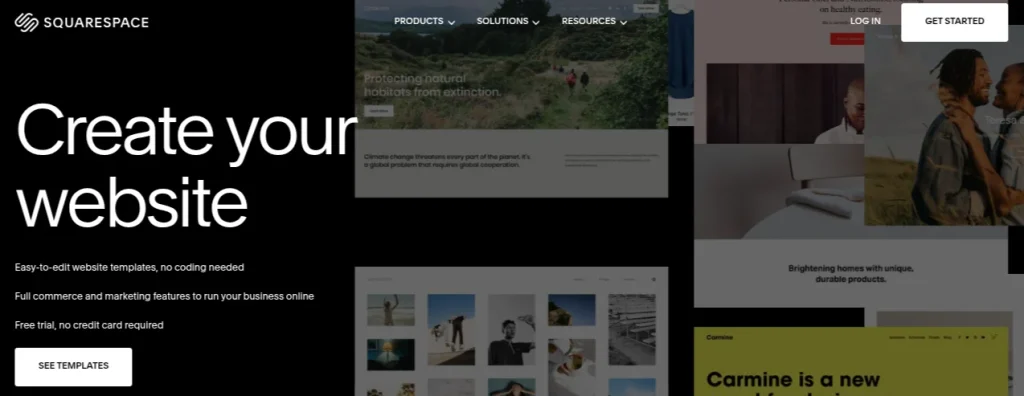
Squarespace is a good fit when you care about presentation but don’t want to spend hours tweaking every design decision. Its Blueprint AI asks about your website, brand, and preferred style, then creates a tailored starting point. You can edit the result through Squarespace’s visual editor before publishing.
I’d consider it for portfolios, service businesses, personal brands, and small professional websites where appearance is crucial. The templates are already strong, so you are not starting with a rough AI-generated page and hoping to make it look decent.
Key Features of Squarespace Blueprint
- AI-assisted website creation
- Professionally designed templates
- Drag-and-drop editing
- Built-in blogging and SEO tools
- E-commerce and appointment features
Pros of Squarespace Blueprint
- Polished designs
- Good all-in-one platform
- Easy to customize
Cons of Squarespace Blueprint
- Lack of flexibility
- No permanent free plan
Pricing: Squarespace offers a 14-day free trial. After the trial, paid plans start at around $16/month. Prices also vary depending on the billing cycle and region.
5. Durable: Best for Quick Business Websites
My Rating: 8/10
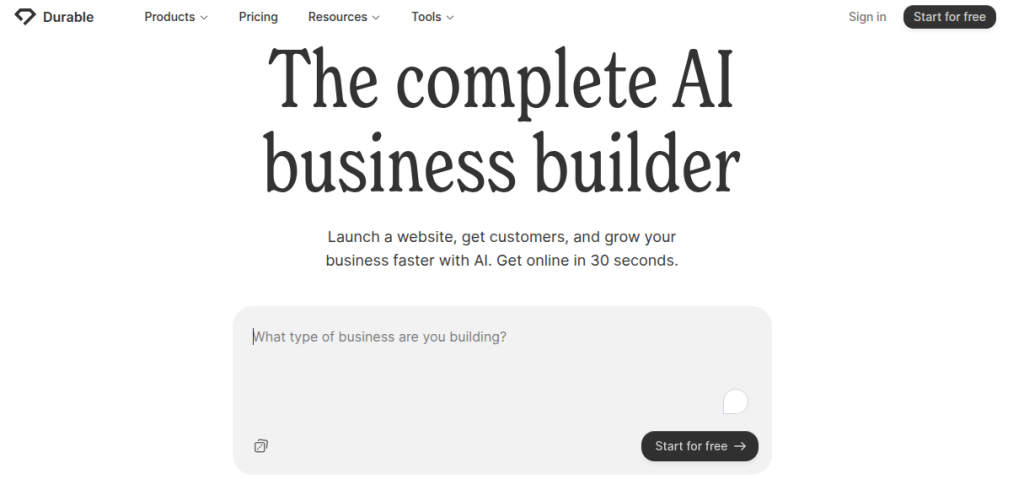
Durable takes a different approach to AI Website building. It prioritizes speed. Tell it what kind of business you run and where you operate, and it can generate a basic website with relevant pages and copy. That makes it useful when you need a functional online presence without spending an entire weekend figuring out layouts.
I’d use Durable for a straightforward service business, a freelancer profile, or an early-stage idea. It isn’t the platform I’d choose when visual detail or deep customization is the priority, but it does a respectable job of getting the first version online.
Key Features of Durable
- AI-generated websites from a business description
- AI-generated website copy
- Built-in CRM and business tools
- Hosting and SSL
- Custom domain support
Pros of Durable
- Very quick setup
- Easy for beginners
- Useful business-focused features
Cons of Durable
- Limited design flexibility
- AI-generated content needs editing
Pricing: Durable offers a free plan for creating and testing a website. Paid plans start at around $12/month, adding features such as a custom domain, increased limits, and additional business tools.
6. 10Web: Best for WordPress AI Website Builder
My Rating: 8.5/10
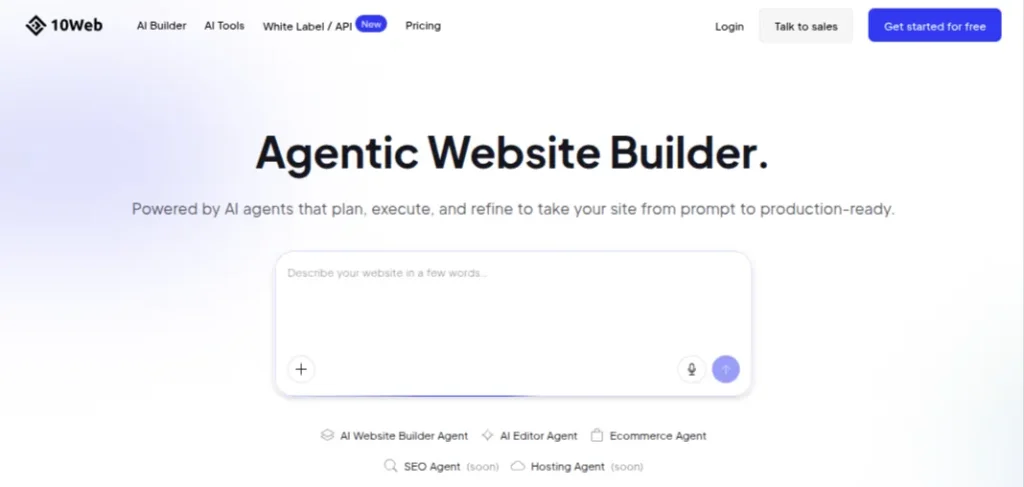
10Web is worth considering if you want the flexibility of WordPress but don’t want to build everything from scratch. Its AI website builder can generate a WordPress website from a description, including the initial pages and content, which you can then customize through the WordPress ecosystem.
That makes 10Web different from standalone AI website builders such as Wix or Framer. You get access to WordPress plugins and functionality while 10Web handles much of the initial setup and hosting. I’d pick it for blogs, business websites, and projects that may need more WordPress functionality later.
Key Features of 10Web
- AI-generated WordPress websites
- AI-powered content and page creation
- Managed WordPress hosting
- Website optimization tools
- Elementor-based editing
Pros of 10Web
- Good WordPress integration
- AI speeds up initial setup
- Managed hosting included
Cons of 10Web
- Can feel more complex than all-in-one builders
- Advanced features require paid plans
Pricing: 10Web offers a 7-day free trial. Paid plans start at around $10/month when billed annually, with higher plans offering additional hosting resources, website capacity, and AI features.
7. Webflow: Best for Advanced Design Control
My Rating: 8.5/10
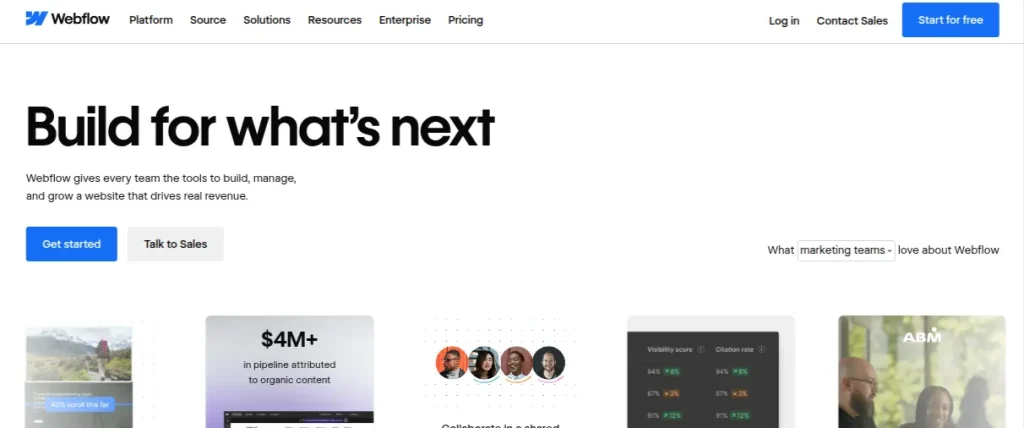
Webflow is for the point where your priorities shift from “I don’t want to code” to “I still want control over how everything looks.” Its AI site builder can generate a website from a prompt, giving you a starting structure that you can then refine through Webflow’s visual development environment.
I won’t say that it is the easiest AI website maker on this list. It has a learning curve, but that extra complexity pays off when you want precise layouts, responsive behavior, and a more customized design.
It makes sense for designers, freelancers, and professionals who expect to build more sophisticated websites over time.
Key Features of Webflow
- AI site generation
- Visual website editor
- Responsive design controls
- CMS and SEO features
- Custom interactions and animations
Pros of Webflow
- Excellent design control
- Powerful CMS
- Strong for professional projects
Cons of Webflow
- Has a steep learning curve
- It can be excessive for basic websites
Pricing: Webflow offers a free Starter plan with a Webflow subdomain and limited features. Paid Site plans start at around $14/month when billed annually.
8. Shopify: Best AI Ecommerce Website Builder
My Rating: 9/10
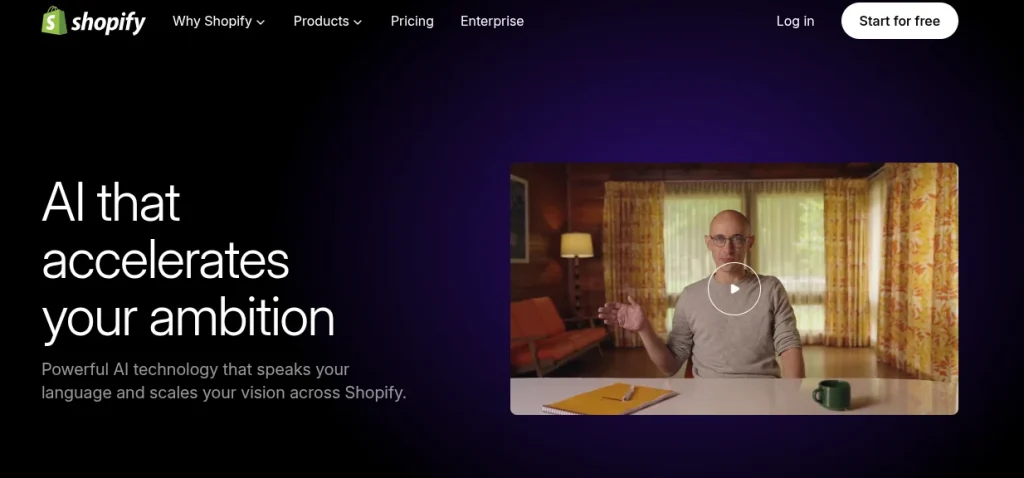
Shopify makes the most sense when your website needs to sell something. Its AI features can help generate store content, product descriptions, and other parts of the storefront, while Shopify handles the ecommerce infrastructure underneath.
That distinction matters. A regular AI website creator can give you a good-looking website, but an online store needs product management, payments, inventory, and checkout to work reliably. Shopify has those pieces built into the platform, so you aren’t stitching together separate services later.
Key Features of Shopify
- AI-assisted store creation
- AI-generated product descriptions
- Customizable storefronts
- Built-in checkout and payment tools
- Inventory and order management
Pros of Shopify
- Strong e-commerce infrastructure
- Excellent app ecosystem
- Good AI assistance for store content
Cons of Shopify
- More expensive than basic website builders
- Transaction and app costs can add up
Pricing: Shopify offers a 3-day free trial, followed by $1/month for the first 3 months on eligible offers. Basic plan starts at $39/month, or $29/month when billed annually.
9. Elementor AI: Best for WordPress Users
My Rating: 8.5/10
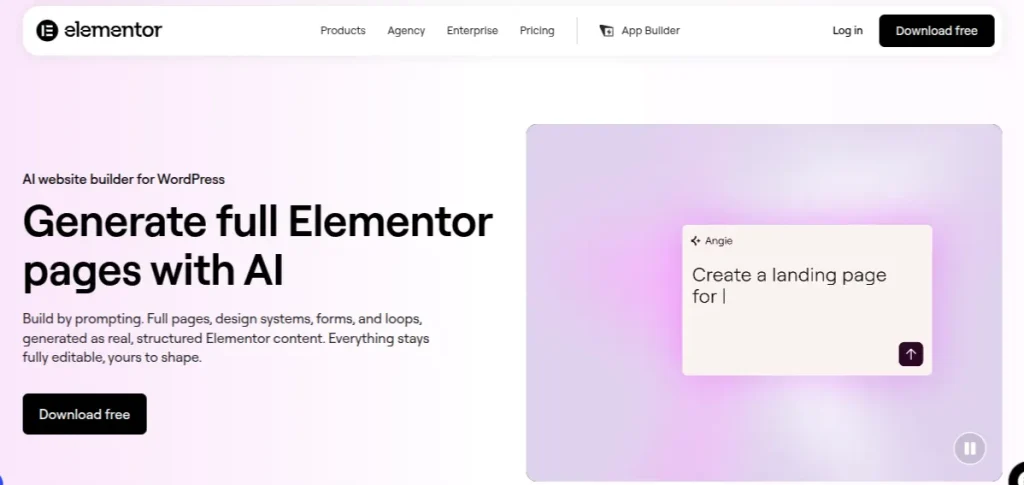
Elementor AI is a useful choice if you already want to build with WordPress but don’t want to write every section, heading, or bit of CSS yourself. It works inside the Elementor website builder, where AI can help create layouts, generate text and images, and make custom code snippets.
The big advantage here is flexibility. You aren’t locked into a separate website platform, so you can continue using WordPress themes, plugins, and other tools as your website grows. There is a learning curve, though, and beginners may find Wix or Hostinger easier for a first project.
Key Features of Elementor AI
- AI-assisted website and page creation
- AI-generated text and images
- Custom CSS and code generation
- WordPress integration
- Visual drag-and-drop editor
Pros of Elementor AI
- Strong WordPress flexibility
- Useful AI editing features
- Large plugin ecosystem
Cons of Elementor AI
- Requires WordPress and Elementor
- Some AI features require a paid plan
Pricing: Elementor offers a free version of its website builder. The Paid plan starts at around $59/year, with higher plans adding more websites and advanced features.
10. Jimdo: Best for Simple Websites
My Rating: 7.5/10
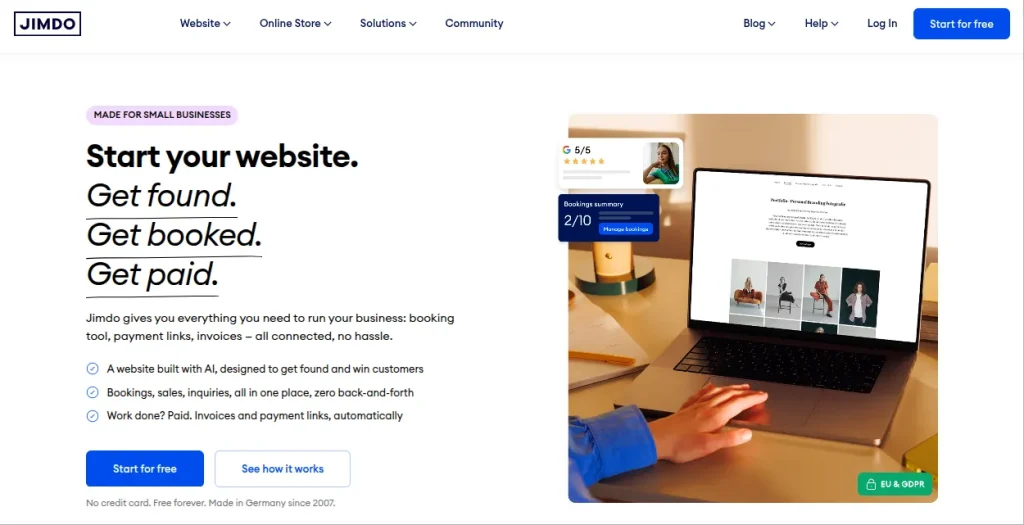
Jimdo is one of the quieter options on this list, but that can actually be a strength. Its AI-assisted website builder asks you a few questions about your project and uses your answers to create the initial site. You can then adjust the content and appearance through its visual editor.
I’d consider Jimdo for a personal website, portfolio, freelancer profile, or small local business that doesn’t need complicated functionality. It won’t give you the same level of design control as Webflow or the e-commerce depth of Shopify, but you also don’t have to learn a sprawling platform before getting started.
Key Features of Jimdo
- AI-assisted website creation
- Customizable templates
- Built-in SEO tools
- Contact forms and business features
- Mobile-friendly websites
Pros of Jimdo
- Very easy to use
- Good for basic websites
- Free plan available
Cons of Jimdo
- Limited customization
- Not ideal for complex websites
Pricing: Jimdo offers a free plan with a Jimdo subdomain and branding. Paid website plans start at around $11/month.
How to Choose the Best AI Website Builder for Your Needs?
The best AI website builder depends less on how impressive its AI demo looks and more on what you actually need the website to do. Use this quick checklist before choosing:
- Portfolio or personal website: Framer or Wix
- Freelance or service business: Wix, Hostinger, or Durable
- WordPress website: 10Web or Elementor AI
- Online store: Shopify
- Design-heavy website: Framer or Webflow
- Simple website: Jimdo
- Budget-focused project: Hostinger
- Professional-looking business websites: Squarespace
I’d also check what happens after the AI generates your first draft. Can you change the layout? Connect your own domain? Add pages later? Export or migrate the website if your needs change?
That second stage matters more than the AI generation itself. A builder that creates a decent homepage in a minute but becomes restrictive afterwards isn’t much of a bargain.
How to Build a Website With AI Without Coding?
You don’t need to understand HTML or CSS to get started, but you still need to make the important decisions yourself. AI can build the first version; your job is to make sure it actually works for the person visiting it. Use this workflow:
- Define the goal: Decide whether you’re building a portfolio, business site, blog, landing page, or store.
- Write a clear brief: Tell the AI about your audience, services, tone, and the pages you need.
- Generate the first version: Let the builder create the initial structure.
- Fix the structure: Remove unnecessary sections and make the navigation obvious
- Rewrite the copy: AI-generated text often sounds generic. Add your actual experience, pricing, examples, and personality.
- Customize the design: Change the colors, fonts, images, and layouts to match your brand.
- Check mobile: Open every important page on a phone before publishing.
- Test everything: Check forms, buttons, links, checkout, and contact details.
- Review SEO: Add descriptive page titles, meta descriptions, and relevant headings.
- Publish: Connect your domain and do one final review before sharing the site.
Final Words
After testing these AI tools for website building, I cannot just choose one AI tool for every task. The ideal tool depends on what you’re actually trying to build.
Wix is my safest overall recommendation because it gives you a good mix of AI assistance, editing freedom, and built-in features. The biggest mistake would be choosing a builder because its AI creates a website quickly. Look at what happens after that first draft. That’s where the real differences between these website-building AI tools start to show.
Frequently Asked Questions (FAQs)
Wix is my pick for most people because it combines AI website generation with an easy visual editor and plenty of built-in features. Framer is a better choice if design is your priority. Shopify makes more sense for e-commerce.
Yes. Several free AI website builders offer free plans, including Wix, Framer, and Jimdo. The catch is usually a platform, subdomain, branding, or limited features. A custom domain generally requires a paid plan.
No. AI website builders can generate the initial website without requiring HTML, CSS, or JavaScript knowledge. Some platforms, such as Webflow and Elementor, still benefit from basic web design knowledge if you want deeper customization.
Yes. 10Web and Elementor AI are two options worth considering if you want to use WordPress. They can reduce the amount of manual work involved in creating pages and website content.
Yes. Shopify is my first choice for this because e-commerce functionality is built into the platform. AI can help with the storefront and content. Shopify handles core store operations such as products, checkout, and orders.
About The Author

