

I’ve used enough productivity apps to learn that a new tool doesn’t automatically mean a better workflow. Sometimes you spend more time organizing your work than actually doing it.
For this best AI productivity tools comparison, I’m looking at 10 tools across task management, note-taking, scheduling, research, writing, and project management. I’ll compare their AI features, pricing, ease of use, and where each one actually makes a difference.
Some are excellent. Some are straight overkill. And some are surprisingly good at specific jobs.
10 Best AI Productivity Tools I Use in 2026
Don’t want to read 3000 words? Here’s a shortcut.
| Tool | Best For | My Take |
|---|---|---|
| Notion AI | Notes, knowledge management, documentation | Best all-round workspace |
| ChatGPT | Writing, research, brainstorming, problem-solving | Best general-purpose AI assistant |
| ClickUp Brain² | Projects, tasks, team workflows | Best for managing complex work |
| Motion | Scheduling and time management | Best for AI-powered planning |
| Mem | Notes and personal knowledge | Best for capturing and retrieving ideas |
| Todoist Assist | Personal tasks and to-do lists | Best for straightforward task management |
| Microsoft Copilot | Office work and Microsoft 365 | Best for Microsoft users |
| Google Gemini | Google Workspace and everyday work | Best for Google users |
| Reclaim AI | Calendar management and habits | Best for protecting focused work time |
| Asana AI | Team projects and workflow management | Best for collaborative project work |
- Need an AI assistant for almost anything? ChatGPT
- Want notes, docs, databases, and AI together? Notion AI
- Managing multiple projects and deadlines? ClickUp Brain²
- Struggling to organize your calendar? Motion
- Constantly losing track of notes and ideas? Mem
- Want a clean personal task manager? Todoist Assist
- Work heavily in Word, Excel, Outlook, or Teams? Microsoft Copilot
- Spend most of your day in Gmail, Docs, and Drive? Google Gemini
- Need your calendar to automatically protect time for important work? Reclaim AI
- Managing projects with a team? Asana AI
1. Notion AI: Best for Notes, Research, & Knowledge Management
My Rating: 9/10
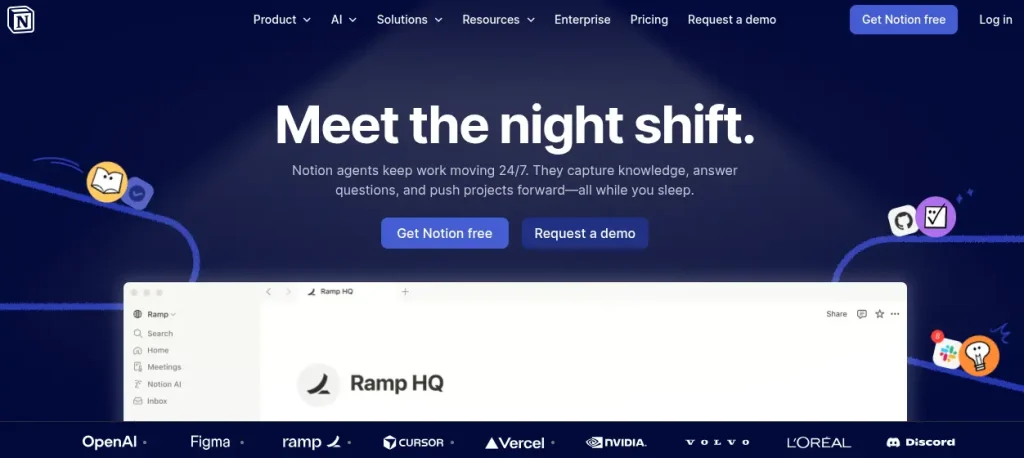
Notion AI is a strong choice if your work already revolves around notes, documents, research, and project planning. You get AI assistance inside the same workspace instead of constantly switching between apps.
Its AI features now go beyond writing and summarization. Notion Agent can work across your workspace, while AI Meeting Notes can transcribe and summarize discussions. Research Mode is useful for deeper research tasks.
Key Features:
- AI writing, editing, and summarization
- Notion Agent for multi-step tasks
- AI Meeting Notes
- Research Mode
- AI-powered workspace search
Pros
- Excellent for combining notes, tasks, and documentation
- Strong workspace context
- Useful for research-heavy workflows
Cons
- Can feel overwhelming for first-time users
- Advanced AI features require a paid plan
Pricing
Free: Limited AI trial
Plus: From $10/user/month
Business: From $20/user/month
Enterprise: Custom pricing
2. ChatGPT: Best for Writing, Research, & General Assistance
My Rating: 9.5/10
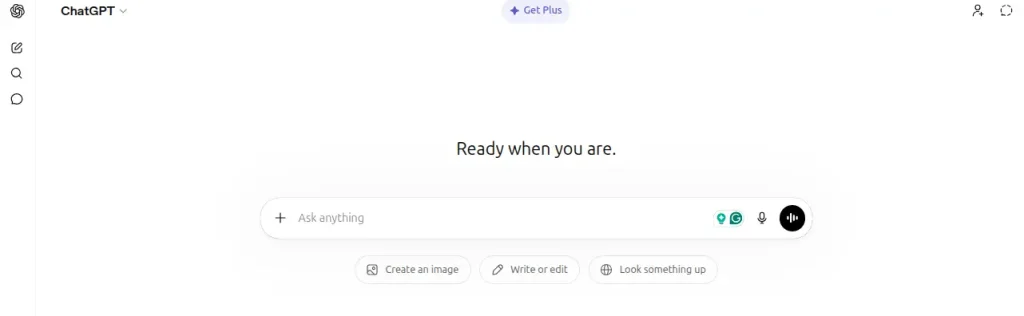
ChatGPT is the most versatile tool on this list. I wouldn’t use it as a replacement for a task manager or calendar, but for research, writing, brainstorming, learning, analysis, and problem-solving. It’s difficult to ignore.
Its usefulness comes from how many different jobs it can handle. You can work with files, analyze data, search the web, generate images, use voice, build custom GPTs, and tackle deeper research tasks depending on your plan.
Key Features:
- Web search and deep research
- File analysis and data analysis
- Writing, brainstorming, and editing
- Custom GPTs and projects
- Voice, image generation, and advanced reasoning
Pros
- Extremely versatile
- Strong for learning and research
- Useful across almost any knowledge-based workflow
Cons
- Can become a distraction if you use it without a clear workflow
- Usage limits vary considerably between plans
Pricing
- Free: $0/moth
- Go: From $8/month in the US. Localized pricing in some markets
- Plus: $20/month
- Pro: $200/month
- Business: From $20/user/month when billed annually
- Enterprise: Custom pricing
10 Best AI Tools Like ChatGPT
Looking for powerful ChatGPT alternatives? Explore the 10 Best AI Tools Like ChatGPT and compare their features, strengths, use cases, and pricing. Whether you need AI for research, writing, coding, productivity, or creative work, discover the best alternatives to find the right AI assistant for your needs.
Explore the Best ChatGPT Alternatives →3. ClickUp Brain²: Best for Project Management & Team Workflows
My Rating: 9/10
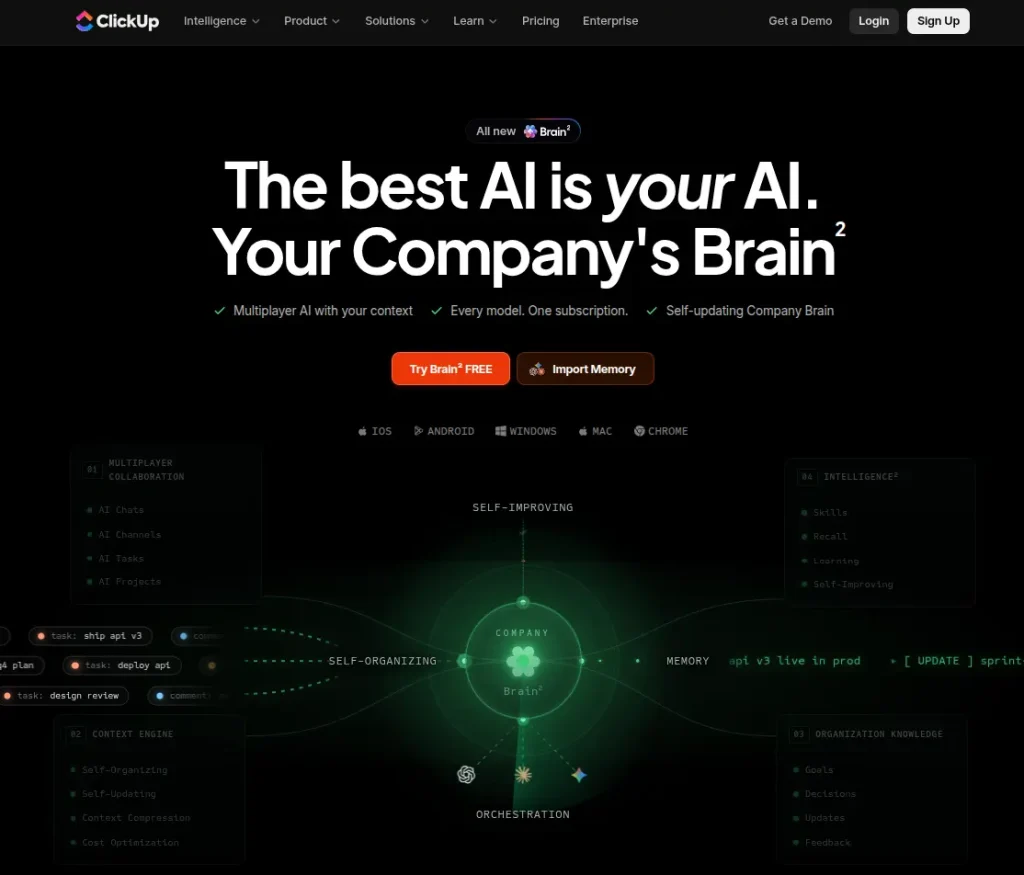
ClickUp Brain² is a different beast from a standalone chatbot. It sits inside ClickUp and uses your tasks, Docs, chats, and connected work data as context, so you don’t have to keep explaining what a project is about every time you ask for help.
The newer Brain² can handle research, data analysis, project summaries, writing, presentations, and multi-step workflows. It can also use multiple AI models, including GPT, Claude, and Gemini.
Key Features:
- AI project summaries and updates
- Deep research and web search
- Multi-model AI support
- Super Agents and workflow automation
- AI-powered data analysis and reporting
Pros
- Strong context from your existing ClickUp workspace
- Excellent for project-heavy workflows
- Multiple AI models under one subscription
Cons
- ClickUp itself can feel overwhelming for simple task management
- Advanced AI features use separate credits and plan limits
Pricing
- Free: $0, with limited AI trials
- Brain AI: From $9/user/month when billed annually
- Everything AI: From $28/user/month when billed annually
- Enterprise: Custom pricing
4. Motion: Best for AI Scheduling & Time Management
My Rating: 9/10
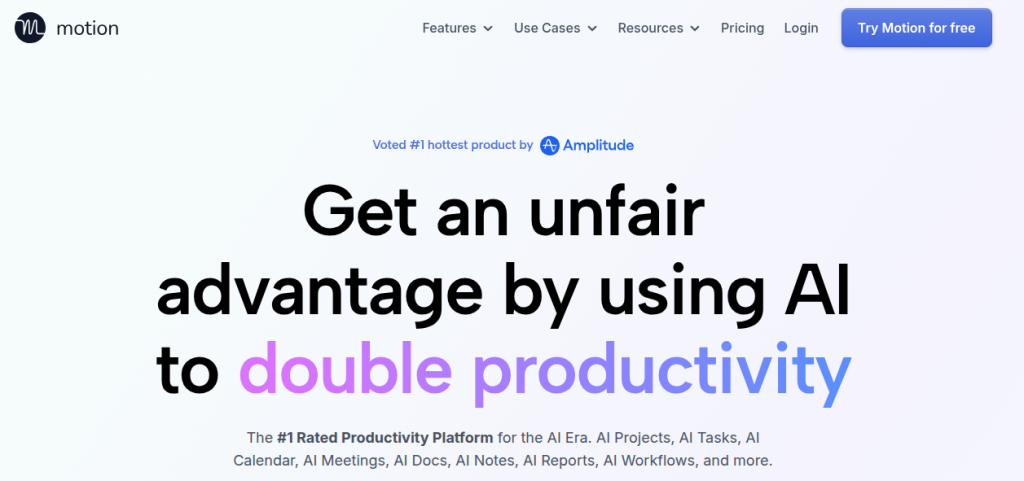
Motion is the tool I’d look at first if your biggest productivity problem is figuring out when to actually do the work. It combines tasks, projects, calendars, meetings, and AI scheduling instead of leaving you with a to-do list that keeps getting longer.
Its AI Task Manager automatically schedules work around deadlines, priorities, dependencies, and available time. When something changes, Motion can re-plan your day rather than making you rearrange everything manually. It also includes AI project management, meeting notes, documents, and workflow automation.
Key Features:
- AI-powered task scheduling and prioritization
- Automatic calendar re-planning
- AI project management and workflows
- AI meeting notes and document assistance
- Calendar and productivity integrations
Pros
- Excellent for time-blocking and deadline management
- Automatically adapts when your schedule changes
- Combines tasks, calendars, projects, and meetings
Cons
- More expensive than a basic task manager
- Can be excessive if your workflow is relatively simple
Pricing:
- Pro AI: $19/seat/month when billed annually
- Business AI: Custom/usage-based pricing
- Free trial: Available
5. Mem: Best for AI-Powered Notes & Personal Knowledge
My Rating: 8.5/10
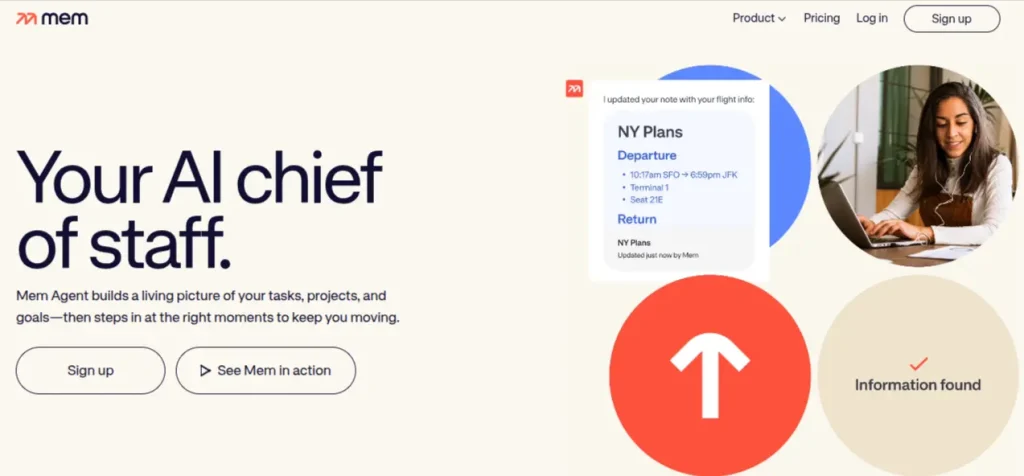
Mem takes a different approach to note-taking. Instead of expecting you to spend time creating folders, tags, and elaborate systems, it focuses on capturing information and letting AI connect and retrieve it later.
The newer Mem Agent also pushes it beyond traditional note-taking by helping track unfinished tasks and follow-ups. That makes it particularly interesting for research, meetings, ideas, and projects where useful information tends to get scattered across different notes.
Key Features:
- AI-powered search and note retrieval
- Voice notes and transcription
- Mem Chat for working with your notes
- AI-powered note organization
- Mem Agent for tasks and follow-ups
Pros
- Excellent for capturing ideas without over-organizing
- Strong at connecting information across notes
- Useful for research-heavy workflows
Cons
- Not as comprehensive as Notion for building structured workspaces
- Task management is still less mature than dedicated task apps
Pricing:
- Free: Limited usage
- Pro: Around $12/month
- Free trial: Available for testing the premium experience
6. Todoist Assist: Best for Simple Task Management
My Rating: 8.5/10
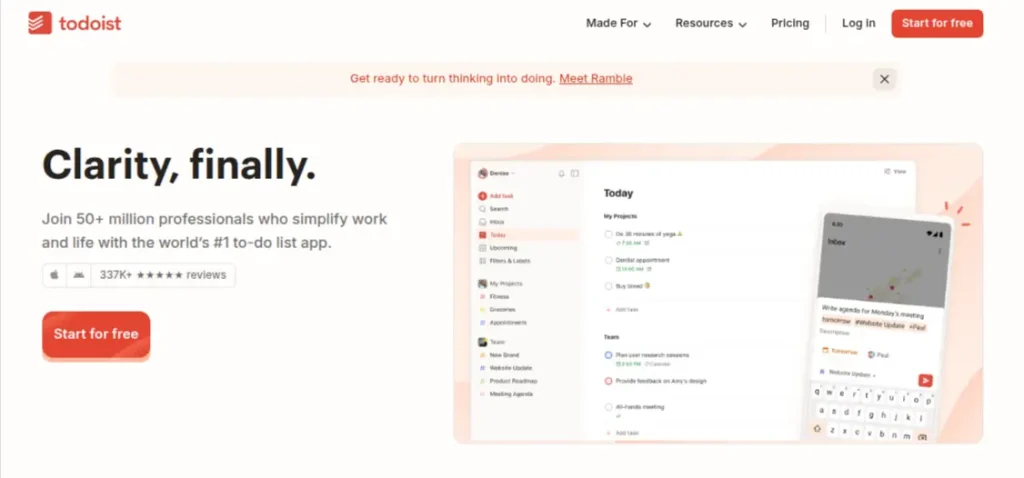
Todoist has always been good at keeping your task list from becoming a mess. Todoist Assist adds AI without turning the app into an unnecessarily complicated project-management system.
Its AI features can break can break larger tasks into smaller steps, turn forwarded emails into actionable tasks, and create filters from plain-language instructions. Ramble can also turn spoken thoughts into structured tasks, which is handy when an idea hits while you’re away from your desk.
Key Features:
- Task and sub-task suggestions
- Email Assist for turning emails into tasks
- Filter Assist using natural language
- Ramble for voice-to-task capture
- AI-assisted task organization
Pros
- Clean and easy to use
- AI feature stays focused on actual tasks
- Excellent for personal productivity
Cons
- Less suitable for complex project management
- Most useful AI features require a paid plan
Pricing:
- Beginner: Free
- Pro: $7/month or $60/year
- Business: Team plan with additional features
- Todoist Assist: Advanced AI features are included with Pro and Business plans
7. Microsoft Copilot: Best for Microsoft 365 Workflows
My Rating: 9/10
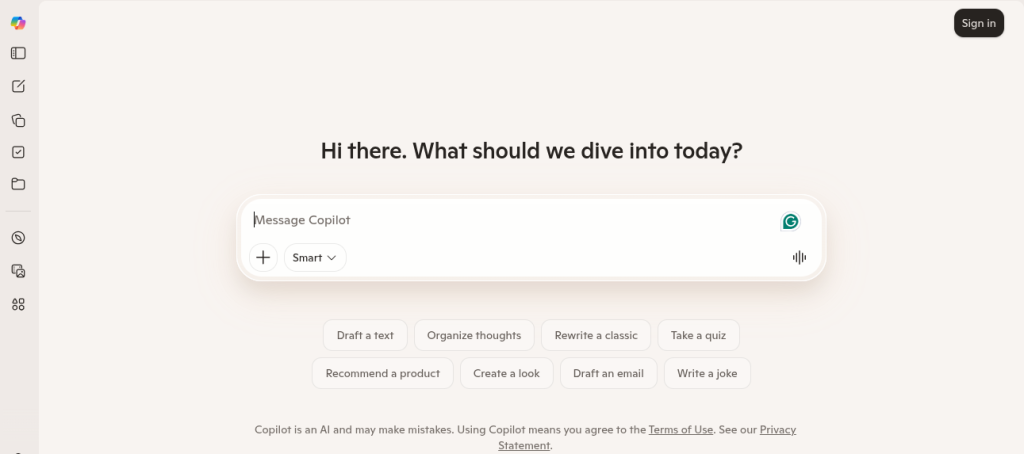
If your daily work happens in Word, Excel, PowerPoint, Outlook, Teams, or OneNote, Microsoft Copilot makes more sense than using a standalone AI chatbot. It works inside the apps you already use, so you can draft documents, analyze spreadsheets, summarize emails, create presentations, and catch up on meetings without constantly switching tools.
Microsoft has also expanded Copilot beyond basic chat with Copilot Search, Notebooks, and agents that can work with approved organizational data.
Key Features:
- AI assistance in Word, Excel, PowerPoint, Outlook, and Teams
- Email and meeting summaries
- Excel data analysis and formula assistance
- PowerPoint presentation creation
- Copilot Search and AI Agents
Pros
- Excellent integration with Microsoft 365
- Particularly useful for office-heavy workflows
- Strong access to relevant work context
Cons
- Most valuable features depend on Microsoft 365 subscriptions
- Less compelling if you don’t use Microsoft’s ecosystem
Pricing:
- Copilot: Free
- Microsoft 365 Personal: Includes Copilot features
- Microsoft 365 Family: Includes Copilot features for the subscription owner
- Microsoft 365 Copilot: Paid add-on for advanced business features; pricing depends on licensing and plan.
8. Google Gemini: Best for Google Workspace & Everyday Productivity
My Rating: 9/10
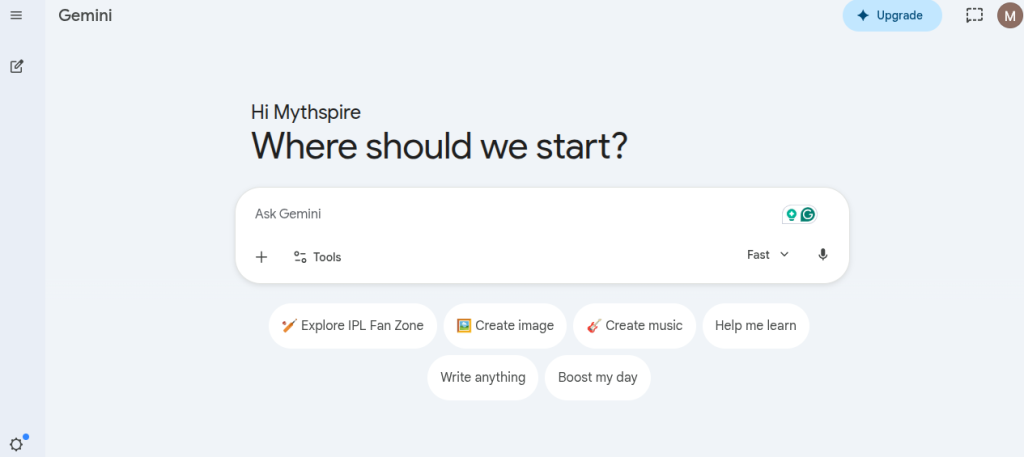
If Gmail, Docs, Drive, Sheets, and Calendar already make up most of your workday, Gemini is a natural fit. Its biggest advantage isn’t the chatbot itself; it’s the connection to the Google ecosystem you’re already using.
Gemini can summarize emails, draft and refine documents, analyze files in Drive, help with Sheets, take meeting notes in Meet, and work with Calendar, Tasks, and Keep through connected apps.
Key Features:
- AI assistance in Gmail, Docs, Sheets, and Drive
- Email and document summaries
- AI meeting notes in Google Meet
- Calendar, Tasks, and Keep integration
- Research and file analysis in Drive
Pros
- Excellent Google Workspace integration
- Strong for email, documents, and file-heavy workflows
- Useful for both everyday tasks and research
Cons
- Best features require an eligible Google AI or Workspace plan
- Less useful if you don’t use Google’s ecosystem
Pricing:
- Free: Gemini app available with limited access
- Google AI Plus: Paid consumer plan
- Google AI Pro: Paid plan with higher AI access and Workspace features
- Google AI Ultra: Higher-tier plan with the most extensive AI access
- Google Workspace with Gemini: AI features vary by Workspace edition and licensing
9. Reclaim AI: Best for AI Calendar Management
My Rating: 9/10
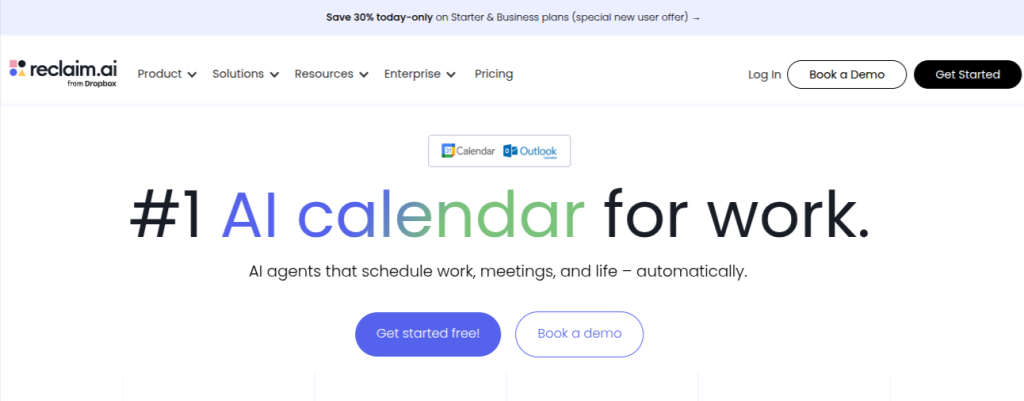
Reclaim AI is built around a problem most task apps don’t solve particularly well: “Where are you actually going to find the time to finish everything? It automatically schedules tasks, habits, focus time, and meetings around your existing calendar.
The 2026 version has become more ambitious, with an AI assistant and background AI agents that can continuously optimize your schedule. It can also detect conflicts and adjust your calendar when priorities change.
Key Features:
- AI-powered calendar scheduling
- Automatic focus-time protection
- Smart Meetings and conflict resolution
- AI Agents for schedule optimization
- Tasks, habits, and calendar integrations
Pros
- Excellent for people with crowded calendars
- Automatically adapts when plans change
- Strong focus, time, and meeting management
Cons
- More useful for calendar-heavy workflows than simple to-do lists
- The feature set can feel excessive for casual users.
Pricing:
- Lite: Free
- Starter: $12/seat/month
- Business: $18/seat/month
- Enterprise: Custom pricing
10. Asana AI: Best for Team Projects & Workflow Management
My Rating: 9/10
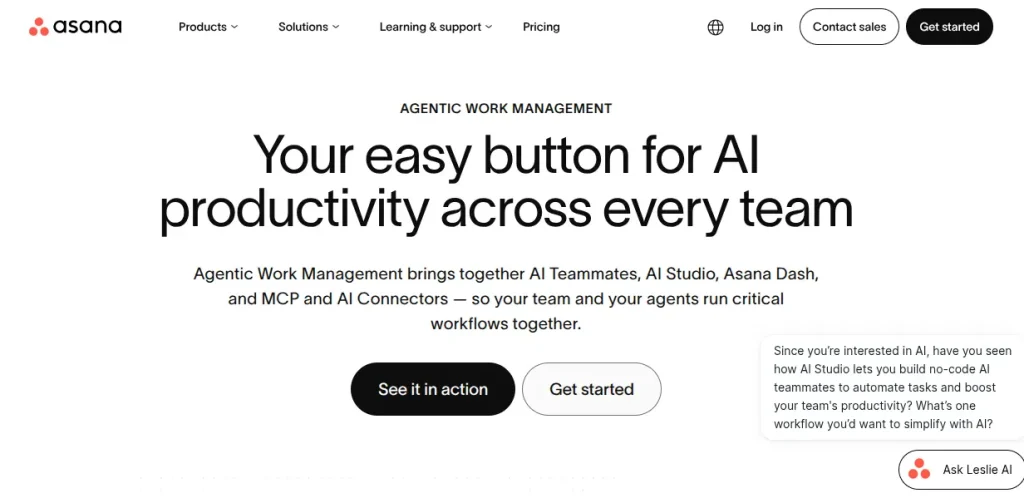
Asana AI makes the most sense when productivity involves more than your own to-do list. It brings AI into project planning, task management, reporting, and team workflows, helping you understand what needs attention without digging through every update.
Its AI features include smart summaries, smart status updates, smart fields, smart chat, and AI Studio for building no-code workflows. Asana is also expanding into AI Teammates that can take on more complex work within team workflows.
Key Features:
- AI-powered project and task summaries
- Smart status and smart fields
- Smart chat for project questions
- AI studio for no-code workflows
- AI Teammates for more advanced workflows
Pros
- Excellent for collaboration project management
- Strong AI features built around actual project context
- AI Studio can automate repetitive team workflows
Cons
- More suited to teams than individual users
- Advanced AI capabilities can be expensive
Pricing:
- Personal: Free
- Starter: $10.99/user/month when billed annually
- Advanced: $24.99/user/month when billed annually
- Enterprise: Custom pricing
- Al Studio Basic: Included on paid plans with usage limits
How I Compared These AI Productivity Tools?
I didn’t judge these tools by how many AI features they advertise. That’s an easy way to end up with a very impressive spreadsheet and a very unproductive workday.
Instead, I looked at the jobs people actually need help with: managing tasks, organizing notes, researching, planning schedules, writing, handling meetings, and keeping projects moving.
Current comparisons also show that AI productivity tools tend to specialize around these different workflows rather than replacing every other tool. This is my general comparison checklist:
- Ease of Use: Can you start working without spending hours setting things up?
- AI usefulness: Does the AI actually reduce manual work?
- Workflow fit: Does it work naturally with the tasks it is meant to handle?
- Integrations: Can it connect with the apps you already use?
- Pricing: Is the productivity gain worth the subscription?
- Practical value: Would I keep using it after the novelty wears off?
Where Does Each Tool Excel?
Every comparison article will tell you the same thing. There is no single tool that excels in every task. And that is quite true. The strongest option changes depending on where you lose the most time.
Here are the quick winners by use case:
- Best overall AI assistant: ChatGPT
- Best for notes and knowledge management: Notion AI
- Best for project management: ClickUp Brain²
- Best for AI scheduling: Motion
- Best for personal knowledge: Mem
- Best for simple task management: Todoist Assist
- Best for Microsoft users: Microsoft Copilot
- Best for Google Workspace: Google Gemini
- Best for calendar optimization: Reclaim AI
- Best for team projects: Asana AI
Best AI Productivity Tool for Students: ChatGPT
For learning, assignments, research, brainstorming, and building new skills, ChatGPT is the easiest all-round choice. You can use it to explain difficult concepts, turn messy material into study plans, review your work, analyze files, and practice through back-and-forth questioning.
Recent student-focused comparisons also consistently place ChatGPT among the strongest general-purpose options. I’d pair it with Notion AI if organization is the bigger problem. Notion is better at keeping notes, resources, and projects together, while ChatGPT is better when you need an active thinking partner.
Best AI Productivity Tool for Working Professionals: Microsoft Copilot
For people who spend most of their day inside Word, Excel, Outlook, PowerPoint, or Teams, Microsoft Copilot is the most practical choice. Its biggest advantage is context. It works inside the software where the work is already happening instead of making you move everything into another app.
Copilot is particularly useful for summarizing long email threads, preparing meeting recaps, analyzing spreadsheets, drafting documents, and creating presentations. If your workplace runs heavily on Microsoft 365, that integration can save more time than switching between several standalone AI tools.
Key Takeaway: Choose the tool that fits your existing workflow first. Current workplace adoption is increasingly moving toward AI being embedded directly inside the software people already use.
Best Free AI Productivity Tools: ChatGPT, Gemini, & Todoist Assist
You don’t need to pay for five different AI subscriptions to become more productive. Several tools on this list offer usable free tiers, although they usually come with limits on usage, advanced models, storage, or AI features.
For most people, I’d start with ChatGPT for writing, research, and general tasks, then add Google Gemini if you work heavily in Google Workspace. Todoist is a good free option when your main problem is keeping track of tasks rather than generating content.
The best approach is to start with one free tool, learn its limits, and upgrade only when those limits actually slow you down. Paying for several subscriptions before you know what you need is an easy way to waste money.
AI Productivity Tools Pricing Comparison
Pricing gets tricky with AI tools because the headline price often depends on annual billing, AI credits, usage limits, or the plan you actually need. I’d compare the real entry point rather than assuming the cheapest plan gives you all the advertised AI features.
| Tool | Free Plan | Paid Starting Price |
|---|---|---|
| Notion AI | Yes | $10/user/month |
| ChatGPT | Yes | $8/month |
| ClickUp Brain² | Yes | $9/user/month |
| Motion | No | $19/month |
| Mem | Yes | $12/month |
| Todoist Assist | Yes | $5/month |
| Microsoft Copilot | Yes | Varies by plan |
| Google Gemini | Yes | Varies by plan |
| Reclaim AI | Yes | $8/month |
| Asana AI | Yes | $10.99/user/month |
*Prices can vary by billing cycle, region, plan, and AI usage. Several tools offer better rates when billed annually.
Current 2026 pricing comparisons confirm that AI productivity software ranges widely, so checking the exact plan before subscribing is worthwhile.
Final Words
After comparing all 10 tools, I wouldn’t recommend building your entire workflow around a single AI productivity app. The better approach is to identify where you waste the most time and choose accordingly. Current 2026 comparisons show that these tools are strongest when they solve a specific productivity bottleneck rather than trying to replace your entire workflow.
If I were starting from scratch, I’d begin with ChatGPT because of its range, then add a specialized tool only when I hit a genuine limitation. Someone struggling with scheduling might need Motion or Reclaim. Someone drowning in notes may get more value from Motion or Mem. Your use case will determine which AI tool removes friction from the work you need to do.
Frequently Asked Questions (FAQs)
ChatGPT is the strongest overall choice because it handles writing, research, analysis, brainstorming, learning, and everyday problem-solving. For specialized workflows, tools like Notion AI, Motion, or ClickUp Brain² may be a better fit.
ChatGPT, Google Gemini, and Todoist are strong starting points because their free plans cover useful everyday workflows. You don’t need several paid subscriptions to see meaningful productivity gains.
It depends on what you’re trying to save. If a paid tool regularly saves you several hours a month, the subscription makes sense. Otherwise, stick with the free plan.
Yes, and that’s often more practical than forcing one tool to do everything. For example, you could use ChatGPT for research, Notion AI for organizing information, and Todoist for tasks. The trick is keeping each tool responsible for a specific job.
Motion is the strongest choice for automatic task scheduling, while Reclaim AI is particularly good at protecting calendar time for tasks, habits, and focused work.
They can be useful, but sensitive information deserves caution. Check how a service handles your data before uploading confidential documents, proprietary information, or personal information. AI outputs should also be reviewed rather than accepted blindly.
About The Author

