

AI agents are becoming one of the most practical AI skills to learn in 2026. The problem is choosing the right tool when every platform seems to promise autonomous workflows and smarter automation.
I’ve looked at the tools that actually help you build useful agents, from no-code platforms to developer-focused frameworks.
In this blog, I’ll break down the 10 best AI Agent Tools in 2026, where each one excels, and which one will be most suitable according to your use case.
Let’s dive in.
What Are AI Agent Tools?
AI agent tools let you build systems that can reason through a task, make decisions, use tools, and complete multiple steps with limited human input.
A regular chatbot might answer. “Here are 20 potential leads.” An AI agent could research those leads, collect relevant information, organize the results, and send the report to you.
That’s the basic difference. Agents are built to do things, not only generate responses. For someone learning AI, the useful part is that you don’t always need to build an agent from scratch.
Platforms such as Manus, Lindy, Relevance AI, and Zapier Agent provide visual interfaces for creating workflows. On the other hand, frameworks such as CrewAI and AutoGen give developers more control.
Before choosing one, check these five things:
- Ease of Use: Can you build an agent without extensive coding?
- Integrations: Does it connect with the apps and data you already use?
- Agent Autonomy: How much can it handle without manual intervention?
- Control: Can you set rules, permissions, and human approval steps?
- Cost: Does the pricing make sense for regular usage?
How to Choose an AI Agent Builder?
I wouldn’t choose an AI agent builder based on how impressive its demo looks. Start with the job you want the agent to handle. Use this checklist:
- Task Complexity: Basic automations need less sophisticated tools than agents handling multi-step decisions.
- Coding Requirements: Pick a no-code platform if you’re still building your AI fundamentals. Developer frameworks make more sense when you need deeper control.
- Integrations: Check whether it works with your email, spreadsheets, CRM, databases, or other everyday tools.
- Model Support: Some platforms let you choose between different AI models, while others are more tightly integrated with specific providers.
- Human Approval: For tasks involving money, customer communication, or important decisions, approval checkpoints are worth having.
- Pricing: Look beyond the free plan. Agent usage can increase quickly when workflows run frequently.
- Learning Value: If your goal is to build AI skills, consider how much the platform teaches you about agents rather than hiding everything behind a button.
Top 10 AI Agent Tools Comparison
| AI Agent Tool | Best For | Coding Needed | Key Strength | Pricing |
|---|---|---|---|---|
| Manus | General-purpose AI agents | No | Research and multi-step task execution | Free; Pro from $20/month |
| Lindy | Personal AI assistants | No | Email, meetings, scheduling, workflows | $29.99/month/user |
| Relevance AI | AI workforces | No | Multi-agent business automation | Free; Pro $29/month |
| Zapier Agents | App automation | No | AI agents across connected apps | Free; Pro $33.33/month when billed annually |
| Gumloop | No-code AI workflows | No | Visual agent and workflow building | $37/month for Pro; usage/credits apply |
| CrewAI | Multi-agent systems | Yes | Collaborative agent workflows | Free; Enterprise Custom |
| OpenAI Agents SDK | Custom AI agents | Yes | Tools, handoffs, guardrails, sandbox execution | $0 SDK fee; model and tool usage billed separately |
| n8n | AI automation | Low–Moderate | Visual workflows with code flexibility | Free self-hosted Community Edition; Cloud pricing varies by plan |
| Dify | AI apps and agent workflows | Low–Moderate | Visual agents, workflows, and knowledge bases | Free Sandbox; Professional $59/month/workspace |
| Microsoft Agent Framework | Developer/enterprise agents | Yes | Agent orchestration and multi-step workflows | Free/open-source framework; model, hosting, and Azure services billed separately |
1. Manus: Best for Research, Analysis, and Multi-Step Tasks
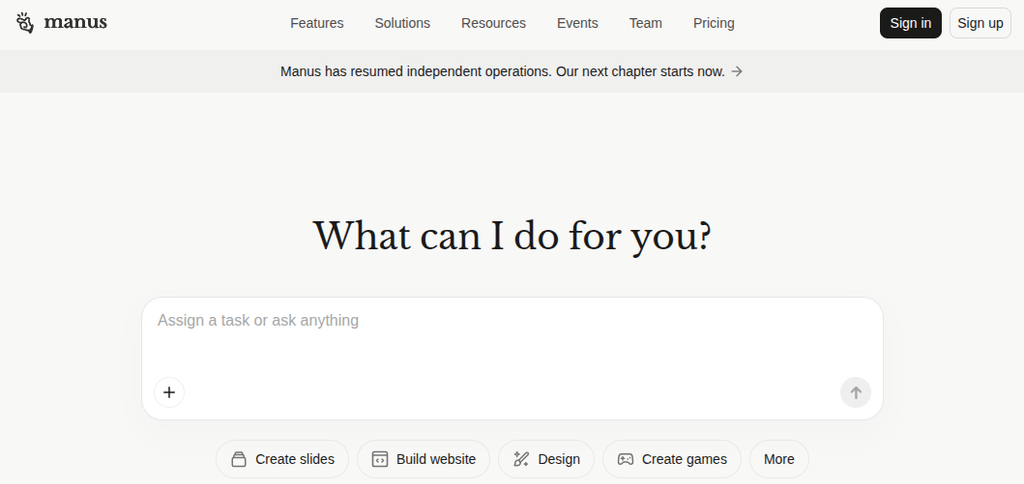
Manus is one of the more interesting options if you want an AI agent that can handle an entire task rather than generate a single response. You give it an objective, and it can research information, work with files, browse websites, analyze data, and produce an output.
I’d use Manus for tasks such as competitor research, market research, report creation, or gathering information from multiple sources. It makes a useful starting point for understanding what an autonomous agent actually does because you can focus on the task instead of building the underlying workflow yourself.
However, there is a catch. Manus can feel like a black box. You get less control over individual steps than you would with something like n8n or Crew AI.
Coding Required: No
Pricing: Free plan available. Pro plan starts at $20/month.
2. Lindy: Bets for Personal Assistants and Workplace Automation
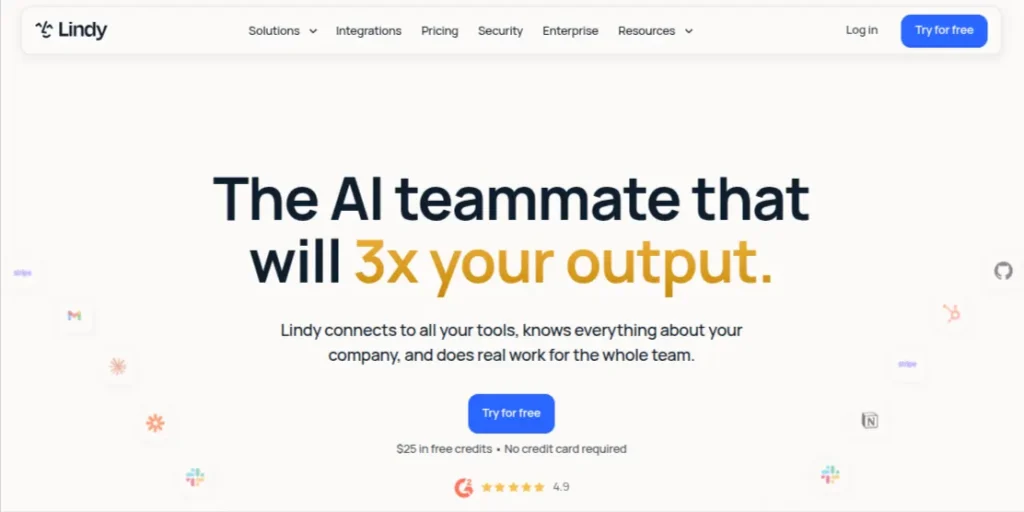
Lindy takes a different approach to AI agents. Instead of building a general-purpose agent and figuring out what to do with it, you can create an AI assistant around a specific part of your work.
I’d look at Lindy for things like managing emails, qualifying leads, preparing meeting notes, scheduling, or following up with people. Its visual workflow builder lets you connect triggers, AI steps, actions, and external apps without writing code.
Coding Required: No
Pricing: Starts at $49.99/month for the Plus plan.
3. Relevance AI: Best for Multi-Agent Workflows
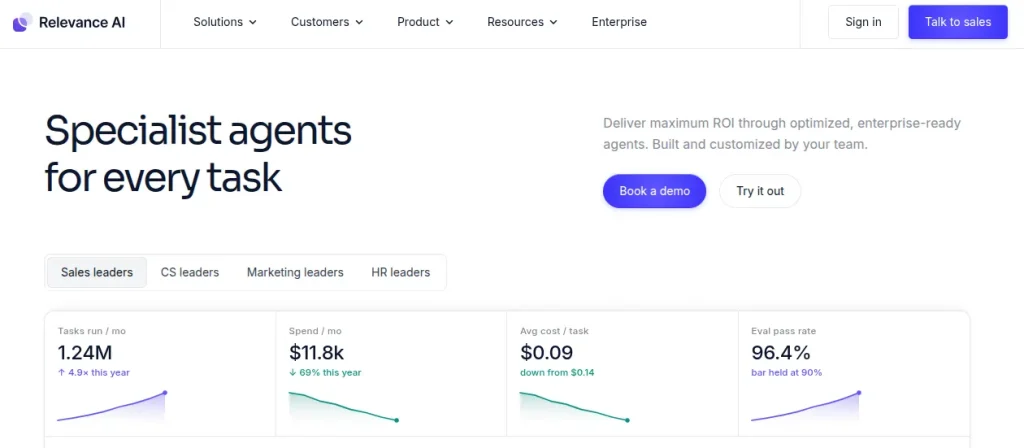
Relevance AI is built around the idea of an AI workforce rather than a single chatbot. You can create agents, give them specific roles, connect them to business tools, and combine multiple agents into larger workflows.
I’d consider it for tasks such as lead qualification, market research, customer support, data enrichment, and sales operations. The visual builder keeps the initial setup approachable. And, its multi-agent capabilities give you room to build more sophisticated systems later.
That makes Relevance AI interesting for anyone who wants to move beyond basic prompt-based automation without immediately jumping into a coding-heavy framework.
Coding Required: No
Pricing: Free plan available. Paid plans start at $19/month
4. Zapier Agents: Best for AI-Powered Business Automation
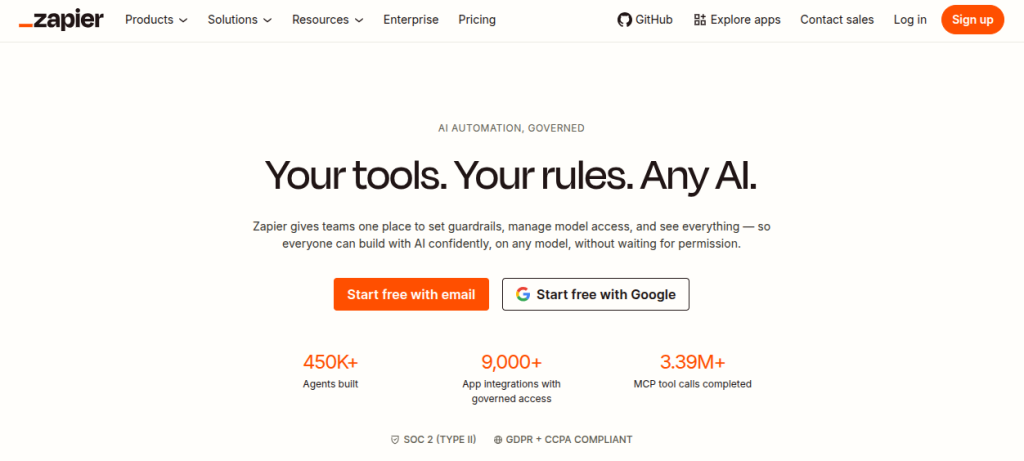
Zapier Agents make sense if you already use several apps and want an AI agent to work across them. Instead of building every integration yourself, you can connect an agent to Zapier’s large app ecosystem and give it a specific job.
For example, an agent could review incoming leads, research missing information, update a CRM, and trigger a follow-up workflow. The useful part is that you can build these processes visually without writing code.
It’s less interesting as a playground for experimenting with agent architecture, but very practical for workplace automation.
Coding Required: No
Pricing: Free plan available. Paid plans start at $33.33/month when billed annually.
5. Gumloop: Best for No-Code AI Workflows and Agents
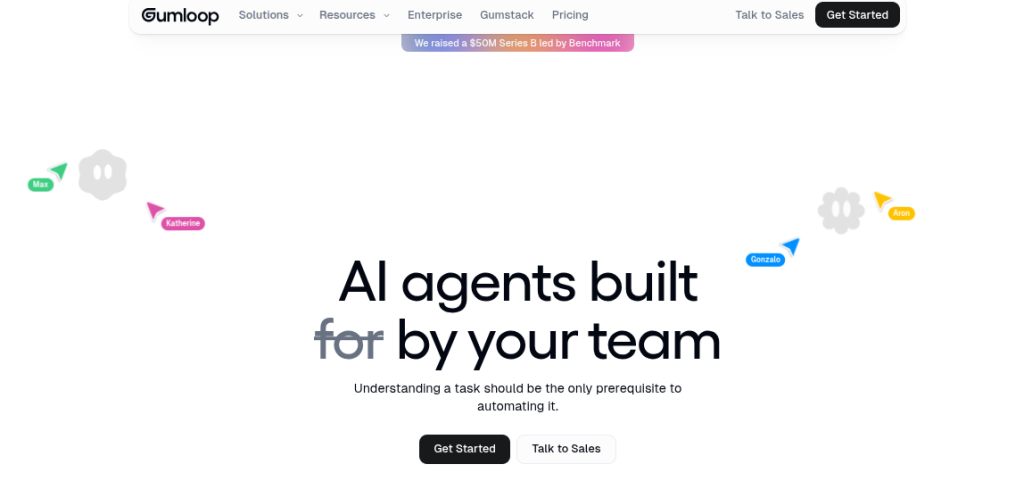
Gumloop is a visual AI automation platform where you can build workflows by connecting different nodes, models, tools, and data sources. Its agent-building features make it useful when a task involves several steps rather than a single AI prompt.
A practical example would be creating an agent that researches a company, extracts information from its website, checks other sources, summarizes the findings, and sends the results to a spreadsheet or email.
The visual approach is the biggest advantage here. You can see how each step connects, which makes Gumloop useful for learning how AI workflows are structured without starting the code.
Coding Required: No
Pricing: Free plan available. Pro starts at $37/month.
6. CrewAI: Best for Multi-agent Applications
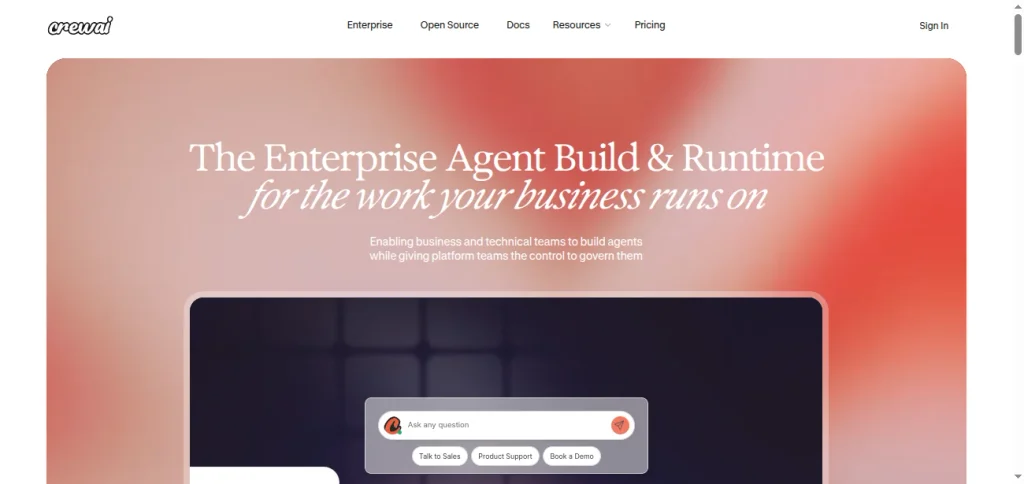
CrewAI is where AI agent building starts becoming more technical. Instead of creating one agent that handles everything, you can define multiple agents with different roles and let them collaborate on a task.
For example, you could create a researcher agent to gather information, a writer agent to turn the findings into content, and a reviewer agent to check the final output. Each agent gets its own role, goal, tools, and instructions.
CrewAI is particularly useful if you want to understand how multi-agent systems are actually structured rather than relying entirely on a visual builder. You’ll need some Python knowledge, though, so I wouldn’t make it your first tool if you’ve never coded before.
Coding Required: Yes, mainly Python.
Pricing: Free and open-source. CrewAI Enterprise pricing is custom.
7. OpenAI Agents SDK: Best for Building Custom AI Agents
The OpenAI Agents SDK is for people who want more control over how an AI agent behaves. Instead of relying on a visual builder, you can build agents in code and define their tools, instructions, handoffs, guardrails, and workflow logic.
That opens up more interesting projects. You could have one agent handle research, another review the findings, and a third produce the final output, with your code controlling when each agent takes over.
However, the trade-off is that you need to code. The SDK itself is free and open source, but using OpenAI models and other services can create APi costs.
Coding Required: Yes
Pricing: Free SDK. Model and tool usage is billed separately based on API usage.
8. n8n: Best for AI Automation and Connected Workflows
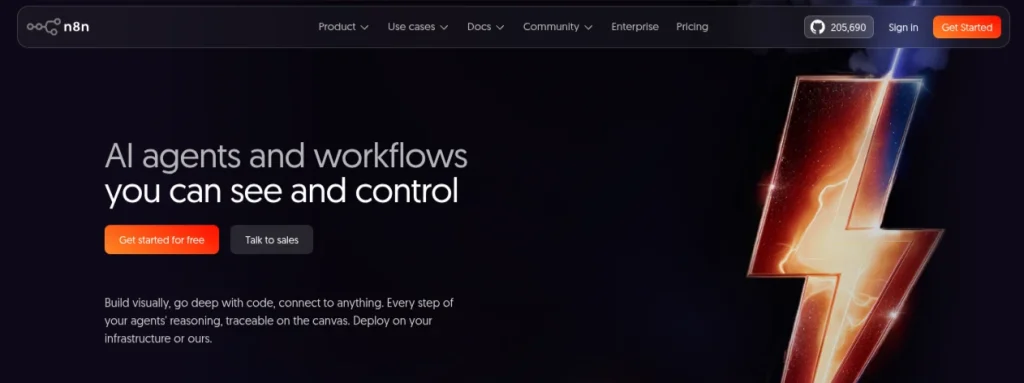
n8n is best known as an automation platform, but its AI capabilities make it a serious option for building agent-based workflows. You can connect APIs, databases, apps, AI models, and custom logic inside a visual workflow.
For example, you could build an agent that receives a customer query, checks your knowledge base, decides what information is needed, calls another service, and sends the response for human approval.
The interesting part is the balance between visual building and technical control. You can start with drag-and-drop nodes and introduce JavaScript or custom API calls when the workflow gets more complicated.
Coding Required: Low to Moderate
Pricing: Free Community Edition for self-hosting. Paid cloud plans start at €24/month when billed annually.
9. Dify: Best for AI Apps and Knowledge-based Agents
Dify is an open-source platform for building AI applications, agents, and workflow-based systems. Its visual interface lets you connect models, tools, knowledge bases, and logic without having to build the entire application from scratch.
A useful project could be an internal research assistant that searches a collection of documents, extracts relevant information, and generates a structured answer. You can also connect external tools and APIs when the basic workflow isn’t enough.
Dify sits somewhere between beginner-friendly API builders and developer platforms. You can experiment visually, then gradually introduce APIs, custom tools, and more advanced logic as your requirements grow.
Coding Required: Low to Moderate
Pricing: Free Community Edition for self-hosting. Dify Cloud Professional starts at $59/month.
10. Microsoft Agent Framework: Best for Enterprise AI Agents
Microsoft Agent Framework is aimed at developers building more structured, production-oriented AI agent systems. It brings together agent orchestration, workflows, tools, and multi-agent patterns while giving developers control over how those components interact.
It’s a better fit for someone who has moved past visual builders and wants to understand how agents are built into larger applications. For example, you can create specialized agents for research, decision-making, and execution, then coordinate their work through defined workflows.
The framework is open source, but the surrounding infrastructure still matters. Model usage, hosting, Azure services, and other dependencies can add to the actual cost of running an agent.
Coding Required: Yes
Pricing: Free and open-source. Model, hosting, and Azure service costs are separate.
Which AI Agent Tool Should You Choose?
The easiest way to choose is to start with what you want to build, not which platform has the longest feature list.
| Task | Best Option |
|---|---|
| Build an agent without coding | Manus, Lindy, Gumloop |
| Automate existing business apps | Zapier Agents, n8n |
| Build multi-agent workflows | Relevance AI, CrewAI |
| Build custom agents with code | OpenAI Agents SDK, Microsoft Agent Framework |
| Build AI apps with knowledge bases | Dify |
| Experiment with autonomous research | Manus, Gumloop |
If you’re completely new to agents, I’d start with a small workflow rather than a complex multi-agent system. Build something that saves you 20 minutes a day, understand how the agent makes decisions, and then increase the complexity.
For example, an email-sorting agent is a better first project than trying to build a fully autonomous business assistant on day one.
How to Build Your First AI Agent?
You don’t need a complicated project for your first agent. Pick one repetitive task and give the agent a clear job.
Step 1: Choose One Task
Start with something measurable, such as:
- Researching competitors
- Sorting income emails
- Summarizing documents
- Qualifying leads
- Creating weekly reports
Step 2: Choose Your Platform
For a no-code project, Manus, Lindy, Gumloop, or Zapier Agents are good places to start. If you’re comfortable with Python, try CrewAI or the OpenAI Agents SDK.
Step 3: Define the Agent’s Job
Write down three things:
Goal: What should it accomplish?
Inputs: What information will it receive?
Output: What should it deliver?
For example:
“Research five competitors, collect their pricing and key features, and create a comparison table.”
That is far more useful than telling an agent to “do competitor research.”
Step 4: Give It the Tools It Needs
Connect the relevant apps, websites, files, APIs, or knowledge bases. Avoid adding unnecessary tools because they can make the workflow harder to control.
Step 5: Add a Human Approval Step
For anything that sends emails, changes records, spends money, or affects customers, keep a manual approval step until you trust the workflow.
Step 6: Test With Real Examples
Run the agent against several different inputs. Look for incorrect decisions, missing information, unnecessary actions, and inconsistent outputs. Your first agent doesn’t need to be impressive. It needs to be reliable.
Final Words
There isn’t one tool you need to master. The better approach is to start with the type of agent you want to build and move up the technical ladder as your projects become more ambitious. For no-code experimentation, Manus, Lindy, Gumloop, and Zapier Agents give you a practical starting point. For business workflows, Relevance AI and n8n offer more control over integrations and automation.
For developer-focused projects, CrewAI and Dify give you more room to build custom systems. I’d spend less time collecting AI tools and more time building one useful agent end-to-end. That project will teach you far more about prompts, tools, APIs, workflows, evaluation, and AI automation than another dozen tool tutorials.
Frequently Asked Questions (FAQs)
AI agent tools are platforms or frameworks that help you build AI systems capable of planning tasks, using tools, making decisions, and completing multi-step workflows.
Platforms such as Manus, Lindy, Gumloop, and Zapier Agents let you create useful agents without writing traditional code. More advanced frameworks, including CrewAI and the OpenAI Agents SDK, require programming.
There isn’t one universal choice, but Manus, Lindy, and Gumloop have relatively low technical barriers. Your ideal starting point depends on the type of task you want to automate.
Yes. A chatbot primarily responds to prompts, while an agent can work through a task using tools, data, and multiple steps. The boundary isn’t always absolute because modern AI products can combine both capabilities.
AI agents can automate parts of a workflow, particularly repetitive or structured tasks. They still need appropriate instructions, testing, permissions, and human oversight for important decisions.
It can cost nothing to experiment with several platforms because they offer free plans or open-source versions. Costs increase when you use premium platforms, run agents frequently, consume API credits, or use paid AI models.
About The Author

