

MioCreate is a useful option for experimenting with AI face swaps in photos and videos. However, inconsistent results, access issues, or limited free features can push you to look elsewhere.
But the good news is that several MioCreate alternatives like Remaker AI and MagicHour offer face swapping, video editing, and creative features worth exploring. You just need to find the one that fits your needs without spending money on features you rarely use.
That’s why I have compared the best alternatives to MioCreate to help you choose a tool based on your use case.
MioCreate Face Swap Status?
MioCreate’s original website (www.miocreate.com) appears to be unavailable. As of October 21, 2026, its current website availability and face swap service status could not be confirmed. If you need face swap tools, consider using an active service or exploring the face swap tools listed in this article. Safety Tip: Avoid entering your old MioCreate password or personal information on unofficial websites claiming to be the original service.
Is MioCreate Face Swap Still Working?
MioCreate is an AI content creation platform known for its free face swap tools for photos and videos. Its official website has advertised face swapping alongside other AI-powered creative features.
However, the platform’s current status is unavailable. A DNS check reportedly found no A or CNAME records for miocreate.com and www.miocreate.com, suggesting the website may be inaccessible.
If you cannot access the original service, consider using an alternative while checking for official updates. Avoid entering your existing credentials or unofficial websites claiming to be MioCreate.
Why Look for MioCreate Alternatives?
When a tool you rely on becomes difficult to access, finding a replacement is only part of the problem. You also need something that delivers decent results without eating into your budget. Here are a few reasons to explore MioCreate alternatives:
- Website availability: If MioCreate isn’t loading or its face swap feature isn’t responding, an alternative lets you continue working on your projects.
- Better video support: Some tools focus on static images, and some offer video face swapping with motion tracking and frame-by-frame processing.
- Free usage limits: Free credits, watermarks, export restrictions, and daily limits vary between platforms. Check these before committing to a tool.
- Output quality: Face swaps can look unnatural when lighting, facial angles, or expressions don’t match. Different tools handle these details differently.
- More editing options: Some alternatives include AI image editing, video generation, or templates that can help you create social media content without switching between several apps.
7 Best MioCreate Alternatives in 2027
First and foremost, the best MioCreate alternative depends on what you’re trying to create. I have shortlisted 7 options worth comparing, with a focus on face swap quality, free access, and usefulness for content creation.
1. MagicHour: Best Overall MioCreate Alternative

MagicHour is a strong starting point if you want both photo and video face swapping without installing desktop software. Its online face swap tool supports photo uploads along with video and GIF workloads for projects that need movement.
MagicHour stands out as it goes beyond face swapping. You can explore other AI image and video tools within the same platform. It is handy if you’re experimenting with short-form content or building a creative portfolio.
Key Features of MagicHour
- Face swapping in photos and videos
- GIF face swapping and multi-face workflows
- Browser-based access without installing software
- Additional AI image and video creation tools
Pricing: Magic Hour offers 5 free photo face swaps per day without registration. Its Creator plan costs ₹1,134/month when billed annually. The Pro plan costs ₹2,432/month when billed annually. The Business plan costs ₹5,720/month when billed annually. You get 4 months free when you pay annually.
2. Remaker AI: Best for Quick Photo Face Swaps
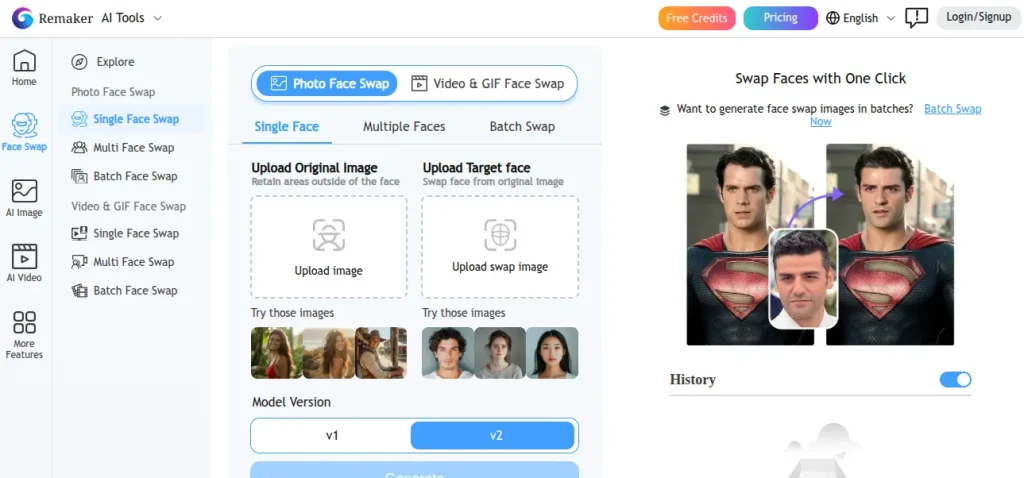
Remaker AI is worth trying if you mainly want to replace faces in photos without dealing with a complicated editing workflow. Its online tool supports single-face swaps, and separate options are available for multi-face and batch editing.
Key Features of Remaker AI
- Online photo face swapping
- Multi-face batch processing options
- Browser-based editing without software installation
- Free access to basic photo face swaps
Pricing: Remaker AI uses a credit-based billing system. You can buy 200 credits for $5.99. 530 credits for $9.99. 200 credits for $5.99. 1100 credits for $19.99. 3000 credits for $49.99. 20000 credits for $299. You can pay via card and even crypto tokens.
3. FaceSwapper.ai: Best for Straightforward Face Swapping
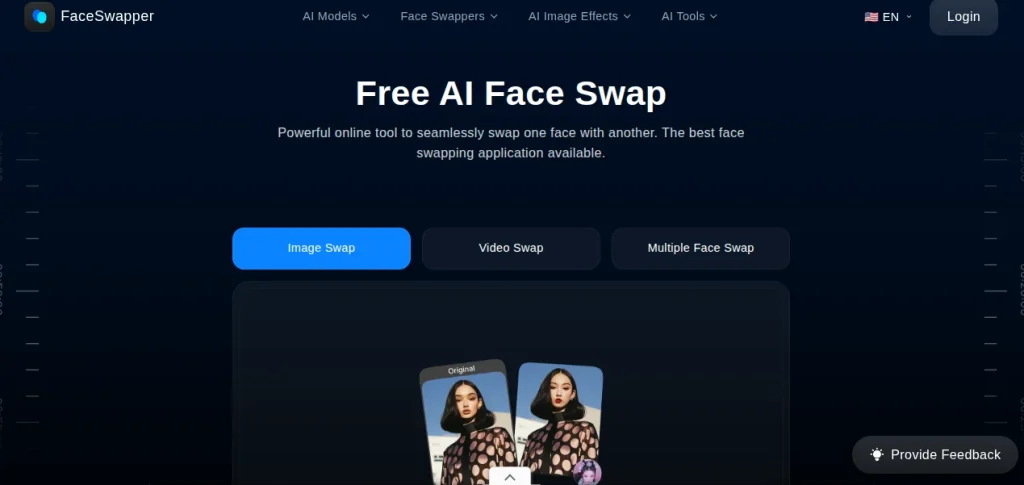
FaceSwapper.ai is another name worth investigating if you want a dedicated face-swapping workflow rather than a full creative suite. For this type of tool, the practical test is straightforward.
Upload a clear portrait, select the target image, and inspect how well the result preserves facial proportions, lighting, and skin tone.
Key Features of FaceSwapper.ai
- Photo face replacement
- Support for group images, if available on your selected plan.
- Export quality and watermark restrictions
- Video support and processing limits.
Pricing: FaceSwapper.ai is completely free to use.
4. Reface: Best for Social Media Face Swaps
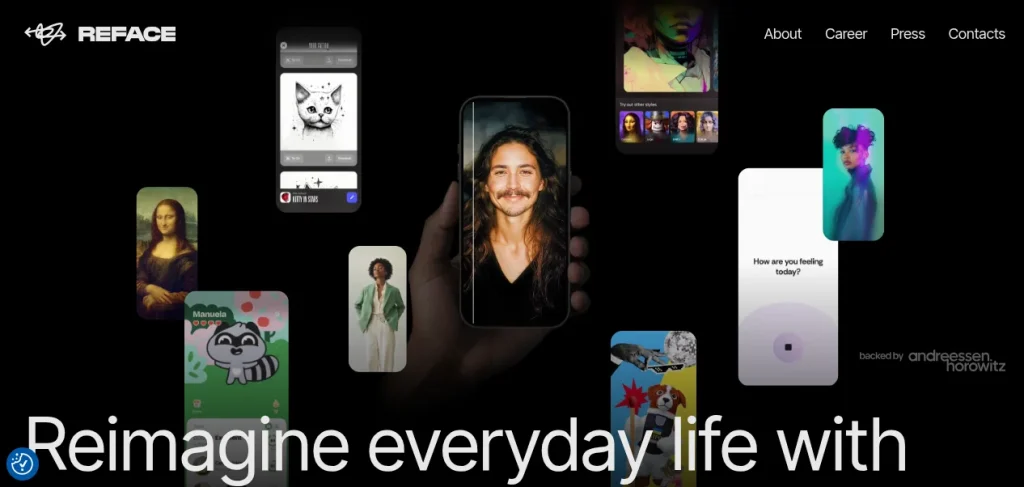
Reface is particularly relevant if you enjoy making entertaining face swaps for short-form content. Its Unboring platform offers online face-swapping and video restyling features, while its mobile app provides additional creative options.
Key Features of Reface
- AI face swapping for photos
- Creative video effects and restyling
- Mobile-friendly content creation
- Paid options for removing watermarks and accessing additional features
Pricing: Reface AI offers a Basic plan for $3.08/month when billed annually. Its Premium plan costs $5.99/month when billed annually.
5. DeepSwap: Best for Dedicated Photo and Video Face Swaps
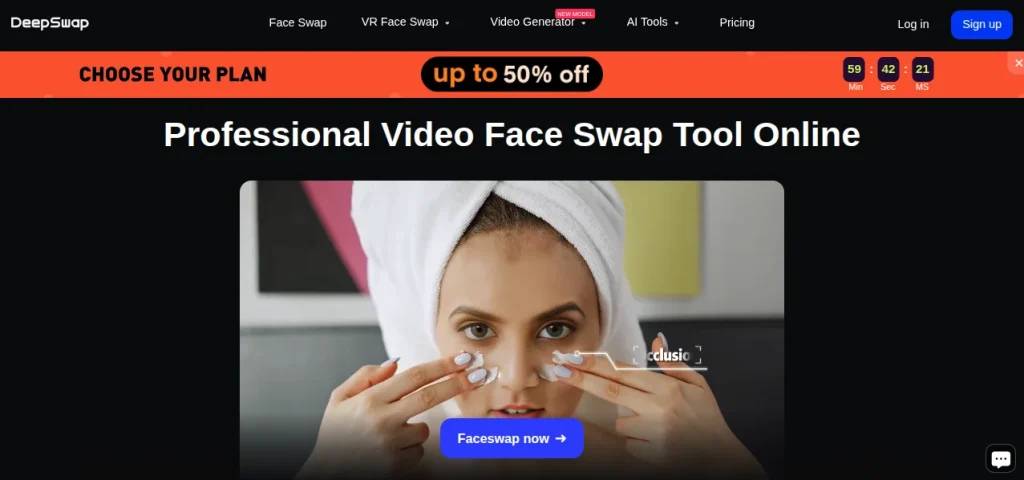
DeepSwap is worth considering if you need a tool focused on replacing faces across different media formats. Its current pricing page lists photo, batch photo, multiple-face, video, and GIF face swap workflows. The platform uses credits, so the cost depends on what you create.
Key Features of DeepSwap
- Photo and video face swapping
- Batch processing for images
- Multiple-face workflows
- GIF face swapping
Pricing: DeepSwapAI offers a Basic plan starting at $19.99 for 600 credits. The Standard plan costs $29.99 for 900 credits. The Premium plan costs $99.99 for 3,150 credits.
6. Vidnoz AI: Best for Multiple Faces in Photos and Videos
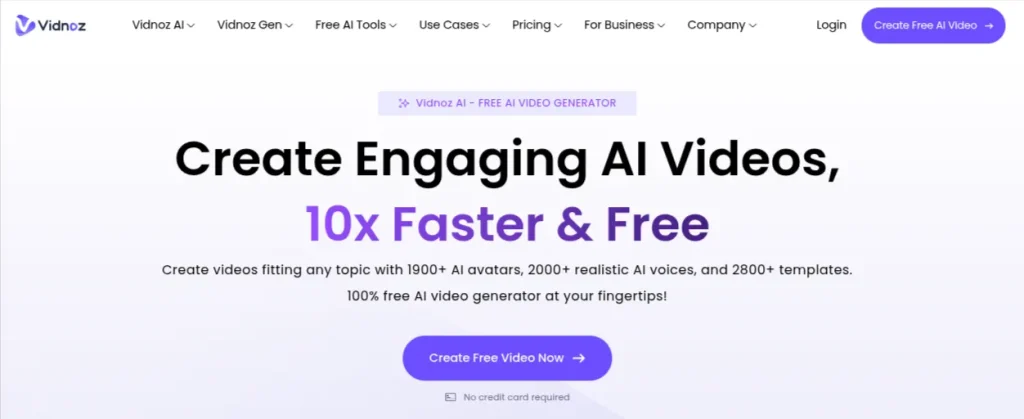
Vidnoz AI offers photo face swapping, video face swapping, and workflows for replacing multiple faces. Its wider collection of AI video tools may also be useful if face swapping is only one part of your content creation process.
Key Features of Vidnoz AI
- Photo and video face swaps
- Multiple-face replacement
- Support for common image and video formats
- Additional AI video creation tools
Pricing: Vidnoz offers a free plan. It offers a credit-based pricing system. You can buy 180credits for $9.99/month. 500 credits cost $23.99/month. 800 credits cost $24.99/month.
7. Pica AI: Best for Photo Face Swaps and Portrait Editing
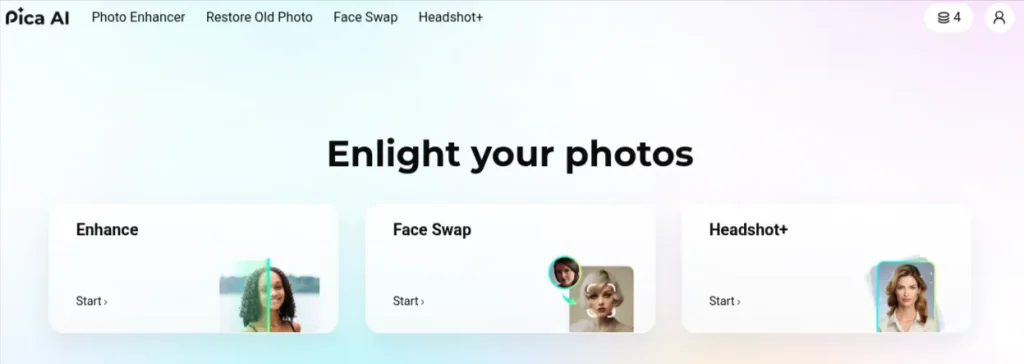
Pica AI is another option for people who mainly work with still images. Its website offers a free online face swap tool alongside portrait-related features, including AI headshot generation.
Key Features of Pica AI
- Online photo face swapping
- AI portrait enhancement tools
- AI headshot generation
- Browser-based access
Pricing: Pica AI offers 4 limited credits per day. The Monthly plan offers 1,000 credits/month and costs $9.99. The Annual plan offers 8,000 credits/year and costs $59.99.
MioCreate Alternatives: Feature Comparison
Choosing an alternative gets easier when you compare the tools against the work you actually need to do. Here’s a quick comparison of the seven alternatives covered in this post:
| Tool | Best for | Photo swap | Video swap | Free access |
|---|---|---|---|---|
| Magic Hour | Overall use | Yes | Yes | Daily free allowance |
| Remaker AI | Quick photo edits | Yes | Yes | Free photo swaps; video requires credits |
| FaceSwapper.ai | Simple face swaps | Yes | Verify current support | Free access advertised |
| Reface | Social media content | Yes | Yes | Limited free access |
| DeepSwap | Photo and video projects | Yes | Yes | Check current credit requirements |
| Vidnoz AI | Multiple-face projects | Yes | Yes | Limited free usage |
| Pica AI | Portraits and video swaps | Yes | Yes | Free access advertised |
How to Choose the Best MioCreate Alternatives?
Before signing up for another AI tool, think about what you actually need it to do. A student creating a project video has different requirements from a freelancer producing social media content for clients. Here are five things worth checking:
1. Check Photo and Video Support
Some tools focus on static images, while others support video clips and GIFs. If you plan to create Reels or short-form videos, confirm that video face swapping is available on your chosen plan.
2. Compare Free Credits and Pricing
Free access can come with daily limits, watermarks, or restricted exports. Check the credit cost per image or video before paying. If you’re working with a limited budget, test the free tier first and upgrade only when you know the tool meets your needs.
3. Look Closely at Output Quality
A convincing face swap should preserve natural skin tones, facial proportions, lighting, and expressions. Test the tool with a clear image or a short video containing movement. The results can vary significantly between tools.
4. Review Privacy and Upload Policies
Face images are sensitive personal data. Read the platform’s privacy policy to understand how uploaded files are stored, processed, and deleted. Avoid uploading other people’s faces without their permission, particularly for public or commercial projects.
5. Consider Your Actual Workflow
If you create content regularly, look for features such as batch processing, multiple-face swapping, and convenient exports. For occasional edits, a free browser-based tool may be sufficient. You should never pay for advanced features you rarely use.
Final Words
Finding a good MioCreate alternative comes down to what you want to create. MagicHour is worth trying for photo and video face swaps. Remaker AI works well for quick image edits. Meanwhile, Vidnoz AI is worth exploring for multi-face projects.
MioCreate is currently unavailable and might be discontinued. You should test a couple of alternatives, compare the results, and choose the one that fits your workflow and budget.
If you’re exploring AI content creation and want to learn about MioCreate and other DeepFake or face-swap tools, you can check out our list of Face Swap & Deep Fake AI Tools.
Frequently Asked Questions (FAQs)
Yes. MioCreate’s original website is no longer accessible based on our checks. DNS checks conducted found no A or CNAME records for miocreate.com or www.miocreate.com. We couldn’t verify a working official face-swap platform.
MagicHour is a strong option for photo and video face swapping. Remaker AI is worth considering for quick photo edits. Vidnoz AI offers additional options for multi-face projects. The best choice ultimately depends on your requirements and budget.
Yes. MagicHour, Remaker AI, Vidnoz AI, and Pica AI offer free access to selected features. However, daily limits, credits, watermarks, and video export restrictions may apply.
MagicHour, Reface, DeepSwap, and Vidnoz AI are options to explore for video face swapping. You should compare supported video formats, clip duration limits, processing costs, and output quality before choosing one.
They can be safe when used responsibly, but privacy practices vary. Review the platform’s data retention and deletion policies first. Upload only images you have permission to use. Avoid sharing sensitive photos with unverified services.
Some platforms permit commercial use under specific plans or terms. Others impose restrictions. You should always review the tool’s licensing terms, obtain consent from the people depicted, and check whether the output can legally be used in advertisements or client projects.
MioCreate’s original website is no longer accessible based on our checks. The DNS checks we conducted on October 21, 2026, found no A or CNAME records for its main domain or its www subdomain. Avoid entering your old login credentials on unofficial websites claiming to replace or restore MioCreate.
About The Author

