

I’ve spent enough time making content to know that a good video can still struggle when the thumbnail looks rushed. It’s frustrating when you’ve already spent hours researching, scripting, recording, and editing. The thumbnail ends up becoming the last-minute job, even though it’s the first thing viewers see.
AI has made this part of the workflow much faster. I tested different AI tools for YouTube Thumbnail creation to see which ones actually help with the job instead of adding another complicated tool to the stack.
Let’s explore the 10 tools worth using in 2026
Quick Comparison: 10 Best AI Tools for YouTube Thumbnails
| Tool | Best For | Free Plan | AI Thumbnail Creation |
|---|---|---|---|
| Canva | Overall thumbnail design | Yes | Yes |
| Adobe Express | Quick, polished designs | Yes | Yes |
| Fotor | AI-generated thumbnails | Yes | Yes |
| Simplified | Fast AI designs | Yes | Yes |
| vidIQ | YouTube-focused creators | Yes | Yes |
| Thumbnail.AI | Dedicated AI thumbnails | Limited | Yes |
| Juma AI | AI-assisted marketing workflows | Yes | Yes |
| VEED.io | Thumbnails + video workflow | Yes | Yes |
| Fliki | AI-generated thumbnails | Yes | Yes |
| Visme | Branded, professional designs | Yes | Yes |
Quick Verdict:
- Canva is the best all-around AI tool
- vidIQ is best if YouTube growth is your priority
- Thumbnail.AI and Fliki are best if you want AI to handle the entire thumbnail generation process.
1. Canva: Best Overall AI YouTube Thumbnail Creator
My Rating: 9/10
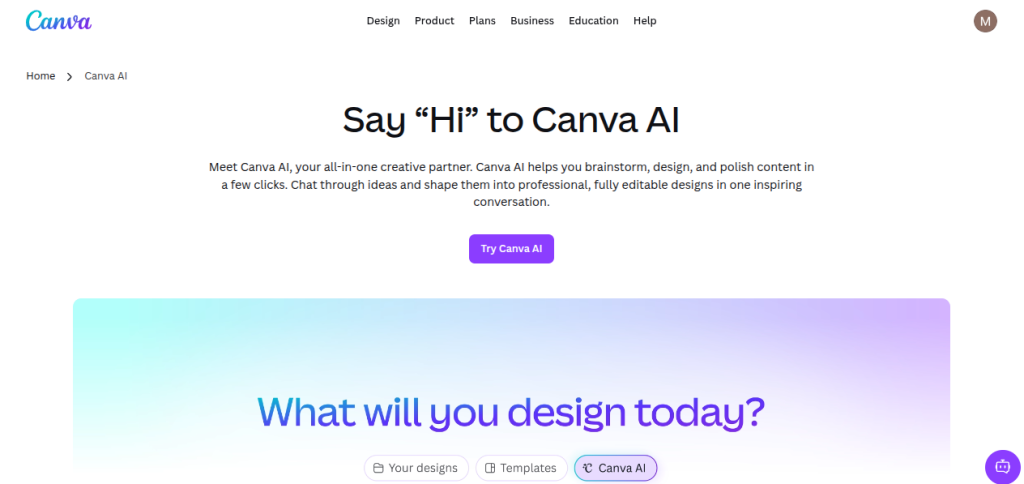
Canva is the first tool I would try if you want to create thumbnails without turning the process into a full design project. It has dedicated YouTube thumbnail templates, an easy editor, and AI tools for generating and editing visual elements. The biggest advantage is control. You can start with a template, change the visuals and text, and keep a consistent look across your channel.
Key Features of Canva AI
- Dedicated YouTube Thumbnail templates
- AI image generation and editing
- Drag-and-drop editor
- Background removal and image editing
- Brand kit for consistent designs
- PNG and JPG export
Pricing: Canva Free includes YT thumbnail templates with limited AI usage. Canva Pro starts at $180/year for individuals. It adds premium templates, stock assets, and advanced design tools.
2. Adobe Express: Best for Fast, Professional Thumbnails
My Rating: 8.8/10
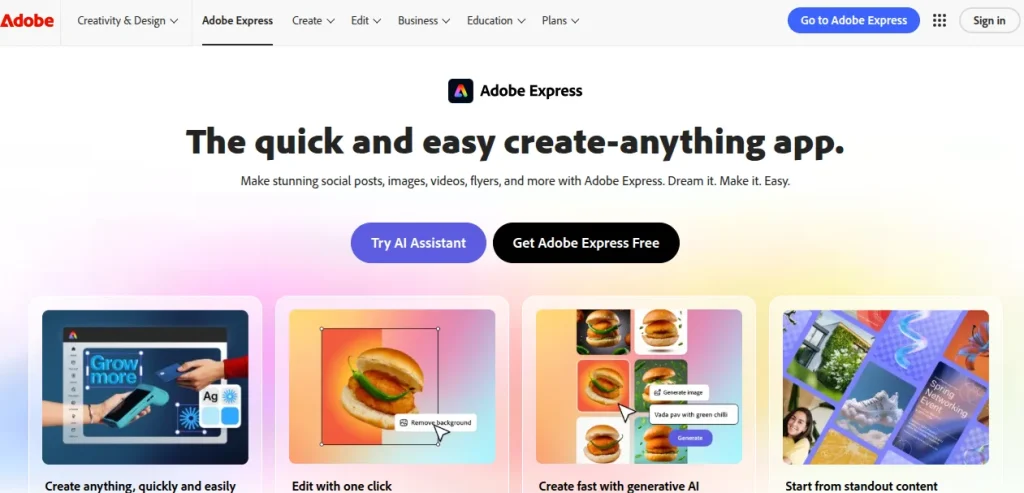
Adobe Express is a strong option when you want something more polished than a basic template but don’t want to spend time learning complex design software. It has dedicated YouTube thumbnail templates, AI generation tools, image editing, and brand controls.
I particularly like it for creators who already have a visual style in mind. You can save your fonts, colours, and logo, then reuse that look across future thumbnails.
Key Features of Adobe Express
- YouTube-specific thumbnail templates
- AI image and template generation
- Background removal and object editing
- Brand kit for consistent designs
- Built-in Adobe Stock assets
- Desktop and mobile support
Pricing: Free plan includes basic editing tools, templates, limited AI credits, and 5 GB of storage. Premium starts at ₹398.84/month in India. It adds premium templates, 250 monthly generative AI credits, advanced editing features, and 100 GB of storage.
3. Fotor: Best for AI-Generated Thumbnails
My Rating: 8.7/10
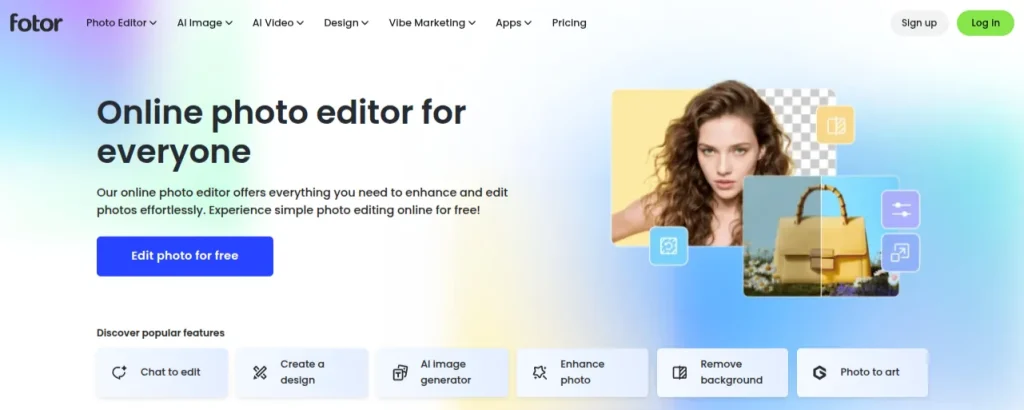
Fotor is a good pick if you want AI to handle more of the initial thumbnail design. Its dedicated AI thumbnail maker can create YouTube thumbnails from a text prompt or an uploaded image, then let you edit the result before downloading it.
I’d use it when you have the thumbnail idea in your head but don’t want to build the whole composition manually. It can also generate multiple variations, which is useful when you want to compare different visual directions before settling on one.
Key Featues of Fotor
- AI YouTube thumbnail generator
- Text-to-thumbnail generation
- Upload and transform your own images
- 500+ YouTube thumbnail templates
- Multiple thumbnail variations
- Editable text, layouts, colors, and visual elements
- Batch generation for different concepts
Pricing: Fotor has a free plan with limited AI credits and basic editing tools. Fotor Pro and Pro+ add more editing tools, premium assets, higher AI allowances, and additional storage. Pro adds 100 AI credits per month, Pro + includes 300.
4. Simplified: Best for Quick AI-Generated Thumbnails
My Rating: 8.5/10
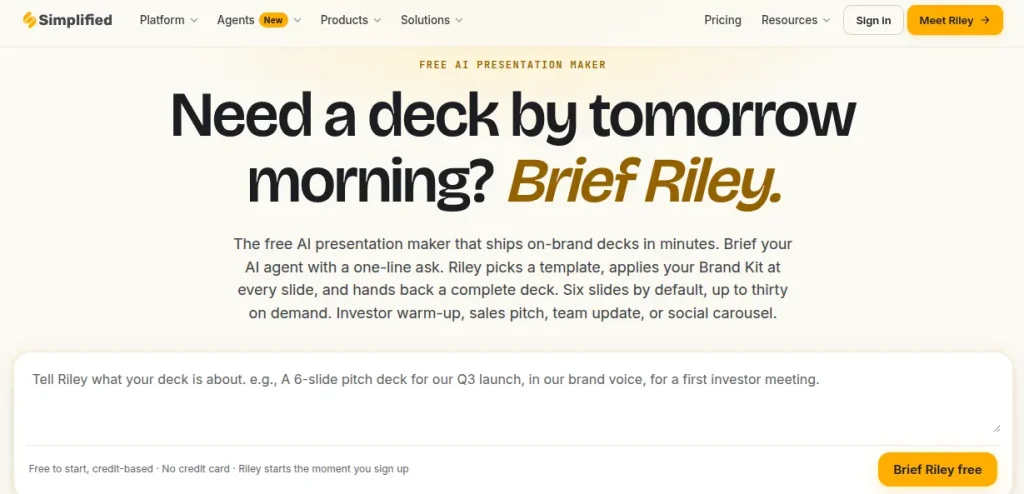
Simplified is worth considering if you want AI to handle most of the initial thumbnail design. You describe the video, choose YouTube as the format, and the tool generates multiple thumbnail variations that you can edit afterward.
I like it more for speed than fine-grained design control. If you publish regularly and don’t want to start every thumbnail from a blank canvas, that makes it a noticeable difference.
Key Features of Simplified
- AI text-to-thumbnail generation
- Multiple thumbnail variations from one prompt
- YouTube-specific sizing
- 1,000+ pre-designed templates
- Brand Kit for logos, fonts, and colors
- Support for 20+ languages
- Built-in editing tools
Pricing: Simplified offers a free plan. The Pro plan starts at $19/month. It adds higher AI allowances, advanced features, and broader creator tools.
5. vidIQ: Best for YouTube-Focused Thumbnail Creation
My Rating: 9.1/10
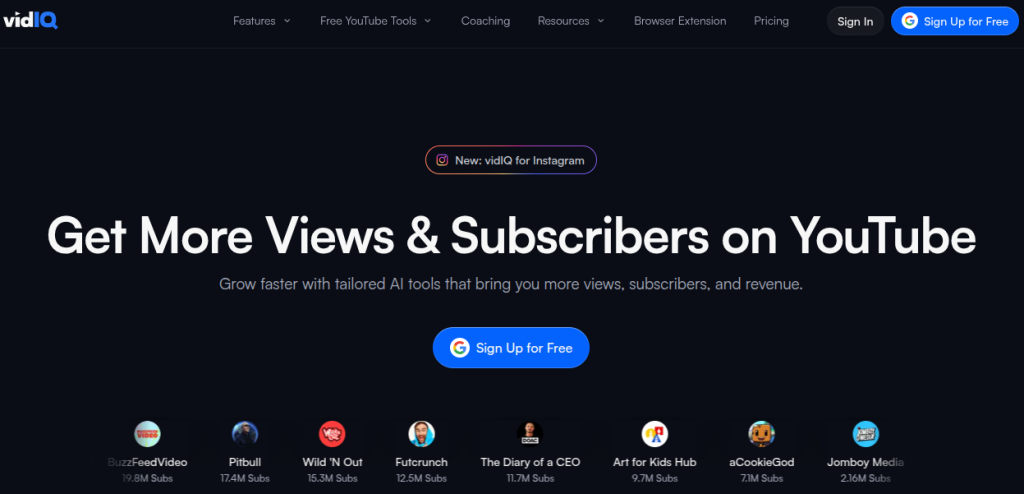
vidIQ stands out because it is built specifically around YouTube rather than general graphic design. You can upload a video, paste a YouTube URL, or describe the thumbnail you want, and its AI generates a thumbnail around the content.
That makes it particularly useful when you’re creating thumbnails regularly and want the tool to start from the actual video instead of a blank canvas. You can also edit the result with text prompts and preview how the thumbnail looks in YouTube-style layouts.
Key Features of vidIQ
- AI YouTube thumbnail generator
- Generate from a video, YouTube URL, or text prompt
- Add your own face, images, or objects
- AI-powered thumbnail editing
- YouTube thumbnail editing
- Thumbnail preview for search, mobile, and TV
- 1280 x 720 export support
Pricing: vidIQ’s AI thumbnail maker offers 150 AI credits/month in the free tier. The Max plan offers 6,000 AI credits per month and costs $39/month when billed annually.
6. Thumbnail.AI: Best for Dedicated AI Thumbnail Generation
My Rating: 8.8/10
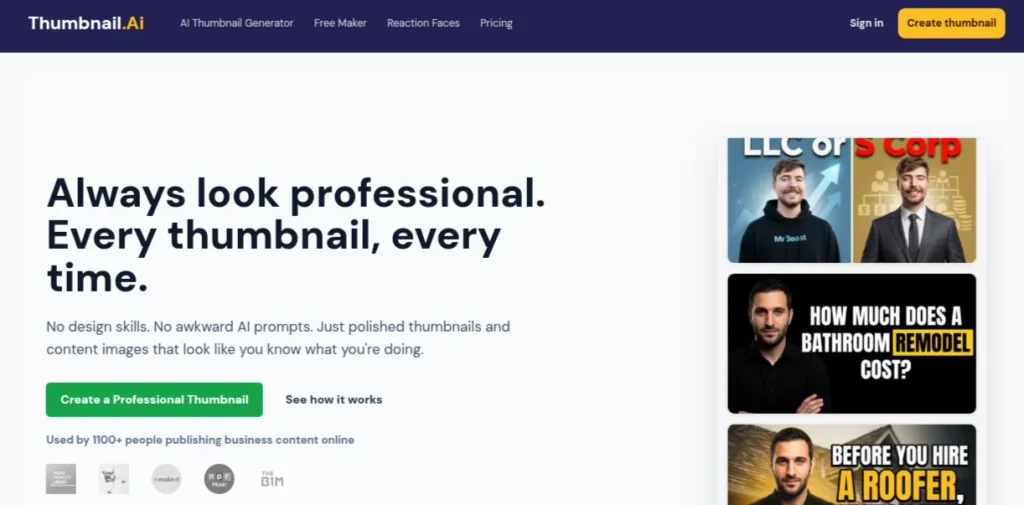
Thumbnail.AI is more focused than Canva or Adobe Express. It is built specifically around thumbnail creation, so you can start with a prompt, add your own images, choose a visual style, and generate multiple variations. It also lets you use an existing YouTube thumbnail as a visual reference.
That makes it a good choice when you want the AI to handle most of the composition instead of manually arranging every element.
Key Features of Thumbnail.AI
- AI-generated YouTube thumbnails
- Text-to-thumbnail generation
- Upload your own images and faces
- YouTube URL or image reference support
- Multiple thumbnail styles and variations
- Built-in editing tools
- 16:9 YouTube format
- Support for HD generations
Pricing: The free plan offers credit-based thumbnail generation. The Lite plan costs $5/month and offers 15 generations. The Solo plan is priced at $19/month and offers 100 monthly credits. Pro plan offers 300 monthly credits and costs $49/month. The Business plan costs $249/month and gives you 2,000 monthly credits. You can also buy 40 credits for $9 and 140 credits for $29 in the pay-as-you-go plan.
7. Juma AI: Best for Prompt-Based Thumbnail Creation
My Rating: 8.6/10
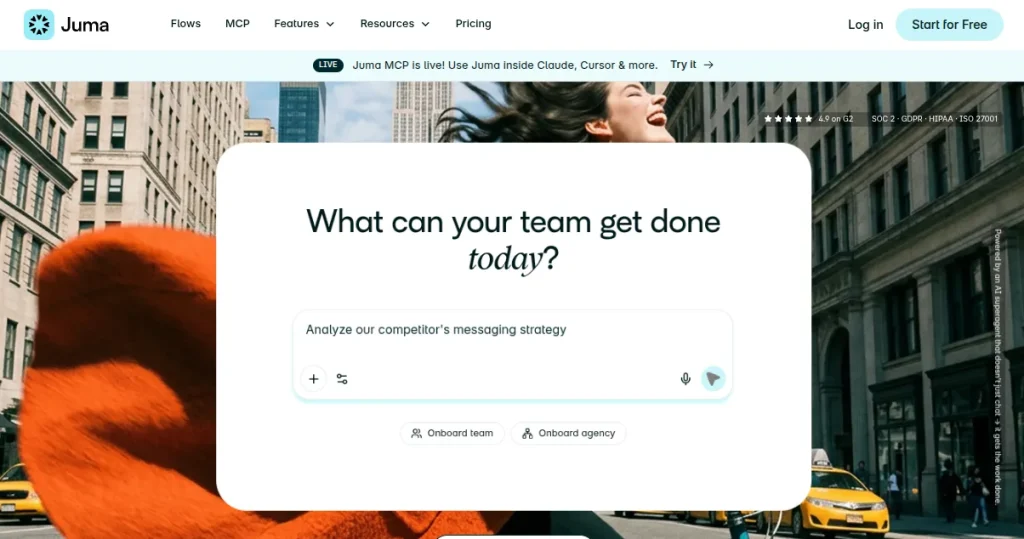
Juma AI takes a different approach to thumbnail creation. Instead of working like a traditional YouTube thumbnail creator, it lets you describe the visual you want and use AI models to develop the concept. Its current platform supports image generation directly inside the chat, along with brand context and reusable workflows.
I’d consider Juma when you already have a clear creative direction but want AI to turn that brief into a thumbnail concept. It’s also useful for teams because brand context and project information can carry across the workflow.
Key Features of Juma AI
- Prompt-based image generation
- AI-generated thumbnail concepts
- Brand context for consistent visuals
- Multiple AI models in one workspace
- Team collaboration
- Mobile and desktop access
- YouTube-focused workflows
Pricing: Juma offers a free plan with 300 credits per user. Its Pro Starter plan costs $49/month with 5,000 credits per month. It also offers Enterprise pricing for organizations.
8. VEED.io: Best for Thumbnails and Video Creation
My Rating: 8.5/10
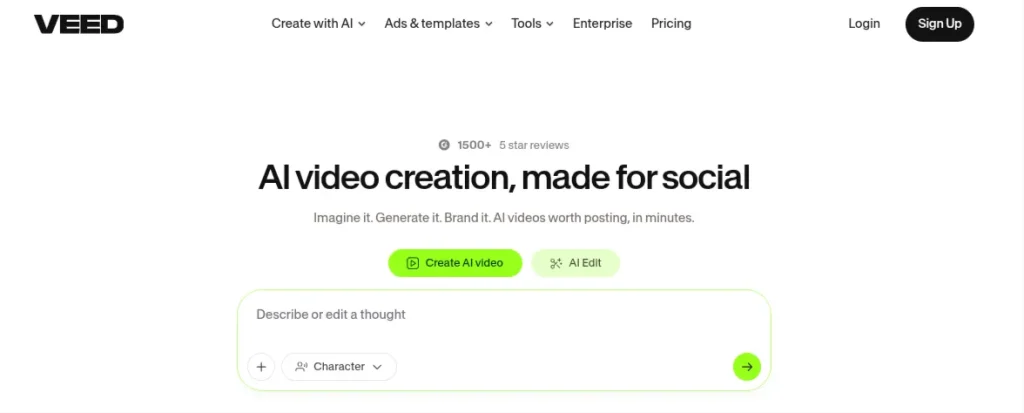
VEED.io makes sense if you want your thumbnail creation and video editing in the same workspace. Its current AI thumbnail maker can generate thumbnails from text prompts. The template-based workflow lets you start with an existing composition and modify it using AI.
VEED is ideal when you’re already using it for YouTube videos. Switching between a separate YouTube thumbnail creator and video editor isn’t necessary when both jobs can happen in one place.
Key Features of VEED.io
- AI YouTube thumbnail generator
- Prompt-based thumbnail creation
- Ready-made thumbnail templates
- AI editing for text, colors, and composition
- Multiple AI image models
- Built-in video editor
- Brand kit for consistent visual identity
- PNG export for thumbnails
Pricing: VEED has a free plan, but exports on the free plan include a watermark. The Pro plan costs $24/month when billed annually.
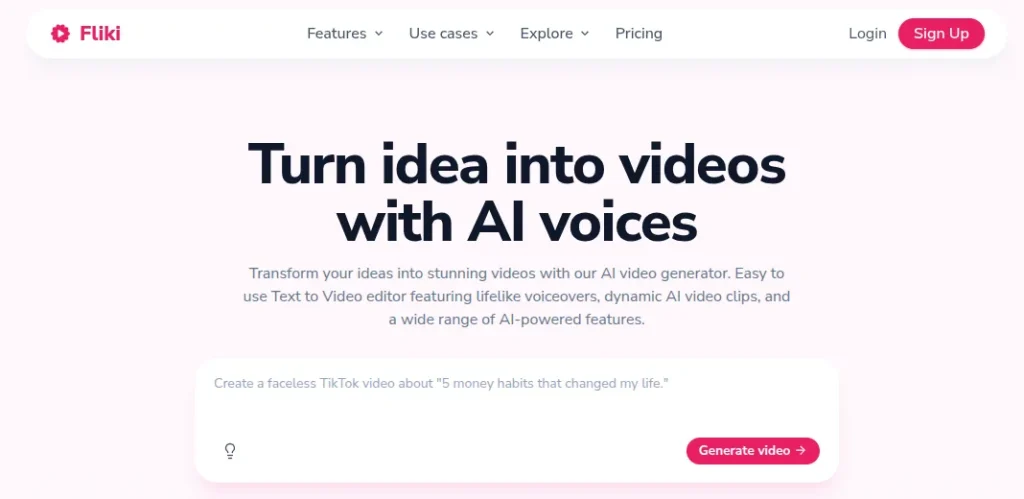
9. Fliki: Best for AI Thumbnails
My Rating: 8.7/10
Fliki is better suited to creators who want their thumbnail and video workflow under the same roof. Its AI thumbnail maker can generate YouTube thumbnails from a prompt, a preset style, a reference thumbnail, or your own photo. The current workflow supports 16:9 YouTube thumbnails and lets you edit the generated image afterward.
I’d pick Fliki when you’re producing videos frequently and want to avoid jumping between a video editor and a separate thumbnail tool.
Key Features of Fliki
- AI YouTube thumbnail generator
- 50+ preset thumbnail styles
- Reference thumbnail matching
- Upload your own face or product image
- 16:9 YouTube thumbnail support
- AI image editing after generation
- PNG, JPG, and WebP export
- Thumbnail and video creation in the same platform
Pricing: The Free plan gives you 3 credits per month. The Standard plan costs $28/month when billed monthly and $21/month when billed annually. Premium plan costs $88/month when billed monthly or $66/monthly when billed annually.
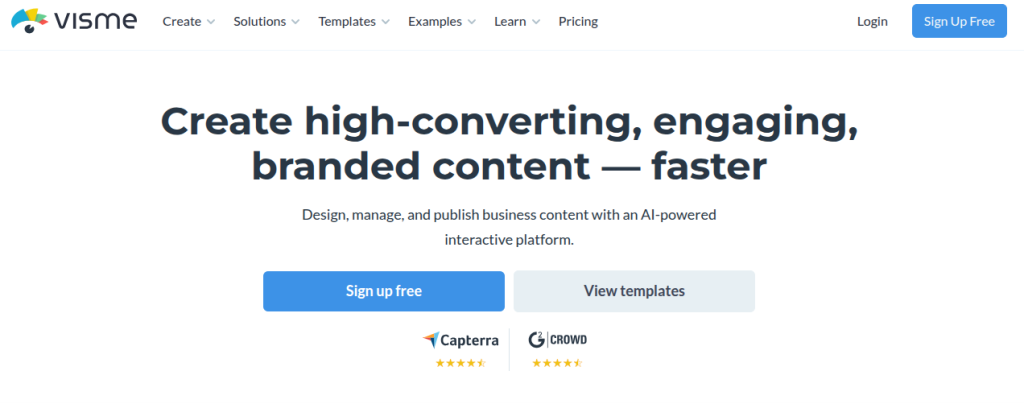
10. Visme: Best for Branded YouTube Thumbnails
My Rating: 8.3/10
Visme is a strong choice if your thumbnails need to look consistent across a channel. Its dedicated YouTube thumbnail maker includes templates, custom fonts, brand colors, stock visuals, and a drag-and-drop editor. You can also upload screenshots from your videos and build the thumbnail around them.
It’s less AI-first than some of the tools above. I’d choose Visme when branding and design control matter more than having AI generate the entire thumbnail for you.
Key Features of Visme
- Dedicated YouTube thumbnail maker
- Customizable thumbnail templates
- Drag-and-drop editor
- Stock photos, icons, and graphics
- Custom fonts and brand colors
- Brand kit
- JPG and PNG downloads
- 1280×720 YouTube thumbnail templates
Pricing: The Basic plan includes core design features and 10 AI credits per month. The Starter plan costs $12.25/month. Pro costs $24.75/ month and adds a brand kit, analytics, privacy controls, and more export options.
Discover powerful AI image editing tools that can help you create, enhance, and transform images with less effort.
Find AI Image Editing Tools →How I Tested These AI Thumbnail Tools?
I didn’t judge these tools by how impressive their landing pages looked. I checked what actually matters when you’re making a thumbnail for a real YouTube video. For each tool, I checked:
- Thumbnail Quality: Does the output look usable without heavy redesign?
- AI capabilities: Can it generate or improve the visual instead of relying only on templates?
- Editing controls: Can you fix text, images, layout, and branding after generation?
- YouTube workflow: Does it support the correct thumbnail format and make the process practical?
- Free Access: Can you create something useful without immediately paying?
- Pricing: What does the current paid plan actually cost?
- Ease of Use: How quickly can you go from an idea to a finished thumbnail?
I also gave more weight to tools with dedicated YouTube thumbnail workflows rather than generative AI image generators. A tool can generate beautiful images and still be a poor YT thumbnail creator if you have to do half the work elsewhere.
How to Choose the Best YouTube Thumbnail Creator?
The best YouTube thumbnail creator depends less on the number of AI features and more on how you actually make videos. Before paying for a tool, consider this checklist:
- AI generation: Can it turn your idea, image, or video into a usable thumbnail?
- Editing control: Can you change the generated design instead of starting over?
- Text readability: Does the headline remain clear when the thumbnail is viewed at a small size?
- Branding: Can you save your fonts, colors, logo, or recurring layout?
- Export quality: Does it support YouTube’s recommended 16:9 format and a suitable image resolution?
- Variations: Can you create multiple versions for testing?
- Cost: Is the free plan genuinely useful, or does it become restrictive after a few designs?
I’d also avoid choosing a tool purely because its AI-generated images look impressive. A thumbnail needs a clear focal point, strong contrast, and very little text.
A 2026 analysis of 500 breakout YouTube videos found that 69% featured a face and that thumbnails using text had a median of five words.
Best AI Tools for YouTubers
From video creation and editing to scripts, thumbnails, voiceovers, and YouTube SEO, AI tools can help you create better content and save time.
Explore the 5 Best AI Tools for YouTubersFinal Words
After comparing these tools, I wouldn’t recommend choosing based on the AI label alone. The better question is how much control you want over the final thumbnail.
My overall pick is Canva. It gives you the best balance between AI assistance and manual control. This matters because AI can create the starting point, but you still need to make the thumbnail readable and relevant to the video.
If you want the AI to do more of the creative work, Fotor or Thumbnail.AI are better places to start.
The biggest mistake is expecting an AI tool to fix a weak thumbnail idea. A better tool cannot rescue a confusing concept. Start with one clear visual hook, keep the text short, and use AI to speed up the execution.
Frequently Asked Questions (FAQs)
Canva is the best overall choice for most creators because it combines AI generation with strong editing and YouTube-ready templates. If you want a more YouTube-specific workflow, vidIQ is a strong alternative.
Canva is one of the strongest free options. Its free plan gives you enough templates and editing tools to create professional thumbnails without paying for a subscription.
Yes. AI thumbnail tools can generate designs from a text prompt, video, URL, or reference image. YouTube itself now offers thumbnail suggestions through Ask Studio for eligible creators.
For standard YouTube videos, use a 16:9 thumbnail. YouTube currently recommends 3840×2160 pixels, with a minimum width of 640 pixels.
Keep it short. A recent vidIQ analysis of 500 breakout videos found that thumbnails using text had a median of five words, while its current recommendation is around three to five words for readability.
Yes. Tools such as Canva and Adobe Express offer mobile workflows, so you don’t need a desktop to create and edit a thumbnail. Adobe Express currently supports both desktop browsers and mobile devices.
About The Author

