Graphic design software helps you create logos, social media posts, posters, illustrations, website designs, marketing materials, and much more. For a student, freelancer, business owner, or aspiring designer, the right graphic designing tool can make the work easier and look more professional.
Today, there are hundreds of graphic design tools available in the market. Some are beginner-friendly with ready-made templates, while others offer advanced features for professional designers. Many modern tools also come with AI-powered features that help create designs faster and improve productivity.
If you are confused about which software to choose, this guide will help you compare the best graphic design software tools in 2026. We have included free, paid, and AI-powered options suitable for beginners, students, freelancers, and professionals.
What is Graphic Design Software?
Graphic design software is a digital tool used to create visual content such as logos, posters, social media graphics, illustrations, website layouts, advertisements, and branding materials. These tools help designers combine text, images, colors, and graphics to create professional-looking designs for print and digital platforms.
Quick Answer: Which Is the Best Graphic Design Software in 2026?
The best graphic designing software depends on your needs:
- Canva: Best for beginners and social media graphics
- Adobe Photoshop: Best for photo editing and image manipulation
- Adobe Illustrator: Best for vector graphics and logo design
- Figma: Best for UI/UX and collaborative design projects
- Affinity Designer: Best affordable alternative to Illustrator
- CorelDRAW: Best for print and branding projects
- Pixlr: Best browser-based graphic design tool
- Inkscape: Best free vector graphic design software
If you are just starting your design journey, Canva, Pixlr, and Figma are some of the easiest tools to learn.
Quick Comparison of the 15 Best Graphic Design Tools in 2026
Here’s a quick comparison of the 15 best AI-powered tools for graphic design in 2026:
| Tool | Best For | Free Version | AI Features | Beginner Friendly |
| Canva | Social media designs and marketing creatives | Yes | Yes | ⭐⭐⭐⭐⭐ |
| Adobe Express | Quick graphics and content creation | Yes | Yes | ⭐⭐⭐⭐⭐ |
| Design Wizard | Marketing visuals and templates | Limited | Limited | ⭐⭐⭐⭐ |
| Lunacy | UI/UX and vector design | Yes | Yes | ⭐⭐⭐⭐ |
| Pixlr | Online photo editing | Yes | Yes | ⭐⭐⭐⭐⭐ |
| Adobe Photoshop | Professional photo editing | No | Yes | ⭐⭐⭐ |
| Adobe Illustrator | Logo and vector design | No | Yes | ⭐⭐⭐ |
| Procreate | Digital illustration and drawing | No | Limited | ⭐⭐⭐⭐ |
| Figma | UI/UX design and collaboration | Yes | Yes | ⭐⭐⭐⭐⭐ |
| Krita | Digital painting and concept art | Yes | No | ⭐⭐⭐⭐ |
| Affinity Designer | Vector graphics and branding | No | Limited | ⭐⭐⭐⭐ |
| CorelDRAW | Print design and publishing | No | Yes | ⭐⭐⭐ |
| Sketch | Interface and app design | No | Limited | ⭐⭐⭐⭐ |
| Inkscape | Free vector design | Yes | No | ⭐⭐⭐ |
| Adobe InDesign | Creating & publishing magazine content, eBooks | Yes | Yes | ⭐⭐⭐⭐⭐ |
How to Choose the Best Graphic Design Tool for Your Needs
Choosing the right graphic design tool depends on your experience level, budget, and project requirements. Some tools are designed for beginners and offer ready-made templates, while others provide advanced features for professional designers.
Before selecting a graphic design tool, consider the following factors:
1. Your Skill Level
If you are a beginner, choose software with a simple interface and ready-made templates. Canva, Pixlr, and Adobe Express are good starting points.
2. Type of Design Work
Different tools are designed for different tasks:
- Logo Design: Adobe Illustrator, Affinity Designer, Inkscape
- Photo Editing: Adobe Photoshop, Pixlr
- Social Media Design: Canva, VistaCreate, Adobe Express
- UI/UX Design: Figma, Sketch, Lunacy
- Digital Art: Procreate, Krita
3. Budget
Some graphic design software requires a monthly subscription, while others offer free plans or one-time purchases. Compare pricing and features before making a decision.
4. AI Features
Many modern graphic design tools now include AI-powered features such as image generation, background removal, content suggestions, and automatic design layouts. These features help save time and enhance productivity.
5. Device Compatibility
Make sure the software works smoothly on your preferred device, whether it’s Windows, Mac, Linux, Android, or iPad.
Want to Learn Graphic Design From Scratch?
Knowing the tools is just the first step. Learn Canva, Photoshop, Illustrator, Figma, branding, poster design, social media creatives, and practical graphic designing skills with SkillWaala’s free graphic design training program.
Book Free Seat15 Best Graphic Design Software Tools in 2026
Below are the best graphic design tools in 2026 that can help you create everything from social media posts and logos to illustrations, marketing materials, and UI/UX designs.
1. Canva
Best For: Beginners, students, social media managers, content creators, marketers, and small businesses
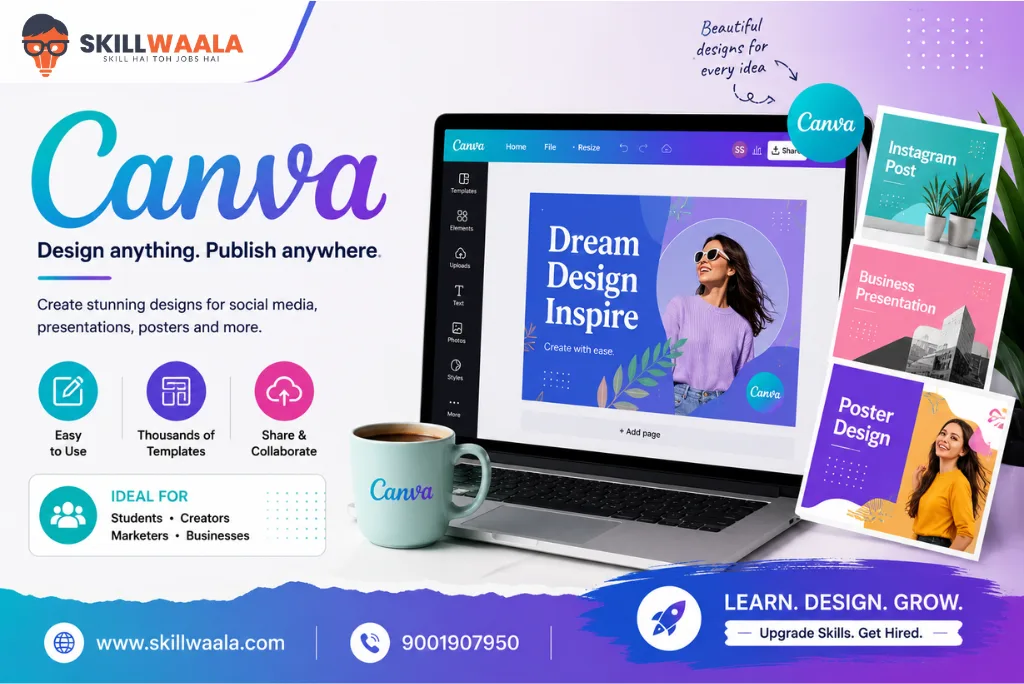
Canva ranks among the most popular graphic design tools currently available. Its drag-and-drop editor, thousands of ready-made templates, and AI-powered design features make it an excellent choice for beginners. You can create social media graphics, presentations, posters, resumes, business cards, and marketing materials without having prior design experience.
The platform also offers collaboration features, allowing teams to work on designs together. With its simple interface and large template library, Canva remains one of the best graphic design software options for beginners in 2026.
Key Features
- Drag-and-drop design editor
- Thousands of customizable templates
- AI-powered design suggestions
- Background remover
- Brand kit and team collaboration
- Social media content scheduler
- Stock photos, videos, and graphics
Pros and Cons
| Pros | Cons |
| Very easy to learn | Limited advanced editing features |
| Large template library | Many premium assets require Canva Pro |
| Free plan available | Designs may look similar if templates are overused |
| AI-powered design tools | Not ideal for complex professional illustrations |
| Works on web and mobile devices | Limited control compared to Photoshop or Illustrator |
Pricing: Free / Canva Pro starts from approx. ₹4,000 per year (pricing may vary)
Supported Platforms: Windows, Mac, Android, iOS, Web Browser
Also Read: Best Graphic Designing Courses in Jaipur in 2026
2. Adobe Express
Best For: Quick content creation, social media graphics, marketing materials, and beginner designers, students
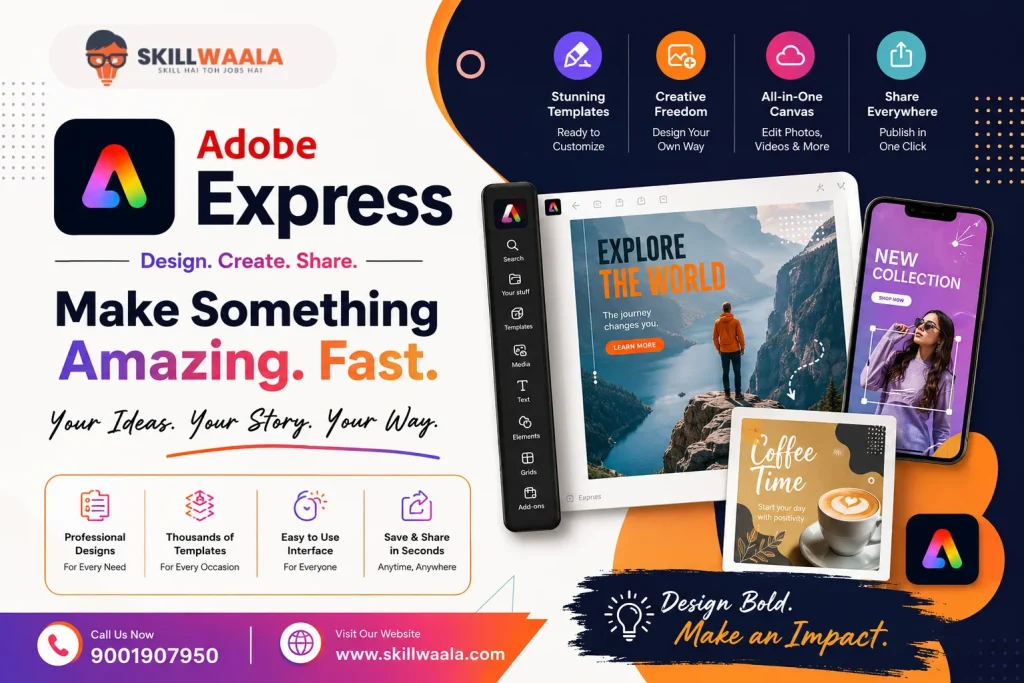
Adobe Express is a beginner-friendly graphic design tool from Adobe. It helps users create social media posts, flyers, posters, banners, videos, and promotional content using professionally designed templates.
The platform includes AI-powered tools that can help speed up the design process. Since it is part of the Adobe ecosystem, users can also benefit from integration with other Adobe products.
For users who want a simpler alternative to Photoshop while still enjoying Adobe’s design quality, Adobe Express is a strong option.
Key Features
- Ready-made templates
- AI-powered image generation and editing tools
- Quick resize for multiple platforms
- Background removal
- Video creation tools
- Adobe Stock integration
- Brand management features
Pros and Cons
| Pros | Cons |
| Beginner-friendly interface | Limited advanced design controls |
| Free plan available | Premium features require a subscription |
| High-quality templates | Not suitable for complex graphic design projects |
| AI-powered creative tools | Fewer customization options than Photoshop |
| Works across devices | Some features depend on internet connectivity |
Pricing: Free / Premium starts from approximately ₹398 per month
Supported Platforms: Windows, Mac, Android, iOS, Web
3. Design Wizard
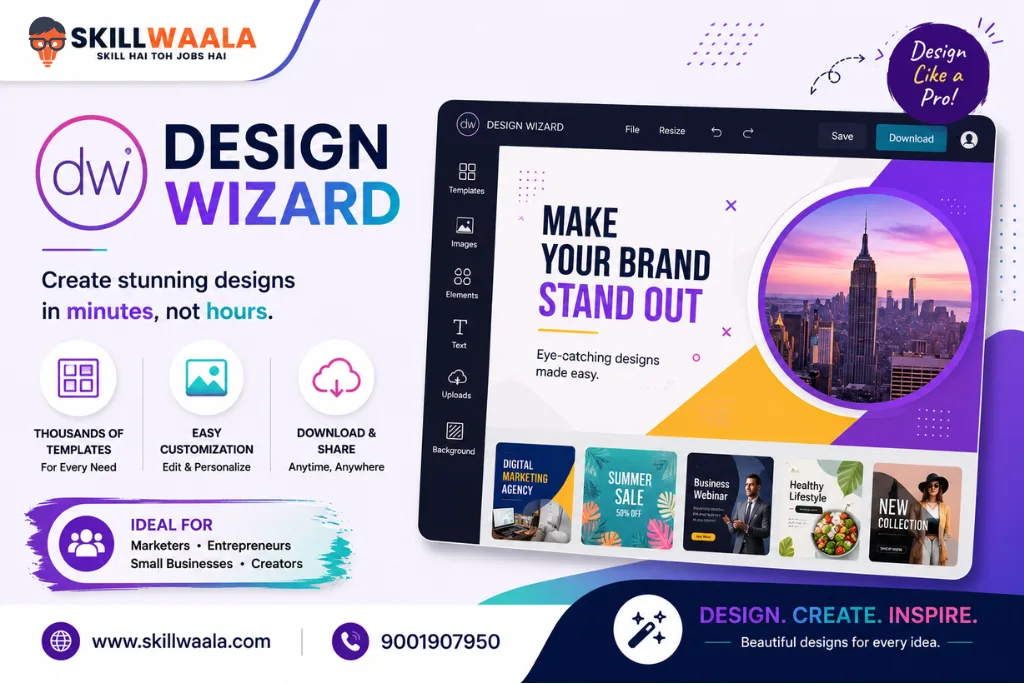
Best For: Marketing creatives, social media content, presentations, and promotional graphics
Design Wizard is a simple graphic design software that helps users create professional visuals quickly. It offers a large collection of templates, stock images, and design assets that can be customized for various business and marketing needs.
The platform is known for its easy-to-use interface, making it suitable for beginners who want to create quality graphics without learning advanced design software.
Key Features
- Large template collection
- Stock image and video library
- Simple drag-and-drop editor
- Custom branding tools
- Social media design templates
- Presentation and marketing graphic creation
Pros and Cons
| Pros | Cons |
| Easy to use for beginners | Fewer advanced features than Canva or Adobe products |
| Large template library | Limited customization options |
| Suitable for marketing materials | Smaller user community |
| Fast design creation process | Premium plan required for full access |
| No steep learning curve | Not ideal for professional illustration work |
Pricing: Free plan with limited features / Paid plan starts from approximately $9.99 per month
Supported Platforms: Windows, Web
4. Lunacy
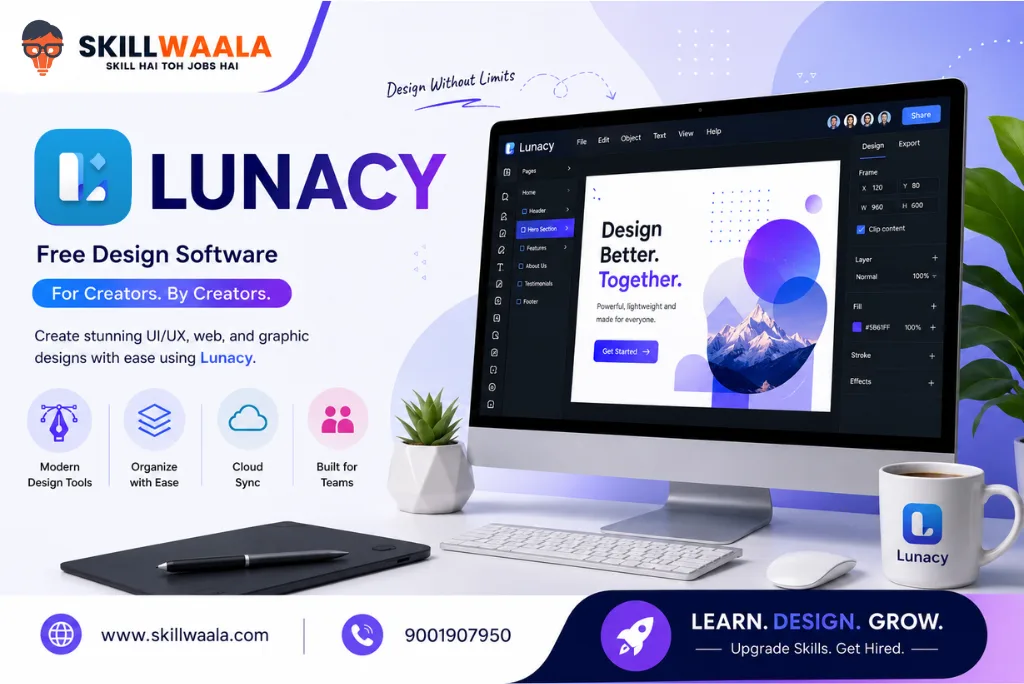
Best For: UI/UX designers, vector design, wireframing, and designers looking for a free alternative to premium software
Lunacy is a free graphic design software developed by Icons8 that helps designers create UI designs, vector graphics, wireframes, and prototypes. Unlike many design tools that require an internet connection, Lunacy works smoothly offline, making it a practical choice for students and professionals alike.
The software also includes built-in icons, illustrations, photos, and AI-powered tools that help speed up the design process. Its interface is similar to popular UI/UX tools, making it easier for designers to switch without a long learning curve.
For beginners who want to explore UI/UX design without paying for expensive software, Lunacy is one of the best graphic design tools available in 2026.
Key Features
- Vector graphic design tools
- Offline functionality
- Built-in icons, photos, and illustrations
- AI-powered background removal
- Auto-generated avatars and images
- Real-time collaboration
- UI/UX design and prototyping support
Pros and Cons
| Pros | Cons |
| Free to use | Smaller community compared to Figma |
| Works offline | Limited third-party integrations |
| Built-in design assets | Some advanced collaboration features are still evolving |
| Suitable for UI/UX design | Fewer plugins than larger competitors |
| Available on multiple operating systems | May require time to learn for complete beginners |
Pricing: Free / Premium assets available as an option
Supported Platforms: Windows, Mac, Linux
Want to Explore More Graphic Design AI Tools?
Explore the best graphic design AI Tools for beginners and professionals and choose the right tool for your creative journey.
Read Complete Guide5. Pixlr
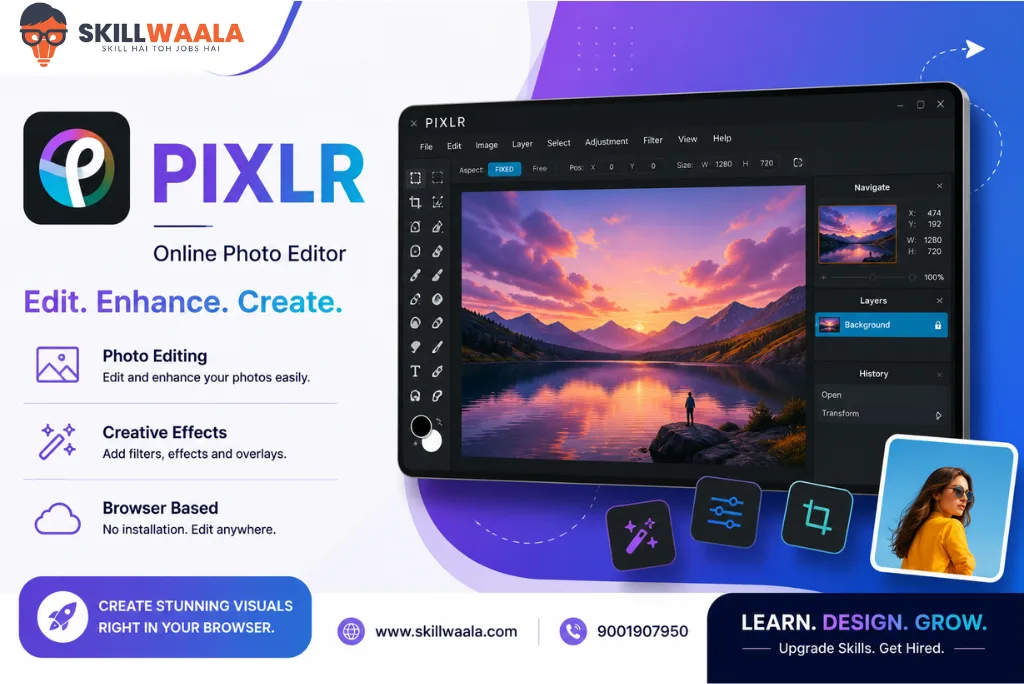
Best For: Online photo editing, quick graphic creation, social media content, and beginners
Pixlr is a browser-based graphic design tool that allows users to edit photos, create graphics, and generate visuals without installing any software. Its simple interface and AI-powered editing features make it one of the easiest tools for beginners.
Whether you need to remove backgrounds, edit images, create social media posts, or design promotional materials, Pixlr offers a fast and accessible solution. Since it works directly in a web browser, users can start designing within minutes.
For users who need a lightweight alternative to Photoshop, Pixlr is one of the best free graphic design software options available in 2026.
Key Features
- Browser-based design editor
- AI background remover
- AI image generation tools
- Photo retouching and editing
- Filters and effects
- Ready-made templates
- Layer-based editing
Pros and Cons
| Pros | Cons |
| No software installation required | Advanced features are limited compared to Photoshop |
| Free plan available | Free version includes advertisements |
| AI-powered editing tools | Not ideal for complex design projects |
| Beginner-friendly interface | Requires internet access |
| Quick and lightweight platform | Limited professional workflow features |
Pricing: Free / Premium available with additional features
Supported Platforms: Windows, Mac, Android, iOS, Web
6. Adobe Photoshop
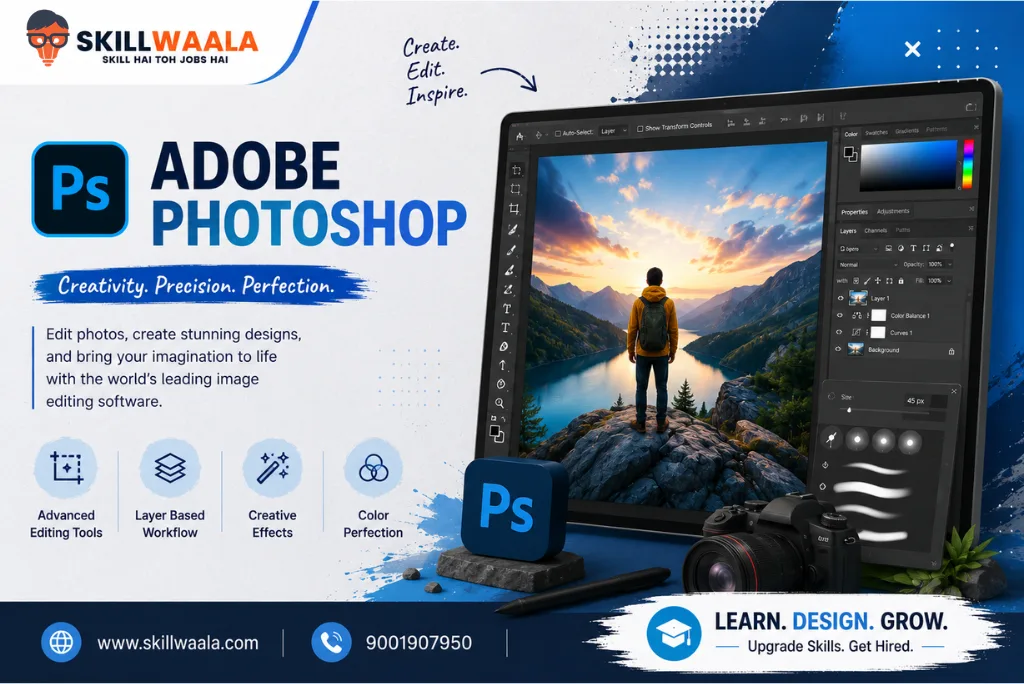
Best For: Photo editing, image manipulation, digital art, marketing creatives, and professional graphic design
Adobe Photoshop is widely regarded as the industry standard for photo editing and graphic design. It is used by designers, photographers, marketers, agencies, and creative professionals worldwide to create high-quality visuals.
From editing images and designing social media posts to creating website banners and digital artwork, Photoshop offers advanced tools for almost every type of design project. In recent years, Adobe has also introduced AI-powered features that make editing faster and more efficient.
If you are planning to build a career in graphic design, learning Photoshop is one of the most valuable skills you can develop.
Key Features
- Advanced photo editing tools
- Layer-based editing
- AI-powered Generative Fill
- Object selection and background removal
- Photo retouching tools
- Smart objects and filters
- Digital painting and illustration support
- Integration with other Adobe products
Pros and Cons
| Pros | Cons |
| Industry-standard software | Monthly subscription can be expensive |
| Powerful editing capabilities | Steeper learning curve for beginners |
| Advanced AI tools | Requires a capable computer for smooth performance |
| Extensive tutorials and community support | Can feel overwhelming for first-time users |
| Suitable for both design and photography | Some features may be excessive for basic projects |
Pricing: Starts from approximately ₹2,400 per month (pricing may vary)
Supported Platforms: Windows, Mac, iPad
7. Adobe Illustrator
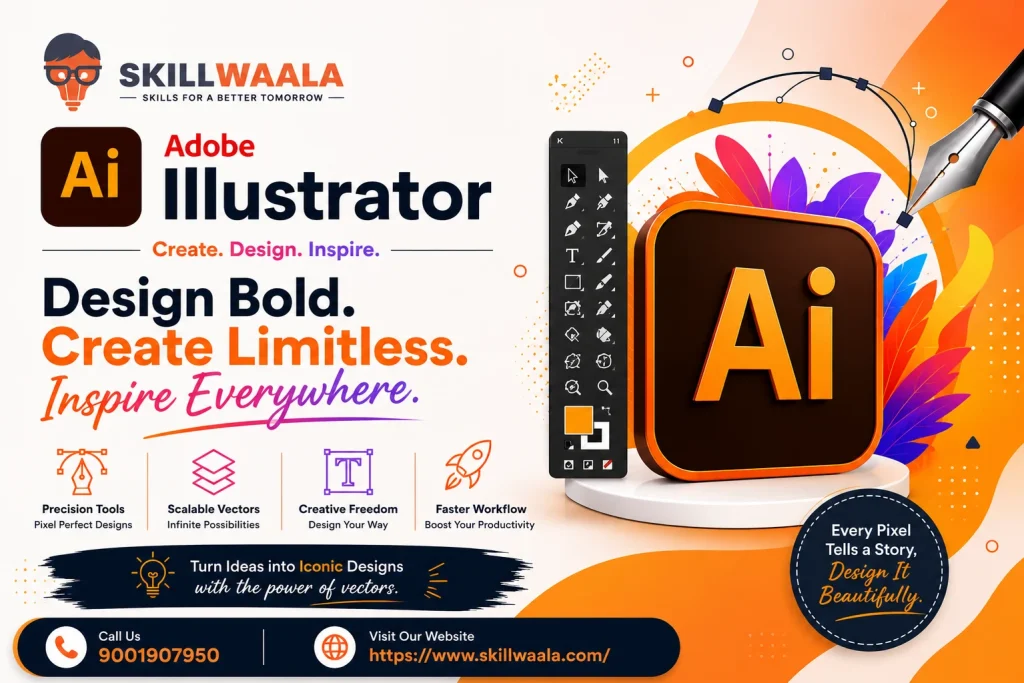
Best For: Logo design, vector graphics, branding, illustrations, and print design
Adobe Illustrator is one of the best graphic design software tools for creating vector-based artwork. Unlike raster images, vector graphics can be resized without losing quality, making Illustrator a preferred choice for logo designers, branding experts, and illustrators.
The software is commonly used to create logos, icons, posters, packaging designs, brochures, business cards, and marketing materials. Its precision tools give designers complete control over shapes, colors, typography, and layouts.
For professionals working in branding and visual identity design, Illustrator remains one of the most trusted tools in 2026.
Key Features
- Vector graphic creation
- Advanced drawing tools
- Typography controls
- Logo and branding design features
- AI-powered design assistance
- Gradient and color management tools
- Precision editing capabilities
- Seamless Adobe Creative Cloud integration
Pros and Cons
| Pros | Cons |
| Industry-standard vector design software | Learning curve can be challenging for beginners |
| Excellent for logo creation | Subscription-based pricing |
| High-quality print-ready outputs | Requires practice to master advanced tools |
| Powerful typography features | Not designed for photo editing |
| Widely used by professionals | Can consume significant system resources |
Pricing: Starts from approximately ₹734 per month (pricing may vary)
Supported Platforms: Windows, Mac, iPad
8. Procreate
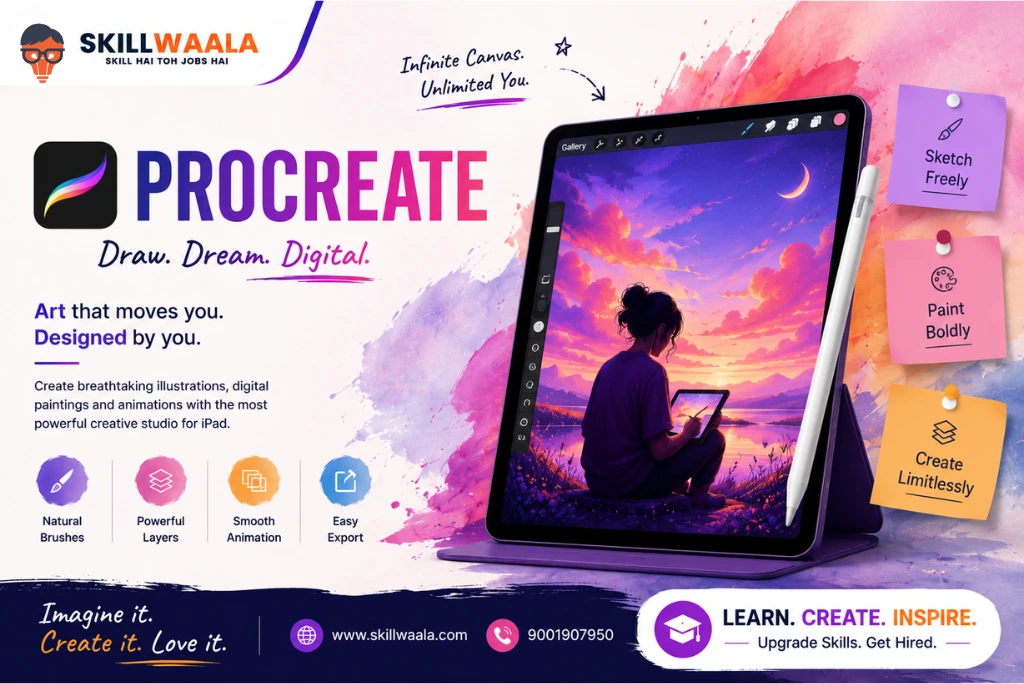
Best For: Digital illustration, sketching, character design, and creative artwork on iPad
Procreate is one of the most popular drawing and painting apps available for iPad users. It is known for its smooth performance, professional-grade brushes, and intuitive interface that allows artists to create stunning digital artwork.
Many illustrators, comic artists, concept artists, and content creators use Procreate for both personal and commercial projects. The software combines simplicity with powerful creative tools, making it suitable for beginners as well as experienced artists.
If your primary focus is digital art and you own an iPad, Procreate is one of the best graphic design tools you can invest in.
Key Features
- Hundreds of customizable brushes
- High-resolution canvas support
- Advanced layering system
- Time-lapse recording
- Animation Assist
- Apple Pencil optimization
- Fast and responsive interface
Pros and Cons
| Pros | Cons |
| One-time purchase | Available only on Apple devices |
| Easy to learn and use | No native Windows or Android version |
| Excellent brush collection | Limited vector design capabilities |
| Optimized for Apple Pencil | Not ideal for large team collaborations |
| Great for illustration and concept art | Fewer layout and publishing tools |
Pricing: One-time purchase of approximately ₹1,299 (pricing may vary)
Supported Platforms: iPad
9. Figma
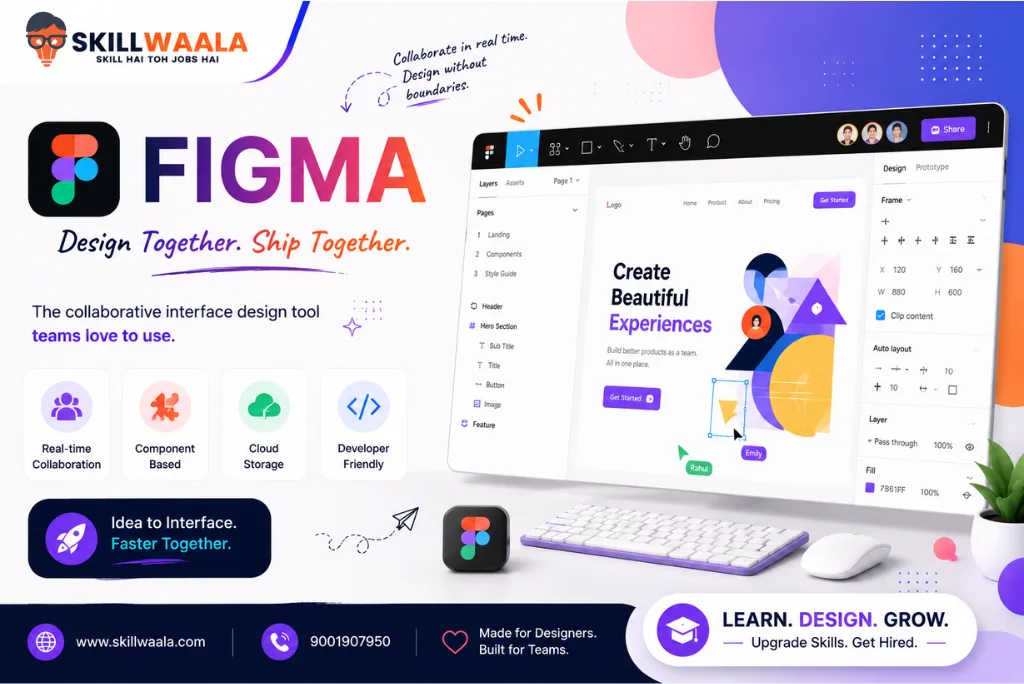
Best For: UI/UX design, website design, app design, prototyping, and team collaboration
Figma is one of the most popular design tools used by UI/UX designers, product teams, and design agencies. Unlike traditional graphic design software, Figma is cloud-based, allowing multiple team members to work on the same project in real time.
Designers use Figma to create website layouts, mobile app interfaces, wireframes, prototypes, and design systems. Its collaborative features make it a preferred choice for remote teams and businesses that need fast feedback and seamless workflow management.
With its growing collection of AI-powered features and plugins, Figma remains one of the best graphic design tools for collaborative design projects in 2026.
Key Features
- Real-time collaboration
- UI/UX design tools
- Interactive prototyping
- Design systems and reusable components
- Cloud-based workflow
- Developer handoff features
- Extensive plugin library
- AI-powered productivity tools
Pros and Cons
| Pros | Cons |
| Excellent collaboration features | Internet connection required for most workflows |
| Free plan available | Advanced features require paid plans |
| Easy sharing and feedback | Less suitable for advanced photo editing |
| Large plugin ecosystem | Can become complex for new users |
| Popular among modern design teams | Performance may slow on very large files |
Pricing: Free / Pro plan starts from approximately $15 per month
Supported Platforms: Windows, Mac, Linux, Android, iOS, Web
Also Read: 7 Types of Graphic Design You Must Know
10. Krita
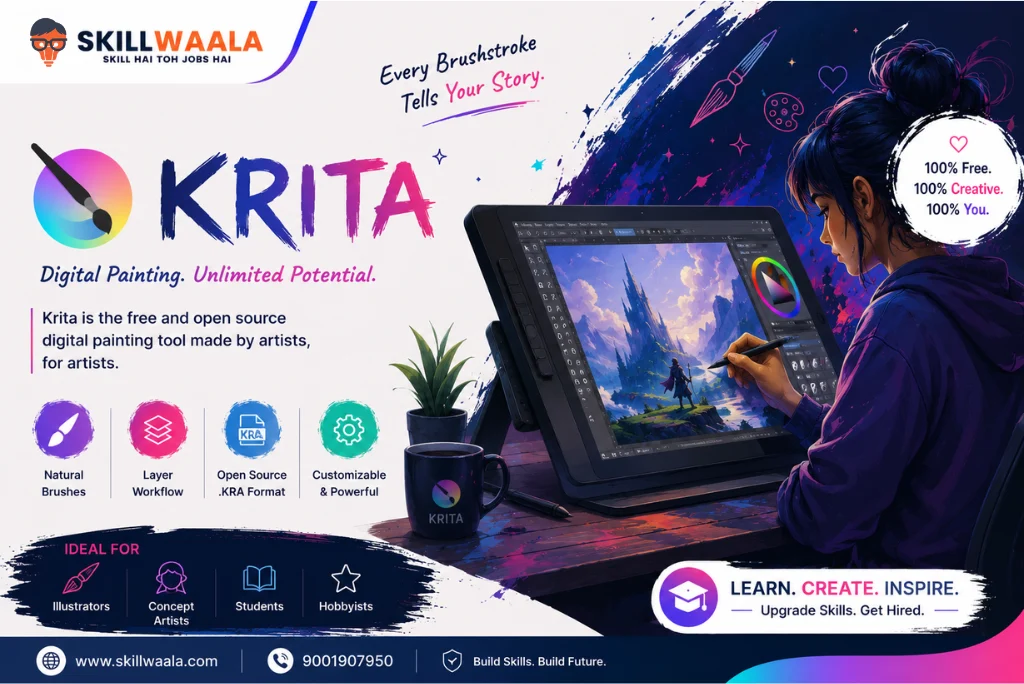
Best For: Digital painting, concept art, illustrations, comics, and creative artwork
Krita is a free and open-source graphic design software created primarily for artists and illustrators. It is widely known for its powerful brush engine and professional-grade digital painting tools.
Unlike many free design tools that offer limited functionality, Krita provides advanced features that can compete with several paid alternatives. This makes it a popular choice among students, hobbyists, and professional artists.
If your primary goal is creating digital paintings, illustrations, or concept art without spending money on expensive software, Krita is one of the best options available.
Key Features
- Professional brush engine
- Digital painting tools
- Animation support
- Layer management
- Color management system
- Customizable workspace
- Drawing assistants
- Open-source platform
Pros and Cons
| Pros | Cons |
| Completely free and open source | Can be resource-intensive on older computers |
| Excellent digital painting tools | Interface may feel overwhelming initially |
| Strong community support | Limited vector design capabilities |
| Regular updates and improvements | Fewer collaboration features |
| Suitable for professional artwork | Not focused on marketing design projects |
Pricing: Free
Supported Platforms: Windows, Mac, Linux, Android
11. Affinity Designer
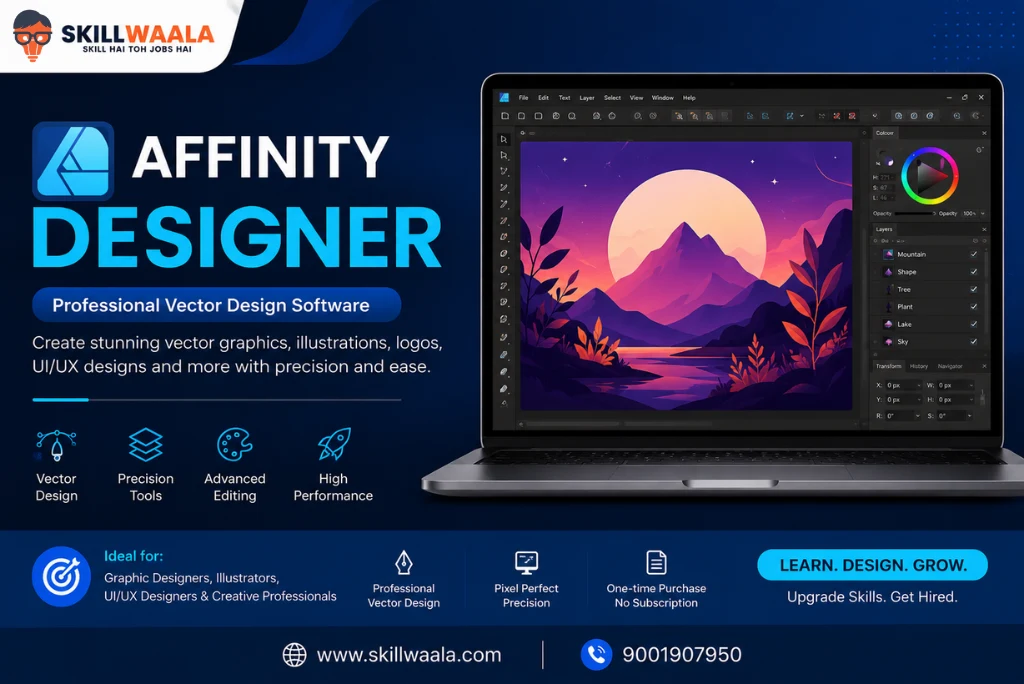
Best For: Vector graphics, logo design, branding, illustrations, and professional design work
Affinity Designer is one of the strongest alternatives to Adobe Illustrator. It offers professional vector design capabilities without requiring a monthly subscription, making it a cost-effective option for freelancers and businesses.
The software allows designers to create logos, brand assets, icons, marketing materials, illustrations, and user interface designs with precision and speed. Its smooth performance and one-time purchase model have made it increasingly popular among creative professionals.
For designers who want powerful features without ongoing subscription costs, Affinity Designer is an excellent choice.
Key Features
- Vector and raster design tools
- Precision drawing controls
- Advanced typography tools
- Unlimited artboards
- Non-destructive editing
- Professional export options
- High-performance rendering
- Cross-platform compatibility
Pros and Cons
| Pros | Cons |
| One-time purchase | Smaller ecosystem compared to Adobe |
| Professional-grade design tools | Fewer third-party integrations |
| Fast and responsive performance | Less industry adoption than Illustrator |
| Supports vector and raster workflows | Learning curve for beginners |
| Excellent value for money | Limited AI-powered features |
Pricing: One-time purchase available
Supported Platforms: Windows, Mac, iPad
12. CorelDRAW
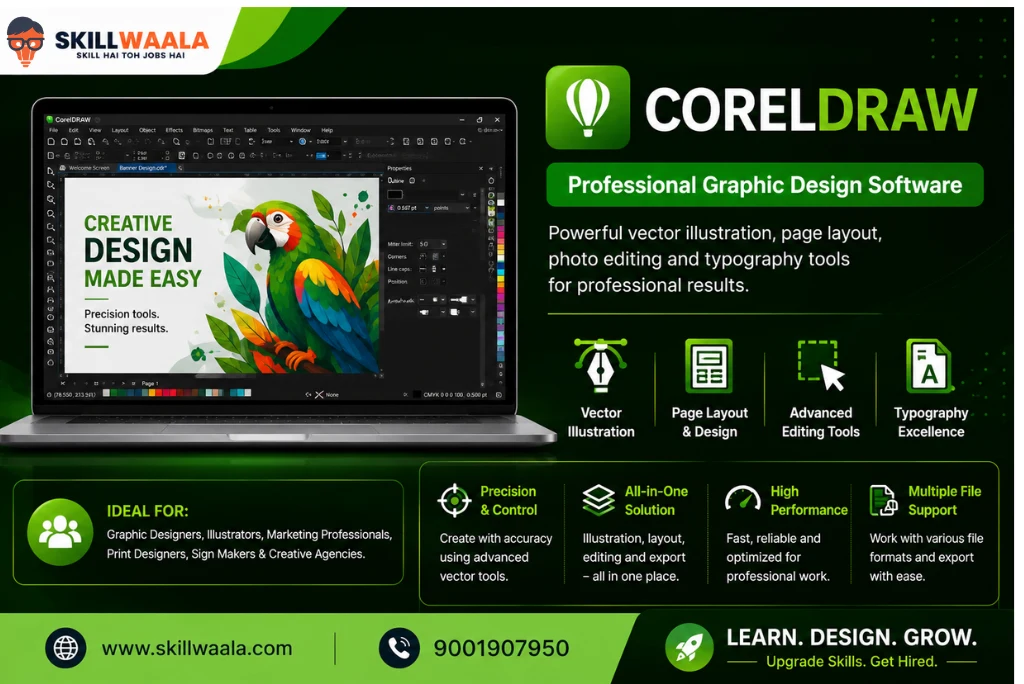
Best For: Print design, branding, advertising materials, packaging, and professional publishing
CorelDRAW has been a trusted graphic design software for decades and continues to be widely used in print design, signage, branding, and commercial design projects.
The software provides powerful vector editing tools along with advanced layout and typography features. Many printing businesses, advertising agencies, and branding professionals rely on CorelDRAW for creating high-quality print-ready designs.
Its combination of design flexibility and professional output makes it one of the best software programs for graphic design for commercial projects.
Key Features
- Advanced vector illustration tools
- Multi-page layout design
- Professional typography controls
- Print-ready file creation
- Color management tools
- Image editing capabilities
- AI-powered design assistance
- Extensive file format support
Pros and Cons
| Pros | Cons |
| Excellent for print and publishing projects | Subscription can be expensive |
| Powerful vector editing tools | Interface may feel complex for beginners |
| Strong typography controls | Smaller learning resource ecosystem than Adobe |
| Suitable for commercial design work | Less common in some modern design teams |
| Supports a wide range of file formats | Requires time to master advanced features |
Pricing: Subscription and perpetual license options available
Supported Platforms: Windows, Mac
13. Sketch
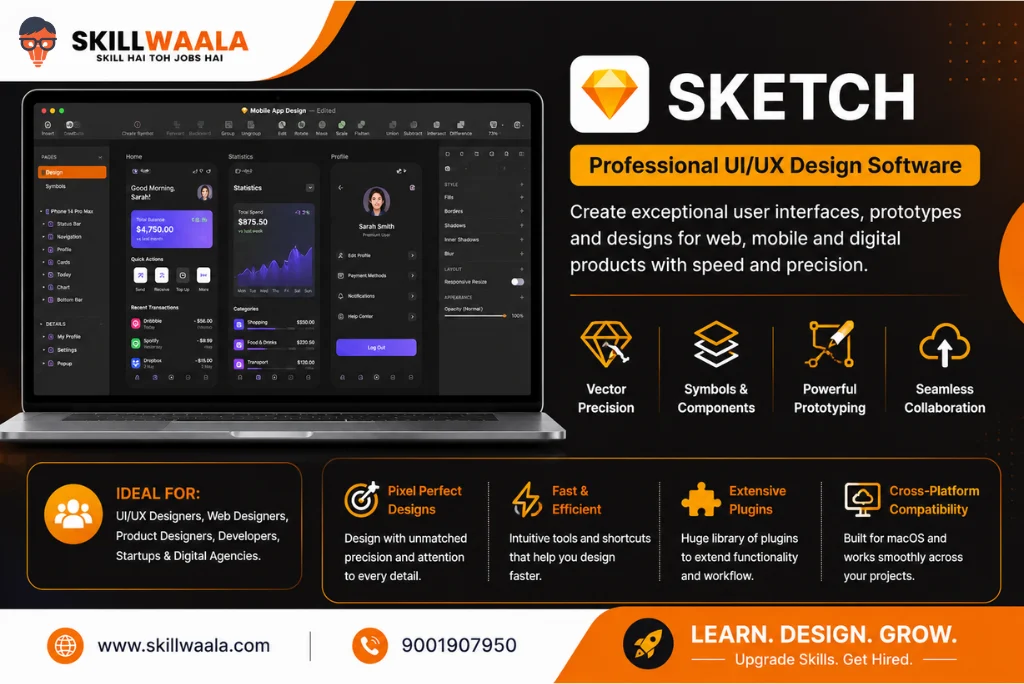
Best For: UI/UX design, website interfaces, mobile app design, and digital product design
Sketch is a popular graphic design tool used mainly by UI/UX designers and digital product teams. It is known for its clean interface, vector-based workflow, and powerful design features that help create websites, mobile applications, and user interfaces.
Over the years, Sketch has become a preferred choice for many designers who work exclusively on Apple devices. Its focus on digital design rather than print design makes it highly efficient for creating modern user experiences.
If you are a Mac user looking for a dedicated UI/UX design tool, Sketch is worth considering.
Key Features
- Vector-based design tools
- Reusable components and symbols
- Interactive prototyping
- Design system support
- Collaboration features
- Extensive plugin ecosystem
- Developer handoff tools
- Cloud workspace
Pros and Cons
| Pros | Cons |
| Clean and intuitive interface | Available only on macOS |
| Excellent for UI/UX design | Not suitable for advanced photo editing |
| Strong design system support | Smaller collaboration ecosystem than Figma |
| Lightweight and fast performance | Limited print design capabilities |
| Large plugin library | Requires a paid subscription |
Pricing: Paid plans available
Supported Platforms: macOS
14. Inkscape
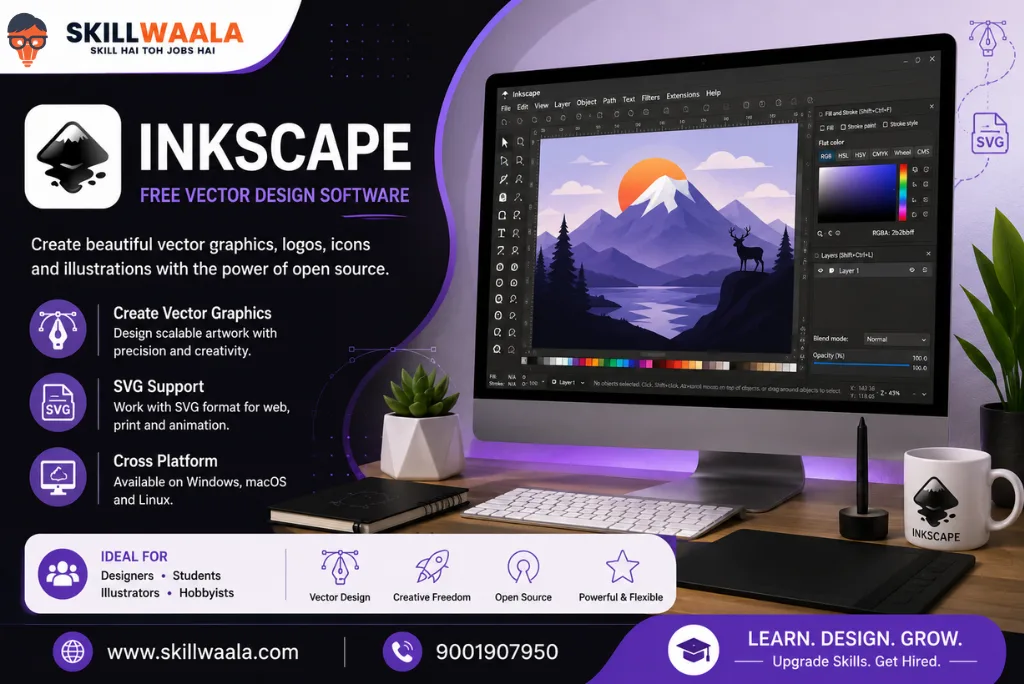
Best For: Free vector graphics, logo design, illustrations, and SVG editing
Inkscape is a free and open-source graphic design software that allows users to create professional-quality vector graphics. It is often considered one of the best free alternatives to Adobe Illustrator.
The software supports SVG (Scalable Vector Graphics), making it useful for logo design, illustrations, icons, diagrams, and marketing graphics. Despite being free, Inkscape offers a wide range of professional design tools.
For beginners, students, and freelancers who want powerful vector design software without paying for a subscription, Inkscape is a great choice.
Key Features
- Professional vector editing tools
- SVG file support
- Shape and path editing
- Typography tools
- Node editing capabilities
- Extensions and plugins
- Multiple export formats
- Open-source development
Pros and Cons
| Pros | Cons |
| Completely free | Interface may feel outdated to some users |
| Powerful vector design tools | Learning curve for beginners |
| Supports professional workflows | Performance can slow on complex files |
| Cross-platform compatibility | Fewer built-in templates |
| Active open-source community | Limited cloud collaboration features |
Pricing: Free
Supported Platforms: Windows, Mac, Linux
15. Adobe InDesign
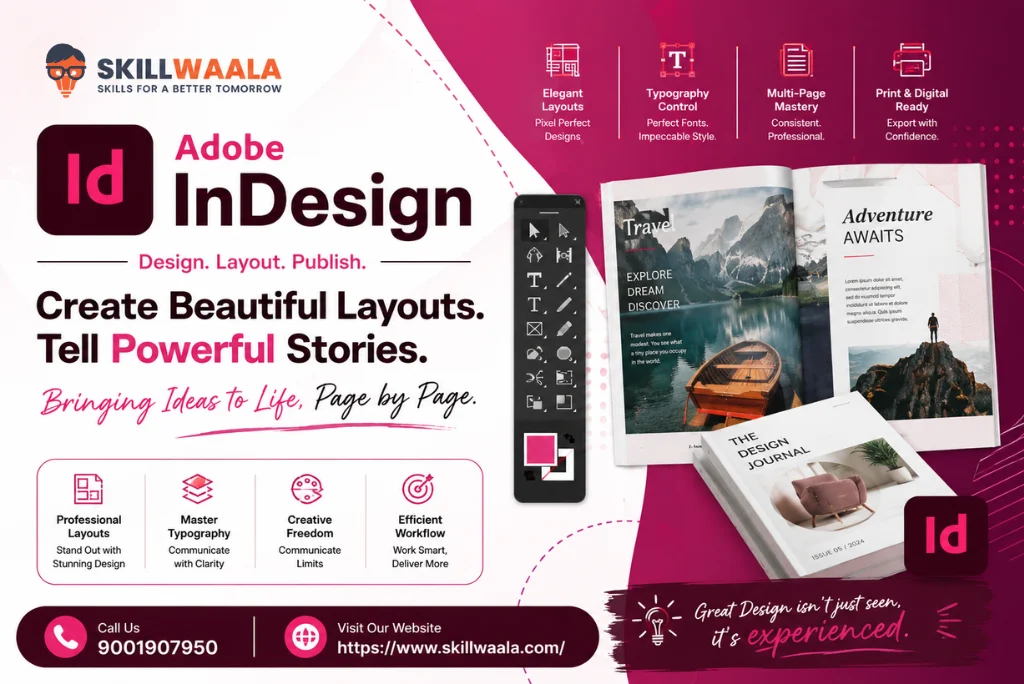
Best For: Magazine design, brochures, books, eBooks, reports, newsletters, and professional publishing
Adobe InDesign is a professional desktop publishing software that is widely used to produce print and digital publications. It is used by designers, publishers, marketing teams, and businesses to create magazines, brochures, flyers, annual reports, books, eBooks, and marketing content.
Unlike Photoshop, which focuses on image editing, or Illustrator, which specializes in vector graphics, InDesign is built specifically for page layouts and publishing projects. It allows designers to manage multiple pages, maintain consistent branding, and prepare files for both print and digital distribution.
For professionals working on publishing and marketing materials, Adobe InDesign remains one of the best graphic design tools in 2026.
Key Features
- Multi-page document design
- Professional page layout tools
- Advanced typography controls
- Master pages and templates
- Interactive PDF creation
- Print-ready file export
- Adobe Creative Cloud integration
- Collaboration and review tools
Pros and Cons
| Pros | Cons |
| Excellent for publishing projects | Subscription-based pricing |
| Industry-standard layout software | Learning curve for beginners |
| Powerful typography features | Not designed for photo editing |
| Ideal for print and digital documents | Can be overwhelming for basic design tasks |
| Integrates well with Photoshop and Illustrator | Requires time to master advanced features |
Pricing: Starts from approximately ₹1,675 per month (pricing may vary)
Supported Platforms: Windows, Mac
Confused Which Graphic Design Tool You Should Learn First?
Every designer starts somewhere. Get free career guidance and understand which tools are best for your career path – Canva, Photoshop, Illustrator, Figma, UI/UX, or branding.
Chat on WhatsAppGraphic Design Software Comparison Table
Still unsure which graphic design software is right for you? Use the comparison table below to compare features, pricing, and ideal use cases at a glance.
| Software | Best For | Free Version | AI Features | Platforms |
| Canva | Social media graphics, presentations, marketing content | Yes | Yes | Windows, Mac, Android, iOS, Web |
| Adobe Express | Quick content creation and marketing visuals | Yes | Yes | Windows, Mac, Android, iOS, Web |
| Design Wizard | Marketing graphics and promotional content | Limited | Limited | Windows, Web |
| Lunacy | UI/UX design and vector graphics | Yes | Yes | Windows, Mac, Linux |
| Pixlr | Online photo editing and graphic creation | Yes | Yes | Windows, Mac, Android, iOS, Web |
| Adobe Photoshop | Professional photo editing and digital art | No | Yes | Windows, Mac, iPad |
| Adobe Illustrator | Logo design and vector graphics | No | Yes | Windows, Mac, iPad |
| Procreate | Digital illustration and drawing | No | Limited | iPad |
| Figma | UI/UX design and team collaboration | Yes | Yes | Windows, Mac, Linux, Android, iOS, Web |
| Krita | Digital painting and concept art | Yes | No | Windows, Mac, Linux, Android |
| Affinity Designer | Vector graphics and branding | No | Limited | Windows, Mac, iPad |
| CorelDRAW | Print design and commercial publishing | No | Yes | Windows, Mac |
| Sketch | UI/UX and digital product design | No | Limited | macOS |
| Inkscape | Free vector graphics and logo design | Yes | No | Windows, Mac, Linux |
| Adobe InDesign | Publishing, brochures, magazines, and reports | No | Yes | Windows, Mac |
Quick Recommendations
If you need a quick recommendation, here are the best choices based on different requirements:
| Requirement | Recommended Software |
| Best Graphic Design Software for Beginners | Canva |
| Best Free Graphic Design Software | Inkscape |
| Best Graphic Design Tool for Students | Canva |
| Best Software for Logo Design | Adobe Illustrator |
| Best Software for Photo Editing | Adobe Photoshop |
| Best Software for UI/UX Design | Figma |
| Best Software for Digital Art | Procreate |
| Best Alternative to Adobe Illustrator | Affinity Designer |
| Best Software for Print Design | CorelDRAW |
| Best Software for Publishing and Magazines | Adobe InDesign |
| Best Online Graphic Design Tool | Pixlr |
| Best All-Round Professional Solution | Adobe Creative Cloud |
Conclusion
The best graphic designing tool depends on your goals, budget, and experience level. Beginners can start with Canva or Pixlr, while professionals may prefer Photoshop, Illustrator, or Figma. Explore different tools, build practical skills, and choose the software that best supports your creative and career objectives in 2026.
Frequently Asked Questions (FAQs)
Ans. Canva is one of the best graphic design software tools for beginners because of its simple interface, ready-made templates, and drag-and-drop editor. Other beginner-friendly options include Adobe Express, Pixlr, and Design Wizard.
Ans. Professional graphic designers commonly use Adobe Photoshop, Adobe Illustrator, Figma, CorelDRAW, and Adobe InDesign. The right software depends on the type of work, such as photo editing, branding, UI/UX design, or print publishing.
Ans. Some of the best free graphic design software options in 2026 include Inkscape, Krita, Canva, Pixlr, Figma, and Lunacy. These tools offer powerful features without requiring a paid subscription.
Ans. Canva and Photoshop serve different purposes. Canva is better for beginners and quick content creation, while Photoshop is better for professional photo editing, image manipulation, and advanced graphic design projects.
Ans. Adobe Illustrator is widely considered the best software for logo design because of its advanced vector editing capabilities. Affinity Designer and Inkscape are also excellent alternatives for creating professional logos.
Ans. Students can start with Canva, Figma, Krita, or Inkscape because these tools are easy to learn and offer free plans. As skills improve, students can move on to professional software like Photoshop and Illustrator.
Ans. Photoshop is mainly used for photo editing and raster graphics, while Illustrator is designed for vector graphics such as logos, icons, and illustrations. Vector designs can be resized without losing quality, making Illustrator ideal for branding projects.
Ans. Many modern graphic design tools now include AI-powered features. Canva, Adobe Photoshop, Adobe Illustrator, Adobe Express, Figma, Pixlr, and CorelDRAW offer AI tools for tasks such as image generation, background removal, content suggestions, and workflow automation.
Ans. Figma is primarily used for UI/UX design, website layouts, and app interfaces. However, it can also be used for presentations, social media graphics, wireframes, and collaborative design projects.
Ans. Yes. Many designers start with Canva, Figma, Inkscape, Krita, and Affinity Designer before learning Adobe tools. While Adobe software is widely used in the industry, it is possible to build strong design skills using alternative platforms.
Ans. Freelancers often use Adobe Photoshop, Adobe Illustrator, Canva, Figma, and Affinity Designer because these tools cover a wide range of client projects, including branding, social media design, UI/UX design, and marketing materials.
Ans. Most beginner graphic design tools can run on standard laptops. However, professional software such as Photoshop, Illustrator, CorelDRAW, and Figma performs better on systems with a modern processor, at least 8GB to 16GB RAM, and sufficient storage space.
About The Author