AI face swapping is no longer limited to viral edits and funny filters. Creators, marketers, and everyday users now use it for videos, social content, storytelling, and experimenting with generative AI.
The problem is that most tools look impressive until you hit watermarks, weak output quality, or restricted features.
After reviewing multiple platforms, one thing became clear. AI face swap apps genuinely save time and produce realistic results, while others lean heavily on hype.
In this blog, we will explore the best AI face swap tools and apps online for photos and videos that are actually worth trying.
What are AI Face Swap Tools?
AI face swap tools are applications that use AI to replace one person’s face with another in photos or videos. Unlike old-school photo editing that demanded manual cropping and layer adjustments, modern AI handles the heavy lifting automatically.
Upload a selfie, choose a target image or clip, and the software maps facial structure, expressions, skin tone, and angles to generate a realistic swap. That simplicity is exactly why these tools have exploded in popularity.
Today, a face swap AI tool can be used for entertainment, content creation, marketing experiments, virtual avatars, short-form videos, and creative editing projects. Some work entirely in the browser as a face swap online tool, while others are mobile-first apps designed for quick edits.
However, not every platform works the same. Certain tools specialize in online photo face swap free edits, while others focus on cinematic video processing and multi-face replacement.
How AI Face Swapping Works?
AI face swapping relies on computer vision and deep learning models trained to recognize facial landmarks. The software identifies features such as eyes, nose, jawline, facial symmetry, and expressions before blending the replacement face naturally into the target image or video. Most modern tools follow a simple workflow:
- Detect facial landmarks in both images or videos
- Analyze angles, lighting, and expressions
- Map the new face onto the target frame
- Blend textures and skin tones using AI rendering
- Generate the final output with minimal manual editing
Video swaps are usually more demanding because AI must track facial movement frame by frame. That is why the best video face swap AI tools often require stronger processing or paid credits.
Benefits of AI Face Swap Technology
AI face swapping is not just a novelty feature anymore. Used correctly, it speeds up content production and opens creative possibilities that once needed professional editing software. Key benefits include:
- Fast editing without advanced design skills
- Realistic results for photos and videos
- Useful for social media, reels, and creative projects
- Browser and mobile accessibility
- Availability for free swap apps and low-cost tools
- Growing support for free video face swap generation
I have seen creators spend hours masking faces in editing software that now takes two minutes with AI. That efficiency alone explains why face swap technology keeps gaining traction.
AI Face Swap Tools Comparison Table
Choosing the right AI face swap platform can get confusing for beginners. Some tools are built for quick memes and social edits. Others deliver realistic video swaps, studio-style photo edits, or avatar creation. This comparison table gives you a quick overview before we dive into detailed reviews.
| Tool | Photo Face Swap | Video Face Swap | Free Version | Starting Price | Best For |
| DeepSwap | Yes | Yes | Limited | Paid | High-quality video swaps |
| Remaker Face Swap | Yes | Limited | Yes | Freemium | Quick browser edits |
| Reface | Yes | Yes | Yes | Freemium | Mobile entertainment |
| Higgsfield AI | Yes | Yes | Limited | Paid | Creative AI visuals |
| Live3D AI Face Swap | Yes | Yes | Limited | Paid | Avatars and animated edits |
| Magic Hour | Yes | Yes | Limited | Paid | AI video generation |
| Pixlr | Yes | No | Yes | Freemium | Simple image editing |
| Mango AI | Yes | Yes | Limited | Freemium | Video content creation |
| AI Face Swap.io | Yes | Yes | Limited | Freemium | Browser-based swaps |
| FaceSwapper.ai | Yes | Limited | Yes | Freemium | Fast photo swapping |
| WaveSpeed AI | Yes | Yes | Limited | Paid | Advanced AI video work |
| ImagineArt | Yes | Limited | Yes | Freemium | Creative AI imagery |
| SwapMyFace | Yes | Yes | Limited | Freemium | Realistic facial replacement |
| PicWish AI | Yes | Limited | Yes | Freemium | Photo enhancement + swaps |
| Viggle AI | Limited | Yes | Yes | Freemium | Motion and character videos |
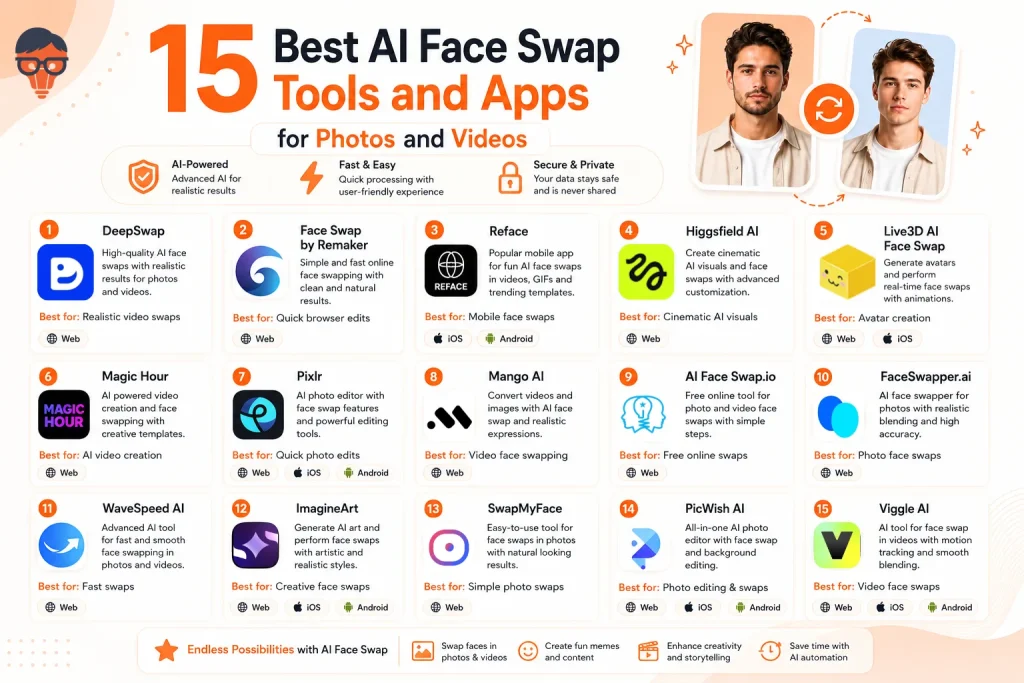
Top 15 AI Face Swap Tools: Detailed Reviews and Recommendations
The AI face swap market is saturated. But not every platform deserves your time. Some tools excel at realistic photo edits, others dominate video rendering, and a few strike a useful balance between speed, affordability, and output quality. These reviews will help you shortlist the right option faster.
#1 Deep Swap
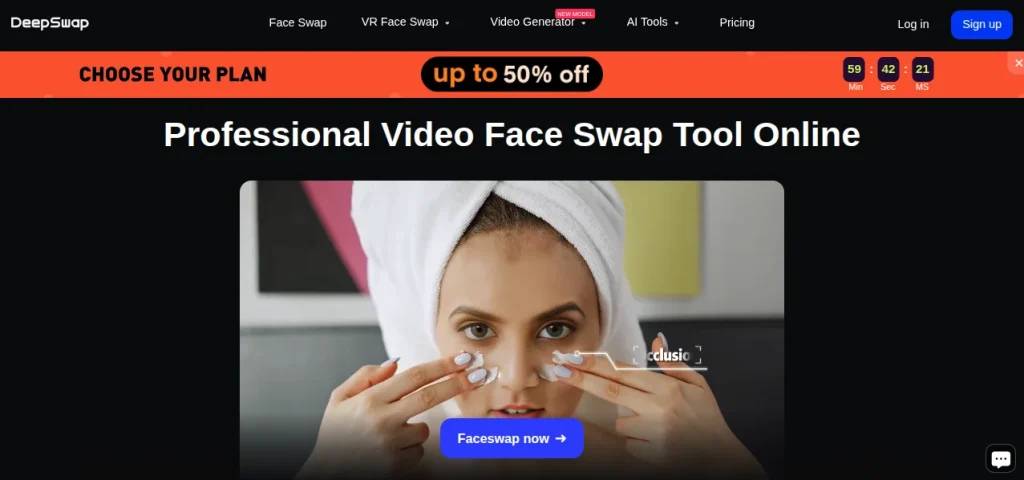
Best For: Realistic video swaps
DeepSwap has built a strong reputation for realistic AI face replacement, especially in videos. Unlike many lightweight tools that struggle with facial movement, DeepSwap handles expression frame tracking surprisingly well. It works through the browser, making it convenient for users who want fast edits without downloading heavy software.
Key Features:
- AI photo and video face swap
- Multi-face swapping support
- HD export quality
- Browser-based editing
Pros & Cons
Pros:
- Strong video realism
- Easy-to-use interface
- Fast rendering speed
Cons:
- Limited free access
- Credit-based usage
- Premium features locked
Pricing: Paid (limited trial available)
| Expert Opinion: If your priority is free video face swap experimentation, DeepSwap may feel restrictive. But for realistic video results, it remains one of the more polished options in the market. |
#2 Face Swap by Remaker
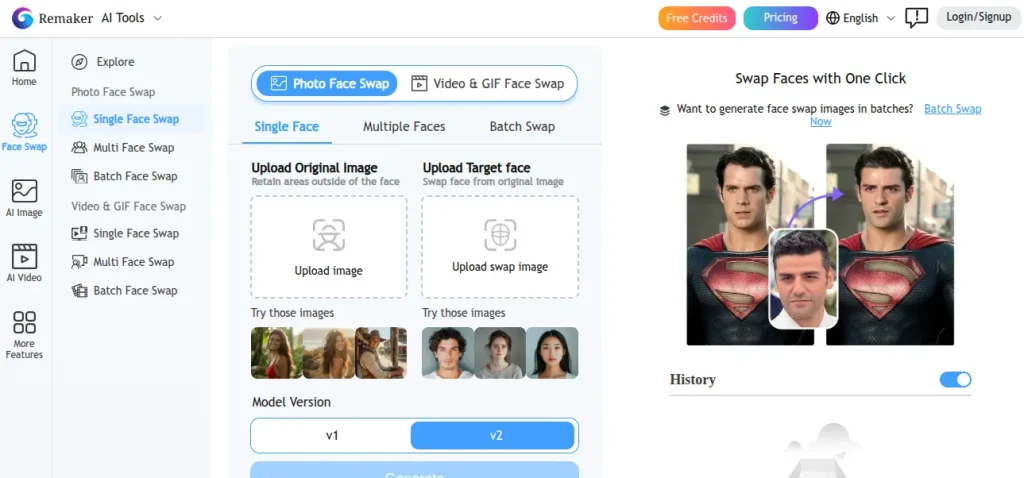
Best For: Quick browser edits
Face Swap by Remaker is a lightweight face swap online tool designed for speed and simplicity. It works entirely in the browser and performs well for casual photo swaps without demanding editing skills. The platform appeals to users who want fast results without navigating complicated settings.
Key Features:
- Photo face swapping
- Browser-based access
- Multiple upload options
- Simple drag-and-drop workflow
Pros & Cons:
Pros:
- Beginner-friendly interface
- No software installation
- Fast processing
Cons:
- Limited video support
- Watermarks on some outputs
- Quality varies by image
Pricing: Freemium
| Expert Opinion: Remaker is not chasing cinematic realism, and that is perfectly fine. If you want an online face swap tool that requires minimal effort, this tool will suit you perfectly. |
#3 Reface
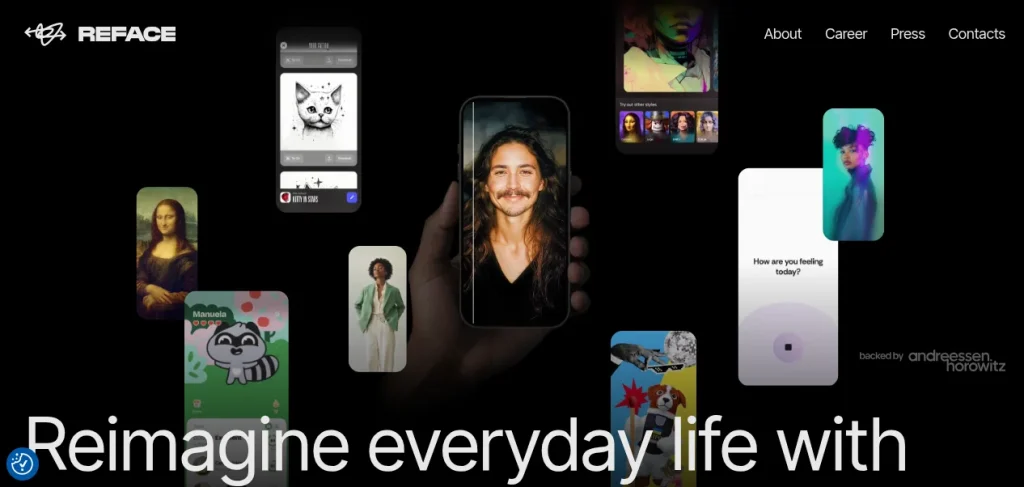
Best For: Mobile face swaps
Reface is one of the most recognizable AI face swap apps, known for turning selfies into animated clips, GIFs, and celebrity-style edits. Its mobile-first design keeps the process simple, making it popular among casual creators and short-form content users looking for quick entertainment-driven results.
Key Features:
- AI video and GIF swaps
- Mobile app support
- Trending templates library
- Social sharing integration
Pros & Cons:
Pros:
- Extremely easy to use
- Large template collection
- Fast mobile processing
Cons:
- Heavy ads in the free version
- Limited customization
- Watermarks on free edits
Pricing: Freemium
| Expert Opinion: Reface is less about precision editing and more about fun, speed, and shareable content. If you want a casual mobile face swap app, this tool is quite appealing. |
#4 Higgsfield AI
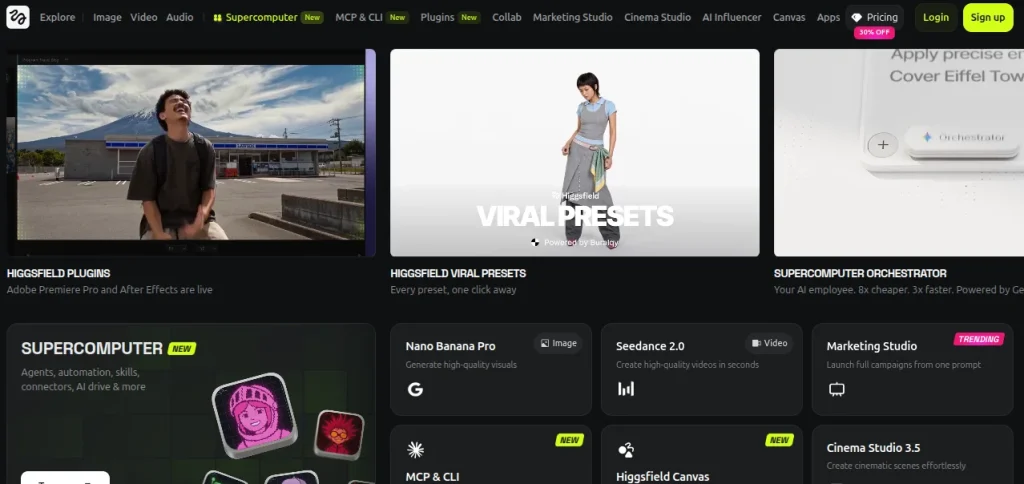
Best For: Cinematic AI visuals
Higgsfield AI focuses on stylized AI visuals and cinematic content rather than basic face swapping alone. The platform blends generative AI with facial editing, making it appealing for creators experimenting with dramatic scenes, AI storytelling, and visually polished content.
Key Features:
- AI face and visual editing
- Cinematic style generation
- Creative prompt controls
- High-quality rendering
Pros & Cons:
Pros:
- Visually impressive output
- Strong creative flexibility
- Modern AI workflow
Cons:
- Learning curve involved
- Limited free usage
- Not built for quick edits
Pricing: Paid (limited free access)
| Expert Opinion: Higgsfield AI feels less like a casual face swap AI tool and more like a creative studio. If you want fast memes, avoid it. However, if visual storytelling matters, it becomes an interesting choice. |
#5 Live3D AI Face Swap
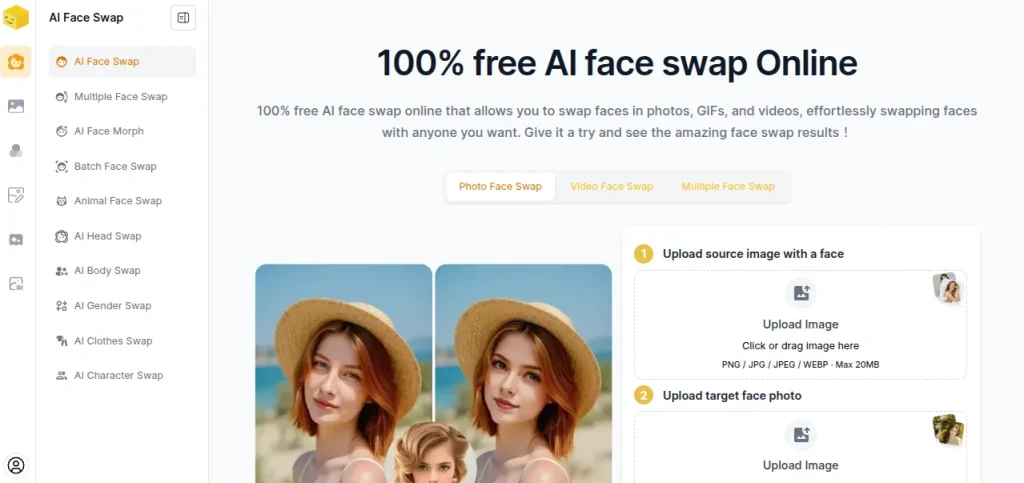
Best For: Avatar creation
Live3D AI Face Swap leans heavily into avatars, VTuber-style content, and animated face transformations. Rather than focusing only on static swaps, it allows users to create expressive digital identities and AI-driven character visuals with relatively simple workflows.
Key Features:
- AI face swap editing
- Avatar generation tools
- Animated facial effects
- Real-time customization
Pros & Cons:
Pros:
- Good avatar support
- Interactive editing tools
- Beginner-friendly setup
Cons:
- Limited realism for photos
- Some features locked
- Less suited for cinematic edits
Pricing: Freemium
| Expert Opinion: Live3D is not competing with the best hardcore video face swap AI tools. Its strength lies in avatar creation and animated content, which makes it surprisingly useful for creative projects. |
#6 Magic Hour
Best For: AI video creation
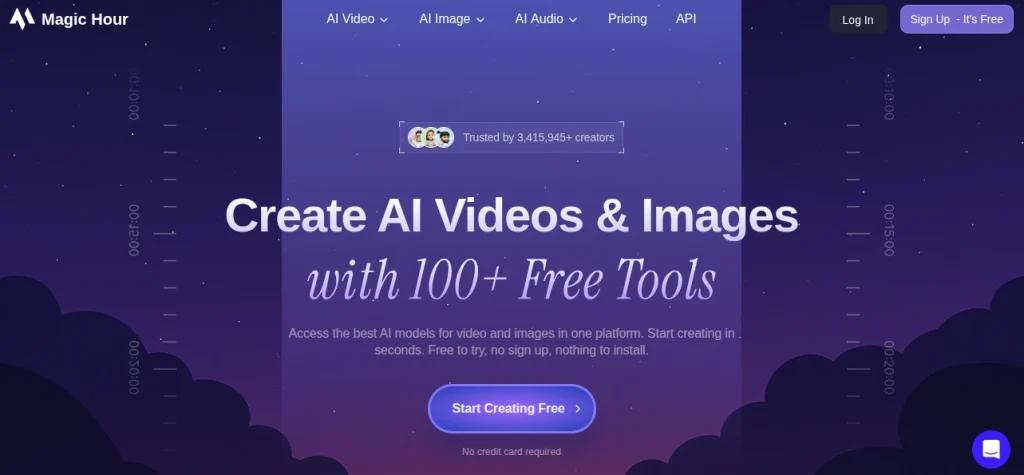
Magic Hour combines AI face swapping with broader video generation features, making it more than a simple swap editor. The platform supports creative video production, character edits, and social-ready AI visuals, which gives it an edge for users working with dynamic content.
Key Features:
- AI video face swapping
- Video generation tools
- Template-based editing
- Browser workflow
Pros & Cons:
Pros:
- Strong video capabilities
- Clean user interface
- Good creative flexibility
Cons:
- Free usage limits
- Rendering can take time
- Premium plans required for scale
Pricing: Freemium/Paid plans
| Expert Opinion: Magic Hour works best when face swapping is part of a bigger video project. For creators exploring free video face swap alongside AI video production, it offers more range than many single-purpose tools. |
#7 Pixlr
Best For: Quick photo edits
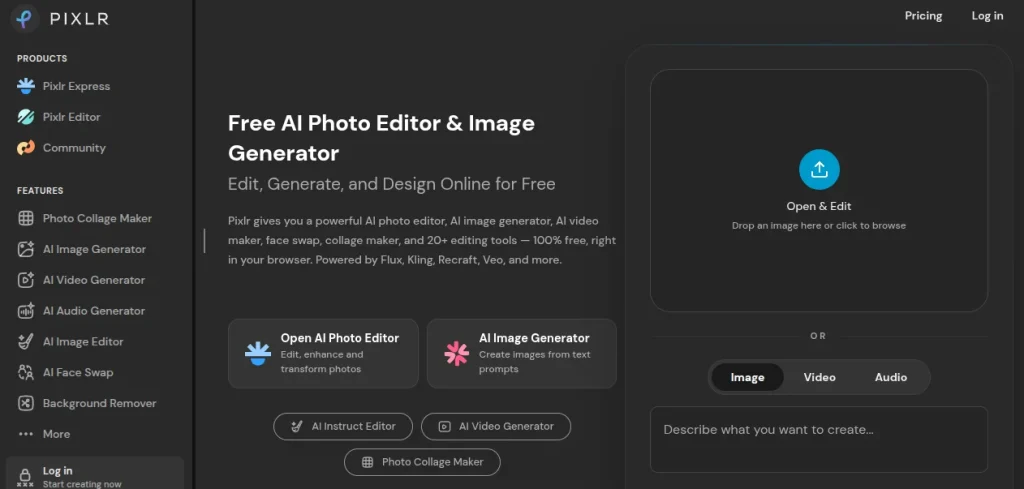
Pixlr is primarily an AI-powered photo editor, but its face swap capabilities and editing toolkit make it useful for casual image manipulation. The browser-based setup keeps things lightweight, especially for users who want edits without installing professional software.
Key Features:
- AI photo editing tools
- Face replacement support
- Background removal
- Browser-based workplace
Pros & Cons:
Pros:
- Easy accessibility
- Multi-purpose editor
- Free plan available
Cons:
- Limited video support
- Face swap is not the core feature
- Advanced tools require a plan upgrade
Pricing: Freemium
| Expert Opinion: Pixlr is not the most specialized online face swap tool, and that is its charm. If you want face swapping plus general image editing in one place, it offers solid value. |
#8 Mango AI
Best For: AI talking videos
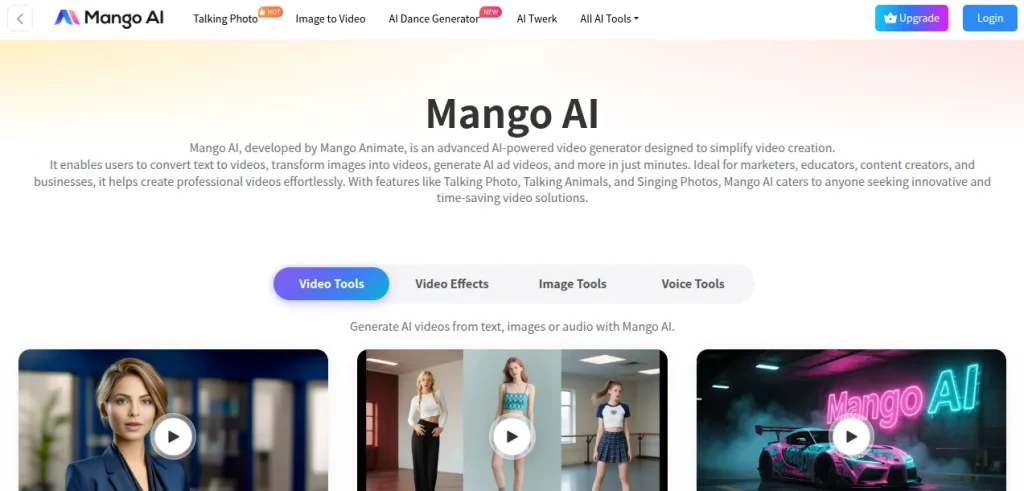
Mango AI focuses on AI-generated presenters, talking avatars, and video-based content creation. Face swapping is part of a broader toolkit designed for animated communication and social media visuals, making it more versatile than many single-purpose editors.
Key Features:
- AI face swap support
- Talking avatar creation
- Video generation tools
- Template-driven workflow
Pros & Cons:
Pros:
- Good for video content
- Beginner-friendly interface
- Multiple AI features
Cons:
- Limited free credits
- Less photo-focused
- Premium exports cost extra
Pricing: Freemium
| Expert Opinion: Mango AI is not trying to be the best AI face swap tool for photos. Its real strength lies in AI-driven videos and avatar content, especially for creators who want more than static edits. |
#9 AI Face Swap.io
Best For: Browser face swaps
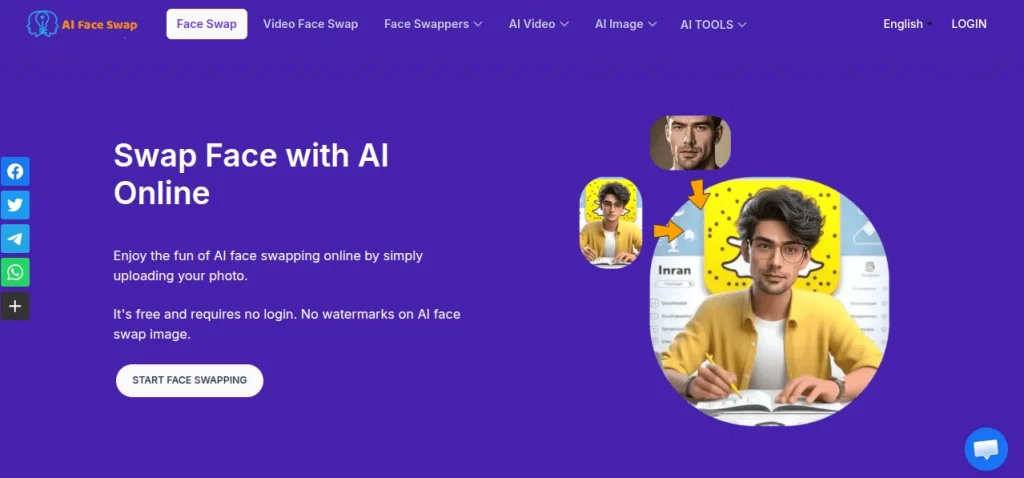
AI Face Swap.io is a straightforward online face swap tool built for users who want quick results without downloading apps or editing software. The platform handles both photo and video swaps through a browser interface and keeps the process refreshingly simple.
Key Features:
- AI photo face swap
- Video face swap support
- Browser-based editing
- Fast upload and export
Pros & Cons:
Pros:
- No installation needed
- Simple user workflow
- Supports multiple formats
Cons:
- Limited free usage
- Output quality can vary
- Premium access unlocks better features
Pricing: Freemium
| Expert Opinion: AI Face Swap.io sits comfortably between casual and practical use. For users experimenting with browser-based edits, it offers a low-friction starting point. |
#10 FaceSwapper.ai
Best For: Fast photo swaps
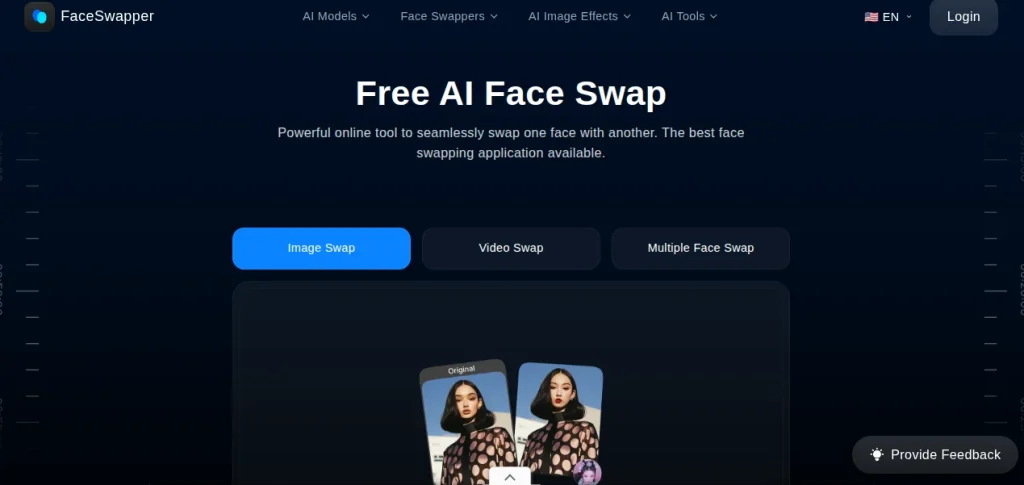
FaceSwapper.ai keeps things simple and speed-focused. Built mainly for photo-based edits, the platform lets users upload images and generate AI face swaps within minutes. The clean workflow makes it approachable for beginners who want results without technical setup.
Key Features:
- AI photo face swap
- Browser-based access
- Batch image support
- Quick processing engine
Pros & Cons:
Pros:
- Fast turnaround time
- Beginner-friendly design
- No complex editing needed
Cons:
- Limited video features
- Free usage restrictions
- Realism depends on image quality
Pricing: Freemium
| Expert Opinion: FaceSwapper.ai does not pretend to be an advanced video studio. For users looking for a lightweight face swap AI tool focused on photos, it delivers speed and convenience without unnecessary complexity. |
#11. WaveSpeed AI
Best For: Advanced video edits
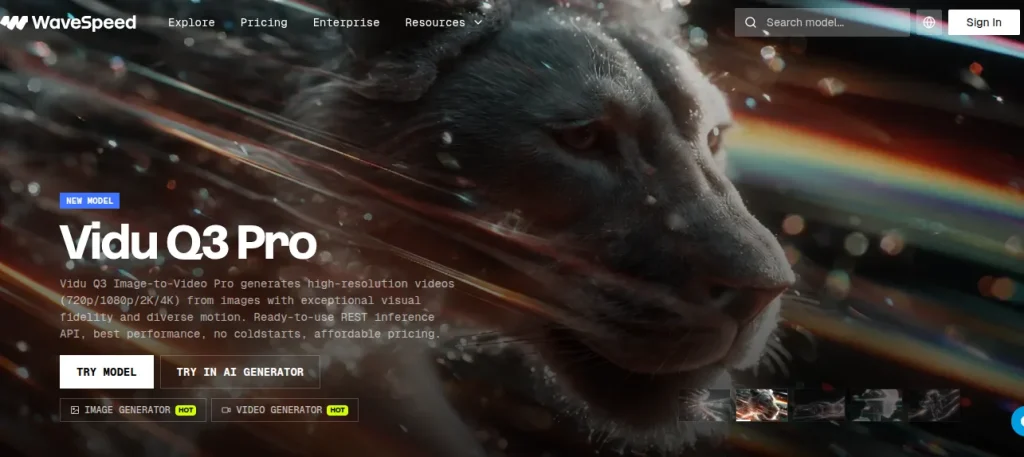
WaveSpeed AI is designed for users who care about realism, motion consistency, and high-quality video rendering. Rather than offering a casual face filter, the platform leans toward advanced AI processing that handles moving faces and dynamic scenes more effectively.
Key Features:
- AI video face swapping
- High-quality rendering
- Motion tracking support
- Advanced processing engine
Pros & Cons:
Pros:
- Strong video realism
- Handles movement well
- Professional-grade support
Cons:
- Limited free access
- It can feel technical to beginners
- Premium pricing
Pricing: Paid (limited trial available)
| Expert Opinion: WaveSpeed AI is not for casual meme edits. If you want detailed video work and need a good video face swap tool with strong rendering capabilities, you should try WaveSpeed AI. |
#12. ImagineArt
Best For: Creative AI art
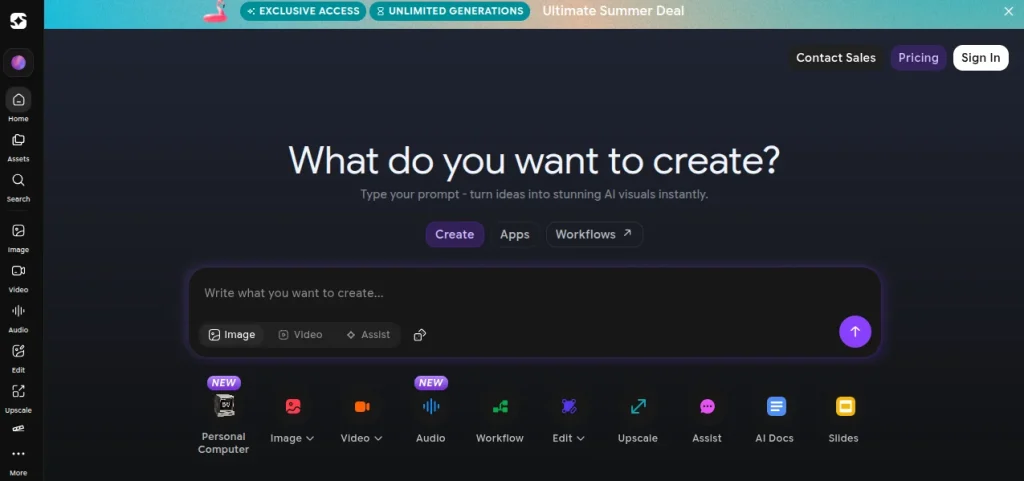
ImagineArt blends AI image generation with facial editing, making it more of a creative playground than a dedicated face swap platform. Users can combine prompts, styles, and AI visuals alongside face replacement features for more artistic outputs.
Key Features:
- AI face editing
- Text-to-image generation
- Multiple art styles
- Creative prompt controls
Pros & Cons:
Pros:
- Strong creative freedom
- Beginner-friendly interface
- Free plan available
Cons:
- Limited video support
- Face swapping is not the core focus
- Output quality varies by prompt
Pricing: Freemium
| Expert Opinion: ImagineArt is not the most specialized AI face swap tool for photos, but it does reward experimentation. If you enjoy mixing AI art with face edits, it becomes a surprisingly flexible option. |
#13. SwapMyFace
Best For: Realistic selfies
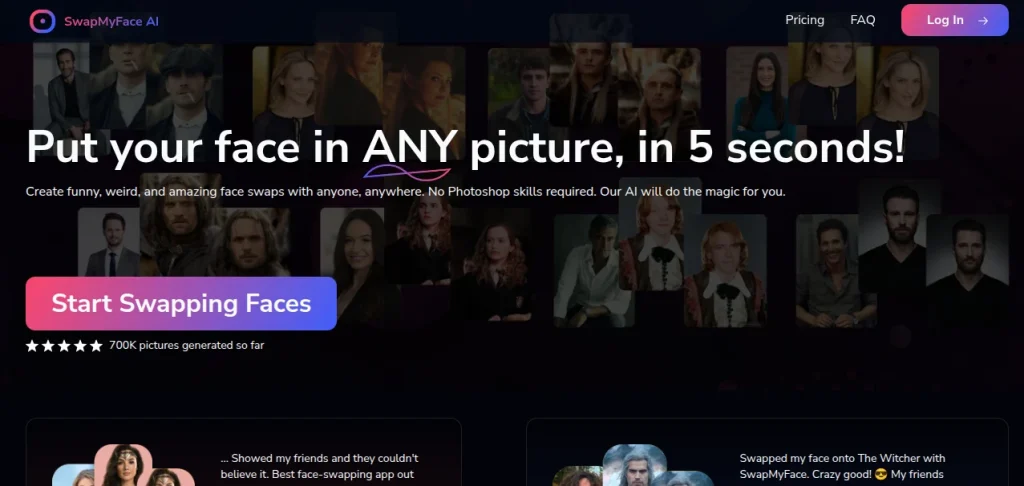
SwapMyFace focuses on realistic facial replacement for photos and short-form visual content. The platform prioritizes natural-looking outputs and simple workflows, making it appealing for users who want believable swaps without spending hours editing.
Key Features:
- AI photo face swap
- Realistic facial blending
- Browser-based editing
- Quick image processing
Pros & Cons:
Pros:
- Natural-looking results
- Simple interface
- Fast generation
Cons:
- Limited video support
- Free features restricted
- Fewer advanced controls
Pricing: Freemium
| Expert Opinion: SwapMyFace works best when realism matters more than flashy effects. For users exploring a photo face swap tool with a cleaner facial blending, it offers a practical middle ground. |
#14. PicWish AI
Best For: Photo enhancement
PicWish AI is widely known for image enhancement and background editing, but its AI face editing tools add extra flexibility for casual swaps and portrait refinement. The platform works well for users who want cleaner images alongside basic face replacement.
Key Features:
- AI face editing
- Photo enhancement tools
- Background removal
- Browser and mobile access
Pros & Cons:
Pros:
- Multi-purpose editor
- Easy-to-use interface
- Free tools available
Cons:
- Limited video features
- Face swap is secondary
- Premium tools require an upgrade
Pricing: Freemium
| Expert Opinion: PicWish AI is an all-around photo utility tool. It is ideal for image cleanup as well as swapping faces. |
#15. Viggle AI
Best For: Motion-based videos
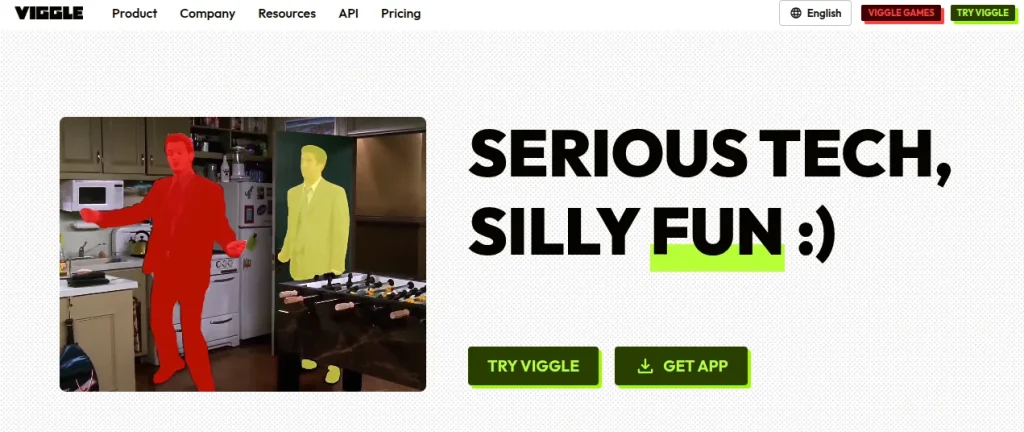
Viggle AI has gained attention for motion-driven AI videos and character animation rather than traditional face swapping alone. The platform allows users to combine movement, facial edits, and AI-generated animation, making it especially popular for short-form and social content.
Key Features:
- AI video face editing
- Motion and character animation
- Template-based creation
- Social content workflow
Pros & Cons:
Pros:
- Strong animation features
- Engaging video output
- Beginner-friendly experience
Cons:
- Limited photo editing
- Free usage caps
- Learning curve for advanced effects
Pricing: Freemium
| Expert Opinion: Viggle AI’s strength lies in animated content and motion-heavy videos, making it a creative pick for video-first users. |
Whether you’re creating marketing videos, social media reels, or educational content, these AI tools can turn your ideas into polished videos in just a few clicks.
Find Your AI Text-to-Video Generator →How to Choose the Best AI Face Swap Tool?
Not every AI face swap tool solves the same problem. Before choosing, focus on what you actually need. Use this quick checklist:
- Photo or Video: Choose photo-first tools for profile edits and video-focused platforms for reels or motion content.
- Free or Paid: Many free tools limit exports, quality, or credits.
- Realism Level: Some apps create fun edits, while others aim for natural facial blending.
- Ease of Use: Browser-based tools work best for quick editing without downloads.
- Privacy and Upload Policies: Always check how your photos and videos are stored or deleted.
Use this simple rule:
- If speed matters, choose a lightweight online face swap tool.
- If realism matters, invest in platforms built for advanced video processing
Are AI Face Swap Tools Safe to Use?
AI face swap tools are generally safe, but safety depends more on the platform than the technology itself. Free tools may store uploads, add watermarks, or use unclear data policies, which is why privacy deserves attention before uploading personal photos or videos.
Follow these basic precautions:
- Read the privacy policy before uploading sensitive images
- Avoid tools with unclear data retention rules
- Prefer platforms with secure deletion or user-controlled storage
- Be cautious with celebrity, public figure, or third-party images
- Use trusted apps with transparent pricing and ownership policies
Best AI Face Swap Apps for Android and iPhone
Mobile face swap apps have improved dramatically. You no longer need desktop software to create realistic edits or short AI videos. If convenience matters, these apps stand out:
- Reface: Best for quick mobile swaps and trending templates
- Pixlr: Good for photo editing, plus face swap features
- PicWish AI: Useful for portrait cleanup and casual swaps
- Viggle AI: Strong choice for motion-based and social videos
- Live 3D AI Face Swap: Ideal for avatars and animated identities
If you edit mostly on your phone, start with apps that balance simplicity and output quality rather than chasing the most feature-heavy option. Fast workflows usually win.
Final Words
The best AI face swap tool depends on your goal. Some platforms excel at quick photo edits, while others deliver stronger video realism and creative control. Start with free tools, test the quality, and upgrade only if the results genuinely match your workflow.
Want to explore AI tools beyond face swapping and build practical AI skills? Join Skillwaala and start learning AI through hands-on guidance and real-world applications.
Frequently Asked Questions (FAQs)
Ans. AI face swap tools use artificial intelligence to replace one person’s face with another in photos or videos. Most modern tools automate facial detection, blending, and rendering, making editing faster and easier.
Ans. Tools like DeepSwap, Magic Hour, and WaveSpeed AI are often preferred for video editing because they handle facial movement and frame tracking more realistically.
Ans. Yes. Several platforms offer free or freemium access, including Remaker, FaceSwapper.ai, and Pixlr.
Ans. Reface remains one of the most popular options for Android and iPhone users due to its easy interface, templates, and quick editing workflows.
Ans. Yes. Many modern tools support both formats, although some platforms specialize in either photo editing or advanced video face swapping.
Ans. No. Most AI face swap platforms are designed for beginners and use simple upload-and-generate workflows without requiring professional editing experience.
About The Author