

Creating presentations used to mean spending more time fixing slides than building ideas. That equation has changed. The best AI presentation makes tools can now turn prompts, notes, or documents into polished decks within minutes.
From layout suggestions and AI-generated content to design automation, modern presentation maker tools are making presentation creation online faster and far less frustrating. Still, not every tool lives up to the hype. Some work brilliantly as a free online presentation maker, while others are better suited for business decks, classroom projects, or PowerPoint workflows.
In this blog, I will explore 15 AI presentation tools so you can find the right fit without testing every platform yourself.
Which AI Is Best for Presentations? Discover 15 Powerful AI Presentation Makers
#1 Gamma AI
Best For: Visually polished presentations without designing slides from scratch.
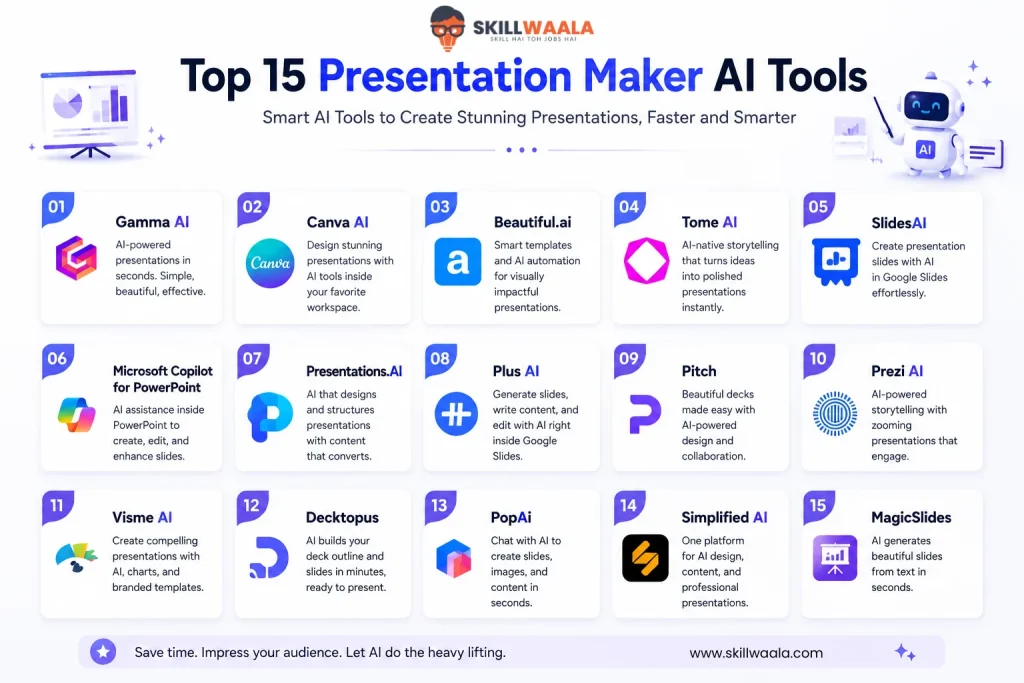
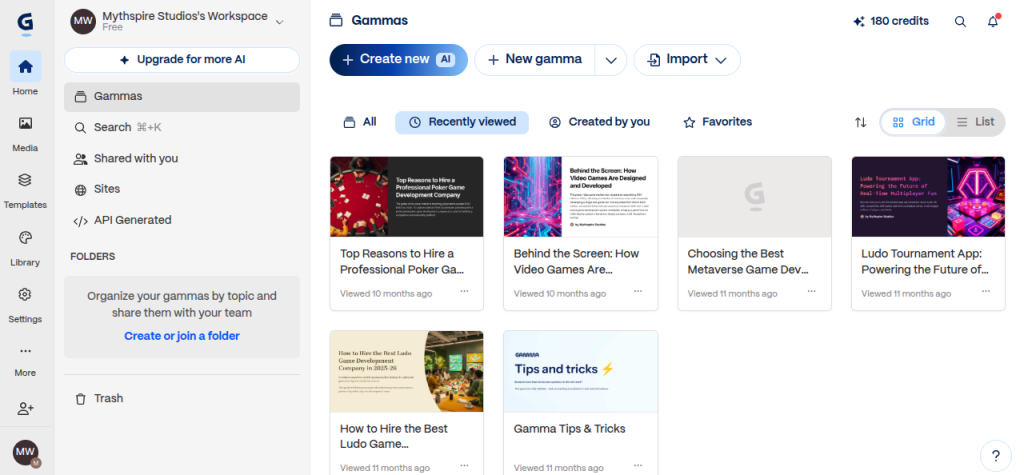
Gamma has earned a strong reputation as one of the best AI presentation maker platforms because it feels less like traditional PowerPoint and more like AI-assisted storytelling. Instead of manually building slides, you enter a prompt, upload notes, or paste content, and Gamma creates a structured presentation in minutes. It also doubles as a document and webpage creator, which makes it unusually flexible.
Key AI Presentation Features
- Prompt-to-presentation generation
- AI-assisted slide layouts and storytelling
- PDF and PPT import support
- Real-time editing and collaboration
- Export to PPT, PDF, PNG, and Google Slides
- Supports presentation creation online without needing design experience
Pros and Cons
| Pros | Cons |
| Extremely fast deck generation | Free credits run out quickly |
| Clean, modern layouts | Output can feel generic sometimes |
| Easy learning curve | Branding removal needs paid plan |
| Good for reports, pitches, and presentations | Heavy editing may still be needed for niche topics |
Gamma feels impressive during first use. Type a topic, and a usable deck appears surprisingly fast. That said, speed is not the same as originality. I would call it a strong drafting tool rather than a final creative replacement. For users exploring a free online presentation maker, Gamma is useful, but the limitations become noticeable once usage grows.
Pricing & Free Plan
Gamma AI has a free tier which lets users use credits to create up to 10 slides max per presentation. Paid plans unlock unlimited AI usage, branding removal, larger presentations, and advanced customization. Free users receive limited credits and basic exports.
#2 Canva AI Presentation Maker
Best For: Visually rich presentations with strong design flexibility and an easy learning curve.
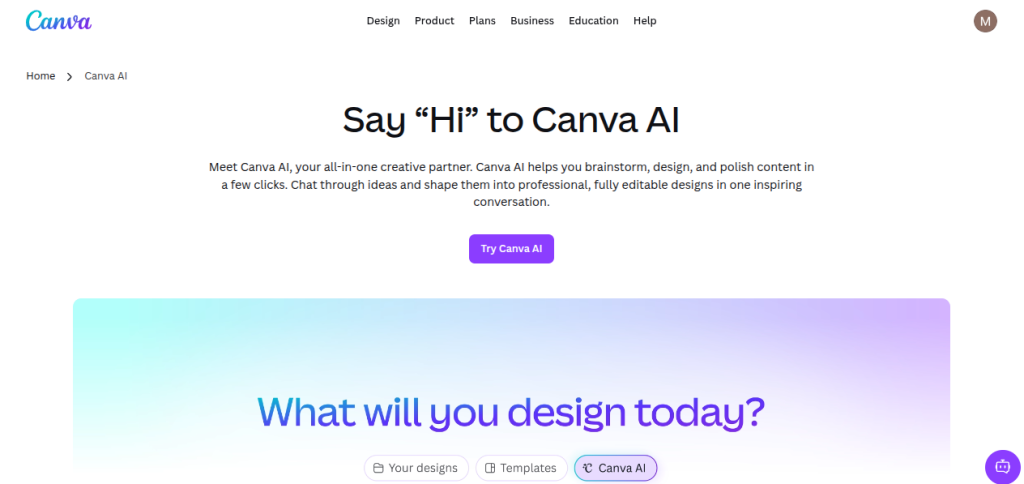
Canva has evolved from a design platform into one of the best AI presentation maker ecosystems available today. Its AI suite, called Magic Studio, includes Magic Design for presentations, allowing users to generate slides from prompts, documents, and ideas without starting from a blank page.
The biggest advantage is that Canva blends AI generation with manual design freedom rather than forcing you into rigid templates.
Key AI Presentation Features
- Magic Design prompt-to-presentation generation
- Massive template and visual asset library
- AI writing and content assistance
- Drag-and-drop slide editing
- Team collaboration and cloud sharing
- Multiple export formats, including PPT and PDF
- Smooth presentation creation online workflow with design and AI tools inside one platform
Pros and Cons
| Pros | Cons |
| Huge template and media library | Many premium assets are locked |
| Very beginner-friendly | AI outputs can feel template-heavy |
| Strong design customization | Free AI usage is limited |
| Great for social, educational, and business decks | Complex PPT exports may need adjustments |
Canva offers control, which is quite rare in presentation AI tools. AI generates the starting point, but you still feel like the designer. That balance makes it popular among people who want speed without surrendering creative freedom.
Pricing & Free Plan
Canva offers a free plan with limited AI presentation generation and design features. Magic Design can be used a restricted number of times for free, while Pro plans unlock expanded AI access, premium templates, and advanced collaboration tools
#3 Beautiful.ai
Best For: Polished pitch decks and users who want AI to handle slide design automatically
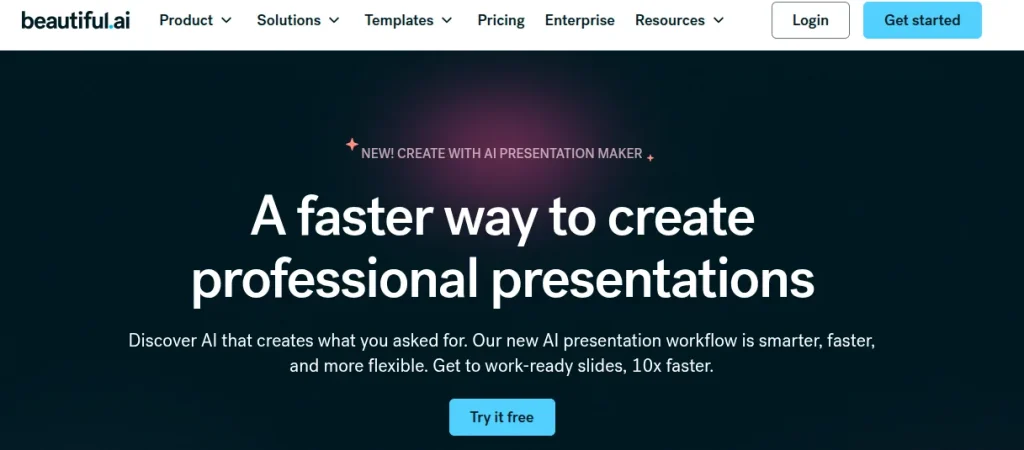
Beautiful.ai takes a different route compared to many AI slide tools. Instead of only generating content, it focuses heavily on design automation through its SmartSlides system. That makes it a serious contender for the best AI presentation maker category, especially for people who want professional-looking presentations without wrestling with alignment, spacing, or visual hierarchy.
Key AI Presentation Features
- SmartSlides with automatic layout adjustments
- AI-assisted presentation and slide generation
- Prompt-based content and image creation
- Brand consistency and theme controls
- Real-time collaboration and analytics
- PowerPoint and PDF export support
- Smooth presentation creation online workflow
Pros and Cons
| Pros | Cons |
| Excellent auto-design and formatting | Creative flexibility can feel restricted |
| Professional, business-ready output | No permanent fully free plan |
| Minimal learning curve | Smart templates may feel repetitive |
| Strong for pitch decks and branded presentations | Export cleanup may occasionally be needed |
Beautiful.ai feels like having a presentation designer sitting quietly in the background, fixing your mistakes. That is its real strength. You focus on ideas, and the platform handles visual balance. However, it has one drawback. The SmartSlide system is inflexible, which may be a deal breaker for some users.
Pricing & Free Plan
Beautiful.ai offers a free trial rather than a permanent free tier. Paid plans start around $12/month for individual users, while team plans include collaboration and advanced brand controls.
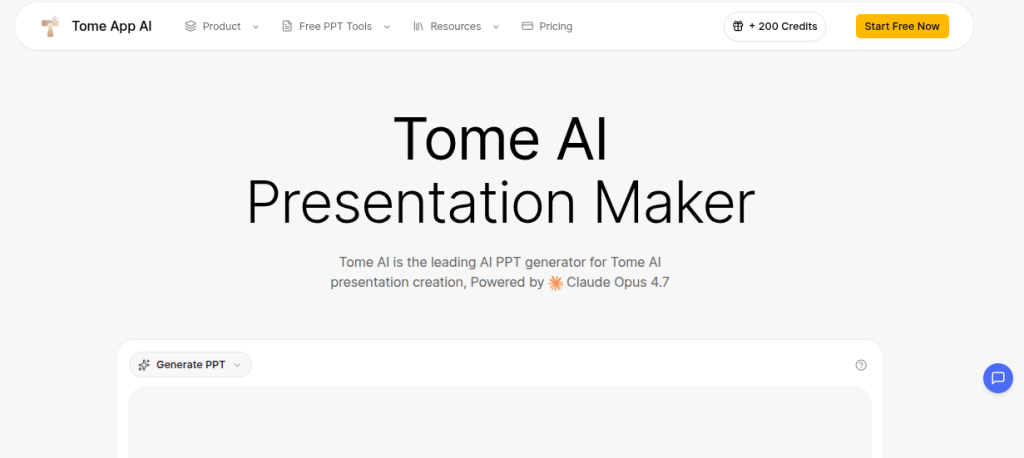
#4 Tome AI for Presentation Creation
Best For: Storytelling-style presentations and visually driven narratives
Tome entered the AI presentation space with a different philosophy. Less rigid slide design and more storytelling flow. Instead of forcing traditional layouts, it lets users build presentations using AI-generated narratives, visuals, and interactive sections. That creative approach made Tome a strong contender for the best AI presentation maker conversations, especially for pitch-style and idea-driven presentations.
Key AI Presentation Features
- Prompt-to-presentation generation
- AI-assisted storytelling and slide flow
- Multimedia and visual embedding
- Collaborative editing and sharing
- Template support for business and creative decks
- Flexible presentation creation experience focused on narrative building
Pros and Cons
| Pros | Cons |
| Strong storytelling and narrative flow | Less slide-focused than PowerPoint tools |
| Fast AI content generation | Limited traditional deck controls |
| Clean, modern visual style | Can feel restrictive for data-heavy presentations |
| Good for pitches and creative ideas | Workflow may not suit everyone |
Tome feels different from conventional slide builders. That is both its appeal and its limitation. If your presentation relies on storytelling and visual flow, the platform feels refreshingly modern. However, for users who want spreadsheets or heavily customized decks, the experience may feel unconventional.
Pricing & Free Plan
Tome historically offered free access with limited AI capabilities and paid plans unlocking full generation and premium features. Pricing has evolved over time, so users should check current plans before committing.
#5 Slides AI
Best For: Google Slides users who want quick AI-generated presentations inside their existing workflow
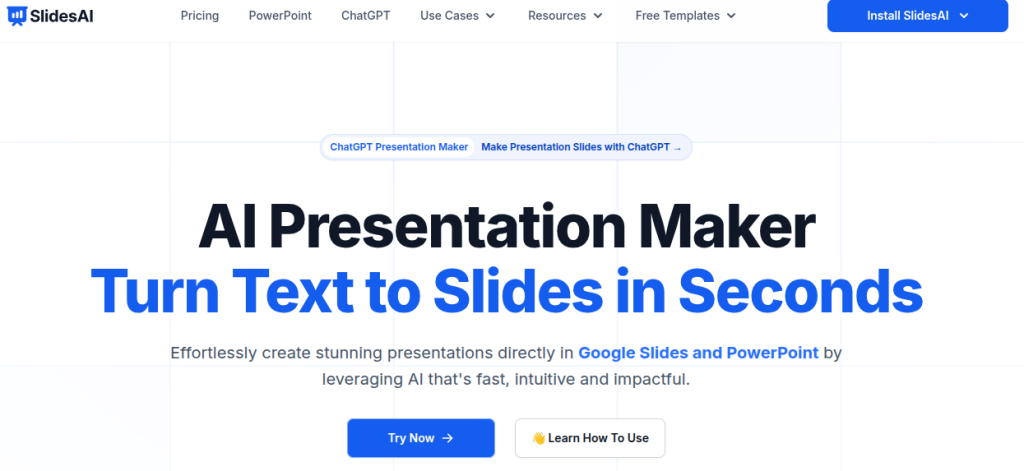
SlidesAI keeps things simple. Instead of creating a new presentation platform, it works as an AI add-on for Google Slides and PowerPoint. It turns text, notes, or prompts into structured slides within minutes.
The plug-and-play approach makes it a practical contender for the best AI presentation maker category, particularly for users already comfortable with Google Workspace.
Key AI Presentation Features
- Text-to-presentation generation
- Google Slides and PowerPoint support
- Multiple presentation styles and themes
- AI formatting and structure suggestions
- Document upload support
- Fast presentation creation without any design skills
Pros and Cons
| Pros | Cons |
| Works directly inside Google Slides | Stronger on Google Slides than PowerPoint |
| Fast and lightweight workflow | Design output can look basic |
| Beginner-friendly setup | Limited customization compared to design-heavy tools |
| Good for quick drafts and classroom/business decks | Free plan restrictions appear quickly |
SlidesAI feels more practical than flashy. Sometimes you do not need cinematic AI storytelling. You just need ten usable slides before your next presentation. This tool is designed just for that.
Pricing & Free Plan
SlidesAI offers a free version with limited presentation generation. However, if you integrate it as an extension in Google Slides, you can get more credits. Paid plans start around $8-$10 per month.
#6 Microsoft Copilot
Best For: PowerPoint users and Microsoft 365 workflows that need AI assistance
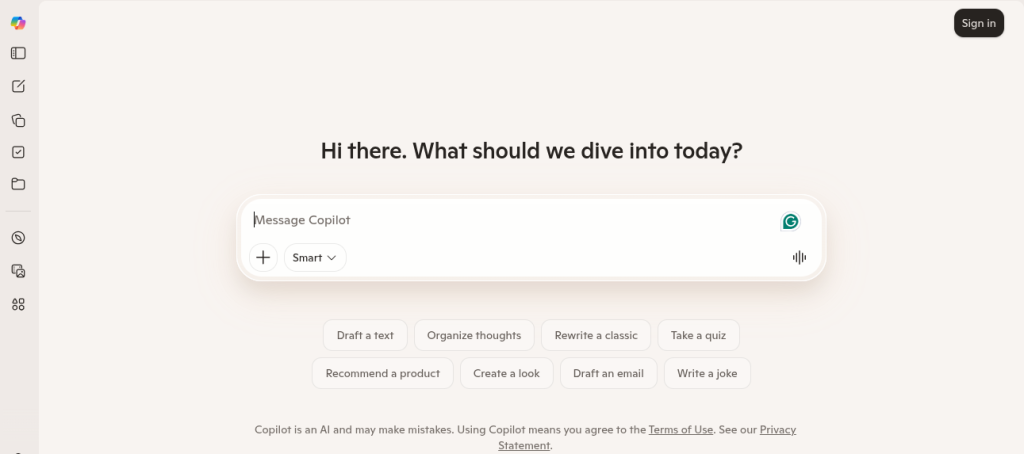
Microsoft Copilot feels less like a separate presentation tool and more like AI added directly into PowerPoint. That alone makes it a serious candidate for the best AI presentation maker category.
Users can generate presentations from prompts, create slides from Word documents, rewrite content, and refine layouts while staying inside the Microsoft ecosystem. For people already living in Outlook, Word, and PowerPoint, the workflow feels natural rather than disruptive.
Key AI Presentation Features
- Prompt-to-presentation generation
- Create slides from Word documents and outlines
- AI rewriting and summarization
- Design and formatting assistance
- PowerPoint-native editing workflow
- Collaboration through the Microsoft 365 ecosystem
- Smooth presentation creation experience for Microsoft users
Pros and Cons
| Pros | Cons |
| Native PowerPoint integration | Full AI features require paid access |
| Familiar interface for Office users | Less visually creative than design-first tools |
| Strong document-to-slide capability | Works best inside Microsoft ecosystem |
| Good for corporate and academic presentations | AI output still needs fact-checking and editing |
CoPilot wins on convenience. There is no learning a new platform or exporting between tools. You stay in PowerPoint and let AI handle the heavy lifting. That simplicity matters. Yet visually, it can feel conservative compared to platforms like Gamma or Canva.
Pricing & Free Plan
Basic Copilot experiences may be available through Microsoft 365 plans, but full PowerPoint AI functionality generally requires Microsoft 365 Copilot or premium subscriptions.
#7 Presentations.AI
Best For: Business teams, branded presentations, and users who want to build pitch decks
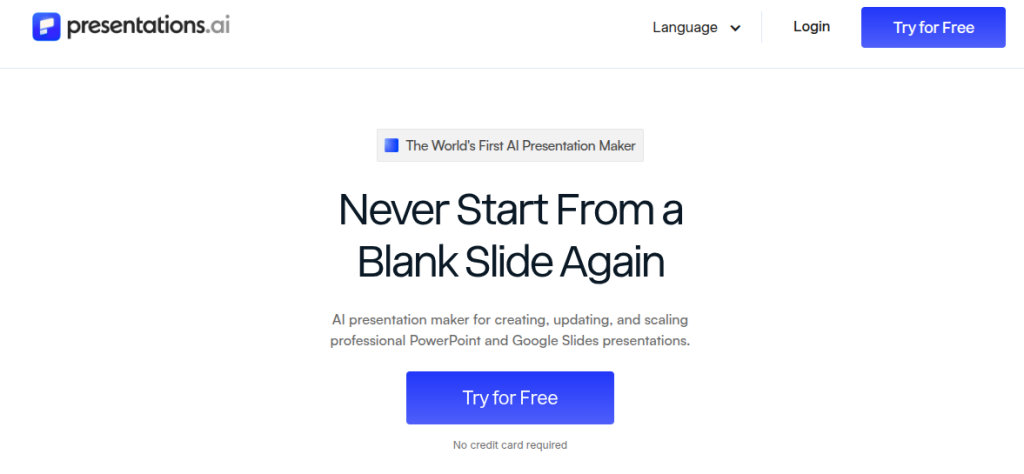
Presentations.AI positions itself as more than a slide generator. It uses conversational AI to create, refine, and personalize decks from prompts, PDFs, Word documents, URLs, and raw text.
That flexibility is very useful, especially for users who build presentations from existing material instead of starting from zero.
Key AI Presentation Features
- Prompt-to-presentation generation
- PDF, Word, URL, and text-to-slide conversion
- AI-assisted storytelling and slide refinement
- Brand customization and smart themes
- Team collaboration and sharing
- PowerPoint and PDF export support
- Smooth online presentation creation workflow
Pros and Cons
| Pros | Cons |
| Supports multiple input formats | Smaller template library than older design platforms |
| Strong branding and theme controls | Premium features are paid |
| Conversational AI editing feels flexible | Some users may prefer simpler interfaces |
| Good for client decks and business presentations | Full workflow works best online |
Presentation.AI is built for people who create presentations regularly, not occasionally. The document-import feature is particularly useful because many decks begin as reports, proposals, or rough notes anyway. That removes an entire copy-paste phase.
Pricing & Free Plan
Presentation.AI offers a free Starter tier with limited AI credits and collaboration features. Paid plans unlock advanced AI models, PowerPoint export, and analytics.
#8 Plus AI for Google Slides and PowerPoint
Best For: Users who already work in Google Slides or PowerPoint
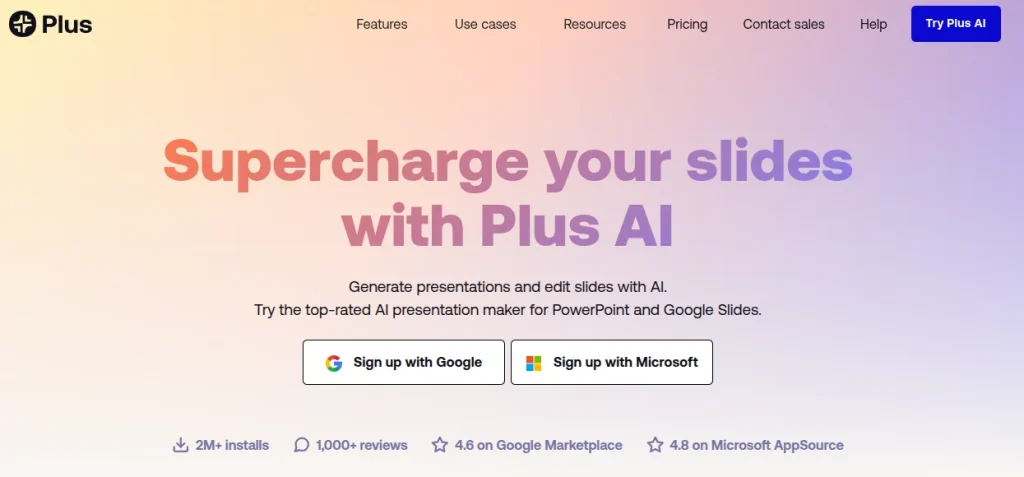
Plus AI takes a practical approach to slide generation. Instead of creating a separate design ecosystem, it works directly inside Google Slides and PowerPoint. That native integration is why many users consider it among the best presentation tools for professional workflows. You generate, rewrite, and redesign slides without exporting files or learning a new editor.
Key AI Presentation Features
- Prompt-to-presentation generation
- PDF and document-to-slide conversion
- AI Rewrite and Remix tools for editing
- Works natively inside Google Slides and PowerPoint
- Template and branding support
- Slide-by-slide AI generation
- Smooth presentation creation without leaving familiar software
Pros and Cons
| Pros | Cons |
| Native Google Slides and PowerPoint integration | No permanent full-feature free plan |
| No export compatibility headaches | Less visually experimental than Gamma or Tome |
| Strong for business and professional decks | Requires a subscription for serious usage |
| AI editing tools save revision time | Design creativity depends on templates |
Plus AI feels built for people who make presentations regularly. Many AI slide tools ask you to adapt to their workflow. However, Plus AI does the opposite and adapts to you.
Pricing & Free Plan
Plus AI offers a free trial, while paid plans typically begin around $10/month and scale with advanced AI features, document uploads, and team branding controls. Team and enterprise plans are also available.
#9 Pitch AI Presentation Platform
Best For: Startups, teams, and collaborative presentations that need a professional look
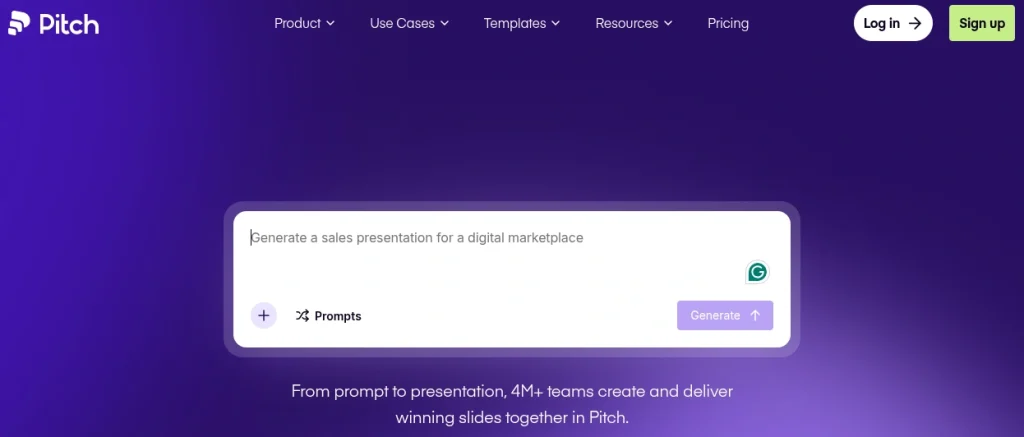
Pitch feels like a modern presentation workspace rather than a traditional slide editor. Built around collaboration, it combines clean templates, AI-assisted workflows, and real-time teamwork.
That design-first, year team-oriented approach makes it particularly useful for pitch decks, internal presentations, and startup storytelling.
Key AI Presentation Features
- AI-assisted slide creation and editing
- Real-time collaboration and commenting
- Professional template library
- Brand consistency and workspace tools
- Engagement analytics and sharing options
- PowerPoint and PDF export support
- Smooth presentation experience for business workflows
Pros and Cons
| Pros | Cons |
| Excellent real-time collaboration | AI features are less aggressive than Gamma or Tome |
| Professional and startup-friendly templates | Smaller template ecosystem than Canva |
| Clean, modern interface | PPT export may occasionally need adjustments |
| Strong for team workflows and pitch decks | Advanced features sit behind paid plans |
Pitch feels engineered for people who present as a team rather than alone. That difference shows in version control, collaboration, and sharing features. The AI acts more like a smart assistant than a full presentation generator, which is appreciated by some users.
Pricing & Free Plan
Pitch includes a free plan for individual users and small workplaces. Paid plans typically start around $13-$15 per month, unlocking higher AI credits, advanced collaboration, custom branding, and analytics features.
#10 Prezi AI
Best For: Interactive, storytelling-heavy presentations that need visual movement
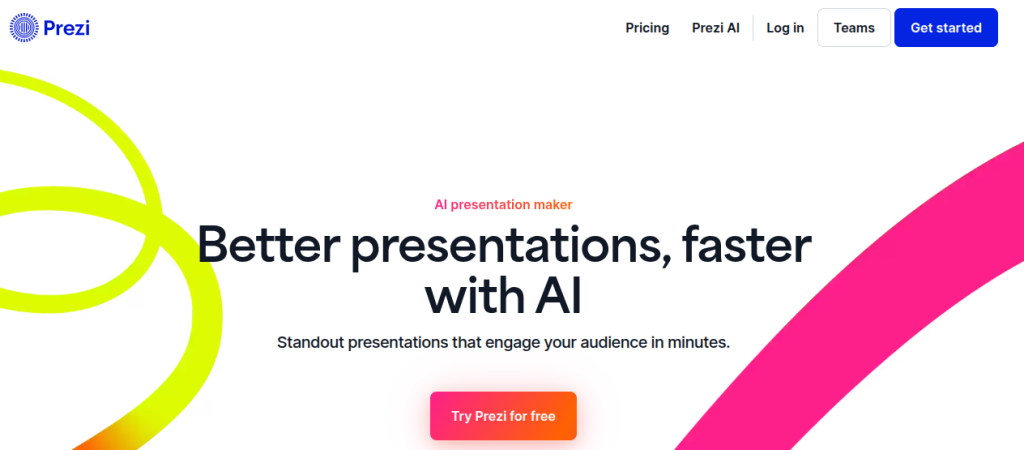
Prezi built its reputation long before AI presentations became mainstream, and its zooming, non-linear style still feels different from traditional slides. With Prezi AI, users can generate presentations from prompts, PDFs, and existing files while keeping that signature motion-driven format.
That unique approach makes it suitable for people who want presentations that feel less like slides and more like guided visual stories.
Key AI Presentation Features
- Prompt-to-presentation generation
- PDF, DOCX, and PPT upload support
- AI-assisted layouts and storytelling
- Interactive zoom-based presentation style
- AI image and content assistance
- Sharing, collaboration, and presentation tools
- Dynamic presentation creation workflow
Pros and Cons
| Pros | Cons |
| Unique and memorable visual storytelling | Zoom effects are not for everyone |
| AI supports prompts and file uploads | Learning curve is higher than Canva or Gamma |
| Strong for education, pitches, and workshops | Traditional slide users may struggle initially |
| Interactive presentations feel engaging | Some export and privacy features need paid plans |
Prezi is not trying to be another PowerPoint clone. That is its strength and also its risk. When used well, presentations feel cinematic and memorable. However, if used poorly, they can feel over-animated. I usually see Prezi working best when the presenter is telling a story rather than dumping information onto slides.
Pricing & Free Plan
Prezi offers a free plan with limited AI credits and public presentations. Paid plans generally begin around $7-$15 per month and unlock private projects, advanced AI features, and offline access.
10 Best AI Presentation Makers Compared
Which AI presentation maker actually delivers the best results? We compared 10 popular AI presentation tools based on slide quality, design, editing, templates, AI features, ease of use, and pricing. See how Gamma, Canva AI, Beautiful.ai, SlidesAI, Pitch, Prezi AI, and more perform in real-world use.
Read the Full AI Presentation Makers Comparison →#11 Visme AI
Best For: Data-heavy presentations, branded business decks, and users who want design plus analytics in one platform.
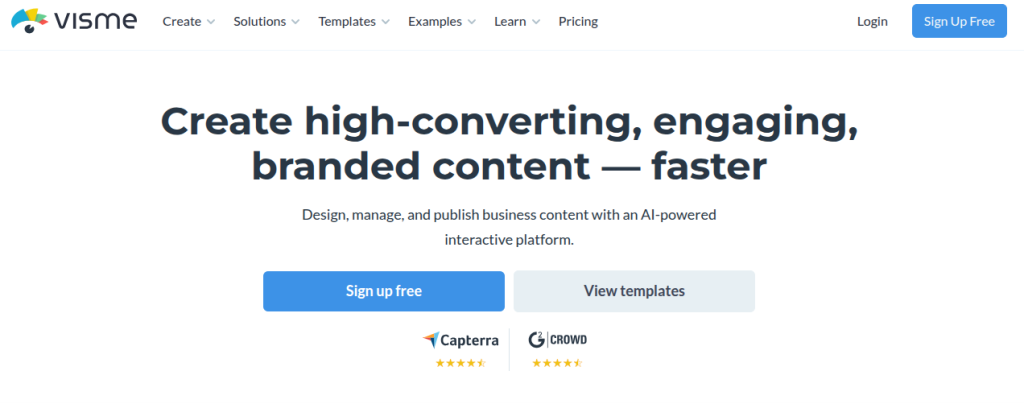
Visme sits somewhere between a presentation tool and a visual content studio. Beyond slides, it supports infographics, reports, charts, and interactive content, which makes it more versatile than many AI-only generators.
That broader toolkit makes it suitable for presentations where visuals and data matter as much as the message.
Key AI Presentation Features
- AI presentation and slide generator
- Prompt-to-presentation creation
- Smart templates and branding tools
- Charts, graphs, and data visualization support
- Presenter Studio and interactive presentation features
- Team collaboration and content sharing
- Power presentation creation for educational and business content
Pros and Cons
| Pros | Cons |
| Strong data visualization and charts | Most advanced AI tools need paid plans |
| Excellent branding and template control | Free plan includes limited AI credits |
| Supports presentations, reports, and infographics | PPT exports may not preserve all animations |
| Useful for business and professional content | Interface can feel feature-heavy initially |
Visme feels less like a quick slide generator and more like a complete presentation workspace. That is great if you build reports, dashboards, or client-facing decks regularly. However, not everyone needs that level of depth, though. If your goal is simply ten fast slides, Gamma or Slides AI may feel lighter.
Pricing & Free Plan
Visme offers a free Basic plan with limited templates and AI credits. Paid plans generally start around $12.25 per month, while Pro plans unlock higher AI usage, PPT exports, and analytics.
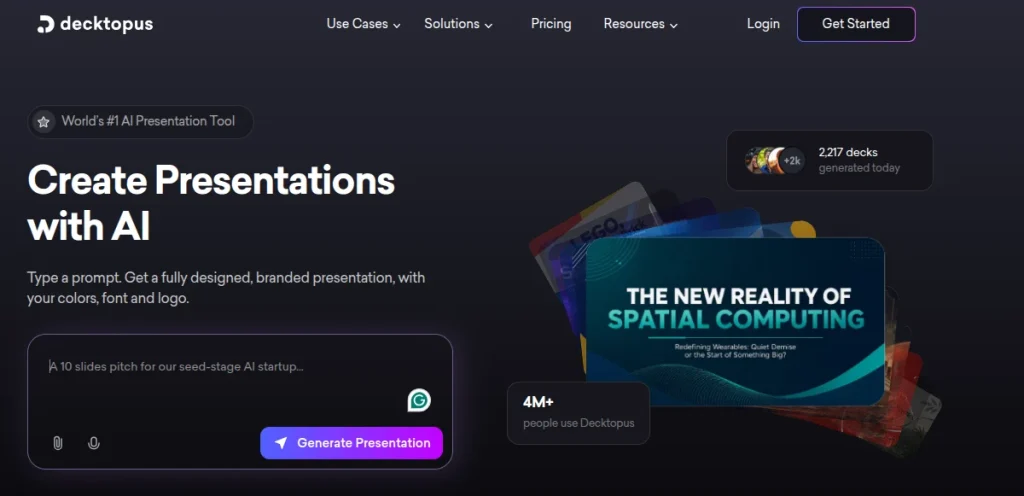
#12 Decktopus AI Presentation Maker
Best For: Sales decks, webinars, and users who want AI plus presentation coaching.
Decktopus positions itself as an AI presentation assistant rather than just a slide builder. Enter a topic, and the platform generates outlines, slide content, visuals, and even speaker notes.
That all-in-one workflow places it in the best AI presentation maker conversation, especially for users who need presentations quickly without juggling multiple tools.
Key AI Presentation Features
- Prompt-to-presentation generation
- AI-generated outlines and slide content
- AI image creation and smart layouts
- Speaker notes and presentation scripts
- Interactive forms and audience engagement tools
- PPT, PDF, and shareable link exports
- Fast representation creation workflow with browser-based editing
Pros and Cons
| Pros | Cons |
| Fast topic-to-deck generation | Full export and branding tools require paid plans |
| Includes speaker notes and coaching tools | Design flexibility is narrower than Canva or Visme |
| Interactive forms add audience engagement | AI-generated slides still need editing |
| Useful for webinars, pitches, and training decks | Heavy customization may take extra effort |
Decktopus feels practical in a very business-like way. One feature I genuinely like is the focus on delivery, not just slide creation. Speaker notes and coaching tools are surprisingly useful if presenting makes you nervous.
Pricing & Free Plan
Decktopus offers a limited free version and trial access. Paid plans generally begin around $10-$15 per month, while Business plans unlock branding, collaboration, and larger AI credit limits.
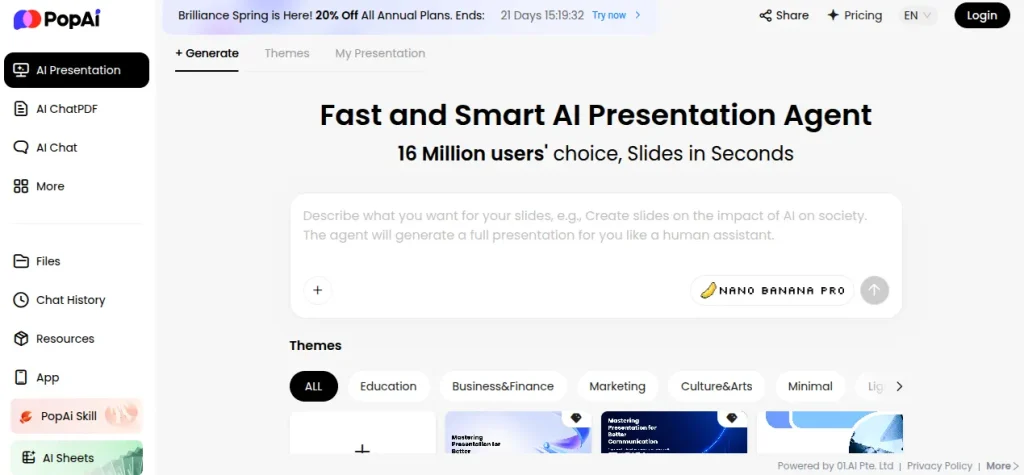
#13 PopAI Presentation Maker
Best For: Users who want an all-in-one AI workspace
PopAi is not solely a presentation platform, and that is exactly what makes it interesting. Along with AI slide creation, it includes AI chat, PDF interaction, writing tools, and document analysis.
This multi-purpose approach makes it perfect for users who prefer one productivity hub instead of separate tools for every task.
Key AI Presentation Features
- Prompt-to-presentation generation
- PDF, Word, PPT, and webpage-to-slide support
- AI-generated outlines and smart layouts
- Online editing and shareable presentation links
- Multilingual presentation support
- PPT and PDF export options
- Flexible presentation creation using prompts or uploaded files
Pros and Cons
| Pros | Cons |
| Supports prompts, PDFs, and document uploads | Presentation creation is one part of a larger AI suite |
| Easy and beginner-friendly workflow | Collaboration tools are limited |
| Useful beyond slides with AI chat and document tools | Design automation is lighter than Beautiful.ai or Gamma |
| Good multilingual support | Free usage limits appear quickly |
PopAi feels like a productivity assistant that happens to build presentations rather than a presentation-first platform. That works well if your workflow includes summarizing documents, extracting ideas, and creating slides from research. Still, users who want deep design control may find specialist tools like Gamma or Canva stronger.
Pricing & Free Plan
PopAi follows a freemium model with limited free usage and AI capabilities. Paid plans unlock broader AI access, higher presentation limits, and advanced productivity tools, with monthly and annual subscription options available.
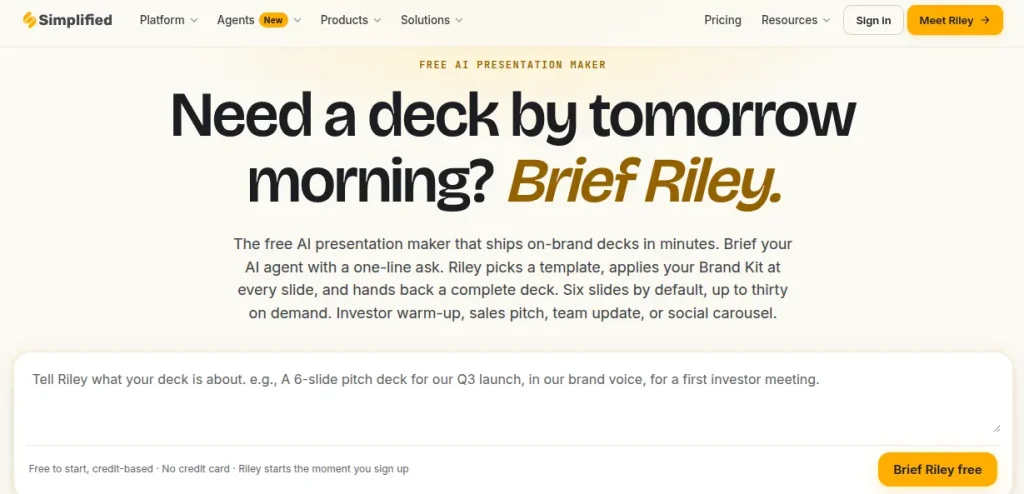
#14 Simplified AI
Best For: Presentations plus AI writing, design, and content creation inside one platform.
Simplified is not a presentation-only tool. It combines AI writing, graphic design, social media tools, and slide generation under one roof. That all-in-one setup makes it suitable for multiple types of content and users who prefer fewer tabs in their workflow. Instead of jumping between apps, users can draft, design, and present inside one ecosystem.
Key AI Presentation Features
- Prompt-to-presentation generation
- AI-generated slide content and layouts
- Brand kit and design consistency tools
- Template library and visual assets
- Team collaboration and online editing
- Multiple export formats, including PDF and images
- Integrated presentation creation with writing and design tools
Pros and Cons
| Pros | Cons |
| All-in-one AI workspace beyond presentations | Presentation tool is part of a larger platform |
| Good branding and template support | Can feel overwhelming for presentation-only users |
| Includes AI writing and design tools | Advanced usage needs paid plans |
| Useful for marketing and business workflows | Presentation depth is lighter than specialist tools |
Simplified feels like a digital content studio that also happens to make presentations. That is either a major advantage or unnecessary complexity, depending on your workflow. If your projects involve presentations, graphics, and written content together, the ecosystem feels efficient.
Pricing & Free Plan
Simplified offers a Free Forever plan with limited AI usage and core design tools. Paid plans unlock more AI credits, storage, collaboration, and advanced presentation features, with creator-focused and team plans available.
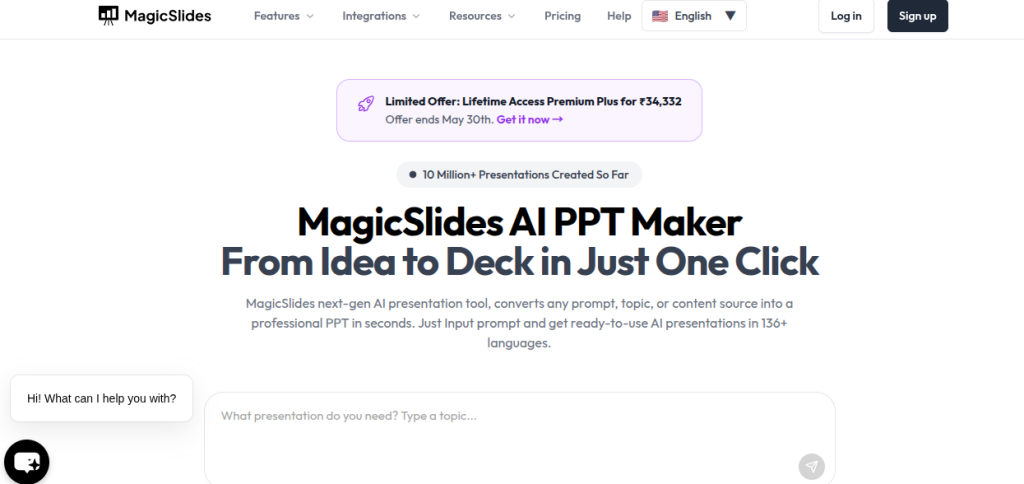
#15. MagicSlides AI
Best For: Google Slides users who want fast AI-generated presentations from PDFs or YouTube content
MagicSlides solves a simple problem. It turns ideas into slides without leaving Google Slides. It works as a web app and Google Slides add-on, letting users generate presentations from prompts, PDFs, URLs, documents, and even YouTube videos.
That convenience is perfect for users who prefer speed and familiar workflows over complex design software.
Key AI Presentation Features
- Topic-to-presentation generation
- PDF, URL, DOCX, and YouTube-to-PPT conversion
- Google Slides integration
- AI chat assistant for slide editing
- Multi-language support across 100+ languages
- PPT and PDF export options
- Quick presentation creation online workflow with minimal setup
Pros and Cons
| Pros | Cons |
| Works directly inside Google Slides | Free plan availability changes over time |
| Multiple input formats including YouTube | Design depth is lighter than Canva or Beautiful.ai |
| Fast generation and simple workflow | AI-generated slides still need polishing |
| Good multilingual support | Heavy users will likely need paid plans |
MagicSlides is built for speed. Paste a topic or video link, and you get a usable draft surprisingly fast. That practicality is its biggest strength. I would not call it the most visually sophisticated tool, but for quick decks and everyday workflows, it does the job efficiently.
Pricing & Free Plan
MagicSlides offers paid plans with different slide and generation limits, while free access and trial availability may change over time. Paid tiers generally start around $8 per month.

Final Words
AI presentation tools are no longer novelty software; they are productivity tools. The challenge is not finding an option; it is choosing the one that fits your workflow. Some platforms excel at speed, others at design, and a few work best inside familiar ecosystems like Google Slides or PowerPoint. The best AI presentation maker is rarely the most expensive or feature-heavy one. It is the tool that helps you communicate ideas faster without turning slide creation into a second job.
Frequently Asked Questions (FAQs)
The best AI tool for creating presentations depends on how you build them. Gamma and Tome are strong for AI-generated storytelling, Canva works well for design flexibility, and Microsoft Copilot is suitable for PowerPoint and Google Slides users.
Yes. Modern AI tools can turn prompts, notes, PDFs, and documents into presentations automatically. Many platforms generate slide structure, content, and layouts in minutes.
Canva, SlidesAI, and Gamma are beginner-friendly PPT maker tools because they require very little design experience and have simple interfaces.
They can be. Many AI tools create polished business and client-ready decks, but reviewing content, checking facts, and refining visuals still matter. AI works best as a creative assistant not a final decision-maker.
Not entirely. Many AI tools complement PowerPoint rather than replacing it. Platforms like Copilot and Plus AI actually work inside PowerPoint, while others provide alternative workflows.
About The Author

