

Creating a presentation can eat up hours that should be spent on research, preparation, or actual work. AI presentation makers cut much of that busywork by turning a topic or prompt into a structured deck.
I tested the 10 best AI presentation makers based on slide quality, ease of editing, templates, AI features, export options, and practical value. Some are excellent for quick presentations. Others are better for polished business decks or pitch presentations. Here’s how they compare.
How We Compared These AI Presentation Makers?
A good AI presentation tool needs to do more than generate attractive slides. I looked at the things that actually affect your workflow:
- AI generation: How well it turns a basic prompt into a logical presentation
- Design quality: Layouts, typography, visuals, and consistency across slides.
- Editing: How much control do you have after the first draft?
- Templates: Variety and usefulness for academic and professional presentations.
- Export options: PowerPoint, PDF, Google Slides, and other formats.
- Ease of use: Whether you can create a decent deck without spending hours learning the platform.
- Value for money: Free plans, limitations, and what you get after upgrading.
I also paid attention to how much work I have to do manually after the AI completes the task. A tool that generates 15 slides in 30 seconds isn’t particularly useful if you spend the next hour fixing them.
10 Best AI Presentation Makers of 2026: A Quick Verdict
Ten tools are a lot to compare individually. If you are not interested in reading 3,000 words, here’s the quick version before you decide which one deserves your time.
| Tool | Best For | Ease of Use | Standout Strength |
|---|---|---|---|
| Gamma | Fast presentations | Very Easy | Strong prompt-to-deck generation |
| AiPPT | Structured presentations | Easy | Organised content and AI generation |
| Beautiful.ai | Professional presentations | Easy | Automated slide layouts |
| Canva AI | Creative presentations | Very Easy | Templates and design flexibility |
| Slidesgo AI | Academic presentations | Very Easy | Templates and AI generation |
| SlidesAI | Text-to-slides | Easy | Google Slides and PowerPoint workflow |
| Pitch | Team presentations | Easy | Collaboration and business decks |
| Plus AI | PowerPoint presentations | Easy | Works inside PowerPoint and Google Slides |
| Prezi AI | Interactive presentations | Moderate | Dynamic visual storytelling |
| Decktopus AI | Quick presentations | Easy | Guided AI deck creation |
💡 My Quick Pick: Gamma is the strongest all-rounder, Canva AI wins for creative flexibility, Beautiful.ai is excellent for polished business decks, and Slides AI is great when your content is already written.
1. Gamma: Best for Fast, Professional Presentations
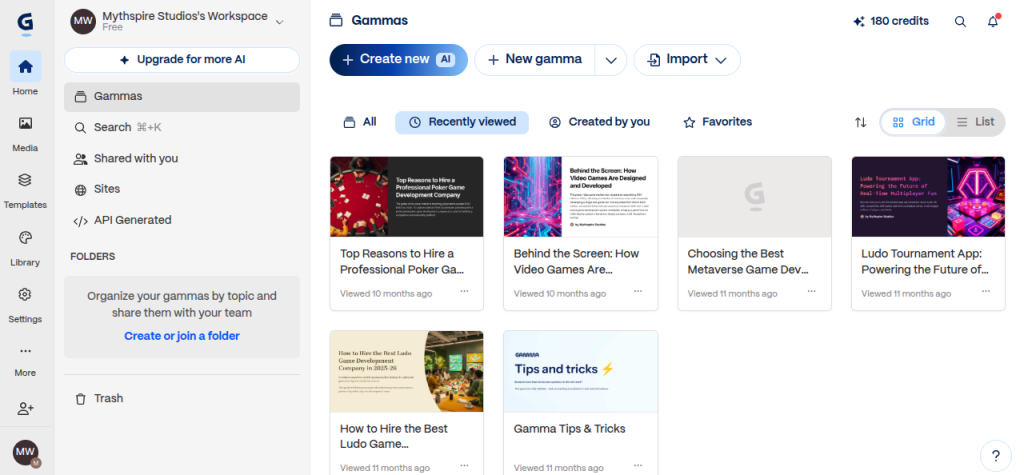
Gamma is one of the easiest AI presentation makers to recommend when speed matters. Give it a topic, choose a presentation type, and it generates the structure, content, and visual layout for you.
What I like most is that Gamma doesn’t feel like a traditional slide editor. You can generate a rough deck first and then refine individual cards instead of obsessing over every text box and image.
Key Features:
- AI-generated presentations from prompts
- Smart layouts and responsive designs
- AI rewriting and editing
- Image generation and visual suggestions
- Export to PPT and PDF
- Collaboration and sharing options
Best Use Case: Quick academic presentations, internal business decks, project explanations, and first drafts that need a polished look without much manual formatting.
Drawback: Gamma has a distinctive visual style. If you need pixel-level control over every element, a more traditional presentation editor may suit you better.
2. AiPPT: Best for Turning Ideas Into Structured Decks
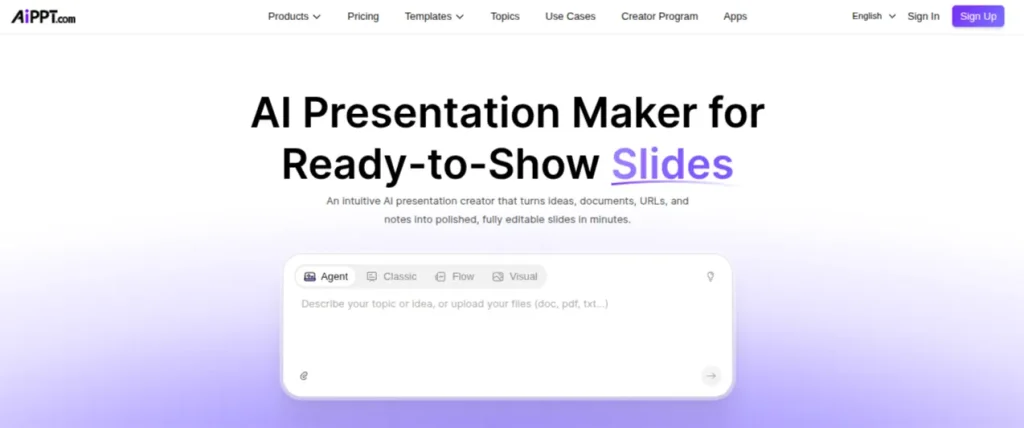
AiPPT focuses heavily on speed. Enter a topic, upload reference material, or start with an existing idea, and it can build a presentation around it. The useful part is the structure.
Instead of giving you a collection of visually attractive slides with thin content, AiPPT puts more emphasis on organizing information into a presentation that follows a logical flow.
Key Features:
- AI presentation generation
- AI-powered content creation
- Presentation templates
- Document-to-PPT conversion
- Customizable slide layouts
- PowerPoint export
Best Use Case: Business presentations, academic projects, reports, and topic-heavy decks where organizing information is the bigger challenge.
Drawback: You’ll probably want to edit the generated content before presenting it. AI can create a solid outline, but factual accuracy and the level of detail still need a human check.
3. Beautiful.ai: Best for Automated Slide Design
Beautiful.ai takes a different approach. Instead of asking AI to do all the thinking for you, it focuses on keeping your slides visually balanced while you build them.
Its Smart Slides automatically adjust layouts when you add or remove content. That saves a surprising amount of time when you add or remove content. That saves a surprising amount of time when you’re working with charts, lists, images, or changing amounts of text.
Key Features:
- AI-assisted presentation creation
- Smart Slide layout
- Professional templates
- Automated formatting
- Charts and data visualization
- Team collaboration
Best Use Case: Business presentations, client proposals, sales decks, and professional presentations where clean design matters.
Drawback: Beautiful.ai is less flexible than a blank PowerPoint canvas. That constraint is useful for beginners, but experienced designers may find it restrictive.
4. Canva AI: Best for Creative, Visual Presentations
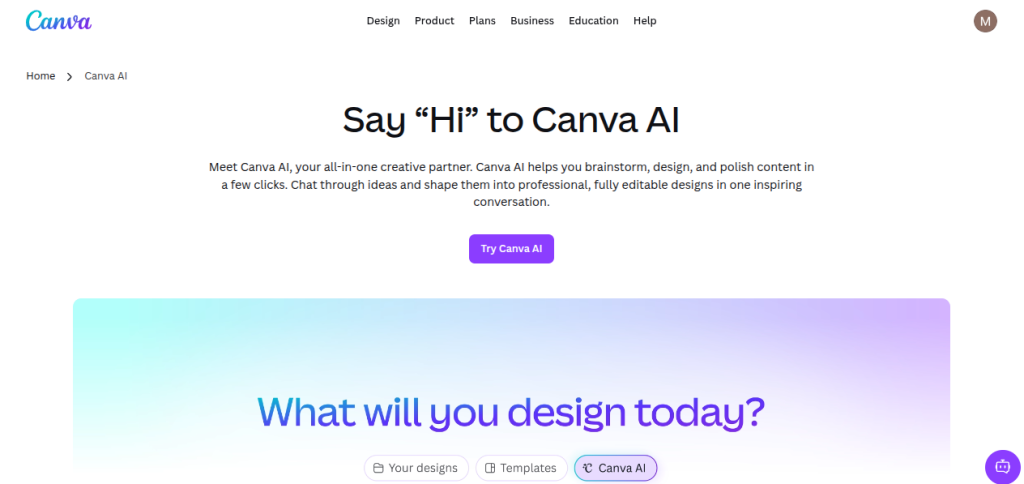
Canva AI is a strong option if you want AI assistance without giving up Canva;s massive design ecosystem. You can generate presentation content, layouts, visuals, and other design elements while keeping plenty of manual control.
That makes it particularly useful when a presentation needs more personality than a standard corporate deck.
Key Features:
- AI-generated presentation designs
- Magic Design for presentations
- Large template and graphics library
- AI image and text generation
- Brand kits and design tools
- Easy collaboration and sharing
Best Use Case: College projects, training presentations, social media presentations, workshops, and visually rich business decks.
Drawback: Canva gives you so many design options that it’s easy to overdo a presentation. AI can create the starting point, but you still need to keep the slides focused and readable.
5. Slidesgo AI: Best for Templates and Academic Presentations
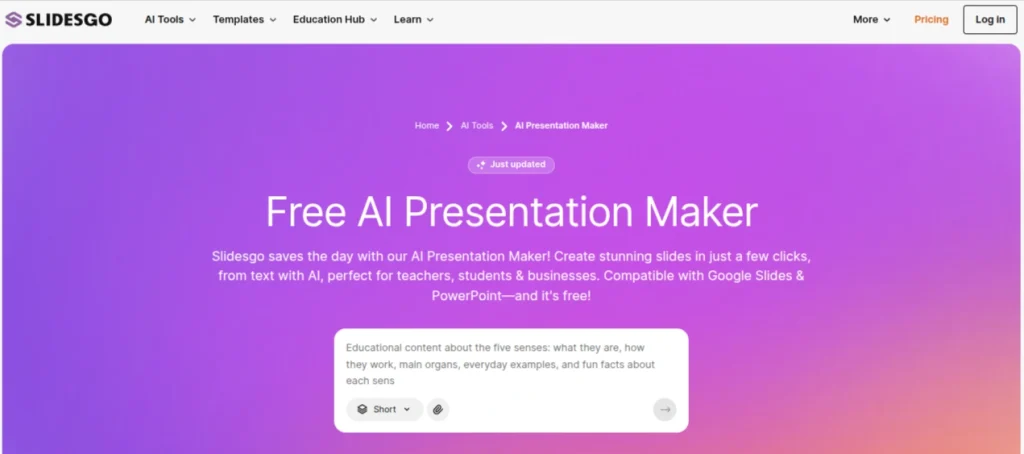
Slidesgo AI combines AI-generated presentations with a large library of ready-made templates. You enter your topic, choose a visual style, and the tool builds a presentation that you can customize afterwards. Its template library is the real advantage. If you want something more visually polished than a basic AI-generated deck, there are plenty of starting points to work with.
Key Features:
- AI presentation generators
- Large presentation template library
- Multiple visual styles
- Editable slide layouts
- PowerPoint and Google Slides compatibility
- AI-generated content and visuals
Best Use Case: College presentations, educational projects, training decks, workshops, and presentations where you want a strong template without designing everything yourself.
Drawback: The AI-generated content can still feel generic. Treat the first draft as a starting point and replace broad statements with your own research, examples, and data.
6. SlidesAI: Best for Turning Text Into Slides
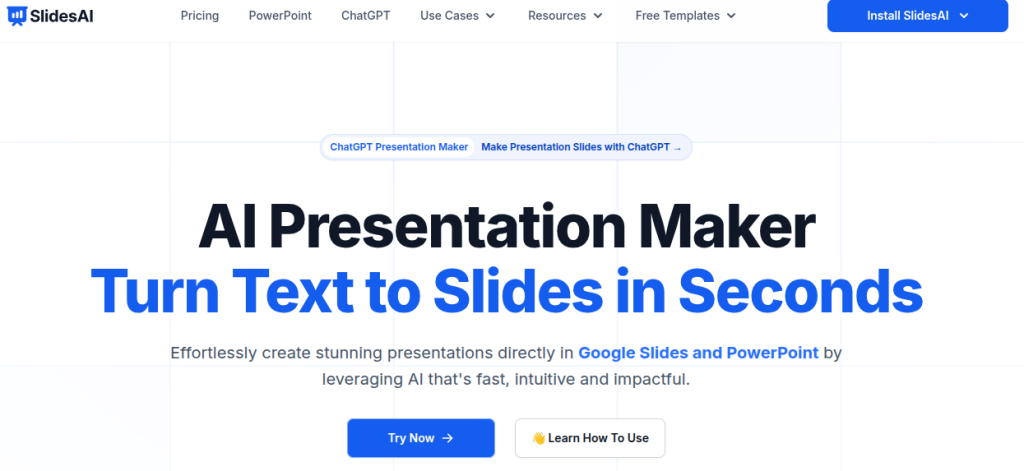
SlidesAI is a practical choice if you already have the content and want AI to handle the slide creation. It works with Google Slides and can turn written material into a presentation without forcing you to learn a completely new editor.
That makes it useful when the research and writing are already done, and the presentation is the remaining headache.
Key Features:
- Text-to-presentation generation
- Google Slides integration
- AI-generated slide content
- Multiple presentation themes
- Customizable layouts
- PowerPoint compatibility
Best Use Case: Academic presentations, reports, training material, and work documents that need to become slides quickly.
Drawback: SlidsAI is strongest when you provide useful source material. A vague prompt can produce a generic deck, so give it clear headings, facts, and the intended audience when possible.
7. Pitch: Best for Collaborative Business Presentations
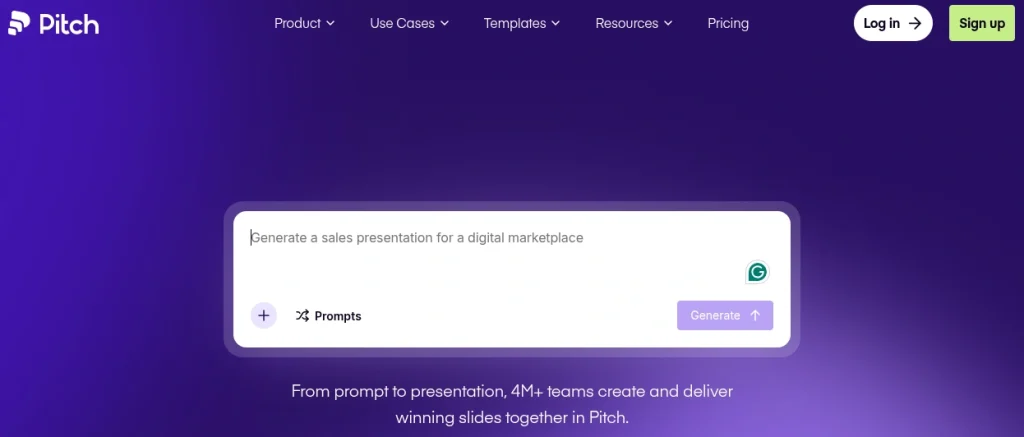
Pitch combines AI presentation generation with a strong collaborative workspace. It’s particularly useful when several people need to work on the same deck without passing files around or dealing with multiple versions.Its templates also feel more business-focused than many AI presentation generators.
Key Features:
- AI presentation generation
- Professional templates
- Real-time collaboration
- Brand customization
- Presentation analytics
- Sharing and feedback tools
Better Use Case: Team presentations, sales decks, startup pitches, client proposals, and internal business presentations.
Drawback: Pitch makes more sense for teams and professional workflows than for someone who only needs a quick one-off college presentation.
8. PlusAI: Best for PowerPoint and Google Slides
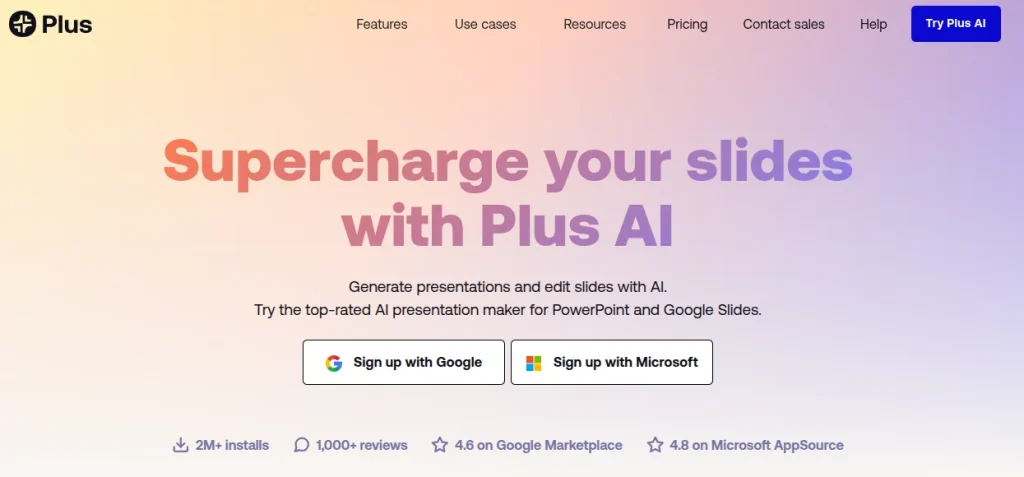
Plus AI is a good fit if you don’t want to move to a completely new presentation platform. It works inside PowerPoint and Google Slides, helping you generate, rewrite, and edit slides within tools you may already use.
That matters in a workplace where the final deck usually needs to be shared as an editable PowerPoint file. You can keep your existing workflow instead of rebuilding everything in another editor.
Key Features:
- AI presentation generation
- PowerPoint and Google Slides integration
- Text-to-slide conversion
- AI rewriting and editing
- Custom templates
- Presentation remixing
Best Use Case: Office presentations, reports, client decks, and teams already working heavily with PowerPoint and Google Slides.
Drawback: It prioritizes practicality over flashy visual experimentation. If you want highly stylized presentations straight from a prompt, Gamma or Canva may feel more impressive.
9. Prezi AI: Best for Interactive Presentations
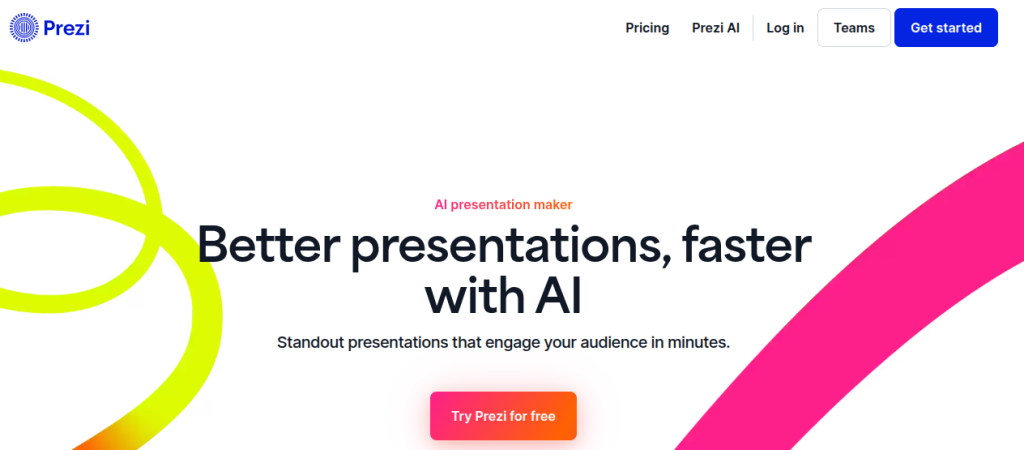
Prezi has always taken a different approach to presentations, and its AI tools build on that strength. Instead of creating only conventional slides, Prezi AI can generate visually dynamic presentations from prompts or uploaded files.
The zoomable format works particularly well when you’re explaining a process, training a team, or presenting a topic where different ideas need to connect visually.
Key Features:
- Prompt-to-presentation generation
- Upload PPT, PDF, and Word files
- AI-generated visuals
- Interactive, zoomable presentations
- AI-assisted editing and rewriting
- Live polls, quizzes, and audience engagement tools
Best Use Case: Training sessions, academic presentations, workshops, project explanations, and presentations where audience engagement matters.
Drawback: Prezi’s motion-heavy style isn’t ideal for every situation. For a straightforward corporate report, a conventional slide-based tool may feel more natural.
10. Decktopus AI: Best for Quick, Ready-to-Present Decks
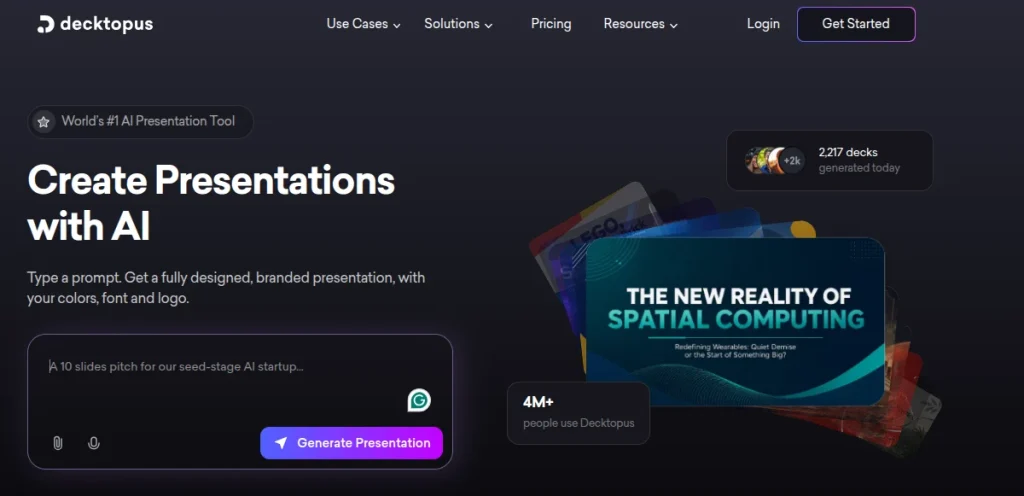
Decktopus AI is built around the idea of getting from a topic to a usable presentation quickly. You provide a subject, choose the presentation type, and the platform generates the structure, content, visuals, and layout.
Its guided approach is useful when you know what you want to present but don’t want to spend time figuring out slide design.
Key Features:
- AI presentation generation
- AI-powered content and image suggestions
- Presentation templates
- Speaker notes
- Forms and interactive elements
- Custom branding
Best Use Case: Sales presentations, training decks, educational presentations, proposals, and quick business presentations.
Drawback: Decktopus is more focused on speed and guided creation design than deep design control. If you want to customize every visual detail, Canva or PowerPoint will give you more freedom.
Top 15 AI Tools for Presentation Creation
Stop spending hours designing slides from scratch. Explore the Top 15 AI Presentation Tools and compare Gamma, Canva AI, Beautiful.ai, Tome, SlidesAI, Microsoft Copilot, and more. Find the right tool for creating professional presentations faster, whether you’re working on business decks, classroom projects, pitches, or client presentations.
Explore the Top 15 AI Presentation Tools →How to Choose the Best AI Presentation Maker for Your Needs?
The best tool depends less on the AI model behind it and more on what you actually need to produce. Besides picking the right tool, proper prompting is crucial to generate better outputs.
Don’t give the AI a two-line prompt. Mention the audience, purpose, approximate slide count, tone, key points, and source material. The more useful context you provide, the less time you’ll spend correcting the first draft.
- Need a presentation in minutes? Go with Gamma or Decktopus AI
- Already have the content written? SlidesAI can turn it into slides quickly
- Want more creative freedom? Canva AI gives you far more design options
- Need polished business decks? Beautiful.ai or Pitch are stronger choices
- Working primarily in PowerPoint? Plus AI keeps you inside your existing workflow
- Want interactive storytelling? Try Prezi AI
- Need structured, information-heavy decks? AiPPT is a practical option
AI Presentation Makers Pricing Comparison
Pricing matters if you plan to use an AI presentation maker regularly. Here’s a quick look at the current plans:
| Tool | Free Plan | Paid Plan Starts At |
|---|---|---|
| Gamma | Yes | $8/user/month* |
| AiPPT | Yes | $9/month |
| Beautiful.ai | 14-day trial | $12/month |
| Canva AI | Yes | Varies by plan |
| Slidesgo AI | Yes | $5.99/month |
| SlidesAI | Yes | $10/month |
| Pitch | Yes | $13/month annually |
| Plus AI | 7-day trial | $10/user/month annually |
| Prezi AI | 14-day trial | $7/month annually |
| Decktopus AI | Yes | $9.99/month annually |
Gamma’s paid pricing varies by billing cycle and plan; its current pricing page lists Plus, Pro, and Ultra tiers.
Beautiful.ai starts at $12/month when billed annually, while its Team plan starts at $40/user/month annually. SlidesAI’s Pro plan is $10/month when billed annually, with a higher Premium tier at $20.83/month.
Pitch starts at $13/month when billed annually, while Plus AI starts at $10/user/month on annual billing.
Prezi’s Standard Plan starts at $7/month annually, with Prezi AI included with higher tiers.
Decktopus Pro is $9.99/month when billed annually, although its monthly billing option is $24.99/month.
Prices are listed in USD because these are the standard prices published by the respective vendors. Billing cycles, taxes, regional pricing, and promotions can change the final amount.
How the AI Presentation Makers Performed on the Same Prompt?
To make the comparison fair, I used the same prompt across all 10 tools:
💡 Prompt: Create a 10-slide presentation on how AI is changing digital marketing. The audience is in Indian Tier-2 cities. Include an introduction, five key applications, real-world examples, challenges, and a conclusion. Keep the slides concise and professional.
I looked at the first draft each tool produced rather than spending hours polishing every deck. That matters because the whole point of using an AI presentation maker is to reduce the amount of manual work.
| Tool | First Draft | Design | Editing Needed | Standout |
|---|---|---|---|---|
| Gamma | Excellent | Excellent | Low | Strong overall balance |
| AiPPT | Very Good | Good | Moderate | Clear content structure |
| Beautiful.ai | Very Good | Excellent | Low | Consistent layouts |
| Canva AI | Very Good | Excellent | Moderate | Creative flexibility |
| Slidesgo AI | Very Good | Very Good | Low | Templates and visual variety |
| SlidesAI | Good | Good | Moderate | Text-to-slide workflow |
| Pitch | Very Good | Excellent | Low | Professional team decks |
| Plus AI | Very Good | Very Good | Low | PowerPoint workflow |
| Prezi AI | Good | Very Good | Moderate | Interactive storytelling |
| Decktopus AI | Very Good | Good | Low | Fast, guided creation |
Gamma stood out as one of the strongest all-rounders. Its first draft needed relatively little cleanup, and the presentation had a logical flow without feeling overloaded.
Canva AI produced attractive slides and gave me more room to experiment with the visual direction. The trade-off was that I had to make more design decisions myself.
Beautiful.ai and Pitch were particularly strong when the goal was a polished, professional presentation. Their automated layouts helped maintain consistency without much fiddling.
Which AI Presentation Maker Should You Choose?
After comparing all 10 tools, Gamma is my pick for most people. It offers the best balance of generation quality, design, editing, and speed without making the workflow unnecessarily complicated.
However, that doesn’t make it the winner for every situation. Here are my picks depending on your use case.
- Choose Gamma for fast, polished presentations
- Choose Canva AI when visual creativity matters
- Choose Beautiful.ai for clean business decks
- Choose SlidesAI if you already work in Google Slides
- Choose Plus AI is PowerPoint is central to your workflow
- Choose Pitch for collaborative team presentations
- Choose Prezi AI for interactive presentations
- Choose AiPPT for structured, information-heavy presentations
- Choose Decktopus AI when speed and guided creation are your priorities
The smartest approach is to test two or three tools with the same prompt before committing. Your preferred workflow matters more than a feature list, and most platforms offer enough free access to get a feel for their output.
Tips for Getting Better Results from AI Presentation Makers
The quality of your presentation often comes down to the prompt you give the tool. A vague instruction usually produces a generic deck. Try these practical tweaks:
- Specify the audience: Mention whether the deck is for a college class, client meeting, interview, workshop, or management review.
- Set a slide count: Asking for 8-10 focused slides usually works better than leaving the length open.
- Give it the structure: List the sections you want instead of expecting the AI to decide everything.
- Add source material: Upload your research, report, notes, or data when the tool supports it.
- Keep slides concise: Ask for short bullets rather than paragraphs.
- Request visual variety: Tell the AI where you want charts, diagrams, timelines, or examples.
- Review every claim: AI-generated statistics and examples still need verification.
- Edit the final deck: Add your own examples, opinions, and context before presenting.
Final Words
AI presentation makers have made the tedious part of presentation creation much faster, but they haven’t eliminated the need for good judgment.
- Gamma is my overall pick for speed and quality.
- Canva AI wins on creative control
- Beautiful.ai is better suited to polished business decks
- Slidesgo AI is particularly useful for academic presentations and template-driven work
Try a few with the same prompt before paying for one. The best tool is the one that gives you a strong first draft while leaving enough control to make the presentation feel like your own.
Frequently Asked Questions (FAQs)
Gamma is the best overall choice for most users. It creates strong first drafts quickly while still giving you enough control to refine the presentation.
Slidesgo AI, Canva AI, and Gamma are good choices for academic presentations. Slidesgo stands out for its template library, while Gamma is better when speed is the priority.
Plus AI is a strong option because it works directly with PowerPoint. SlidesAI and Gamma are also useful if you want to generate content first and export it to PowerPoint.
Yes. AI presentation makers can generate the structure, slide content, layouts, and visuals from a prompt. You should still fact-check the content and customize the final deck.
Many offer free plans or trials, but generation limits, premium templates, exports, and advanced features may require a paid subscription.
Gamma, Canva AI, and Slidesgo AI are among the easiest options for beginners. They require little design knowledge and can produce a usable first draft quickly.
About The Author

