Is ChatGPT the only AI tool you’re going to need in 2026? You’re in for a treat because we’re going over everything you need to know about all the different ways to use AI tools and what they can do for you.
If you’re new to AI tools and haven’t used them before, this will help you get started. This is also the case if you’ve previously used AI tools.
We’ll show you how widely these 15 AI tools have been embraced and allow you to discover what makes each one unique for new users in 2026. As well as the surprise of a free course!
15 Best AI Tools for Beginners in 2026
Check out the list of top 15 AI tools for beginners that will help you excel in your studies and career in this year and beyond:
1. Claude
Claude is a helpful AI assistant designed by Anthropic to help you think, write, learn, and create everything you need to be successful through a straightforward conversation. To get started with Claude, simply type in the message you would like it to respond to. You do not need a technical background or special commands, as it can be treated like a regular text message conversation.
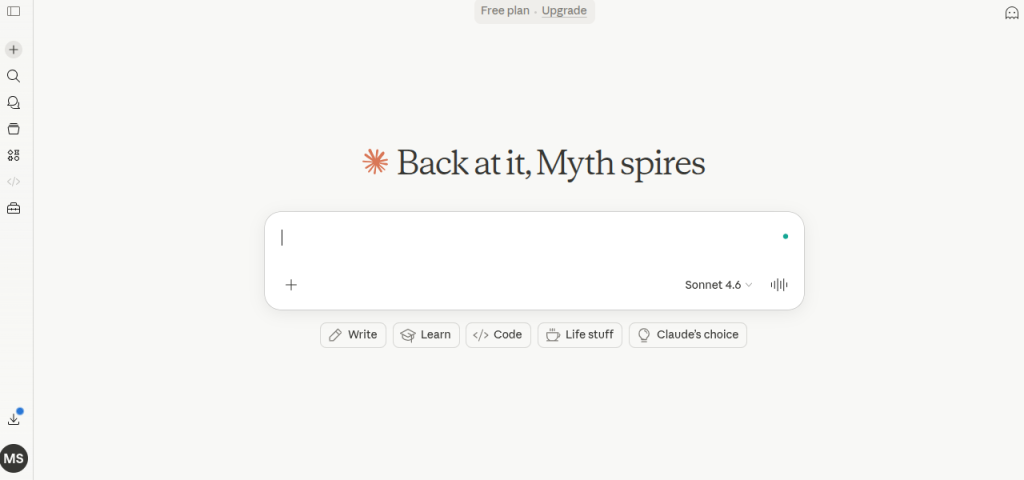
Here are some of the things you can use Claude to help you with right out of the gate:
Writing and editing – This includes drafting emails, essays, and cover letters, as well as editing your written work.
Learning and researching – This could be used to help explain complex topics in layman’s terms, summarize articles, or provide follow-up questions to better understand a topic.
Brainstorming – This provides ideas for projects, gifts, business plans, and creative writing.
Code help – Claude can help write or debug your code and is beneficial to anyone working on code at any level.
Day-to-day tasks – You can create to-do lists, plan trips, or make decisions.
2. Gemini
Being one of the most advanced AI models, Google Gemini is designed to understand and work with text, images, audio, video, and code. Unlike earlier AI systems built entirely in text format, Gemini was trained across multiple types of information simultaneously, making it more versatile. Another notable thing is its capability of powering products like Google Search, Google Docs, and the standalone Gemini app.
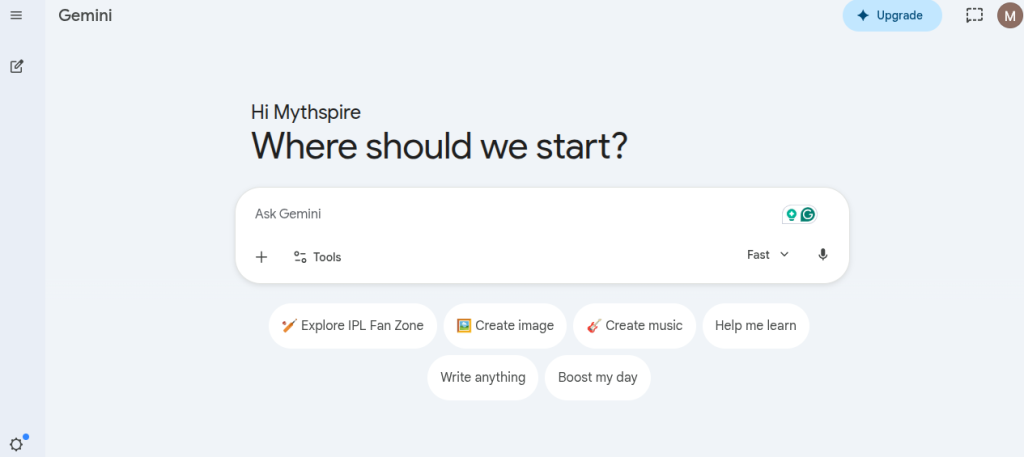
Here are some things you can use Gemini for:
Writing & editing – Draft emails, summarize documents, or refine your writing style
Coding help – Generate, debug, or explain code across multiple programming languages
Image understanding – Upload a photo and ask questions about its content or context
Research assistance – Get concise explanations on complex topics with cited sources
Data analysis – Analyze spreadsheets or structured data and extract key insights
Still Confused Between ChatGPT and Gemini?
We break down the strengths, limitations, pricing, and ideal use cases of both AI tools to help you make the right choice.
Find Your Best AI Tool3. Perplexity AI
Perplexity, in a nutshell, can be considered a search engine run by AI. But unlike Google, it reads the sources for you and present direct, conversational answer along with the citations. This alone makes Perplexity a great starter pack for beginners seeking quick, trustworthy information.
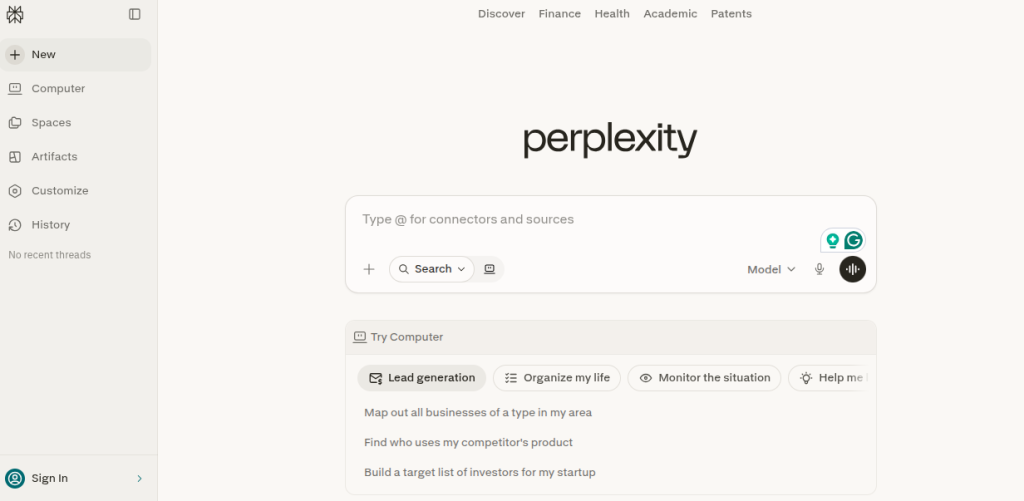
Here are some things you can use Perplexity for:
Quick research – Ask any question and get a summarized answer with real sources linked
Staying up to date – It searches the web in real time, so answers reflect current news and events
Comparing options – Great for side-by-side breakdowns like “iPhone vs Android for beginners.”
Learning new topics – Ask follow-up questions in the same thread to gradually deepen your understanding
Fact-checking – Since every answer includes citations, you can verify the information yourself easily
4. Gamma AI
If you are spending hours and days creating a presentation, then Gamma AI might be your way out of this. It’s an AI-powered presentation and document builder that enables you to create visually appealing, polished slide decks from a simple idea, and that too without any design skills. All you need to do is describe what you want, and Gamma will handle the layout, structure, and styling, making it perfect for beginners.
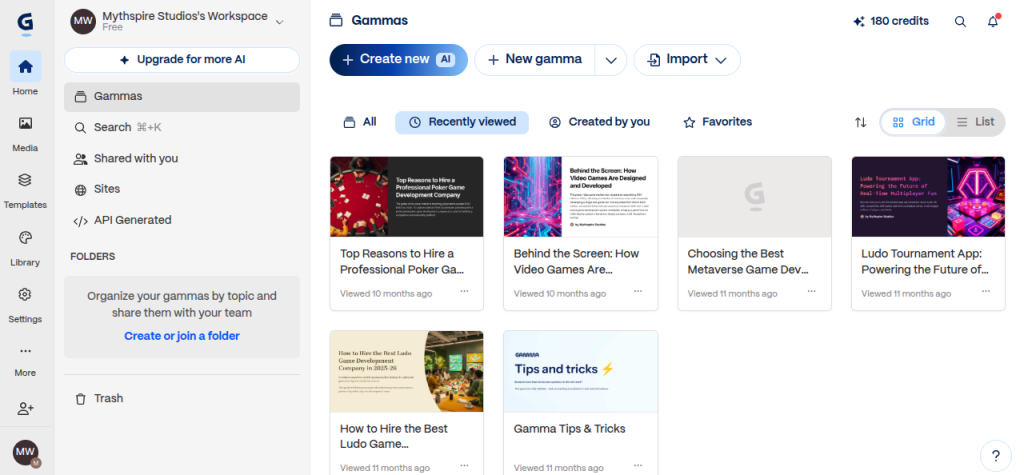
Here are some things you can use Gamma for:
Creating presentations – Turn a topic or outline into a fully designed slide deck instantly
Building documents – Write reports, proposals, or one-pagers that look professionally formatted
Making webpages – Generate simple, shareable web pages without any coding knowledge
Repurposing content – Paste in existing text or a document and let Gamma redesign it visually
Pitching ideas – Quickly build startup pitches, project proposals, or client presentations on the fly
5. Hostinger
Hostinger is probably the most beginner-friendly and affordable web hosting platform. Without having any technical background, you can build a professional website for yourself, as Hostinger gives you everything that is needed to get a website live, making it a popular choice for bloggers, small business owners, and anyone launching their first site.

Here are some things you can use Hostinger for:
Web hosting – Store and publish your website so anyone in the world can visit it
Domain registration – Buy and manage your own custom domain name, like yourname.com
Website building – Use Hostinger’s drag-and-drop AI website builder to design a site visually
WordPress hosting – Launch a WordPress blog or business site with one-click installation
Email hosting – Create a professional email address that matches your domain
Curious About AI Tools and How They Work?
Learn what AI tools are, how they work, their benefits, real-world applications, and discover the best AI tools for content creation, marketing, design, productivity, and automation.
Read the Complete GuideBest AI Tools for Graphic Designing Beginners
A few years ago, creating pleasing Graphics was considered to be a very difficult task. But it is not that difficult anymore. Thanks to Artificial Intelligence, nowadays anyone can design beautiful graphics without any prior experience. In this blog, we are going to tell you about some of the best AI tools for graphic design beginners that can help you design faster, smarter, and with greater confidence.
6. Canva Magic Studio
Canva Magic Studio is a user-friendly AI design platform. This AI tool helps beginners to create social media posts, presentations, posters, flyers, and marketing materials effortlessly.
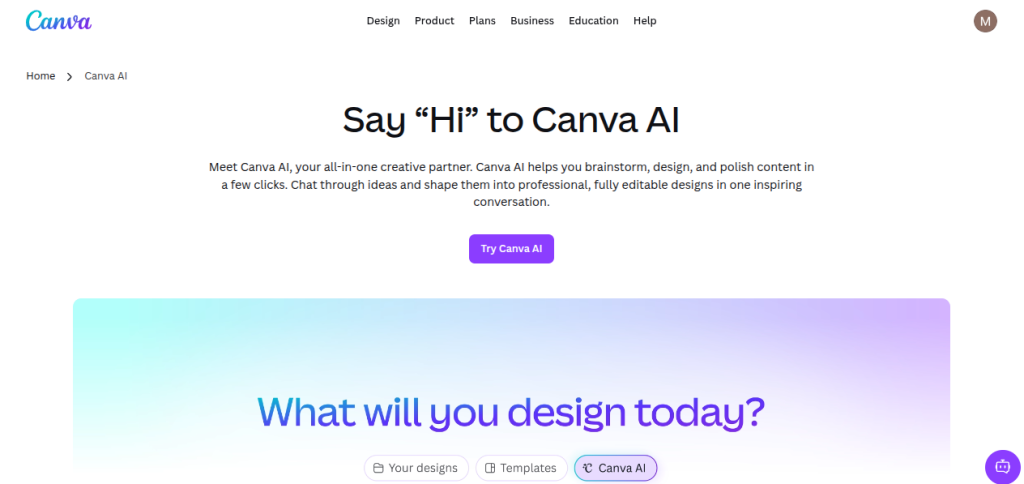
In addition to this, you can also generate various kinds of graphic designs, remove backgrounds, and resize graphics with it. One of the main features of this AI tool is its drag-and-drop interface, which makes designing simple, even for those users who don’t have any prior graphic design experience.
Key Features of this Tool
- Helps to remove the background
- Provides a magic resize feature
- AI image creation
- Provides lots of ready-to-use templates
7. Adobe Express
Adobe Express is a powerful graphic design tool that is designed for users who want professional-looking graphics without learning advanced software. With the help of this platform, users can easily create social media content, posters, logos, and promotional materials. Its simple interface and professionally designed templates help beginners create high-quality visuals quickly.
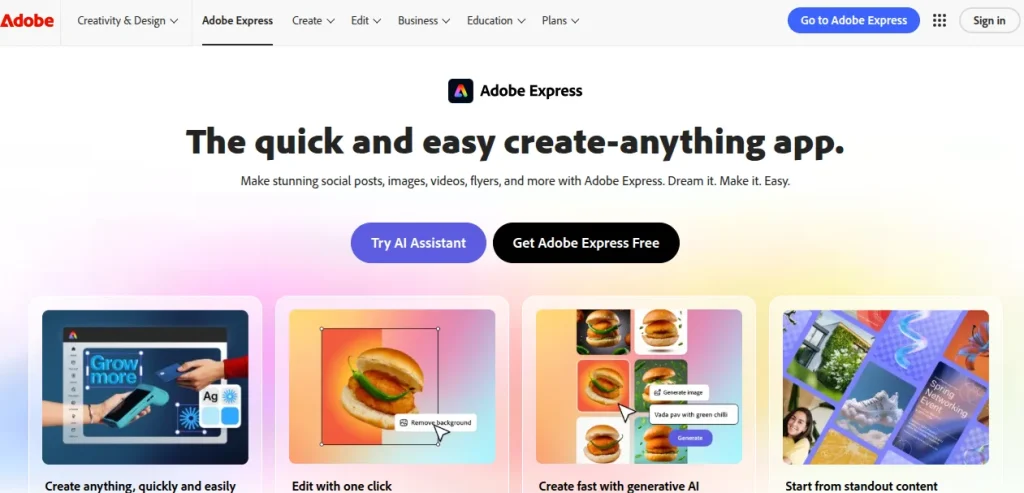
Key Features of this Tool
- AI-powered design suggestions
- Quick content generation
- Template library
- Image editing tools
- Brand kit integration
Start Your AI Learning Journey Today
Compare the best free AI course providers, discover top-rated artificial intelligence courses, and choose the right learning path for your career goals.
Discover Trending AI Courses8. Microsoft Designer
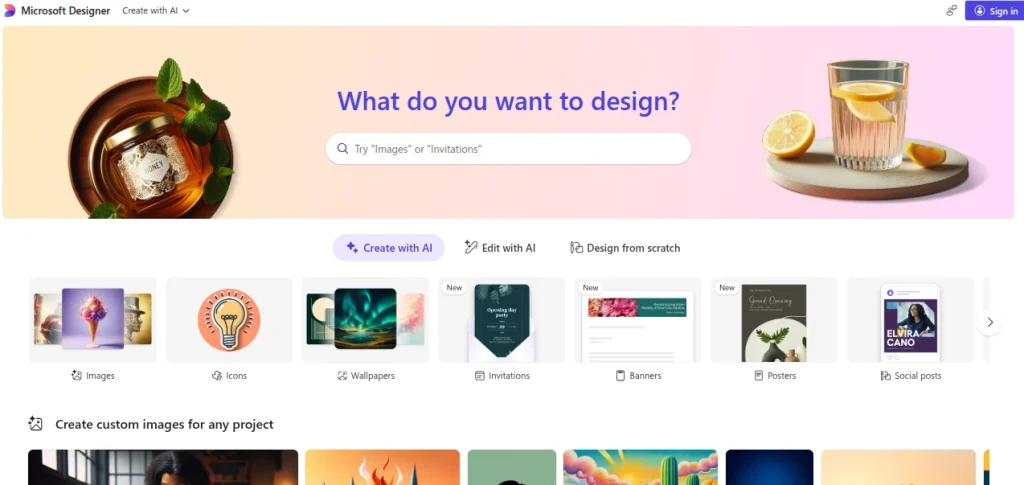
Microsoft Designer is an AI-driven graphic design platform that creates complete visual designs from text prompts. Users simply describe what they want, and the tool generates multiple design options instantly. This makes it ideal for beginners who may struggle with creating layouts from scratch.
Key Features of this Tool
- Text-to-design generation
- AI image creation
- Social media graphics
- Layout suggestions
- Visual customization
9. Looka
Looka is an AI-powered branding platform that helps users create logos and brand identities without hiring a professional designer.
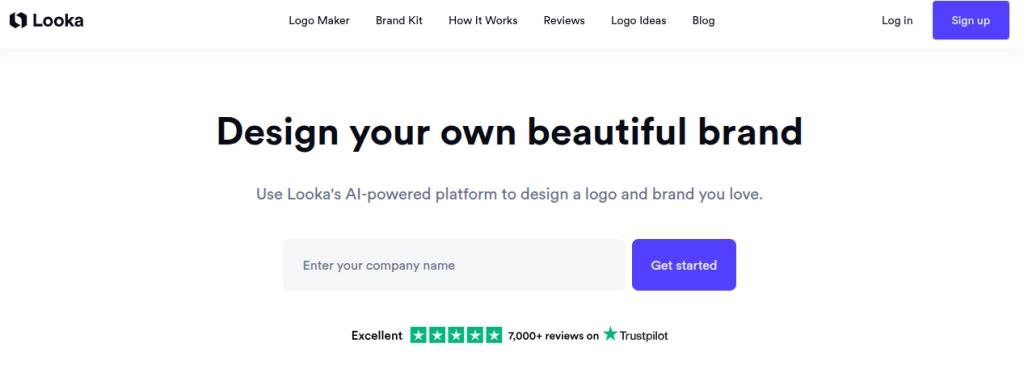
With this AI tool, users can enter their brand name, select design preferences, and receive multiple AI-generated logos in minutes.
Key Features of this Tool
- AI logo generation
- Brand identity creation
- Business card designs
- Brand kit generation
- Custom logo editing
10. Designs.ai
Designs.ai is also a very popular AI tool that can do a variety of tasks. Beginners can use this tool to create graphics, logos, generate videos, etc. It helps users create professional visual content quickly using AI technology. It also helps in automating many design tasks, helping users create professional-quality visuals with minimal effort.
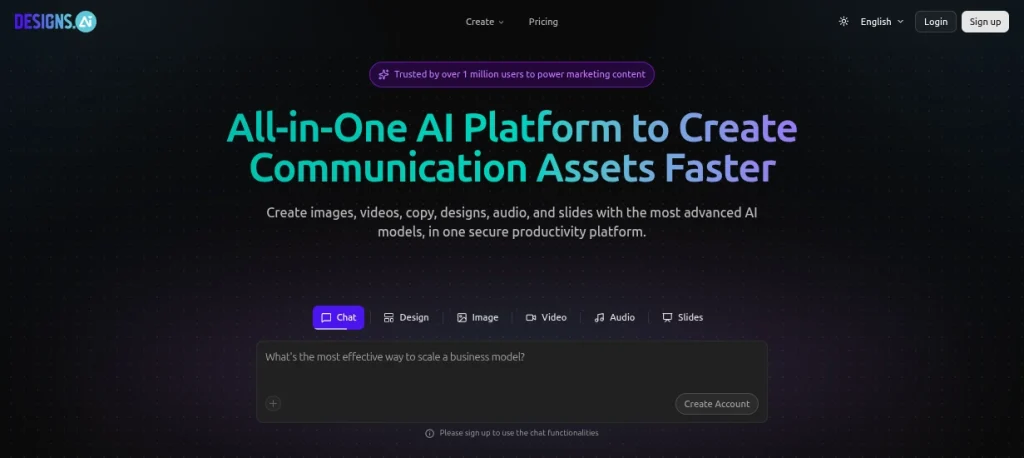
The platform is especially useful for entrepreneurs, marketers, and beginners who need multiple design assets.
Key Features of this Tool
- AI graphic creation
- Logo maker
- Design templates
- Brand asset generation
- Marketing content creation
No confusing tutorials or random videos. This beginner-friendly guide gives you a structured day-by-day plan to build practical AI skills in just one month.
View the Complete Roadmap →Best AI Tools for Content Writing Beginners
There was a time when writing high-quality content required extensive research and strong writing skills. In addition to this, it was also a very time-consuming and tiresome process. But today, with the help of AI writing tools, you can easily create blogs, articles, social media posts, and marketing content much faster. In this blog, we are going to tell you about some of the best AI tools for content writing beginners that can help you write smarter, faster, and with greater confidence.
11. Rytr
Rytr is a beginner-friendly AI writing tool that helps users create various types of content within minutes. By using this tool, you can easily write blog posts, emails, social media captions, or product descriptions. Rytr has a very easy interface, and it can generate content from simple prompts. This quality makes it useful for beginners.
Key Features of this Tool
- It provides multiple writing tones
- Helps to create a blog outline
- Helps with social media content writing
- It also has a built-in plagiarism checker
12. Writesonic
Writesonic is an advanced AI-powered tool that allows for high-quality production of blog posts, websites, ads & social media content. With Writesonic’s sophisticated AI models, users can create engaging, well-structured copy in just a few seconds.
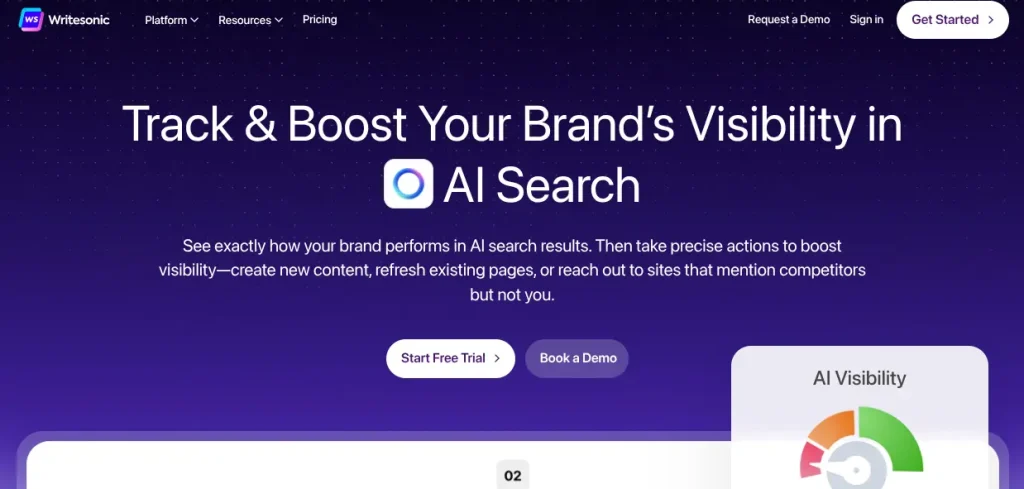
Its user-friendly interface and pre-made templates mean users can quickly learn how to use Writesonic to produce great content in just a few minutes.
Key Features of this Tool
- AI article generation
- Landing page copy creation
- Social media content writing
- Content rewriting
- Multiple content templates
13. Frase
Frase is also an AI-powered content writing and SEO tool. It can help users to create search-engine-friendly content. It helps simplify the research process by analyzing top-ranking content and providing useful recommendations.
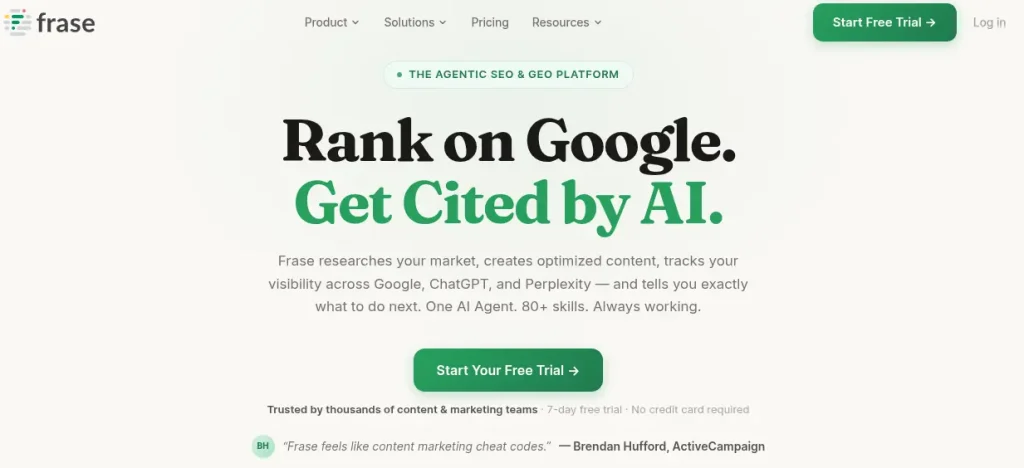
It is especially useful for beginners who want to learn both content writing and SEO simultaneously.
Key Features of this Tool
- Provides content research assistance
- AI content generation
- SEO optimization suggestions
- Provides content briefs
- Competitor analysis
14. Wordtune
Wordtune is an AI writing assistant, which is designed to improve sentence structure, clarity, and readability of the content. Instead of generating entire articles, it helps to enhance the quality of existing content and helps writers communicate more effectively. This tool can be used by beginners to refine their writing and express their ideas more clearly.
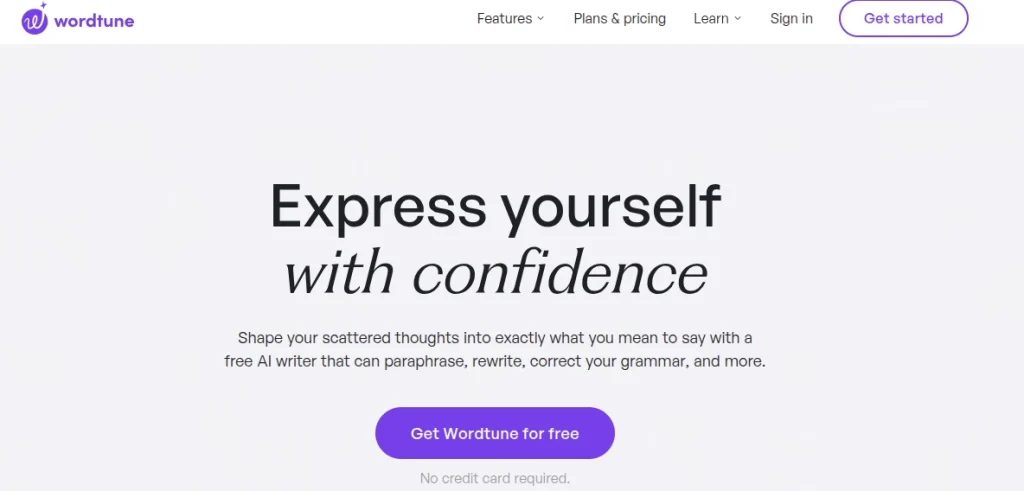
Key Features of this Tool
- Sentence rewriting
- Tone adjustment
- Content shortening
- Content expansion
- Readability improvement
15. Anyword
Anyword is an AI content creation platform that specializes in marketing and conversion-focused writing. It helps users create engaging content for advertisements, emails, blogs, and social media campaigns.
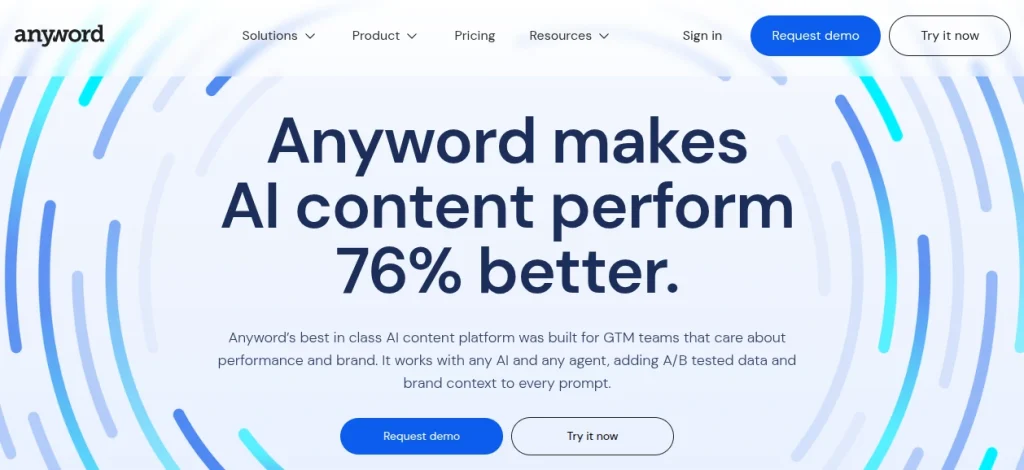
The tool also provides predictive performance scores, helping writers understand which content is likely to perform better.
Key Features of this Tool
- Helps to generate Marketing content
- Helps in copywriting
- Especially useful for blog content creation
- Performance prediction
- Multiple content variations
How to Learn these AI Tools?
The best way to learn these AI tools is by enrolling in a dedicated AI course where you learn tools from different fields that you can use in your regular tasks. Learning AI tools is now not limited to being just a skill but a necessity. From helping you with the day-to-day tasks of home or office, it can help you secure a high salary package at top companies across India and the globe.

But taking advantage of this, there are a number of institutes that claim that they make you the master of AI tools from just one workshop. But the moment you enroll in that workshop, you come to know that it was not something you can rely on to learn the AI tools. Reason being you just got a glimpse of that AI tool, and to learn the tool fully, you need to pay a lot more than what you paid for the workshop.
But SkillWaala ensures that you get to learn all these AI tool skills from basic to advanced with their Free Online AI Tools course. Here, you will be trained by industry experts from fields such as content writing, web development, digital marketing, animation, and more. Here are the benefits you get at SkillWaala, in essence:
100% Free Genuine AI Tools Course
- Guaranteed Internship (Offline)
- Certificate from IT Company, BR Softech
- Free Job Assistance
- Free Mock Interview Sessions
- Free Resume Building Assistance
Thousands of learners are already improving their skills with our free courses. Join them today and start learning for free.
Explore Free CoursesOne Last Thing
So this was the beginner-friendly guide on AI tools, where we discussed the top 15 AI tools that you should be aware of in 2026 if you are planning to start a career around these tools. Each of these tools has its own speciality. You can choose the ones that are useful for your tasks. Or if you are working or want to work in digital marketing, you can learn all these AI tools and use them to complete the tasks assigned to you.

Frequently Asked Questions
AI tools speed up and improve many tasks above what you could do alone. As a beginner, using AI tools can save hours, or perhaps days, that you would otherwise spend on repetitive tasks, allowing you to spend more time learning, developing your skill set, and finding a job that meets your desires without requiring coding/programming knowledge.
No, the five tools discussed in this guide (Claude, Gemini, Perplexity, Gamma, and Hostinger) were specifically designed for beginners. Like texting or searching online via Google, they are all very easy to use, regardless of your technological experience.
The future remains to be seen whether ChatGPT will continue to be the best AI tool for consumers. However, other equally capable AI tools are available. These AI tools have different applications: Claude is for writing and reasoning, Perplexity is for research and real-time sourcing, Gamma produces business presentations, while Gemini & Hostinger are for website development. You’ll have better results if you use a specialized AI tool compared to using just one for everything.
Perplexity would be the best choice. Perplexity offers enhanced search engine capabilities as a more efficient way of finding information on the internet by employing technology to retrieve data from web pages to provide concise answers to questions, as well as a link to each found page, should you need to verify a source or wish to look further into a particular website.
There are many ways to use AI tools for studies/job applications. For example, Claude can assist you with preparing cover letters, summarizing difficult class readings, and explaining complex concepts using simple definitions. Another example is Gemini, which can assist with academic/professional research and data analysis.
The best and easiest option would be using Hostinger’s website builder, which provides everything you will need to create a fantastic-looking website, such as drag-and-drop website building, one-click WordPress installation, registering domain names, and establishing professional email accounts, all through one company, so you do not need to search for several different companies to provide these various services.
Most tools offer free tiers that let you test their functionality; Perplexity, Claude, and Gemini are among them. Gamma provides a limited free option. Hostinger’s prices are typically very low compared to other hosting services.
Taking a dedicated course for each tool is a better way of learning than experimenting with them individually. An excellent example is SkillWaala. SkillWaala offers a free course on AI tools taught by experienced professionals from multiple industries (e.g., Content Creation, Digital Marketing & Web Development) and helps you find internships, certifications, and job placement as you learn to use AI tools for your new career.
About The Author