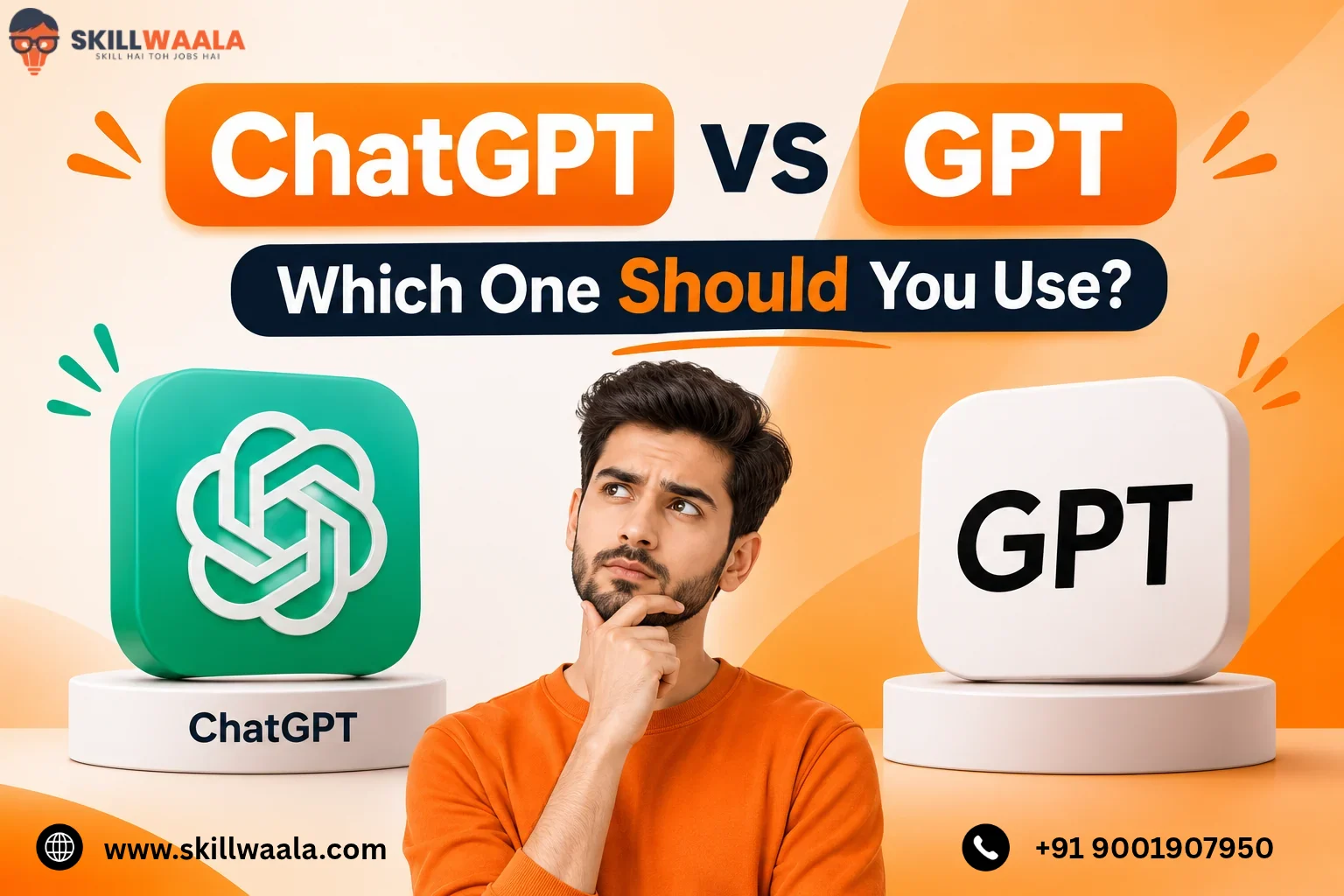
ChatGPT and GPT are often used interchangeably, but they aren’t the same thing. ChatGPT is the application you interact with, while GPT is the AI model technology that powers its responses. The distinction becomes clearer when you encounter terms like GPT-4o, GPT-5, or custom GPTs.
Are these different versions of ChatGPT or separate AI tools?
Turns out they are not the same thing. Referring to ChatGPT as GPT is like calling a car an engine. The engine is the powerhouse behind the car, but they are not the same thing.
In this blog, we will break down ChatGPT vs GPT. Read on to know their differences.
ChatGPT vs GPT: What’s the Difference?
The main difference between ChatGPT and GPT is their purpose. ChatGPT is an AI-powered application, while GPT is the underlying language model that processes information and generates responses. Here’s a quick comparison:
| ChatGPT | GPT |
|---|---|
| An AI chatbot and application | An AI language model |
| Provides an interface to interact with AI | Understands prompts and generates responses |
| Includes features like file uploads, voice, and image generation | Provides the underlying intelligence for supported tasks |
| Can use different GPT models | Can power ChatGPT and third-party applications |
| Used through ChatGPT’s website and apps | Can be accessed through APIs and other integrations |
For example, when you ask ChatGPT to write a cover letter, the application receives your prompt and sends it to an available AI model. The GPT model processes your instructions and generates the response, which is displayed by GPT.
Think of it this way: ChatGPT is the car you drive, while GPT is the engine that helps it run. They are connected and work together, but they aren’t interchangeable.
What Does GPT Mean in ChatGPT?
GPT stands for Generative Pre-trained Transformer. It describes the type of AI model used to understand language, process information, and generate human-like responses.
Let’s break down the three terms:
- Generative: The model can generate new content, including text, code, summaries, and other outputs.
- Pre-trained: It learns patterns in language and information during an initial training process before being adapted for specific tasks.
- Transformer: It uses a neural network architecture called Transformer, which helps it understand relationships between words and their context.
For example, when you ask GPT to explain a complex topic in simple language, it analyses your instructions and generates a response based on patterns learned during training.
That’s what makes GPT useful for writing, coding, research, summarization, and problem-solving.
Also remember that GPT is a family of AI models, not the name of a single model. GPT-4o and GPT-5 are examples of different models within this family.
What Is ChatGPT?
ChatGPT is an AI-powered chatbot developed by OpenAI. It allows users to interact with AI through natural language prompts instead of writing code or working directly with an AI model. You can use ChatGPT for tasks such as:
- Content creation: Writing articles, emails, social media posts, and scripts.
- Learning: Understanding complex topics, practising languages, and preparing for exams.
- Coding: Writing, debugging, and explaining code
- Data analysis: Analysing spreadsheets, interpreting data, and creating charts.
- Research: Finding information, summarizing documents, and exploring ideas.
ChatGPT also offers features such as voice conversations, image generation, file analysis, web search, and custom GPTs.
The major difference is that ChatGPT is the product you interact with. It brings together AI models, tools, and an interface to help you complete different tasks without needing direct access to the underlying technology.
What is GPT?
GPT is a family of large language models (LLMs) developed by OpenAI. These models are trained on large datasets to understand language, recognize patterns, process instructions, and generate responses.
Unlike ChatGPT, GPT isn’t a chatbot interface. It’s the underlying AI technology that developers can integrate into their own applications using OpenAI’s API. For example, a developer can use a GPT model to build:
- AI-powered customer support systems
- Automated content generation tools
- Coding assistants
- Document summarization applications
- AI-powered chatbots for websites
Examples of GPT Models
OpenAI has released several generations and variations of GPT models, including:
| GPT Model | Key Capability |
|---|---|
| GPT-3.5 | General-purpose text generation and conversation |
| GPT-4 | Improved reasoning, accuracy, and complex instruction handling |
| GPT-4o | Multimodal capabilities across text, images, and audio |
| GPT-5 | Advanced reasoning, coding, and general-purpose tasks |
The model lineup evolves, and availability varies across OpenAI products and APIs.
The key takeaway: GPT provides the intelligence, while applications like ChatGPT provide an interface through which people can use that intelligence.
How Does ChatGPT Work With GPT Models?
ChatGPT uses GPT models to understand user instructions and generate responses. The process typically involves four steps:
- Prompt submission: You enter a question or instruction in ChatGPT
- Prompt processing: ChatGPT sends the relevant input and conversation context to the selected AI model.
- Response generation: The GPT model processes the information and generates a response based on its training and available context.
- Response delivery: ChatGPT displays the generated response in its interface
Example: Suppose you ask ChatGPT to create a 500-word article about digital marketing.
- You enter the topic and instructions
- ChatGPT passes your prompt to the available model
- The model interprets your requirements and generates the article
- ChatGPT displays the completed content
The process can involve additional tools, such as web search, file analysis, or image generation, depending on your request and available features.
In short, GPT handles the model-level intelligence, while ChatGPT manages the interaction between you, the model, and its available tools.
ChatGPT vs GPT: Key Differences Explained
ChatGPT and GPT are closely connected, but they serve different purposes. ChatGPT is a complete AI application that brings models, tools, and user-facing features together. GPT refers to the underlying model technology that processes instructions and generates responses. The difference becomes clearer when you compare how they work, who uses them, and what you can do with each.
1. Purpose and Function
The biggest difference is what each one is built to do.
ChatGPT is built for end users. It provides an interface where you can ask questions, generate content, analyze files, search the web, and complete everyday tasks without dealing with the technical side of AI.
GPT models provide the underlying intelligence. They process text, understand instructions, recognize patterns, and generate outputs. Developers can use these models to build their own AI applications.
For example, a student can use ChatGPT to understand a difficult programming concept. Meanwhile, a developer can integrate a GPT model into a learning platform to create an AI tutor for students.
2. How They Work
ChatGPT and GPT also differ in how they handle user requests. ChatGPT acts as the interaction layer between the user, the AI model, and available tools. GPT handles the actual model-level processing.
Here’s how they differ:
- ChatGPT: You enter a prompt, ChatGPT processes the request, uses an appropriate model and available tools, and presents the response.
- GPT: An application sends input to a GPT model through an interface such as an API. The model processes that input and returns an output for the application to use.
For example, when you upload an Excel file to ChatGPT and ask it to identify sales trends, the application can use its file-analysis capabilities alongside an AI model to interpret the data.
A developer building a similar feature would need to integrate the model with file-processing and data-analysis functionality.
3. Accessibility and Usage
ChatGPT is much easier to access for people without technical knowledge. You can visit ChatGPT’s website or open its mobile application, enter a prompt, and start working. There’s no need to understand APIs, programming languages, or model deployment. Using GPT models directly through OpenAI’s API involves a different process.
Developers generally need to:
- Create an OpenAI developer account
- Generate an API key
- Choose a suitable model
- Connect the API to their application using code
- Manage API requests, responses, and usage costs
For example, a business can integrate a GPT model into its website to answer customer queries without directing visitors to ChatGPT.
ChatGPT is ready to use. GPT models provide building blocks for creating AI-powered applications.
4. Customization
Both ChatGPT and GPT models support customization, but the methods are different. ChatGPT allows users to create Custom GPTs for specific tasks. You can provide instructions, upload reference files, and configure available capabilities to create an assistant for a particular purpose.
For example, you could create a custom GPT that:
- Reviews blog drafts against your editorial guidelines
- Generates interview questions for different job roles
- Explains marketing concepts using practical examples
- Helps prepare structured course materials
GPT model offers more flexibility at the development level. Developers can configure system instructions, adjust supported model parameters, connect external databases, and integrate APIs to build applications around specific requirements.
For instance, an edtech company could use a GPT model to develop a personalized learning assistant that refers to its own course materials. The difference is the level of control. ChatGPT offers customization within an existing application, while API integration allows developers to build their own AI experience.
5. Features and Capabilities
ChatGPT offers a collection of features that extend beyond text generation. These features are available through its interface and supported tools.
| Feature | ChatGPT | GPT Models |
|---|---|---|
| Text Generation | Available | Available in supported models |
| Image Generation | Available through integrated image tools | Depends on model and API capabilities |
| Voice Conversations | Available through voice features | Supported audio capabilities vary by model |
| File Analysis | Available through ChatGPT tools | Requires application-level integration |
| Web Search | Available through ChatGPT search | Requires search integration or supported tools |
| Code Generation | Available | Available in supported models |
| Data Analysis | Available through integrated tools | Requires suitable model and additional implementation |
An important distinction here is that not every ChatGPT feature comes directly from a GPT model.
For example, web search requires access to external information. On the other hand, file analysis may involve additional processing tools.
ChatGPT brings these capabilities together in one interface. When developers use GPT through an API, they may need to build or connect these additional features themselves.
6. Pricing and Availability
ChatGPT and GPT models follow different pricing structures.
ChatGPT Pricing: Users can access ChatGPT through free and paid subscription plans. Paid plans generally provide higher usage limits and access to additional features or models, depending on the subscription.
GPT API Pricing: Developers generally pay based on API usage. Costs vary by model and are commonly calculated using the number of input and output tokens processes.
Here’s the practical difference:
| Factor | ChatGPT | GPT API |
|---|---|---|
| Pricing Model | Subscription-based plans | Usage-based billing |
| Free Access | Free plan available | Free API usage is not generally included |
| Payment | Monthly or annual subscription, depending on plan | Pay for API usage |
| Best Suited For | Individual users and teams | Developers and businesses |
| Additional Costs | Depends on subscription | Infrastructure and application development may add costs |
For example, someone using ChatGPT for writing assignments or preparing presentations can start with its free plan.
A company building an AI-powered customer support system using a GPT API will need to account for model usage, development, and infrastructure costs.
Not sure whether to choose ChatGPT or Google Gemini? Explore their features, capabilities, pricing, and key differences to find the right AI assistant for your needs.
Read the Full Comparison →ChatGPT vs GPT: Comparison Table
| Comparison Factor | ChatGPT | GPT |
|---|---|---|
| Primary Purpose | AI application | AI model family |
| Target Users | General users, students, and professionals | Developers and businesses |
| Technical Knowledge | Not required | Often required for API integration |
| Customization | Custom GPTs and instructions | API configuration and application development |
| Accessibility | Website and mobile apps | API and integrated applications |
| Features | Models, tools, and user-facing features | Model-specific capabilities |
| Pricing | Subscription plans | Usage-based API pricing |
| Best For | Direct interaction with AI | Building AI-powered applications |
ChatGPT vs GPT: Practical Examples of How They Differ
The easiest way to understand the difference between ChatGPT and GPT is to look at how people use them in real situations. Here are four practical examples:
1. Content Writing
Using ChatGPT: A content writer can ask ChatGPT to create a blog outline, write product descriptions, improve grammar, or suggest SEO keywords.
Using GPT: A developer can integrate a GPT model into a content management system to build an automated writing assistant that generates drafts based on predefined instructions.
2. Customer Support
Using ChatGPT: A business owner can use ChatGPT to draft customer support replies, prepare FAQs, and handle common customer queries manually.
Using GPT: A developer can integrate a GPT model into a website chatbot that automatically responds to customer questions using the company’s product documentation.
3. Learning and Education
- Using ChatGPT: Students can ask ChatGPT to explain difficult concepts, generate practice questions, and create revision notes.
- Using GPT: An edtech company can integrate a GPT model into its learning platform to build an AI tutor that answers questions based on its course materials.
4. Data Analysis
- Using ChatGPT: A professional can upload an Excel spreadsheet and ask ChatGPT to identify trends, calculate figures, or summarize business performance.
- Using GPT: A developer can integrate a GPT model into a business analytics application that interprets user queries and works with connected data-processing tools to generate reports
Compare DeepSeek and ChatGPT based on features, performance, pricing, privacy, coding abilities, and everyday use cases to decide which AI assistant best fits your needs.
Read the Full Comparison →Can You Use GPT Without ChatGPT?
Yes. You can use GPT models without accessing ChatGPT. OpenAI provides API access that allows developers to integrate GPT models into their own applications, websites, and software.
For example, a company can use the GPT API to build a customer support chatbot on its website. Visitors can ask questions and receive AI-generated responses without opening ChatGPT.
Here are three common ways to use GPT without ChatGPT:
- Open AI API: Developers can connect GPT models to websites, applications, and internal business systems.
- Third-party applications: Many AI writing assistants, coding tools, and productivity applications use GPT models behind their interfaces.
- Custom-built AI solutions: Businesses can develop AI-powered chatbots, virtual assistants, and automated workflows using GPT models
However, using GPT through an API requires some technical setup. You will generally need an API key, a suitable model, and an application that sends requests and processes responses.
Also, ChatGPT subscriptions and API billing are separate. Having a paid ChatGPT plan doesn’t automatically provide free API access.
Explore 10 powerful AI tools like ChatGPT for writing, research, coding, content creation, and everyday tasks. Compare their features and discover the right AI assistant for your needs.
Explore Top 10 ChatGPT Alternatives →Final Words
The difference between ChatGPT and GPT comes down to one thing. ChatGPT is the application, and GPT is the underlying AI model technology.
You don’t need to understand how GPT models work to use ChatGPT effectively. However, knowing the distinction helps when exploiting advanced AI tools, building applications, or understanding how different AI products work.
If you’re starting your AI journey, begin with ChatGPT. Experiment with prompts, explore its features, and use it to solve practical problems. Once you’re comfortable, explore GPT APIs and other AI technologies to understand how developers build their own AI-powered solutions.
Frequently Asked Questions (FAQs)
Ans. No. GPT refers to a family of AI language models developed by OpenAI. ChatGPT is an AI application that uses these models to generate responses and perform different tasks.
Ans. GPT stands for Generative Pre-trained Transformer. It describes an AI model architecture that generates content based on patterns learned during training.
Ans. ChatGPT is an AI application developed by OpenAI. It provides an interface to interact with GPT models and other integrated tools.
Ans. Neither is inherently better because they serve different purposes. ChatGPT is suitable for direct AI interactions, while GPT models are useful for developers building AI-powered applications.
Ans. You can access GPT models through ChatGPT’s free plan, subject to model availability and usage limits. However, OpenAI API access is billed separately and does not automatically come with a ChatGPT subscription.
Ans. GPT-4 is a specific AI model. ChatGPT is an application. ChatGPT can provide access to different AI models depending on availability and subscription plans. They are not competing versions of the same product.
About The Author