

I’ve spent enough time freelancing to know that the actual client work is rarely the only thing that keeps you busy. Finding clients, writing proposals, chasing payments, sitting through meetings, and managing deadlines can take up just as much time. That’s where AI has become genuinely useful for me.
I’ve tested plenty of AI tools that looked flashy but didn’t really do much to improve my workflow. So I narrowed this list down to 15 tools that fit different stages of a freelance workflow:
Finding clients > proposals > content > meetings > project management > delivery > invoices.
Without any further delay, let’s dive into the tools worth trying.
Quick Comparison: 15 Best AI Tools for Freelancers
In a rush? Here’s a sneak peek so you can quickly see what fits your needs without scrolling through another giant AI tools list.
| Freelance Stage | Tool | Best For | Pricing |
|---|---|---|---|
| Finding Clients | Jason AI | Automated prospecting & outreach | Paid |
| Finding Clients | Solo by Mozilla | Portfolio & freelance website | Free + Paid |
| Proposals | Proposal Genie | Freelance proposal writing | Free + Paid |
| Proposals | Upcat AI | Upwork proposals & applications | Free |
| Content | Claude | Writing, research & client content | Free + Paid |
| Content | Canva | Content creation | Free + Paid |
| Content | Gamma | Presentations and pitch decks | Free + Paid |
| Invoices | Midday | Invoicing & financial tracking | Free + Paid |
| Invoices | Zoho Invoice | Invoicing & business management | Free |
| Meetings | Fireflies.ai | Meeting notes & summaries | Free + Paid |
| Meetings | Cogram | Meeting documentation & action items | Free + Paid |
| Project Management | Asana AI | Project tracking & workflows | Free + Paid |
| Project Management | ClickUp AI | Tasks, scheduling & project workflows | Free + Paid |
| Delivery | Taption | Transcription, subtitles & content delivery | Freemium |
| Delivery | ContractCrab | Reviewing client contracts before delivery | Free + Paid |
How to Find Clients for Freelancing? 2 AI Tools to Start With
I’ve always thought client acquisition is one of the hardest parts of freelancing. You can be excellent at your work and still have an empty pipeline if you struggle to find clients. AI can help with the prospecting side, especially when you’re trying to identify businesses worth approaching.
1. Jason AI: Best for Automated Prospecting
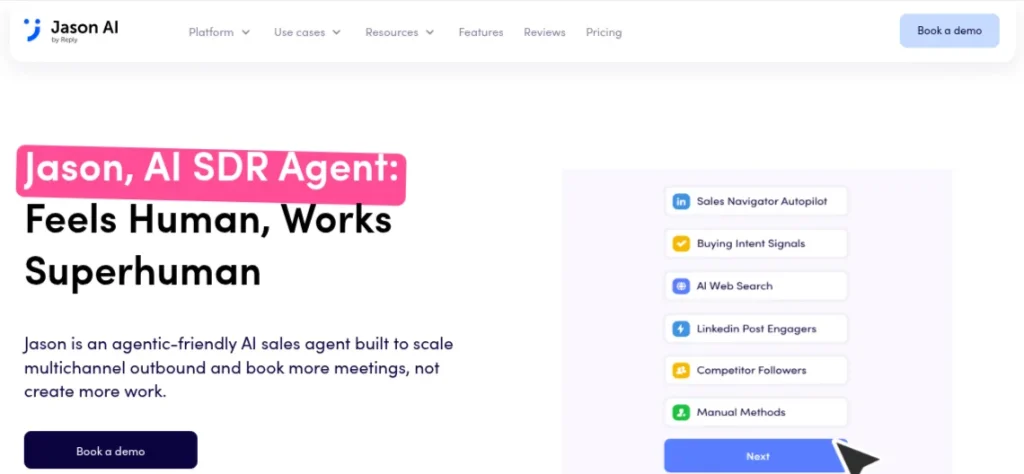
Best For: When you have a defined freelance service and want to build a consistent outbound pipeline.
Jason AI focuses on outbound sales and prospecting. It can help identify potential leads, create personalized outreach emails, and manage follow-ups, so you don’t have to manage every conversation manually.
In my opinion, Jason AI can be useful if cold outreach is already part of your strategy. I wouldn’t let it broadcast generic messages to hundreds of businesses, though. A poorly personalized pitch does more harm than good.
Pricing: Jason AI starts at $500/month for the AI SDR Starter plan. The Growth plan starts at $1,500/month. Enterprise pricing is also available on request. The Starter Plan includes AI prospecting, personalization, multichannel outreach, and automated follow-ups.
2. Solo by Mozilla: Best for Building Your Freelance Presence
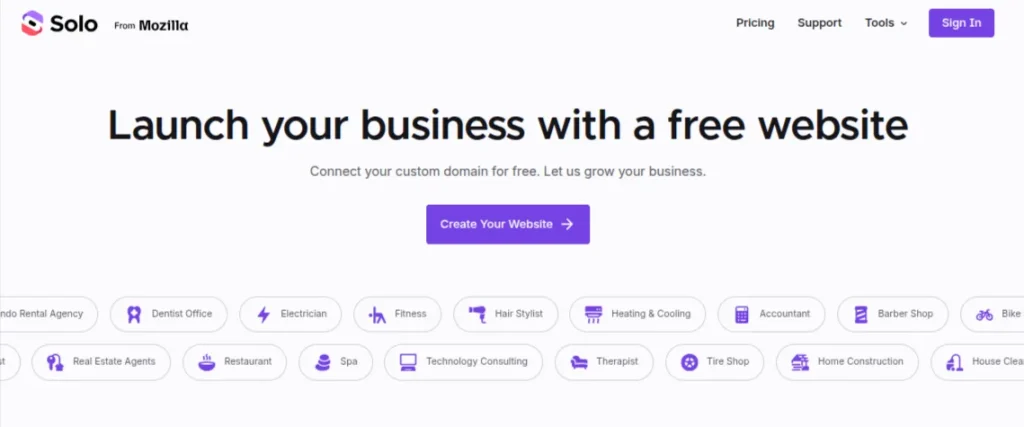
Best For: When you need a professional online presence to send prospects instead of relying entirely on a marketplace profile.
Solo by Mozilla takes a different approach. It helps freelancers create a simple website that showcases their services, portfolio, and contact information without requiring much technical knowledge.
My Take: This is more useful for credibility than lead generation itself. A clean portfolio can make your outreach feel much more legitimate, particularly when you’re approaching clients directly.
Pricing: Solo is free to use, including website creation, publishing, and connecting a custom domain. It also offers paid Pro and Grow plans with additional features.
How to Write Freelancing Proposals for Clients: AI Proposal Generators for Freelancers
I don’t think AI should write a proposal and send it untouched. Clients can smell a generic pitch pretty quickly. Proposal generators help you get past the blank page and give you a draft that you can personalize.
3. Proposal Genie: Best for Freelance Proposals
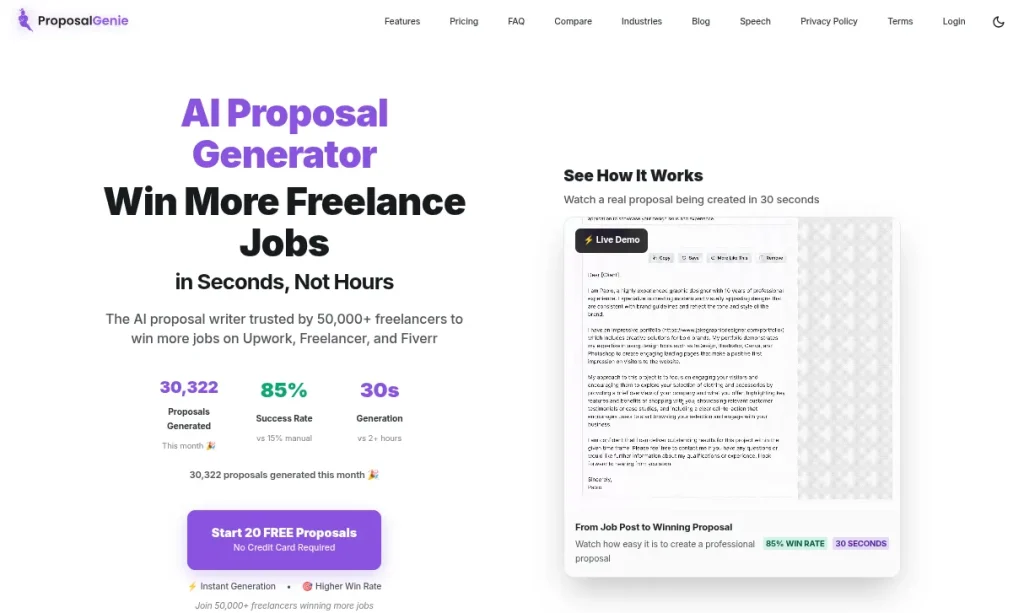
Best For: Regularly applying for freelance projects and spending too much time writing similar proposals.
Proposal Genie is built specifically for freelance platforms such as Upwork and Freelancer.com. Give it the job requirements and details about your experience, and it will create a customized proposal you can edit before sending.
I’d use Proposal Genie for the first draft, then rewrite the opening myself. That first paragraph is usually where you prove you actually read the client’s brief.
Pricing: The free trial gives you 20 proposals. Paid plans currently start at $4.94/month. The Premium plan costs $9.99/month.
4. UpCat: Best for Upwork Proposals
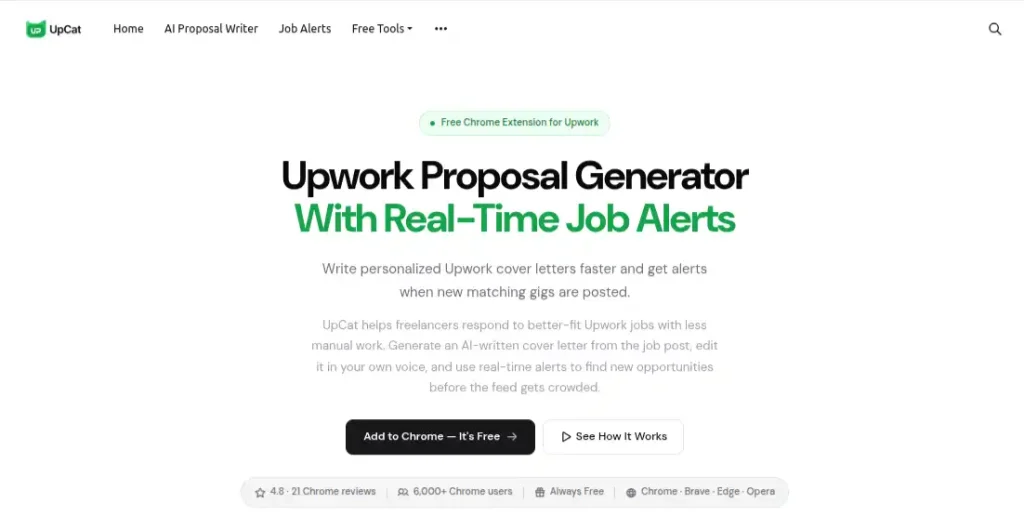
Best For: When you want to respond to relevant listings faster
UpCat is much more Upwork-specific. Its browser extension reads the job post you’re viewing and generates a tailored cover letter, while real-time alerts can flag new jobs matching your chosen skills and keywords.
I prefer the workflow here because the proposal starts with the actual job post rather than a generic prompt. Still, treat the generated text as a draft. Add your own proof of experience before spending those Upwork Connects.
Pricing: UpCat currently says its Chrome extension is free, with no trial or credit card required.
How to Create Content for Freelancing? AI Tools for Creating Client Deliverables
Content is where I’d be most careful with AI. I’ve used it heavily for writing, research, editing, and brainstorming, but I never create the final draft without human editing. Depending on the project, you might be creating social media graphics, a presentation, a pitch deck, an animated video, or a complete visual campaign.
5. Claude: Best for Written Content and Research
Best For: Creative writing, including blog posts, website copy, reports, research, editing, or content that requires working through a lot of source material.
Claude is particularly useful when a freelance project involves substantial writing, editing, research, or working with client documents. It can also create files, analyze information, search the web, and work with projects, which makes it useful beyond basic text generation.
Claude is my go-to tool for text-heavy freelance work. It is particularly useful when I give it material to work with instead of asking it to invent an entire piece from scratch.
Pricing: Claude has a Free plan. Pro costs $20/month when billed monthly or $17/month with annual billing. Max plans start at $100/month for heavier usage.
6. Canva: Best for Visual Content
Best For: Creating visual assets without switching between different creative tools.
Canva makes sense for freelancers who regularly create social media graphics, thumbnails, presentations, marketing creatives, and short-form videos. Its AI features can help with image generation, writing, design creation, and editing.
It is one of those tools that I would definitely keep in my freelance toolkit. It may not be the best choice for every type of professional design, but it covers a lot of everyday client work very well.
Pricing: Canva offers a Free plan. Canva Pro costs $180/year for one person. Canva Business costs $20/month per person. Enterprise pricing is also available.
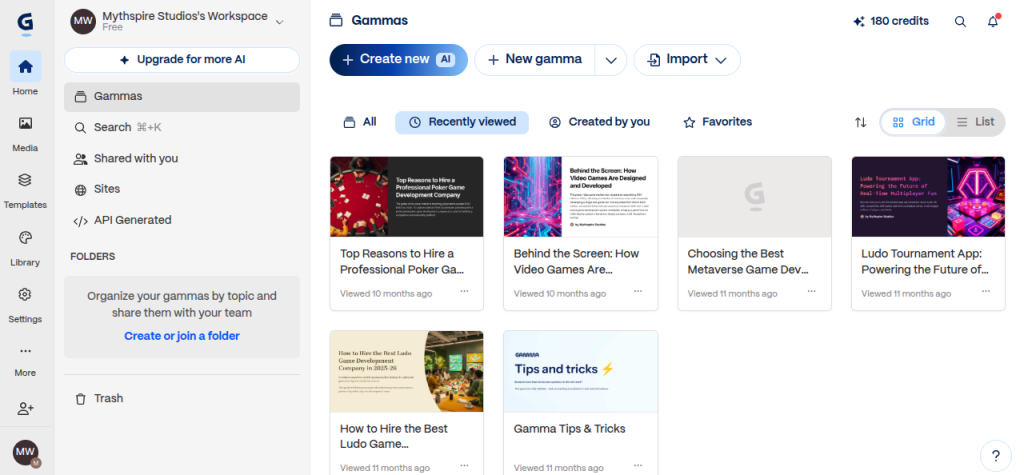
7. Gamma: Best for Presentations
Best For: Creating pitch decks, sales presentations, training material, proposals, or presentation-style reports.
Gamma is useful when the deliverable is a presentation rather than a document. You can turn an idea, outline, or existing content into a structured deck and then refine the results before delivering it to the client.
I use Gamma to get the first 70-80% of a presentation, then spend my time fixing the details. That’s a much better use of AI than expecting it to produce a client-ready deck without supervision.
Pricing: Gamma has a Free plan. Its Plus plan starts at $9/seat/month, or $108/seat/ year when billed annually. The Pro plan starts at $18/seat/month, or $216/seat/year when billed annually. The Ultra plan starts at $90/seat/month.
AI Tools for Meetings and Client Calls
Client meetings can eat into a freelance schedule surprisingly quickly. The call itself might take 30 minutes, but remembering what was discussed, writing notes, and turning decisions into tasks can take much longer. I prefer using AI here for documentation. Let it capture the meeting while you focus on the conversation.
8. Fireflies.ai: Best for Meeting Notes
Best For: Frequent client calls and writing meeting notes.
Fireflies.ai records and transcribes meetings across platforms such as Zoom, Google Meet, and Microsoft Teams. It can then generate summaries, identify action items, and make past conversations searchable.
This is one of the easiest AI meeting tools to use as a freelancer. The real value is being able to search an old client conversation and quickly find what was agreed upon.
Pricing: Fireflies has a Free plan. Pro costs $18/user/month when billed monthly or $10/user/month when billed annually. Business costs $29/monthly or $19 annually per user.
9. Cogram: Best for Structured Meeting Documentations
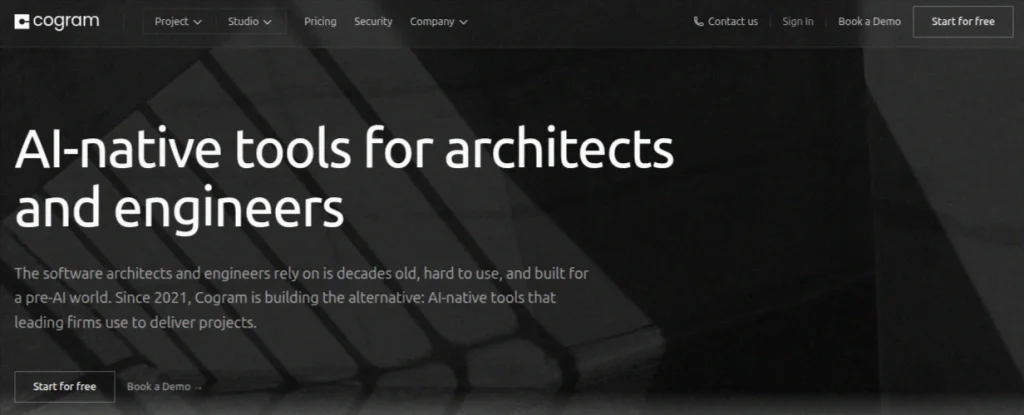
Best For: When your freelance work involves structured client projects where meeting decisions need to become documented tasks.
Cogram does more than just basic meeting transcription. It turns conversations into structured meeting minutes and connects meeting information with project workflows. It also offers tools for email management, field reports, and project-related documentation.
Cogram is more specialized than Fireflies. For a typical content freelancer, I’d probably pick Fireflies. If your work involves complex projects and detailed documentation, Cogram becomes much more interesting.
Pricing: Cogram offers a 14-day free trial. Its individual plan costs $79/month. Team and firm pricing is available on a per-seat basis.
Project Management: AI Tools for Project Management
Project management becomes a different problem once you have several clients at once. I’ve found that the real challenge is keeping deadlines, priorities, feedback, and unfinished work from getting mixed together. That’s why I prefer AI tools that sit inside the project-management system rather than adding another separate app to the workflow.
10. Asana: Best for Structured Client Projects
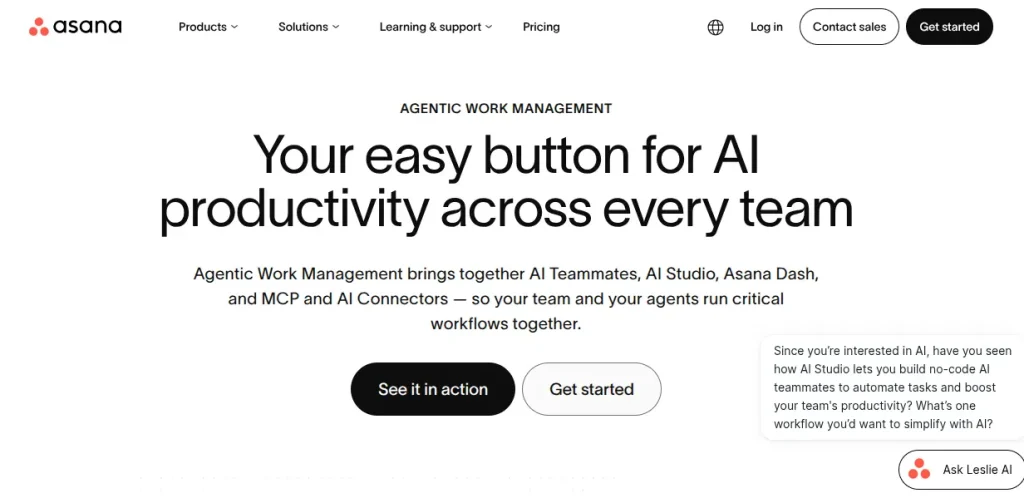
Best For: Managing recurring client work or projects with many variables.
Asana works well when a freelance project has multiple stages, deadlines, and people involved. Its AI features can summarize project activity, draft status updates, suggest project structures, and help turn plain-language instructions into workflows.
Asana makes more sense when your freelance work has enough moving pieces to justify proper project management. However, it is not required for a single blog post or logo.
Pricing: Asana has a Free Plan. The Starter plan costs $10.99/user/month when billed annually. Advanced plan costs $24.99/user/month annually. Enterprise plans use custom pricing.
11. ClickUp: Best for All-in-One Freelance Work
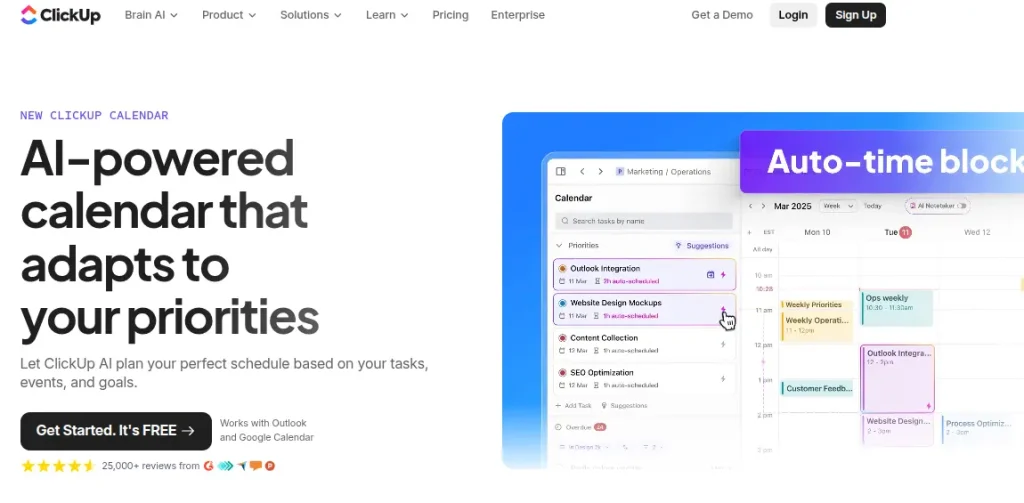
Best For: When you want one workspace to handle both your projects and the supporting work around them.
ClickUp is useful if you want tasks, documents, communication, and AI assistance in the same workspace. Its current AI offering, ClickUpBrain², can work with tasks like drafting emails, managing invoices, and creating project-related content.
I would choose ClickUp over Asana if I need more flexibility from a single workspace. It can become quite powerful, so I would not use it for simple freelance projects.
Pricing: ClickUp offers a Free Forever plan. Its Unlimited plan starts at $7/user/month when billed annually. Its AI features are available through ClickUp’s AI plans and credit-based options. ClickUp currently lists AI Super Credits at $10 per 10,000 credits.
AI Tools to Polish and Prepare Client Work
Getting the work done is one thing. Sending something that still has obvious mistakes is another. I like using AI at the delivery stage as a final checkpoint. It can catch problems I might miss after staring at the same project for hours, especially when the deliverable involves video files, transcripts, subtitles, or important client documents.
12. Taption: Best for Video and Audio Deliverables
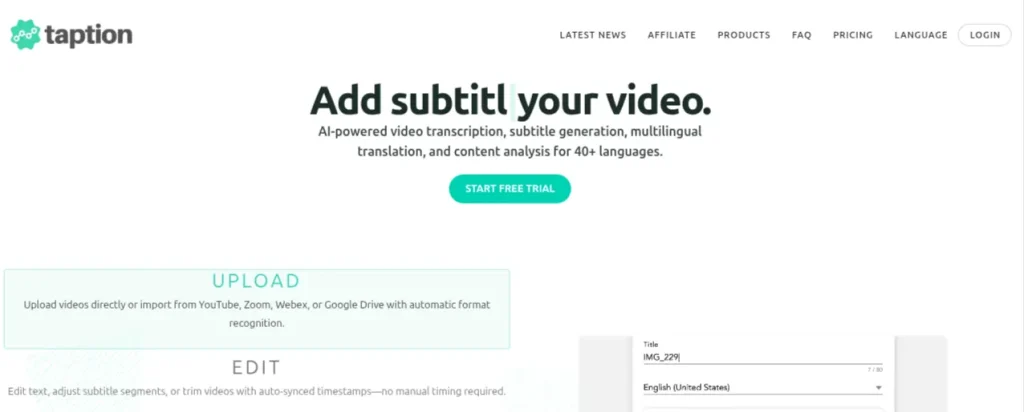
Best For: Delivering interviews, podcasts, videos, subtitles, or translated content to clients.
Taption is useful for freelancers working with video or audio. It can transcribe recordings, translate them, create subtitles, and export finished subtitle files or videos. It supports more than 40 languages, which is particularly useful when a project involves multilingual content.
If video is part of your freelance work, Taption is very useful. You can move from raw footage to a transcript or subtitles deliverable without adding another tool to the workflow.
Pricing: Taption has a Free plan with pay-as-you-go usage at $8/hour. Premium costs $12/month and includes 120 minutes. Bulk costs $69/month with 1000 minutes. Annual billing gives you Premium at $10.80 and Bulk at $62.10.
13. ContractCrab: Best for Reviewing Client Contracts
Best For: When a new client sends you a contract and you want to understand the document before signing.
ContractCrab is useful before you accept or deliver work under a new agreement. You can upload a contract and have the AI review and summarize its terms, obligations, and potential issues. It supports formats including PDF, DOCX, TXT, and image files.
I would use this as a pre-delivery safety check, not a replacement for a lawyer. For a freelancer handling occasional client contracts, the $3 pay-as-you-go option is the part that makes the tool interesting
Pricing: ContractCrab charges $3 per contract on its pay-as-you-go plan. The Light plan costs $30/month for 120 documents, while Pro costs $75/month for 500 documents. Enterprise pricing is custom.
AI Invoice Generators for Freelancers
Once a project is finished, I don’t want to create an entire spreadsheet for a single invoice. An invoice should only take a few minutes. For freelancers, I’d choose invoicing tools that handle recurring invoices, payment tracking, and tax details without forcing you into a full accounting platform.
14. Midday: Best for Invoicing and Financial Tracking
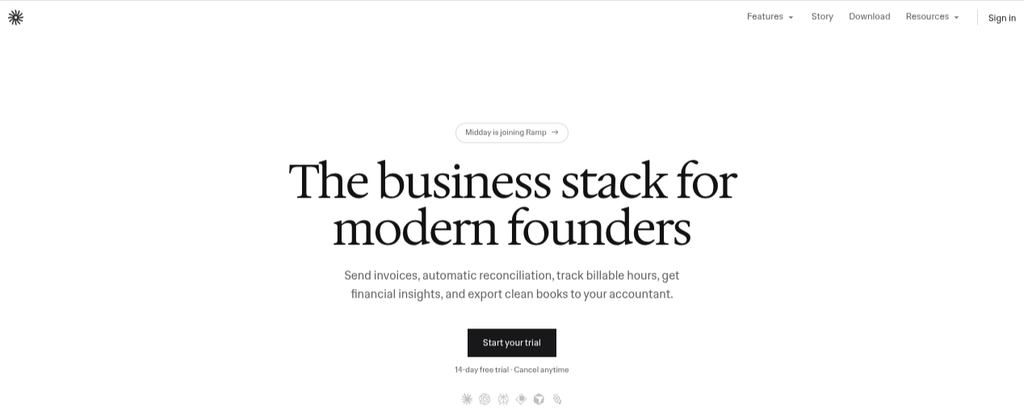
Best For: Billing clients regularly and wanting invoicing and financial tracking.
Midday combines invoicing with time tracking, expense management, financial reporting, and payment tracking. That makes it useful when you want to keep the financial side of freelancing connected to the work itself.
Midday is more than an invoice generator, which is exactly why I’d pick it for a freelancer whose workload is becoming more serious. If you only send a couple of invoices each month, you probably don’t need this much financial tooling.
Pricing: Midday has a 14-day free trial. The Starter plan costs $15/month or $180/year. Pro costs $39/month or $468/year when billed annually.
15. Zoho Invoice: Best Free Invoice Generator for Freelancers
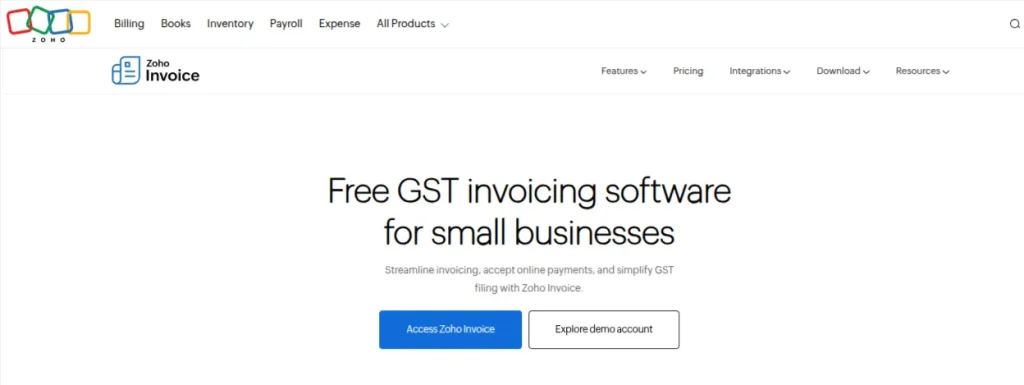
Best For: When you want professional invoices and basic payment tracking without paying for invoicing software.
Zoho Invoice is one of the more practical choices if you want a dedicated invoicing tool without adding another monthly subscription. It supports GST-compliant invoices, recurring billing, payment reminders, expense tracking, time tracking, and online payments.
This is probably my first pick for a freelancer who is starting out. You get GST invoicing without another recurring expense, and the 500-invoice annual limit is more than enough for most individual freelancers.
Pricing: Zoho Invoice is completely free in India. The free plan supports up to 2 users, 3 projects, and 500 invoices per year.
How to Choose AI Tools for Freelancing?
I have made one mistake when choosing AI tools. At first, I only chose the ones that looked impressive.
A better approach is to start with the problem, not the tool. If writing proposals takes too long, look for a proposal tool. If meetings are eating into your working hours, look at AI meeting assistants and so on.
- Start With a Bottleneck: Pick something that repeatedly wastes your time or slows down client work.
- Check the Output Quality: Saving 30 minutes isn’t useful if you spend another 40 minutes fixing what the AI produced.
- Look at the Full Cost: Consider the subscription, usage limits, credits, and any extra services you need.
- Test It With Real Work: A tool can look brilliant in a demo and behave very differently with an actual client brief.
- Check Privacy Before Uploading Client Material: Confidential documents, private data, and proprietary information deserve extra caution.
- Avoid Building a 15-tool Workflow: Start with the smallest stack that solves your current problems. Add another tool when you can explain exactly what it will improve.
Final Words
I don’t think freelancers need an AI tool for every task. That usually creates another problem. Too many subscriptions, too many tabs, and too much time spent figuring out which tool to use. Start with the part of your workflow that slows you down the most. Pick one tool, use it on real client work, and keep it only if it genuinely saves time or improves the result.
The best AI tools for freelancers are the ones that quietly remove work from your plate while leaving you in control of the work that actually matters.
Frequently Asked Questions (FAQs)
There isn’t one tool that does everything particularly well. A practical freelance stack usually combines a general AI assistant with tools for specific jobs such as proposals, meetings, invoicing, design, or project management. The best choice depends on where you lose the most time.
Yes. AI can help with prospect research, outreach, lead qualification, and proposal preparation. It won’t replace the relationship-building part of freelancing, though. Your portfolio and how well you understand a prospective client still matter.
It depends on the deliverable. Claude is a strong choice for writing and research. Canva is more useful for visual content. Gamma is a better fit when you have to deliver a presentation or pitch deck.
They can be, provided the tool saves enough time to justify its cost. I’d start with a free plan where possible and upgrade only after you have identified a recurring task that the paid features genuinely improve.
Yes. Tools such as Asana and ClickUp can help organize tasks, deadlines, project information, and client work. The trick is not turning a simple freelance project into a complicated project-management system.
Honestly, it depends on the client agreement. If AI is producing a significant part of the deliverable, it is usually best to tell the client about it. You should also check whether the client has specific AI-use or confidentiality requirements.
About The Author

