

Creating a good resume is no longer about finding a decent template and filling in your details. Recruiters now use ATS software to filter applications. Candidates are expected to tailor resumes, write cover letters, and maintain a strong LinkedIn profile for each opportunity.
I’ve tested and compared 10 AI tools for resume building to see where they actually help and where they can make your application sound generic. Each tool has its strengths. In this review blog, we will compare each tool’s features, pricing, and whether it is useful for you.
10 AI Resume Builders Compared: Quick Checklist
Don’t want to read 3,000+ words? Here’s a summary of our findings to help you choose the best AI resume builder.
*Free access varies by each tool and may include feature or usage limits. We will verify the current pricing and access model in each individual section.
| Tool | Best for | ATS optimization | Free option |
|---|---|---|---|
| Rezi | ATS-focused resumes | Yes | Yes |
| Sheets Resume | Simple AI resume creation | Yes | Yes |
| Enhancv | Creative, customizable resumes | Yes | Yes |
| Resume Worded | Resume scoring & feedback | Yes | Yes |
| Kickresume | AI resume & cover letter creation | Yes | Yes |
| Teal | Resume building + job tracking | Yes | Yes |
| Jobscan | Job-description matching | Yes | Yes |
| ResumeNerd | Guided resume creation | Yes | Yes |
| BeamJobs | Resume examples & templates | Yes | Yes |
| Leet CV | Technical & developer resumes | Yes | Yes |
Quick Verdict: If ATS optimization is your priority, start with Rezi. For managing the wider job search, Teal is suitable. Enhancv makes more sense when presentation matters.
How We Evaluated These AI Resume Makers?
I look at these tools from the perspective of someone who actually needs to build, improve, and submit a resume, rather than judging them on how impressive their feature list looks. Here are some factors that I evaluated:
- Resume Creation: Can it produce a usable resume without requiring hours of formatting?
- ATS Optimization: Does it help identify relevant keywords and improve compatibility with applicant tracking systems?
- Job Matching: Can it tailor your resume to a specific job description?
- Ease of Editing: Can you control the final wording instead of accepting whatever AI generates?
- Templates: Are the available designs practical for real applications?
- Additional Job-Search Features: Cover letters, LinkedIn optimization, application tracking, or interview support can add genuine value.
- Free Access: I checked what you can actually use for free, rather than treating a free trial as a free AI resume maker.
- Current Functionality: I found that many review lists on the internet listed outdated and discontinued tools. I evaluated each tool on whether they were still functional and running.
- Usefulness: I gave more weight to practical usefulness than to the number of features.
1. Rezi: Best for ATS-Focused Resume Building
My Rating: 9/10
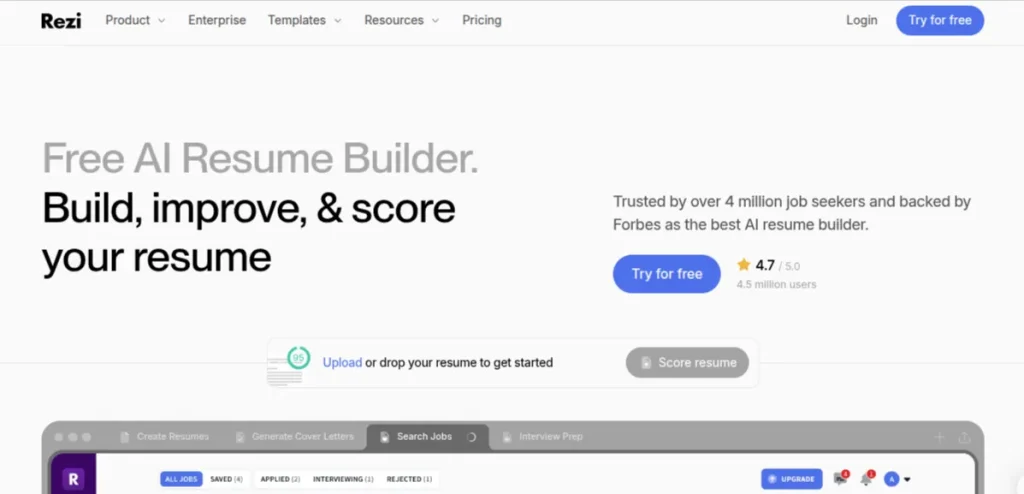
If ATS optimization is high on your priority list, Rezi is one of the strongest tools in this comparison. Its entire workflow is geared toward creating targeted, structured resumes that work well with applicant tracking systems rather than treating ATS optimization as an optional feature.
I also like that you don’t have to hand the entire resume over to AI. You can build one from scratch, work with information you already have, and use AI to improve specific sections or bullet points. That gives you considerably more control over the final resume.
Key Features of Rezi
- AI-assisted resume creation
- ATS-focused resume optimization
- Job-description keyword targeting
- AI-powered content and bullet-point suggestions
- Resume scoring and analysis
- Cover letter generation
Pros of Rezi
- Strong emphasis on ATS compatibility
- Useful for tailoring resumes to individual job descriptions
- Lets you apply AI assistance section by section
- Well-suited to conventional professional resume formats
Cons of Rezi
- Creative resume designs aren’t its main strengths
- Some advanced features require a paid plan
- AI-generated content still benefits from manual editing.
Pricing
- Free: 1 resume, 1 AI interview, 3 PDF downloads, and limited access to advanced features.
- Pro: $29/month. Unlimited resumes, AI interviews, PDF downloads, templates, and full access to Rezi’s AI and ATS features.
- Lifetime: $149 one-time payment. Includes the Pro features with lifetime access
- Enterprise: $99/month for up to 200 users
2. Sheets Resume: Best for Simple AI Resume Creation
My Rating: 8.5/10
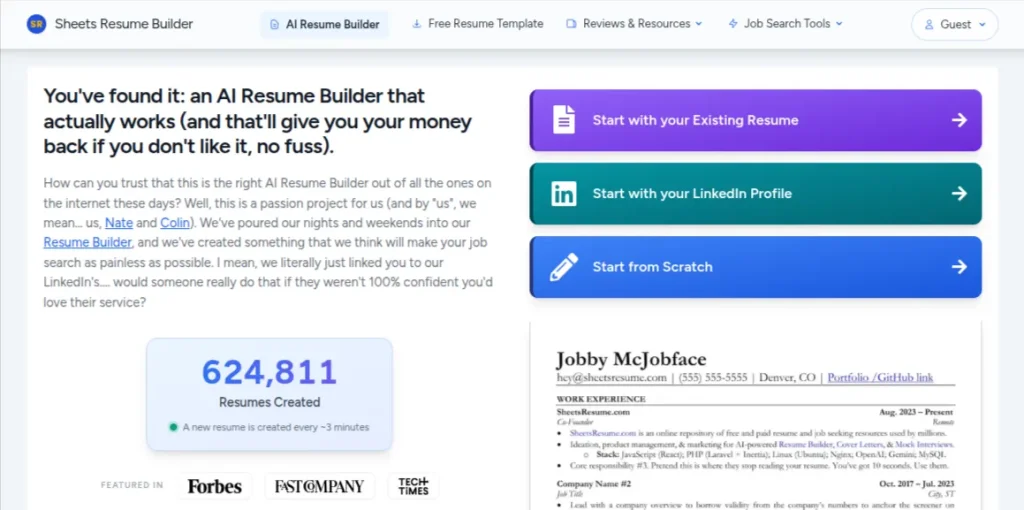
Sheets Resume takes a more practical approach to resume building. Instead of pushing elaborate designs, it focuses on helping you create a clean, readable resume and then tailor it for specific job descriptions. You can start from scratch or use an existing resume or LinkedIn profile as the starting point.
What makes it more interesting is that the platform goes beyond resume creation. Its paid membership also includes an AI cover letter builder, mock interview practice, and an AI job-search tool that matches jobs to your resume.
Key Features of Sheets Resume
- AI resume builder
- Job-specific resume tailoring
- Free ATS resume checker
- AI cover letter generator
- AI interview practice
- AI-powered job matching
Pros of Sheets Resume
- Clean, straightforward resume-building workflow
- Can tailor a master resume to individual job descriptions
- Free resume builder and ATS checker available
- Includes job-search and interview tools with membership
- Supports PDF, Google Docs, and Word exports
Cons of Sheets Resume
- Less suitable if you want highly creative resume designs
- Full AI builder requires a paid membership
- Some users may prefer a more feature-rich visual editor
Pricing
- Free: Resume builder and ATS resume checker are available.
- Weekly: $19/week. Full membership access, including the AI resume builder, cover letter generator, mock interviews, and AI job matching.
- Monthly: $39/month. Full membership access with unlimited use of the included tools
- Lifetime: $99 one-time. Lifetime access to the complete suite, including future features
3. EnhancCV: Best for Creative Resume Design
My Rating: 8.5/10
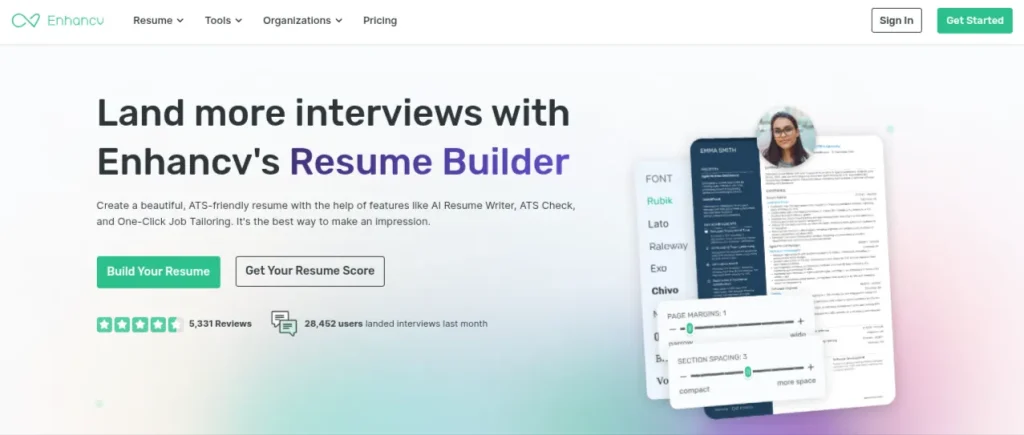
EnhancCV is a good choice if you want your resume to look polished without giving up ATS considerations. Its builder combines customizable templates with AI features that can improve bullet points, generate summaries, identify relevant skills, and tailor a resume to a specific job description.
The interesting part is the balance between design and optimization. Enhancecv says its templates are tested for ATS parsing, while its tailoring tool compares your resume with the job posting and highlights missing keywords and relevant skills. That makes it more practical than a purely visual CV builder.
Key Features of Enhancv
- AI resume builder and content assistant
- AI-powered resume tailoring
- ATS resume checker
- AI bullet-point and summary generator
- Cover letter generator
- Job application tracker and interview tools
Pros of Enhancv
- Strong selection of customizable templates
- Useful AI feedback while editing
- Good balance between visual design and ATS compatibility
- Can tailor resumes to individual job descriptions
- Includes tools beyond resume creation
Cons of Enhancv
- Some of the more advanced features require Pro
- Visual templates may not suit every industry or role
- Free access is limited
Pricing
- Free: 7-day access to Pro features, including all templates and design tools.
- Basic: $4.99/month. 1 resume, unlimited changes and downloads, up to 15 entries, basic sections, and design customization.
- Pro Monthly: $19.99/month. Up to 10 resumes, unlimited entries, Pro sections, advanced design options, and additional premium features.
- Pro Quarterly: $14.99/month. Billed at $44.97 every 3 months
- Pro Semi-Annual: $10.99/month. Billed at $65.94 every 6 months.
4. Resume Worded: Best for Resume & LinkedIn Feedback
My Rating: 8.5/10
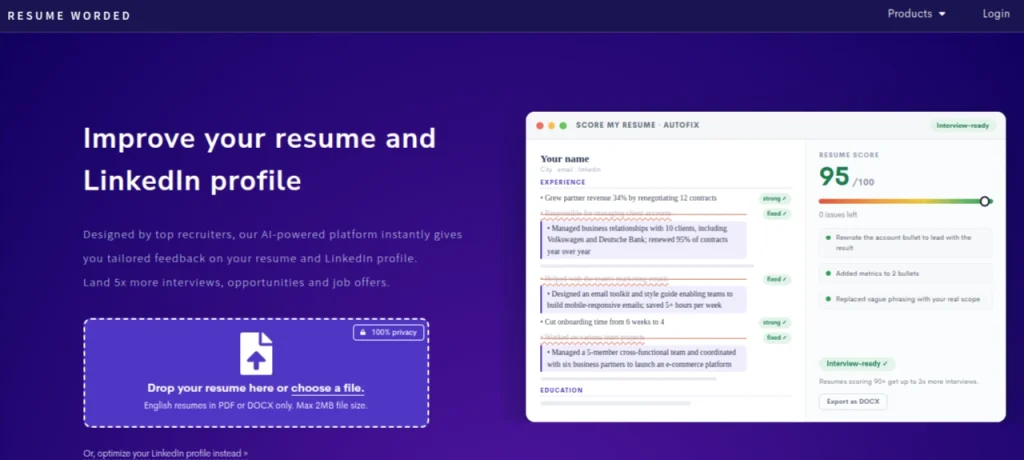
Resume Worded is less about creating a flashy resume from scratch and more about telling you what’s wrong with the one you already have. Upload your resume, and the platform evaluates it against criteria recruiters commonly look for. The tool gives you a score along with specific suggestions for improvement.
Its LinkedIn review is another useful feature. You can get feedback on your profile and identify areas that could make your professional presence stronger. I’d use Redume Worded after creating a first draft with another AI resume maker.
Key Features of Resume Worded
- Resume scoring and feedback
- ATS-focused resume analysis
- Job-description matching
- LinkedIn profile review
- Resume bullet-point feedback
- Cover letter and career resources
Pros of Resume Worded
- Excellent for finding weaknesses in an existing resume
- Provides actionable feedback instead of only generating text
- Useful LinkedIn optimization features
- Job-specific analysis helps with resume tailoring
- Free tools available for initial assessment
Cons of Resume Worded
- Better suited to optimization than complete resume creation
- Some detailed feedback requires a paid plan
- The scoring system shouldn’t be treated as a guarantee of interview success
Pricing
- Free: Basic resume review, limited scoring, and access to selected career resources.
- Targeted Resume: $19/month. Full access to resume scoring, job-specific targeting, keyword analysis, and detailed feedback.
- Pro: $49/month. Adds broader access to Resume Worded’s optimization and career tools
5. Kickresume: Best for AI Resume & Cover Letter Writing
My Rating: 8.5/10
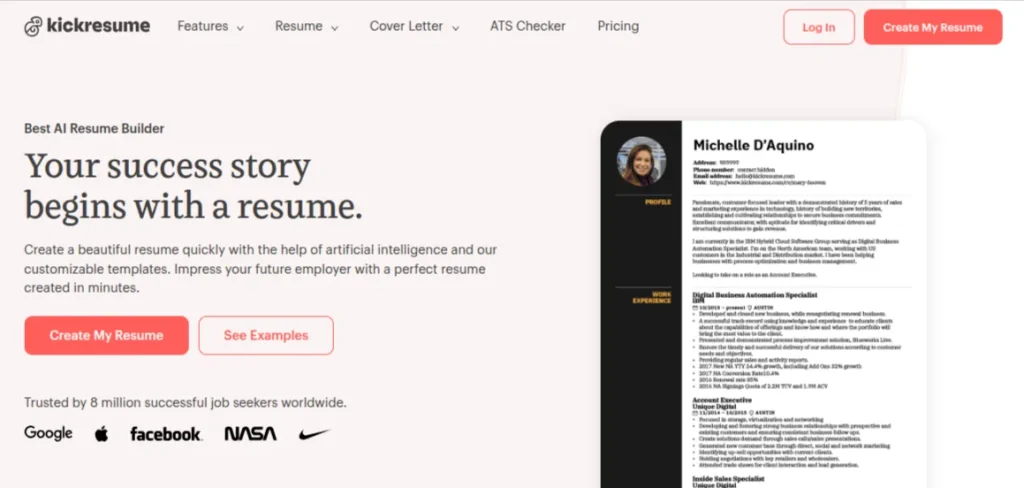
Kickresume is one of the more complete options if you want AI assistance with both your resume and cover letter. Its AI Resume Writer can generate sections from your input, while the editor gives you plenty of control over the final wording and layout.
I particularly like Kickresume for people starting with a blank page. You can use its examples and templates to get a structure in place, then use AI to refine the content instead of staring at an empty document, wondering how to describe your experience
Key Features of Kickresume
- AI resume writer
- AI cover letter generator
- Resume templates and examples
- AI-powered resume checking
- Job-specific resume content
- Interview question generator
Pros of Kickresume
- Strong combination of AI writing and templates
- Useful for creating both resumes and cover letters
- Large collection of resume examples
- Easy-to-edit visual resume builder
- Helpful for creating a first draft quickly
Cons of Kickresume
- Some AI features are restricted to paid plans
- More design-focused than dedicated ATS optimization platforms
- Free users have fewer templates and AI features
Pricing
- Free: Access to basic resume and cover letter tools, with limited templates and features.
- Premium Monthly: $19/month. Full access to premium templates, AI tools, unlimited resumes, and additional features.
- Premium Quarterly: $13.33/month. Billed at $39.99 every three months
- Premium Yearly: $7.50/month. Billed at $89.99 annually
6. Teal: Best for Resume Building & Job Tracking
My Rating: 9/10
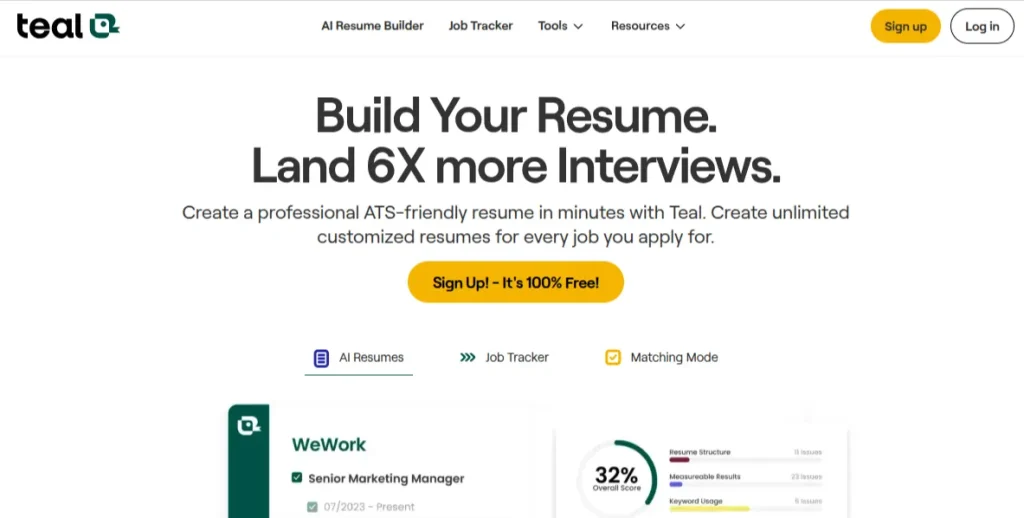
Teal stands out because it connects resume creation with the rest of your job search. You can create multiple versions of your resume, tailor them to specific job descriptions, save opportunities, and track applications from the same workspace. Its resume builder also supports LinkedIn import and ATS-friendly formatting.
The free version is surprisingly usable. You can create and export unlimited resumes, although features such as keyword matching depth and AI generation are limited. If you’re applying to several roles at once, that free workflow is worth trying before paying for anything.
Key Features of Teal
- AI resume builder
- Job-description keyword matching
- ATS resume analysis
- Unlimited resume creation and downloads
- Job application tracker
- AI cover letter and interview tools
Pros of Teal
- Strong free resume builder
- Excellent for tailoring resumes to individual jobs
- Combines resume building with job tracking
- Useful AI assistance for summaries and bullet points
- Clean workflow for managing multiple applications
Cons of Teal
- Advanced AI features have usage limits on the free plan
- Premium pricing is relatively high if you only need a basic resume
- Can feel like overkill if you’re applying to only a few jobs.
Pricing
- Free: Unlimited resume creation and job tracking, 10 free templates, basic resume analysis, top 5 keyword matching, and limited AI credits.
- Teal+: $13/week. Unlimited AI tools, keyword matching, resume analysis, templates, and advanced features.
- Teal+: $29/month. Full premium access with unlimited AI generation and advanced job-search features.
- Teal+: $79/90 days. Full premium access at the lower effective monthly rate.
7. Jobscan: Best for ATS Matching & Resume Optimization
My Rating: 9/10
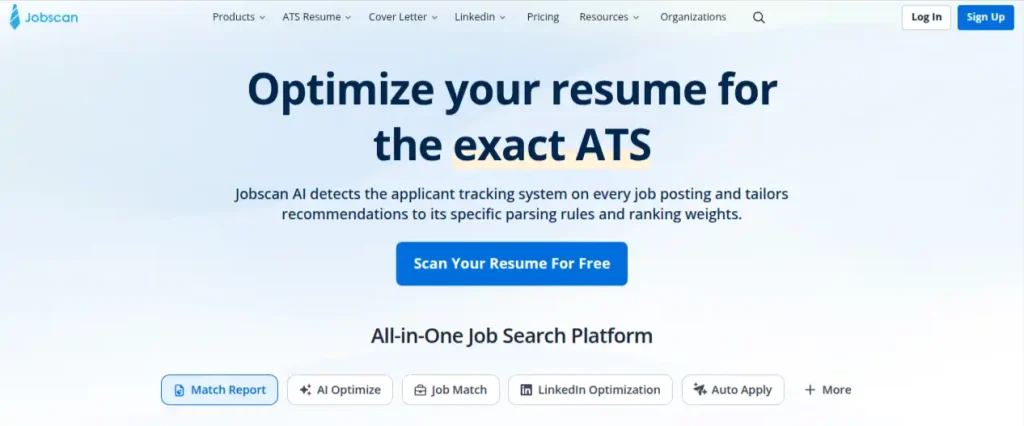
Jobscan is the tool I’d reach for when you already have a resume but aren’t sure how well it matches a particular job. Instead of giving you a generic resume score, it compares your resume directly with the job description and identifies missing keywords, skills, formatting issues, and other gaps.
Its newer AI Resume Builder also makes Jobscan useful if you’re starting from scratch. The AI Resume Coach asks questions about your experience and turns your answers into resume content, while keeping you in control of what gets accepted. You can then move into Jobscan’s optimization workflow and tailor the resume to a specific vacancy.
Key Features of Jobscan
- ATS resume scanner
- Job description and keyword matching
- AI resume builder and resume coach
- AI resume optimization
- LinkedIn profile optimization
- Cover letter and interview tools
Pros of Jobscan
- Excellent for tailoring a resume to a specific job
- Shows missing keywords and skills clearly
- Free ATS resume scanning is available
- Strong focus on ATS compatibility
- Combines resume creation with optimization and job-search tools
Cons of Jobscan
- More useful for targeted applications than basic resume design
- Match scores should be treated as guidance, not a guarantee of an interview
- Advanced optimization features require a paid plan
Pricing
- Free: Resume scanning, initial match score, limited monthly comparisons, and access to the free ATS resume builder.
- Premium: $49.95/month. Unlimited resume and cover letter scans, AI optimization, LinkedIn optimization, and additional job-search features.
- 3-Month Premium: $89.95 every 3 months. Equivalent to about $29.98/month, with the same premium feature access.
- 7-Day Free Trial: Premium features can be tested for 7 days before the paid subscription begins.
8. ResumeNerd: Best for Guided Resume Creation
My Rating: 8/10
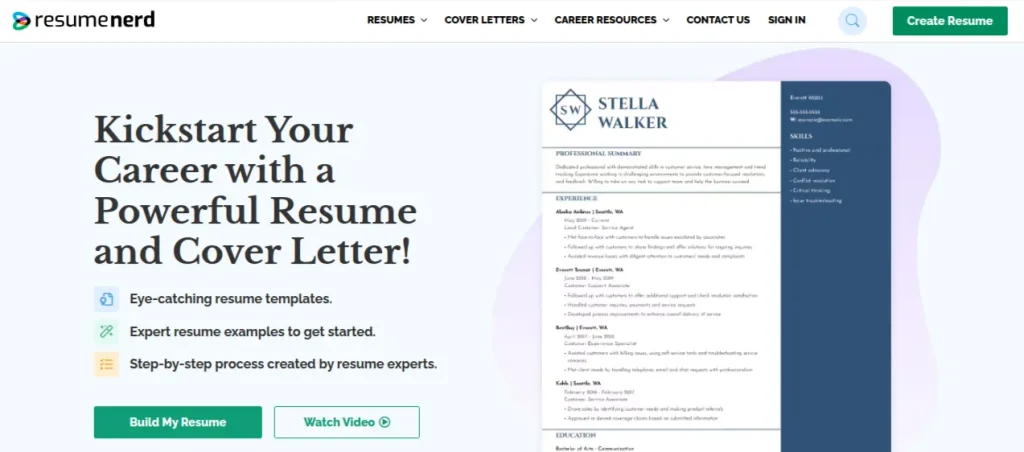
ResumeNerd takes a more guided approach than some of the AI-first resume builders on this list. You work through the resume section by section, with expert tips and pre-written bullet-point suggestions based on your job title. It also provides an AI-powered resume score to identify areas that could be improved.
It’s particularly useful if you know what you’ve done but struggle to turn that experience into strong resume language. ResumeNerd also includes a cover letter builder and a job-matching feature, so it can extend beyond the resume itself.
Key Features of ResumeNerd
- Guided resume builder
- AI-powered resume scoring
- Job-specific bullet-point suggestions
- ATS-friendly resume templates
- Cover letter builder
- Resume-to-job matching
Pros of ResumeNerd
- Beginner-friendly step-by-step process
- Useful suggestions for writing work experience
- Includes resume scoring and job matching
- Offers ATS-friendly templates
- Supports PDF, Word, and TXT downloads
Cons of ResumeNerd
- More guided than flexible
- Some useful features require a subscription
- Less focused on advanced ATS analysis than Jobscan or Rezi
Pricing
Free: You can start creating a resume for free, but downloading and accessing certain features requires a subscription.
14-Day Trial: $2.75. Includes access to the resume builder, cover letter builder, resume score, job matcher, and other premium features.
Subscription: Pricing after the introductory period is displayed during signup and can vary by offer and location.
9. BeamJobs: Best for Resume Examples & Templates
My Rating: 8.5/10
BeamJobs is a good option if you don’t want AI to generate your resume in a vacuum. The platform combines an AI resume builder with 2,000+ profession-specific resume examples, giving you a useful reference point for how your role should actually be presented. Its AI tools can also help with resume content, ATS optimization, and cover letters.
That combination is what makes BeamJobs worth considering. If you’re a fresher or moving into a new role, seeing examples for a specific profession can be more useful than asking an AI resume maker to invent a structure from scratch.
Key Features of BeamJobs
- AI resume builder
- 2,000+ profession-specific resume examples
- ATS-friendly resume templates
- AI-generated resume content
- AI cover letter generator
- Resume improvement suggestions
Pros of BeamJobs
- Large library of role-specific examples
- Free resume and ATS tools are available
- Good balance between AI assistance and human-readable templates
- Useful for students and career switchers
- Cover letter creation is built into the workflow
Cons of BeamJobs
- Fewer job-search features than Teal
- Not as deep an ATS analysis as Jobscan
- Some advanced features require a paid plan
Pricing
Free: Access to BeamJobs’ free AI resume builder, ATS resume checker, bullet-point generator, resume examples, and cover letter tools.
Pro: Paid subscription. Adds access to premium AI features and expanded resume-building capabilities.
10. LeetCV: Best for Technical Resumes
My Rating: 8/10
LeetCV takes a more targeted approach to resume building, with a focus on technical and software development roles. Instead of trying to be a general-purpose career platform, it concentrates on creating ATS-friendly resumes and improving how technical experience is presented to recruiters.
That makes it particularly useful when your resume contains projects, programming skills, technical certifications, or role-specific terminology that needs to be presented clearly. I wouldn’t pick it over Teal for managing an entire job search, but for a technical resume, its narrower focus can be an advantage.
Key Features of LeetCV
- AI resume builder
- ATS-friendly resume creation
- Technical resume templates
- Job-specific resume customization
- AI-assisted content improvement
- Resume analysis
Pros of Teal
- Strong focus on technical roles
- Useful for developers and engineering candidates
- ATS-friendly approach
- Helps structure technical experience and projects
- Less distracting than broader career platforms
Cons of Teal
- Niche compared with general-purpose resume builders
- Limited usefulness for non-technical roles
- Fewer broader job-search features than Teal or Jobscan
Pricing
Free: Basic resume-building features are available for free
Paid: LeetCV offers additional premium features but does not disclose its pricing information publicly.
How to use AI Tools for Resume Building?
AI can improve a resume, but it shouldn’t make every candidate sound like they graduated from the same corporate writing course. The strongest results usually come when you provide the raw material and let AI work on structure, clarity, and relevance. A practical workflow looks like this:
- Start With Your Actual Experience: List your responsibilities, projects, achievements, tools, certifications, and measurable results before asking AI to rewrite anything.
- Give the Tool the Job Description: This allows it to identify relevant skills and terminology instead of filling your resume with generic phrases.
- Ask for Improvements, Not Invention: If a bullet point is weak, ask AI to make it clearer and more results-focused while keeping the underlying fact unchanged.
- Keep Specific Details: Numbers, project outcomes, technologies used, and concrete responsibilities make a resume feel credible. Don’t replace them with vague phrases such as “drove strategic initiatives.”
- Read Every AI-Generated Line Aloud: If something does not sound natural, rewrite it in a human voice.
- Maintain a Master Resume: Keep your complete experience in one document and create tailored versions for individual applications rather than rebuilding everything from scratch.
- Use an ATS Checker After Editing: Once the wording sounds natural, check whether the resume still matches the requirements of the target role.
For example, an AI tool might turn “handled social media for the company and increased followers” into something polished but forgettable.
A human-written line like “Grew Instagram followers from 8,000 to 21,000 in six months through an organic content strategy is far more eye-catching and gripping.
Which AI Resume Builder Should You Choose?
You must have realized by now that no single tool will fulfill all your expectations. Your best choice depends on where you’re stuck in the application process.
| Use Case | Best Choice | Why |
|---|---|---|
| An ATS-focused resume | Rezi | Strong resume creation and ATS optimization |
| A simple AI resume builder | Sheets Resume | Straightforward workflow with AI assistance |
| A visually polished resume | Enhancv | Strong templates and customization |
| Feedback on an existing resume | Resume Worded | Detailed scoring and improvement suggestions |
| Resume + cover letter creation | Kickresume | Good combination of AI writing and templates |
| Resume + job tracking | Teal | Connects resume building with application management |
| Job-specific ATS matching | Jobscan | Compares your resume directly with job descriptions |
| Guided resume creation | ResumeNerd | Step-by-step builder and writing suggestions |
| Resume examples and templates | BeamJobs | Large library of role-specific examples |
| A technical resume | Leet Resumes | Focused on technical and developer profiles |
Final Words
The best AI tools for resume building aren’t the ones that generate the most impressive-looking CV. They’re the ones that help you present your actual experience clearly, match relevant opportunities, and spend less time repeating the same application work.
Start with the tool that solves your biggest problem. Use Rezi or Jobscan for ATS optimization. Teal for managing applications, Enhancv for design, or Resume Worded for improving an existing resume. You don’t need to use all 10.
Frequently Asked Questions (FAQs)
An AI resume builder uses artificial intelligence to help create, rewrite, tailor, or optimize resume content. Depending on the tool, it may also compare your resume with a job description, check ATS compatibility, or generate a cover letter.
There isn’t one best option for every job seeker. Rezi is a strong choice for ATS-focused resumes. Teal is better for managing resumes alongside your job search.
Yes. AI tools can identify relevant keywords, suggest clearer formatting, and compare your resume with a job description. However, an ATS-friendly resume still needs accurate information and straightforward formatting.
Yes. Several of these platforms include AI cover letter generators. The best results come from giving the tool your actual experience and the specific job description rather than asking for a generic cover letter.
Yes. Tools such as Resume Worded and Jobscan can provide LinkedIn-focused feedback. AI can help improve your headline, About section, experience descriptions, and keyword usage while keeping the information consistent with your resume.
They can be, but the quality depends heavily on the information you provide and how much you edit the result. AI is much better at improving a strong set of facts than inventing a compelling career story from a vague prompt.
About The Author

