

Two years ago, one location in our network posted a 40 percent discount that had expired the previous spring. It ran for nine hours before anyone on the central team noticed. We spent three days honoring that price at eleven stores, drafting an apology, and rebuilding the promotion calendar by hand. That one off-brand post cost roughly a week of work and a dent in customer trust. The fix wasn’t more talent. It was better social media calendar tools and a structure around them. Consistency is a system, not a talent. Today we run 47 locations, publish more than 1,200 posts per quarter, and send zero unreviewed posts live, with a central team still at four people.
What is the best social media calendar tool for a multi-location brand in 2026?
For multi-location brands, the strongest pick is Planable. A separate workspace per location, combined with granular roles and multi-level approval, lets local teams contribute their own context without going off-brand, all inside one social media management tool. The stakes are plain: there are now 5.24 billion social media user identities, about 63.9% of the world’s population, so the audience each location is talking to is enormous, and an off-brand post travels fast. One honest nuance: if you need enterprise-grade social listening or CXM at scale, a heavier suite will go further on that axis. Compare the seven in the matrix below.
How to read the matrix: what a multi-location calendar must prove
Most social media scheduling tools get judged on output; every tool in this matrix gets judged through one lens instead: what it demands of your small central team, and what it safely allows your local teams. Central sets the standard; locations do the volume. A good social media content calendar holds both without one drowning the other. Because 55% of B2B marketers struggle to produce content that drives action, volume was never the real problem. A reviewable system is.
Here is what the matrix scores:
- Workspaces per brand or location so each market gets its own space and nothing bleeds across regions.
- Local-draft roles so a location manager can draft but not publish.
- Approval depth, from optional to required to multi-level sign-off like team, then legal, then central.
- Calendar views the team will actually open and use.
- Reporting a CMO will read without a translation layer.
Guardrails, not gates. The matrix below scores each tool on exactly these five.
The governance matrix at a glance
Here are the seven AI tools ranked on the five governance signals above, from strongest multi-location fit to weakest.
| Rank | Tool | Workspace per Location | Local Draft-Only Roles | Approval Depth | Calendar Views | Reporting |
|---|---|---|---|---|---|---|
| 1 | Planable | Yes, one per brand or location | Yes | Optional, required, or multi-level | Feed, grid, calendar, list | Paid and organic (add-on) |
| 2 | Kontentino | Per profile | Yes | Internal, client on Standard+ | Calendar, list, kanban, grid | Standard |
| 3 | Sprout Social | Per profile, per seat | Yes | Structured, Standard+ | Publishing calendar | Deep, cross-profile |
| 4 | Hootsuite | Per profile | Yes | On Advanced tier | Planner and calendar | Advanced tier |
| 5 | Zoho Social | Brand-based, Agency tiers | Yes | Premium and up | Weekly and monthly | Standard |
| 6 | Later | Per profile | Growth and Scale | Growth and Scale | Visual calendar | Standard |
| 7 | Metricool | Per brand | Advanced only | Advanced only | Calendar and planner | Strong for price |
The 7 social media calendar tools, rated for governance
Ranked for keeping many locations on-brand, these social media planning tools start with the one built around the workspace-per-location model.
1. Planable
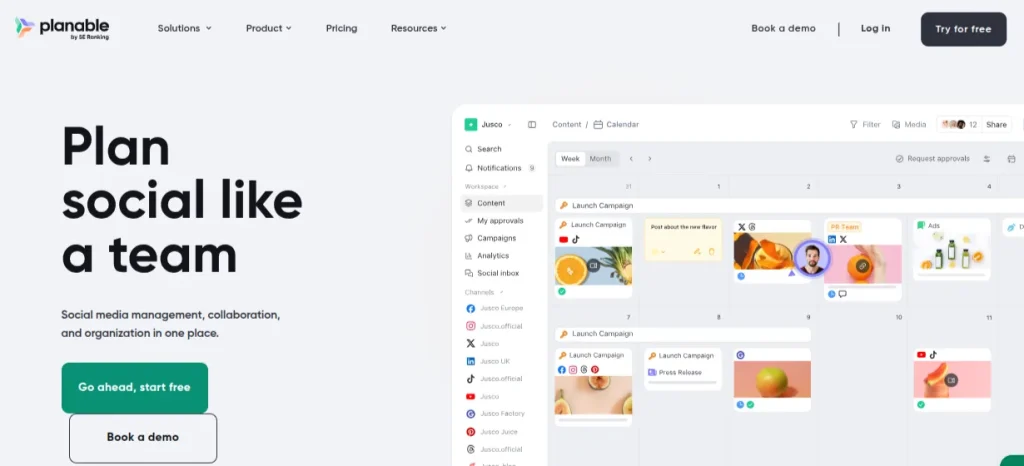
Planable is the social media management tool whose workspace-per-location structure maps onto a multi-location org chart.
Best for: central marketing teams governing 10 to 500 locations that need local drafts without surrendering final approval.
Standout feature: Every brand or location gets its own workspace, with roles that let a local manager draft but never publish. Approval scales from optional to required to multi-level sequential, team, then legal, then central. Four views, feed, grid, calendar, and list, plus real-time comments and annotations, are built for multi-brand companies, pulling review time down to minutes with zero unreviewed posts.
Pros:
- Spin up a separate workspace for every location or brand, so central and local never share one crowded calendar.
- Set roles and permissions that keep local teams drafting inside guardrails, not gates, while central holds publish rights.
- Reach all nine supported networks from one calendar: Instagram, Facebook, LinkedIn, TikTok, YouTube, X, Pinterest, Google Business Profile, and Threads.
Cons:
- Built for teams, so the value only lands once you’re coordinating several locations at once.
- Analytics and the social inbox are paid add-ons, $14 and $9 per workspace per month, above the base seat.
- Not an ads manager: it reports on paid and organic performance but doesn’t run the campaigns.
Pricing: from $33/workspace/mo (billed annually; $39 month-to-month). Required approval on Pro; multi-level approval on Enterprise.
Where it lands: For a central team that needs many locations on-brand without becoming the bottleneck, this is the pick. The workspace-per-location structure gives local managers room to move inside guardrails, not gates, while central keeps final say. Fewer off-brand incidents, faster approvals, and a governance layer your CMO can actually explain to the board.
2. Kontentino
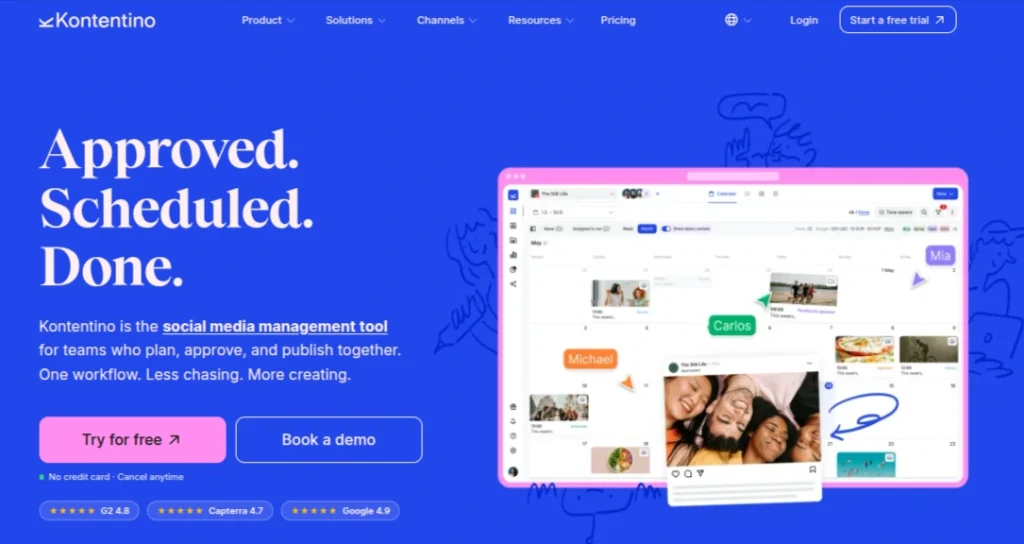
Kontentino is a planning and approval tool built around a visual calendar, aimed at teams that want central oversight without heavy setup.
Best for: central teams coordinating a modest roster of location profiles who need approval built in from the first tier.
Standout feature: The calendar shifts between drag-and-drop, list, and kanban views, and an Instagram-grid preview lets a central editor see how a location feed reads before anything ships. Internal approval sits on Starter, so a reviewer catches off-brand posts before publication.
Pros:
- Switch between three calendar views to match how each team plans.
- Preview grid layouts before local posts go live.
- Route posts through internal sign-off on the entry tier.
Cons:
- External or franchisee sign-off waits until Standard.
- Per-tier profile caps favor smaller rosters over large networks.
Pricing: from about $59/mo on Starter.
Solid governance value for a compact network, less so once profile counts climb.
3. Sprout Social
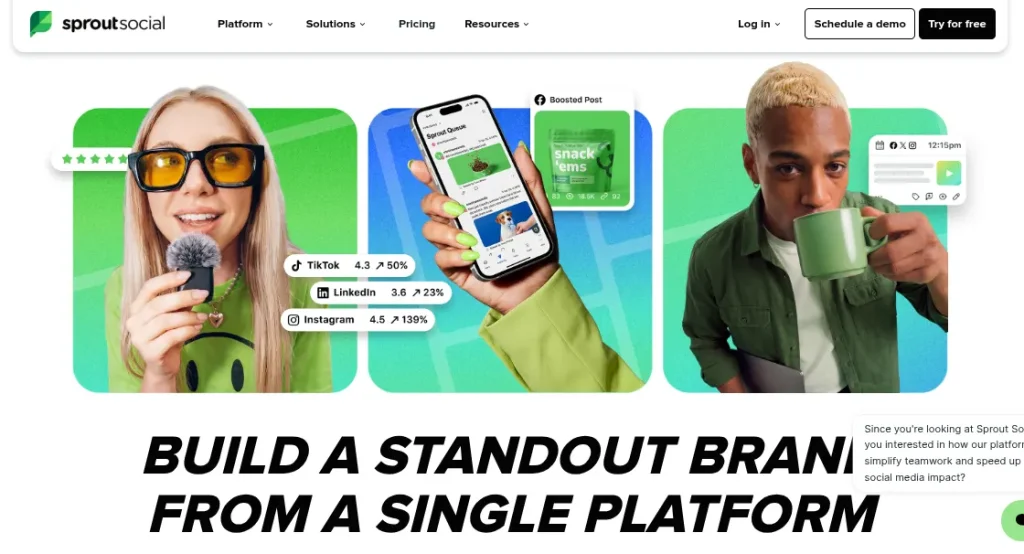
Sprout Social pairs a publishing calendar with reporting and approval workflows that few competitors match on depth.
Best for: brands where headquarters needs board-grade reporting across locations and will fund the seats to get it.
Standout feature: The reporting is the reason to be here: cross-profile analytics a central marketing lead can hand upward with confidence, plus message and approval workflows that keep local drafts moving through a defined review path.
Pros:
- Report across profiles with genuine analytical depth.
- Route drafts through structured approval before publishing.
- Manage inbound messages alongside scheduling in one view.
Cons:
- Strictly per-seat pricing multiplies fast when each location needs access.
- Cost sits well above the field, so scale demands budget sign-off.
Pricing: from $199/seat/mo on Standard.
The strongest reporting here, priced for teams that can absorb per-seat math across many locations.
4. Hootsuite
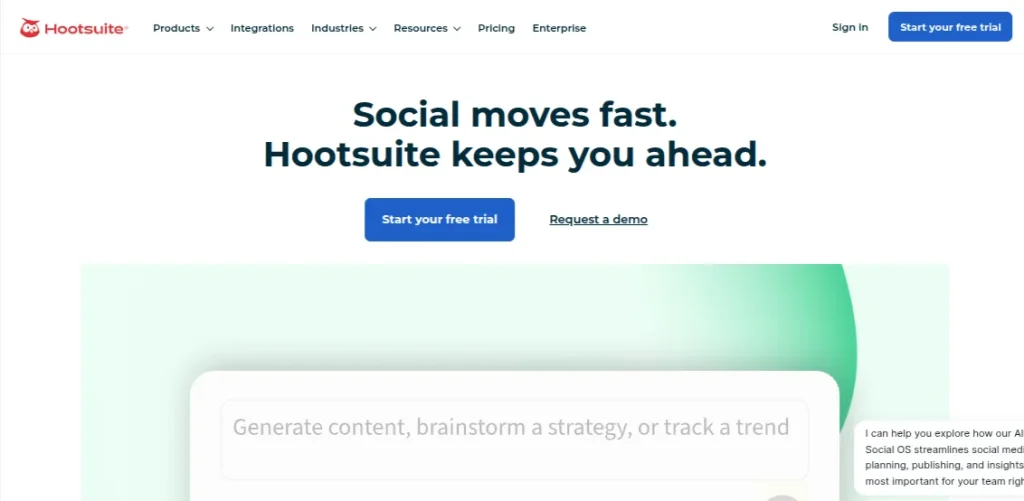
Hootsuite is a long-running planner whose calendar handles high posting volume across many connected profiles.
Best for: high-volume networks that schedule in bulk and need one central planner feeding dozens of location accounts.
Standout feature: Unlimited and bulk scheduling is the draw for teams pushing large post volumes across a wide profile count, letting a central operator load a full month in one pass. Team review-and-approve plus message routing keep local sign-off intact, though both sit on the Advanced tier rather than the entry plan.
Pros:
- Load large post batches in a single bulk upload.
- Schedule without post-count ceilings on connected profiles.
- Route messages to the right local owner on Advanced.
Cons:
- Approval workflows require the pricier Advanced plan.
- Per-user pricing grows steep as location access widens.
Pricing: from $99/user/mo on Standard.
Capable at volume, but governance features cost extra, so budget for Advanced if approval matters.
5. Zoho Social
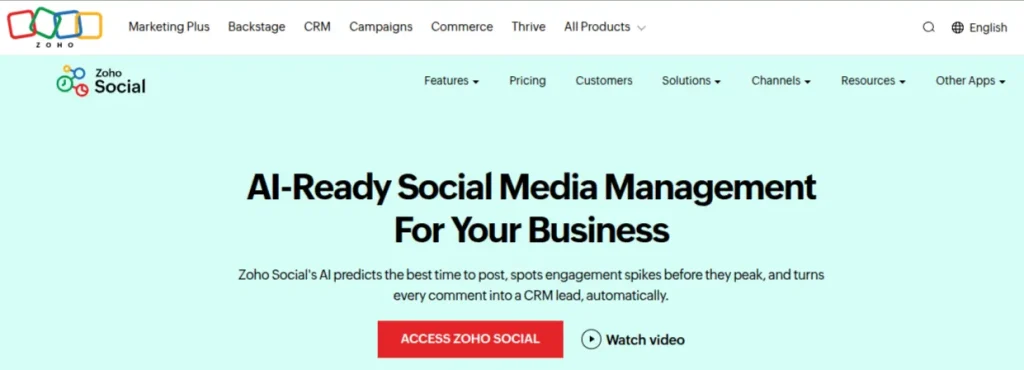
Zoho Social offers a publishing calendar and best-time posting at a starting price far below the enterprise field, with an entry point for teams testing the water.
Best for: cost-conscious central teams that expect to graduate into multi-brand management as their location count grows.
Standout feature: SmartQ recommends posting times per audience, and the weekly or monthly calendar plus bulk scheduler cover routine planning. Approval workflows and a collaborate dashboard arrive on Premium and up, giving a central reviewer a shared space to clear local drafts.
Pros:
- Time posts per audience with SmartQ recommendations.
- Load schedules in bulk across the calendar.
- Collaborate and approve on a shared dashboard from Premium.
Cons:
- Lower tiers cap at one brand and one user.
- Multi-brand management forces a jump to the Agency tiers.
Pricing: from about $15/mo on Standard, with a free plan.
A sensible starting point that only earns multi-location keep once you reach the Agency tiers.
6. Later

Later is a visually driven scheduler whose drag-and-drop calendar suits teams that plan feeds by look as much as by timing.
Best for: visually led brands coordinating location feeds where feed aesthetics carry as much weight as the posting schedule.
Standout feature: The visual calendar and multi-profile scheduling let a central planner arrange several location feeds side by side, with best-time-to-post guidance shaping the slots. Internal and external approvals land on Growth and Scale, so approvals need one of the higher tiers.
Pros:
- Arrange feeds visually with drag-and-drop planning.
- Schedule across multiple profiles from one calendar.
- Time posts using best-time recommendations.
Cons:
- Starter is single-user, blocking shared central control.
- Low seat counts make many-location coverage costly.
Pricing: from about $25/mo on Starter.
Strong for feed aesthetics, but seat limits mean many-location teams pay up quickly for shared control.
7. Metricool
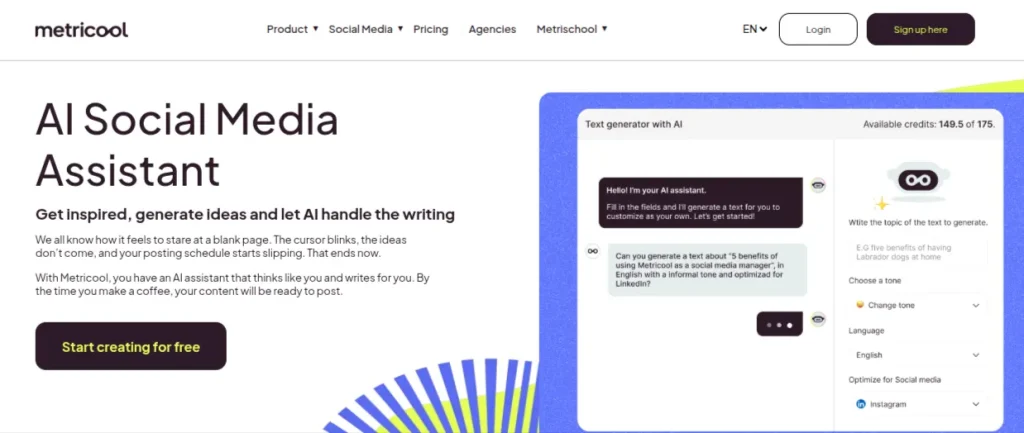
Metricool combines a social calendar and planner with analytics that punch above its starting price, plus a free tier for early testing.
Best for: analytics-minded central teams weighing per-brand cost against the reporting depth they want across locations.
Standout feature: The analytics are the pull here: performance reporting a central team can read across accounts, sitting alongside a calendar and planner that cover day-to-day scheduling. Post approval arrives only on the Advanced plan, so a review step depends on reaching that tier.
Pros:
- Track performance with reporting beyond the price point.
- Plan and schedule from one combined calendar.
- Test the platform on a free tier before committing.
Cons:
- Post approval is confined to the Advanced plan.
- Per-brand structure constrains governance across many locations.
Pricing: from about $20/mo on Starter, with a free plan.
Good analytics for the money, though its per-brand shape and Advanced-only approval limit true multi-location governance.
Where it lands: choosing for scale
The choice comes down to what the central team is actually solving for. If approvals and brand safety across every location are the job, Planable is the pick: a social media management tool built so central sets the rules and each location works inside one reviewed pipeline. That’s where a collaboration workflow that scales earns its keep. If your priority is enterprise social listening or CXM at scale, a heavier suite like Sprout Social or Hootsuite goes further on that axis. And if you manage a single brand rather than a network of locations, Zoho Social or Metricool cover the basics. The CMO-ready line: one pipeline, guardrails not gates, incidents down, central team unchanged.
FAQ
Central owns the templates, brand rules, and guardrails; each location owns its local moments inside them. Everything publishes through one reviewed pipeline, so nothing hits a feed unapproved. It matters because half of adult users now visit social platforms to learn about brands, and every location is shaping that impression.
Picture one workspace per location, a shared calendar view sitting above them all, and roles assigned per step. The central team sees every market’s social media content calendar at once, spots gaps and clashes early, and can drill into a single location without losing the wider view. One structure, many markets.
Yes. Give local teams draft-not-publish roles so they can build and schedule freely, but nothing goes live until a required approval clears it. The guardrails hold the line while the local voice still comes through. Guardrails not gates: local teams move fast, and central keeps the final say on what ships.
About The Author

