

Creating social media content takes more time than most people expect. You need a decent caption, a strong opening line, suitable hashtags, and visuals that fit the platform. Repeat that process for Instagram, LinkedIn, and Facebook, and managing content alongside studies for a full-time job can get exhausting.
AI social media generators can speed up this process by helping you draft captions, adapt posts for different platforms, and develop content ideas. However, the challenge is finding a tool that produces usable content rather than generic copy that needs another round of editing.
In this blog, I have handpicked the top AI social media post generators to help you find an AI social media post maker that fits your workflow and budget.
10 Best AI Social Media Post Generators: Quick Comparison
| AI Tool | Best For | Key Features | Free Access |
|---|---|---|---|
| Kimi Design | Social media design creation | AI-generated visuals and design editing | Verify current limits |
| Canva | Social media graphics and carousels | Templates, Magic Design, AI writing and image tools | Yes, with limited AI features |
| Piktochart AI | Infographics and data-driven posts | AI infographic generation, charts and visual layouts | Yes, with usage limits |
| SocialBee | Content planning and scheduling | AI caption generation, content categories and publishing | 14-day free trial |
| Radaar.io | Multi-platform social media management | Post scheduling, publishing and analytics | Check current plan availability |
| HubSpot | Marketing campaigns and social media management | AI-assisted copy, publishing and campaign analytics | Free tools available; features vary |
| VistaCreate | Promotional graphics and branded posts | Design templates, animation and AI-assisted tools | Yes, with limited features |
| Fotor | AI visuals and image editing | AI image generation, background removal and photo editing | Yes, with feature or credit limits |
| Picsart | Creative images and visual effects | AI image generation, editing tools and effects | Yes, with limited features |
| Simplified | Social media content creation | AI captions, graphic design, video creation and publishing | Check current plan limits |
Disclaimer: Free access, AI credits, trial periods, and feature availability can change. Verify the latest details on each official website before subscribing.
1. Kimi Design: Best for AI-Generated Social Media Designs
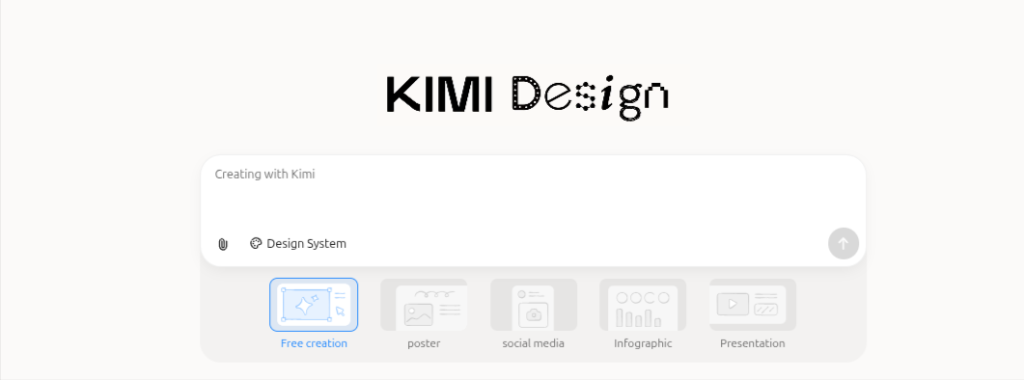
Kimi Design is worth exploring if you want to turn an idea into a visual post without spending too much time arranging layouts manually. For social media work, the goal is to get a usable starting design that you can refine before publishing.
You could use it to develop creative concepts for an Instagram carousel, a promotional graphic for a workshop, or a visual announcement for a new course.
For example, if you are promoting a free digital marketing class, start with the course topic, target audience, and preferred visual style. Review the generated design and correct any awkward text or layout choices before posting.
Key Features of Kimi Design
- AI-assisted visual and design creation
- Support for developing social media creative concepts
- Design iteration to refine the initial output
Pricing
- Plus: $19/month
- Pro: $39/month
- Max: $99/month
- Ultra: $199/month
2. Canva: Best for Creating Social Media Graphics and Carousels
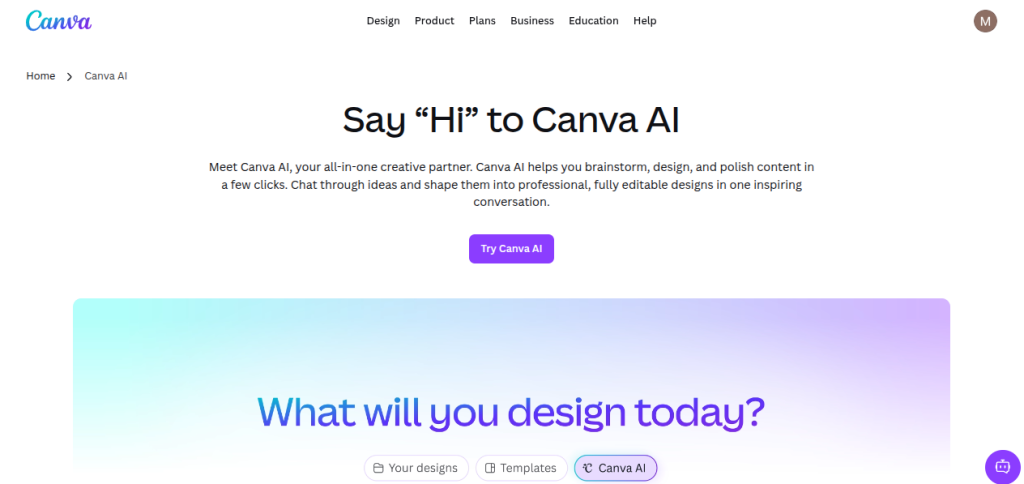
Canva is a practical starting point if you want to create social media posts without learning a complicated design tool. I find its biggest advantage is the combination of ready-made templates and AI-assisted editing. You can build an Instagram carousel, prepare a LinkedIn graphic, or create a promotional post without starting with a blank canvas.
Its AI features can help generate design ideas, write or refine copy, and create visuals, depending on your plan and available usage limits.
Key Features of Canva AI
- Generates design suggestions based on your prompt or supplied content
- Helps draft and refine social media copy with writing assistance
- Creates visuals from text prompts with AI image generation
- Offers various social media templates for Instagram, LinkedIn, Facebook, and other platforms
- Brand tools help maintain consistent fonts, colors, and visual identity
Pricing
- Canva offers a Free Plan.
- Canva Pro: ₹4,000 per year
- Canva Business: ₹6,800/user/ per year
3. Piktochart AI: Best for Infographics and Data-Driven Social Media Posts
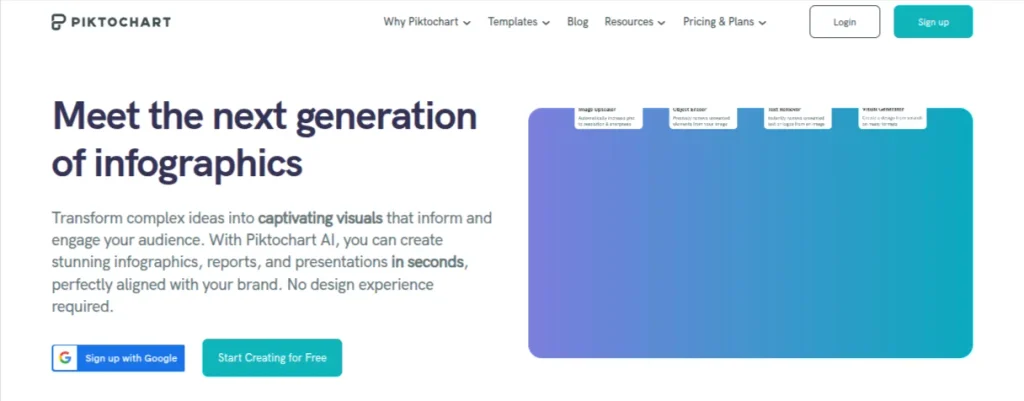
A social media post doesn’t always need a photograph or a catchy caption. Sometimes, a well-presented statistic or a useful explanation will get your message across more effectively. That’s where Piktochart AI stands out.
Piktochart AI helps turn written information and data into visual content. You can use it to create educational infographics, industry statistics, step-by-step explainers, and informational graphics for LinkedIn or Instagram.
Key Features of Piktochart AI
- AI visual generation: Turn prompts and information into editable visual content
- Infographic creation: Present statistics, processes, and educational topics in a structured format.
- Charts and data visualization: Create graphics that communicate information clearly.
- Templates and design assets: Customize layouts with icons, illustrations, and other visual elements.
- AI credits: Use AI features within the limits of your subscription
Pricing
- The Free plan includes 60AI credits and two PNG downloads
- Pro: $10/user/month when billed annually
- Business: $17/user/month when billed annually
- Education: $39.99/user/year
4. SocialBee: Best for AI-Assisted Content Creation and Scheduling
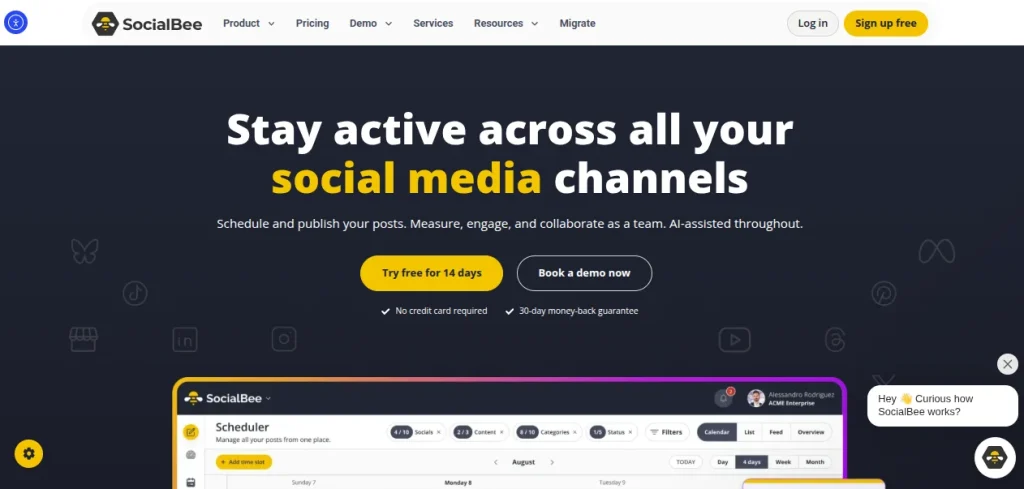
Writing captions is only one part of managing social media. You also need to decide what to publish, adapt posts for different platforms, and keep a consistent schedule. SocialBee brings these tasks together, making it useful for freelancers and social media managers handling multiple accounts.
Its AI Post Generator can help create captions, suggest hashtags, adjust the tone of a post, and generate visual content. SocialBee’s AI Copilot can also develop a social media strategy and suggest posts based on your business information.
Key Features of SocialBee
AI Post Generator: Draft captions and create variations using a prompt
AI Copilot: Generate a content strategy and suggested posts based on your business
Content scheduling: Plan and schedule posts across supported social platforms.
Content categories: Organize educational posts, promotional updates, and audience-engagement content.
Analytics: Review post performance and track social media activity
Pricing
- SocialBee offers a 14-day free trial
- Bootstrap: $29/month when billed monthly
- Accelerate: $49/month when billed monthly
- Pro: $99/month when billed monthly
5. Radaar.io: Best for Social Media Scheduling and Performance Tracking

Creating social media content is one task, but keeping multiple accounts active throughout the week is another. Radaar.io focuses on the management side of that workflow, bringing post scheduling, publishing, analytics, and social inbox features into one platform.
For example, if you’re managing a company’s LinkedIn page alongside its Instagram account, you can plan upcoming posts, schedule their publication, and review performance without constantly switching between platforms.
Key Features of Radaar.io
- Content scheduling: Plan and schedule posts across supported social networks.
- Multi-platform publishing: Manage connected social profiles from one dashboard
- Social inbox: Handle messages and conversations on supported plans
- Analytics and reporting: Review account and post performance
- Social media monitoring: Track selected topics and conversations on eligible plans
Pricing
- Radaar.io offers a 14-day free trial
- Basic: $4.99/month
- Standard: $9.99/month
- Professional: $29.99/month
- Advanced: $149.99/month
- Enterprise: Starts at $749.99/month
6. HubSpot: Best for AI-Assisted Social Media Marketing
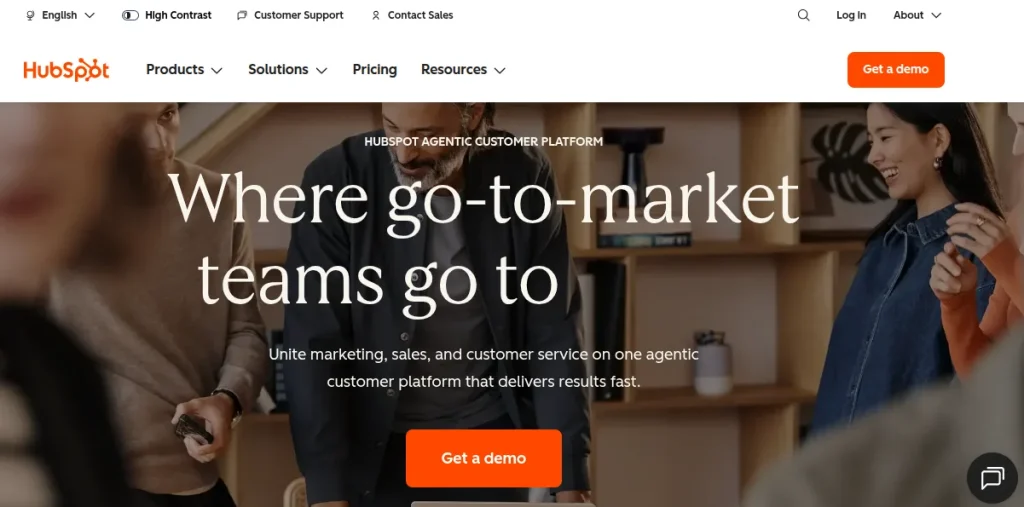
HubSpot is worth considering if social media is part of a larger marketing strategy. Rather than treating every post as a standalone creative, you can use its marketing tools to create content, promote blog articles, and connect social activity with broader campaign goals.
Its Breeze Assistant can generate social media copy, suggest hashtags, and refine captions. It can also turn a blog summary into social posts, which is useful when you’re trying to promote existing content without rewriting the same information manually.
Suppose you’ve published an article about AI career opportunities. You can use HubSpot to draft a LinkedIn post promoting the article, adjust the copy, and schedule it alongside other campaign updates.
Key Features of HubSpot
AI social post generation: Create post copy and hashtags using Breeze Assistant
Blog-to-social repurposing: Turn blog summaries into promotional social posts
Multi-platform publishing: Draft and publish content for supported networks, including LinkedIn, Instagram, Facebook, and X.
Marketing integration: Connect social media activity with HubSpot’s CRM and marketing tools.
Content refinement: Rewrite, shorten, expand, or adjust the tone of captions
Pricing
- Start: $20/month per seat at standard pricing
- Professional: $890/month when billed annually
- Enterprise: $3600/month when billed annually
7. VistaCreate: Best for Creating Branded Social Media Graphics
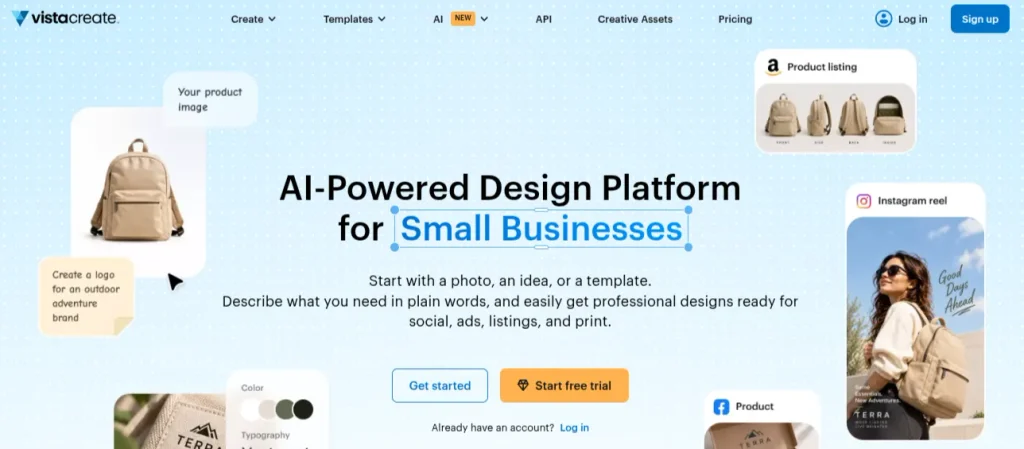
If you regularly create promotional posts, announcements, or educational graphics, VistaCreate is worth considering. It offers a library of social media templates, stock assets, and editing tools, so you can produce visual content without building every design from scratch.
Its Pro plan also includes AI-assisted features such as an AI image generator and AI writer. These can help you develop visuals and draft text for social media creatives.
Features of VistaCreate
- Social media templates: Create posts using ready-made layouts for different platforms.
- AI image: Generate visuals from text prompts
- AI writer: Assist with drafting text for creative projects
- Brand Kit: Maintain consistent logos, colors, and fonts
- Social media and scheduling: Plan and schedule content through the platform.
Pricing
A 14-day free trial is also available
Starter: $0
Pro: $10/month and offers up to 10 team seats, 100 AI image generations per month, and additional editing features.
8. Fotor: Best for AI-Generated Visuals and Social Media Graphics
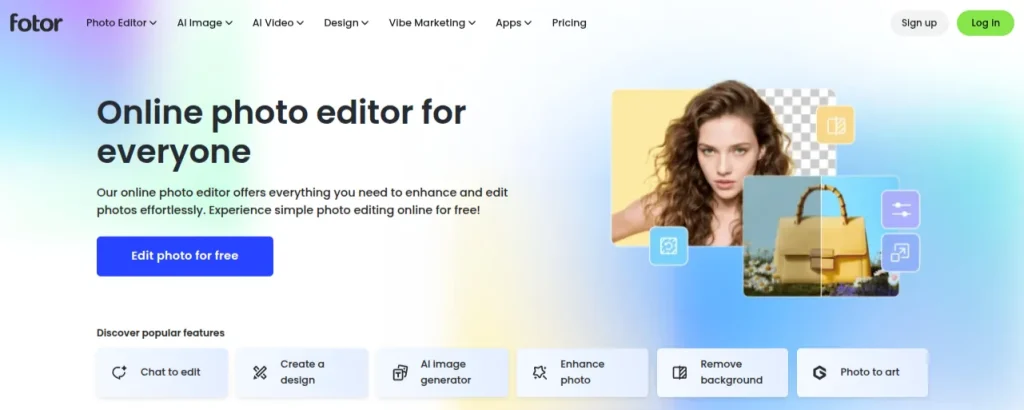
Creating a social media post often involves more than writing a caption. You may need to remove a distracting background, improve a product photo, or generate a visual that fits your campaign. Fotor combines AI image generation with photo editing and graphic design tools, making it useful for these tasks.
For instance, if you’re promoting a graphic design course, you can create a promotional visual, edit its background, and prepare an image for Instagram or Facebook. Fotor is more focused on the visual side of content creation than on managing a publishing calendar.
Key Features of Fotor
- AI image generator: Create visuals from text prompts
- AI photo editing: Enhance images and adjust their appearance
- Background removal: Isolate products or subjects for promotional graphics
- Design templates: Create social media graphics using editable layouts
- AI design tools: Generate and refine visual assets for different creative projects
Pricing
- Fotor offers a free plan
- Fotor Pro: ₹291.58/month when billed annually
- Fotor Pro +: ₹460.77/month when billed annually
- Fotor Max: ₹1,007.3/month when billed annually
9. Picsart: Best for AI Social Media Visuals and Creative Editing
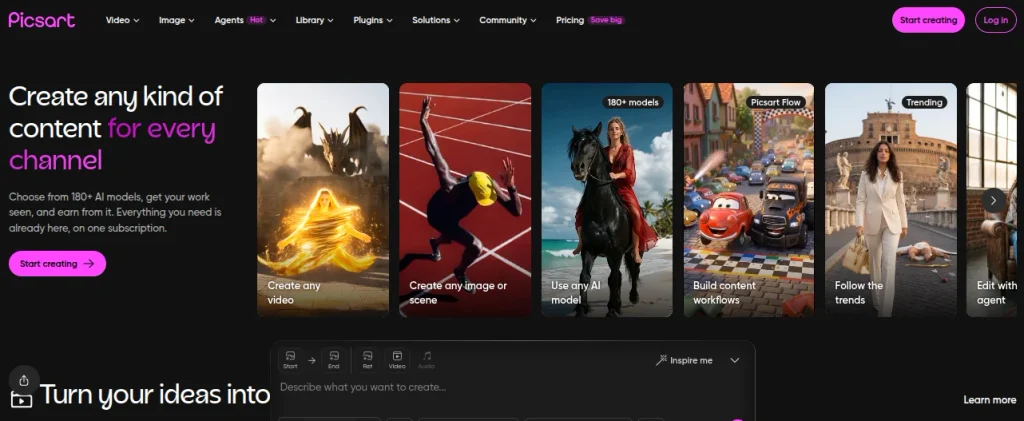
Some social media posts need more than a template. Product promotions, event announcements, and campaign graphics often require custom visuals that match a particular style. Picsart combines AI image generation, photo editing, design templates, and caption-writing tools to help create those assets.
Key Features of Picsart
- AI caption generation: Draft social media captions and promotional text
- AI image generation: Create visuals from text prompts
- Background editing: Remove or replace backgrounds in existing images.
- Creative templates: Build promotional posts using editable designs.
- Photo enhancement: Improve image quality and refine visual details.
- Batch editing: Process multiple images using supported subscription features
Pricing
- Picsart offers a Free plan
- Pro: $10.50/month when billed annually
- Ultra: $24.50/month when billed annually
10. Simplified: Best for AI Social Media Content Creation and Scheduling
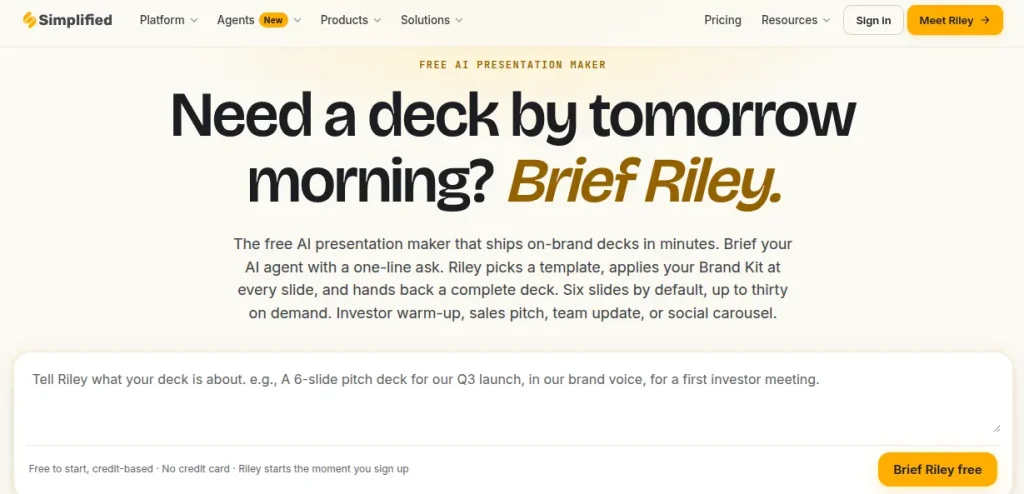
Simplified is an AI social media post maker that combines writing, graphic design, video creation, and scheduling. Instead of using separate applications to create captions, design posts, and publish content, you can manage these tasks within one platform.
Its AI tools can generate social media captions, hashtags, images, and short videos.
Key Features of Simplified
- AI Caption Generator: Create captions, hashtags, and promotional copy for social media.
- AI Graphic Design: Generate images and customize social media creatives
- AI Video Creation: Create and repurpose videos for reels and short-form content
- Social Media Scheduler: Plan and publish posts across supported platforms
- Brand Kit: Maintain consistent fonts, colors, and brand identity
- Team Collaboration: Review content and manage approval workflows
Pricing
- Free plan comes with limited basic features
- Pro (AI Studio): $19/month when billed annually
- Business (AI Studio): $49/month when billed annually
- Growth (AI Studio): $149/month when billed annually
- Starter (Main platform): $79/month
How to Choose the Best AI Social Media Post Generator for Your Needs?
Picking an AI social media post generator becomes easier when you know what is slowing you down. You might struggle to write captions, spend too much time designing graphics, or forget to publish posts consistently. Each problem calls for a different set of features. Use this checklist before committing to a paid subscription:
- Identify your main requirement: If writing captions takes too long, look for an AI writing assistant. If visual design is the bottleneck, prioritize tools such as Canva, Fotor, or Picsart.
- Check platform support: Make sure the tool supports the social networks you actually use, such as Instagram, LinkedIn, Facebook, or X.
- Compare free plans with paid features: A free social media AI post generator may cover occasional posts, but you could run into AI credit limits, watermarks, or export restrictions.
- Review the quality of generated content: Test whether captions sound natural, match your brand voice, and require minimal editing. Generic output can create more work than it saves.
- Look for scheduling features if you publish regularly: Tools such as SocialBee and Radaar.io can help organize posts and maintain a consistent publishing schedule.
- Check pricing: Compare monthly and annual billing, AI usage limits, and the cost of adding team members. Don’t assume the advertised starting price includes every feature.
- Verify commercial-use rights: If you’re creating content for clients or a business, check whether your plan permits commercial use of AI-generated visuals.
- Test the workflow before paying: Create a real post, edit it, export it, and see how much time you actually save.
Which Tool Should You Use?
| Your requirement | Tool to consider |
|---|---|
| Social media graphics and carousels | Canva |
| Infographics and data-driven posts | Piktochart AI |
| Captions and scheduled publishing | SocialBee |
| Managing multiple social accounts | Radaar.io |
| Marketing campaigns and CRM integration | HubSpot |
| Branded promotional graphics | VistaCreate |
| AI image generation and photo editing | Fotor or Picsart |
| Content creation and scheduling in one workflow | Simplified |
Final Words
The best AI social media post generators are the ones that solve a real problem in your content workflow. You might need help writing captions, creating promotional graphics, or planning posts for multiple platforms. Start with that requirement instead of paying for features you may never use.
Remember, AI social media generators should support your creativity, not replace your judgment. Review the output, add your own perspective, and make sure every post offers something useful to your audience.
Frequently Asked Questions (FAQs)
Canva is a strong choice for social media graphics. Piktochart AI works well for infographics, and SocialBee is useful for creating and scheduling posts. The best option depends on your content requirements and budget.
Yes. AI tools can generate captions, suggest hashtags, and create visuals for Instagram and LinkedIn. Review the output and adjust the format, tone, and length to suit each platform.
SocialBee is useful for AI-assisted captions and scheduling. HubSpot supports marketing-focused social content. Canva is another option if you want to combine captions with graphic design.
Yes. Tools such as Canva, Fotor, Picsart, and Simplified offer AI-assisted visual creation. Available features and usage limits depend on the tool and subscription plan.
They can help businesses create content faster and maintain a consistent posting schedule. However, review every post for factual accuracy, brand voice, and relevance before publishing.
That depends on the tool’s license, subscription plan, and the assets used. Review the official commercial-use terms before publishing AI-generated content for a business or client.
About The Author

