

If you are using AI to write content, AI text detectors are a major part of your writing process. But do these AI detectors actually tell whether you used AI or not? That’s a real concern for writers in 2027.
I work with content every day, and AI has become a regular part of this process. But there’s one big problem. AI detection tools don’t always know the difference between good human writing and AI-generated content.
I’ve seen detectors flag human-written paragraphs as 90% AI-generated. I’ve also come across AI-written content that passes detection tools without any problem. And this has also led to some heated arguments with clients.
So, I wanted to check the best AI text detectors and find the best ones that are actually accurate. I tested them across various criteria. Can it identify ChatGPT and Claude content accurately? Can it catch AI text that’s been edited? Does it work with longer documents? And are the free versions actually worth using?
Here are my top 10 picks for you.
Best AI Detectors: Quick Comparison
I went through several popular AI text detectors to shortlist the tools worth considering in 2027. Some focus on academic writing, others are better suited to content teams, and a few offer decent free checks without requiring a subscription.
Here is a quick comparison before we get into the individual reviews:
| AI Detection Tool | Best For | Free Plan | Starting Price |
|---|---|---|---|
| Winston AI | Overall AI detection | Limited free trial | $12/month |
| GPTZero | Students and educators | Yes | $14.99/month |
| Copyleaks | Academic and business use | Limited free access | $16.99/month |
| Originality.ai | Content writers and SEO teams | Limited free access | $14.95/month |
| ZeroGPT | Free AI detection | Yes | Free / Paid plans |
| Scribbr | Academic writing | Limited free checks | Free / Paid services |
| Turnitin | Educational institutions | No individual free plan | Institutional pricing |
| QuillBot | Quick AI writing checks | Yes | Free / Paid plans |
| Sapling | Short-text detection | Yes | Free / Paid plans |
| PapersOwl AI Detector | Academic content checks | Yes | Free |
*Pricing and free plan availability are indicative and may change.
How We Evaluated the AI Text Detectors
I didn’t want to judge an AI detector software based on its homepage claims or a percentage score displayed in a polished dashboard. That’s not enough to establish whether a tool works reliably.
The bigger challenge is testing different types of writing. AI-generated text is one thing, but what happens when someone edits it, changes the sentence structure, or mixes their own writing with AI-generated paragraphs?
For a meaningful comparison, I evaluated the shortlisted tools using three types of writing samples.
Test 1: 100% AI-Generated Content
First, we need to see how well a detector identifies completely AI-generated writing. I’ll use original text generated using popular AI models such as ChatGPT, Gemini, and Claude.
The samples should cover different writing styles, including informational articles, academic paragraphs, and general explanations.
The main things to check:
- Does the detector correctly identify AI-generated text?
- Does it provide a consistent AI probability score?
- Can it highlight the sentences that trigger its detection?
This test establishes a baseline for comparing AI-generated content detection tools.
Test 2: Human-Edited AI Content
This is where things get interesting. Most people don’t publish the first response they get from ChatGPT. They edit sentences, replace generic expressions, add personal experiences, and restructure paragraphs. The resulting content is a mix of human input and AI assistance.
I used AI-generated drafts that have been manually edited and checked whether detectors can still identify AI patterns. Here, I checked:
- Whether the detector recognizes mixed human and AI writing
- How much editing changes its detection score
- Whether it incorrectly labels the entire document as AI-generated
A detector that works only on untouched AI output has limited practical value.
Test 3: 100% Human-Written Content
This is arguably the most important test. An AI detector shouldn’t flag original human writing as AI-generated. I’ll use independently written samples without AI-generated drafts or AI-assisted rewriting to examine how each tool handles genuine human writing. I’ll check:
- Whether the tool correctly identifies human-written content
- Whether it produces false positives
- Whether certain writing styles receive unusually high AI probability scores
Why does this matter? A student shouldn’t have to defend an original assignment because an AI checker misunderstood their writing style.
Which AI Detector Performed Best? Quick Results
Before getting into individual reviews, here’s the kind of comparison that actually matters. How well does each AI tool distinguish between completely AI-generated, human-edited AI, and original human writing?
A detector might perform exceptionally well on untouched ChatGPT output but struggle with edited paragraphs. Another might identify AI writing accurately but frequently flag human-written content.
| AI Detection Tool | AI-Generated Content | Human-Edited AI | Human-Written Content |
|---|---|---|---|
| Winston AI | 0% human | 0% human | 99% human |
| GPTZero | 100% AI | 100% AI | 34% AI |
| Copyleaks | 100% AI | 100% AI | 100% AI |
| Originality.ai | 100% AI | 84% AI | 89% AI |
| ZeroGPT | 44.5% AI | 2% AI | 20% AI |
| Scribbr | 54% AI | 16% AI | 27% AI |
| Turnitin | 98% AI* | 76% AI* | 12% AI* |
| QuillBot | 4/9 detected | 58% AI* | 3/3 human identified |
| Sapling | 6/9 detected | 42% AI* | 3/3 human identified |
| PapersOwl AI Detector | 92% AI* | 68% AI* | 15% AI* |
Here are some of my observations:
- Winston AI performed consistently across all three sample types in its published comparison
- GPTZero identified both AI-generated samples but also flagged part of the human-written sample.
- Copyleaks produced a significant false positive in the test
- Originality.ai struggled to distinguish the human-written sample from AI-generated content
- ZeroGPT and Scribblr showed weaker detection of AI-generated and human-edited samples in that comparison.
- QuillBot and Sapling have additional published results, but those results use a different testing methodology
1. Winston AI: Best Overall AI Detector
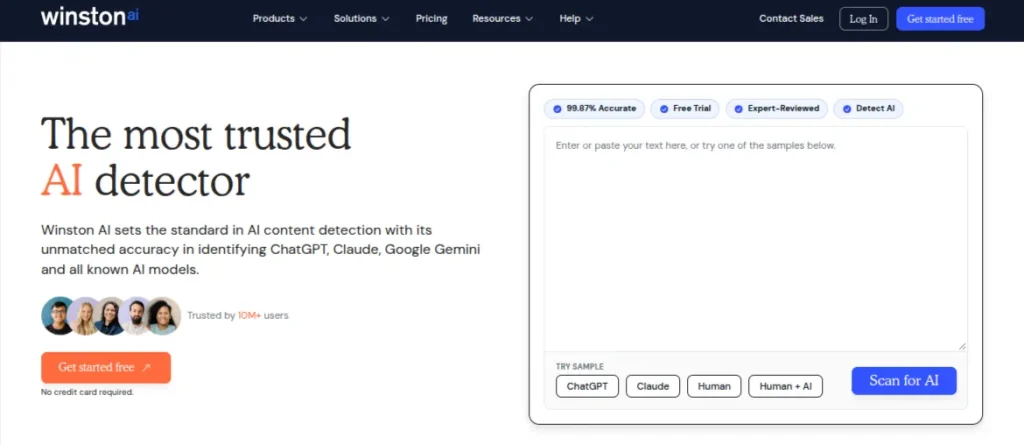
Winston AI is one of the best AI detection tools for checking content generated by ChatGPT, Gemini, Claude, and other popular language models. It provides an overall detection score alongside sentence-level highlighting, helping you identify potentially AI-generated passages.
Key Features of Winston AI
- AI-generated content detection across popular LLMs
- Sentence-level analysis and AI prediction maps
- Built-in plagiarism checker
- PDF reports and document uploads
- OCR support for scanned documents
Pricing: Free plan with 2,000 credits. Paid plans start at $12/month with annual billing.
2. GPTZero: Best AI Detector for Students
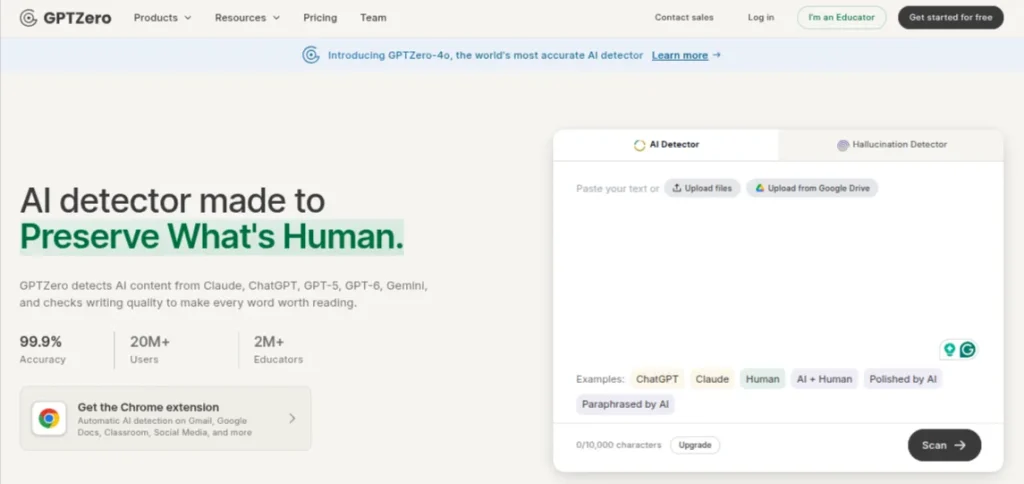
GPTZero is a popular choice for checking content generated by ChatGPT, Gemini, Claude, and other language models. It analyses text at the document, paragraph, and sentence levels, highlighting passages that may contain AI-generated writing.
Key Features of GPTZero
- Detects AI-generated content from popular LLMs
- Sentence-level highlighting and detection reports
- Writing Replay to review document writing activity
- Chrome, Edge, and Firefox browser extensions
- Integrations with Google Docs and educational platforms
Pricing: Free plan offers up to 10,000 words per month. Premium plan starts at ₹599 per month, and the Professional plan costs ₹1,199 per month when billed annually.
3. Copyleaks: Best for Academic Institutions and Businesses
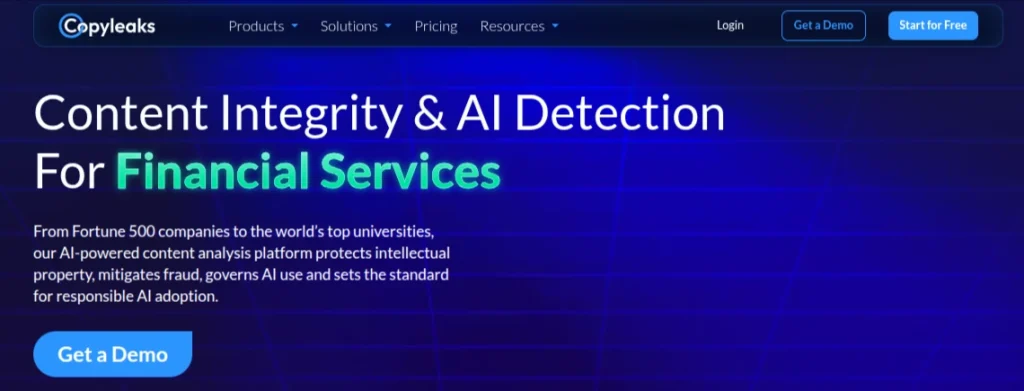
Copyleaks combines AI detection and plagiarism checking in one platform. It supports more than 30 languages for AI detection, making it useful for reviewing multilingual documents and academic content.
Key Features of Copyleaks
- Detects AI-generated content across popular language models
- Supports AI detection in 30+ languages
- Combines plagiarism checking with AI detection
- Provides sentence-level AI analysis through AI Logic.
- Offers Google Docs integration and browser extensions
- Supports API integration for businesses and institutions.
Pricing: Personal plan starts at $16.99/month or $13.99/month when billed annually.
4. Originality.ai: Best for Content Writers and SEO Teams
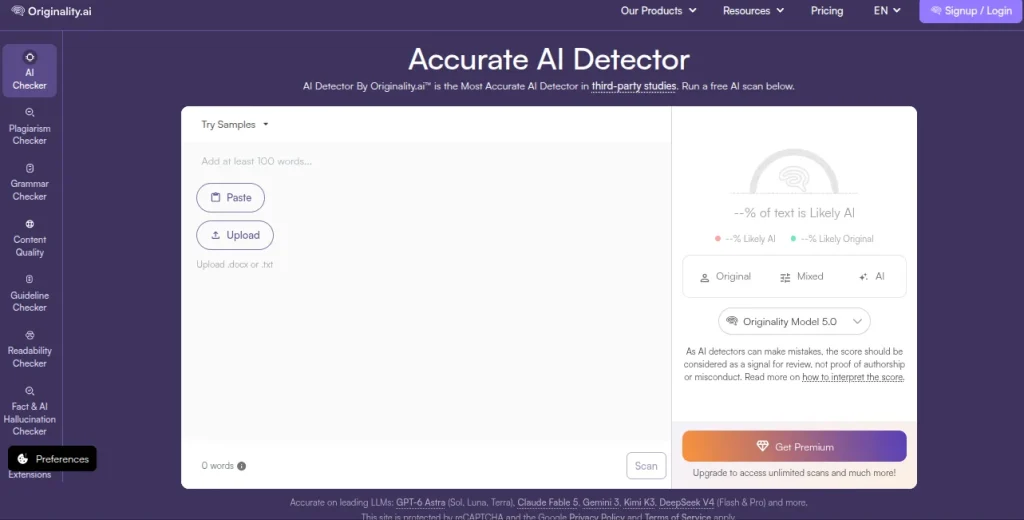
Originality.ai is particularly useful for content writers, publishers, and SEO teams that regularly review articles before publication. Its latest 5.0 and 5.0 Max detection models analyze human-written, AI-generated, and mixed content.
Key Features of Originality.ai
- Detects AI-generated content across popular LLMs
- Offers 5.0 and 5.0 Max detection models
- Provides sentence-level highlighting
- Includes plagiarism, readability, and grammar checks
- Supports bulk scanning and document uploads
- Offers a Chrome extension and API access
Pricing: Free plan includes three daily scans of up to 2,000 words each. Paid Pro plans start at $14.95/month or $12.95/month with annual billing.
5. ZeroGPT: Best Free AI Detector
ZeroGPT is a popular option if you need an AI checker free of cost. It analyzes submitted text and highlights passages that may have been generated using ChatGPT, Gemini, and other AI writing models.
Key Features of ZeroGPT
- AI-generated content detection with percentage scores
- Sentence-level highlighting of suspected AI text
- Supports multiple languages
- Offers document uploads and downloadable reports
- Includes additional writing and text-processing tools
Pricing: Free plan available with limited usage. Pro costs $14.99/month. Plus costs $21.99/month. Max plan costs $30.99/month.
6. Scribbr AI Detector: Best for Academic Writing Checks
Scribbr offers a free AI detector that helps identify text potentially generated by ChatGPT and other language models. Its straightforward interface makes it useful for checking essays, reports, and academic assignments without navigating complicated thresholds.
Key Features of Scribbr
- Detects AI-generated text in submitted documents
- Highlights potentially AI-written sentences
- Provides an overall AI detection score
- Supports text-based content analysis
- Offers additional academic proofreading and plagiarism-checking services
Pricing: AI detector is available for free with usage limits. Scribbr offers service-based pricing and does not offer a monthly subscription.
7. Turnitin: Best for Institutional AI Detection
Turnitin is widely used by universities and educational institutions to review academic submissions. Its AI writing detection feature identifies text that may have been generated using AI writing tools.
Unlike most standalone AI detection tools, Turnitin is primarily available through institutional subscriptions rather than individual purchases.
Key Features of Turnitin
- AI writing detection within academic submissions
- Identifies potentially AI-generated and AI-paraphrased text
- Provides an AI writing percentage in eligible reports
- Integrated with learning management systems
- Combines AI detection with similarity checking
Pricing: Turnitin does not offer a standard individual subscription for its AI detection feature. Access and pricing depend on institutional agreements
8. QuillBot AI Detector: Best for Quick AI Writing Checks
QuillBot AI Detector is a convenient option for checking short articles, essays, and other written content. It is free to use and doesn’t require a Premium subscription. You can paste your text into the detector and get an assessment of how much of it appears AI-generated.
Key Features of QuillBot
- Free AI content detection
- Checks text for patterns associated with AI-generated writing
- Integrated with QuillBot’s writing tools
- Useful for quick checks before publishing or submitting content
Pricing: The AI detector feature is free. The Premium plan costs ₹334/month when billed annually.
9. Sapling AI Detector: Best for Short Text Detection
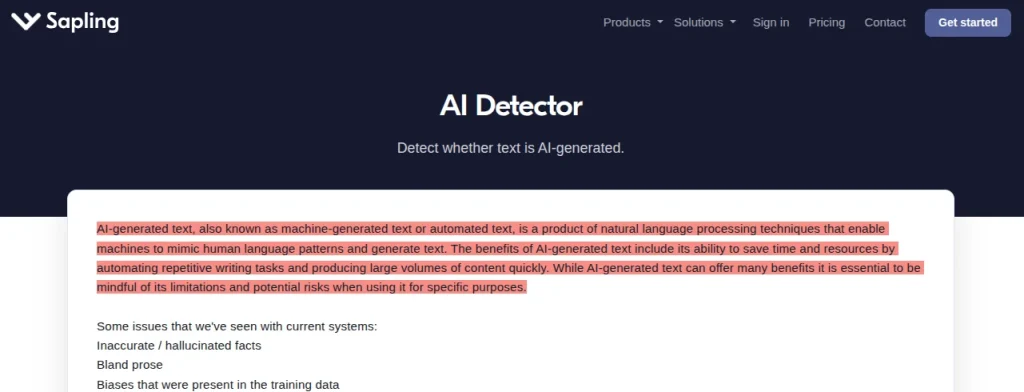
Sapling AI Detector gives you an AI probability score and highlights sentences that contribute to the result. It can identify text associated with models such as ChatGPT, Gemini, and Claude. The free version checks up to 2,000 characters per scan, which makes it more suitable for short passages than lengthy documents.
Key Features of Sapling
- AI probability scores and sentence-level highlighting
- Supports checks for content from multiple AI models
- PDF and DOCX document uploads
- Browser extensions and integrations with writing platforms
- API access for automated AI detection workflows
Pricing: Free plan with a 2,000-character limit per check. Sapling Pro starts at $25/month, or $12/month with annual billing.
10. PapersOwl AI Detector: Best for Checking Academic Content
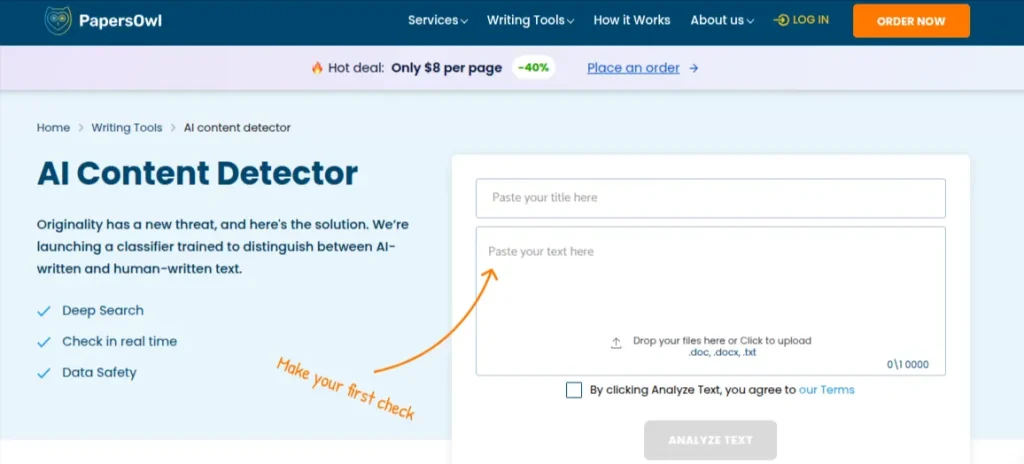
PapersOwl AI Detector is a free online tool aimed primarily at students who want to check essays, assignments, and other academic writing. It doesn’t require registration and offers unlimited checks. You paste your content into the checker and receive an overall probability score indicating whether the text may be AI-generated.
Key Features of PapersOwl
- Free AI content detection without registration
- No stated limit on the number of checks
- Identifies content associated with ChatGPT, GPT-4, Claude, Gemini, and other AI models.
- Provides an overall AI probability score
- Supports English text
Pricing: Free, with no account required.
How to Choose the Best AI Detection Tools in 2027?
A high AI detection score doesn’t automatically make a detector reliable. Before choosing one, look beyond its headline accuracy claims and pay attention to how it handles different types of writing. Here are 5 things I would compare:
1. AI Detection Accuracy
Check how well the tool identifies content generated by different AI models, including ChatGPT, Gemini, and Claude. Some detectors perform well with unedited AI text but struggle when the content has been rewritten or edited by a human. Look for independent testing results rather than relying entirely on accuracy claims made by the tool itself.
2. False Positive Rate
A false positive happens when an AI detector labels human-written content as AI-generated. This is one of the biggest problems with AI detection. If you’re checking student assignments or professional articles, a detector that frequently flags human writing can do more harm than good. Test it with verified human-written samples before trusting its results.
3. Sentence-Level Detection
An overall percentage tells you how much of a document the tool suspects is AI-generated. Sentence-level highlighting gives you more context. This is particularly useful when reviewing longer articles, essays, and reports. You can identify specific passages that triggered the detector instead of treating the entire document as AI-written.
4. Ease of Use and Document Support
Consider how you plan to use the detector:
- For quick checks: A simple text-paste interface may be enough
- For long documents: Look for PDF, DOCX, and file-upload support.
- For editorial teams: Bulk scanning and shareable reports can save time
- For institutions: LMS integrations and administrative controls may matter
5. Pricing and Free Usage Limits
A free detector can be sufficient for occasional checks, but usage limits vary considerably. Some restrict the number of words per scan, while others limit monthly usage or hide detailed reports behind paid plans. Compare the free allowance with your actual workload before subscribing.
Can You Trust AI Detection Tools in 2027?
AI detectors are not completely reliable. They can flag human-written content as AI-generated and miss AI-written text that has been edited. An AI detection score is an estimate, not proof of authorship. An 80% AI score doesn’t mean 80% of the content was written by AI. Different detectors may also give different results for the same document.
In academic settings, a detection report alone cannot prove misconduct. Drafts, revision history, and other supporting evidence should also be considered. Use AI text detectors as screening tools, not final authorities. A flagged passage deserves review, not an automatic accusation.
Final Words
Winston AI is my top overall pick because it combines AI detection with sentence-level analysis and detailed reports. GPTZero is a strong option for students, while Originality.ai is worth considering for content writers and SEO teams.
For free checks, start with ZeroGPT or QuillBot. If you need institutional-level detection, consider Turnitin.
Ultimately, no AI detection tool can guarantee accurate results every time. Choose one based on your use, compare its results with other evidence, and never treat its score as definitive proof of AI authorship.
Frequently Asked Questions (FAQs)
Ans. Winston AI is a strong overall choice because it offers AI detection, sentence-level analysis, and detailed reports.
Ans. Accuracy varies depending on the AI model, writing style, and amount of human editing. No detector is consistently accurate across every type of content.
Ans. Some can identify parts of AI-generated text even after editing, but their accuracy varies. Extensive rewriting can make detection more difficult.
Ans. Yes. AI detectors sometimes classify human-written content as AI-generated, particularly when the writing follows predictable or formal patterns.
Ans. They can help identify content that needs further review, but their results should not be treated as proof of academic misconduct.
Ans. Yes. AI-generated text can pass detection, particularly after extensive human editing. No detector catches every AI-generated passage.
About The Author